Cyber Monday: the specs to check before you buy
Buying guide
Updated November 23, 2026How to Charge Switch 2 Controllers: Joy-Con 2, Pro Controller and Charging Grips
Short answer
Joy-Con 2 controllers charge two ways: clipped onto the Switch 2 while the console is plugged into its AC adapter and powered on or in Sleep Mode, or on the Joy-Con 2 Charging Grip, which is sold separately. The Pro Controller charges over USB-C from the Switch 2 AC adapter or the dock. The most common reason Joy-Con 2 don't charge is a console that's fully powered off: Nintendo says it must be on or in Sleep Mode, with the AC adapter connected.
We may earn a commission when you buy through links on this page. As an Amazon Associate, thisUSB earns from qualifying purchases. How we earn
Our picks at a glance
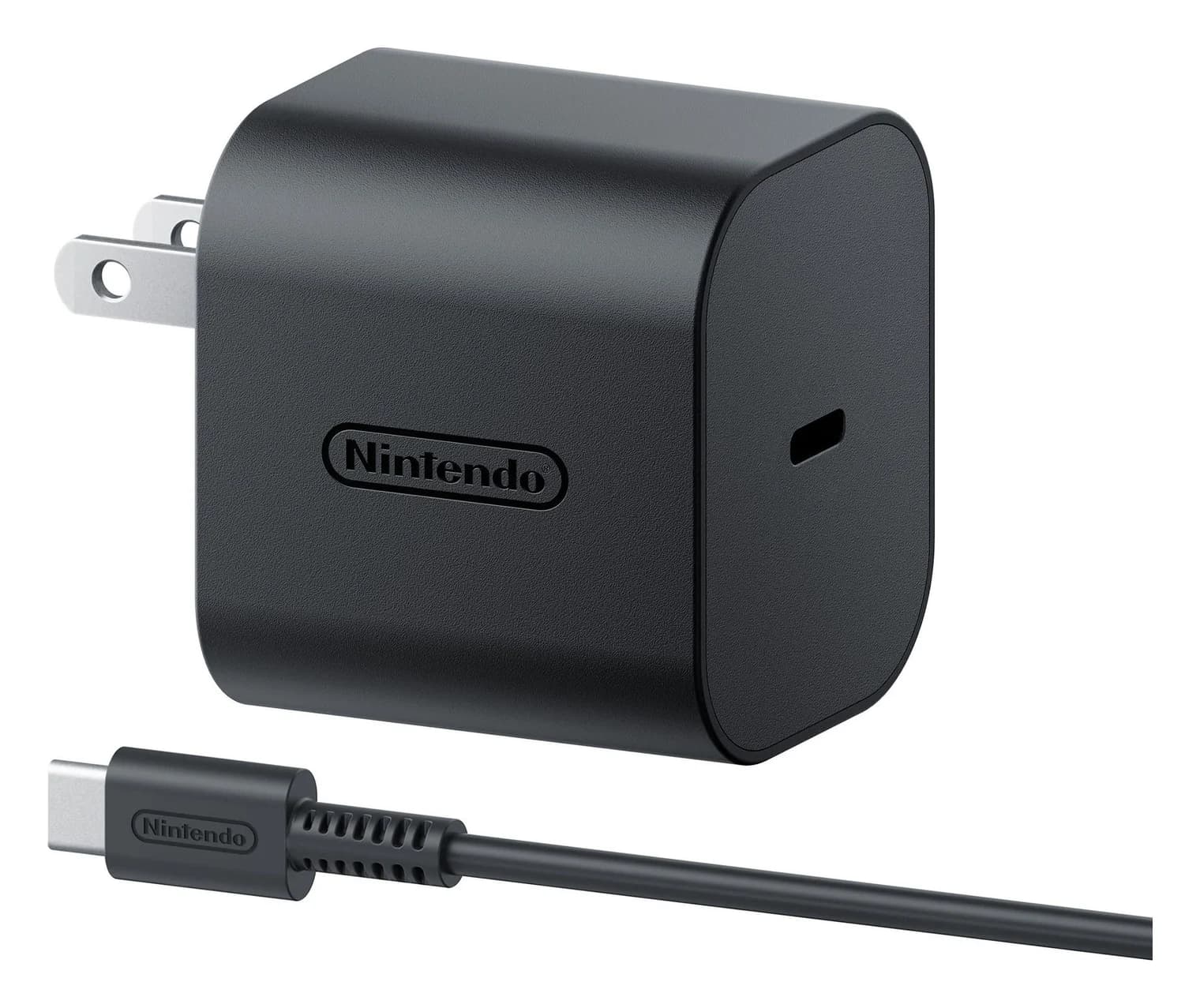
Best charger for Switch 2 controllersNintendo
Nintendo Switch 2 AC Adapter
- max output
- 60W
- port
- 1
- Choose
- Nintendo's own 60W USB-C PD adapter: Nintendo names it for charging the Joy-Con 2 Charging Grip directly and for charging the Pro Controller.
- Limit
- Single port, so it can't also charge a phone or controller
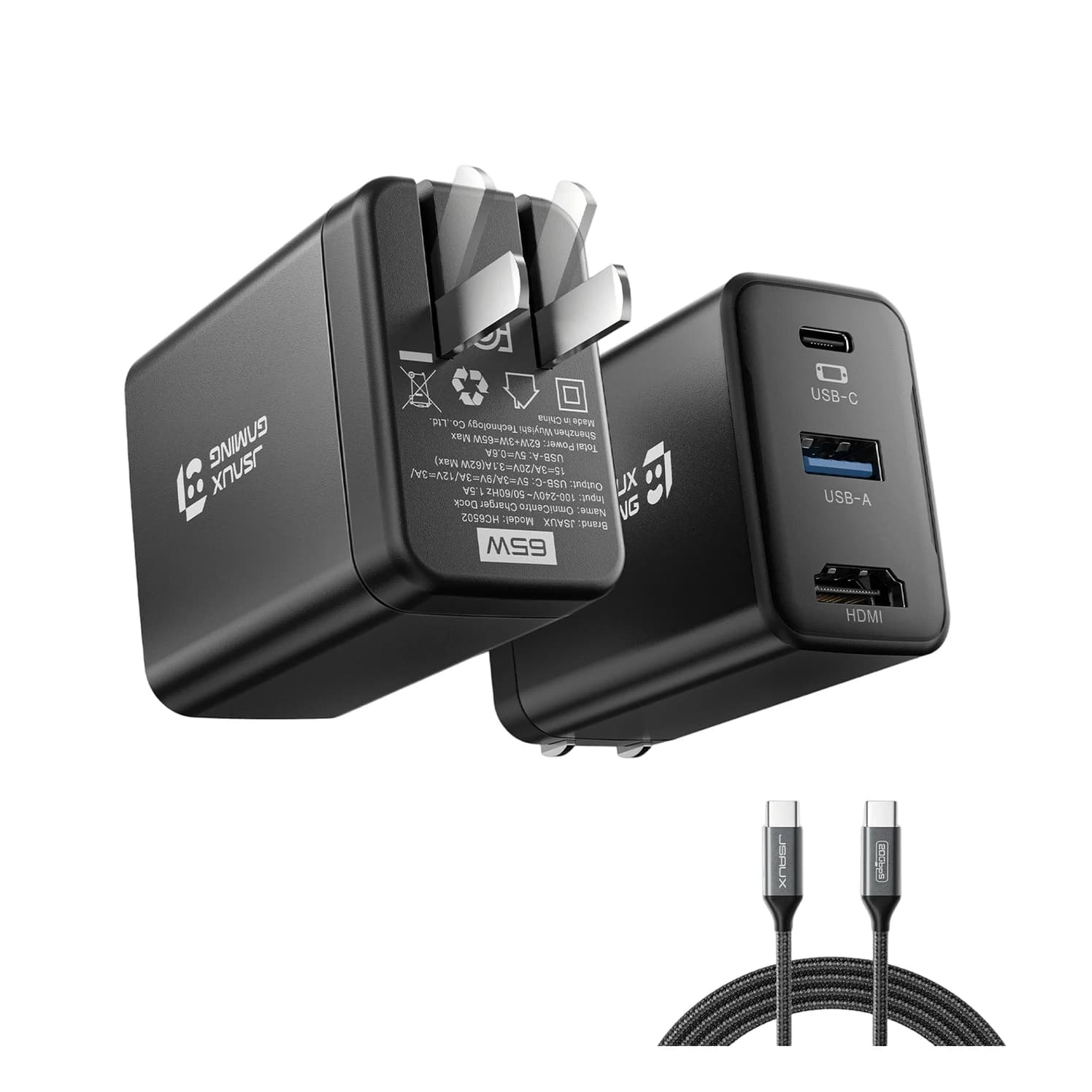
Best travel charger and dockJSAUX
JSAUX OmniCentro Charger Dock for Switch 2 (HC6502, 65W, US Plug)
- max output
- 65W
- data
- 480 Mbps
- video
- 4K60
- Choose
- A 124g wall plug with up to 62W USB-C, HDMI and USB-A that replaces the Switch 2 dock and adapter on a trip; JSAUX lists charging at 30W, like the official dock.
- Limit
- No VRR, and only one USB-A port at USB 2.0 speed
- 3.5 hrsJoy-Con 2 full charge, per Nintendo
- 3 hrsSwitch 2 Pro Controller full charge, per Nintendo
- 60WNintendo Switch 2 AC adapter (NGN-01), USB-C PD
Which way to charge?
- Yes: Joy-Con 2, playing on the TV: leave them on the console in the dock, with the console on or in Sleep Mode
- Yes: Joy-Con 2, charging away from the console: the Joy-Con 2 Charging Grip, connected to the dock or the AC adapter
- Yes: Pro Controller: the Switch 2 AC adapter directly, or the dock with the included USB-C cable
- Partly: Original Switch AC adapter: charges a Switch 2 when plugged in directly, but can't power the Switch 2 dock
- No: Console fully powered off: attached Joy-Con 2 don't charge; Nintendo needs it on or in Sleep Mode
Source: Nintendo's Joy-Con 2 charging guide and Joy-Con 2 power issues
How to charge Joy-Con 2 on the console
Attach both Joy-Con 2 to the Switch 2. Nintendo's rule is that the console "must be connected to the AC adapter and must either be powered on or in sleep mode" for attached Joy-Con 2 to charge (Nintendo). That covers both handheld play with the adapter plugged in and the console sitting in its dock in Sleep Mode overnight. A full charge takes about 3.5 hours.
You can check progress in the Controllers menu: Nintendo says it shows the approximate charge of the console and every connected controller, with an icon for whether each is charging.
How to charge Joy-Con 2 with the Charging Grip
The Joy-Con 2 Charging Grip (model BEE-010) lets the controllers charge while you play away from the console, or sit on a shelf as a charging station. Attach the Joy-Con 2, then connect the grip either to the Switch 2 dock with the USB-C cable that comes with the grip, or directly to the Switch 2 AC adapter (NGN-01), per Nintendo. It also adds GL/GR buttons you can map.
Nintendo sells the Charging Grip on its store; it's "only for use with the Nintendo Switch 2 system".
How to charge the Switch 2 Pro Controller
The Pro Controller has its own USB-C port and comes with a USB-C charging cable. Nintendo's support steps connect the Switch 2 AC adapter directly to the Pro Controller and the wall, or connect the controller to the dock with the included USB cable, which also pairs it. The charge LED stays lit while charging and turns off when the battery is full. Nintendo puts a full charge at about 3 hours (Nintendo).
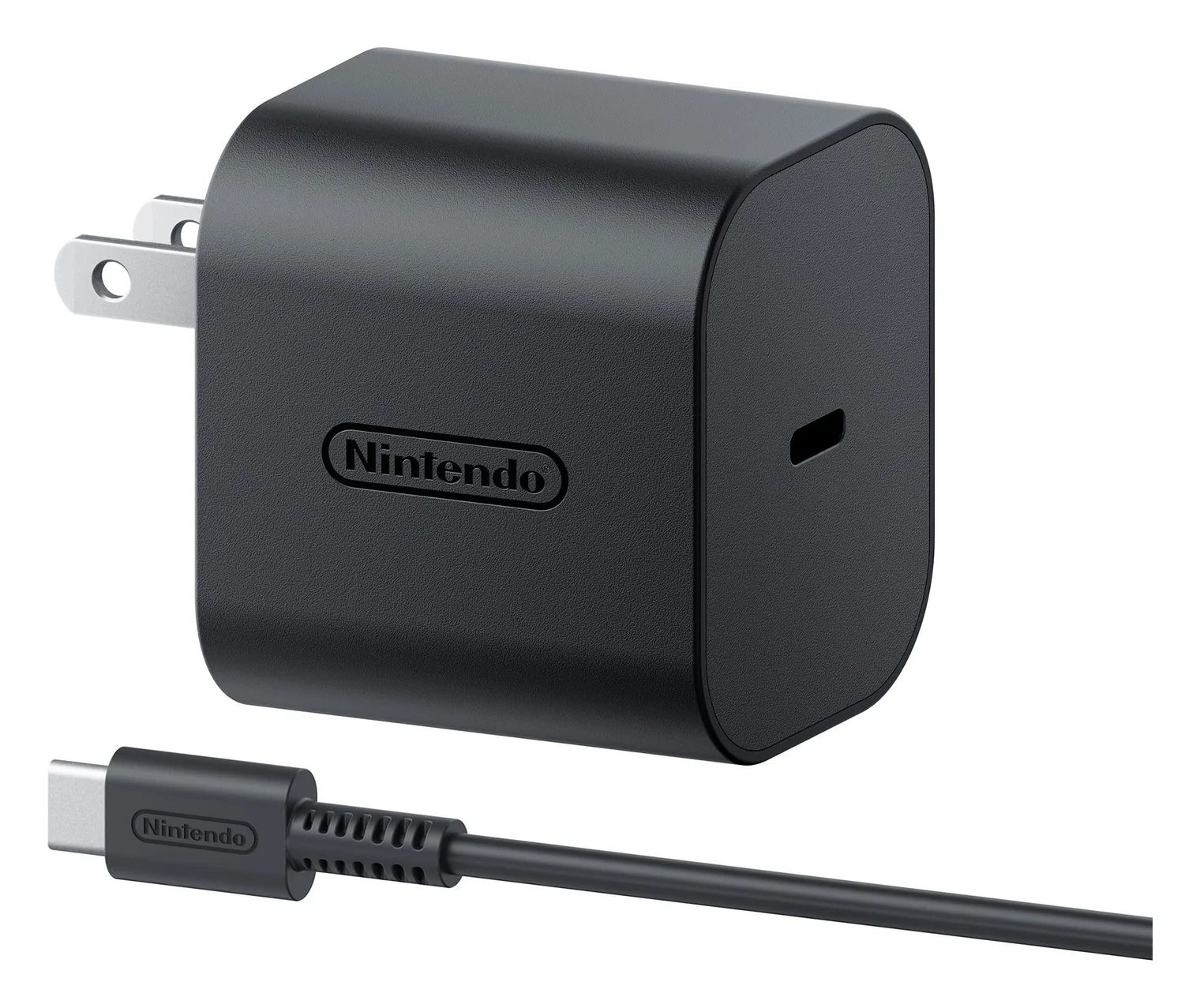
Best charger for Switch 2 controllers: Nintendo Switch 2 AC Adapter
Nintendo
Nintendo's official USB-C power adapter for the Switch 2 console and dock, rated up to 20V at 3A (60W), with a detachable USB-C cable.
- 60W max output
- 1 port
Every charging method above runs through this adapter: the console, the dock, the Charging Grip and the Pro Controller. It's a USB-C Power Delivery charger with 5V, 9V, 15V and 20V profiles at 3A (60W max) and a detachable 1.5m USB-C cable, and it's the adapter Nintendo specifies for the dock in TV mode. A second one is handy if the first stays behind the TV and you want to charge a grip or Pro Controller elsewhere.
See the Nintendo Switch 2 AC Adapter on Amazon
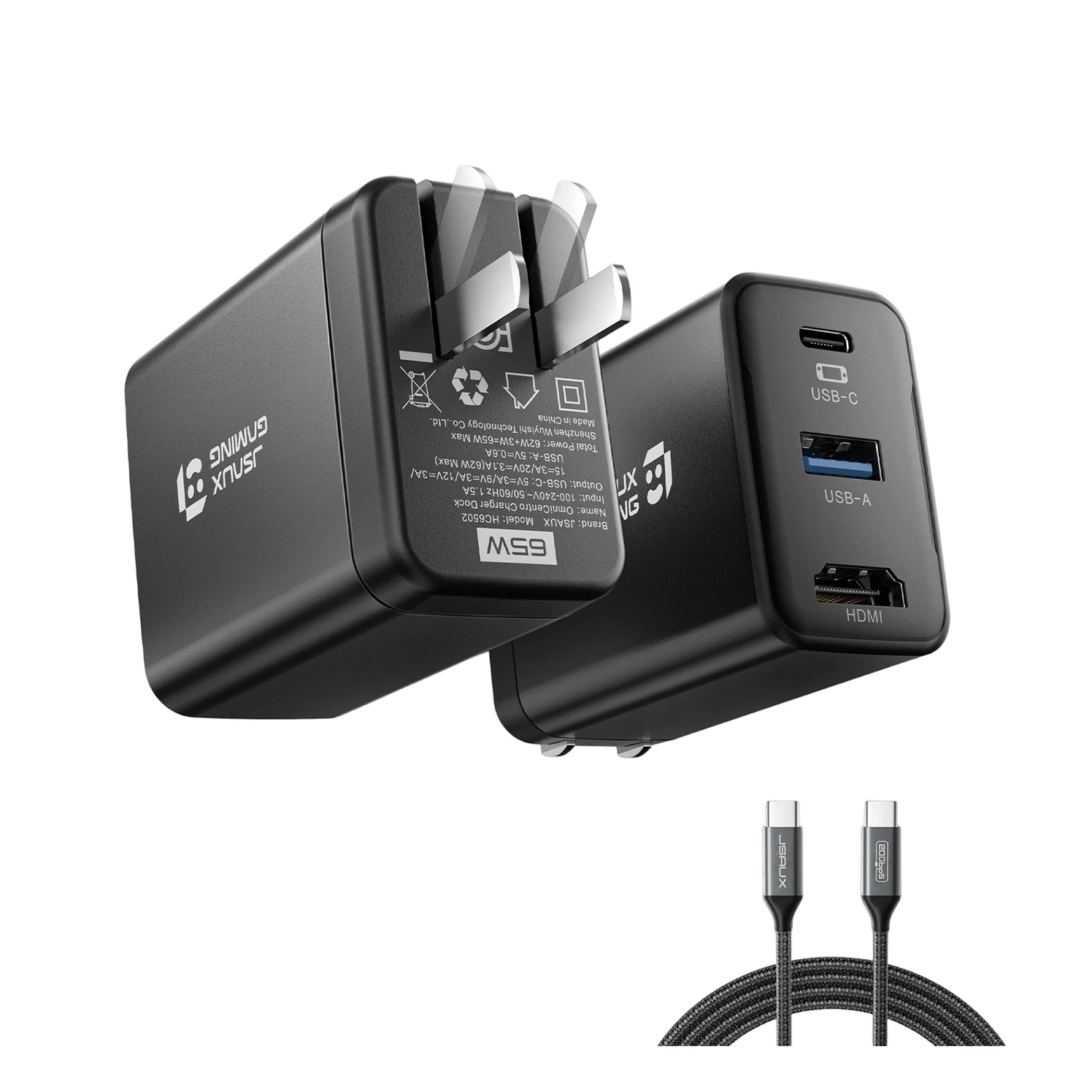
Best travel charger and dock: JSAUX OmniCentro
JSAUX
JSAUX OmniCentro Charger Dock for Switch 2 (HC6502, 65W, US Plug)
A 65W USB-C wall charger with a built-in HDMI port and a USB-A port, so one plug powers a Switch 2 and connects it to a TV without Nintendo's dock.
- 65W max output
- 0.48 Gbps data
- 4K60 video
- 3 ports
On a trip, the Switch 2 dock and adapter are two bulky items. JSAUX's OmniCentro folds both into one 124g wall plug: a USB-C port with up to 62W, an HDMI port for TV play, and a USB 2.0 port for an accessory. JSAUX says Switch 2 charging is limited to 30W, the same as the official dock, and that VRR isn't supported. Nintendo hasn't tested third-party chargers, which it notes for any unlicensed adapter.
See the JSAUX OmniCentro on Amazon
Can I use another USB-C charger?
Nintendo's position is clear: use the Nintendo Switch 2 AC adapter (NGN-01). If you don't have a licensed adapter, Nintendo says one with 54W or more output can be used, but unlicensed products aren't tested by Nintendo and may have compatibility problems. The original Switch AC adapter (HAC-002) can charge a Switch 2 plugged in directly, but it can't power the Switch 2 dock, so it's no good for TV mode or charging controllers on a docked console. For console power, docks and power banks, see our Switch 2 chargers and docks guide.
How we choose
Every charging step, time and model number here comes from Nintendo's own support pages and store listings, linked above. The two products are ones whose makers publish their USB-C power profiles. We have not lab-tested them. For charging on the go, see our best power banks.
Verdict
For Joy-Con 2, the simplest habit is to leave them on the console with it docked in Sleep Mode; for charging away from the console, buy the Joy-Con 2 Charging Grip, which isn't in the box. For the Pro Controller, plug it into the Switch 2 AC adapter or the dock with its USB-C cable. And if controllers stop charging, check that the console isn't fully off and that the adapter says NGN-01.
Frequently asked questions
How do you charge Switch 2 Joy-Con?
Two ways, per Nintendo: attach them to the Switch 2 while the console is connected to its AC adapter and powered on or in Sleep Mode, or attach them to the Joy-Con 2 Charging Grip and connect the grip to the dock with its USB cable or directly to the Switch 2 AC adapter. A full charge takes about 3.5 hours.
Why aren't my Joy-Con 2 charging in the dock?
The console has to be on or in Sleep Mode, and connected to the Nintendo Switch 2 AC adapter. Nintendo also says the original Switch AC adapter isn't strong enough to power the Switch 2 dock, so check the adapter's model number: NGN-01 on the side of the plug.
Does the Switch 2 come with a charging grip?
No. The Switch 2 box includes a Joy-Con 2 grip, but the Joy-Con 2 Charging Grip (model BEE-010) is sold separately and isn't included in any Switch 2 bundle, according to Nintendo.
How do you charge the Switch 2 Pro Controller?
Connect it to the Nintendo Switch 2 AC adapter, or to the dock with the included USB-C cable. Nintendo says it takes about 3 hours to fully charge, and the charge LED stays lit while charging and turns off when it's done.
Can I charge the Switch 2 with any USB-C charger?
Nintendo specifies its own NGN-01 adapter, a 60W USB-C PD charger. It says an adapter with 54W or more output can be used if you don't have a licensed one, but unlicensed products aren't tested by Nintendo. The original Switch adapter charges a Switch 2 directly but can't power the dock for TV mode.
Related guides
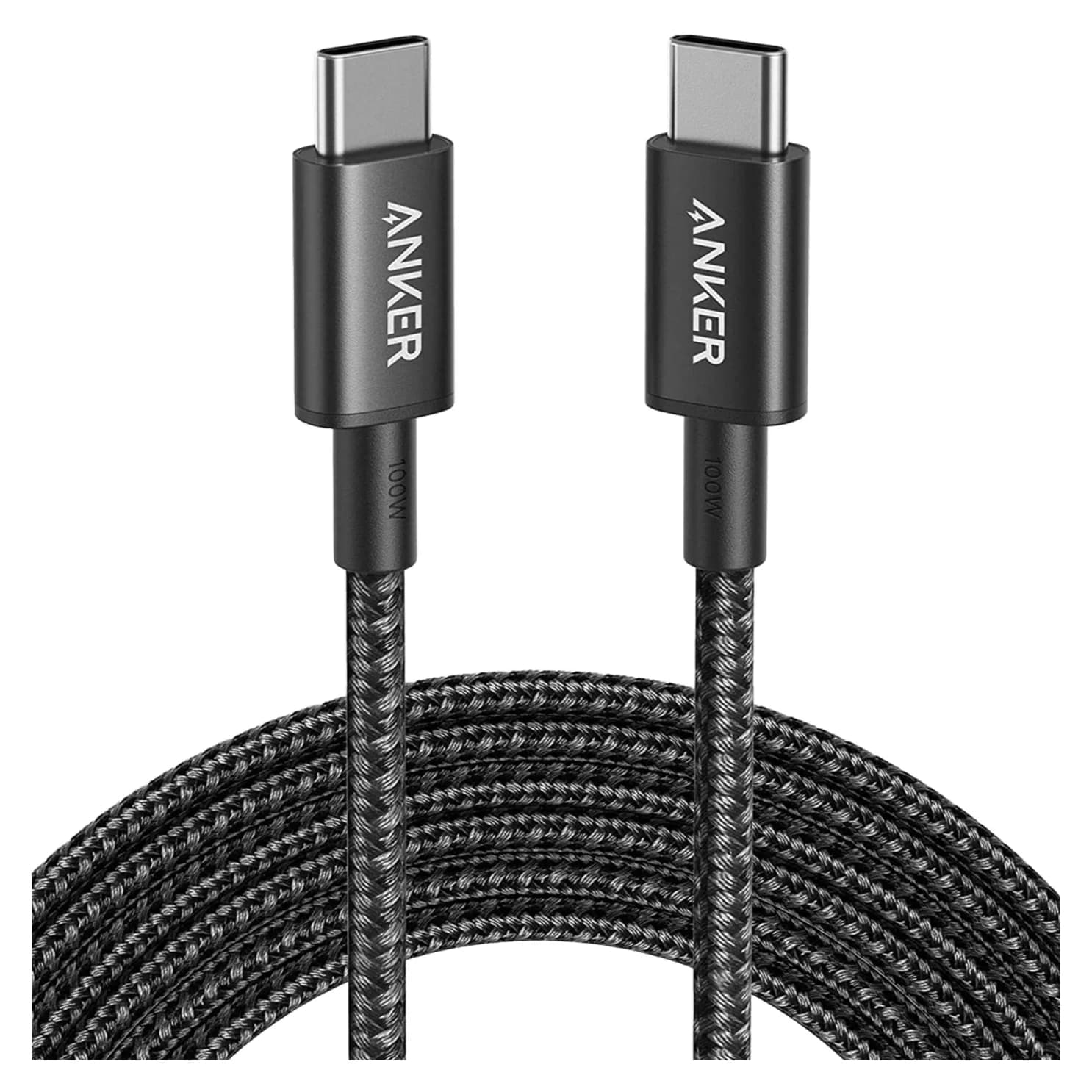
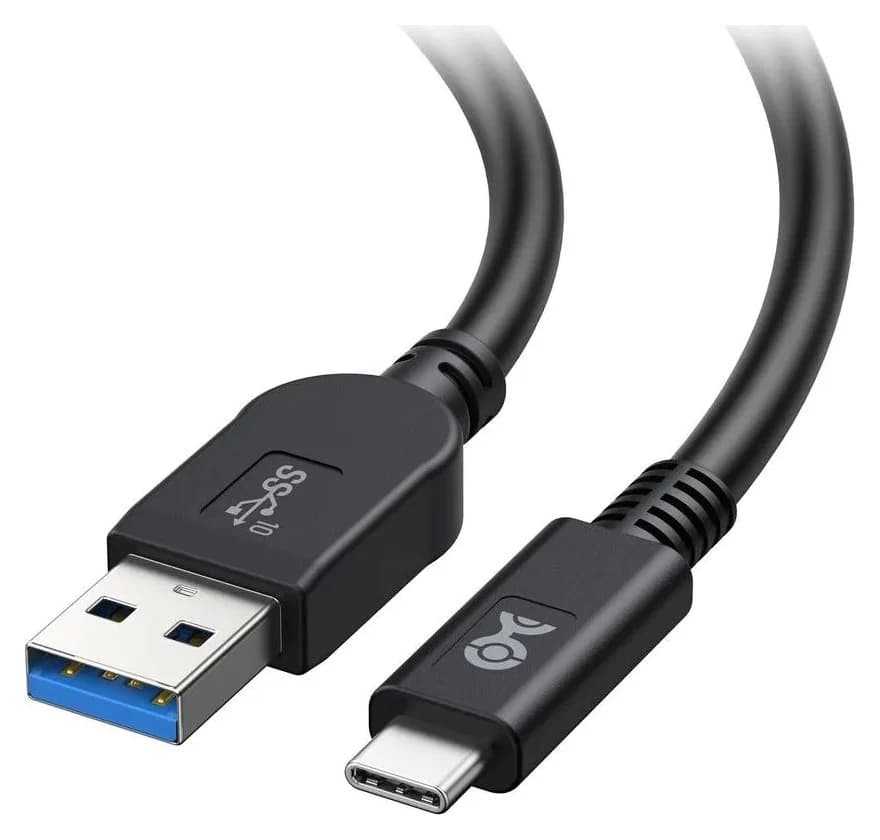
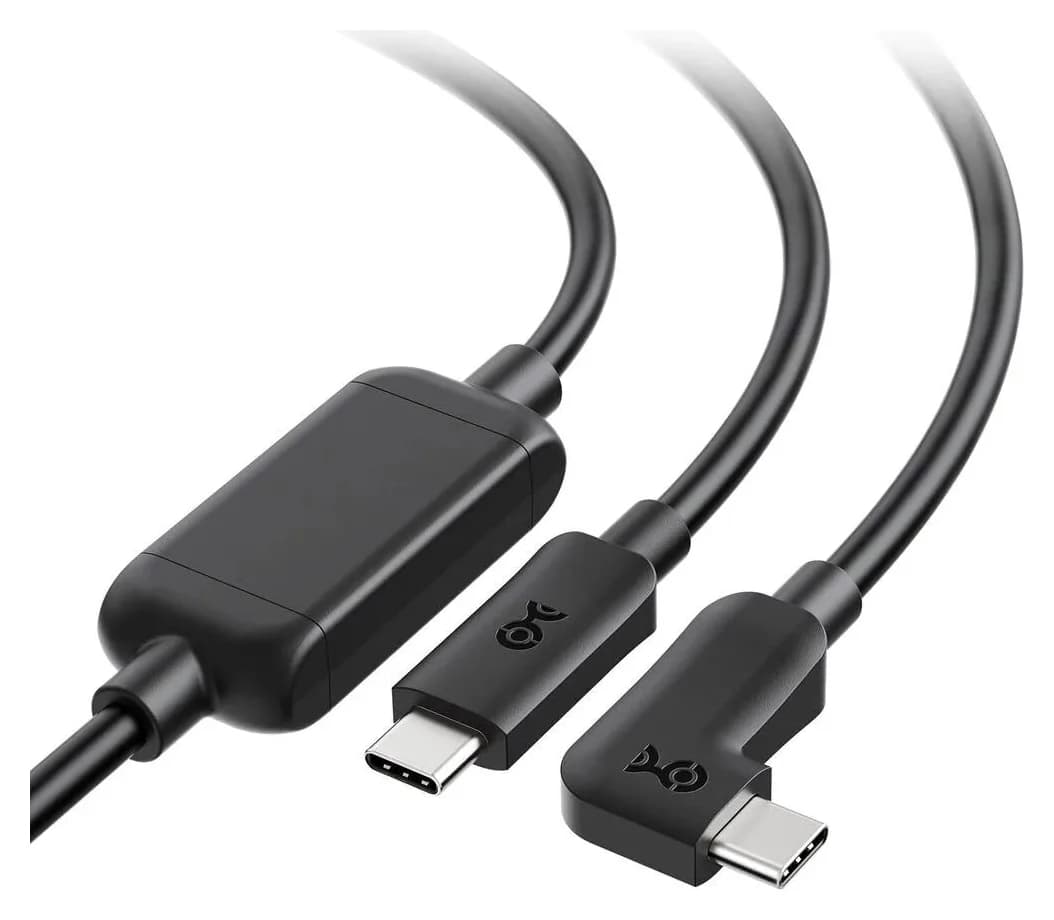
USB-C Cables for Xbox and PS5 Controllers: Which Cable Charges and Plays Wired, and How Long to Buy
Which USB-C cable charges and plays wired with an Xbox controller or DualSense: what Microsoft and Sony say, data vs charge-only, official kits and long cables.
Updated November 29, 2026Read
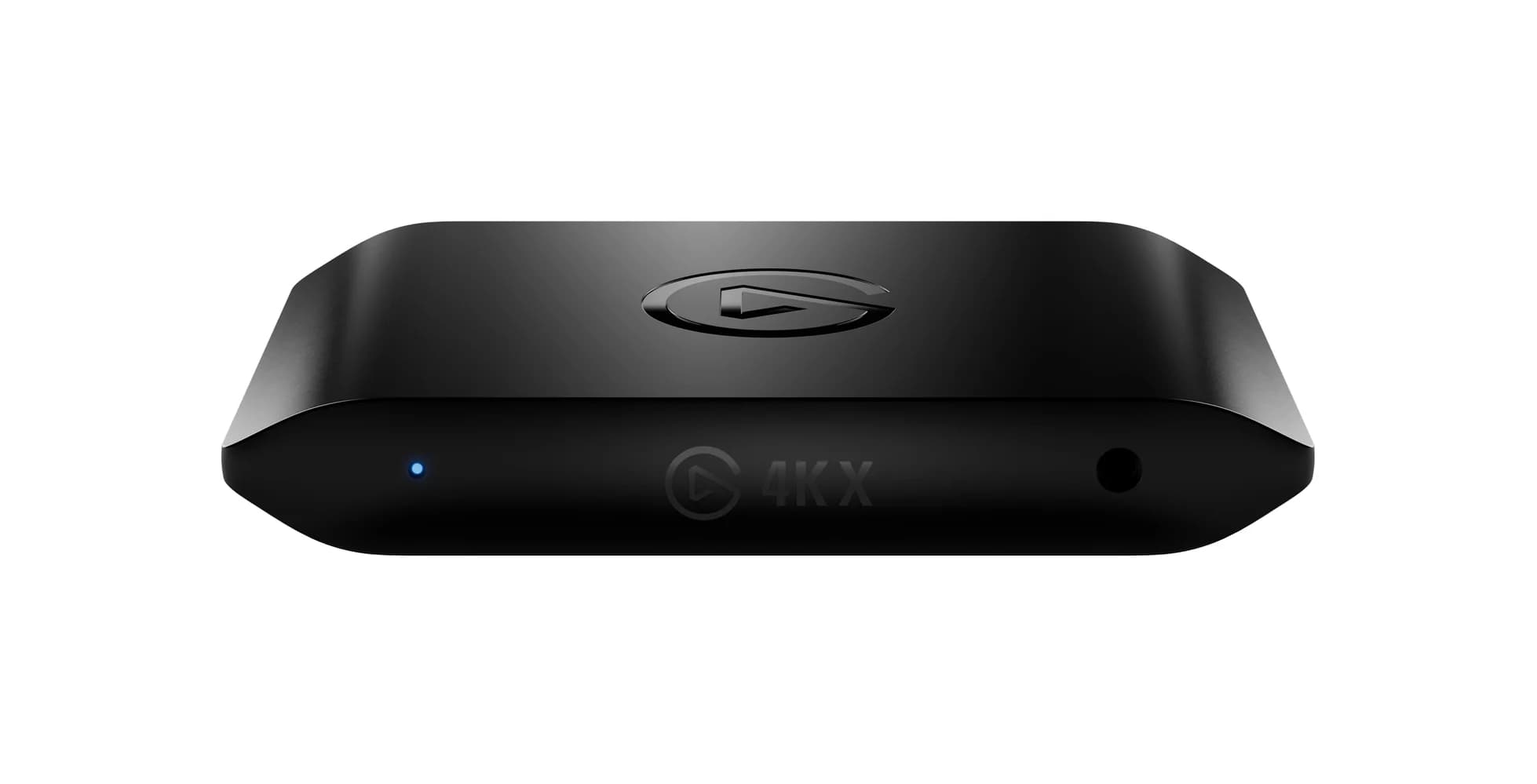
Best Capture Cards for Streaming in 2026
The best capture cards for streaming from PS5, Xbox, Switch 2 or PC: top picks for 4K, 1080p, laptops and iPads, with passthrough, HDR and USB specs.
Updated November 26, 2026Read
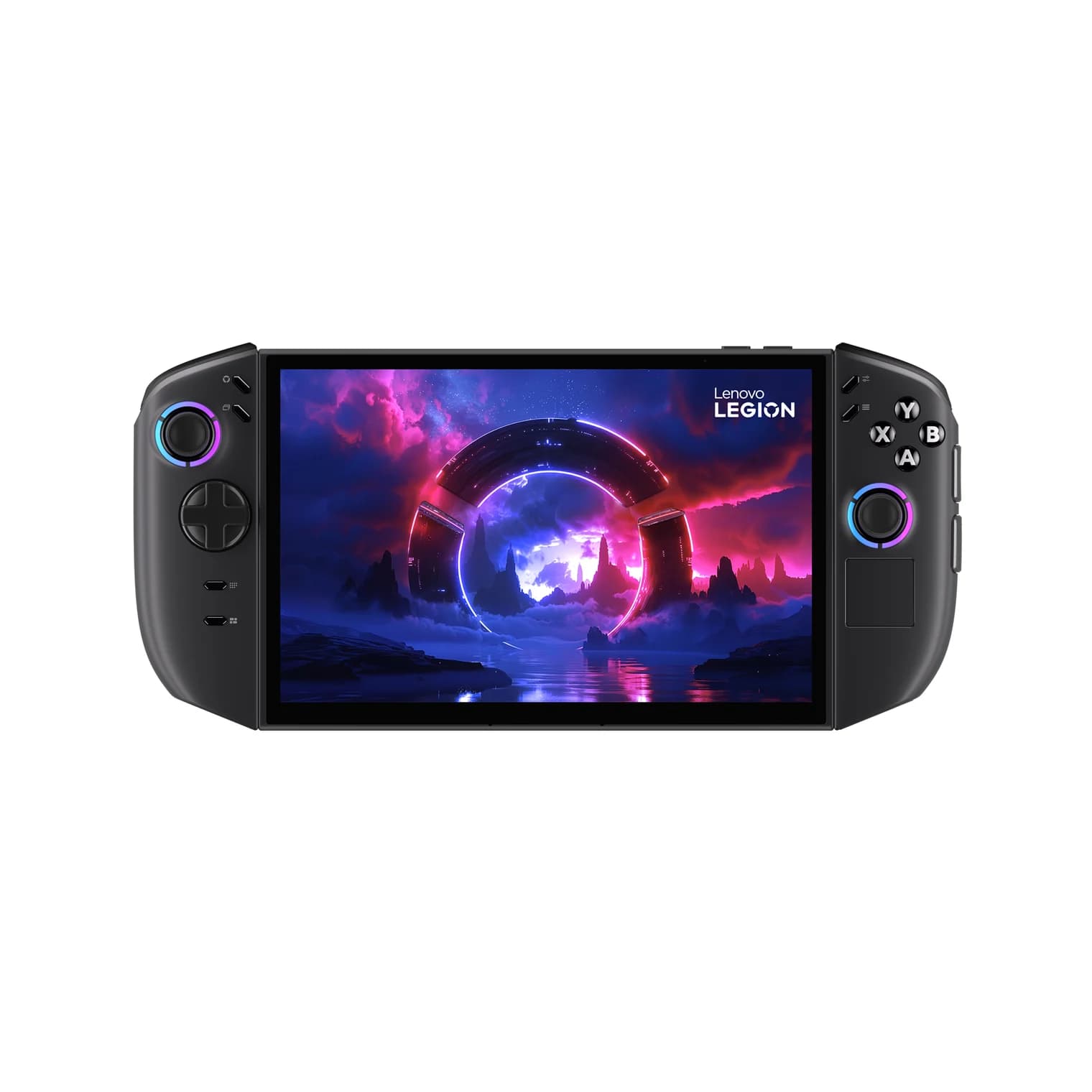
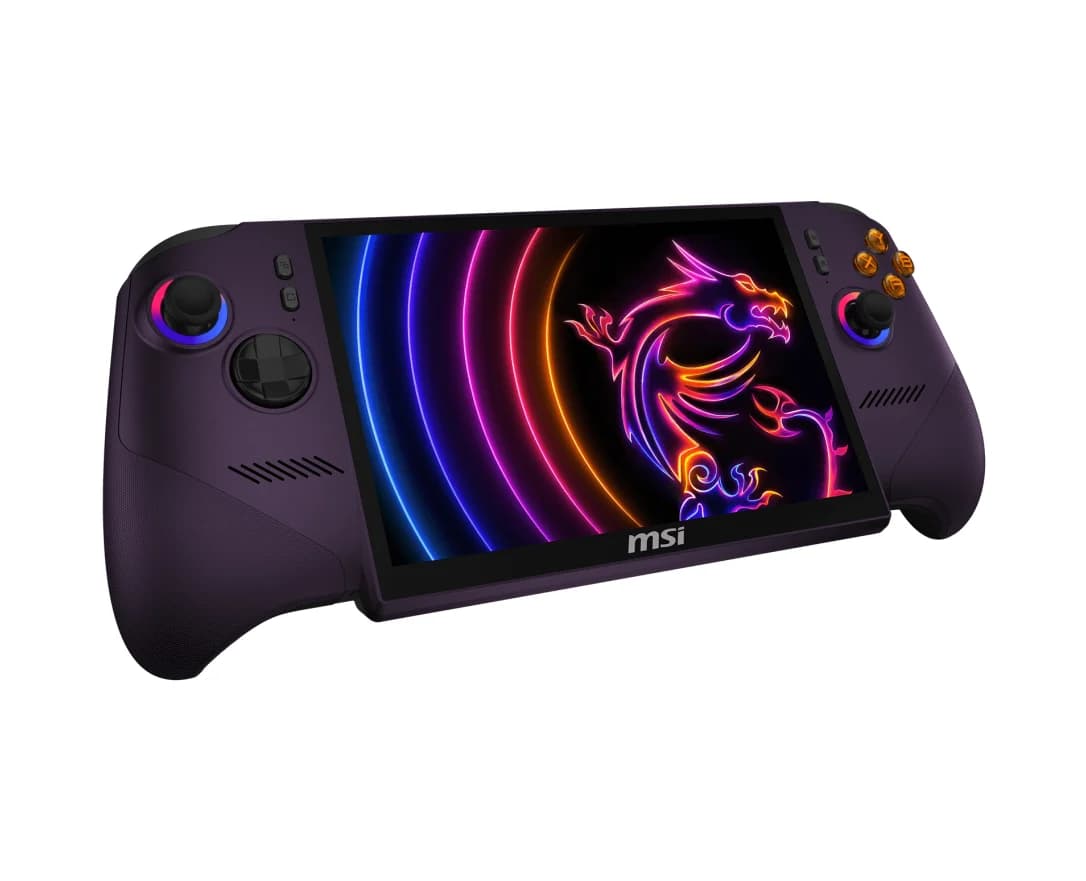
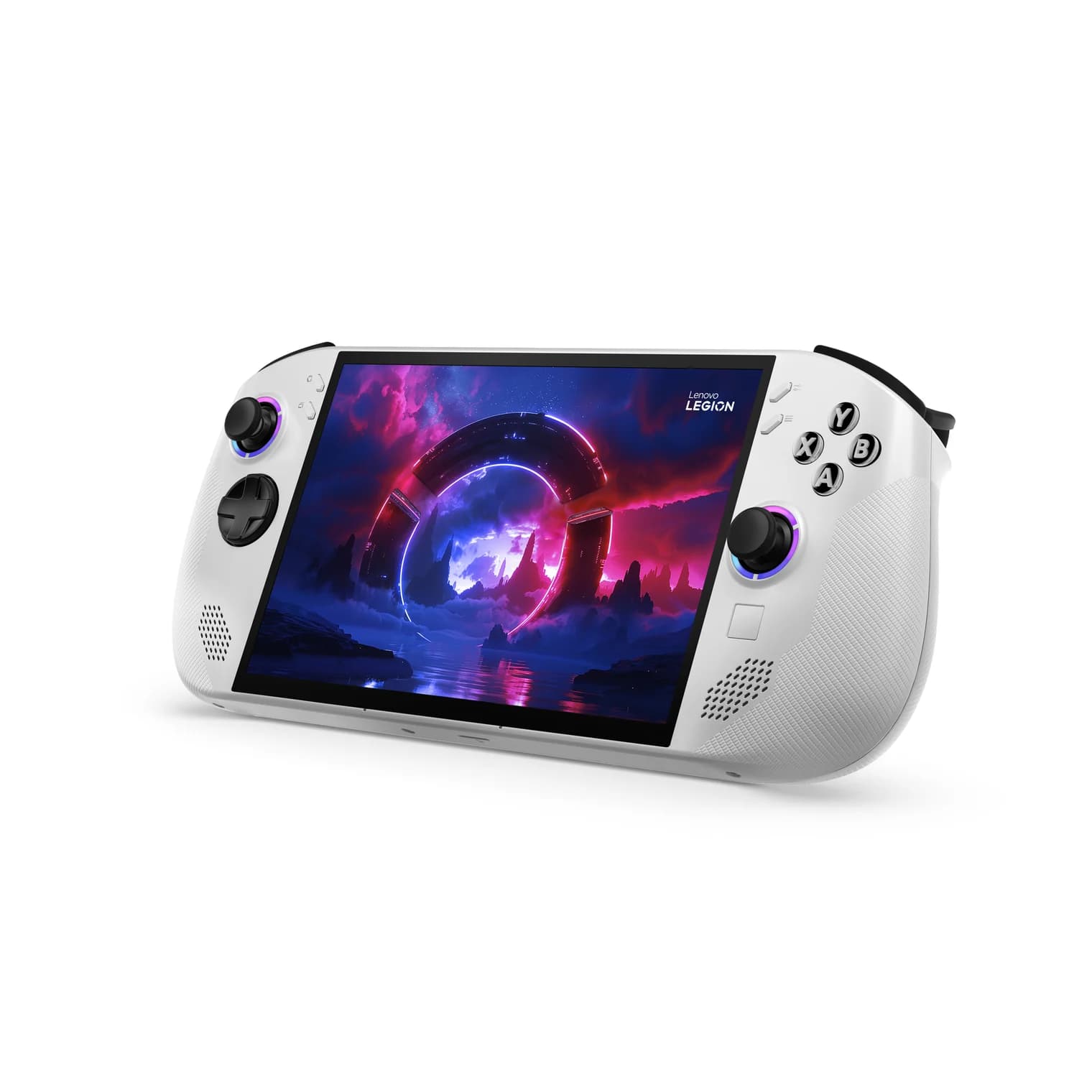
Best Handheld Gaming PCs in 2026: Ports, Charging and TV Docking Compared
ROG Xbox Ally X, Legion Go 2, MSI Claw, Steam Deck OLED and Switch 2 compared on USB4 ports, charging watts, TV output, microSD and the charger each needs.
Updated November 26, 2026Read