Cyber Monday: the specs to check before you buy
Best picks
Updated November 29, 2026USB-C Cables for Xbox and PS5 Controllers: Which Cable Charges and Plays Wired, and How Long to Buy
Short answer
The DualSense charges and plays over USB Type-C, per Sony. The Xbox Wireless Controller plays wired over USB-C, per Microsoft, but runs on AA batteries until you add Microsoft's Rechargeable Battery, which then charges over that same cable. Microsoft sells the battery with a 9-foot USB-C cable; Sony sells a click-in station that frees PS5 USB ports. For couch play you need a cable long enough to reach, and it must carry data, not just power, for wired input. Here are the kits and cables that fit.
We may earn a commission when you buy through links on this page. As an Amazon Associate, thisUSB earns from qualifying purchases. How we earn
Our picks at a glance
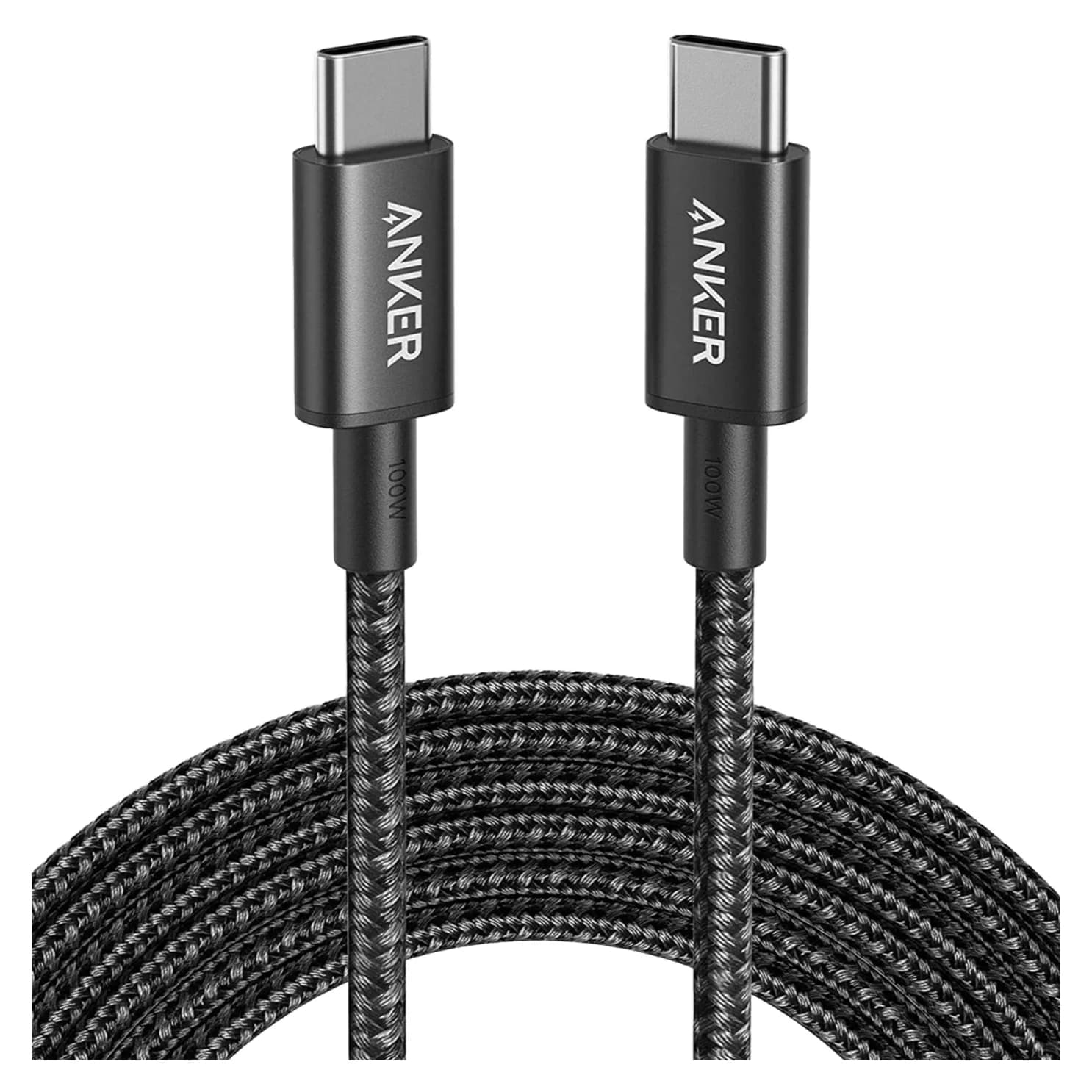
Best long USB-C to USB-C cableAnker
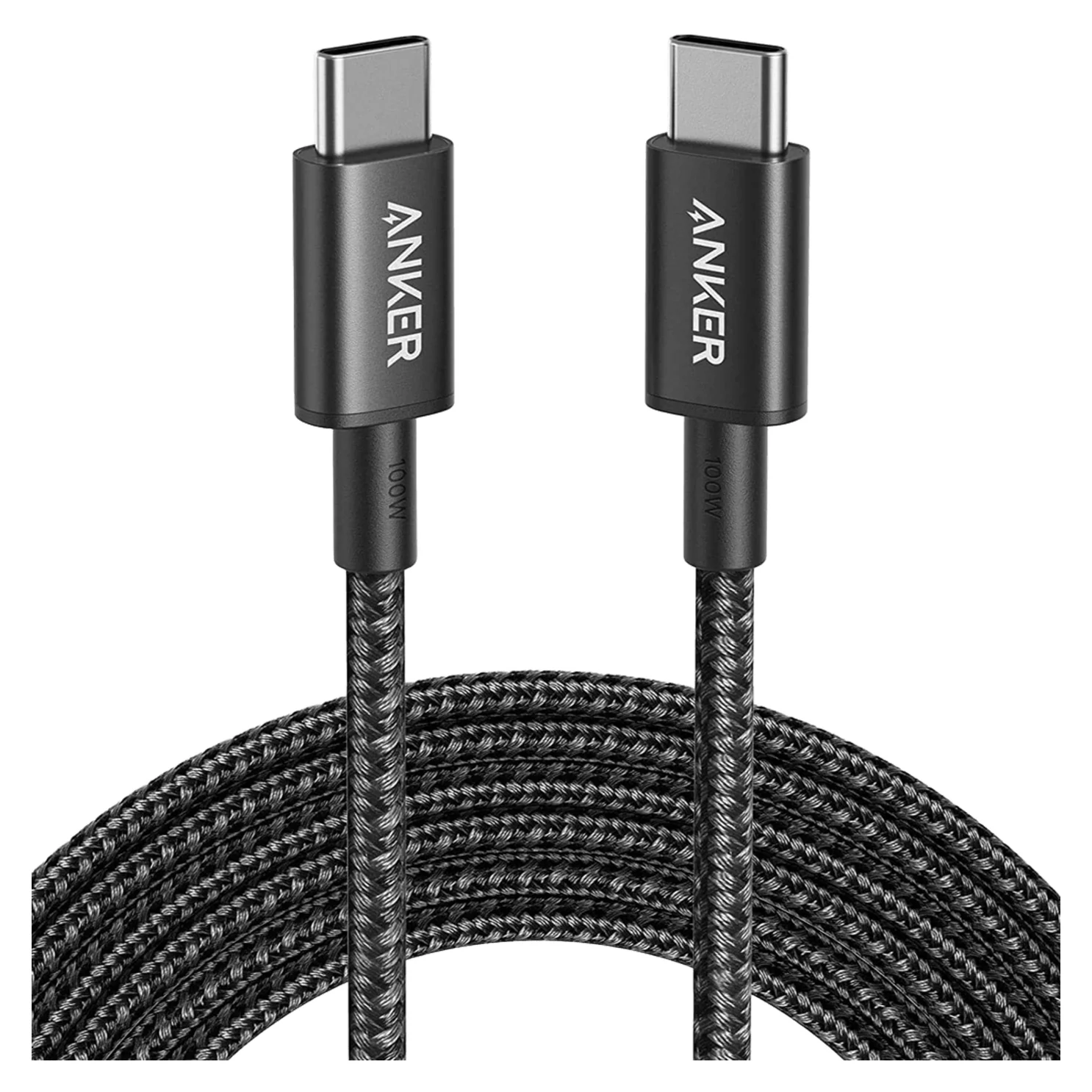
Anker Nylon USB-C to USB-C 100W Cable (10 ft)
- data
- 480 Mbps
- ends
- USB-C to USB-C
- Choose
- 10 ft braided cable rated for 100W charging and USB 2.0 data, reaches from wall outlet or console port to the couch.
- Limit
- 480Mbps data only; no video or fast SSD use
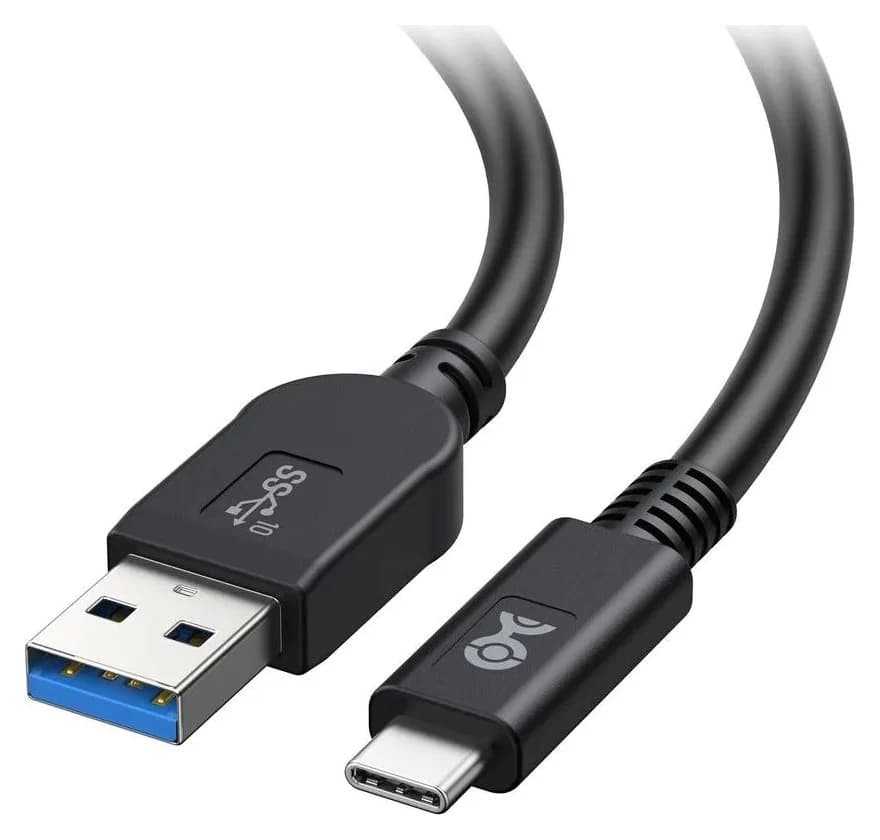
Best USB-A to USB-C data cableCable Matters
Cable Matters [USB-IF Certified] USB-C to USB-A Gen 2 (10 Gbps) Cable 3.3 ft
- power rating
- 15W
- data
- 10 Gbps
- ends
- USB-A 3.1 Gen 2 to USB-C
- Choose
- USB-IF certified 10Gbps cable connects USB-A ports to a USB-C controller with 15W charging and full-speed data.
- Limit
- No video output or DisplayPort Alt Mode
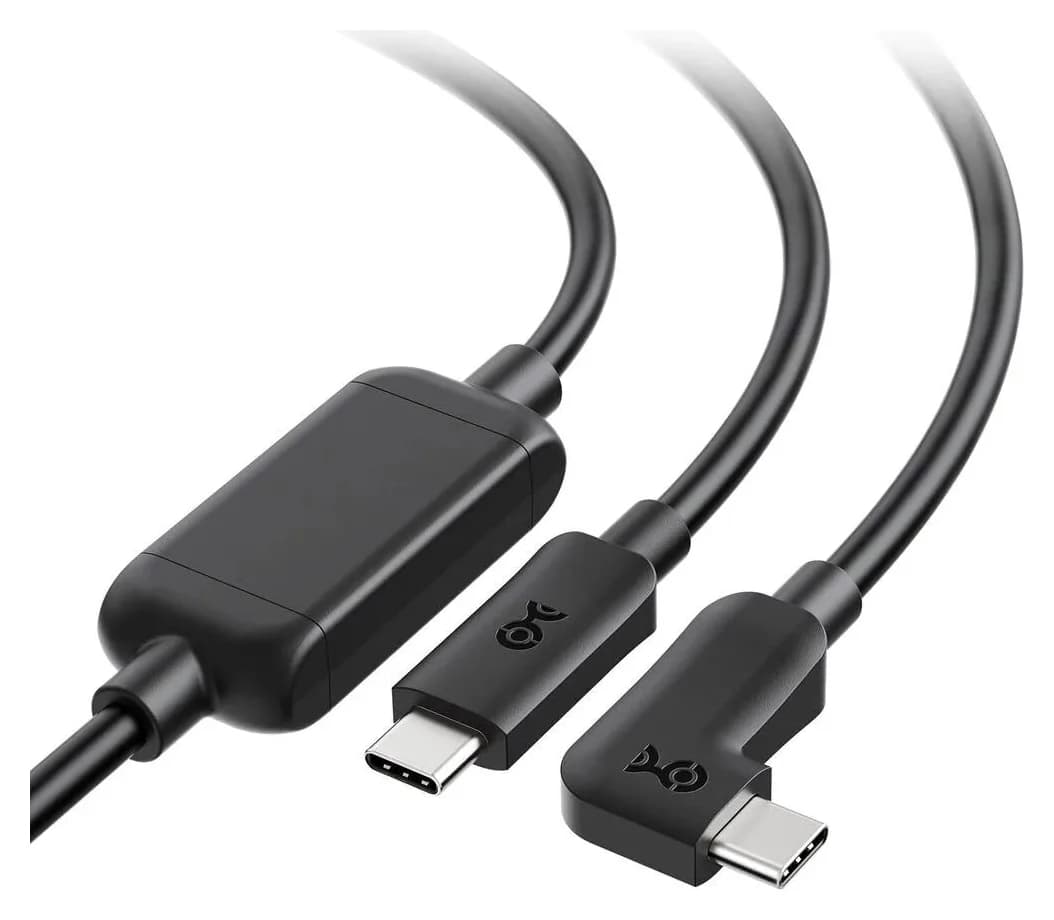
Best extra-long USB-C to USB-C with dataCable Matters
Cable Matters Active USB-C to USB-C Cable for VR Headsets (16.4 ft / 5 m)
- data
- 5 Gbps
- ports
- 2
- ends
- USB-C 3.1 Gen 1
- Choose
- 16.4 ft active USB-C cable rated for 5Gbps; built for VR headsets, and Cable Matters says it also works as a standard data cable for other USB-C devices.
- Limit
- Uni-directional: it only works from the host plug to the headset plug, not the reverse
- Find on Amazon4
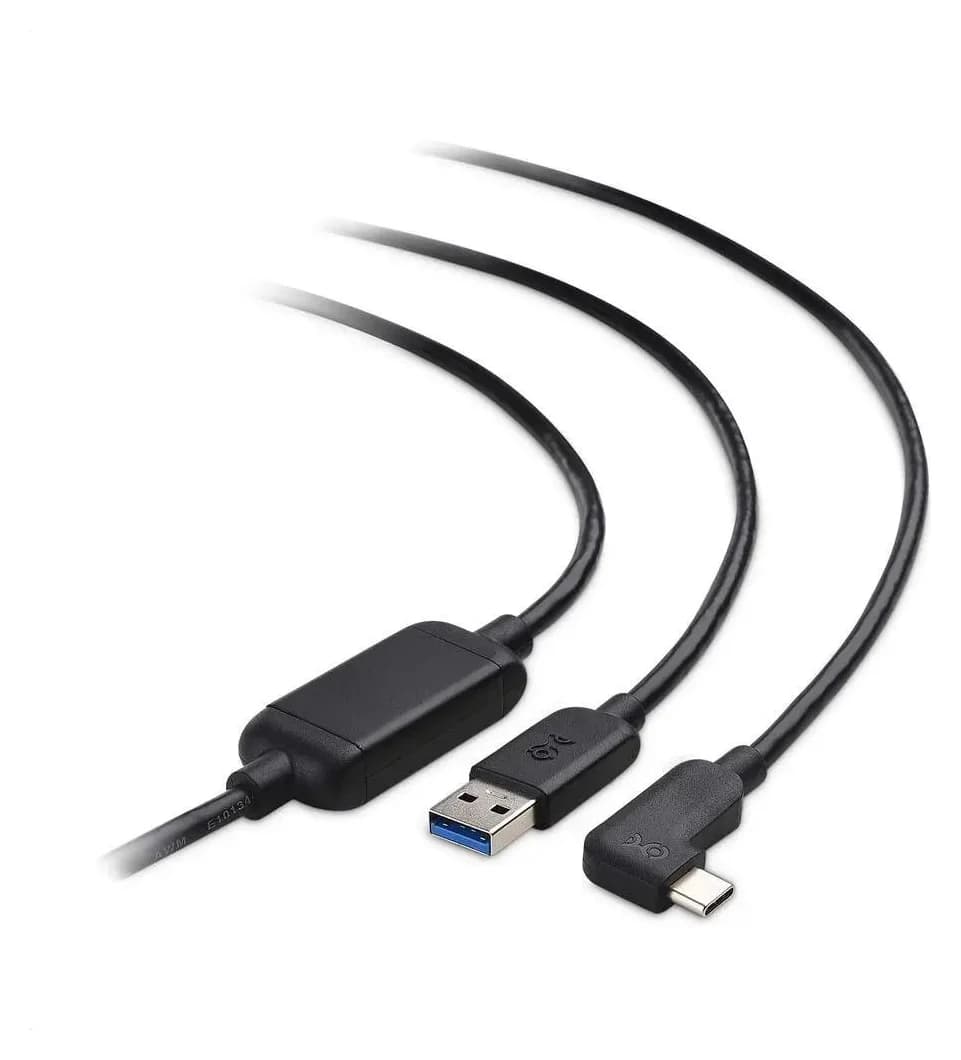
Best extra-long USB-A to USB-C with data
Cable Matters Active USB-A to USB-C Cable for VR Headsets (24.6 ft / 7.5 m)
5 Gbps data · 2 ports
- Find on Amazon
best official PS5 dock
Sony PS5 DualSense Charging Station
- Yes: Xbox Wireless Controller: wired play with a USB-C cable (Microsoft)
- Partly: Xbox Wireless Controller charging: only with a rechargeable pack fitted; otherwise it runs on AA batteries
- Yes: DualSense: charge and play via USB Type-C (Sony)
- Yes: DualSense Edge: wired play on PC with its included braided USB cable (Sony)
- Yes: Data cable (USB 2.0 or faster): charging plus wired play
- No: Charge-only cable: power only, no wired play
Quick picks
| Need | Pick | Why |
|---|---|---|
| Official Xbox charge-and-play | Xbox Rechargeable Battery + USB-C Cable | Battery + 9-foot USB-C cable from Microsoft |
| Official PS5 dock charging | Sony PS5 DualSense Charging Station | Charges two controllers, click-in, same speed as console |
| Long USB-C to USB-C (10 ft) | Anker Nylon USB-C to USB-C 100W Cable | 100W charging, USB 2.0 data, braided |
| USB-A to USB-C with data (3.3 ft) | Cable Matters 10Gbps USB-C to USB-A | USB-IF certified, 10Gbps data, 15W charging |
| Extra-long USB-C to USB-C with data (16.4 ft) | Cable Matters Active USB-C to USB-C | 5Gbps data at 5 m, active signal boost |
| Extra-long USB-A to USB-C with data (24.6 ft) | Cable Matters Active USB-A to USB-C | 5Gbps data at 7.5 m, active signal boost |
Xbox Rechargeable Battery + USB-C Cable: best official Xbox kit
Microsoft's kit pairs a rechargeable battery with a 9-foot USB-C cable. Microsoft says it recharges while you play or afterwards, even when your Xbox is in standby, and fully charges in under 4 hours. It's listed for Xbox Wireless Controllers with a USB-C port; without it, the controller runs on AA batteries.
- Cable: 9-foot USB-C
- Includes: Rechargeable battery and USB-C cable
- Full charge: Under 4 hours (per Microsoft)
- Battery life: Up to 30 hours per charge (per Microsoft)
- Compatibility: Xbox Wireless Controllers with a USB-C port
- Source: Xbox's Rechargeable Battery + USB-C Cable page and Microsoft Store.
Sony PS5 DualSense Charging Station — best official PS5 dock
Sony's DualSense Charging Station docks up to two DualSense or DualSense Edge controllers with a click-in design, without connecting them to the PS5. Sony states controllers charge as quickly as when connected to your PS5 console, freeing console USB ports. The box includes an AC adaptor and AC power cord.
- Capacity: Two DualSense or DualSense Edge controllers
- Connection: Click-in design (no USB cable to the controller)
- Power: AC adaptor and AC power cord included
- Charge speed: Same as connecting directly to PS5 console (per Sony)
- Source: PlayStation's DualSense controller page ("Click. Charge. Play.") and the PlayStation Direct charging station page
Anker Nylon USB-C to USB-C 100W Cable (10 ft): best long USB-C to USB-C cable
Anker
Anker Nylon USB-C to USB-C 100W Cable (10 ft)
A 10 ft braided USB-C to USB-C charging cable rated for 100W, with USB 2.0 data.
- 0.48 Gbps data
A 10 ft braided cable rated for 100W (with an e-Marker chip in each end) and USB 2.0 data (480Mbps). Long enough to run from a wall outlet or console port to a couch. Neither Microsoft nor Sony lists a data speed for wired play, so a USB 2.0 data cable like this one qualifies on paper.
- Length: 10 ft
- Max power: 100W (e-Marker chip in each end)
- Data: USB 2.0, up to 480Mbps
- Video: Not supported
- Jacket: Two-shade braided nylon, 12,000 bend rating (mfr. figure)
- Source: Anker product page for model A8758
Fits a USB-C port on a console or PC, the controller's USB-C port, and USB-C wall chargers.
Cable Matters 10Gbps USB-C to USB-A Cable (3.3 ft): best USB-A to USB-C data cable
Cable Matters
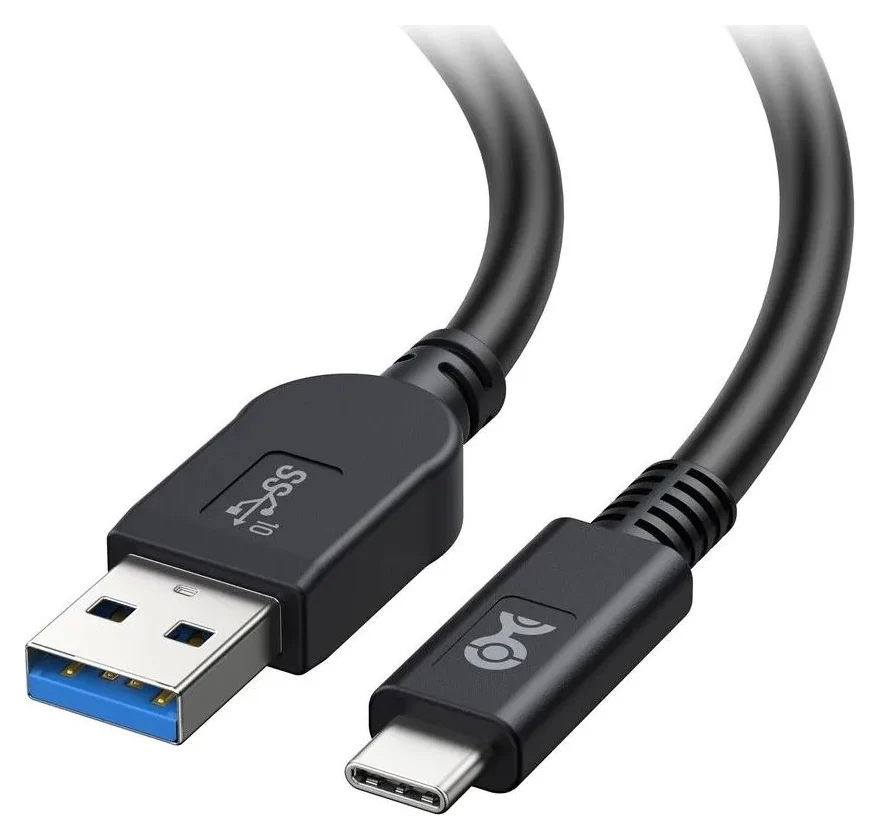
Cable Matters [USB-IF Certified] USB-C to USB-A Gen 2 (10 Gbps) Cable 3.3 ft
A USB-IF certified 10Gbps USB 3.1 Gen 2 cable that connects a USB-A host or charger to a USB-C device, with 15W charging support.
- 15W max output
- 10 Gbps data
A USB-IF certified USB 3.1 Gen 2 (10Gbps) cable with USB-A on one end and USB-C on the other. Supports up to 15W charging (5V/3A) from a suitable USB-A charger.
- Connector: USB-A male to USB-C male (reversible USB-C)
- Data: USB 3.1 Gen 2, up to 10 Gbps; backward compatible with USB 3.0/2.0 Type-A
- Charging: Up to 5V/3A (15W) from suitable USB-A charger
- Certification: USB-IF certified
- Video: No DisplayPort Alt Mode or video output
- Length: 3.3 ft (1 m)
- Source: Cable Matters product page for SKU 201041
Use it when the port you're plugging into is USB-A, on a console, PC or older charger. Short length suits a desk; for couch play, see the active cables below.
See the Cable Matters 10Gbps USB-A to USB-C on Amazon
Cable Matters Active USB-C to USB-C Cable for VR Headsets (16.4 ft): best extra-long USB-C to USB-C with data
Cable Matters
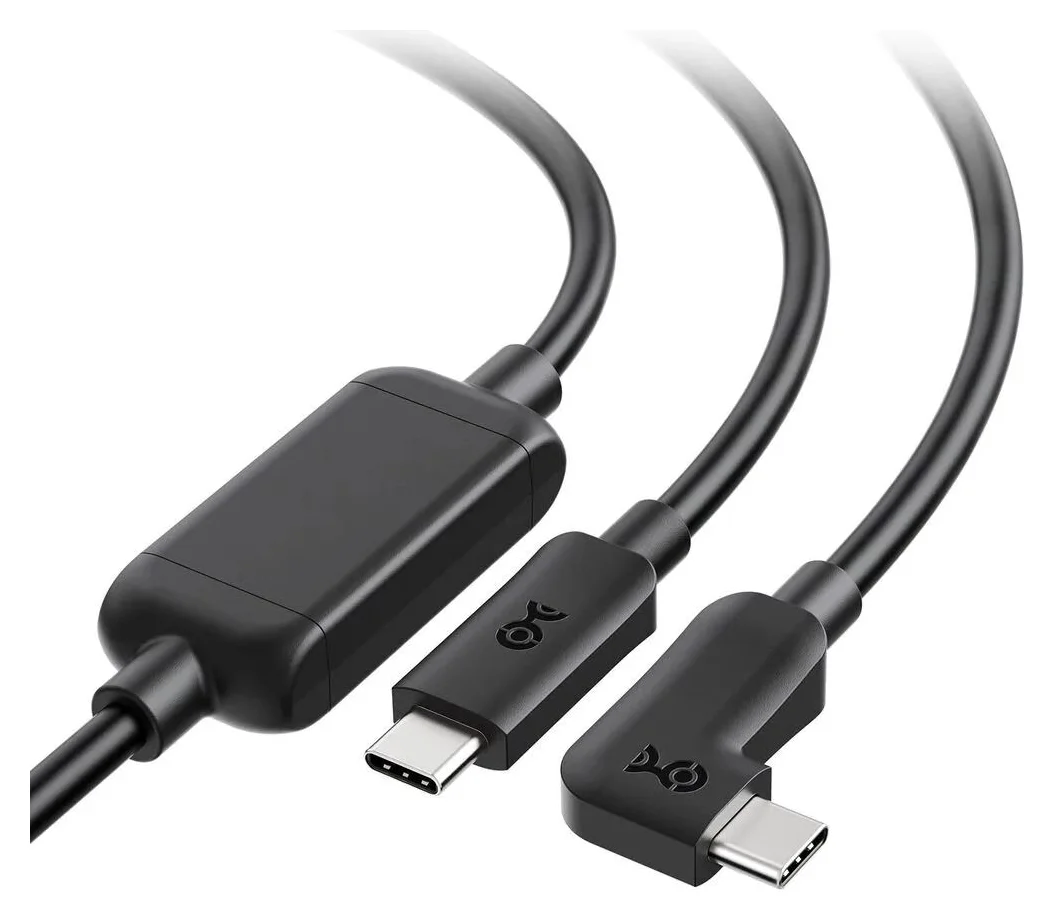
Cable Matters Active USB-C to USB-C Cable for VR Headsets (16.4 ft / 5 m)
A 5 m active USB-C to USB-C cable rated for 5Gbps, purpose-built for Oculus Link with Oculus Quest and Quest 2 headsets, with a 90-degree USB-C connector at the headset end.
- 5 Gbps data
- 2 ports
A 5 m (16.4 ft) active USB-C to USB-C cable rated for 5Gbps (USB 3.1 Gen 1). Cable Matters says its active chipset boosts the signal. It builds the cable for VR headsets and says it also works as a standard 5Gbps cable for phones, tablets and other USB-C peripherals. 90-degree USB-C plug at one end (designed for VR headsets), straight USB-C at the other. No USB Power Delivery charging. If VR is the main use, see our Meta Quest link cables guide.
- Connectors: USB-C to USB-C; 90-degree USB-C plug at one end
- Data rate: Up to 5Gbps (USB 3.1 Gen 1)
- Length: 5 m / 16.4 ft
- Power Delivery: Not supported; Cable Matters suggests a USB wall charger for charging
- Directionality: Uni-directional — host plug to the 90-degree device plug
- Source: Cable Matters product page for model 201094-BLK.
For controller use, orient straight plug toward console/PC, 90-degree plug toward controller; it works in one direction only. Cable Matters doesn't name game controllers, so treat controller use as a fit on paper. It doesn't support USB Power Delivery, but Cable Matters says you can connect it to a USB wall charger for charging.
See the Cable Matters 16.4 ft active cable on Amazon
Cable Matters Active USB-A to USB-C Cable for VR Headsets (24.6 ft): best extra-long USB-A to USB-C with data
Cable Matters
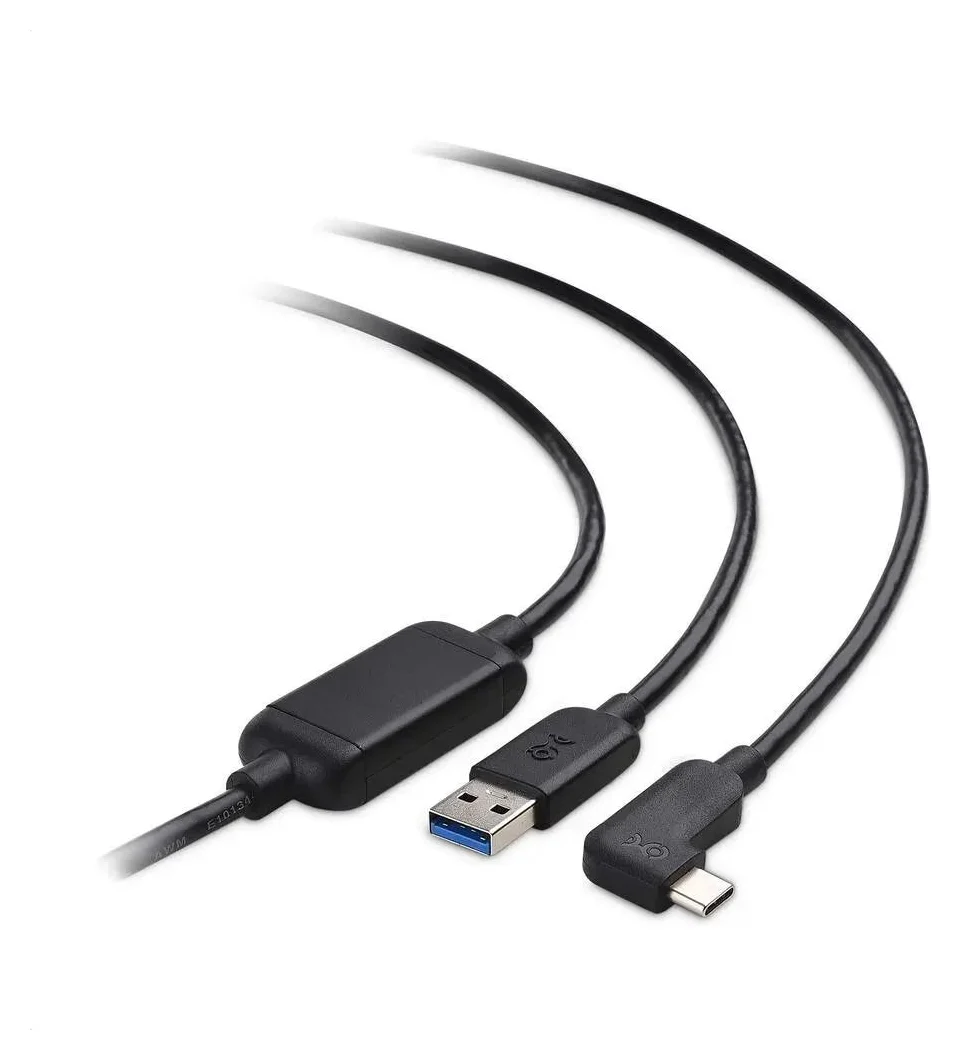
Cable Matters Active USB-A to USB-C Cable for VR Headsets (24.6 ft / 7.5 m)
A 7.5 m active USB-A to USB-C cable rated for 5Gbps, purpose-built for Oculus Link with Oculus Quest and Quest 2 headsets, with a 90-degree USB-C connector at the headset end.
- 5 Gbps data
- 2 ports
A 7.5 m (24.6 ft) active USB-A to USB-C cable rated for 5Gbps (USB 3.1 Gen 1). Active repeater chipset maintains full 5Gbps over the long run. USB-A 3.1 Gen 1 source plug, 90-degree USB-C device plug.
- Connectors: USB-A 3.1 Gen 1 to USB-C; 90-degree USB-C plug at device end
- Data rate: Up to 5Gbps (USB 3.1 Gen 1)
- Length: 7.5 m / 24.6 ft
- Charging: Cable Matters suggests connecting it to a USB wall charger for charging
- Directionality: Uni-directional — USB-A source to USB-C device
- Source: Cable Matters product page for model 201084-BLK.
Longest data-capable cable in the list. Cable Matters builds it for a PC's USB-A 3.0 port and says it also works with smartphones, tablets and other USB-C devices; it doesn't name controllers, so it's a fit on paper. 90-degree USB-C plug keeps controller connection tidy. Like the C-to-C active cable, it runs one way only, and Cable Matters says you can plug it into a USB wall charger for charging.
See the Cable Matters 24.6 ft active cable on Amazon
How we choose
Picks come from research, not first-hand testing:
- Official specs only. Controller USB-C capabilities and cable specs from Microsoft's Xbox pages and Microsoft Store, Sony's PlayStation pages, and maker product pages.
- Data vs. charge-only. We only recommend cables whose makers list a data speed (USB 2.0 or faster), because wired play needs data.
- Length and signal integrity. Microsoft's own cable is 9 feet. Past 10 ft we include active cables (B08FVM2WTJ, B098BSVW78) that maintain 5Gbps at 5 m and 7.5 m per specs.
- Console port compatibility. Cable connectors matched to the USB-A and USB-C ports found on consoles, PCs and chargers.
- Mainstream brands. Anker, Cable Matters, Microsoft, Sony.
Buying guide: choosing the right cable
1. Official kit or third-party cable.
Xbox Rechargeable Battery + USB-C Cable gives a battery and a 9-foot Microsoft cable. DualSense Charging Station keeps two controllers ready without cables. If you have a battery solution or prefer wired play, buy a cable.
2. Match connector to your port.
Look at the port you'll plug into, on the console, PC or charger:
- Rectangular USB-A port: USB-A to USB-C cable
- Oval USB-C port: USB-C to USB-C cable
Sony's own advice for the DualSense is to connect or charge it with the USB cable supplied with the PS5 console.
3. Data or charge-only?
For wired play, the cable must carry data, not just power. Microsoft and Sony don't list a minimum speed; every cable here carries at least USB 2.0 (480Mbps).
4. Length.
Microsoft's own cable is 9 feet and the Anker is 10 ft. Beyond that, the data cables here are the Cable Matters active models (16.4 ft and 24.6 ft), which Cable Matters says keep 5Gbps at length thanks to an active repeater chipset. For charging-only at distance, the 100W passive USB 2.0 Anker (B08PVPTNZL) is simpler.
5. Charging from a wall outlet.
Neither Microsoft nor Sony lists a charging wattage for these controllers or asks for USB Power Delivery. The Anker B08PVPTNZL supports up to 100W. The Cable Matters C-to-C active cable doesn't support Power Delivery, but Cable Matters says both of its active cables can be connected to a USB wall charger for charging.
- 9 feetUSB-C cable Microsoft includes with its Rechargeable Battery and controller bundle
- 30 hoursBattery life per charge Microsoft states for its Rechargeable Battery (up to)
- 16.4 ftActive USB-C to USB-C with 5Gbps data (Cable Matters)
- 24.6 ftActive USB-A to USB-C with 5Gbps data (Cable Matters)
Check the port you'll use
Rectangular USB-A port: USB-A to USB-C cable. Oval USB-C port: USB-C to USB-C cable.
Measure the run
Measure from the port to your seat and add slack. Microsoft's own cable is 9 feet; past 10 ft, pick an active data cable (16.4 or 24.6 ft here).
Confirm data support
For wired play, the maker should list a data speed: USB 2.0 (480Mbps) or faster. Charge-only cables won't work.
Verdict
For most players, the Xbox Rechargeable Battery + USB-C Cable (Microsoft) and Sony DualSense Charging Station are the simplest official solutions — they solve power and (for Sony) storage in one purchase. For wired play or more reach, the Anker 10 ft USB-C to USB-C 100W cable is the best all-rounder: 100W charging, USB 2.0 data for wired play, reaches wall to couch. For USB-A ports, the Cable Matters 10Gbps USB-A to USB-C (3.3 ft) is the desk choice; for maximum distance with data, the Cable Matters active cables (16.4 ft USB-C, 24.6 ft USB-A) are the only data cables here at those lengths. They're built for VR, so controller use is a fit on paper rather than something Cable Matters lists.
Frequently asked questions
Can I use any USB-C cable to charge my Xbox or PS5 controller?
For the DualSense, Sony says it charges via USB Type-C and tells you to connect or charge it with the USB cable supplied with the PS5. The Xbox Wireless Controller runs on AA batteries, so a cable only charges it once you fit a rechargeable pack such as Microsoft's Rechargeable Battery. For wired play you also need a cable that carries data; a charge-only cable won't pass controller input.
Does the Xbox Wireless Controller support wired play over USB-C?
Yes. Microsoft sells the Xbox Wireless Controller in a bundle with a 9-foot USB-C cable and says you can play wirelessly or use that cable for a wired gaming experience. On Windows 10/11, its Xbox Accessories app for button mapping requires a compatible USB-C cable. Microsoft lists its battery kit for Xbox Wireless Controllers with a USB-C port, so check that yours has one.
Does the DualSense controller support wired play over USB-C?
Yes. Sony says the DualSense charges and plays via USB Type-C, and that it connects to Windows PCs, Macs and mobile devices with a USB Type-C cable or Bluetooth. The DualSense Edge ships with a braided USB cable for wired play on PC. Sony notes haptic feedback and adaptive triggers may require a USB connection on PC, and firmware updates on Windows run through the PlayStation Accessories app.
What's the difference between USB-A to USB-C and USB-C to USB-C cables?
It comes down to the port you plug into. A USB-A to USB-C cable fits a rectangular USB-A port on a console, PC or older charger. A USB-C to USB-C cable fits an oval USB-C port on a console, newer PC or USB-C wall charger. Both carry data if the maker lists a data speed; every cable in this guide does, from USB 2.0 (480Mbps) up.
How long a cable do I need for couch play?
Measure from the port to your seat and add some slack. Microsoft's own USB-C cable is 9 feet and the Anker here is 10 ft. For longer runs, the Cable Matters active cables are 16.4 ft and 24.6 ft, and Cable Matters says their active repeater chipset keeps 5Gbps at the full length.
Will a charge-only cable work for wired play or controller apps?
No. A charge-only cable carries power but no data, so the controller can't talk to the console or PC over it. That rules out wired play, Microsoft's Xbox Accessories app on Windows (which requires a compatible USB-C cable), and PC features Sony says may need USB, such as haptic feedback and adaptive triggers. Buy a cable whose maker lists a data speed.
Related guides
How to Charge Switch 2 Controllers: Joy-Con 2, Pro Controller and Charging Grips
Joy-Con 2 charge on the console (plugged in, on or asleep) or on the separate Charging Grip; the Pro Controller charges over USB-C. Times and chargers, per Nintendo.
Updated November 23, 2026Read
Best Capture Cards for Streaming in 2026
The best capture cards for streaming from PS5, Xbox, Switch 2 or PC: top picks for 4K, 1080p, laptops and iPads, with passthrough, HDR and USB specs.
Updated November 26, 2026Read
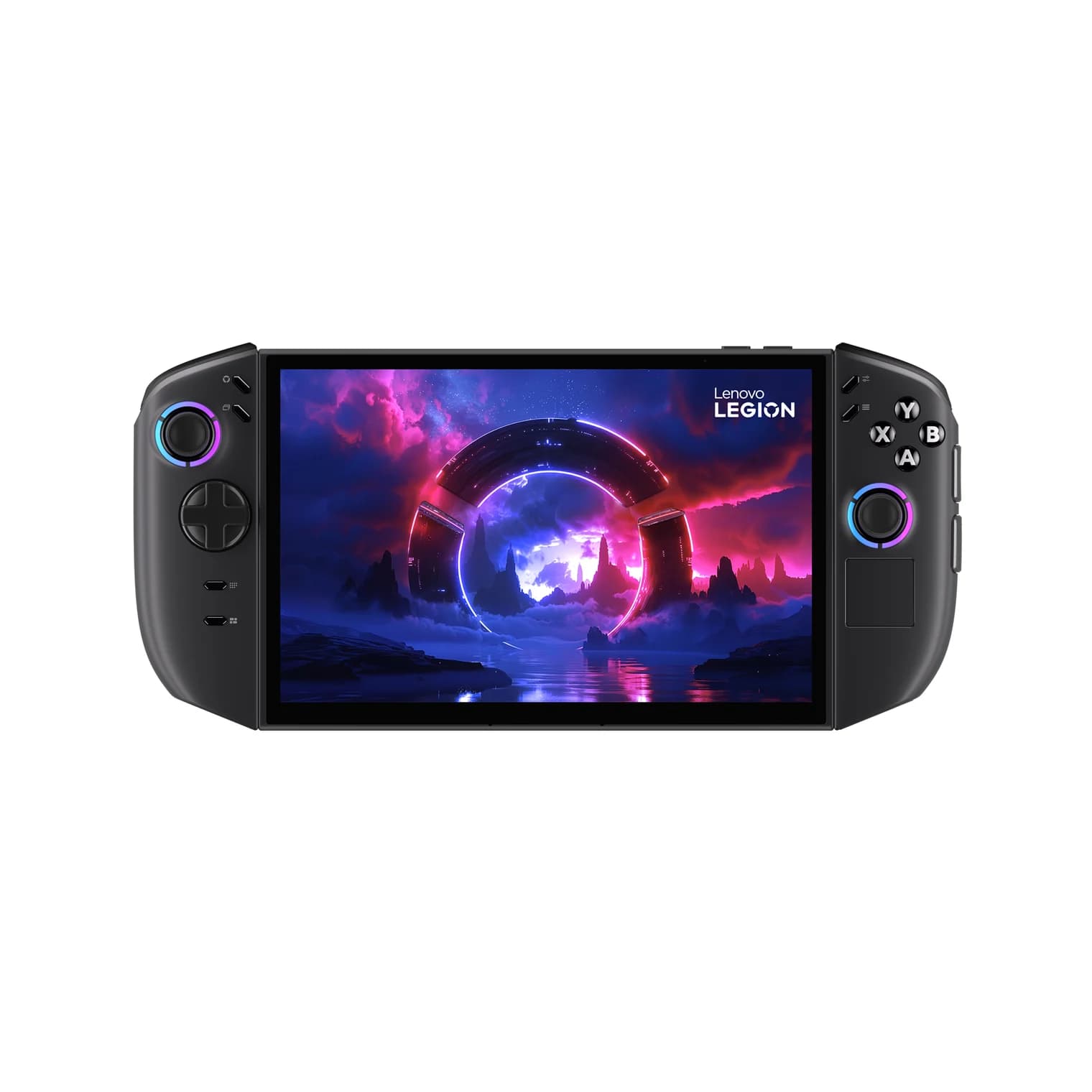
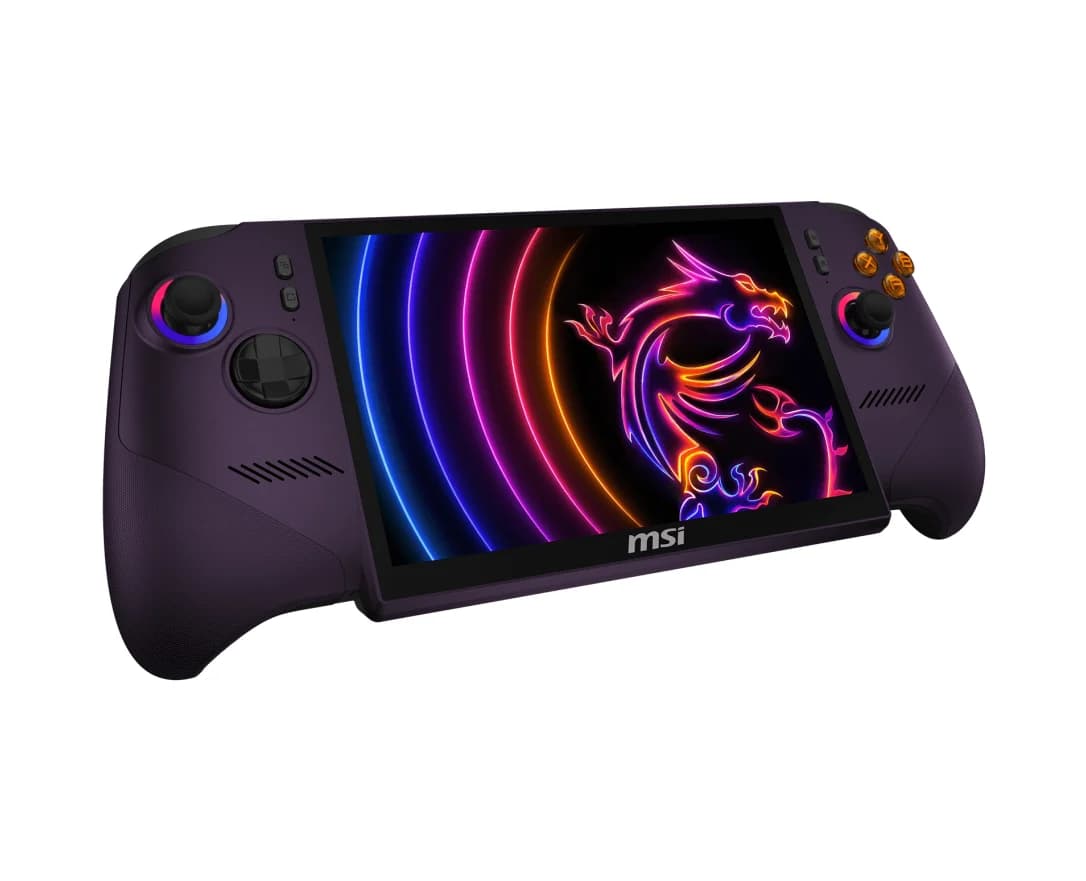
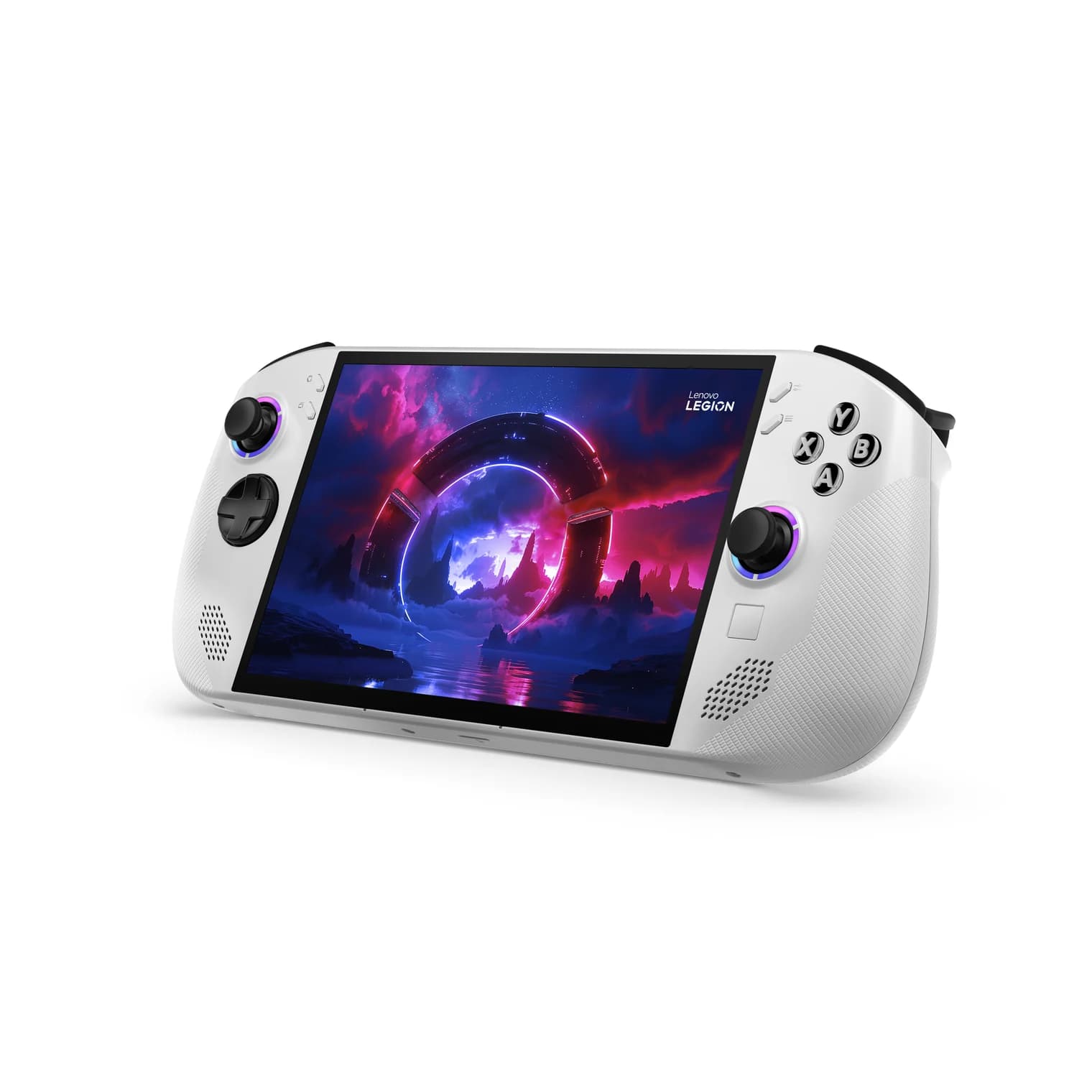
Best Handheld Gaming PCs in 2026: Ports, Charging and TV Docking Compared
ROG Xbox Ally X, Legion Go 2, MSI Claw, Steam Deck OLED and Switch 2 compared on USB4 ports, charging watts, TV output, microSD and the charger each needs.
Updated November 26, 2026Read