Cyber Monday: the specs to check before you buy
Buying guide
Updated November 25, 2026USB-C to Lightning Adapters: Which Direction You Need, and What Each One Can Do
Short answer
A USB-C iPhone (iPhone 15 or later) that still has to use Lightning accessories needs Apple's USB-C to Lightning Adapter: a USB-C plug on one end, a Lightning socket on the other, for charging, data and audio. A Lightning iPhone (iPhone 14 or earlier) on a USB-C charger doesn't need an adapter at all. It needs a USB-C to Lightning cable, which is the part Apple's own fast-charge page names. The one trap: anything that passes through the adapter runs at its limits, 24W for charging and USB 2 speed for data.
We may earn a commission when you buy through links on this page. As an Amazon Associate, thisUSB earns from qualifying purchases. How we earn
Our picks at a glance
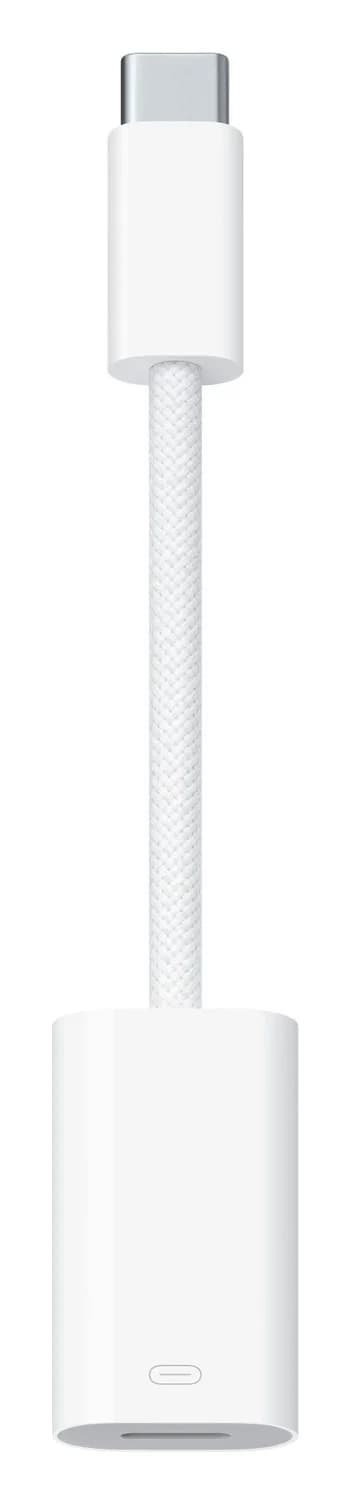
Best for a USB-C iPhone with Lightning accessoriesApple
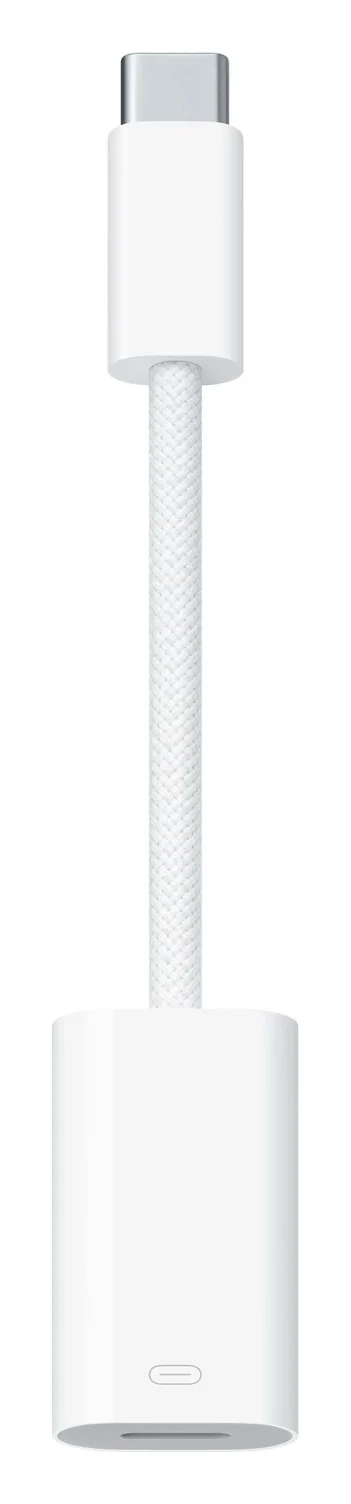
Apple USB-C to Lightning Adapter
- to laptop
- 24W
- port
- 1
- Choose
- Apple's own adapter: a USB-C plug and a Lightning socket for charging, data and audio, with up to 24W charging through it and wired CarPlay in most cars.
- Limit
- Charging through it tops out at 24W, so a direct USB-C cable charges faster
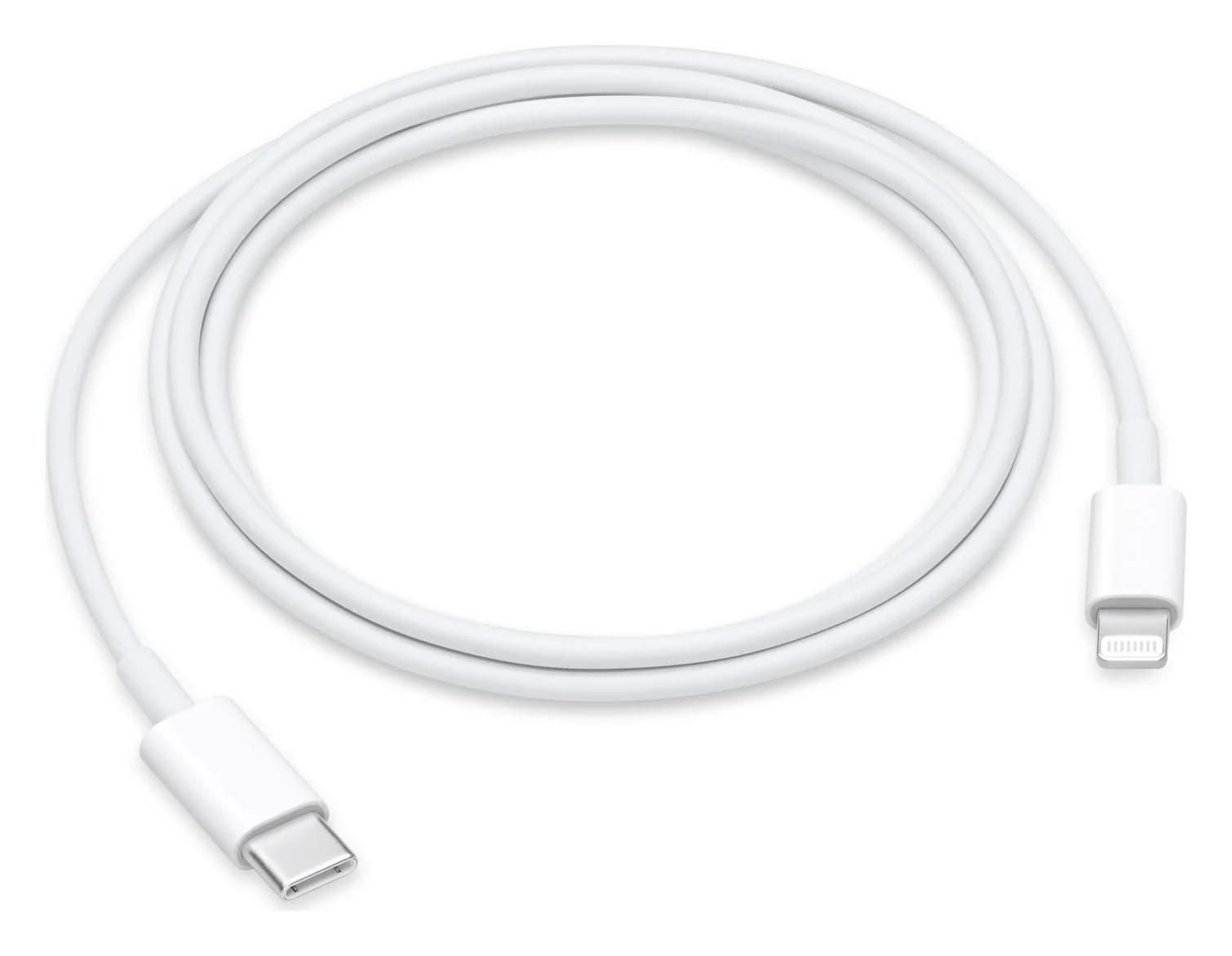
Best for a Lightning iPhone on a USB-C chargerApple
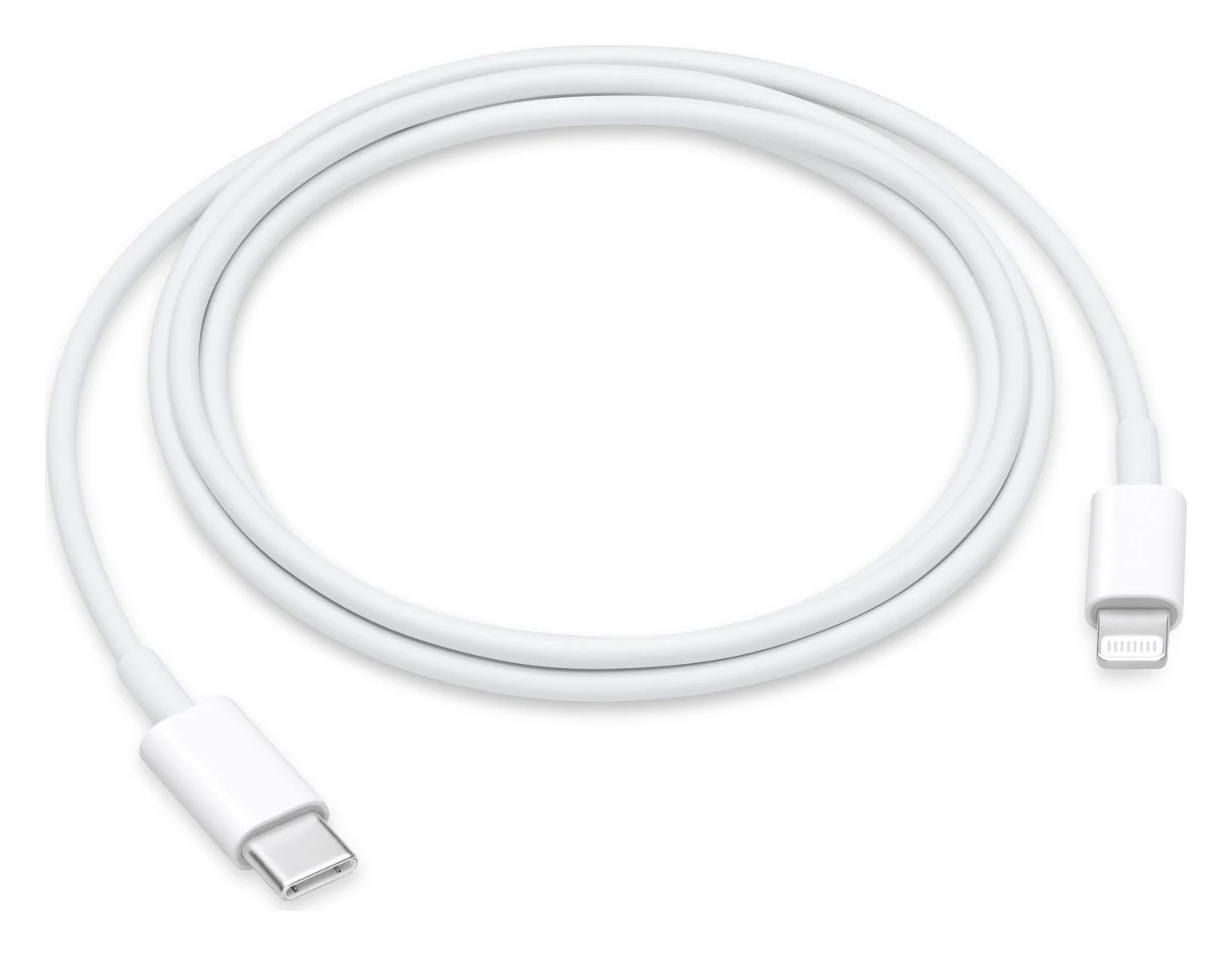
Apple USB-C to Lightning Cable (1 m)
- Choose
- Apple's 1 m USB-C to Lightning cable is the part Apple's fast-charge page names for earlier iPhones, used with an 18W or greater USB-C adapter.
- Limit
- Apple's page gives no data speed, jacket material or bend rating
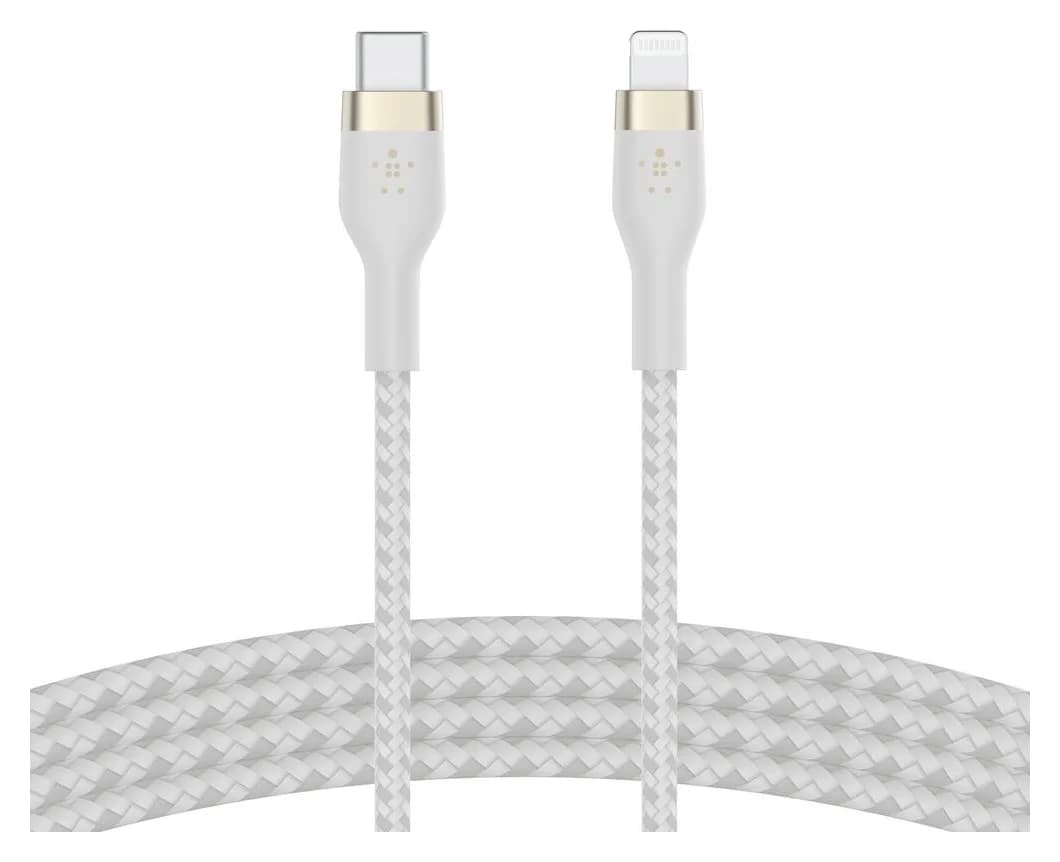
Best longer, braided Lightning cableBelkin
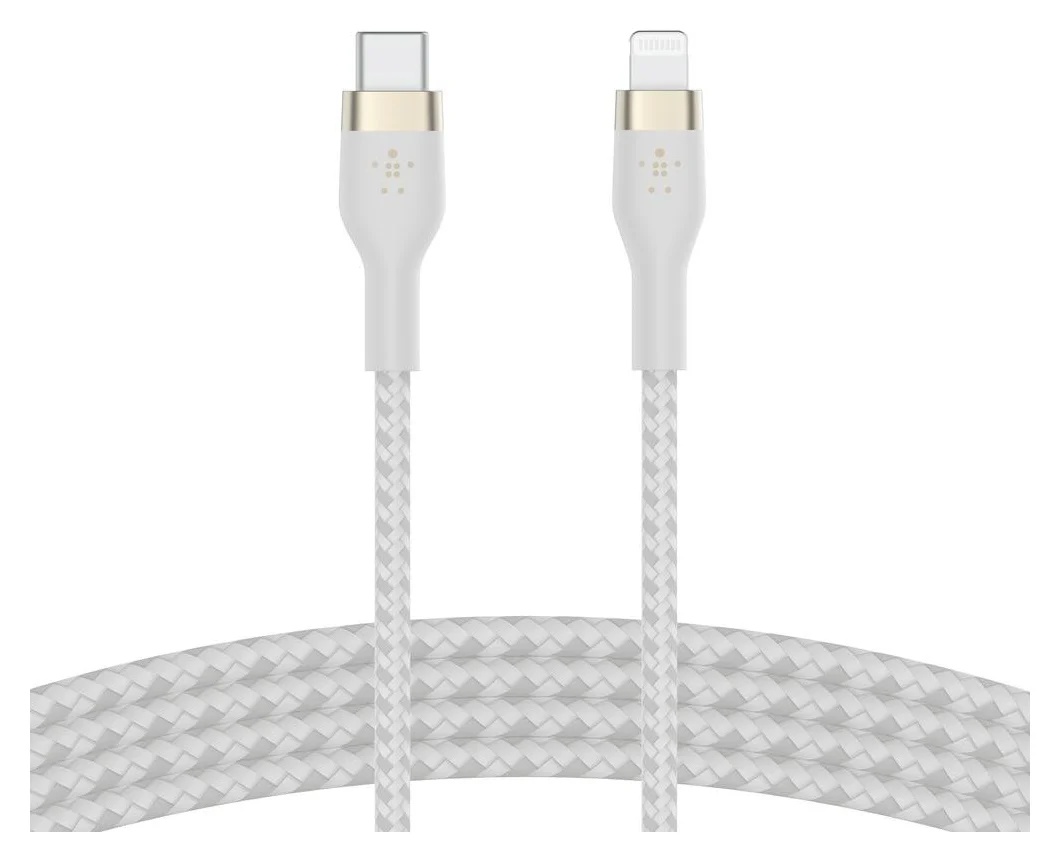
Belkin BoostCharge Pro Flex USB-C to Lightning Cable (2m, White)
- Choose
- MFi-certified 2m braided cable with a magnetic strap and a 30,000+ bend rating from Belkin, for a bedside or car outlet.
- Limit
- Not useful for iPhone 15 and later, which use USB-C
- See on Amazon4
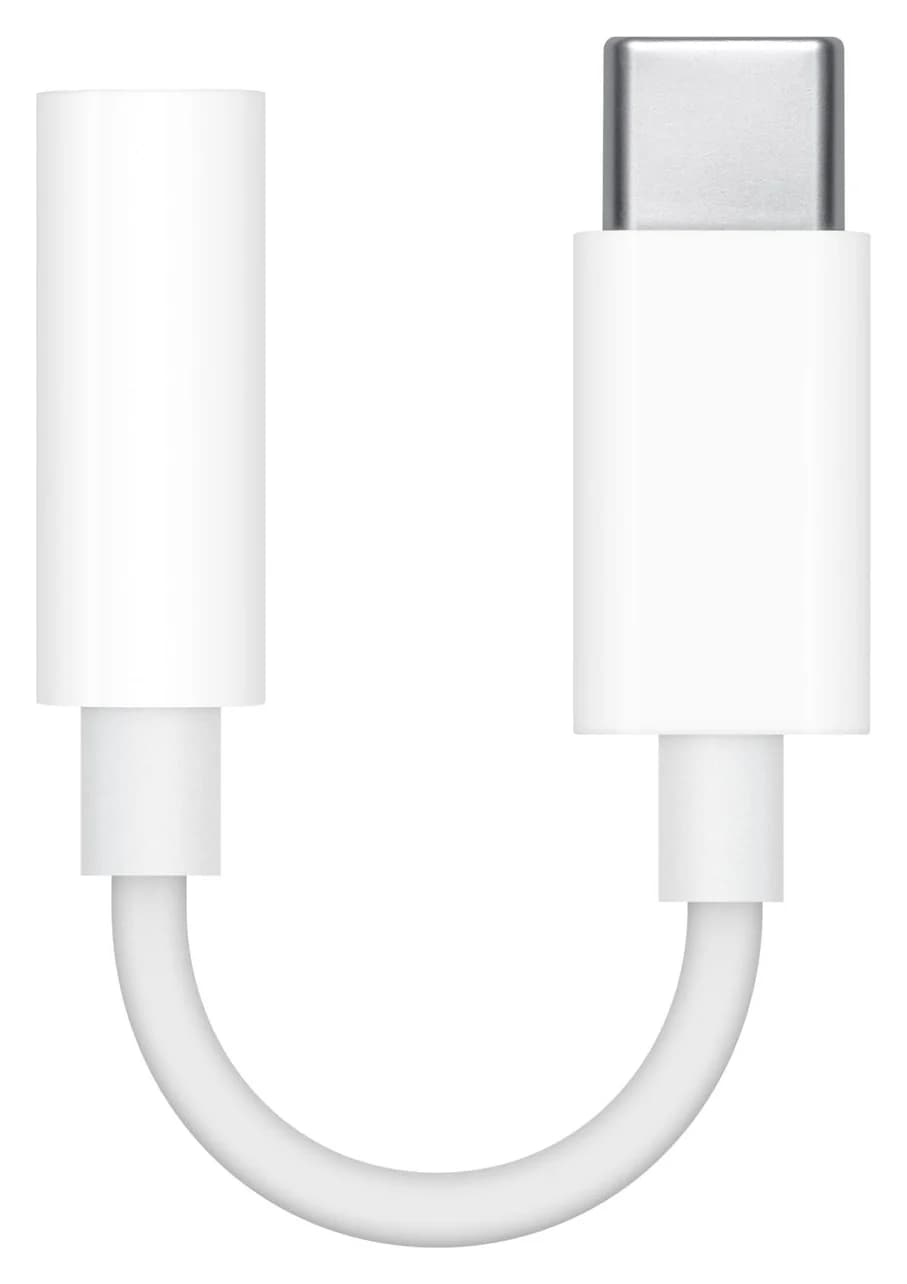
Best for 3.5mm headphones on a USB-C iPhone
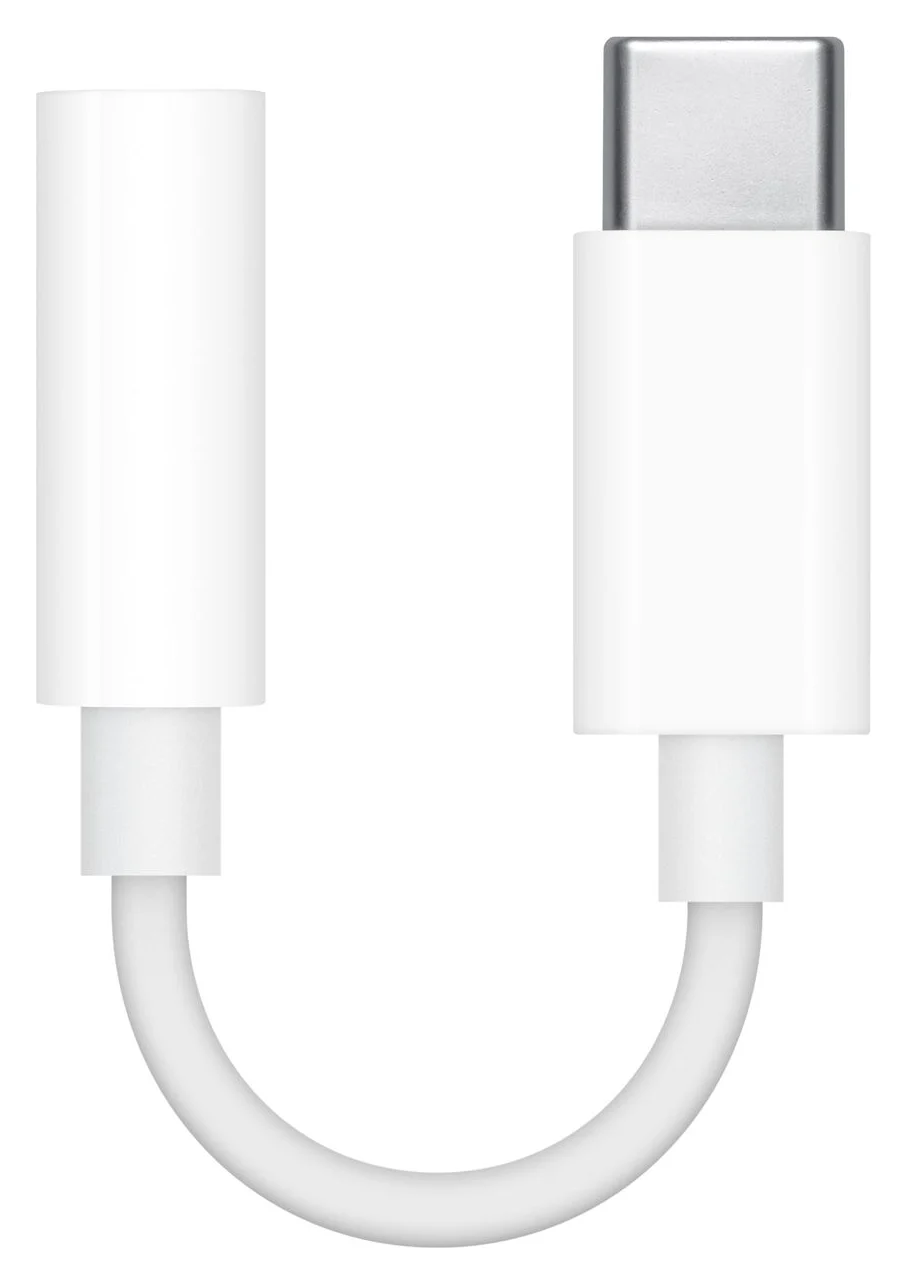
Apple USB-C to 3.5 mm Headphone Jack Adapter
1 port
- 24WMost Apple says the adapter passes when charging a USB-C iPhone or iPad
- 480MbpsData speed through the adapter (USB 2), per Apple
- 18WSmallest Apple USB-C adapter Apple names for fast charging a Lightning iPhone
Which pick for your device?
- Yes: iPhone 15 or later (USB-C) with Lightning cables, car leads or accessories: Apple's USB-C to Lightning Adapter
- Yes: iPhone 14 or earlier (Lightning) and a USB-C charger: a USB-C to Lightning cable, no adapter
- Yes: USB-C iPhone and 3.5mm wired headphones: Apple's USB-C to 3.5mm Headphone Jack Adapter
- Partly: Wired CarPlay through the adapter: works in most cars, per Apple; some cars need a direct USB-A to USB-C cable
- No: Fast charging a USB-C iPhone through the adapter: capped at 24W, so use a USB-C cable straight to the charger
Source: Apple's USB-C to Lightning Adapter article and fast-charge page
What the USB-C to Lightning Adapter does
Apple describes the adapter as a single connector for "iPhone or iPad models that have a USB-C connector", used to reach "a Lightning accessory for charging, data, and audio" (Apple Support). Three practical jobs fall out of that:
- Charging a USB-C iPhone from an old Lightning cable. Plug a USB-C to Lightning cable into the adapter and the cable's other end into a USB-C power adapter. Apple caps this route at 24W, and says "for faster charging performance, use a USB-C cable to connect a power supply directly".
- Syncing or moving files through a Lightning cable. Data runs at up to 480Mbps (USB 2). The adapter needs no power of its own, but anything you plug into it can draw power from the iPhone or iPad.
- Keeping a wired car setup. Apple says it works with wired CarPlay "in most vehicles", with a caveat for some car systems (see below).
Some features need iOS 17 or iPadOS 17 or later, and Apple advises using one device or cable at a time with it.
Is there a Lightning to USB-C adapter for older iPhones?
This is the most common mix-up. Apple's adapter only goes USB-C plug to Lightning socket, so it fits a USB-C iPhone, not a Lightning one. If you own an iPhone 14 or earlier and a USB-C charger, the answer is a cable: Apple's fast-charge page says to "use a USB-C to Lightning cable with an earlier iPhone model", paired with an Apple 18W or greater USB-C Power Adapter or a comparable third-party adapter that supports USB-PD (Apple Support). Our USB-C to Lightning cables guide covers which cable to buy and at what length.
Best for a USB-C iPhone with Lightning accessories: Apple USB-C to Lightning Adapter
Apple
Apple USB-C to Lightning Adapter
Apple's short adapter with a USB-C plug and a Lightning socket, so a USB-C iPhone or iPad can use Lightning accessories for charging, data and audio.
- 24W PD passthrough
- 1 port
This is the one Apple makes for the job, and the spec list is short because the adapter is simple: a USB-C plug, a short braided lead and a Lightning socket. Charging tops out at 24W, data at USB 2 speed, and it needs no power of its own. The reason to buy it is the accessories you already own: a Lightning car lead, a Lightning dock, a Lightning audio accessory, or the drawer of Lightning cables you would otherwise replace.
See the Apple USB-C to Lightning Adapter on Amazon
Best for a Lightning iPhone on a USB-C charger: Apple USB-C to Lightning Cable (1 m)
Apple
Apple USB-C to Lightning Cable (1 m)
Apple's own 1 m cable with USB-C at one end and Lightning at the other, for charging and syncing Lightning iPhones, iPads, iPods and AirPods cases.
For an iPhone 14 or earlier, skip the adapter. Apple's own 1 m USB-C to Lightning cable is the cable type its fast-charge page names, and Apple lists it for its USB-C power adapters from 18W up. Apple's compatibility list for the cable runs through iPhone 14 Pro Max, including all three iPhone SE generations. Apple also sells a 2 m version if the outlet is far from the bed.
See the Apple USB-C to Lightning Cable on Amazon
Best longer, braided Lightning cable: Belkin BoostCharge Pro Flex (2m)
Belkin
Belkin BoostCharge Pro Flex USB-C to Lightning Cable (2m, White)
An MFi-certified USB-C to Lightning cable with a double-braided nylon exterior over an inner silicone jacket and a magnetic cable strap, for older iPhones, AirPods and accessories.
If you want more reach or a tougher jacket, Belkin's BoostCharge Pro Flex is MFi-certified, has a double-braided nylon exterior over an inner silicone jacket, and Belkin rates it for 30,000+ bends. The 2m length reaches a bedside or car outlet, and a magnetic strap keeps it coiled in a bag. It is also sold in 1m and 3m lengths.
See the Belkin BoostCharge Pro Flex on Amazon
Best for 3.5mm headphones on a USB-C iPhone: Apple USB-C to 3.5 mm Headphone Jack Adapter
Apple
Apple USB-C to 3.5 mm Headphone Jack Adapter
Apple's small adapter for plugging 3.5mm wired headphones or speakers into a USB-C iPhone, iPad or Mac.
- 1 port
Many people searching for a Lightning adapter really want their wired headphones back. If those headphones end in a 3.5mm plug, you don't need Lightning at all: Apple's USB-C to 3.5mm adapter plugs straight into a USB-C iPhone. Apple lists it for every USB-C iPhone from iPhone 15 to iPhone 18 Pro and iPhone Duo, plus USB-C iPads and Macs.
See the Apple USB-C to 3.5 mm Headphone Jack Adapter on Amazon
Does the adapter work with CarPlay?
Usually. Apple says the adapter works with wired CarPlay in most vehicles, but "some combinations of adapters, cables, and vehicle entertainment systems might disrupt the wired CarPlay connection". In that case, or in a car that supports only wired CarPlay, Apple's advice is a direct USB-A to USB-C cable from the car's port to the iPhone. If your car has a USB-A port and a USB-C iPhone, that direct cable is the simplest setup anyway.
Will it charge my iPhone fast?
Not at the iPhone's top speed. Apple caps charging through the adapter at 24W. For context, Apple's fast-charge page asks for a 40W adapter or higher to reach its fastest wired figure on iPhone 17 and 17 Pro models, and a 20W adapter or higher on iPhone 17e and iPhone Air. The adapter is a convenience route, not a fast-charge route. For a new charger, see our iPhone charger guide.
How we choose
We start from what Apple itself publishes about each connection: the adapter's support article (charging limit, data speed, CarPlay caveat) and Apple's fast-charge page (which cable and adapter each iPhone generation needs). Third-party cables are included only when the maker publishes its certification and build details. We have not lab-tested these products; every figure here comes from the makers' own pages, linked in each product card.
Verdict
Match the adapter to your iPhone's port. A USB-C iPhone with Lightning gear gets Apple's USB-C to Lightning Adapter, as long as you accept 24W and USB 2 speed through it. A Lightning iPhone on a USB-C charger gets a USB-C to Lightning cable, Apple's own or Belkin's longer braided one, with an 18W or greater USB-C PD charger. And if what you really miss is a headphone jack, the USB-C to 3.5mm adapter is the shorter path. For which iPhone has which port, see our iPhone model comparison.
Frequently asked questions
Is there a Lightning to USB-C adapter?
Apple's own adapter goes one way: it has a USB-C plug and a Lightning socket, so a USB-C iPhone or iPad can use Lightning accessories. If you have a Lightning iPhone and a USB-C charger, Apple's fast-charge page points you to a USB-C to Lightning cable plus an 18W or greater USB-C Power Delivery adapter instead of an adapter.
Can I charge my iPhone 15 or later through the USB-C to Lightning Adapter?
Yes. Apple says you can connect a USB-C to Lightning cable to the adapter and the cable to a USB-C power adapter. Charging through it is capped at 24W, so Apple recommends a USB-C cable straight from the charger to the iPhone for faster charging.
Does the Apple USB-C to Lightning Adapter work with CarPlay?
Apple says it works with wired CarPlay in most vehicles, but some combinations of adapters, cables and car systems can disrupt the connection. For those cars, and for cars that support only wired CarPlay, Apple suggests a direct USB-A to USB-C cable.
How fast is data through the adapter?
Up to 480Mbps, which is USB 2 speed, according to Apple. That is fine for syncing and small transfers but slow for large video files; for those, use a USB-C cable that supports faster data.
Can I use Lightning headphones with a USB-C iPhone?
Apple lists audio among the adapter's uses, so Lightning audio accessories can connect through it. For headphones with a 3.5mm plug, Apple's separate USB-C to 3.5mm Headphone Jack Adapter is the direct route.
Related guides
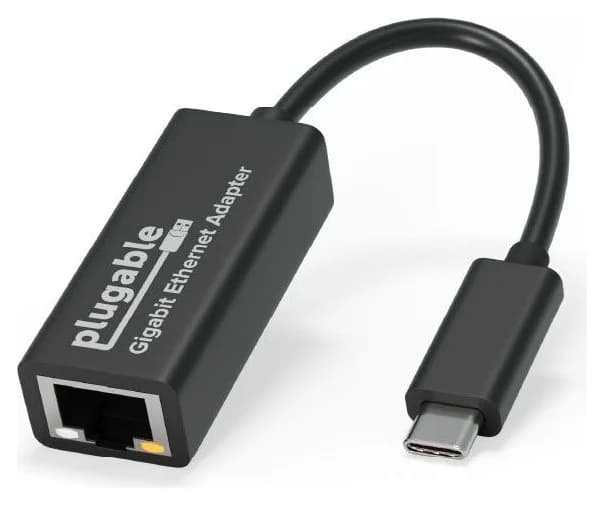
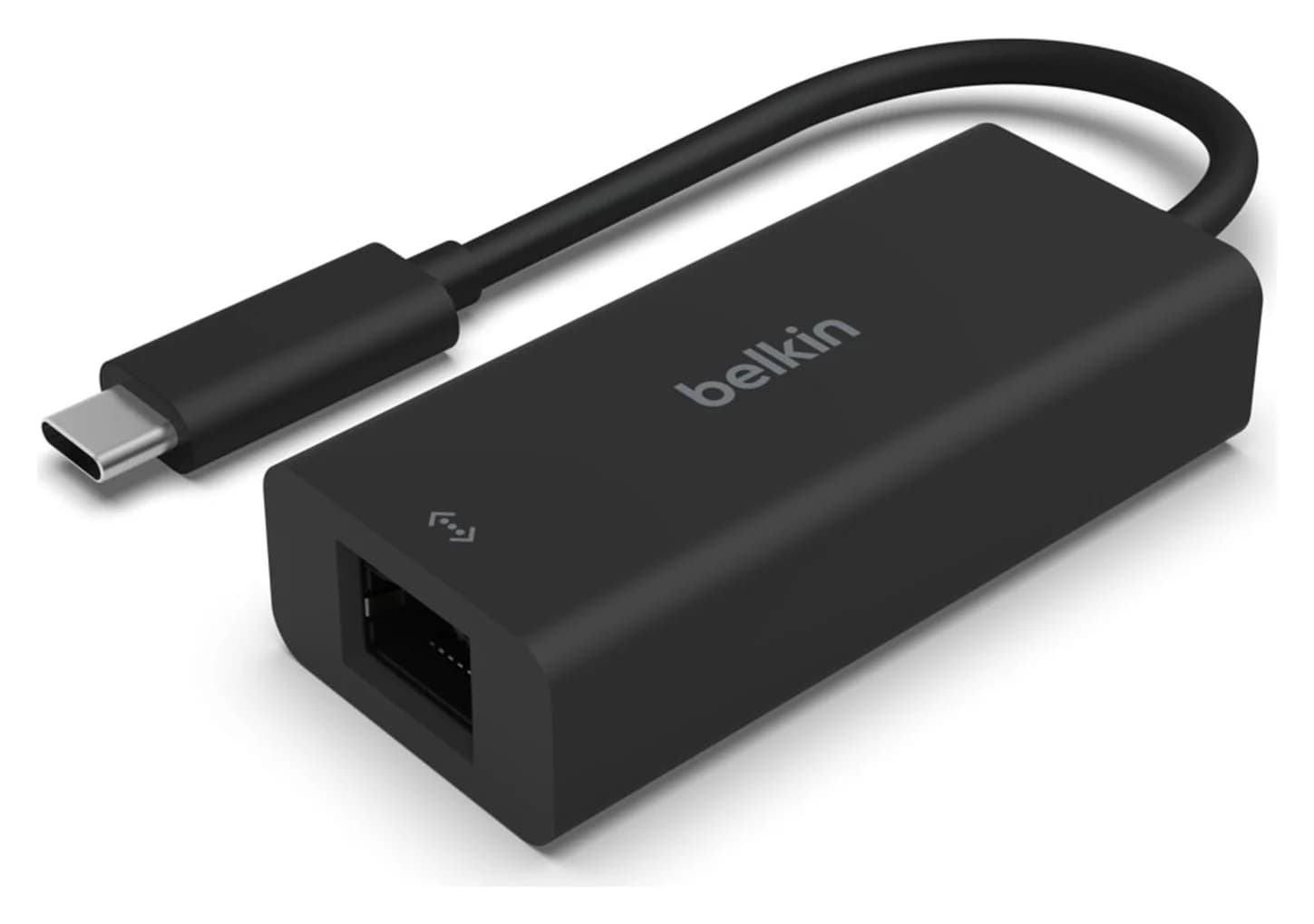
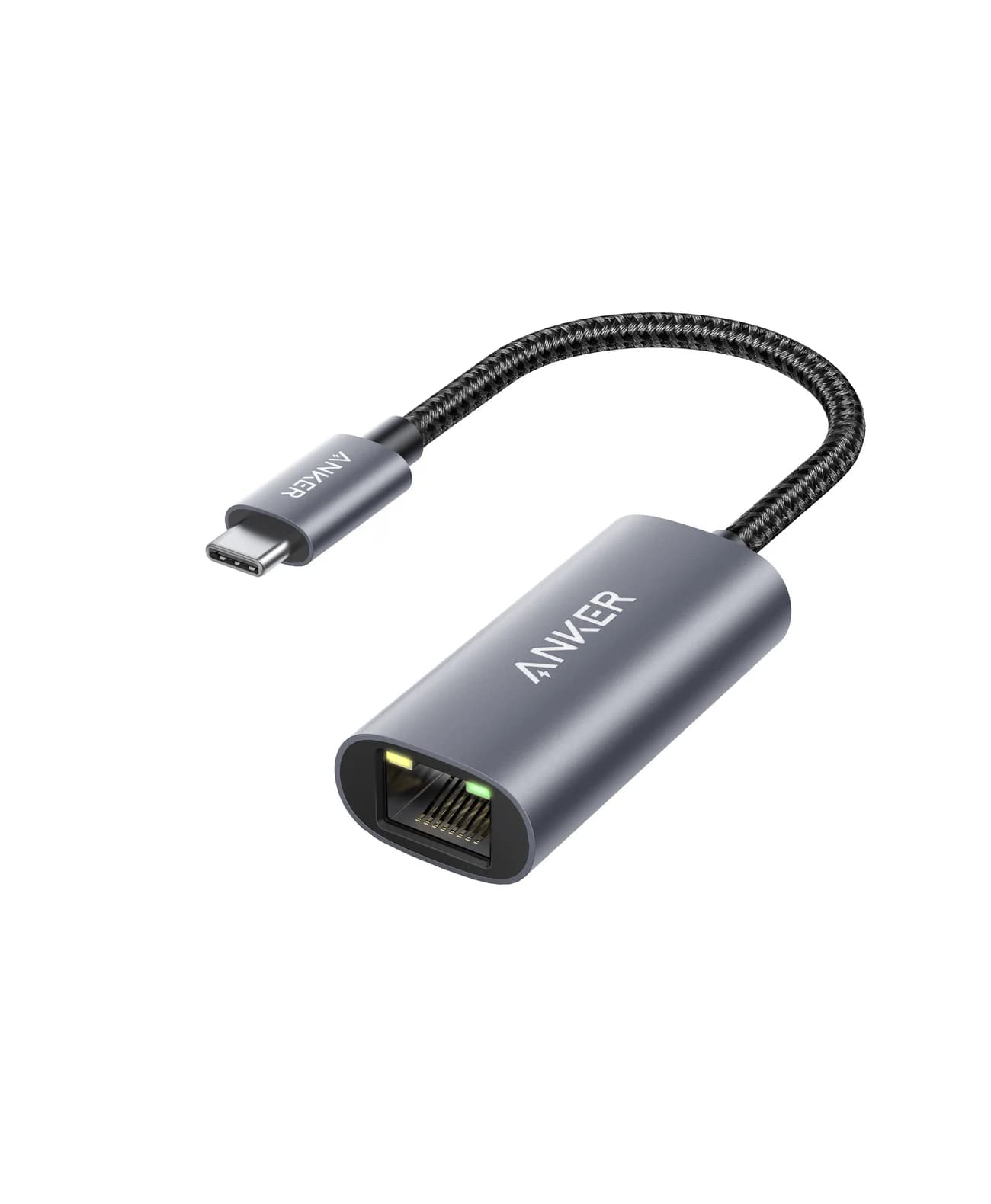
Best USB-C to Ethernet Adapters in 2026: Gigabit and 2.5GbE
USB-C to Ethernet adapters for Mac, Windows, Chromebook, iPad and iPhone: Gigabit picks from Plugable and Anker, Belkin's 2.5GbE, and when a USB 2 port caps them.
Updated November 23, 2026Read
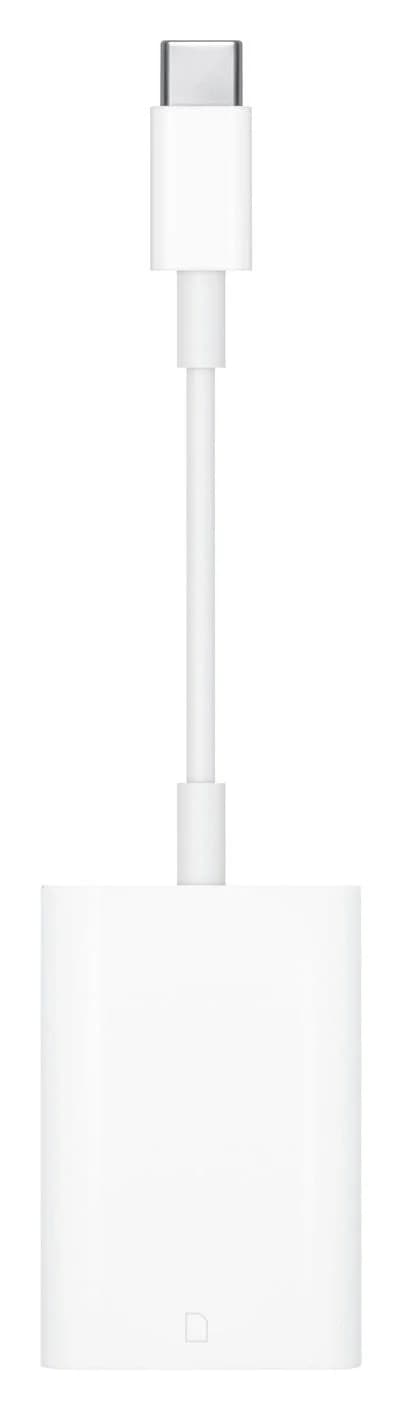
Apple SD Card Readers: USB-C vs Lightning, and Which iPhone or iPad Each One Fits
Apple now sells one SD reader, the USB-C to SD Card Reader (MW653AM/A). Which iPhones, iPads and Macs it fits, what changed for Lightning, and how to import.
Updated November 26, 2026Read
Best SD Card Readers in 2026: USB-C Picks for Every Workflow
The SD card readers worth buying, from makers' spec sheets: UHS-II dual-slot picks from Lexar and ProGrade, Apple's USB-C reader, and an Anker hub that reads cards too.
Updated November 26, 2026Read