Cyber Monday: the specs to check before you buy
Buying guide
Updated November 26, 2026Apple SD Card Readers: USB-C vs Lightning, and Which iPhone or iPad Each One Fits
Short answer
The only SD card reader Apple sells now is the Apple USB-C to SD Card Reader (part MW653AM/A), and it's the one to buy for any USB-C iPhone, iPad or Mac, including the iPhone 15 and later and the MacBook Neo. Apple's Lightning to SD Card Camera Reader (MJYT2AM/A) is no longer in Apple's US store, so Lightning iPhones and iPads need either that older reader or a third-party one. The trap is speed: on a base iPhone 15, 16 or 17, the phone's USB 2 port, not the reader, sets the pace.
We may earn a commission when you buy through links on this page. As an Amazon Associate, thisUSB earns from qualifying purchases. How we earn
Our picks at a glance
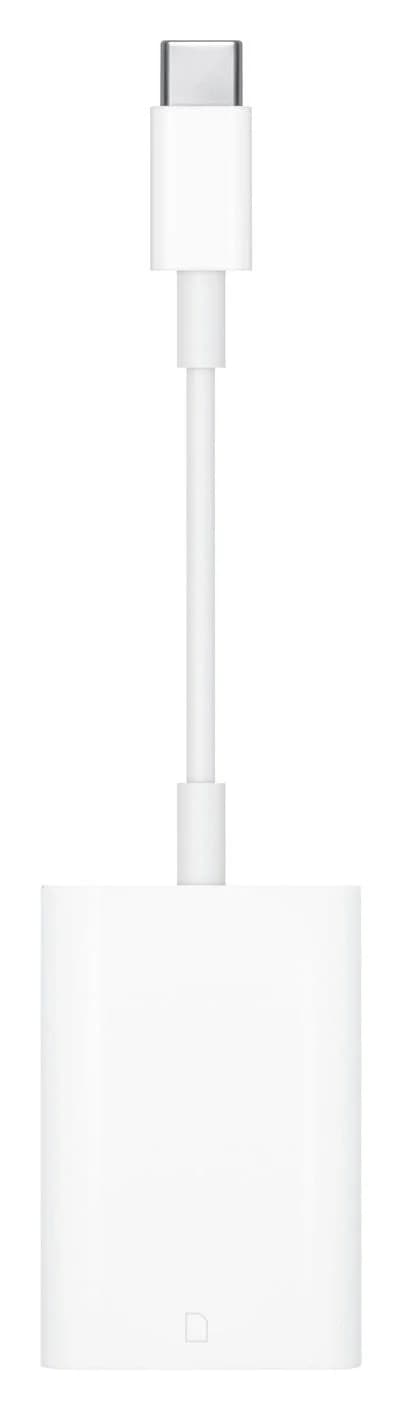
Apple's current SD readerApple
Apple USB-C to SD Card Reader
- port
- 1
- host link
- USB-C
- Choose
- Apple's own USB-C reader with UHS-II support, on Apple's compatibility list for every USB-C iPhone, USB-C iPad and USB-C Mac, including MacBook Neo.
- Limit
- One full-size SD slot; microSD needs an adapter
- UHS-IIApple's speed claim for its USB-C reader
- USB 2The port speed on a base iPhone 15, 16 or 17
- 10Gb/siPhone 15 Pro and later Pro models with USB 3
Apple's SD readers at a glance
| Reader | Connector | Apple part | Status | Fits |
|---|---|---|---|---|
| USB-C to SD Card Reader | USB-C | MW653AM/A (earlier MUFG2AM/A) | Sold by Apple | iPhone 15 and later, USB-C iPads, USB-C Macs |
| Lightning to SD Card Camera Reader | Lightning | MJYT2AM/A | No longer in Apple's US store | Lightning iPhones and iPads |
Sources: Apple's USB-C to SD Card Reader page and camera adapter support page. Apple's old MUFG2AM/A and MJYT2AM/A store pages now redirect to searches; its current MW653AM/A listing shows the same reader design as the MUFG2AM/A.
Which reader for your iPhone, iPad or Mac?
- Yes: iPhone 15 and later, including 16e, 17e, iPhone Air and iPhone Duo
- Yes: USB-C iPads: iPad (A16) and 10th generation, iPad Air (4th generation) and later, iPad mini (6th generation) and later, every USB-C iPad Pro
- Yes: USB-C Macs, including MacBook Neo, MacBook Air and MacBook Pro
- No: Lightning iPhones (iPhone 14 and earlier) and Lightning iPads: the USB-C reader doesn't fit
Source: Apple USB-C to SD Card Reader
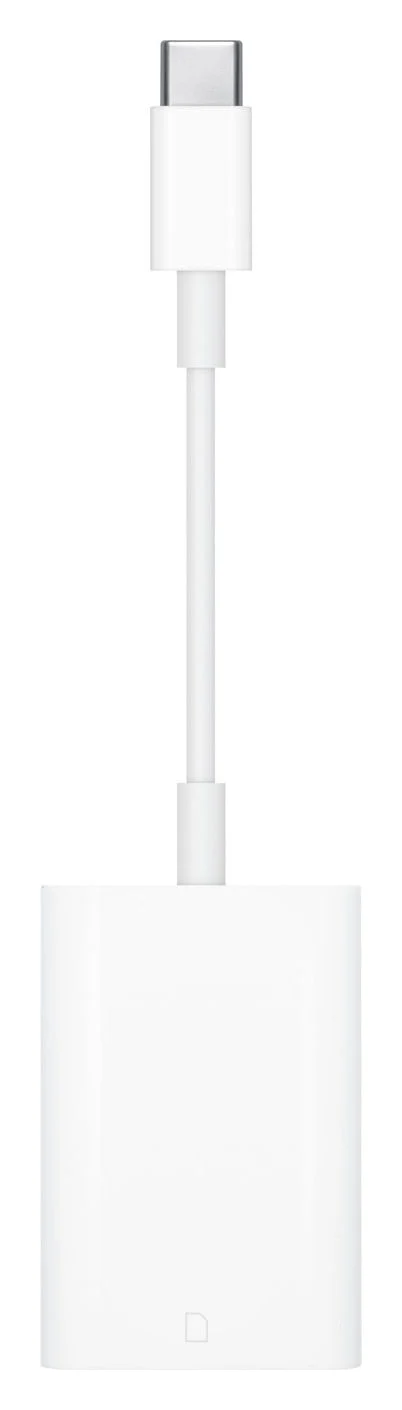
Apple's current SD reader: USB-C to SD Card Reader (MW653AM/A)
Apple
Apple's own SD card reader with a short USB-C cable, for importing photos and video to a USB-C iPhone, iPad or Mac.
- 1 port
Apple's USB-C reader is a small SD slot on a short USB-C cable that Apple says is designed not to block your other ports. Apple rates it for UHS-II speeds with UHS-II cards and says it's backward compatible with other SD cards and adapters. On an iPhone or iPad, cards appear in the Photos app; on a Mac, the card mounts as a drive.
Apple's store page lists every USB-C iPhone from the iPhone 15 on, the USB-C iPad range and USB-C Macs back to the 12-inch MacBook, plus the MacBook Neo. Its earlier US part number was MUFG2AM/A; the store now lists MW653AM/A.
Watch out for: Apple publishes no MB/s figure, just "UHS-II speeds". On a base iPhone 15, 16 or 17, Apple lists a USB 2 port, so large imports run at USB 2 speed whatever the card. iPhone Pro models from the 15 Pro on support 10Gb/s over USB 3.
The Lightning to SD Card Camera Reader (MJYT2AM/A)
For iPhones before the iPhone 15 and Lightning iPads, Apple's answer was the Lightning to SD Card Camera Reader. Apple's US store no longer sells it: its product page now redirects to a search. Apple's support page still lists it among the camera adapters that import photos and video. It names USB 3 speeds only for the Lightning to USB 3 Camera Adapter on the first- and second-generation 12.9-inch and the 10.5-inch iPad Pro, and for iPhone 15 Pro and 16 Pro models; other adapters and devices use USB 2 speeds.
If you find one, check the box for MJYT2AM/A and buy new. For a third-party Lightning reader, look for Apple's MFi certification and the maker's own list of supported iPhones and iOS versions.
How to import photos from an SD card
Connect
Plug the reader into the iPhone or iPad and insert the SD card.
Open Photos
In iOS 18, tap Collections and find the card under Devices. In iOS 17 and earlier, Photos opens the Import tab.
Import
Tap Import All, or tap items and then Import.
Keep or delete
When the import finishes, choose whether to keep or delete the media on the card.
Apple's support page adds the limits: the readers import content captured by a digital camera, and you might not be able to import files that were renamed, edited or copied to the card. If the card doesn't appear, Apple suggests reconnecting the reader after 30 seconds, restarting the iPhone or iPad, and testing another card. Apple lists SD, SDHC, SDXC, miniSD, microSD and MMC cards as supported.
Do you need a reader on a Mac?
Apple lists a built-in SDXC slot on 14-inch and 16-inch MacBook Pro models from 2021 on and on Mac Studio from 2022 on, and says those slots take UHS-II cards. MacBook Air from 2018 on, MacBook Neo, Mac mini from 2018 on and the 24-inch iMac aren't on that list, so they need a USB-C reader or a hub with one. Source: Apple: identify the ports on your Mac.
How we choose
This is a guide to Apple's own readers, built from Apple's store pages and support documents: part numbers, compatibility lists, speed claims and import steps. We haven't handled these readers ourselves. Where Apple's store no longer lists a product, we say so rather than linking a used listing.
Buying guide: Apple reader or another one?
Buy Apple's reader for a USB-C iPhone or iPad when you want the reader Apple lists for your exact model and imports through Photos.
Look at other readers if you want both SD and microSD slots, a USB-A plug, or a published MB/s figure. Our best SD card readers guide covers them, and a USB-C hub for iPad adds card slots alongside HDMI and USB.
Check the cable path on a Pro iPhone. For big ProRes imports, the reader plugs straight into the phone; our iPhone ProRes SSD guide covers recording to a drive instead.
Verdict
For any USB-C iPhone, iPad or Mac, buy Apple's USB-C to SD Card Reader (MW653AM/A): it's on Apple's own compatibility list and imports straight into Photos. Apple no longer sells its Lightning reader, so on a Lightning iPhone look for a genuine new MJYT2AM/A or an MFi-certified third-party reader.
Frequently asked questions
Does Apple still sell the Lightning to SD Card Camera Reader?
Not in its US online store: the Lightning to SD Card Camera Reader (MJYT2AM/A) page now redirects to a search, and the only SD reader Apple lists is the USB-C to SD Card Reader. Apple's support page still covers the Lightning reader for people who own one.
Which iPhones work with the Apple USB-C to SD Card Reader?
Apple lists every USB-C iPhone: the iPhone 15 and 15 Plus, 15 Pro and Pro Max, every iPhone 16 model including 16e, every iPhone 17 model including 17e, iPhone Air, iPhone 18 Pro and Pro Max, and iPhone Duo. Lightning iPhones, the iPhone 14 and earlier, need a Lightning reader instead.
How do I import photos from an SD card to my iPhone?
Plug the reader into the iPhone, insert the card, then open Photos. In iOS 18, tap Collections and find the card under Devices; in iOS 17 and earlier, Photos opens the Import tab. Tap Import All or choose items. Apple says the readers import only content captured by a camera, and may not import renamed or edited files.
Does the Apple reader work with microSD cards?
It has one full-size SD slot. Apple lists microSD among the card types its readers support, so a microSD card works in a full-size SD adapter. For a reader with a native microSD slot, see our SD card reader guide.
Do I need a card reader for my Mac?
Not on every Mac. Apple lists an SDXC slot on 14-inch and 16-inch MacBook Pro models from 2021 on and on Mac Studio from 2022 on. MacBook Air from 2018 on, MacBook Neo, Mac mini (2018 and later) and the 24-inch iMac need a USB-C reader.
Related guides
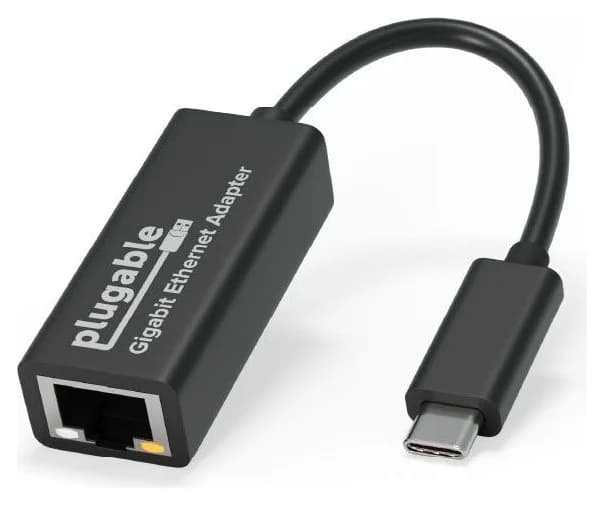
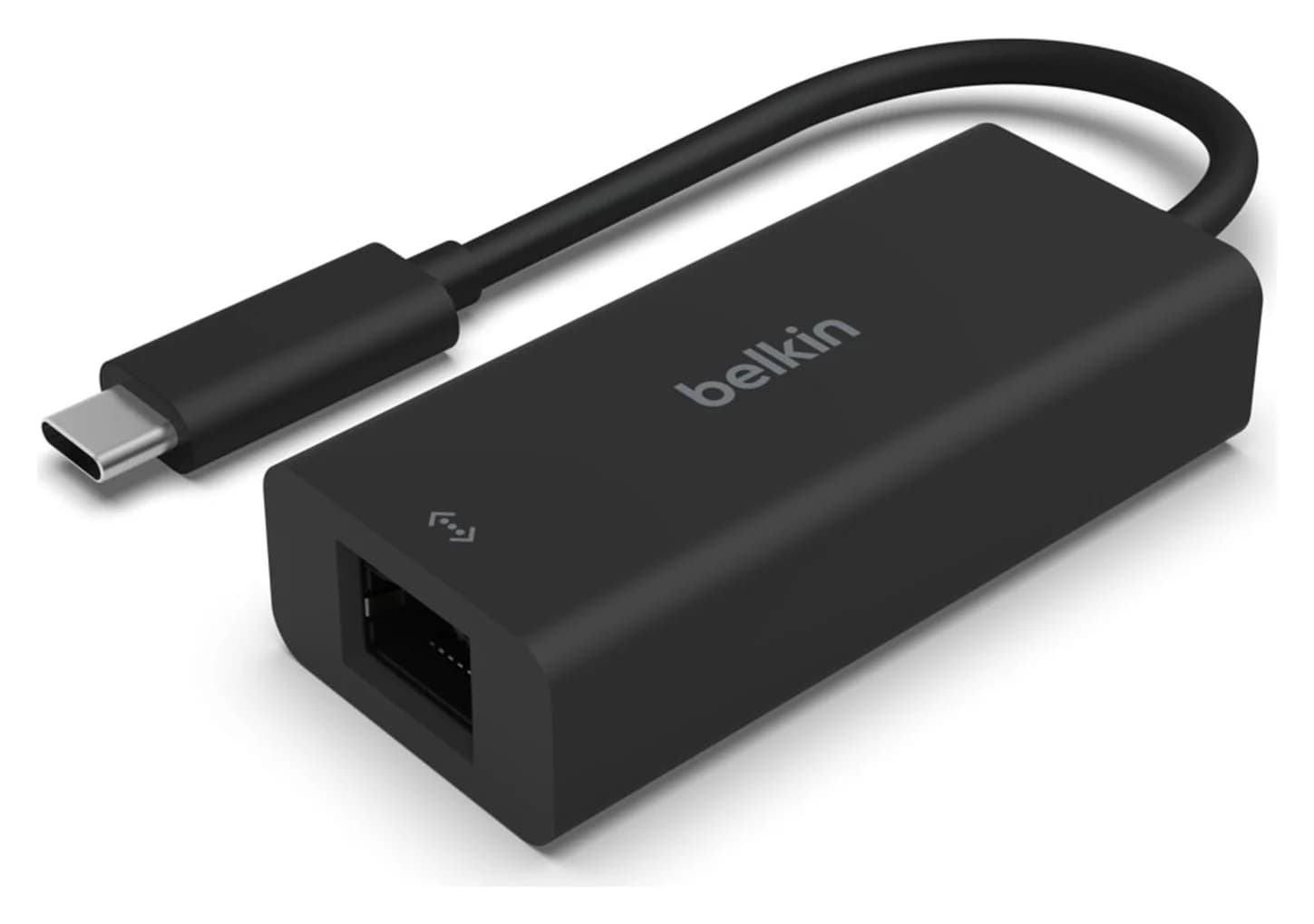
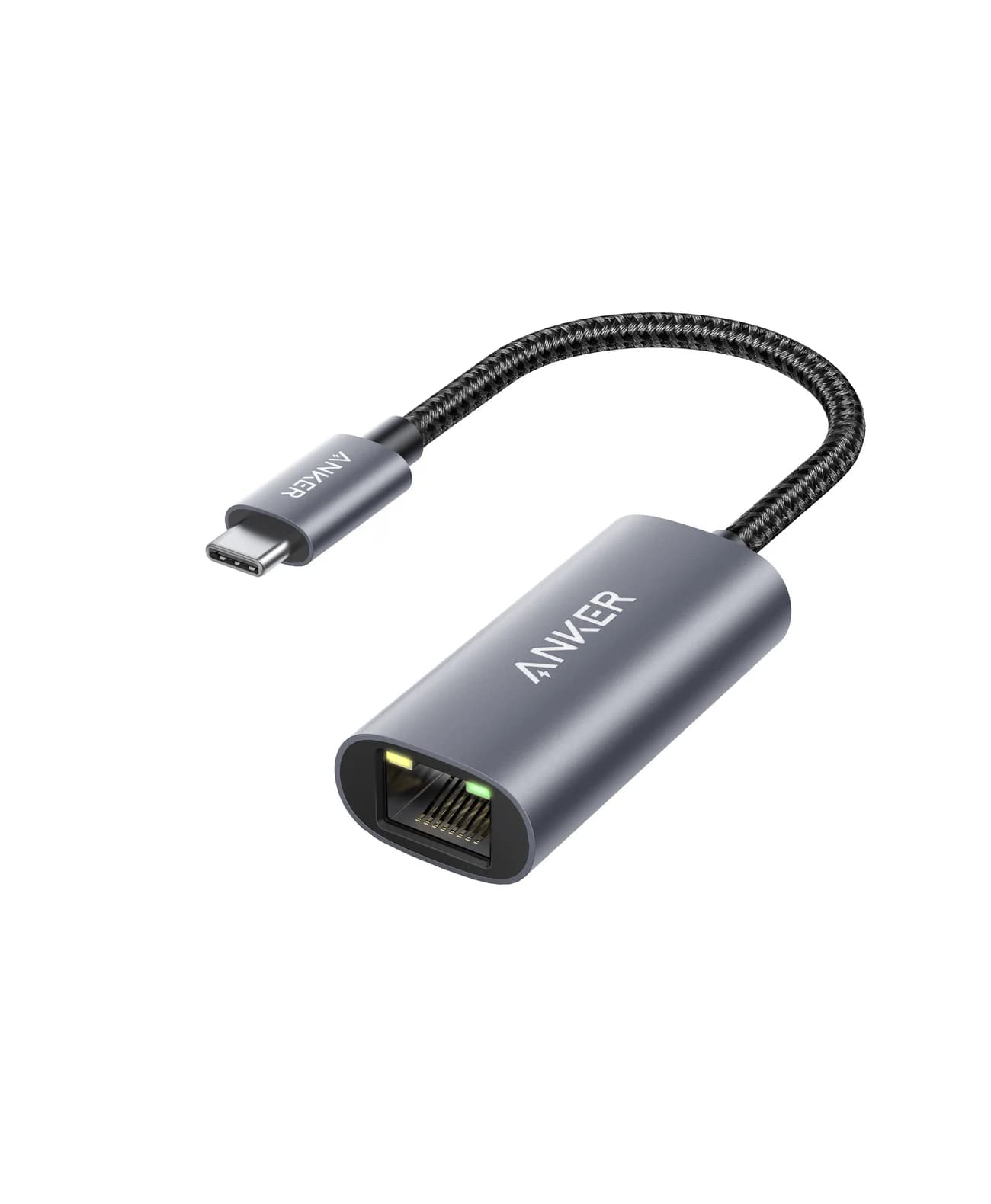
Best USB-C to Ethernet Adapters in 2026: Gigabit and 2.5GbE
USB-C to Ethernet adapters for Mac, Windows, Chromebook, iPad and iPhone: Gigabit picks from Plugable and Anker, Belkin's 2.5GbE, and when a USB 2 port caps them.
Updated November 23, 2026Read
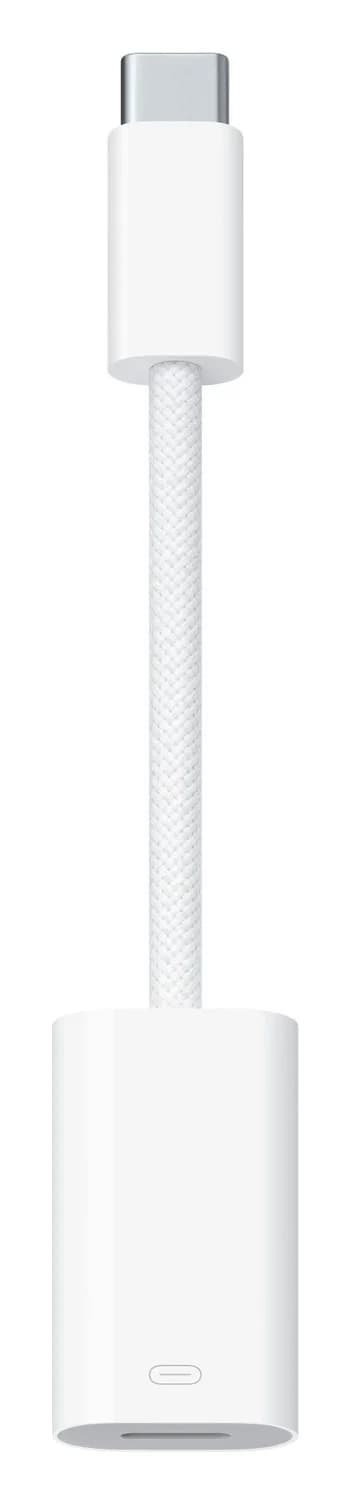
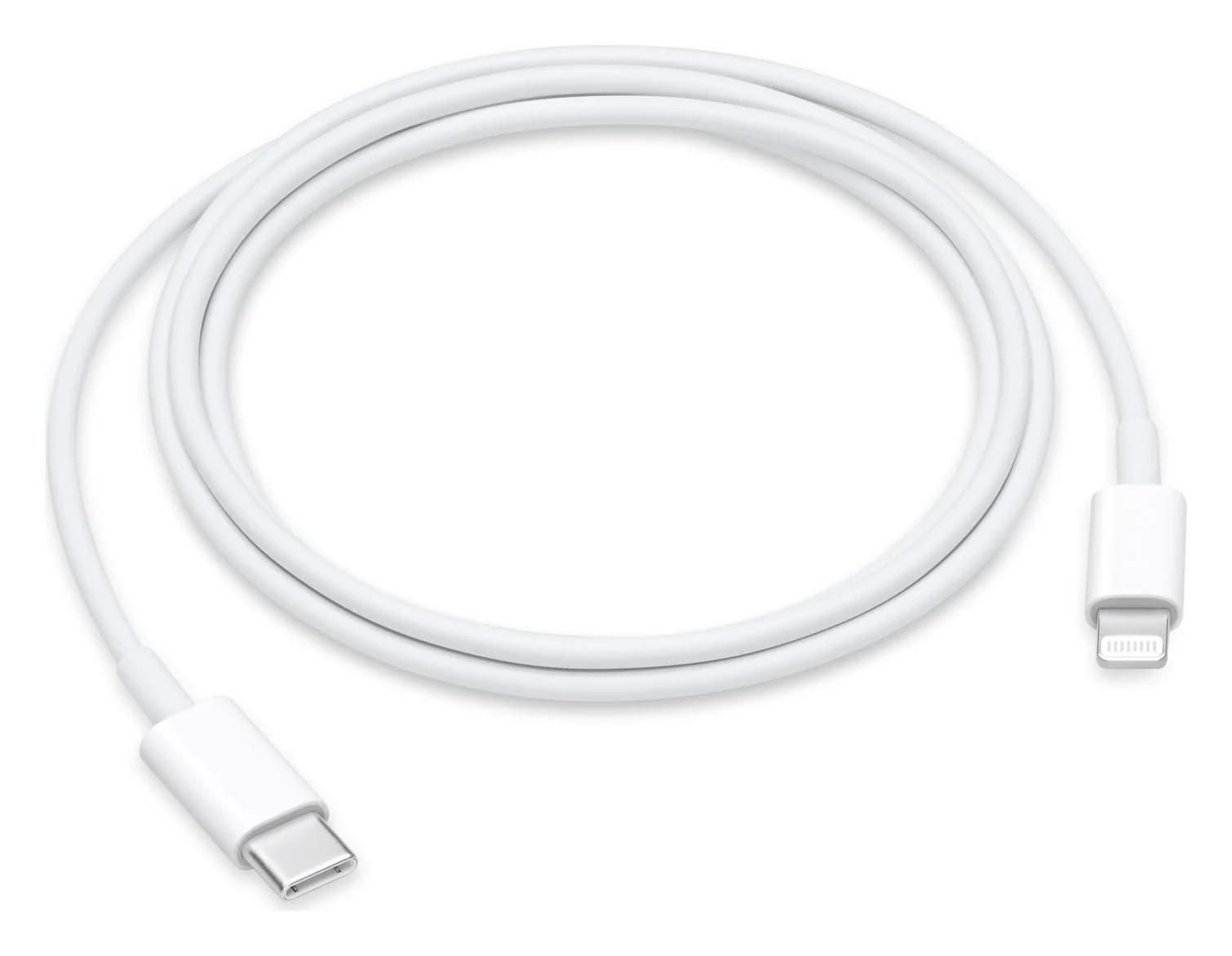
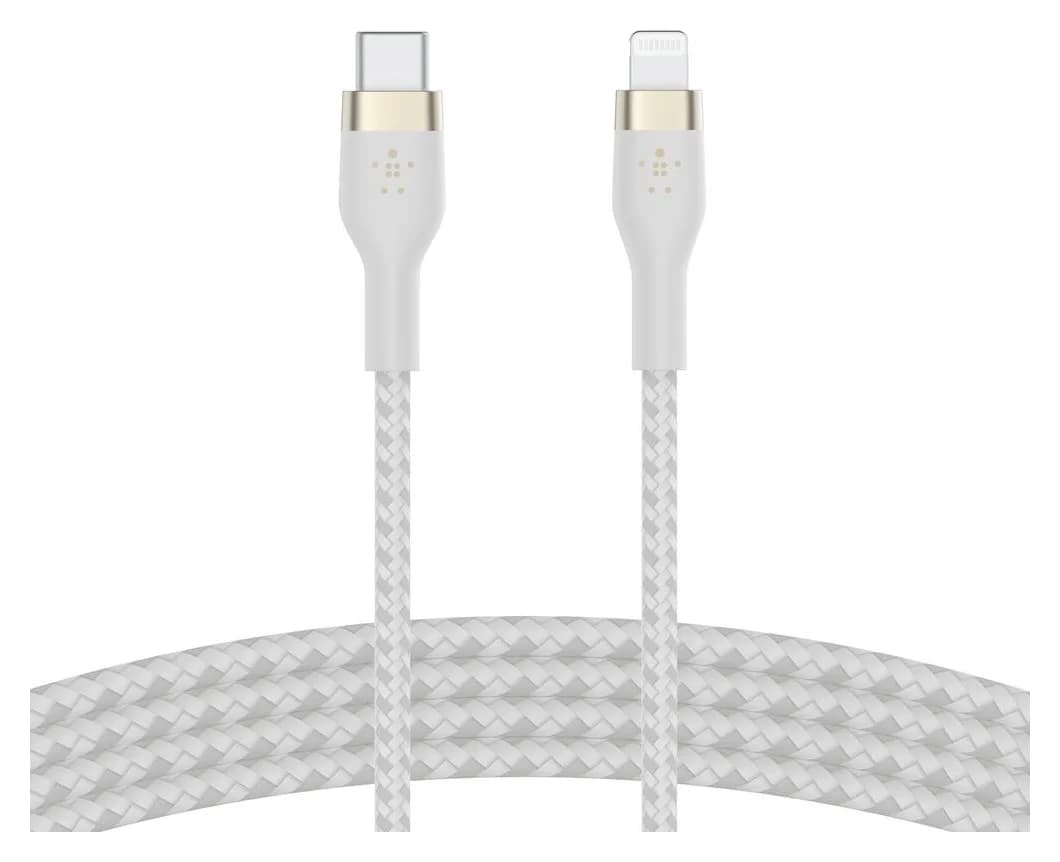
USB-C to Lightning Adapters: Which Direction You Need, and What Each One Can Do
Apple's USB-C to Lightning Adapter lets a USB-C iPhone use Lightning accessories, at up to 24W and USB 2 speed. A Lightning iPhone needs a cable instead.
Updated November 25, 2026Read
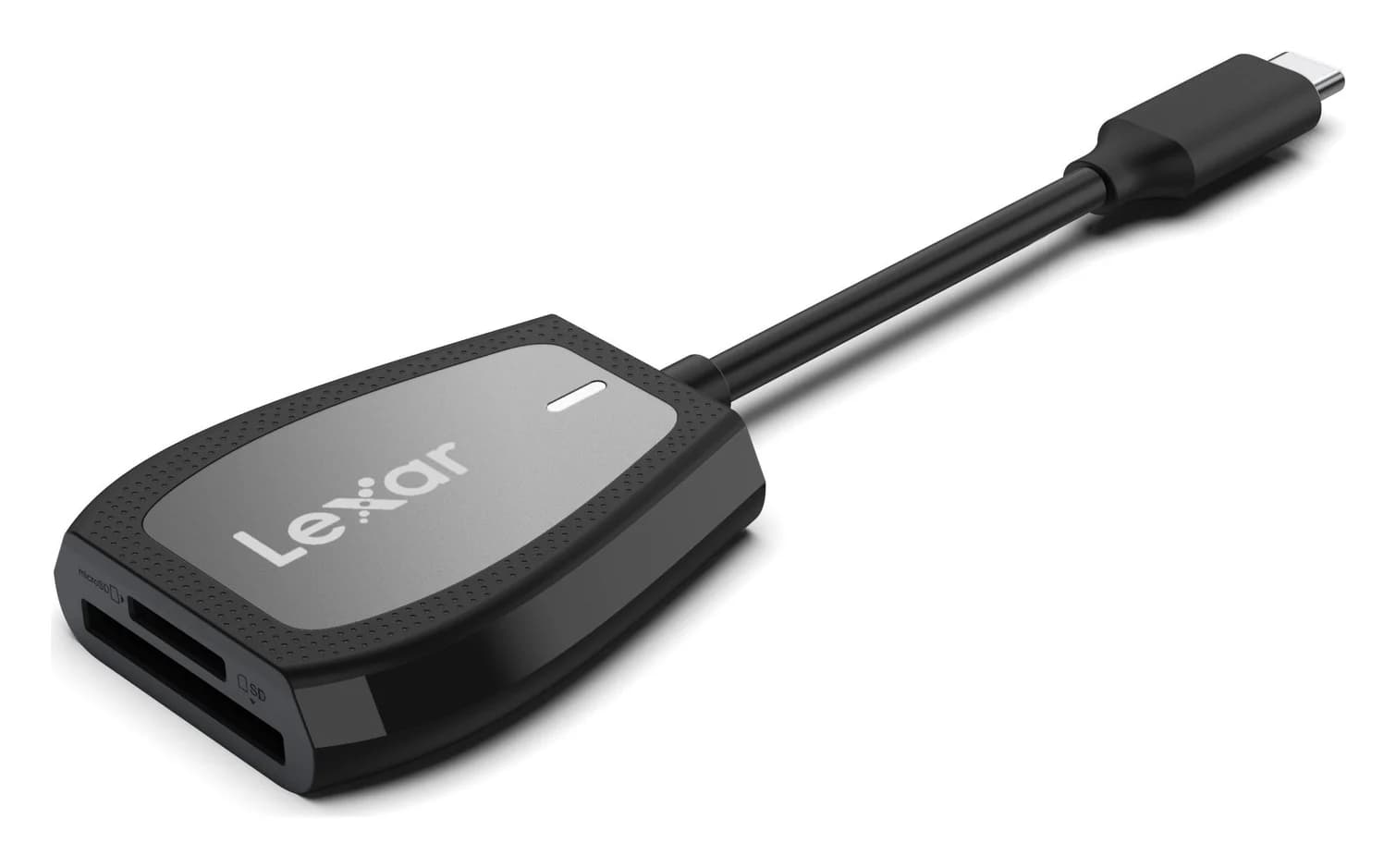
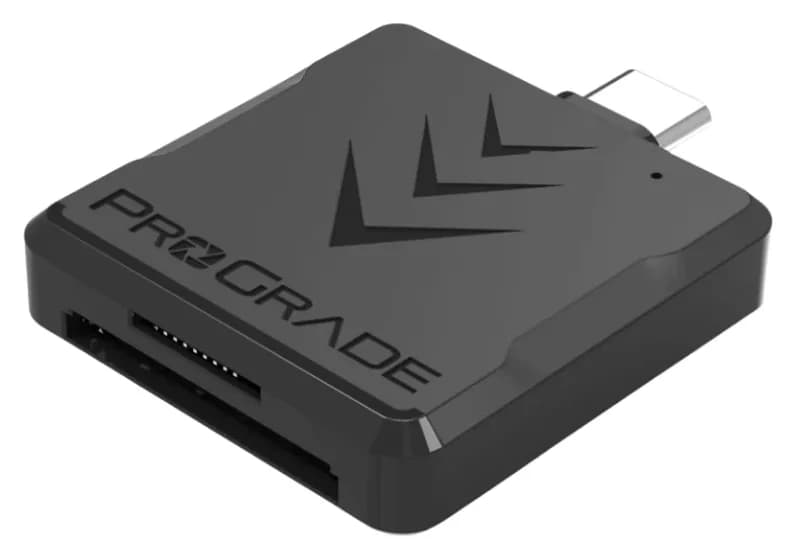
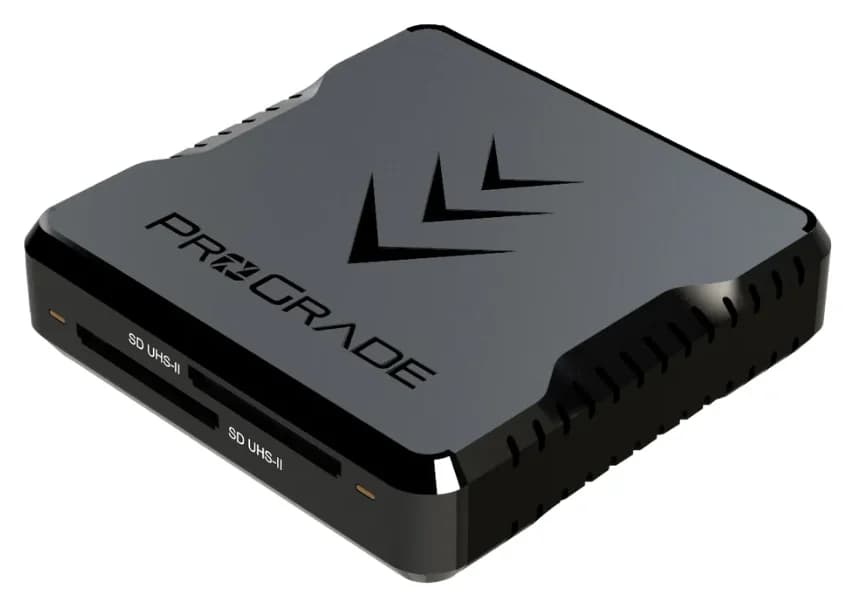
Best SD Card Readers in 2026: USB-C Picks for Every Workflow
The SD card readers worth buying, from makers' spec sheets: UHS-II dual-slot picks from Lexar and ProGrade, Apple's USB-C reader, and an Anker hub that reads cards too.
Updated November 26, 2026Read