Cyber Monday: the specs to check before you buy
Best picks
Updated November 23, 2026Best USB-C to Ethernet Adapters in 2026: Gigabit and 2.5GbE
Short answer
For most people, the Plugable USB-C Gigabit Ethernet Adapter (USBC-E1000) is the one to buy: Gigabit Ethernet, a 20g body, and the widest support list here, from Windows and macOS to ChromeOS, iPadOS 17 and USB-C iPhones. If your router, switch or NAS has 2.5GbE ports, the Belkin USB-C to 2.5 Gb Ethernet Adapter links at up to 2.5Gbps. The trap is the port: on a USB 2 port, such as a base iPhone's, the 480Mbps USB 2 ceiling sits below Gigabit Ethernet.
We may earn a commission when you buy through links on this page. As an Amazon Associate, thisUSB earns from qualifying purchases. How we earn
Our picks at a glance
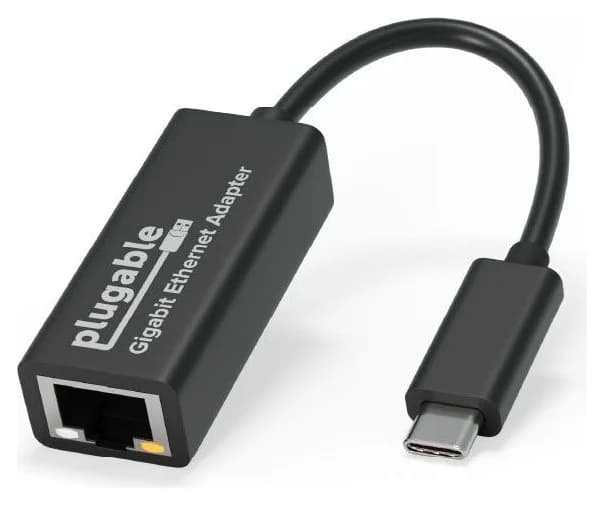
Best overallPlugable
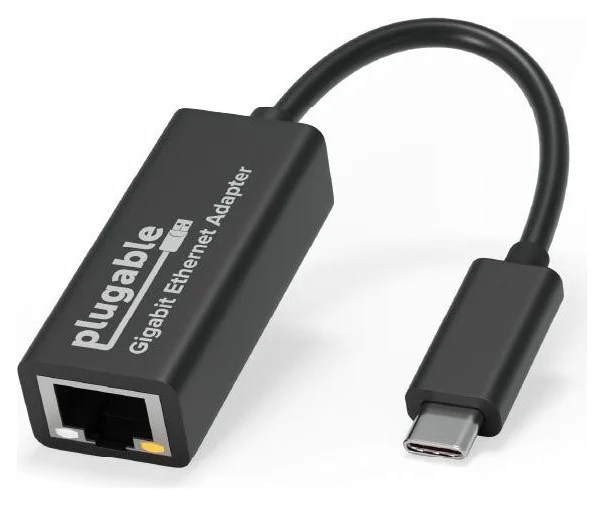
Plugable USB-C Gigabit Ethernet Adapter (USBC-E1000)
- port
- 1
- host link
- USB-C
- Choose
- Gigabit Ethernet with the widest OS list here, from Windows and macOS to ChromeOS, iPadOS 17 and USB-C iPhones on iOS 17, at 20g.
- Limit
- Uses a USB-C port and gives nothing back: no pass-through charging or extra USB ports
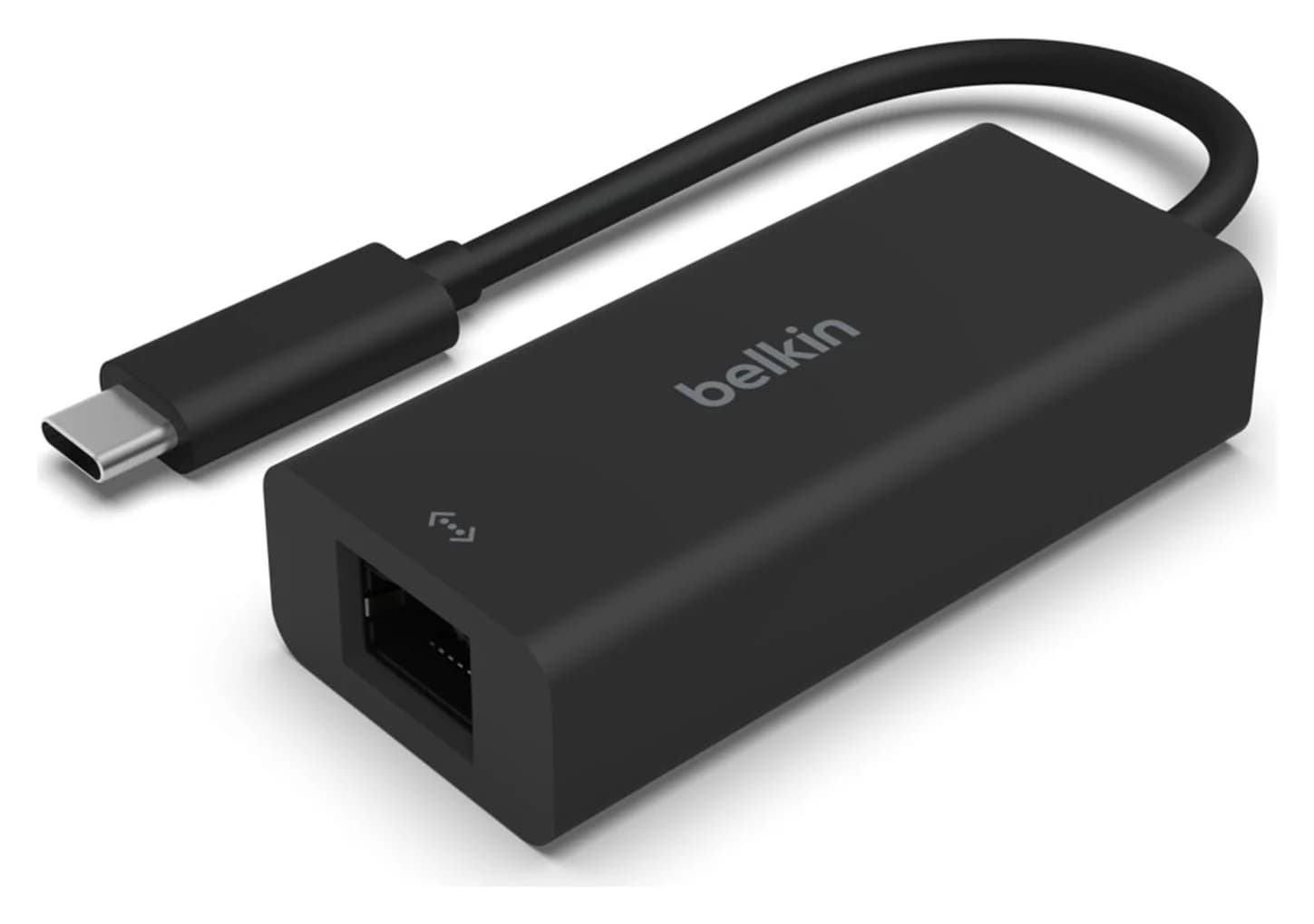
Best 2.5GbE adapterBelkin
Belkin USB-C to 2.5 Gb Ethernet Adapter (INC012, Black)
- port
- 1
- host link
- USB-C
- Choose
- USB-IF certified, links at up to 2.5Gbps on a 2.5GbE router, switch or NAS, with Wake on LAN and MAC address pass-through.
- Limit
- 2.5Gbps needs a 2.5GbE router, switch or NAS on the other end; on a Gigabit network it runs at 1Gbps
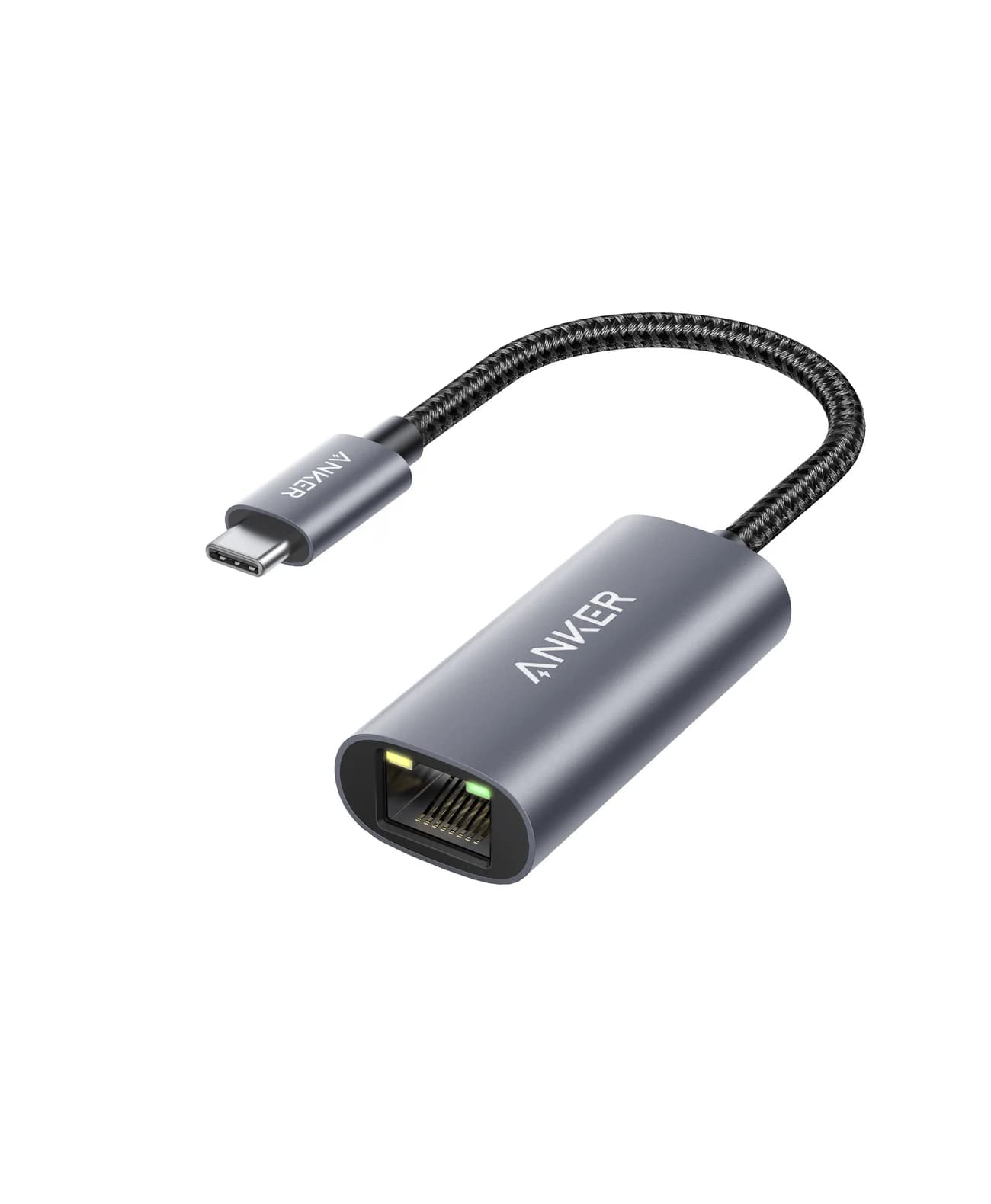
Best aluminum Gigabit adapterAnker
Anker PowerExpand USB-C to Gigabit Ethernet Adapter (A8313)
- port
- 1
- host link
- USB-C
- Choose
- A small aluminum Gigabit adapter with signal and connection LEDs that Anker lists as plug and play on Windows, macOS and ChromeOS.
- Limit
- Gigabit only; no 2.5GbE
- 1GbpsPlugable and Anker adapters (10/100/1000Mbps)
- 2.5GbpsBelkin INC012, on a 2.5GbE network
- 480MbpsThe USB 2 ceiling on a base iPhone 15, 16 or 17
Quick picks
| Pick | Best for | Speed | Notes |
|---|---|---|---|
| Plugable USBC-E1000 | Most laptops, iPad, USB-C iPhone | 1Gbps | Widest OS list, 20g |
| Belkin INC012 2.5Gb | 2.5GbE routers, switches and NAS | 2.5Gbps | USB-IF certified, Wake on LAN |
| Anker PowerExpand A8313 | A sturdy aluminum Gigabit adapter | 1Gbps | Signal and connection LEDs |
Which adapter for your device?
- Yes: Mac, Windows laptop or Chromebook on a Gigabit network: any of the three
- Yes: A 2.5GbE router port, switch or NAS: the Belkin INC012
- Yes: USB-C iPad or iPhone: the Plugable, which lists iPadOS 17 and iOS 17
- Partly: Base iPhone 15, 16 or 17: works, but the phone's USB 2 port (480Mbps) is slower than Gigabit
- Partly: MacBook Neo: use its USB 3 port; Apple says the second USB-C port is for USB 2 devices
Source: Plugable USBC-E1000, Belkin INC012, Apple: the USB-C connector on iPhone, Apple: identify the ports on your Mac
Best overall: Plugable USB-C Gigabit Ethernet Adapter (USBC-E1000)
Plugable
Plugable USB-C Gigabit Ethernet Adapter (USBC-E1000)
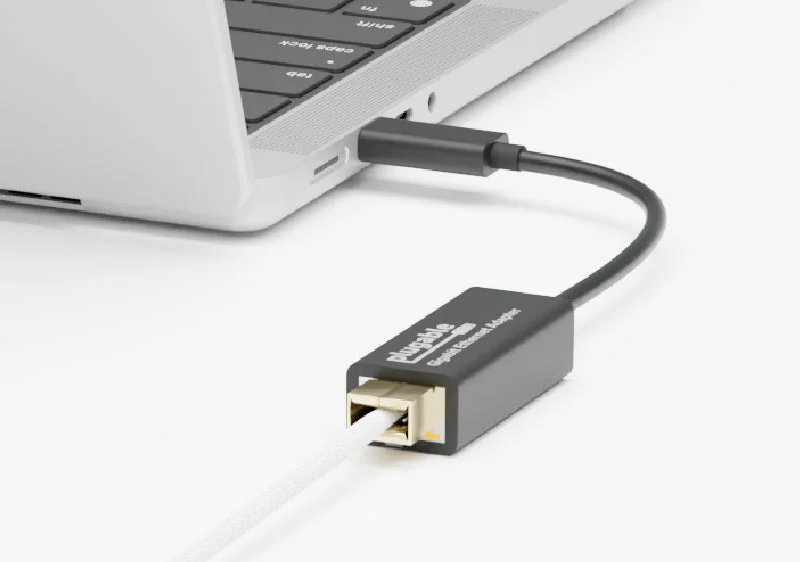
A small bus-powered adapter that adds a gigabit Ethernet (RJ45) port through a USB-C, USB4 or Thunderbolt port, with built-in driver support on ChromeOS, Windows 10/11, macOS and iPadOS.
- 1 port
Plugable's USBC-E1000 is the safe default. It gives one Gigabit RJ45 port (10/100/1000Mbps) on an attached USB-C cable that works in USB-C, USB4 and Thunderbolt 3 and 4 ports, and it weighs 20g. Plugable lists support for Windows 10 and 11, macOS 10.15 or later, ChromeOS, iPadOS 17 and iOS 17 on USB-C iPhones, and Linux, which is the broadest list of the three. Units made after mid-2023 use the ASIX AX88179B chip.
Orange and white LEDs show link and activity.
Watch out for: It's Gigabit only and bus-powered, with no pass-through charging. Plugable doesn't support PXE network boot, sharing one connection between devices, or most Android devices.
Best 2.5GbE adapter: Belkin USB-C to 2.5 Gb Ethernet Adapter (INC012)
Belkin
Belkin USB-C to 2.5 Gb Ethernet Adapter (INC012, Black)
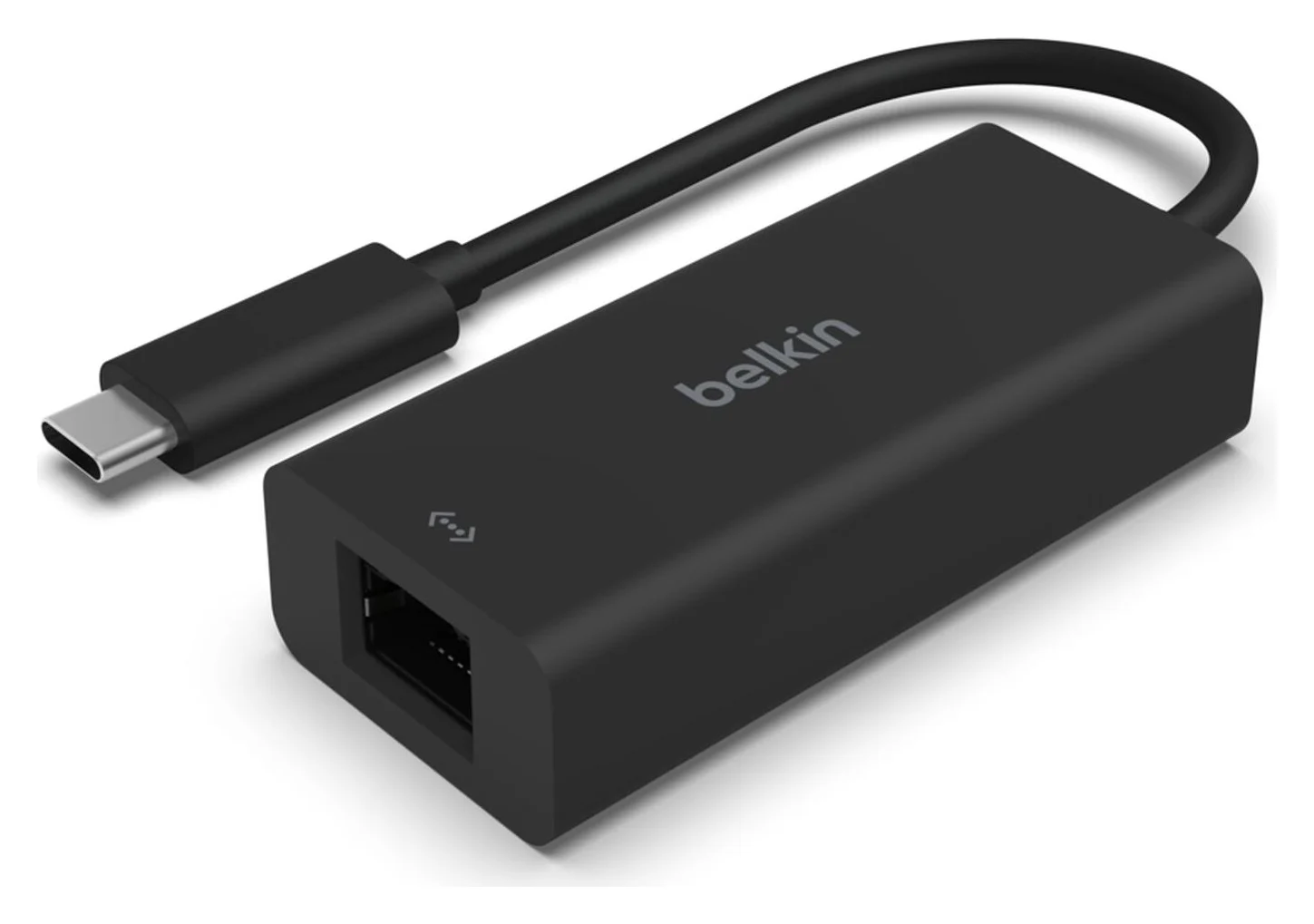
A USB-IF certified USB-C to RJ45 adapter that links at up to 2.5Gbps, for 2.5GbE routers, switches and NAS boxes.
- 1 port
Belkin's INC012 is the step up for a faster home network. Belkin lists 10/100/1000/2500Mbps link speeds, USB-IF certification, Wake on LAN and MAC address pass-through, and certification for Chromebook compatibility. The 90mm (3.5in) tethered cable keeps it compact, and Belkin gives it a 2-year warranty.
Watch out for: 2.5Gbps needs a 2.5GbE port at the other end; on a Gigabit router it links at 1Gbps. Plug it into a USB 3 or faster port, because a USB 2 port can't carry even Gigabit at full speed.
Best aluminum Gigabit adapter: Anker PowerExpand USB-C to Gigabit Ethernet Adapter (A8313)
Anker
Anker PowerExpand USB-C to Gigabit Ethernet Adapter (A8313)
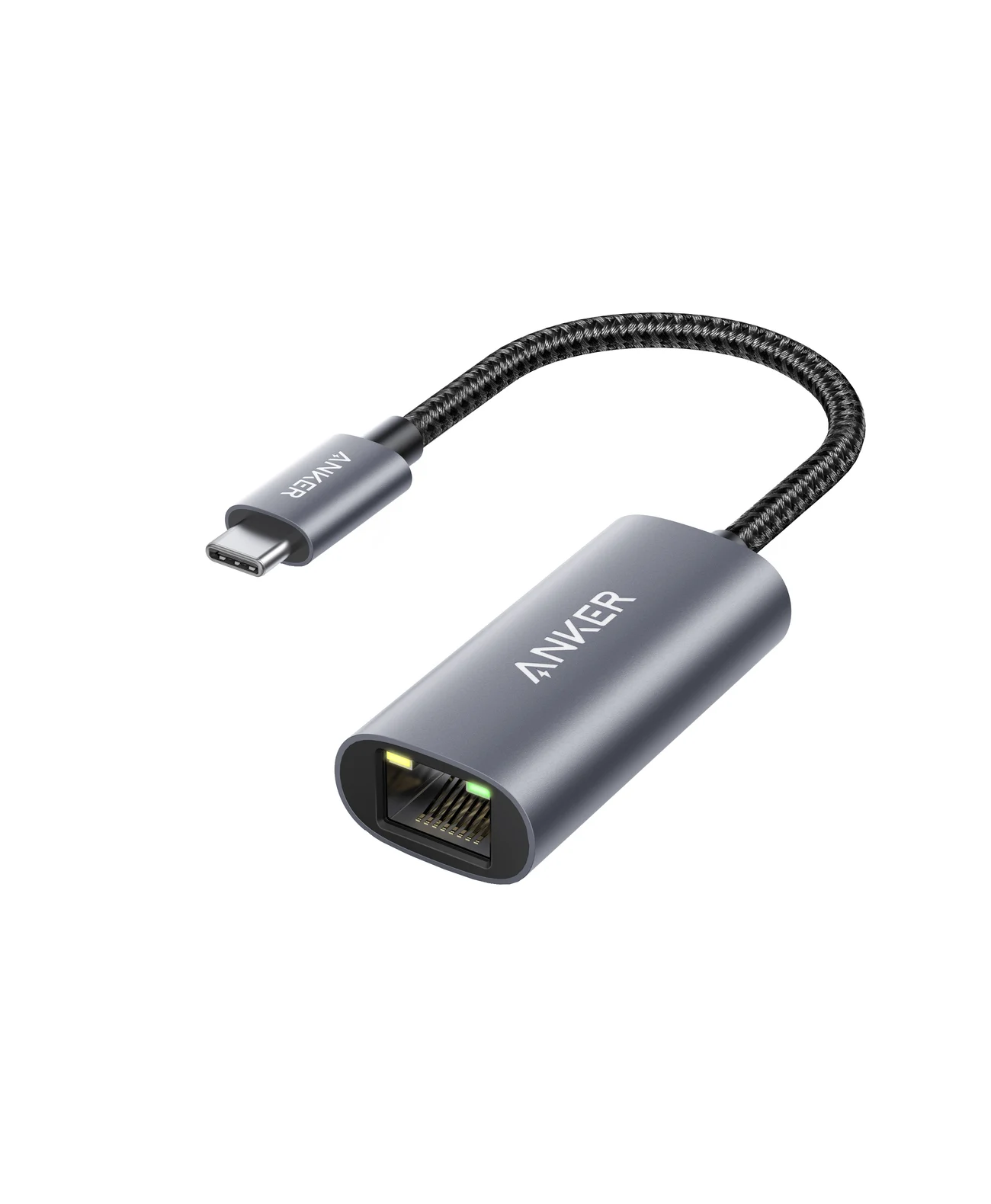
A small aluminum USB-C to RJ45 adapter for wired Gigabit Ethernet on a laptop, tablet or USB-C phone.
- 1 port
Anker's A8313 is a small aluminum Gigabit adapter on a braided USB-C cable, with signal and connection LEDs on the port. Anker lists it as plug and play on Windows, macOS and ChromeOS.
Watch out for: Anker's named device list stops at 2020-era laptops and iPad Pro models, though the adapter itself is standard USB-C, and Anker says it doesn't work with the Nintendo Switch. Like the Plugable, it's Gigabit only.
Ethernet on an iPhone or iPad
Apple lists USB to Ethernet adapters among the accessories the iPhone's USB-C connector supports, alongside storage, displays and SD card adapters (Apple). Of the three picks, Plugable is the one that names iPadOS 17 and iOS 17 on USB-C iPhones in its support list, so it's the safe choice for a phone or tablet.
Speed depends on the device's port. Apple lists USB 2 on the base iPhone 15, 16 and 17, so they connect at USB 2 speed, while Pro models from the iPhone 15 Pro on have 10Gb/s USB 3 ports that leave room for full Gigabit. For an iPad that also needs a screen, card reader or charging, a hub with Ethernet does more; our USB-C hub for iPad guide covers them.
How we choose
We compared each maker's published link speeds, certifications, OS support lists and caveats, and checked device port speeds on Apple's spec and support pages. We haven't handled these adapters ourselves. Picks needed an official spec page and a clear OS list; we keep each maker's own limits next to its claims.
Buying guide: what to check
Gigabit or 2.5GbE. A Gigabit adapter tops out at 1Gbps. A 2.5GbE adapter only helps when your router port, switch or NAS also runs at 2.5GbE; otherwise both link at 1Gbps.
Ports beyond Ethernet. If you also need HDMI, USB-A and charging, a hub with Ethernet does all of it from one port; see our best USB-C hubs and the Anker hub comparison. For a MacBook, see our best USB-C hubs for MacBook.
Wi-Fi instead? If a cable isn't practical, our best USB Wi-Fi adapters guide covers the wireless route.
Verdict
Buy the Plugable USBC-E1000 for Gigabit Ethernet on almost anything with USB-C, including iPads and USB-C iPhones. Choose the Belkin INC012 if your network runs at 2.5GbE, and the Anker A8313 if you want an aluminum Gigabit adapter with status LEDs.
Frequently asked questions
What is the best USB-C to Ethernet adapter?
For most people, the Plugable USBC-E1000: Gigabit Ethernet, a 20g body and support listed for Windows, macOS 10.15 or later, ChromeOS, iPadOS 17 and USB-C iPhones on iOS 17. If your router, switch or NAS has 2.5GbE ports, the Belkin INC012 links at up to 2.5Gbps instead.
Does a USB-C Ethernet adapter work with an iPhone?
Yes on USB-C iPhones. Plugable lists its USBC-E1000 for iOS 17 on USB-C iPhones. Apple lists the base iPhone 15, 16 and 17 as USB 2, whose 480Mbps ceiling sits below Gigabit Ethernet, so expect less than full Gigabit on those models; Pro models from the iPhone 15 Pro on have 10Gb/s USB 3 ports.
Is a 2.5Gb Ethernet adapter worth it?
Only if the other end runs at 2.5GbE too. Belkin's INC012 links at 10, 100, 1000 or 2500Mbps, so on a Gigabit router or switch it runs at 1Gbps, the same as a Gigabit adapter. With a 2.5GbE router port, switch or NAS, it's the faster choice.
Do USB-C Ethernet adapters need drivers?
Usually not on current systems. Plugable lists macOS 10.15 or later, Windows 10 and 11, ChromeOS and Linux for its adapter, Anker lists plug and play on Windows, macOS and ChromeOS, and Belkin lists Mac, Windows and ChromeOS. Plugable notes that units made before mid-2023 used an older chip it doesn't officially support on macOS 10.15 or later.
Should I get an Ethernet adapter or a hub with Ethernet?
An adapter if Ethernet is all you need: it's smaller and keeps the port's full bandwidth for the network. A hub such as the Anker 555 adds Ethernet alongside HDMI, USB and card readers, and passes up to 85W of charging through, which helps on a laptop with few ports.
Related guides
Apple SD Card Readers: USB-C vs Lightning, and Which iPhone or iPad Each One Fits
Apple now sells one SD reader, the USB-C to SD Card Reader (MW653AM/A). Which iPhones, iPads and Macs it fits, what changed for Lightning, and how to import.
Updated November 26, 2026Read
USB-C to Lightning Adapters: Which Direction You Need, and What Each One Can Do
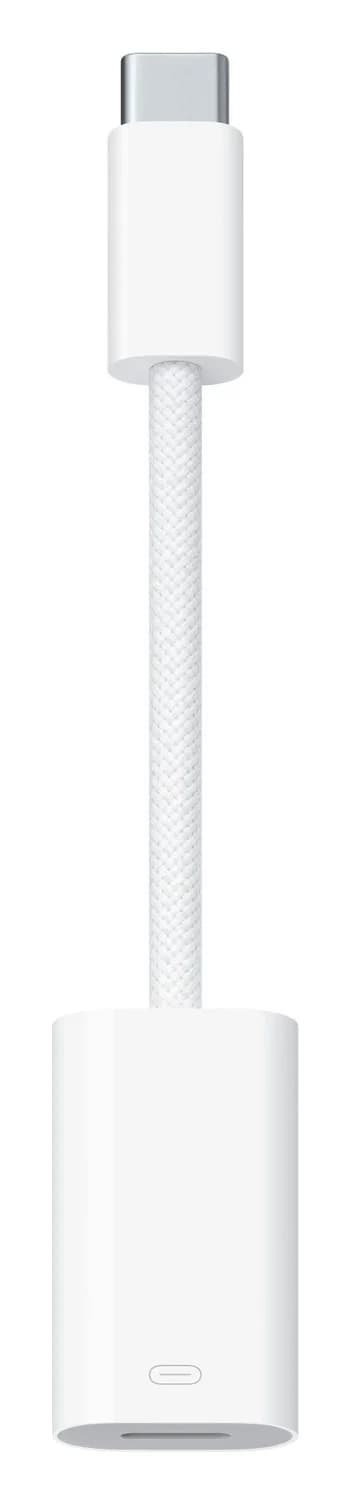
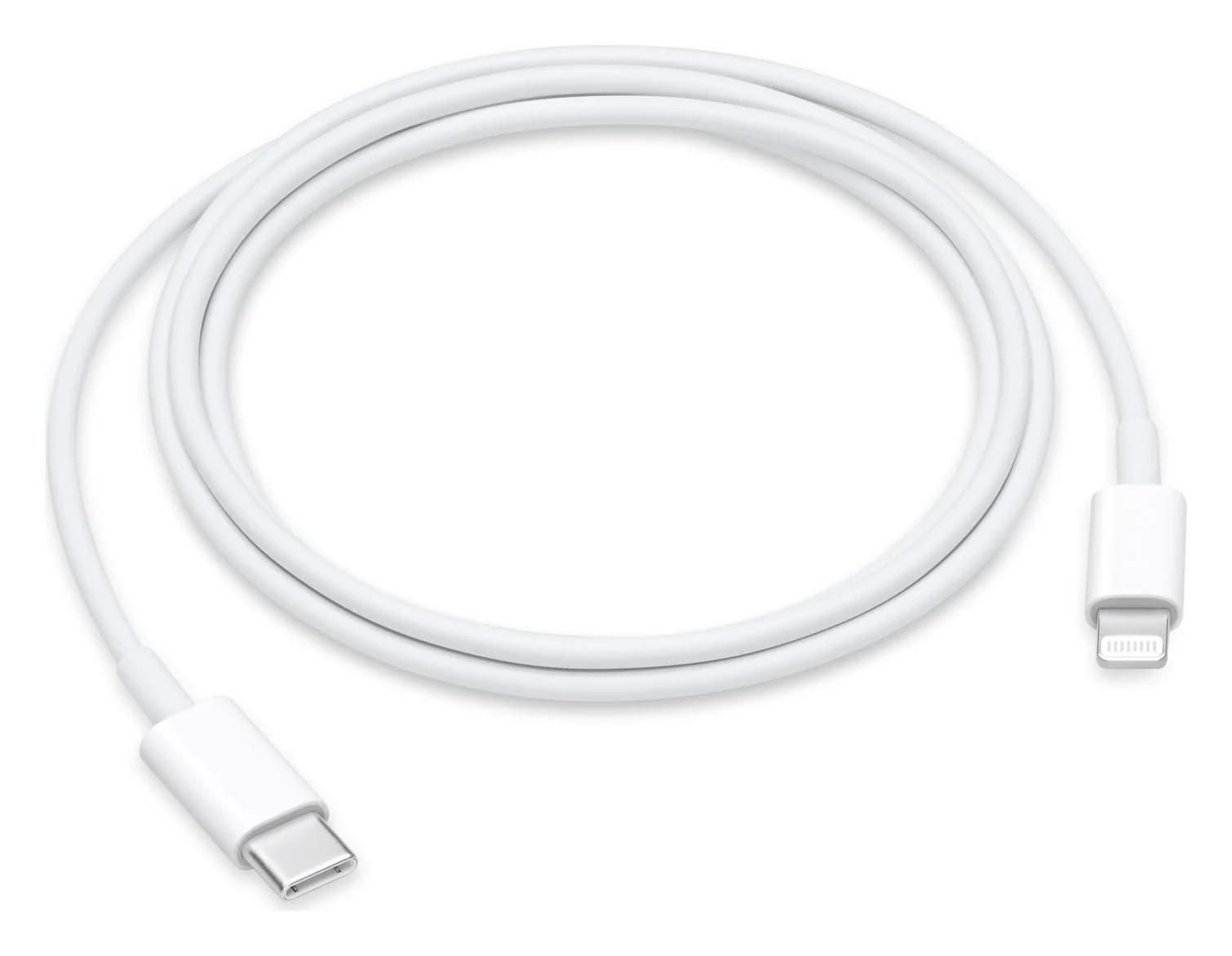
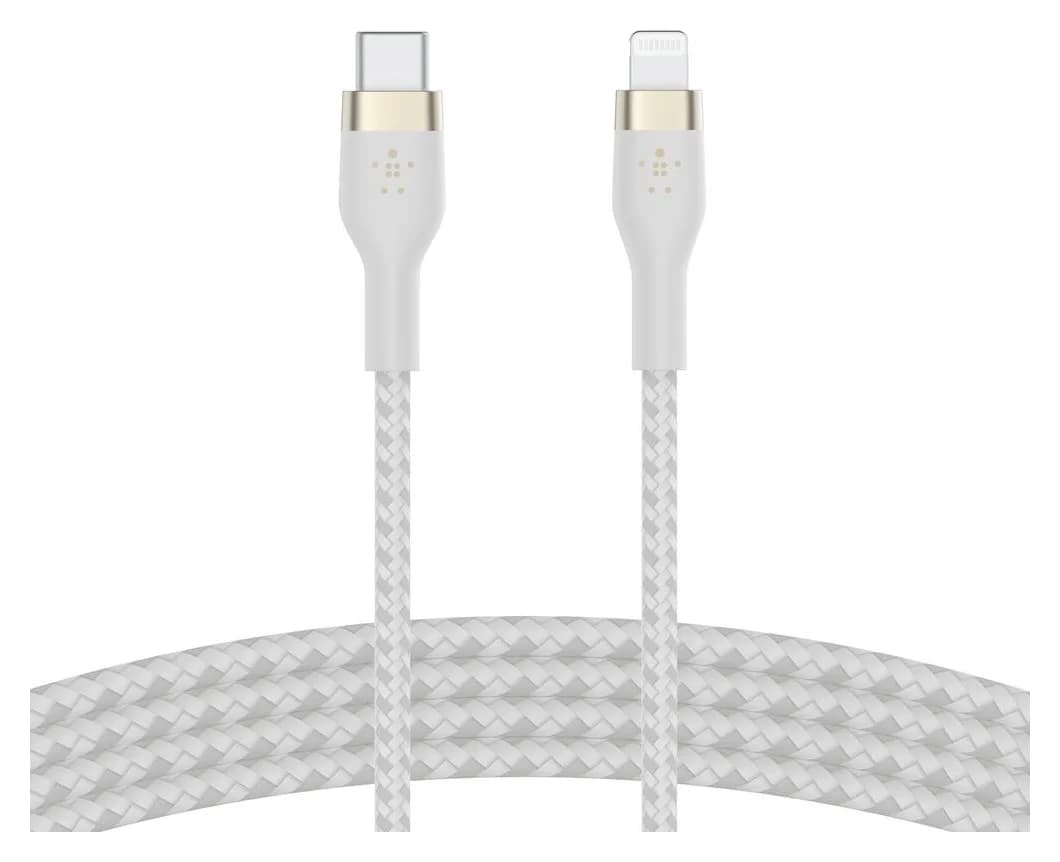
Apple's USB-C to Lightning Adapter lets a USB-C iPhone use Lightning accessories, at up to 24W and USB 2 speed. A Lightning iPhone needs a cable instead.
Updated November 25, 2026Read
Best SD Card Readers in 2026: USB-C Picks for Every Workflow
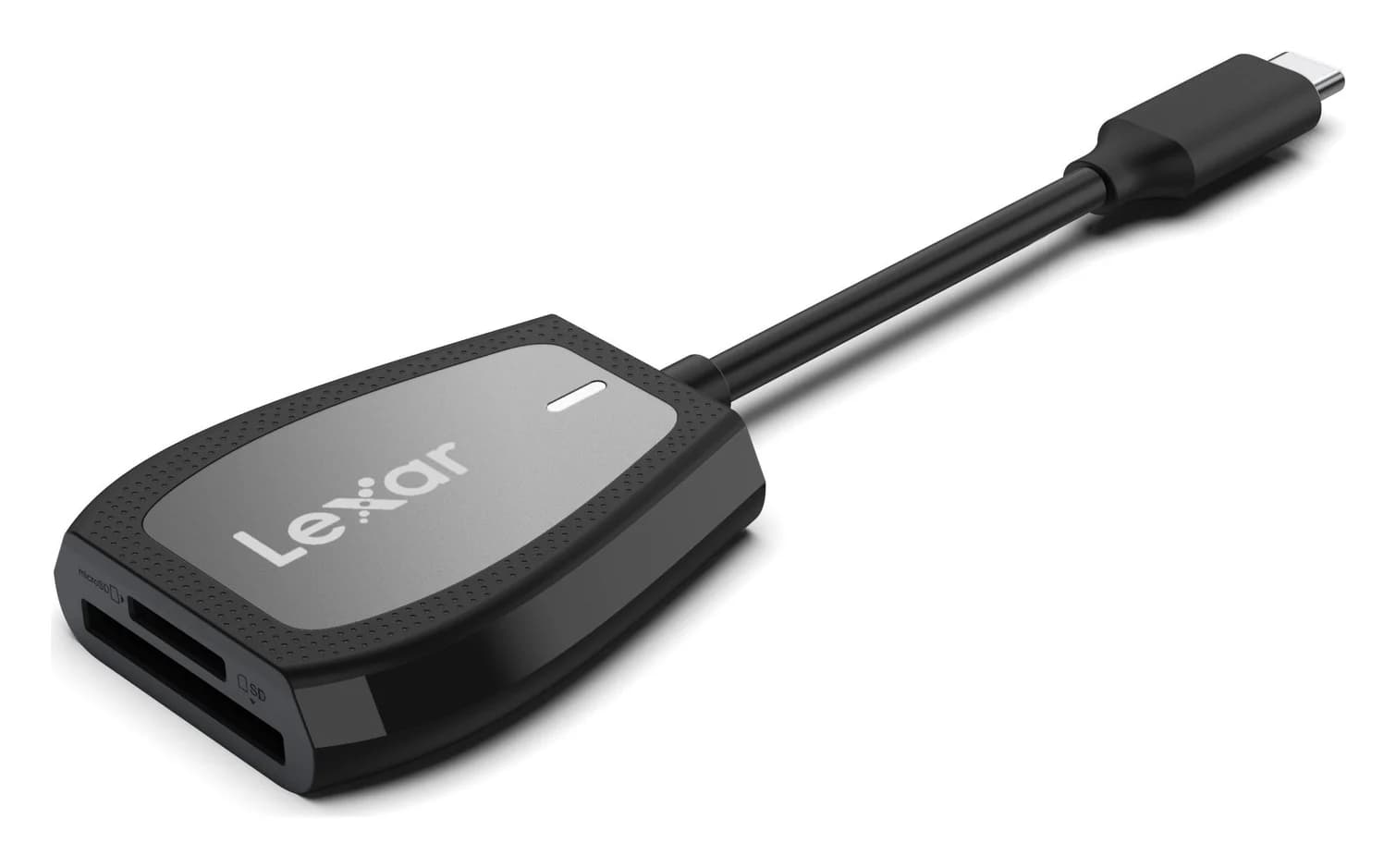
The SD card readers worth buying, from makers' spec sheets: UHS-II dual-slot picks from Lexar and ProGrade, Apple's USB-C reader, and an Anker hub that reads cards too.
Updated November 26, 2026Read