Cyber Monday: the specs to check before you buy
Best picks
Updated November 26, 2026Best USB-C to Lightning Cables for iPhone 14, 13, 12 and Earlier
Short answer
For an iPhone 14 or earlier, buy an MFi-certified USB-C to Lightning cable and plug it into a USB-C Power Delivery charger rated 18W or more; that cable type and an 18W-or-greater adapter are exactly what Apple's fast-charging page names for a Lightning iPhone. Our top pick is Apple's USB-C to Lightning Cable (1 m); for a tougher braided cable, choose the Belkin BoostCharge Pro Flex. If you have an iPhone 15 or later, your phone has a USB-C port, so see our USB-C cables for iPhone guide instead.
We may earn a commission when you buy through links on this page. As an Amazon Associate, thisUSB earns from qualifying purchases. How we earn
Our picks at a glance
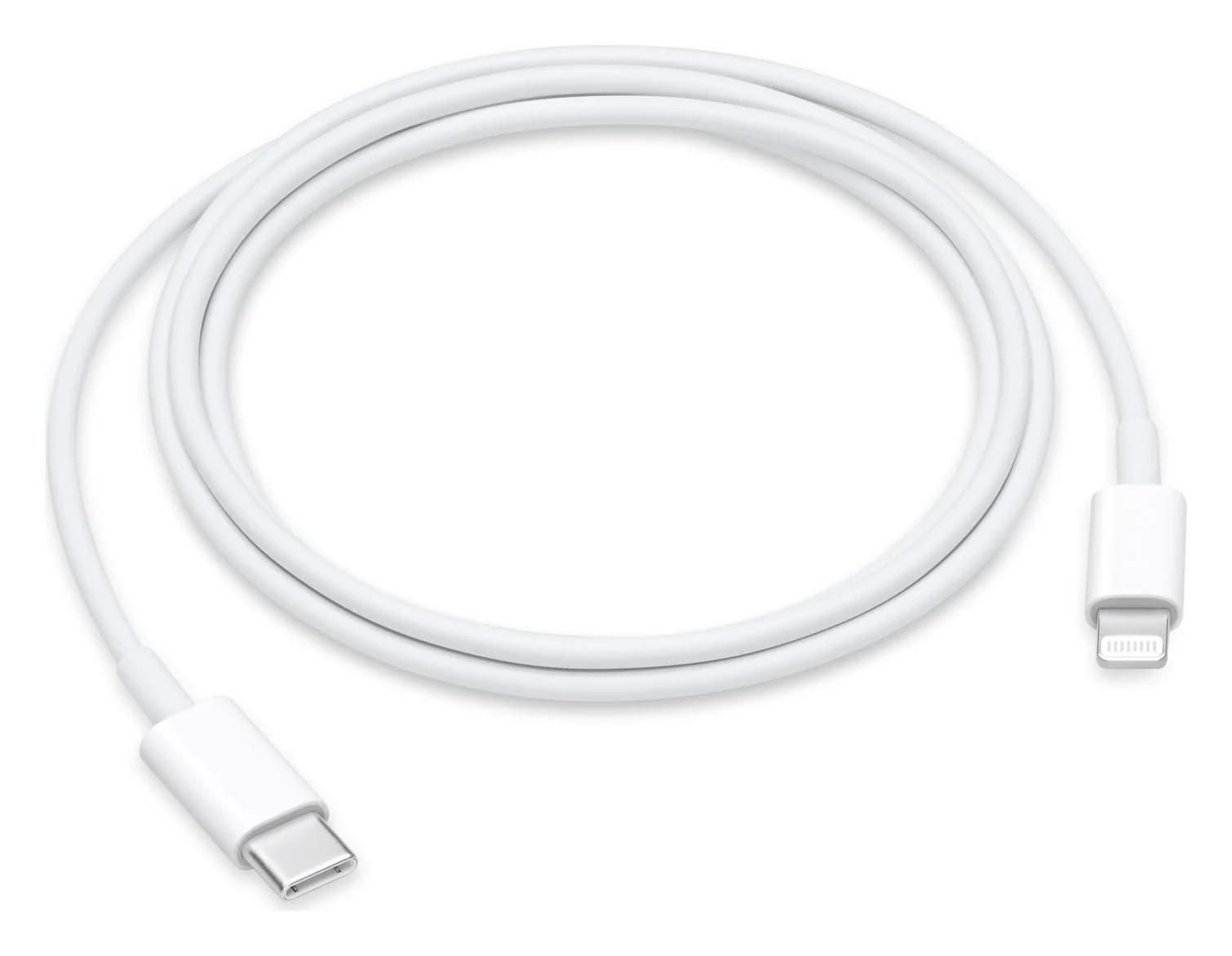
Best overallApple
Apple USB-C to Lightning Cable (1 m)
- Choose
- Apple's own 1 m cable, which Apple lists for every Lightning iPhone from iPhone 5 to iPhone 14 Pro Max and for use with its 18W to 96W USB-C adapters.
- Limit
- Apple's page gives no data speed, jacket material or bend rating
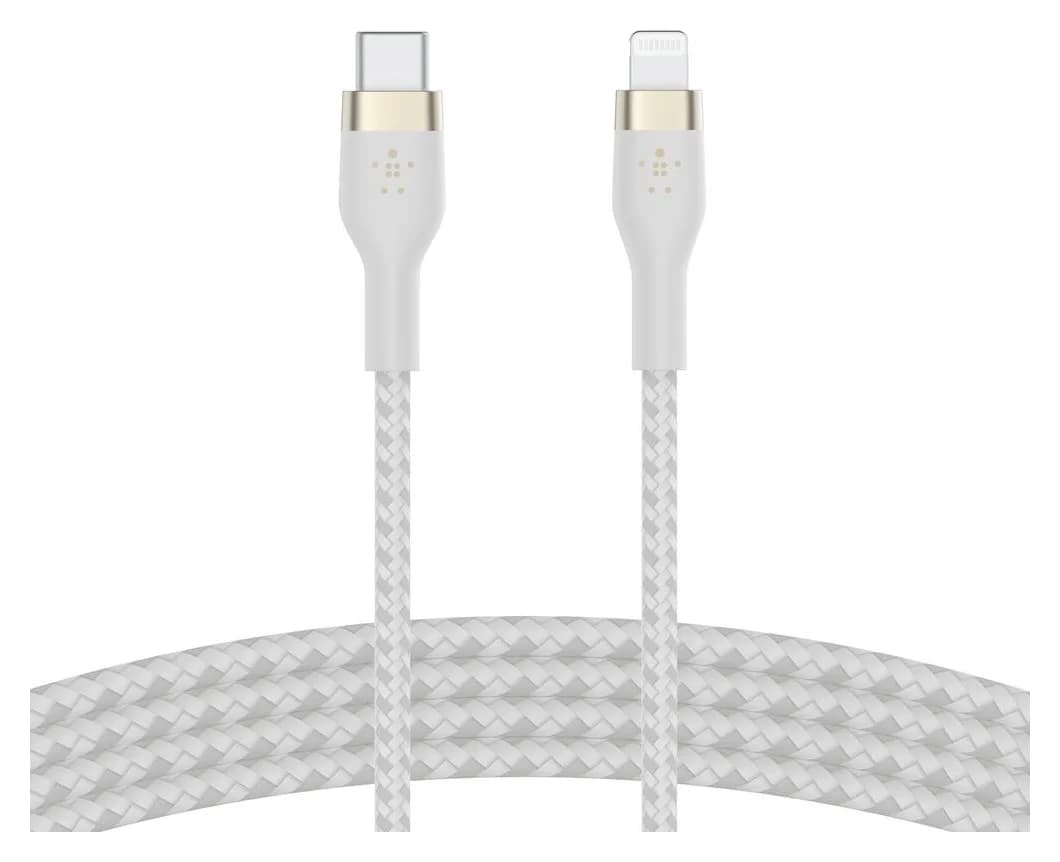
Best braided cableBelkin
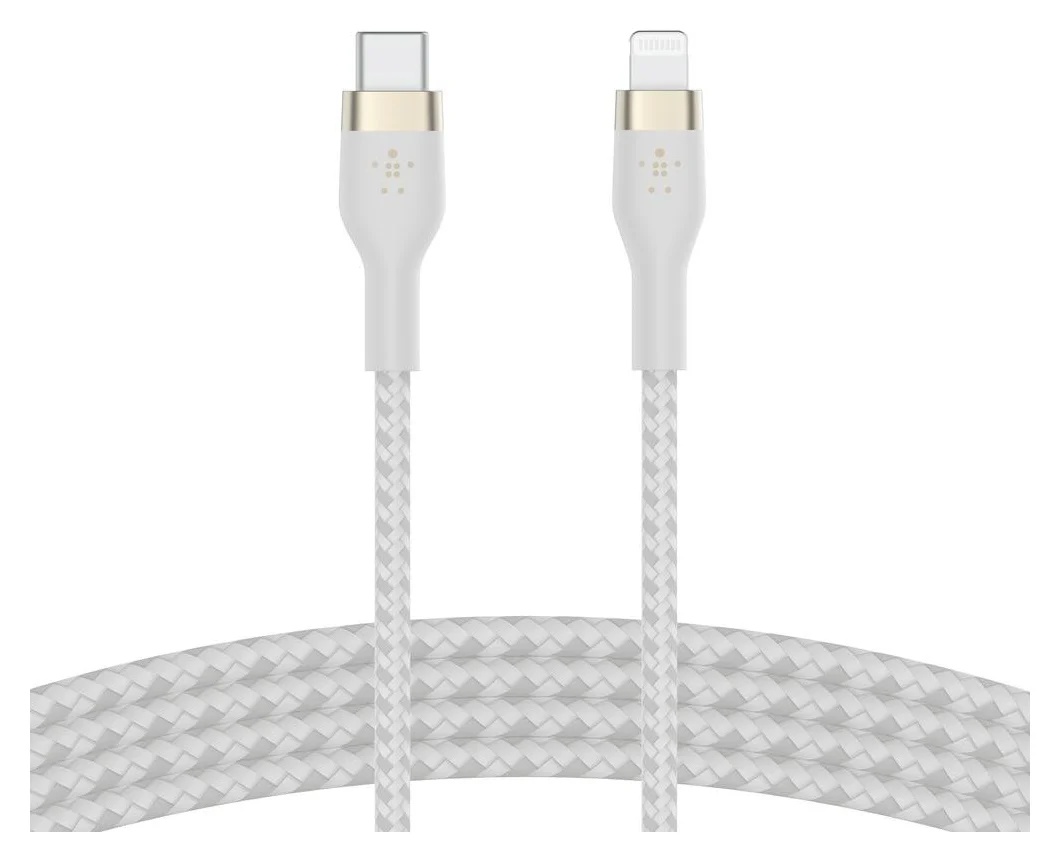
Belkin BoostCharge Pro Flex USB-C to Lightning Cable (2m, White)
- Choose
- MFi-certified, double-braided nylon over an inner silicone jacket, rated for 30,000+ bends, with a magnetic strap and a 5-year warranty.
- Limit
- Not useful for iPhone 15 and later, which use USB-C
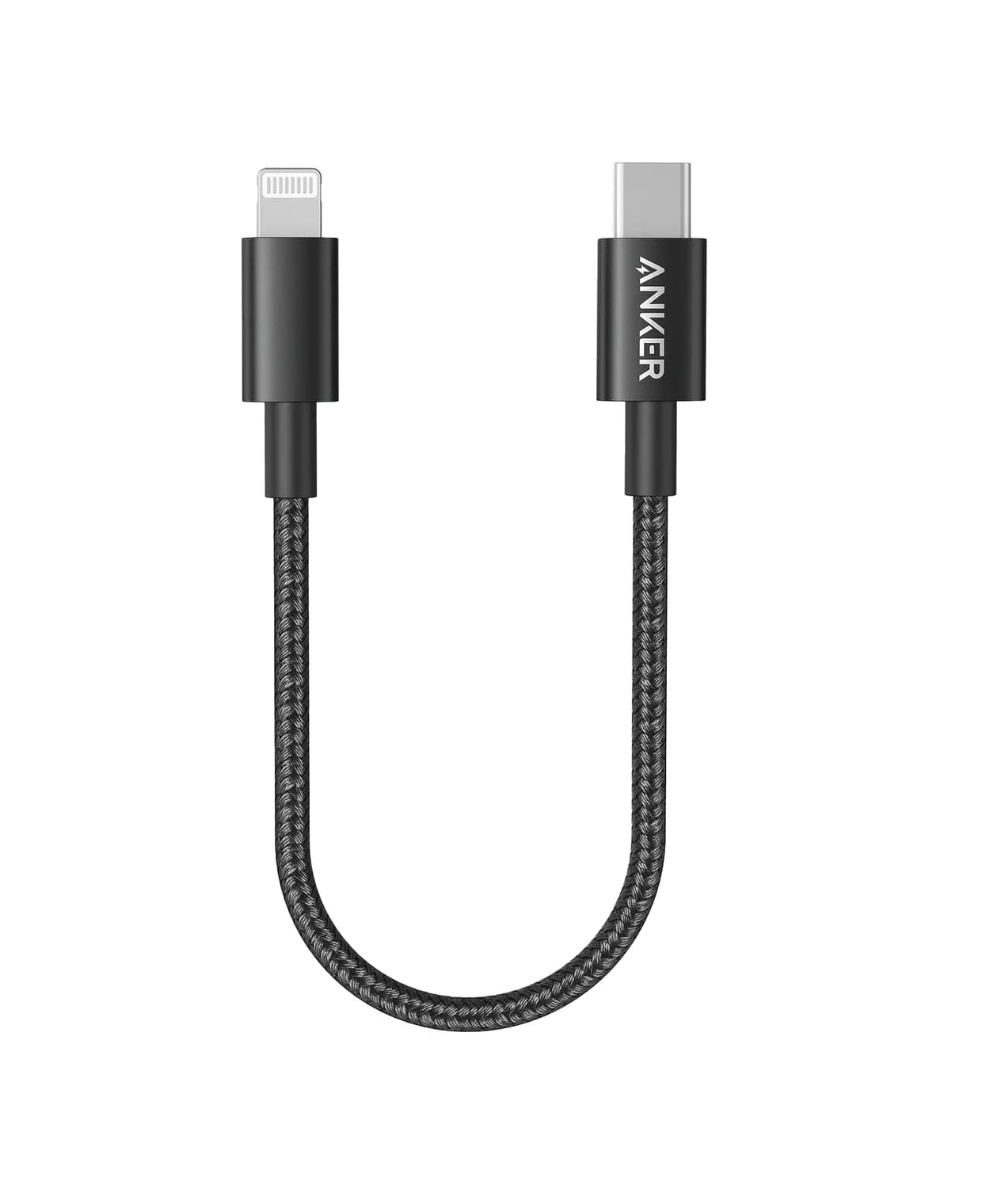
Best short cable for a power bankAnker
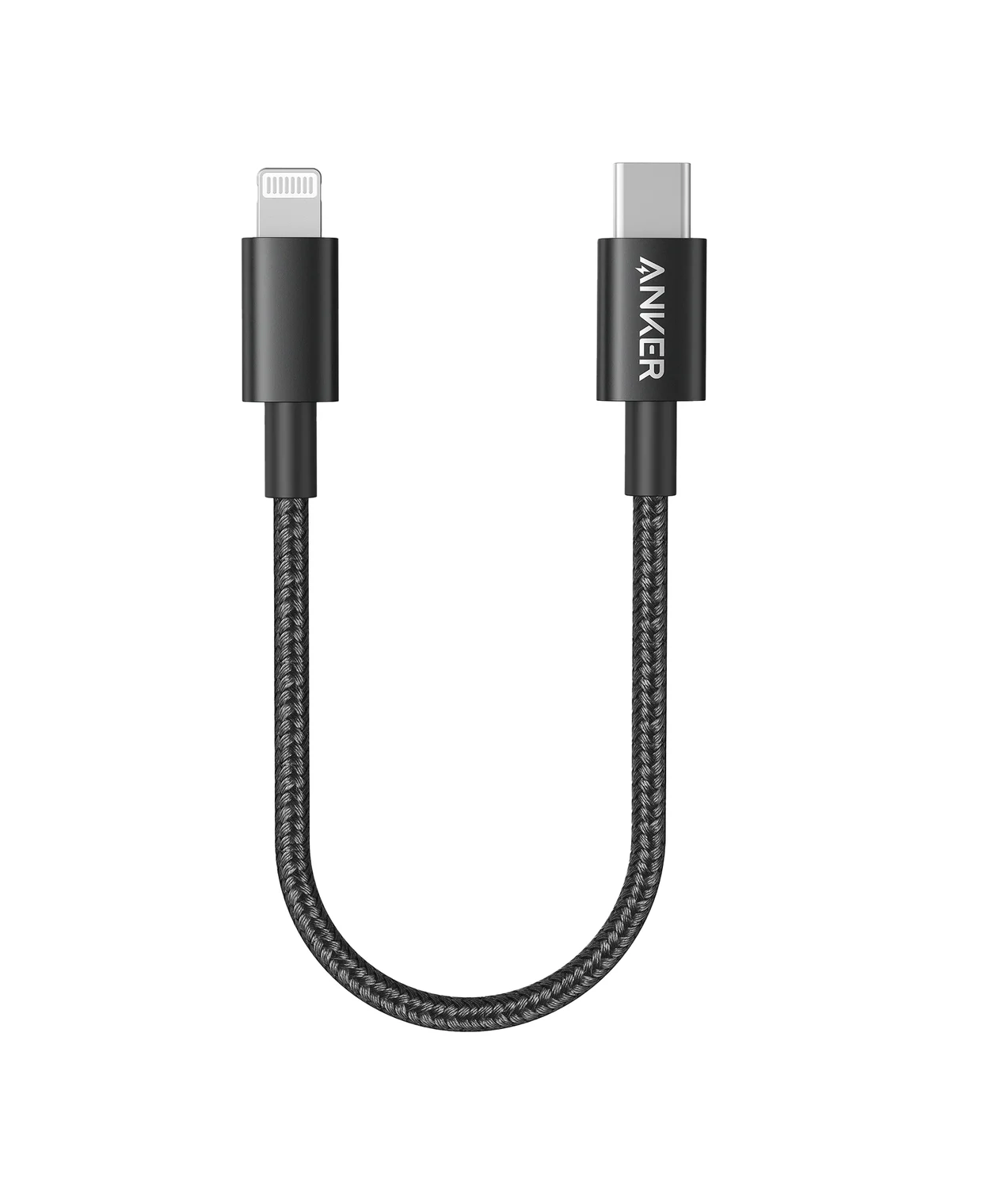
Anker 331 USB-C to Lightning Cable
- Choose
- MFi-certified, double-braided nylon in a 1 ft length that sits neatly beside a power bank; Anker also lists 6 ft and 10 ft versions.
- Limit
- Anker's Power Delivery compatibility list stops at iPhone 11 and doesn't name the newer Lightning iPhones that Apple lists
- 18WSmallest Apple USB-C adapter Apple names for fast charging a Lightning iPhone
- iPhone 14Newest iPhone on Apple's USB-C to Lightning compatibility list
Quick picks by where you charge
| Where you charge | Our pick | Why |
|---|---|---|
| Desk, car console or travel bag | Apple USB-C to Lightning Cable (1 m) | Apple's own cable, listed by Apple for iPhone 5 through iPhone 14 Pro Max |
| Bedside or sofa | Apple USB-C to Lightning Cable (2 m) | The same Apple cable with twice the reach |
| Rough daily use, or an outlet across the room | Belkin BoostCharge Pro Flex | MFi, double-braided nylon, 30,000+ bend rating, 5-year warranty, up to 3 m |
| Next to a power bank | Anker 331 (1 ft) | MFi, double-braided nylon, short enough not to tangle in a bag |
Both third-party picks state MFi certification on their maker's own product page; Apple makes the other two.
Which iPhones use Lightning, and which use USB-C
Apple's compatibility list for its USB-C to Lightning Cable runs from iPhone 5 to the iPhone 14 Pro Max. It covers the iPhone 14, 14 Plus, 14 Pro and 14 Pro Max, every iPhone 13, 12 and 11 model including the mini and Pro versions, and all three iPhone SE generations. So if you are shopping for a USB-C to Lightning cable for an iPhone 13, iPhone 12 or iPhone 11, every cable on this page fits. If a cable that fits still won't charge the phone, see our iPhone won't charge guide.
Apple's USB-C support page says iPhone 15 and later models have a USB-C connector. Those phones don't take a Lightning cable at all.
- Yes: iPhone 14, 14 Plus, 14 Pro and 14 Pro Max: Lightning
- Yes: iPhone 13, 12 and 11 models, including mini and Pro: Lightning
- Yes: iPhone SE (1st, 2nd and 3rd generation): Lightning
- No: iPhone 15 and later: USB-C, so buy a USB-C cable instead
- Partly: AirPods: only the Lightning cases, such as AirPods Pro 2 with MagSafe Charging Case (Lightning) and AirPods Max (Lightning Connector)
The cable stays useful after you upgrade. Apple says an iPhone 15 or later can charge AirPods and other small USB Power Delivery devices at up to 4.5 watts, and that a device with a Lightning connector plugs into the iPhone with an Apple USB-C to Lightning cable.
Fast charging: what Apple says you need
Apple's fast-charge page is brief on this point. To fast charge, it says to use a USB-C cable with an iPhone 15 or later, "or use a USB-C to Lightning cable with an earlier iPhone model", together with one of two adapters:
- an Apple 18W or greater USB-C Power Adapter, or
- a comparable third-party USB-C power adapter that supports USB-PD.
That is the whole requirement. The cable has to be a USB-C to Lightning cable; the 18W-plus Power Delivery adapter is what unlocks fast charging. Apple's charge-testing notes on the same page go back to the iPhone 8, iPhone 8 Plus and iPhone X, and Apple warns that fast charging might not work in conditions that are too cold or too hot.
Apple's page gives no charge time for Lightning iPhones. The makers print their own, with conditions attached. Belkin says its cable charges an iPhone 12 from 0-50% in 25 minutes with a 20W PD power adapter. Anker says the 331 takes an iPhone to 50% in 30 minutes with an 18W or higher Power Delivery charger. Read both as maker figures for those exact setups.
If your iPhone works with MagSafe, Apple's same page says iPhone 15 and earlier can fast charge at up to 15W with a MagSafe Charger and an Apple 20W or greater USB-C adapter. Our MagSafe charger guide compares those options.
Your iPhone's port
iPhone 14 and earlier use Lightning; iPhone 15 and later use USB-C.
Your charger
It needs a USB-C port, and 18W or more with USB Power Delivery for Apple's fast charging.
The MFi badge
Apple says certified third-party accessories carry the MFi badge on their packaging.
The length
Measure from the outlet to where you actually hold the phone, then add slack.
MFi certification, in Apple's words
Apple's support page on counterfeit Lightning accessories is direct: "Apple recommends using only accessories that Apple has certified and that come with the MFi badge." It lists what can go wrong with a counterfeit or uncertified Lightning accessory: your iOS device could become damaged, the cable might be easily damaged, the connector end might fall off, get very hot or not fit properly, and you might not be able to sync or charge.
How to check: Apple says certified third-party accessories have the MFi badge on their packaging. For its own Lightning to USB cable, Apple describes printed text about seven inches from the USB connector that ends in a 12-digit serial number. That description is for Apple's USB-A cable, so don't expect the same print on a third-party USB-C to Lightning cable; look for the badge on the box instead.
Best overall: Apple USB-C to Lightning Cable (1 m)
Apple
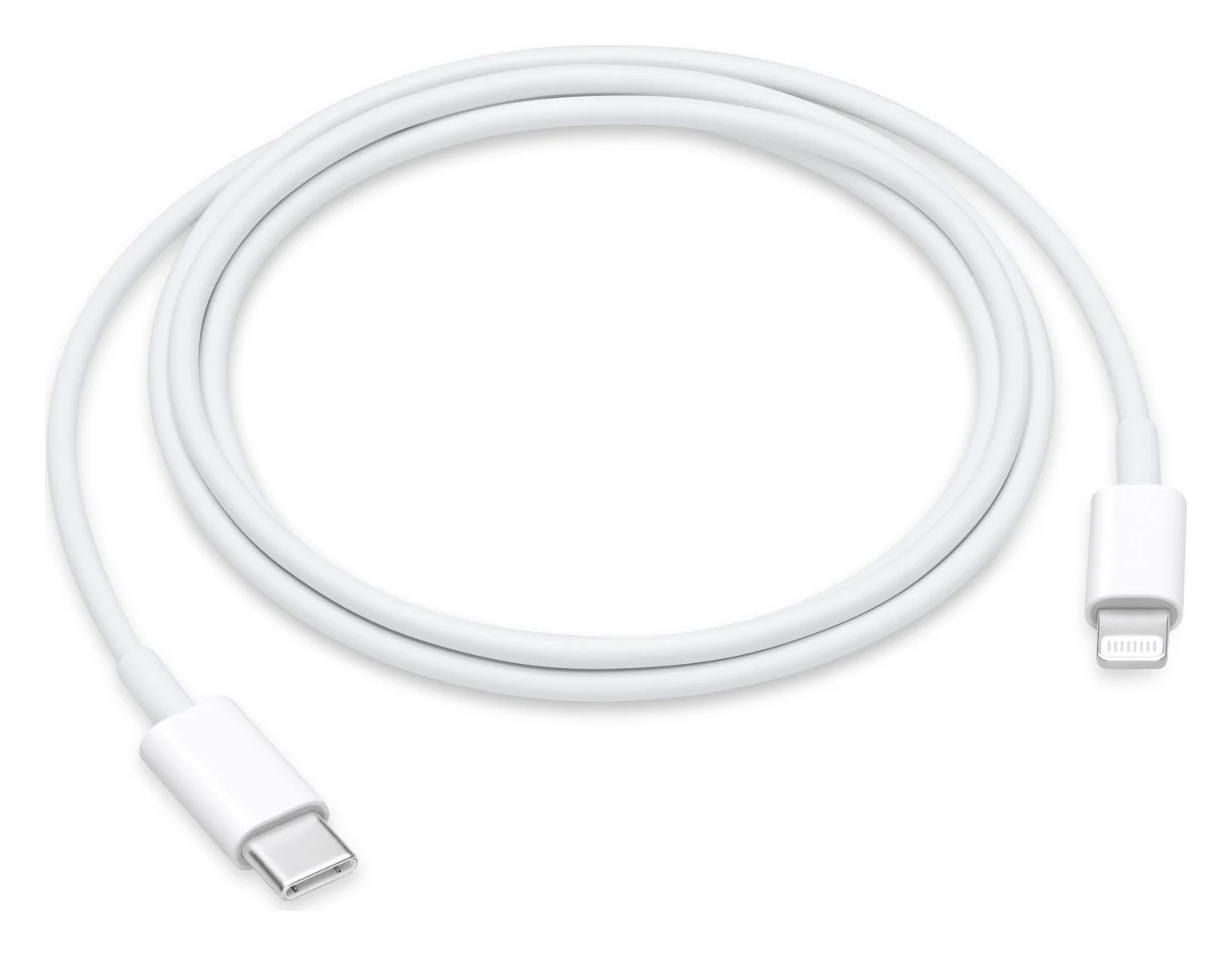
Apple USB-C to Lightning Cable (1 m)
Apple's own 1 m cable with USB-C at one end and Lightning at the other, for charging and syncing Lightning iPhones, iPads, iPods and AirPods cases.
Apple's own cable is the safe default for any Lightning iPhone. Apple describes it as a way to connect a Lightning device "to your USB-C or Thunderbolt 3 (USB-C) enabled device for syncing and charging, or to your USB-C enabled iPad for charging." It also names the adapters it works with: Apple's 18W, 20W, 29W, 30W, 61W, 87W or 96W USB-C Power Adapter, including for the fast-charging feature on select iPhone and iPad models.
The compatibility list is why it is our default: every iPhone from iPhone 5 to iPhone 14 Pro Max, plus the Lightning AirPods cases. At 1 m it suits a desk, a car console or a travel bag.
The trade-off is how little Apple publishes. The product page lists connectors and compatibility but no data speed, jacket material or bend rating, so its durability can't be compared with the braided picks on paper. The box holds the cable only. Apple part MUQ93AM/A, on Apple's product page.
For the bedside: the same Apple cable at 2 m
Apple's USB-C to Lightning Cable (2 m) has the same overview, adapter list and compatibility list as the 1 m version, at twice the length. Choose it when the outlet sits behind a nightstand or a sofa and a 1 m cable would leave the phone hanging off the edge.
The same limits apply: Apple gives no data speed, material or bend rating. At a desk or in a car, the extra metre mostly gets in the way, so buy the 1 m for those spots. Apple part MW2R3AM/A, on Apple's product page.
Best braided cable: Belkin BoostCharge Pro Flex
Belkin
Belkin BoostCharge Pro Flex USB-C to Lightning Cable (2m, White)
An MFi-certified USB-C to Lightning cable with a double-braided nylon exterior over an inner silicone jacket and a magnetic cable strap, for older iPhones, AirPods and accessories.
Belkin's product page states the essentials plainly: "MFi-certified", "USB-C PD compatible" and "Tested to survive 30,000+ bends". Its footnote explains the bend figure: an internal lab result, compared with 1,000 bends for an ordinary PVC cable. Belkin's charging claim comes with its conditions: an iPhone 12 from 0-50% in 25 minutes with a 20W PD power adapter.
On the build, Belkin's page describes it two ways. The intro says "braided silicone", while the spec table lists a double-braided nylon jacket, and the feature list shows a silicone jacket inside. Read together: a nylon braid outside, silicone inside for flexibility. It comes with a cable strap with a magnetic button and an adhesive metal plate, a 5-year warranty, and four colours (black, white, blue and pink), which also makes it an easy gift; our gifts for iPhone users guide has more ideas.
Lengths need a check. Belkin lists 1M/3.3FT, 2M/6.6FT and 3M/10FT but says availability varies by region. Our link goes to the 2 m white version. Belkin's compatibility list runs through the iPhone 14 Pro Max.
Best short cable for a power bank: Anker 331
Anker
Anker 331 USB-C to Lightning Cable
An MFi-certified, double-braided nylon USB-C to Lightning cable sold in 1 ft, 6 ft and 10 ft lengths.
A 1 m cable between a phone and a power bank ends up as a loop that snags in a pocket. The Anker 331 comes in a 1 ft length that keeps the two tidy side by side, and Anker also lists 6 ft and 10 ft versions; check the length you want before you order. Anker says it is "MFi certified for flawless compatibility with Lightning devices", wraps it in double-braided nylon, and says lab testing confirmed it withstands up to 12,000 bends. Anker also offers a hassle-free replacement for quality issues for the cable's lifetime.
Anker's charging claim is an iPhone to 50% in 30 minutes with an 18W or higher Power Delivery USB-C charger, which lines up with Apple's 18W minimum. Make sure your power bank has a USB-C output for this.
One gap to know: Anker's Power Delivery compatibility list stops at the iPhone 11 and older models and doesn't name the iPhone 12, 13 or 14. Apple's list shows all of those use Lightning, but Anker's page doesn't confirm them by name, so ask Anker if that matters to you. Model A8623.
Choose the right length
| Where the phone sits | Length | Picks that come in it |
|---|---|---|
| Beside a power bank in a bag | 1 ft | Anker 331 |
| Desk, car console, travel | 1 m | Apple 1 m, Belkin 1 m where sold |
| Bedside or sofa | 2 m or 6 ft | Apple 2 m, Belkin 2 m, Anker 331 6 ft |
| Outlet across the room | 3 m or 10 ft | Belkin 3 m (9.8 ft on its US page), Anker 331 10 ft |
Measure the path from the outlet to where you actually hold the phone, around furniture, and add enough slack that the plug isn't pulled at an angle. Longer isn't better at a desk: spare cable catches in drawers and chair wheels.
For the car, check whether the car's port is USB-C or USB-A first, because every cable here has a USB-C plug. For a charger that fits a USB-C cable, see our USB-C car charger guide.
For syncing, Apple's overview says its cable syncs and charges from a USB-C or Thunderbolt 3 (USB-C) device. For backups and photo transfers between an iPhone and a Mac, see our iPhone to Mac cable guide.
USB-C to Lightning adapter: when you need one instead
Many people searching for a USB-C to Lightning adapter want the opposite of a cable. Apple's USB-C to Lightning Adapter "lets you connect your Lightning accessories to a USB-C–enabled iPhone or iPad", handling charging, data and audio, and Apple says it supports most cars, including those that work with CarPlay. Its compatibility list names only USB-C iPhones, from iPhone 15 onward.
In other words, the adapter is for someone who has moved to an iPhone 15 or later and wants to keep using Lightning accessories. It is not for charging an iPhone 14 or older; for that, buy one of the cables above. For how USB-C cables differ in power and data ratings, our USB-C cable types explainer covers the markings.
Using a USB-C to Lightning adapter for CarPlay
For a car, Apple says the adapter supports most cars, including those that work with CarPlay, so a Lightning car accessory can follow you onto a USB-C iPhone. The MFi rule from Apple's support page applies to adapters the same way it applies to cables: Apple recommends using only accessories that Apple has certified and that come with the MFi badge. One 1 m cable from our picks handles the reverse job — charging a Lightning iPhone from a USB-C car port.
If your iPhone has USB-C and you want to keep using Lightning accessories, see USB-C to Lightning adapters: Apple's adapter goes one way only, at up to 24W.
How we choose
These picks are based on manufacturer specifications and Apple's own support pages; the cables have not been physically evaluated for this guide. We kept only cables that are current on their maker's site and, for third-party cables, that state MFi certification on the maker's own page. Then we compared what each maker publishes: lengths, build, bend ratings, warranty or replacement terms, and the conditions behind any charge-time claim. Where a maker's page is out of date or describes the same cable two ways, we say so instead of picking one version. Bend ratings are each maker's own lab claims, not a promise of how long a cable will last in your hands.
Verdict
For most Lightning iPhones, Apple's USB-C to Lightning Cable (1 m) plus an 18W-or-higher USB-C Power Delivery adapter is all you need; take the 2 m version for the bedside. Choose the Belkin BoostCharge Pro Flex for a braided cable with the highest bend rating on this page, a 5-year warranty and a 3 m option, and the 1 ft Anker 331 for a tidy link to a power bank.
Frequently asked questions
Which iPhones need a USB-C to Lightning cable?
Any iPhone with a Lightning port. Apple's compatibility list for its USB-C to Lightning Cable runs from iPhone 5 to iPhone 14 Pro Max, including every iPhone 13, 12 and 11 model and all three iPhone SE generations. iPhone 15 and later have a USB-C connector, so they need a USB-C cable instead. The same cable also charges AirPods that have a Lightning case.
Does a USB-C to Lightning cable fast charge an iPhone 13?
Yes, with the right adapter. Apple's fast-charge page says to use a USB-C to Lightning cable with an earlier iPhone model and either an Apple 18W or greater USB-C Power Adapter or a comparable third-party USB-C power adapter that supports USB-PD. The same applies to iPhone 14, 12 and 11. Apple adds that fast charging might not work when it is too cold or too hot.
What does MFi certified mean on a Lightning cable?
It means Apple has certified the accessory. Apple's support page says it recommends using only accessories that Apple has certified and that come with the MFi badge, and that certified third-party accessories carry that badge on their packaging. Apple warns that counterfeit or uncertified Lightning cables can damage your device, break easily, get very hot, or fail to charge or sync.
Is a USB-C to Lightning adapter the same as a USB-C to Lightning cable?
No. Apple's USB-C to Lightning Adapter connects Lightning accessories to a USB-C iPhone or iPad, so it suits someone with an iPhone 15 or later who wants to keep using Lightning accessories. To charge an iPhone 14 or older from a USB-C charger, you need a USB-C to Lightning cable like the picks on this page.
Does Anker make a Lightning charging cable?
Yes. The Anker 331 USB-C to Lightning cable is MFi certified, wrapped in double-braided nylon, and Anker says lab testing confirmed it withstands up to 12,000 bends. It comes in a 1 ft length that sits neatly beside a power bank, with 6 ft and 10 ft versions also listed. Anker says it charges an iPhone to 50% in 30 minutes with an 18W or higher Power Delivery USB-C charger.
Can a USB-C to Lightning cable transfer data?
Yes. Apple's overview of its USB-C to Lightning Cable describes syncing and charging from a USB-C or Thunderbolt 3 (USB-C) enabled device, so the same cable that charges an iPhone also syncs it. For backups and photo transfers between an iPhone and a Mac, the data side matters as much as the cable ends; our iPhone to Mac cable guide compares the options.
Can I charge Lightning AirPods from an iPhone 15 or later?
Yes. Apple says iPhone 15 and later can charge AirPods and other small devices that support USB Power Delivery at up to 4.5 watts, and that a device with a Lightning connector connects to the iPhone with an Apple USB-C to Lightning cable. A short cable keeps that tidy in a bag.
Related guides
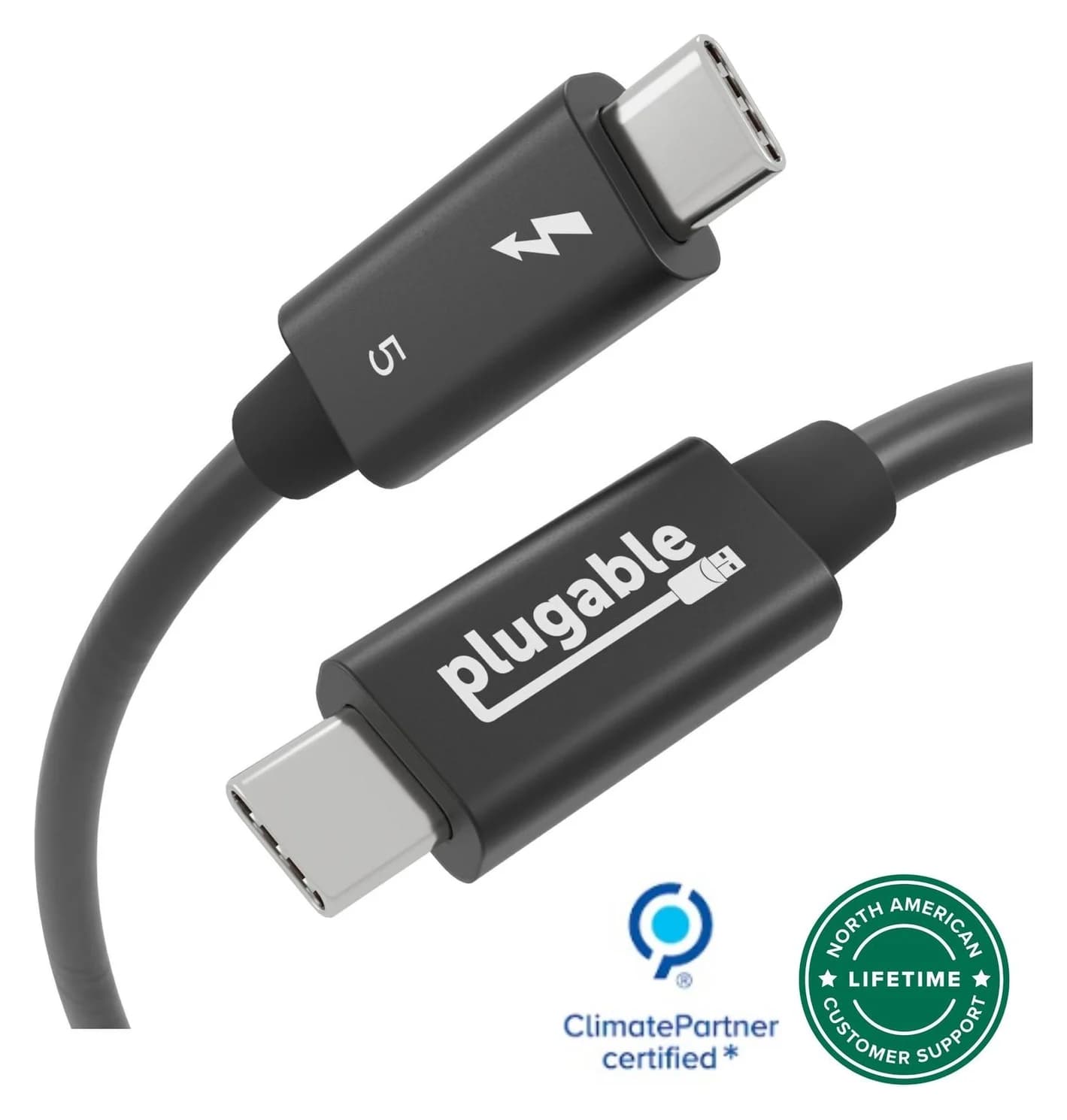
Best USB-C Cables for Data Transfer: Why Most Charging Cables Are Stuck at 480Mbps
Most USB-C charging cables are USB 2.0: 480Mbps and no video. How to tell a data cable from a charge cable, and the 10Gbps to 80Gbps cables worth buying.
Updated November 23, 2026Read
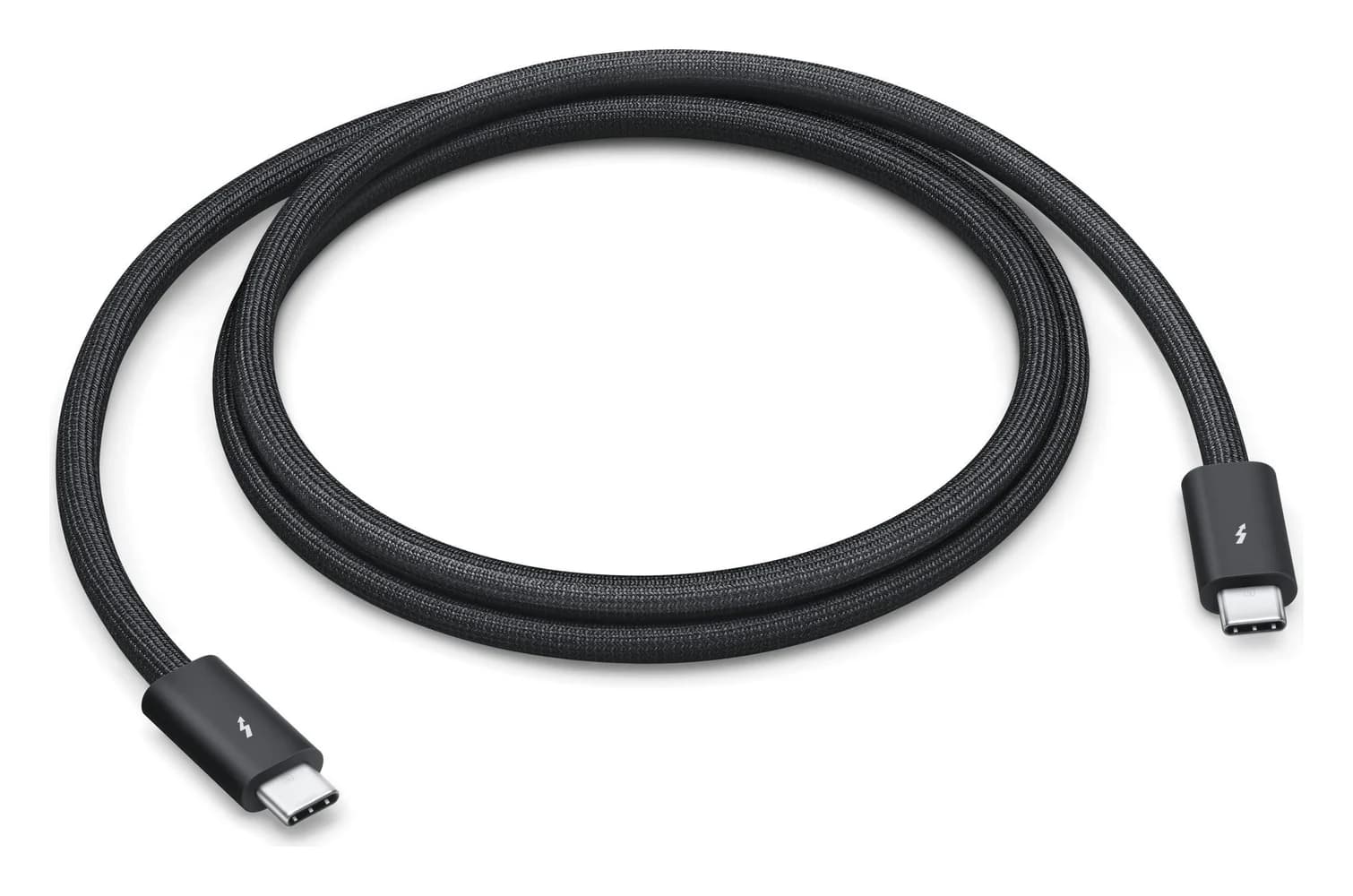
Best Thunderbolt Cables in 2026: Thunderbolt 5, 4, and 3, and Which One Your Dock Needs
Find the right Thunderbolt cable for your dock, display, or eGPU — with bandwidth comparisons, lengths and power ratings, and picks grounded in official maker specs.
Updated November 29, 2026Read
Best Link Cables for Meta Quest 3: USB-C Specs That Actually Work
The best link cable for Quest 3 and older Quest headsets: Meta's own fiber cable, a charge-while-playing pick, and long active cables, per Meta's USB rules.
Updated November 26, 2026Read