Cyber Monday: the specs to check before you buy
Best picks
Updated November 29, 2026Best Thunderbolt Cables in 2026: Thunderbolt 5, 4, and 3, and Which One Your Dock Needs
Short answer
Most people buying a Thunderbolt cable have one of two problems: they bought a premium-looking USB-C cable and it doesn't output video, or they bought a Thunderbolt 4 cable and it's too short (or too long and too slow). This guide solves both.
We may earn a commission when you buy through links on this page. As an Amazon Associate, thisUSB earns from qualifying purchases. How we earn
Our picks at a glance
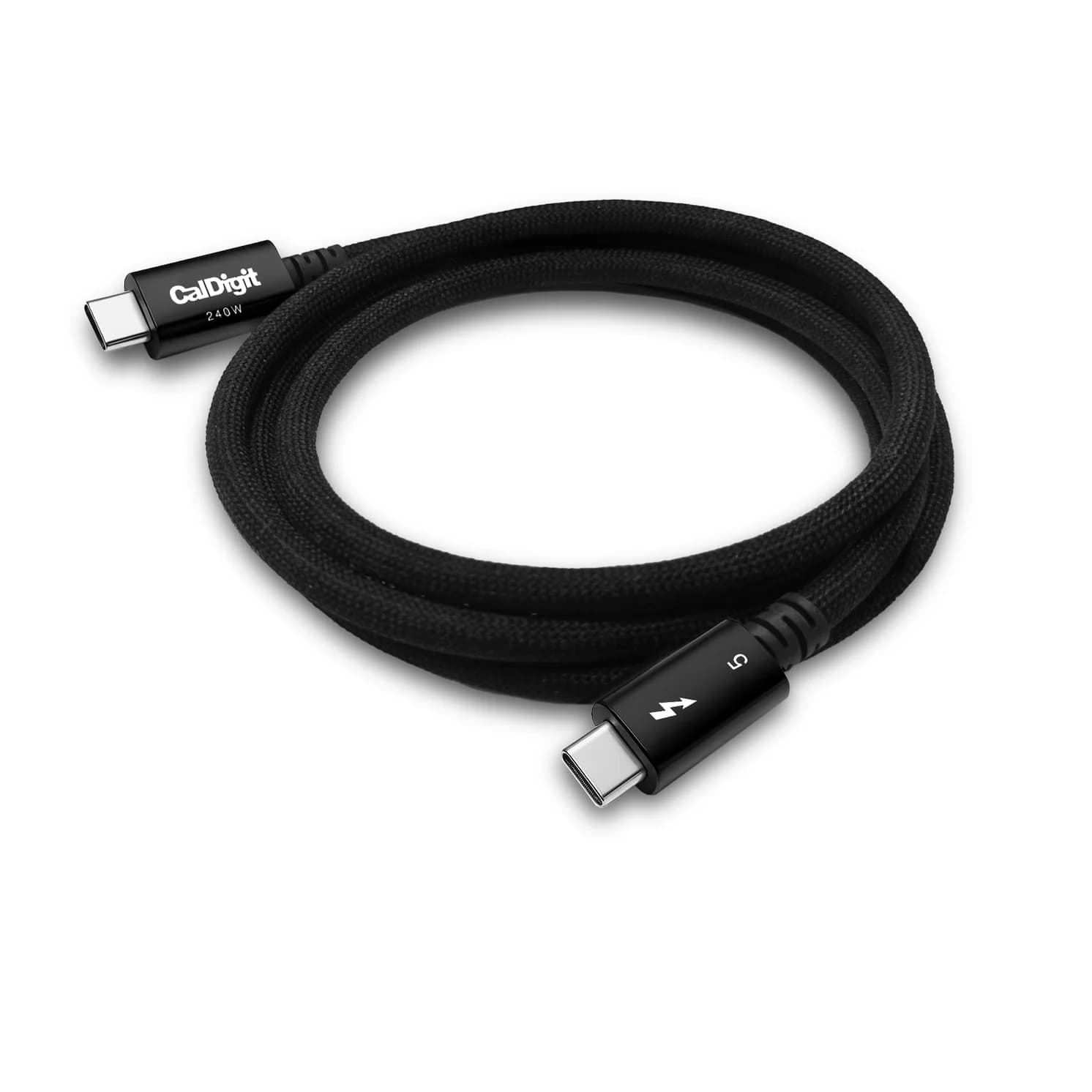
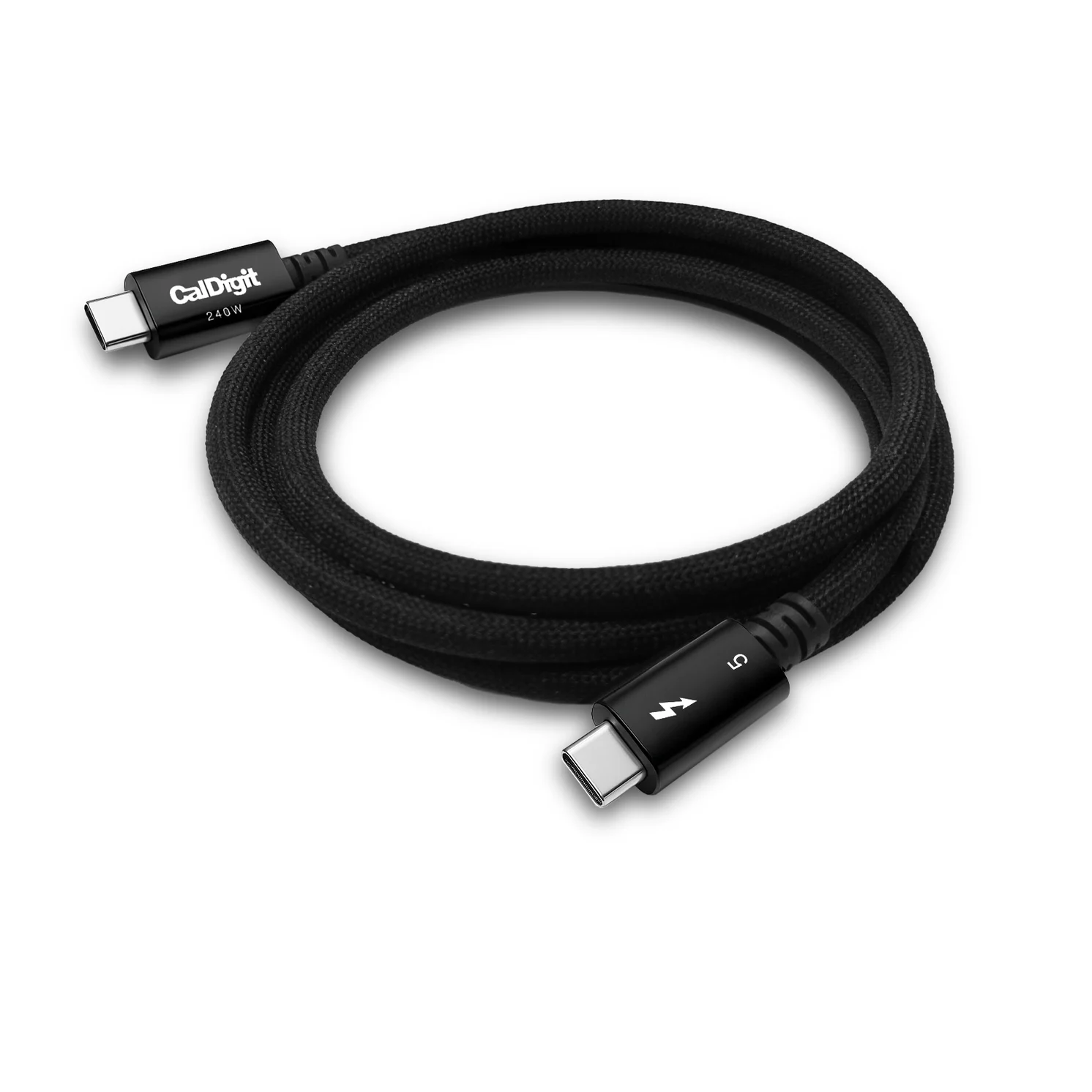
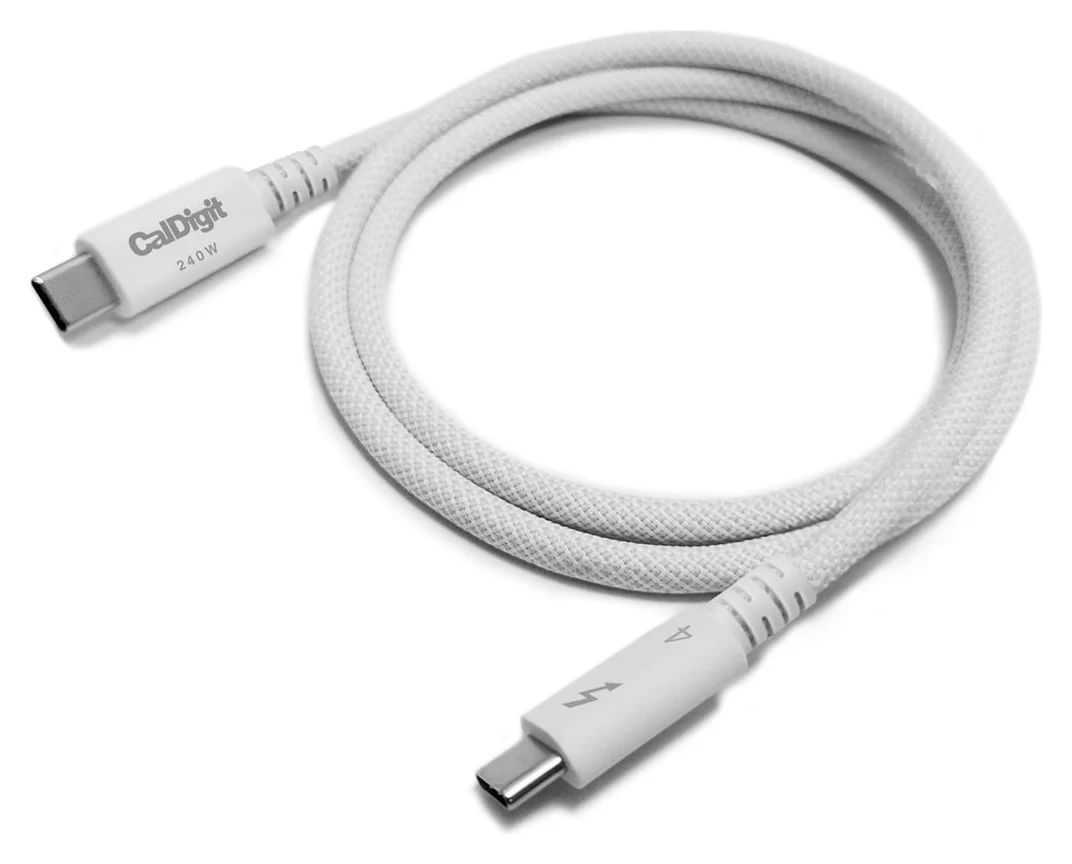
Best Thunderbolt 5 cableCalDigit
CalDigit Thunderbolt 5 Pro Cable
- data
- 80 Gbps
- video
- 8K
- ends
- USB-C to USB-C
- Choose
- 80Gb/s bi-directional with 120Gb/s Bandwidth Boost, 240W power delivery, braided build, and four length options.
- Limit
- Only the 0.5m and 1m versions fit iPhone cases
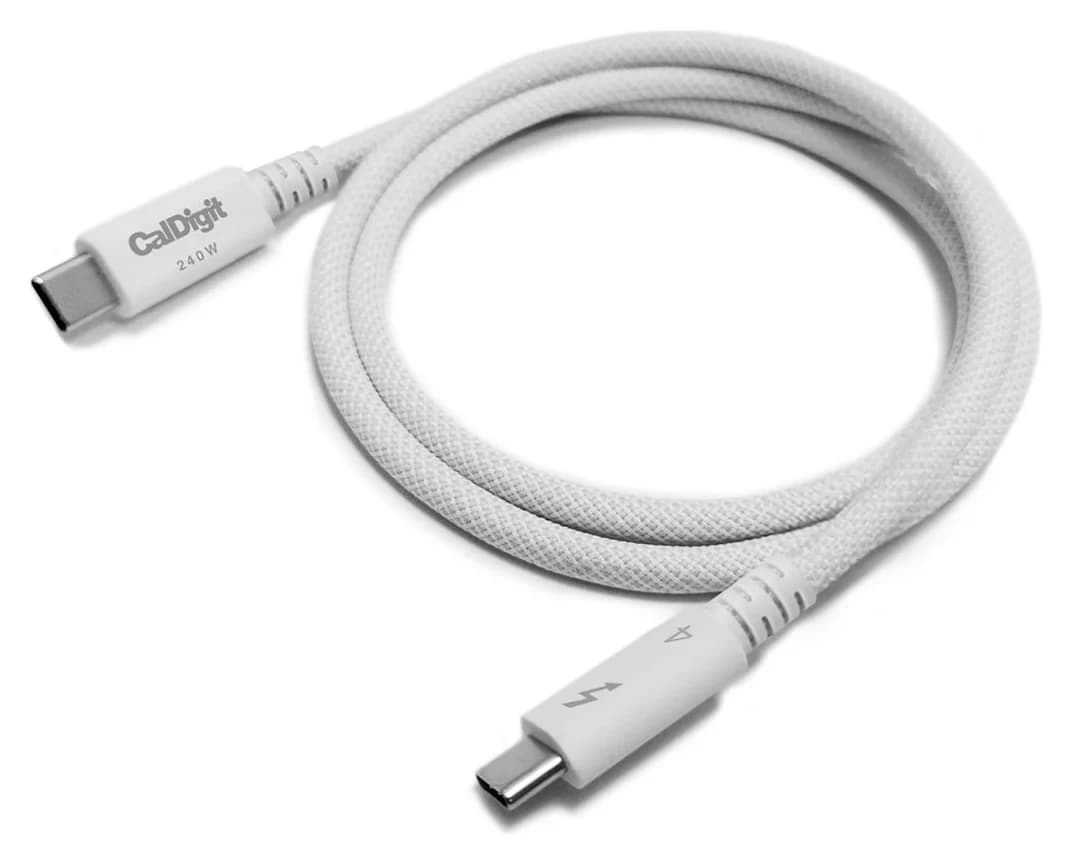
Best Thunderbolt 4 cableCalDigit
CalDigit Thunderbolt 4 Pro Cable
- data
- 40 Gbps
- video
- 8K
- ends
- USB-C to USB-C
- Choose
- 240W power delivery and a braided build in 0.5m and 1m lengths, with 8K display support and a 2-year warranty; CalDigit names a 140W MacBook Pro as an example.
- Limit
- Short lengths only: 0.5m and 1m
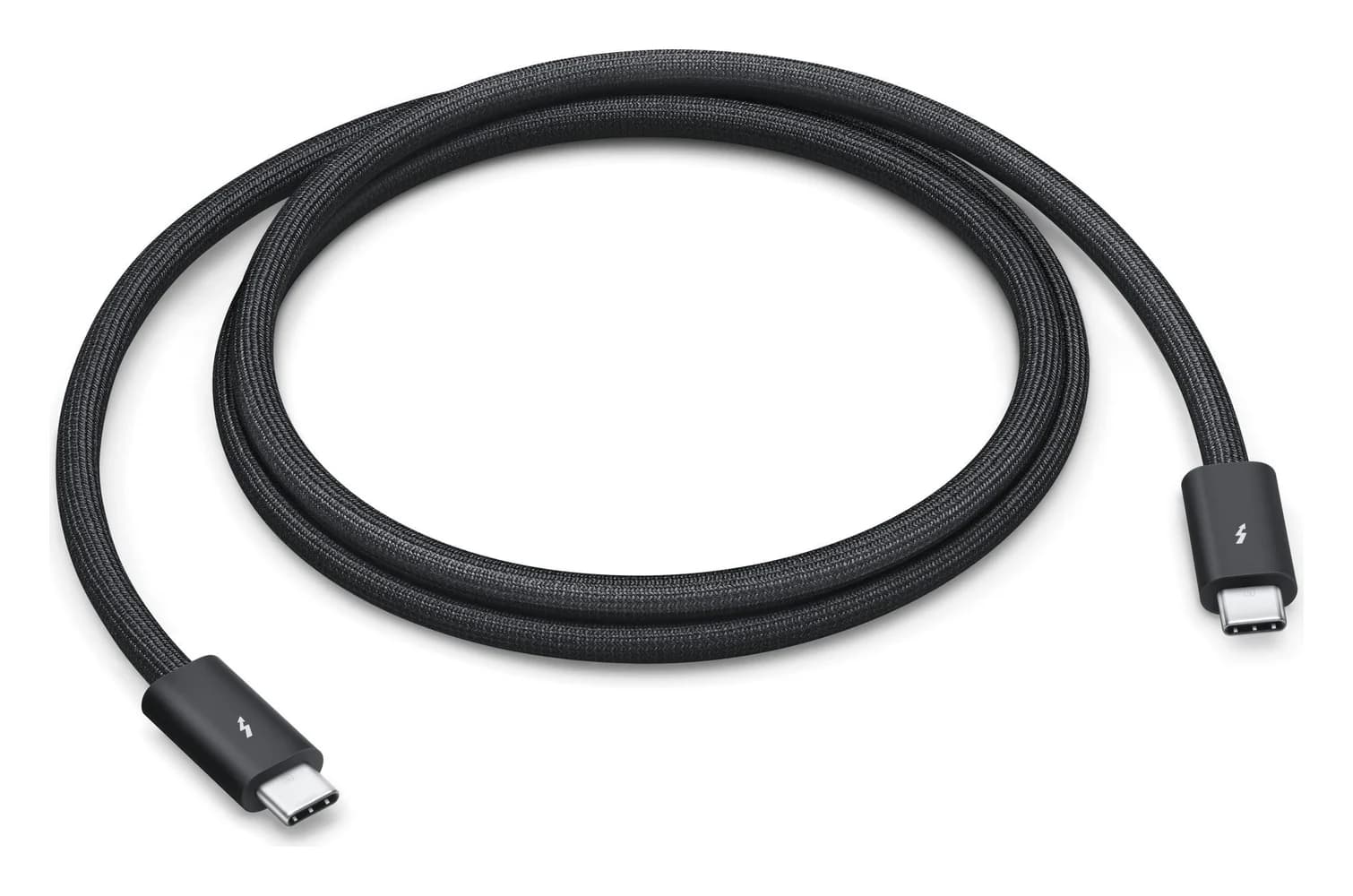
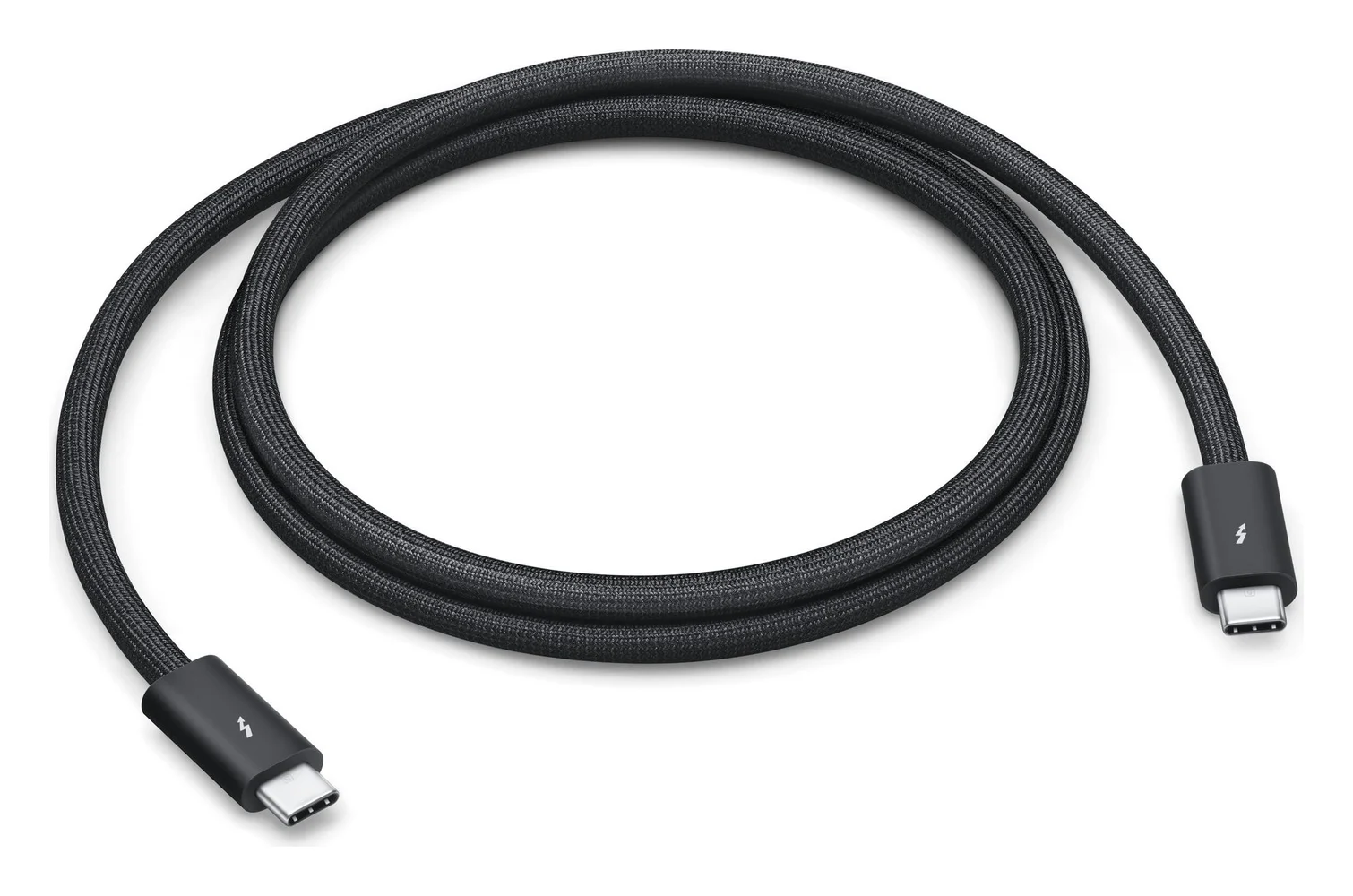
Best Thunderbolt 5 cable from AppleApple
Apple Thunderbolt 5 (USB-C) Pro Cable (1 m)
- data
- 80 Gbps
- ends
- USB-C to USB-C
- Choose
- Apple's 1m Thunderbolt 5 Pro Cable carries 120Gb/s, 80Gb/s USB4, DisplayPort 2.1, and 240W charging in a black braided design — with full specs on Apple's own product page.
- Limit
- Short 1 m length
- Find on Amazon
Best for 2m desktop runs
CalDigit Thunderbolt 4 Cable 2.0m
All recommendations below come from official maker pages — confirmed on caldigit.com and apple.com. Only what's published on the product pages today.
Quick picks
| Use case | Cable |
|---|---|
| Best Thunderbolt 5 overall | CalDigit Thunderbolt 5 Pro Cable |
| Best Thunderbolt 4 (240W braided) | CalDigit Thunderbolt 4 Pro Cable |
| Best for 2m desktop runs | CalDigit Thunderbolt 4 Cable 2.0m |
| Thunderbolt 5 from Apple | Apple Thunderbolt 5 (USB-C) Pro Cable, 1m |
What the generations actually change
- 40Gb/sThunderbolt 3 and 4 bandwidth ceiling
- 80Gb/sThunderbolt 5 bi-directional bandwidth (120Gb/s with Bandwidth Boost)
- 240WMost power any cable in this guide carries
Thunderbolt 3 and 4 share the same 40Gb/s ceiling, but Thunderbolt 4 made PCIe at 32Gb/s mandatory (CalDigit specifies up to 3,000MB/s for storage). Thunderbolt 5 doubles the bi-directional bandwidth to 80Gb/s and, via Bandwidth Boost, pushes asymmetric throughput to 120Gb/s — useful for high-resolution video ingest and AI workflows. Its PCIe lane also doubles to 64Gb/s (up to 6,200MB/s per CalDigit's spec).
Length and power, cable by cable
- Yes: CalDigit Thunderbolt 4 Pro, 0.5m and 1m: 40Gb/s and up to 240W
- Yes: CalDigit Thunderbolt 4 standard, 0.8m, 1.0m and 2.0m: 40Gb/s and up to 100W; the 2m version also works with USB-C monitors
- Yes: CalDigit Thunderbolt 5 Pro, 0.5m to 2m: 80Gb/s (120Gb/s with Bandwidth Boost) and up to 240W at every length
- Partly: Apple Thunderbolt 5 Pro, 1m: Apple lists it as a passive cable
Length used to cost something. CalDigit says previous generations of 2M Thunderbolt 3 active cables worked only with Thunderbolt monitors, while its 2M Thunderbolt 4 cable can also be used with USB-C monitors, for up to 8K resolution. CalDigit's pages don't say whether its current cables are active or passive, so we don't either: buy a length the maker lists at the speed and power you need.
CalDigit's Thunderbolt 4 Pro Cable (0.5m and 1m) and Thunderbolt 4 standard cable (0.8m, 1.0m and 2.0m) both hit 40Gb/s, but the Pro version adds braided construction and 240W versus the standard's 100W. CalDigit's Thunderbolt 5 Pro Cable delivers 80Gb/s (120Gb/s Bandwidth Boost) and 240W in 0.5m, 1m, 1.5m, and 2m lengths.
Backward compatibility: the short answer
Every Thunderbolt 5 port and dock works with Thunderbolt 3, 4, and USB4 cables. Every Thunderbolt 4 port works with Thunderbolt 3 cables. The older cable becomes the bottleneck — so a Thunderbolt 5 dock connected with a Thunderbolt 4 cable maxes out at 40Gb/s. If you want the full picture on where USB4 sits, see /guides/thunderbolt-5-vs-usb4. Not sure which ports a laptop has? Our best laptops with Thunderbolt guide lists them for each pick.
Best Thunderbolt 5: CalDigit Thunderbolt 5 Pro Cable
CalDigit
CalDigit Thunderbolt 5 Pro Cable
CalDigit's braided Thunderbolt 5 cable in 0.5m, 1.0m, 1.5m and 2m lengths: 80Gb/s bi-directional, 120Gb/s with Bandwidth Boost, up to 240W power delivery and up to 8K resolution, rated for a 20,000-bend lifespan.
- 80 Gbps data
- 8K video
The CalDigit Thunderbolt 5 Pro Cable is the most capable cable in this guide. Per its product page, it delivers 80Gb/s bi-directional bandwidth with 120Gb/s Bandwidth Boost (asymmetric), supports 64Gb/s PCIe for SSD connectivity (up to 6,200MB/s), pushes 240W power delivery, and is braided with a 20,000 bend lifespan. It comes in four lengths: 0.5m, 1m, 1.5m, and 2m.
The cable is Thunderbolt 5/4/3 compatible and also works with USB4 v2, USB4, and USB 3.2 host devices. It is DisplayPort 2.1 compatible, and CalDigit lists display resolutions up to 8K. The 2-year warranty and NDAA compliance make it a fit for government and enterprise buyers.
Why this pick: The most bandwidth and power of any cable here, a braided build and four length choices.
Best Thunderbolt 4: CalDigit Thunderbolt 4 Pro Cable
CalDigit
CalDigit Thunderbolt 4 Pro Cable
CalDigit's braided Thunderbolt 4 cable in 0.5m and 1m lengths: up to 40Gb/s, up to 240W power delivery and up to 8K displays. It meets the USB4 (40Gb/s) spec, works with Thunderbolt 5 computers and fits iPhone cases.
- 40 Gbps data
- 8K video
CalDigit calls this "the only cable you will need" and for Thunderbolt 4 users it largely delivers. Per the maker's page, the 0.5m and 1m braided cables carry 40Gb/s, 32Gb/s PCIe (up to 3,000MB/s), and 240W power delivery; CalDigit names a MacBook Pro that needs 140W as an example. It supports 8K displays and is USB4 40Gb/s compliant.
The Thunderbolt 5 compatibility note on the product page is explicit: this Thunderbolt 4 cable is fully compatible with Thunderbolt 5 computers and devices. The braided build, iPhone case fit (0.5m and 1m) and 2-year warranty match the TB5 Pro.
Strengths per the maker: 240W power, braided build, 8K display, USB4 40Gb/s compliance, NDAA compliant, iPhone case fit. Limitation: only 0.5m and 1m — no 2m option without switching to the standard TB4 cable.
Best for 2m desktop runs: CalDigit Thunderbolt 4 Cable 2.0m
For desktop setups that need reach — a dock on one side of a desk, a monitor on the other — the standard CalDigit Thunderbolt 4 cable in 2m is the answer. Per CalDigit's product page, it carries 40Gb/s and up to 100W in 0.8m, 1.0m and 2.0m lengths, and the 2m version works with USB-C monitors as well as Thunderbolt monitors, for up to 8K resolution.
The comparison table on the TB4 Pro page makes the trade-off clear: the standard cable gives you length at the cost of braided build and 240W charging. Its 100W ceiling is below the 140W CalDigit cites for a MacBook Pro, so pick a 240W cable for that laptop. It is NDAA compliant and backed by the same 2-year warranty.
Strengths per the maker: up to 2.0m at 40Gb/s, USB-C monitor support on the 2m version, USB4 40Gb/s compliance, NDAA compliant. Limitation: up to 100W, not braided.
Best Thunderbolt 5 cable from Apple: Apple Thunderbolt 5 (USB-C) Pro Cable (1 m)
Apple
Apple Thunderbolt 5 (USB-C) Pro Cable (1 m)
Apple's passive 1 m Thunderbolt 5 cable: up to 120Gb/s, USB4 up to 80Gb/s, DisplayPort 2.1 video output (UHBR20) and up to 240W of power delivery, in a braided design that coils without tangling.
- 80 Gbps data
If you'd rather buy your Thunderbolt cable from Apple, the Thunderbolt 5 (USB-C) Pro Cable (1 m) is Apple's Thunderbolt 5 offering. Per Apple's product page, this 1-meter cable supports Thunderbolt 5 data transfer up to 120Gb/s; Thunderbolt 3, Thunderbolt 4, and USB 4 data transfer up to 80Gb/s; USB 3 data transfer up to 10Gb/s; DisplayPort 2.1 video output; and charging up to 240W. The black braided design coils without tangling, per Apple.
Because it is a Thunderbolt 5 cable, it carries the Bandwidth Boost that older cables can't — and like every Thunderbolt 5 cable it works backward with Thunderbolt 4 and 3 hosts at their respective speeds. If your dock or device chain is all Thunderbolt 5, this cable keeps the full 120Gb/s path intact.
Why this pick: It is the only Thunderbolt 5 cable in this guide sold directly by Apple, with every spec confirmed on Apple's own product page. The limitation is length: at 1m it won't span most desks, so longer runs need the CalDigit options above.
How we choose
Criteria, in order:
- Official maker documentation — every spec above is confirmed on the maker's current product page (caldigit.com or apple.com). No spec is assumed.
- Maker product page — every pick has a product page on its maker's site.
- Bandwidth match — cables are included only at lengths the maker rates for full Thunderbolt speeds.
- Power delivery — at least 100W for dock compatibility; 240W preferred for laptop charging.
- Brand accountability — we favor brands with explicit spec sheets, NDAA compliance where relevant, and published warranties.
Which cable do you actually need?
For a Thunderbolt 4 or 5 dock: If the dock needs more than 100W (say, a 140W MacBook Pro), the CalDigit TB4 Pro or TB5 Pro with 240W is the correct pick. If 100W covers your laptop, the CalDigit TB4 standard at 2m gives you reach. Our Thunderbolt dock guide pairs docks with the right cables.
For 8K displays: Three of the four cables support 8K per their maker's specs; Apple's Thunderbolt 5 Pro Cable lists DisplayPort 2.1 video output (UHBR20) and is compatible with Apple displays including Pro Display XDR. The 2m TB4 standard cable gains USB-C monitor compatibility in addition to Thunderbolt monitors, which matters if your 8K display is USB-C rather than Thunderbolt-only.
For AI cluster or PCIe storage workflows: Thunderbolt 5's 64Gb/s PCIe (up to 6,200MB/s) is the relevant spec. CalDigit lists it for the TB5 Pro; Apple doesn't give a PCIe figure for its cable. Thunderbolt 4's 32Gb/s PCIe (up to 3,000MB/s) is still fast but half the ceiling.
For travel: The 0.5m or 1m versions are best — short enough to fit in a laptop bag without tangling, and the 0.5m/1m TB4 Pro fits iPhone cases. The 2m TB4 standard is desk-only.
Thunderbolt 2 (Mini DisplayPort): the short version
Thunderbolt 2 used a Mini DisplayPort connector and capped out at 20Gb/s. It was retired when Intel moved Thunderbolt to USB-C with Thunderbolt 3. If you have a Thunderbolt 2 device (Macs from 2013–2015 era), the only cables still sold are legacy adapters; no modern Thunderbolt 5/4/3 cable will plug in. Look for a Thunderbolt 2 to Thunderbolt 3 adapter. For new purchases, jump straight to Thunderbolt 4 or 5.
Verdict
Buy the CalDigit Thunderbolt 5 Pro Cable if you have (or plan to buy) Thunderbolt 5 hardware and want the best cable for next-generation docks, AI workflows, and 64Gb/s PCIe storage.
Buy the CalDigit Thunderbolt 4 Pro Cable if you have Thunderbolt 4 hardware and want 240W power, braided build, and a 2-year warranty in a short length.
Buy the CalDigit Thunderbolt 4 standard cable in 2m if you need reach for a desktop setup and your laptop charges at 100W or less.
Buy the Apple Thunderbolt 5 (USB-C) Pro Cable if you prefer buying from Apple and want Thunderbolt 5 Bandwidth Boost, DisplayPort 2.1, and 240W charging in a black braided 1m form.
All four cables are backed by official maker documentation. Match the cable to your dock's power requirements and your physical distance needs, and you'll avoid the two most common Thunderbolt cable mistakes: buying a cable that doesn't do video, and buying a cable that's the wrong length for the speed you need. If you're also charging fast over USB-C, see our fast-charging USB-C cable picks.
Frequently asked questions
What's the difference between Thunderbolt 3, 4, and 5?
Thunderbolt 3 and 4 are both 40Gb/s. Thunderbolt 4 adds mandatory USB4 40Gb/s compliance, PCIe at 32Gb/s, and support for two 4K displays from a single port. Thunderbolt 5 jumps to 80Gb/s bi-directional (120Gb/s Bandwidth Boost asymmetric) and adds 64Gb/s PCIe and DisplayPort 2.1. Power depends on the cable: CalDigit's Thunderbolt 4 Pro and Thunderbolt 5 Pro cables carry up to 240W, its standard Thunderbolt 4 cable up to 100W.
How do I know which cable length I need?
CalDigit's Thunderbolt 4 Pro Cable comes in 0.5m and 1m with 40Gb/s and 240W. Its standard Thunderbolt 4 cable comes in 0.8m, 1.0m and 2.0m with 40Gb/s and 100W, and CalDigit says the 2m version also works with USB-C monitors. CalDigit's Thunderbolt 5 Pro Cable carries 80Gb/s and 240W in every length up to 2m, and Apple's Thunderbolt 5 Pro Cable is 1m. Choose the shortest cable that reaches, rated for the power your laptop needs.
Will my existing Thunderbolt 3 or 4 cable work with a Thunderbolt 5 dock?
Yes — Thunderbolt 5 is backward compatible with Thunderbolt 3 and 4 cables. Performance will be limited to the older cable's speed (40Gb/s for TB3/TB4 cables). If your dock or device supports the faster Thunderbolt 5 Bandwidth Boost, you'll need a Thunderbolt 5 cable to access it.
Does Thunderbolt 5 use the same USB-C connector?
Yes. All Thunderbolt generations since Thunderbolt 3 use the USB-C connector. A Thunderbolt 5 cable plugs into any USB-C port, but will only deliver Thunderbolt speeds when both the host and device support the Thunderbolt protocol.
Related guides
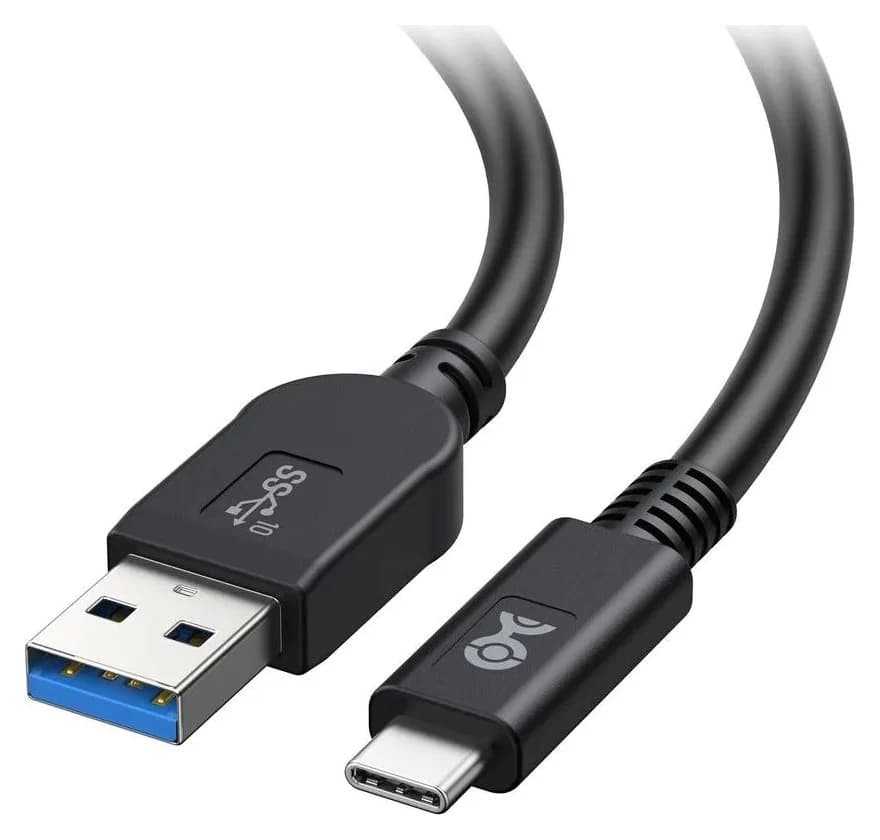
Best USB-C Cables for Data Transfer: Why Most Charging Cables Are Stuck at 480Mbps
Most USB-C charging cables are USB 2.0: 480Mbps and no video. How to tell a data cable from a charge cable, and the 10Gbps to 80Gbps cables worth buying.
Updated November 23, 2026Read
Best USB-C to Lightning Cables for iPhone 14, 13, 12 and Earlier
The right USB-C to Lightning cable for iPhone 14, 13, 12, 11 and SE: what Apple says fast charging needs, how to spot MFi cables, and our picks by length.
Updated November 26, 2026Read
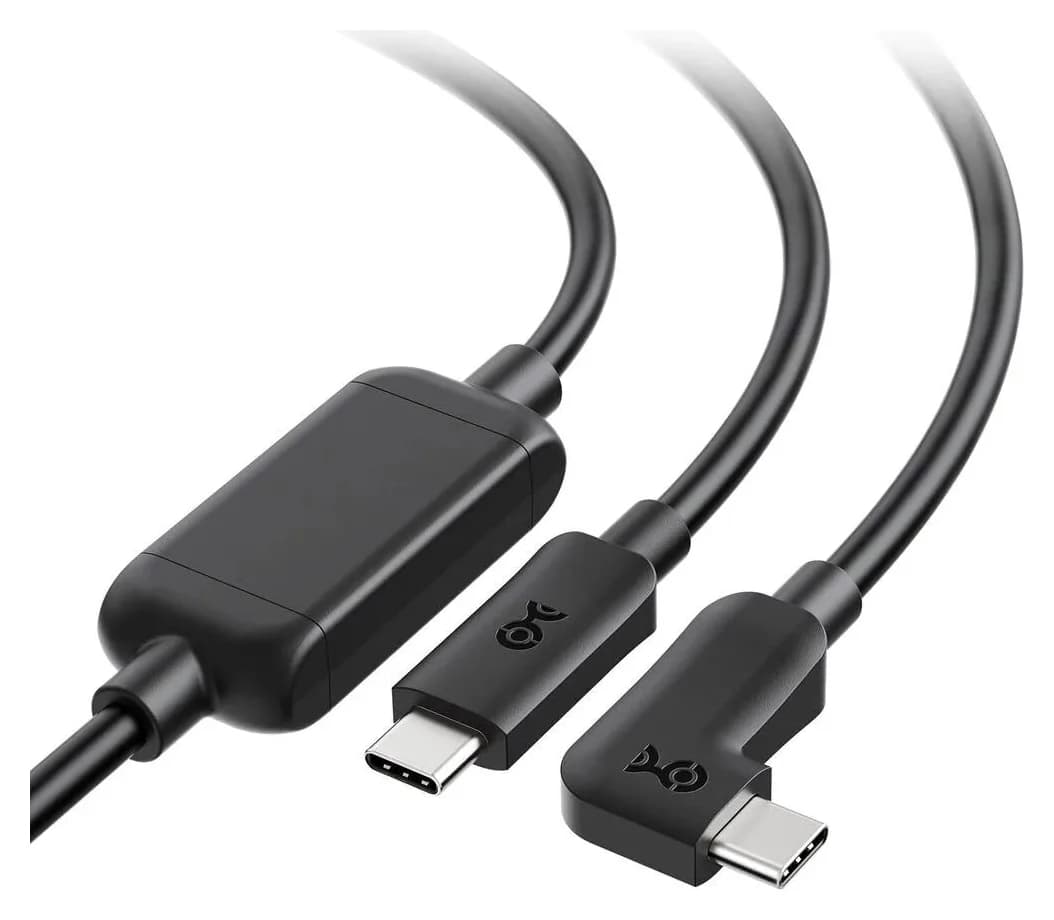
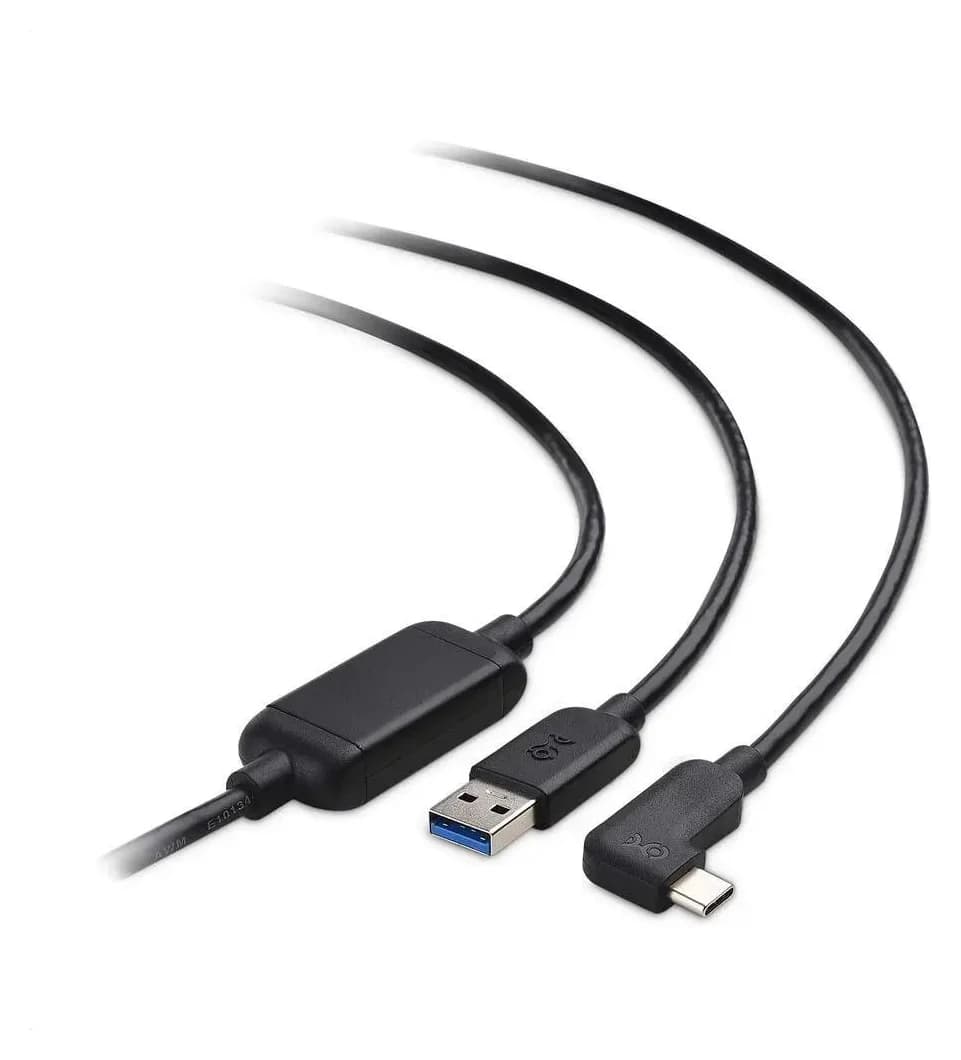
Best Link Cables for Meta Quest 3: USB-C Specs That Actually Work
The best link cable for Quest 3 and older Quest headsets: Meta's own fiber cable, a charge-while-playing pick, and long active cables, per Meta's USB rules.
Updated November 29, 2026Read