Cyber Monday: the specs to check before you buy
Best picks
Updated November 23, 2026Best USB-C Cables for Data Transfer: Why Most Charging Cables Are Stuck at 480Mbps
Short answer
For moving files fast, buy the Plugable Thunderbolt 5 Cable (1m): it's Thunderbolt and USB-IF certified, carries 80Gbps and 240W, and runs any USB-C phone, SSD or dock at its full speed. If your computer only has USB-A ports, the Cable Matters USB-C to USB-A 10Gbps is the one to get. The trap is the cable you already own: most USB-C cables sold for charging are USB 2.0, capped at 480Mbps with no video.
We may earn a commission when you buy through links on this page. As an Amazon Associate, thisUSB earns from qualifying purchases. How we earn
Our picks at a glance
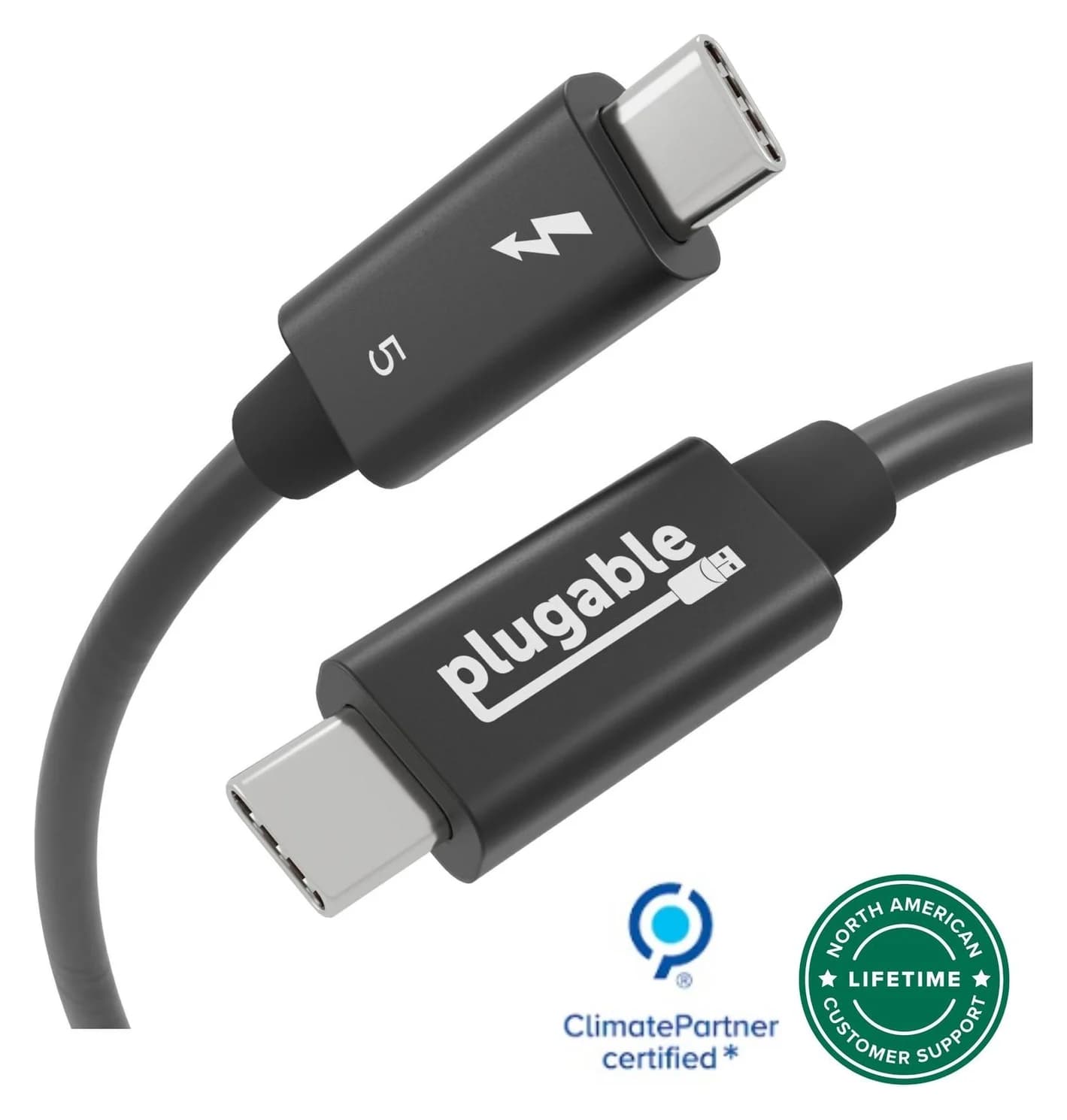
Best overallPlugable
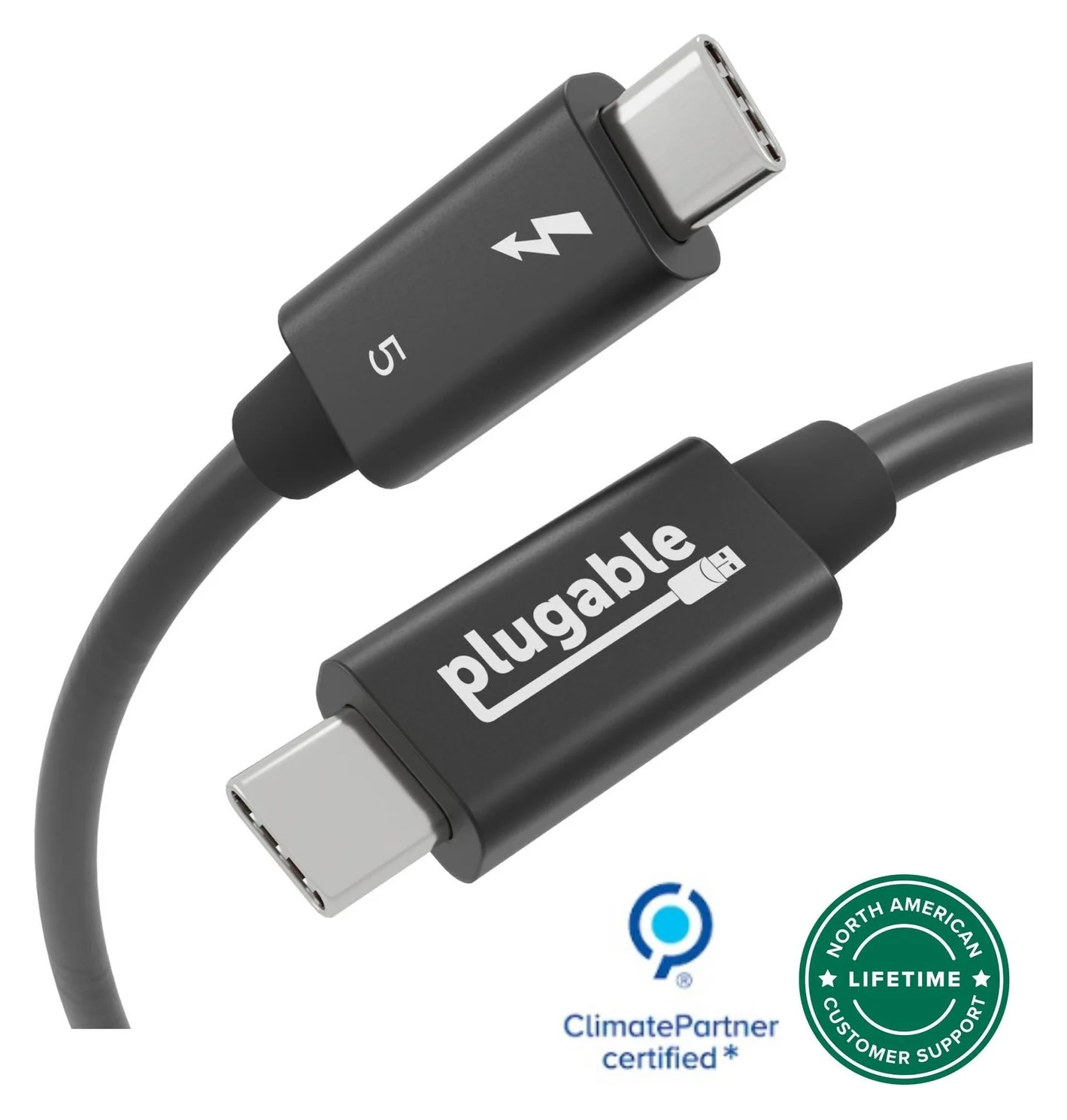
Plugable Thunderbolt 5 Cable, 240W (1m)
- data
- 80 Gbps
- video
- 8K
- ends
- USB-C to USB-C
- Choose
- Thunderbolt and USB-IF certified, 80Gbps (up to 120Gbps with Bandwidth Boost) and 240W in a 1m passive cable that runs any USB-C drive or phone at its full speed.
- Limit
- Short 1m length
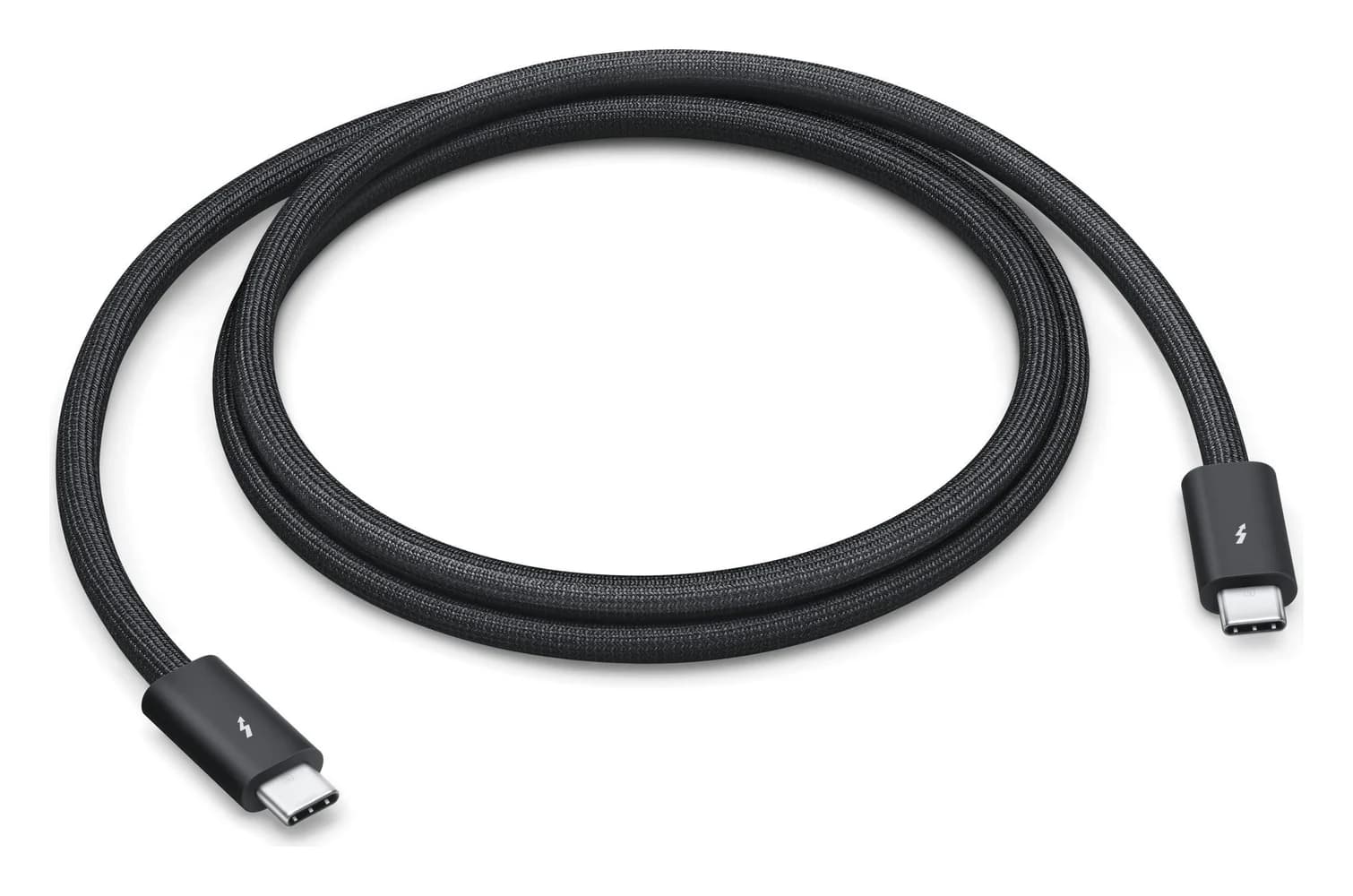
Best for Mac usersApple
Apple Thunderbolt 5 (USB-C) Pro Cable (1 m)
- data
- 80 Gbps
- ends
- USB-C to USB-C
- Choose
- Apple's own Thunderbolt 5 cable: up to 120Gb/s on Thunderbolt 5, 80Gb/s on USB4 and 10Gb/s on USB 3, with 240W charging and DisplayPort 2.1.
- Limit
- Short 1 m length
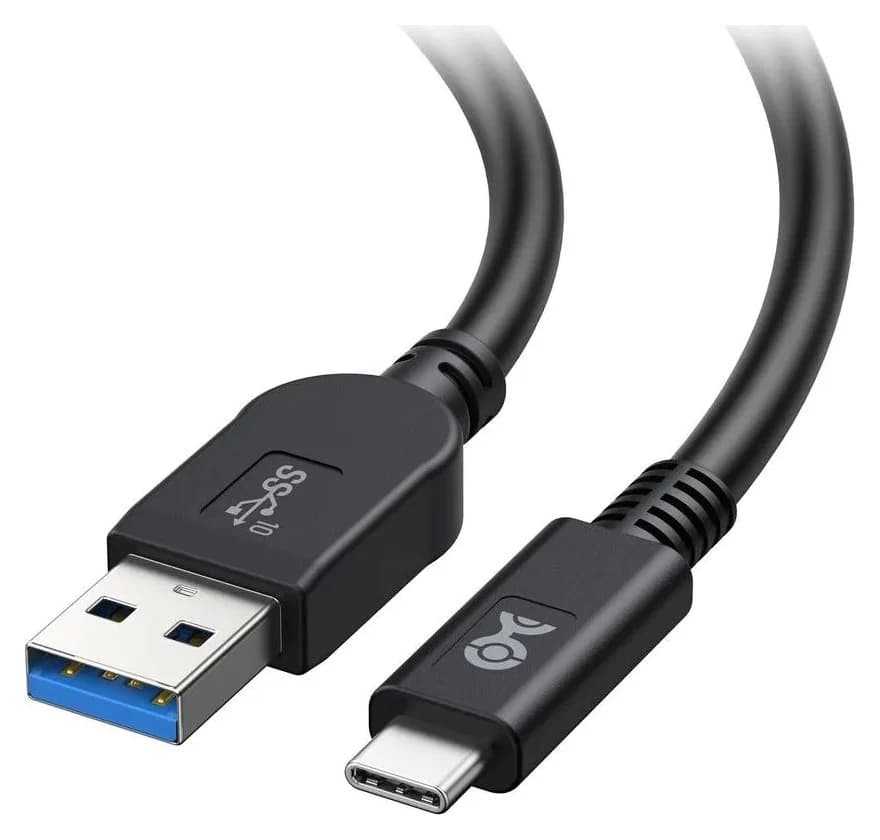
Best for USB-A computersCable Matters
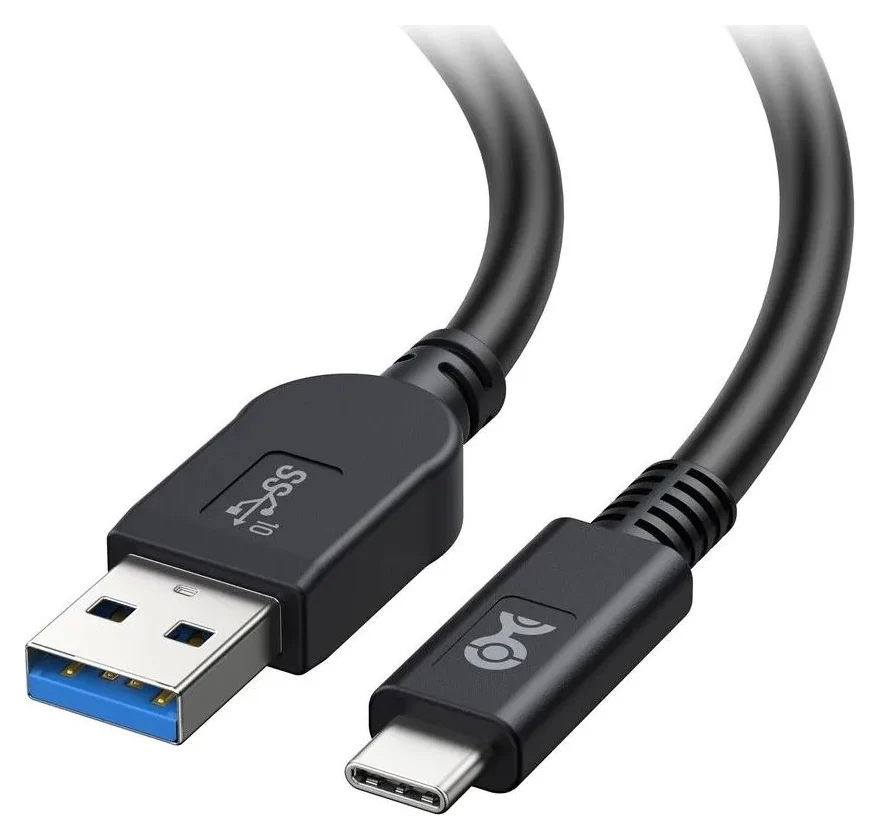
Cable Matters [USB-IF Certified] USB-C to USB-A Gen 2 (10 Gbps) Cable 3.3 ft
- power rating
- 15W
- data
- 10 Gbps
- ends
- USB-A 3.1 Gen 2 to USB-C
- Choose
- USB-IF certified USB-A to USB-C at 10Gbps, for moving files from a USB-C phone or SSD to a computer with only USB-A ports.
- Limit
- No video output or DisplayPort Alt Mode
- See on Amazon4
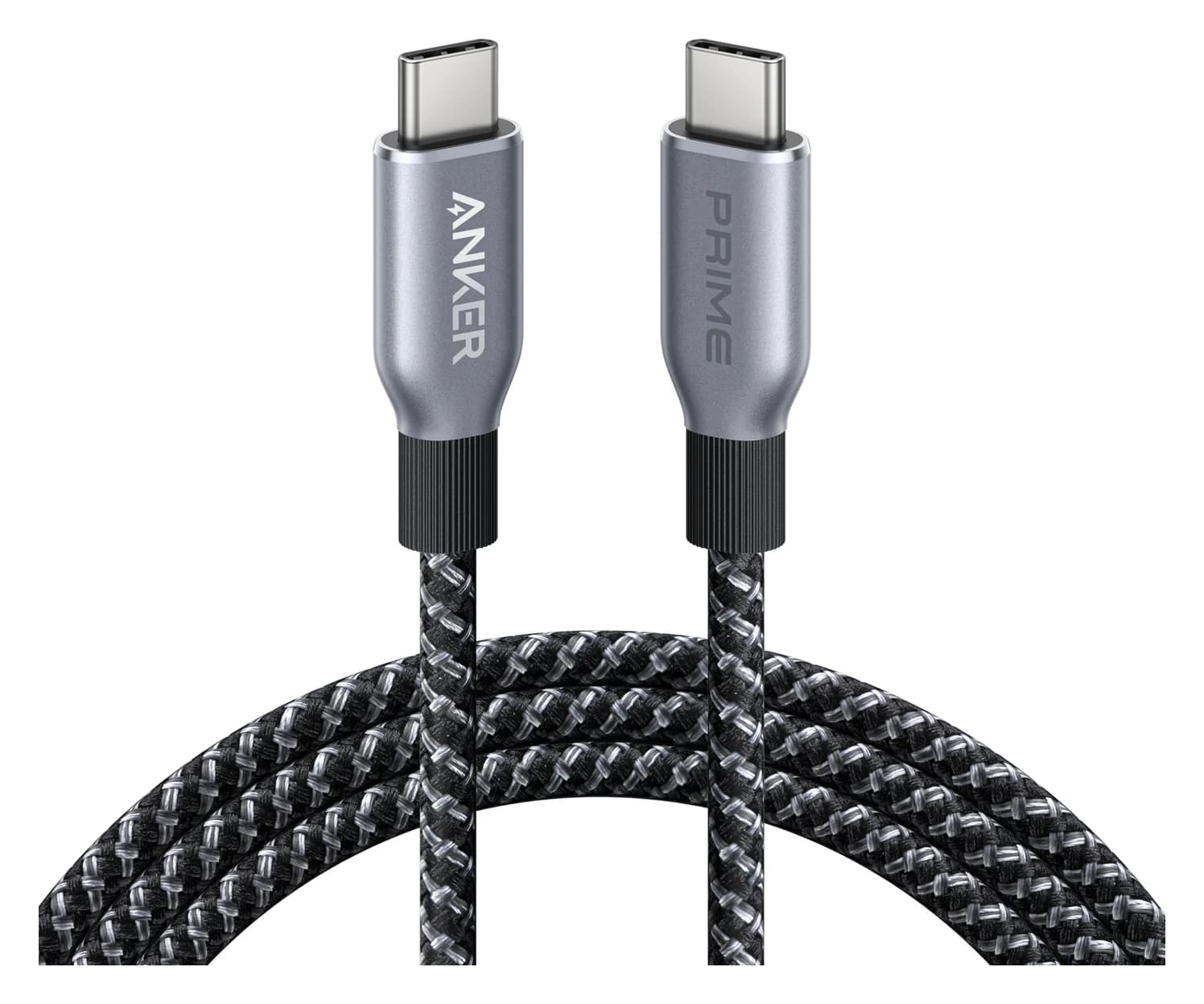
Best for USB 2 iPhones and charging
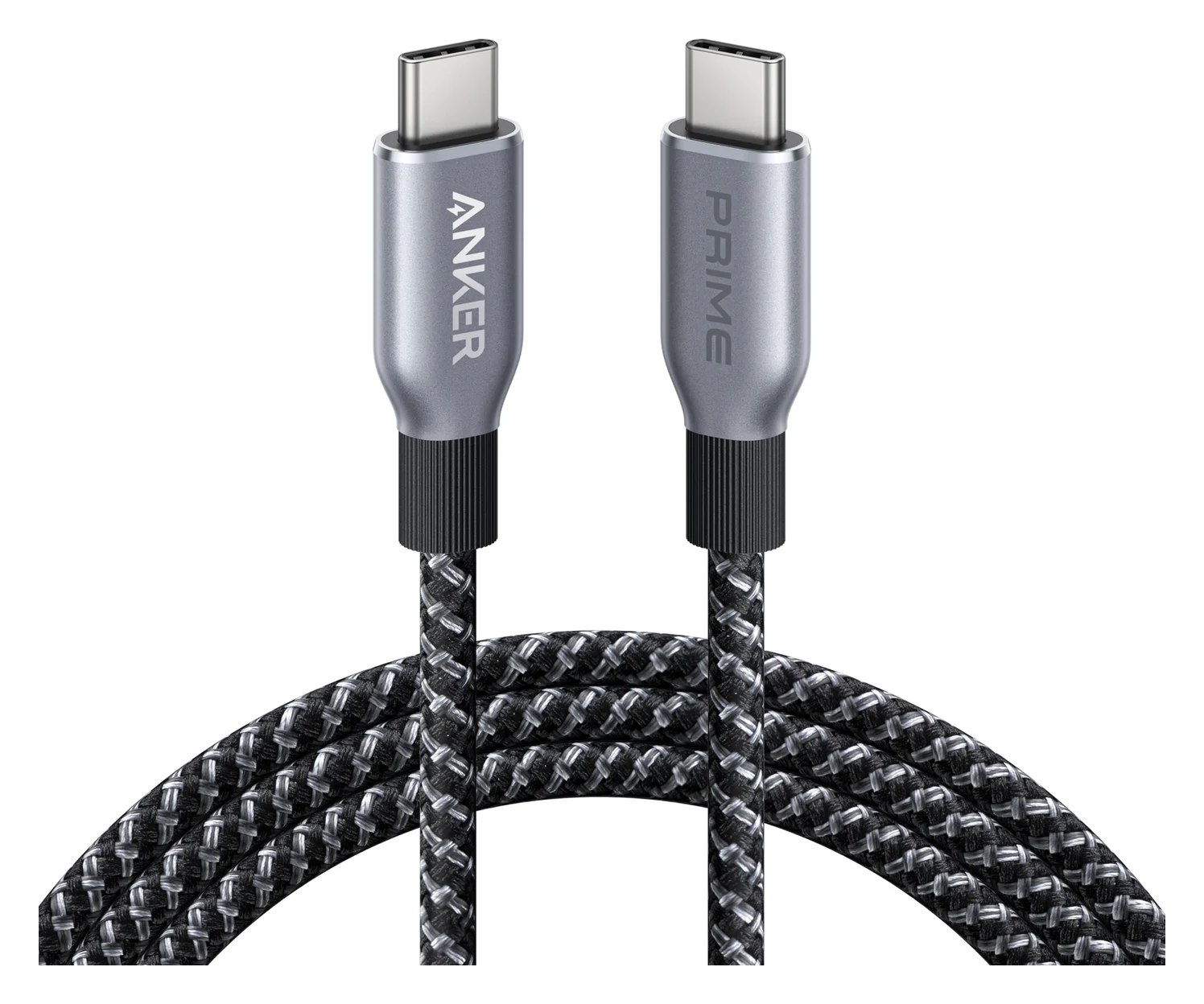
Anker Prime USB-C to USB-C Cable (240W, Upcycled-Braided, 6 ft)
0.48 Gbps data
- 480MbpsThe ceiling of a USB 2.0 Type-C cable, the usual charging cable
- 10Gb/siPhone Pro models from the 15 Pro on, with a USB 3 cable
- 80GbpsPlugable's Thunderbolt 5 cable (Thunderbolt and USB4)
Quick picks
| Pick | Best for | Data | Power |
|---|---|---|---|
| Plugable Thunderbolt 5 Cable (1m) | Anything USB-C, at full speed | 80Gbps (120Gbps boost) | 240W |
| Apple Thunderbolt 5 (USB-C) Pro Cable (1m) | Macs and Thunderbolt 5 gear | 120Gb/s Thunderbolt 5 | 240W |
| Cable Matters USB-C to USB-A 10Gbps | Computers with USB-A ports | 10Gbps | Up to 15W |
| Anker Prime USB-C Cable (240W, 6 ft) | USB 2 iPhones, charging | USB 2.0, 480Mbps | 240W |
Which cable for your device?
- Yes: iPhone 15 Pro and later Pro models: a 10Gbps or faster cable (the Plugable or Apple Thunderbolt 5 cables qualify)
- Partly: iPhone 15, 16, 16e, 17, 17e and Air: USB 2 phones, so a USB 2.0 cable like the Anker Prime loses nothing
- No: Using the cable from the iPhone box for a Pro iPhone's big ProRes imports: Apple says it's USB 2
Source: Apple: the USB-C connector on iPhone, Apple's iPhone 18 Pro and iPhone 17 specs
- Yes: 10Gbps and 20Gbps drives: any certified 10Gbps-or-faster cable; the Thunderbolt 5 cables work too
- Yes: USB4 and Thunderbolt SSDs: a USB4 or Thunderbolt cable, such as the Plugable or Apple Thunderbolt 5 cable
- No: Any drive on a USB 2.0 charging cable: capped at 480Mbps
Best overall: Plugable Thunderbolt 5 Cable, 240W (1m)
Plugable
Plugable Thunderbolt 5 Cable, 240W (1m)
A 1m passive Thunderbolt 5 cable with 80Gbps data, 120Gbps Bandwidth Boost support and 240W charging.
- 80 Gbps data
- 8K video
A certified Thunderbolt 5 cable is the one USB-C cable that never holds a device back. Plugable's TBT5-240W1M is Thunderbolt and USB-IF certified, rated at 80Gbps both ways and up to 120Gbps one way with Thunderbolt 5's Bandwidth Boost, and 240W charging. It's passive and backward compatible with Thunderbolt 4 and 3, USB4 and plain USB-C, so a 10Gbps phone or SSD runs at 10Gbps on it and a USB4 drive at 40Gbps.
At 1m it's long enough for a desk and short enough to stay passive, which is what keeps full speed.
Watch out for: Your device sets the speed, not the cable: an iPhone Pro still tops out at 10Gb/s. If you only ever move files from a 10Gbps drive, a simpler certified 10Gbps cable does the same job.
Best for Mac users: Apple Thunderbolt 5 (USB-C) Pro Cable (1m)
Apple
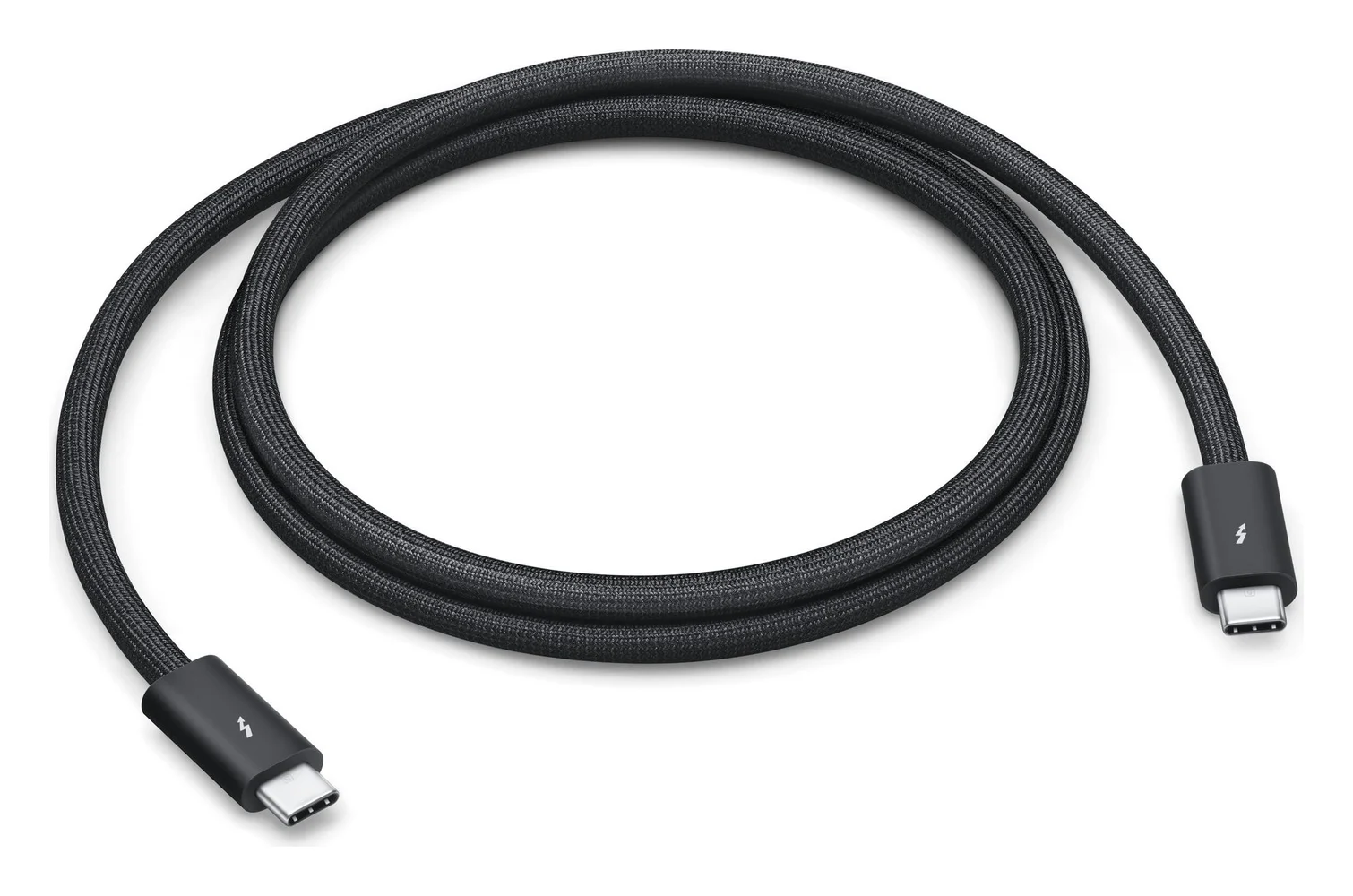
Apple Thunderbolt 5 (USB-C) Pro Cable (1 m)
Apple's passive 1 m Thunderbolt 5 cable: up to 120Gb/s, USB4 up to 80Gb/s, DisplayPort 2.1 video output (UHBR20) and up to 240W of power delivery, in a braided design that coils without tangling.
- 80 Gbps data
Apple's own Thunderbolt 5 cable lists its speed for each standard, which makes it easy to read: up to 120Gb/s on Thunderbolt 5, 80Gb/s on USB4 and 10Gb/s on USB 3, plus 240W charging and DisplayPort 2.1 video. It's passive, 1m, and braided.
Watch out for: At 1m it suits a desk, not a far-off drive. For a USB 3 phone or drive alone, it's more cable than you need.
Best for USB-A computers: Cable Matters USB-C to USB-A 10Gbps
Cable Matters
Cable Matters [USB-IF Certified] USB-C to USB-A Gen 2 (10 Gbps) Cable 3.3 ft
A USB-IF certified 10Gbps USB 3.1 Gen 2 cable that connects a USB-A host or charger to a USB-C device, with 15W charging support.
- 15W max output
- 10 Gbps data
Plenty of desktops and older laptops still have USB-A ports. Cable Matters' 201041 is a USB-IF certified USB-A to USB-C cable rated at 10Gbps (USB 3.1 Gen 2), and it works at the lower speed of a 5Gbps or USB 2.0 USB-A port. It's the cable for importing from a USB-C phone or SSD into a USB-A computer.
Watch out for: It carries no video and charges at up to 15W (5V at 3A), so it's a data cable first, not a fast charger.
Best for USB 2 iPhones and charging: Anker Prime USB-C to USB-C Cable (240W, 6 ft)
Anker
Anker Prime USB-C to USB-C Cable (240W, Upcycled-Braided, 6 ft)
A 6 ft USB-IF certified USB-C cable rated for 240W (USB PD 3.1 EPR) charging with USB 2.0 data.
- 0.48 Gbps data
This is the honest example of the trap. Anker's Prime A88E2 is a well-made, USB-IF certified 240W cable, and its data is USB 2.0, 480Mbps. That's no loss on a base iPhone 15, 16 or 17, which Apple lists as USB 2, and it's a long, braided charge-and-sync cable for those phones. Apple says the same of the cable in the iPhone box: it supports charging and USB 2 speeds.
Watch out for: Anker says it doesn't support screen mirroring, and on an SSD it caps transfers at USB 2.0 speed. Don't use it for a Pro iPhone's large video imports.
How we choose
We read each cable's maker page for its certified data rate, power rating, length and whether it's passive, and checked device speeds on Apple's spec pages and the USB-IF's cable rules. We haven't handled these cables ourselves. Certified cables come first, because certification is the only label that guarantees the printed speed.
Buying guide: how to buy a USB-C data cable
Look for the number on the plug. The USB-IF's certified USB-C cables carry a logo with both a data speed (5Gbps up to 80Gbps) and a wattage. A USB 2.0 cable shows only the wattage, 60W or 240W, because 480Mbps isn't printed. If a listing only talks about watts, assume USB 2.0.
Keep it short for full speed. The fastest passive cables are short: both Thunderbolt 5 picks here are 1m. Longer runs need an active cable or drop to a lower speed. Our types of USB-C cables explained guide covers lengths and active cables in detail.
Check on a Mac. Hold Option, open Apple menu > System Information, and look at the USB or Thunderbolt/USB4 section: it shows the speed each connected device linked at.
For charging-first cables, see our best USB-C cables for fast charging; for iPhone backups, our iPhone to Mac cable guide; and for docks and monitors, our best Thunderbolt cables.
Verdict
Buy the Plugable Thunderbolt 5 Cable (1m) if you want one cable that runs everything at full speed, or Apple's Thunderbolt 5 Pro Cable for a Mac setup. Use the Cable Matters 10Gbps USB-A to USB-C for USB-A computers. Keep a USB 2.0 cable like the Anker Prime 240W for charging and for base iPhones, not for drives.
Frequently asked questions
Do all USB-C cables transfer data?
Almost all carry some data, but many only at USB 2.0 speed, 480Mbps. A USB 2.0 Type-C cable leaves out the high-speed wire pairs, so it can't go faster and can't carry DisplayPort video. Cables sold mainly for charging are usually this type. For SSDs and big photo imports, buy a cable rated 10Gbps or faster.
How can I tell if a USB-C cable is a data cable?
Look at the plug: a USB-IF certified USB-C cable shows its data speed (such as 10Gbps or 40Gbps) next to its wattage, while a USB 2.0 cable shows only 60W or 240W. A Thunderbolt bolt means a certified Thunderbolt cable. Otherwise check the maker's spec page; if it lists only watts, assume USB 2.0.
Can the Apple USB-C cable that came with my iPhone transfer data?
Yes, at USB 2 speed. Apple says the USB-C cable that comes with an iPhone supports charging and USB 2 speeds. That matches the iPhone 15, 16 and 17 base models, which are USB 2 themselves. Pro models from the iPhone 15 Pro on support 10Gb/s, but Apple says they need a separate USB 3 cable to reach it.
Is a Thunderbolt cable good for data transfer?
Yes. Certified Thunderbolt 4 and 5 cables also work as USB4 and USB 3 cables, so a 10Gbps drive runs at 10Gbps and a USB4 SSD at 40Gbps. Buy one when you also want docks, monitors or the fastest drives; for a 10Gbps drive alone, a certified 10Gbps cable does the same job.
Why is my external SSD so slow?
The most common cause is a USB 2.0 cable, which caps the drive at 480Mbps. Check the plug for a speed logo, and plug into a port of at least the drive's speed. A 10Gbps drive needs a 10Gbps cable and port end to end.
Related guides
Best USB-C to Lightning Cables for iPhone 14, 13, 12 and Earlier
The right USB-C to Lightning cable for iPhone 14, 13, 12, 11 and SE: what Apple says fast charging needs, how to spot MFi cables, and our picks by length.
Updated November 26, 2026Read
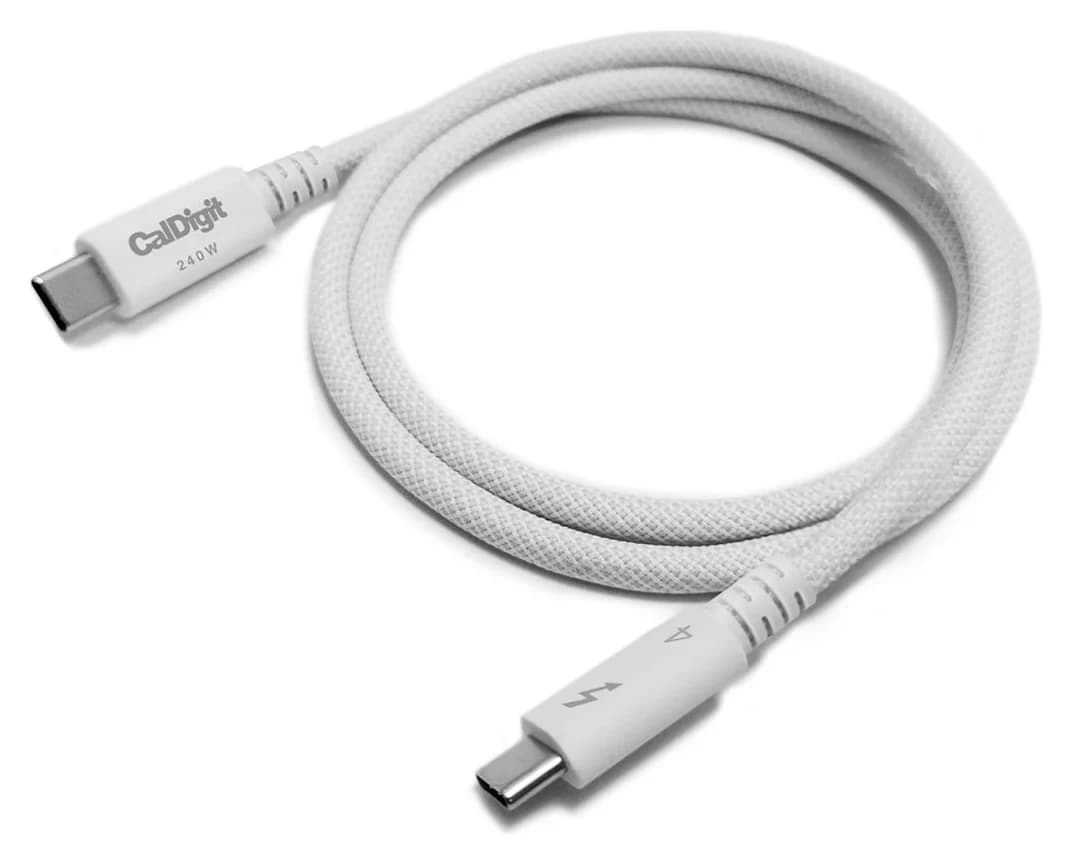
Best Thunderbolt Cables in 2026: Thunderbolt 5, 4, and 3, and Which One Your Dock Needs
Find the right Thunderbolt cable for your dock, display, or eGPU — with bandwidth comparisons, lengths and power ratings, and picks grounded in official maker specs.
Updated November 29, 2026Read
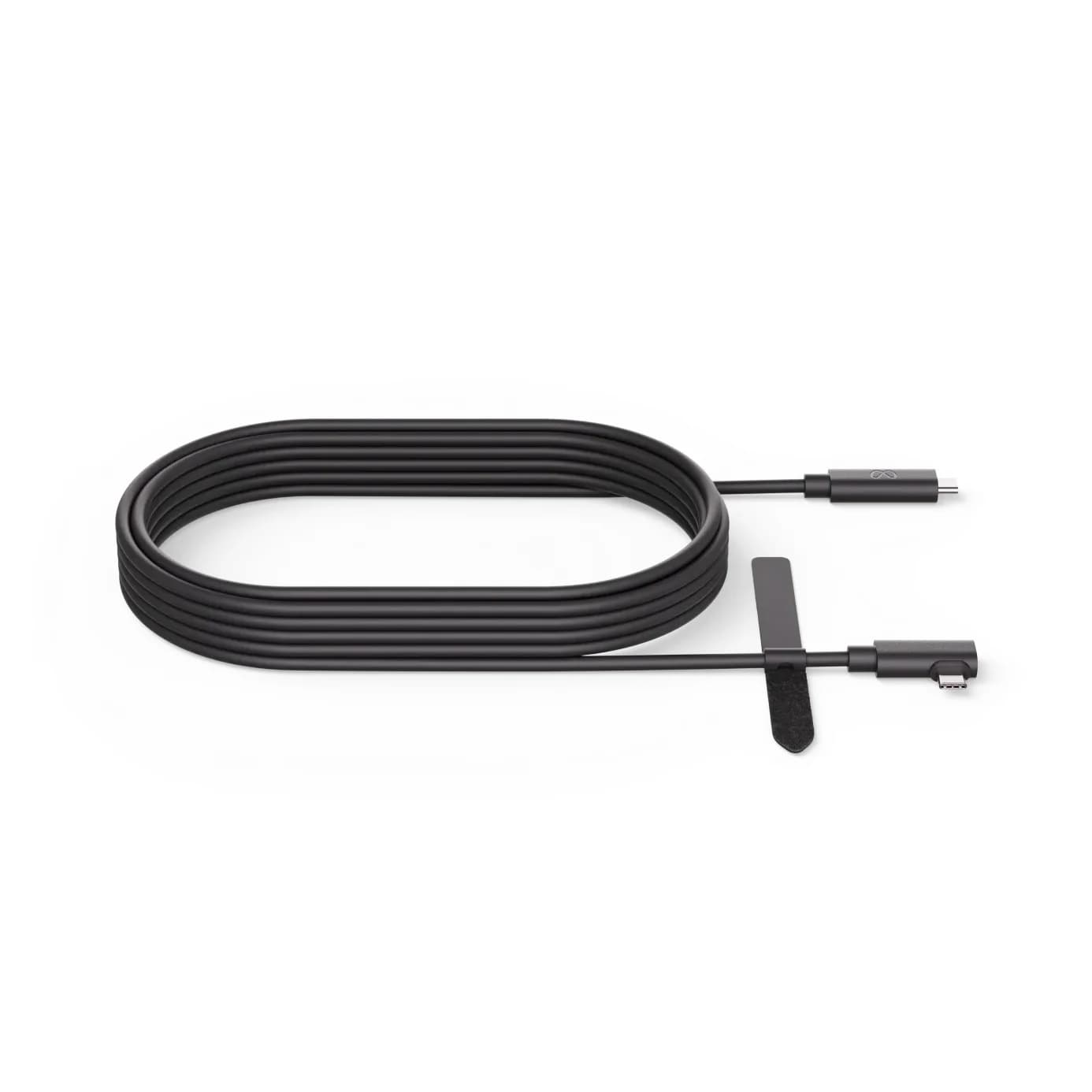
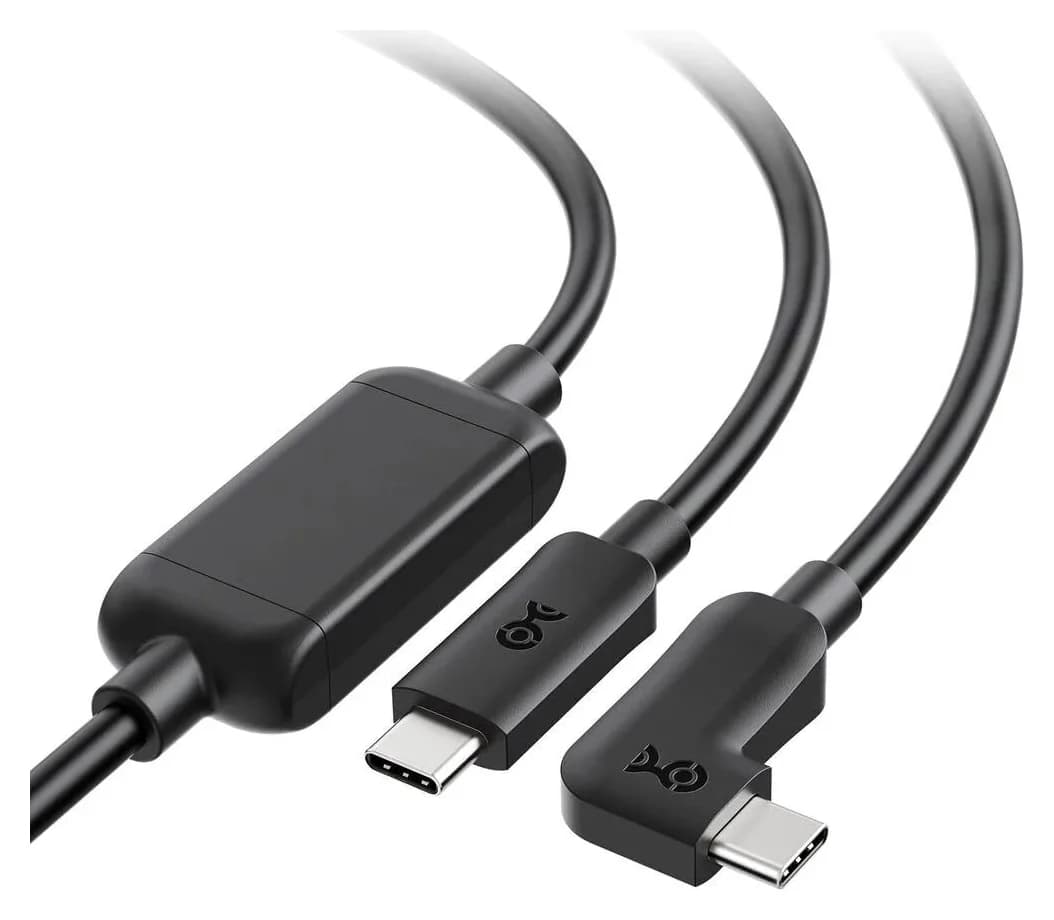
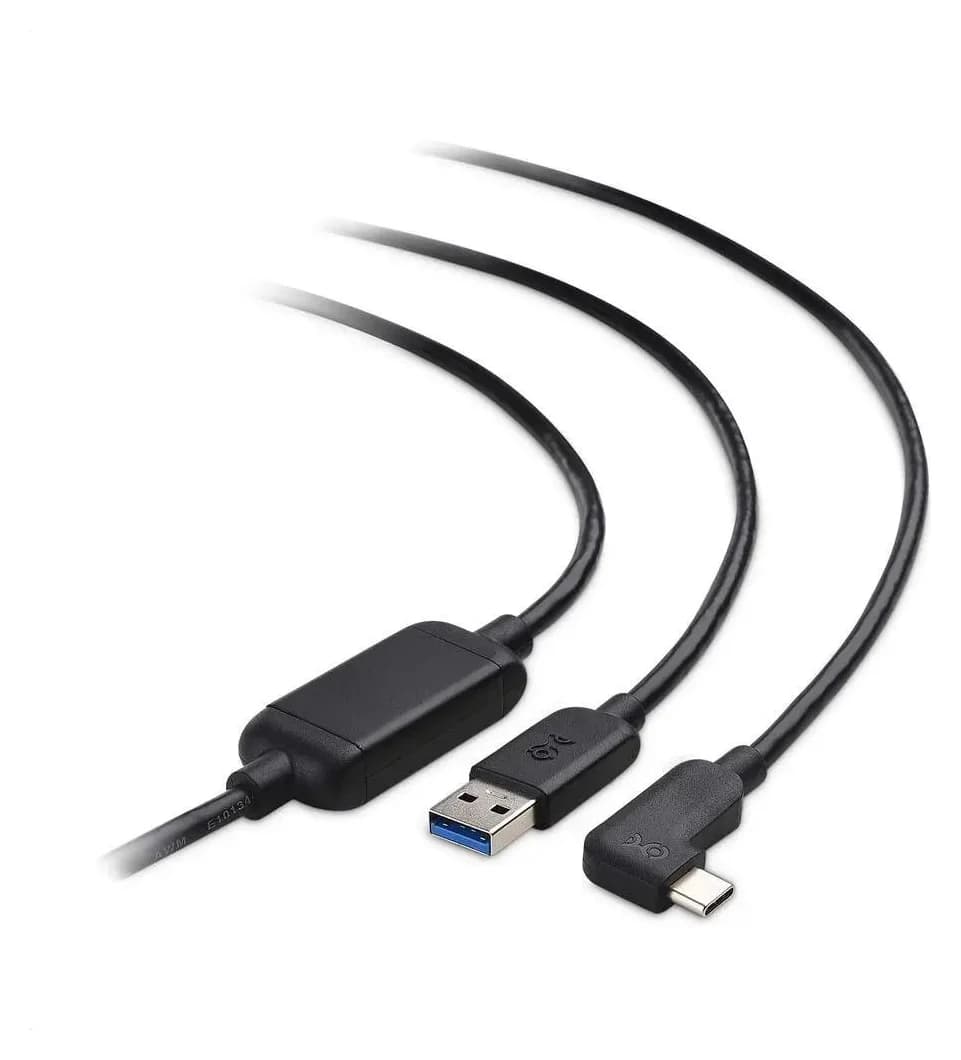
Best Link Cables for Meta Quest 3: USB-C Specs That Actually Work
The best link cable for Quest 3 and older Quest headsets: Meta's own fiber cable, a charge-while-playing pick, and long active cables, per Meta's USB rules.
Updated November 29, 2026Read