Black Friday: the specs to check before you buy
Comparison
Updated November 3, 2026Anker Nano 10K vs Laptop 25K: Which Built-In-Cable Bank to Buy?
Short answer
Buy the Anker Nano 10K, model A1259, if you mainly want a phone top-up with an attached cable: its 215g body and 30W USB-C output make it our everyday pick. Buy the Anker Laptop 25K, model A1695, if you regularly charge a laptop or share power: it has a 90Wh battery, two attached USB-C cables and up to 100W per USB-C connection. The Laptop bank's 165W headline is shared output, so it cannot send that much to one laptop. (Nano specifications, Laptop specifications)
Our picks at a glance
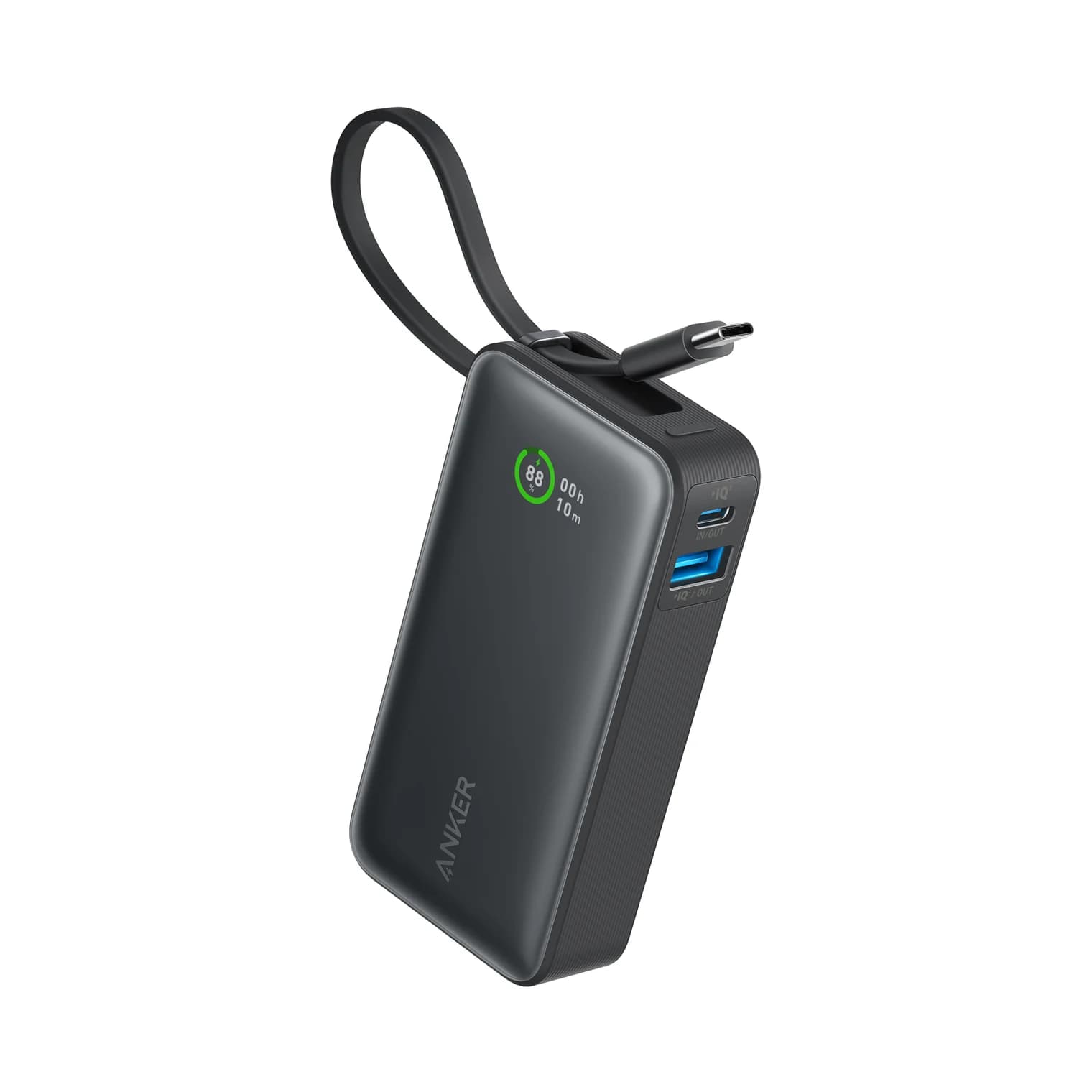
Best for everyday phone carryAnker
Anker Nano Power Bank (10,000mAh, 30W, Built-In USB-C Cable)
- max output
- 30W
- ports
- 3
- Choose
- The A1259 combines a built-in USB-C cable, up to 30W input and output, and a 215g body.
- Limit
- Anker lists a lower total output figure, so expect slower speeds when charging two devices at once
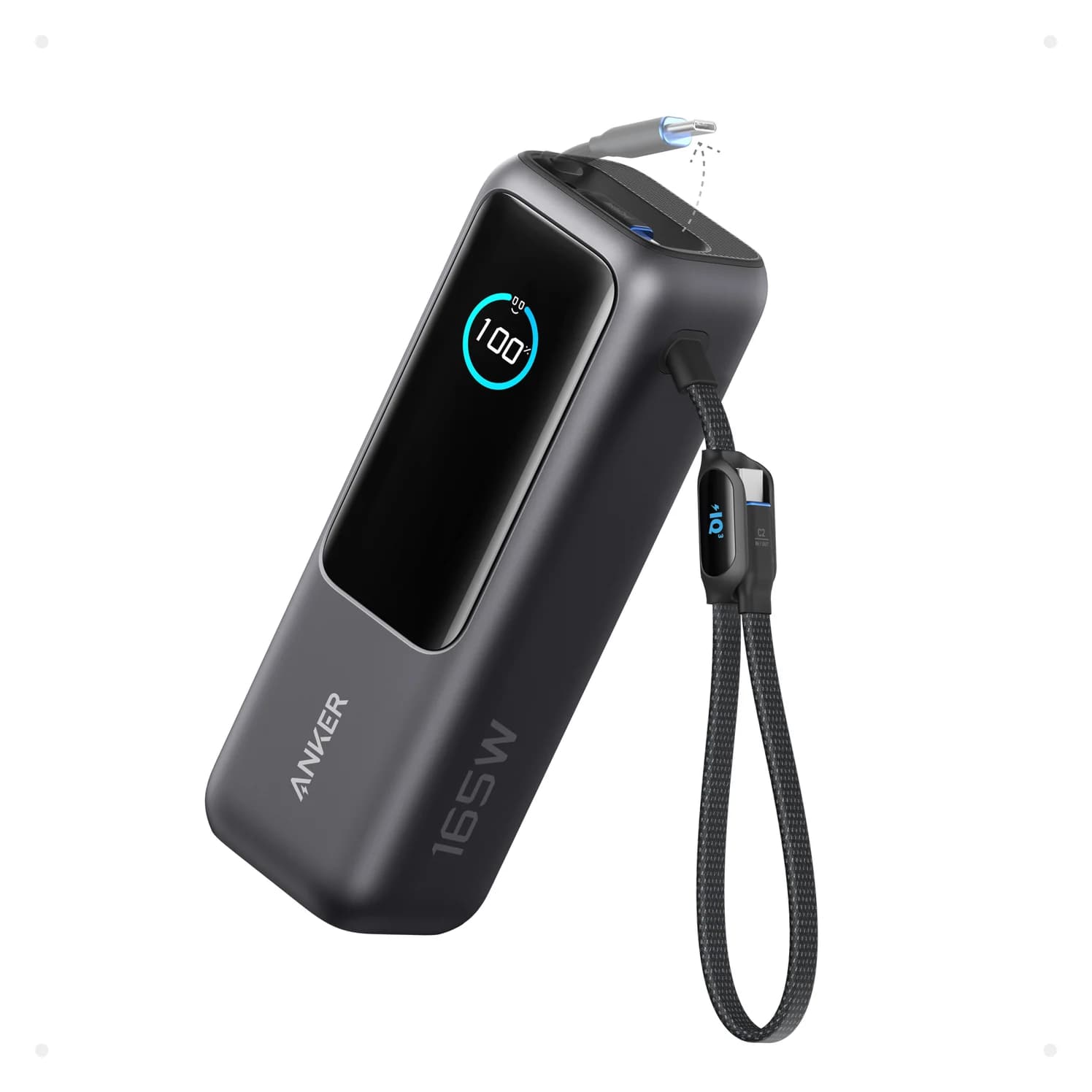
Best for laptop carryAnker
Anker Laptop Power Bank (25K, 165W, Built-In and Retractable Cables)
- max output
- 100W
- ports
- 4
- Choose
- The A1695 supplies up to 100W through either attached USB-C cable, with a 90Wh battery and up to 165W shared output.
- Limit
- At 21 oz it is heavy for a pocket or small sling
Quick picks: buy for the kit you will carry
| Your use | Exact pick | Usable kit to plan for | Why choose it | Buying link |
|---|---|---|---|---|
| A phone on the commute | Nano A1259, 10K/30W | Attached USB-C cable; a USB-C wall charger supporting its 30W input for refills | Our smaller everyday choice | Check price on Amazon |
| A laptop away from an outlet, or a laptop plus phone | Laptop A1695, 25K/165W | Two attached USB-C cables; a charger supporting 100W USB-C output for its maximum refill input | More stored energy and laptop-level output | Check price on Amazon |
| Your existing bank already covers your devices and lasts long enough | Keep it | Check its cables and your existing charger first | An attached cable alone need not justify replacing working gear | — |
The charger suggestions describe maximum refill capability, not a requirement to buy a new charger. Use an appropriate charger you already own if slower refills suit you.
Check the model before comparing offers
This comparison is A1259 versus A1695. Anker also sells a Nano 10K/45W, model A1638, with a retractable USB-C cable; that is a different product from the 30W A1259 here. A listing that merely says “Anker Nano 10K” is not specific enough. Anker identifies these models on its A1259 page, A1695 page and A1638 page.
Do not buy the bigger battery solely because you want a retractable cable. First decide whether you need the Laptop bank's capacity and laptop output, or whether a different phone-sized bank answers the actual problem.
A1259 vs A1695: the useful specifications
| Specification | Nano A1259 | Laptop A1695 |
|---|---|---|
| Advertised cell capacity | 10,000mAh | 25,000mAh |
| Documented energy | Wh not stated in the cited US specification or user guide | 90Wh in the manual |
| Attached cables | One built-in USB-C cable | Retractable USB-C1, up to 2.3 ft; non-retractable USB-C2, 0.98 ft, also a carrying strap |
| Separate sockets | One USB-C, one USB-A | One USB-C (USB-C3), one USB-A |
| Maximum output per USB-C connection | 30W, cable or socket | 100W, either cable or socket |
| USB-A maximum | 22.5W | 33W |
| Shared output | 24W listed total; see interpretation below | Two USB-C devices: 165W total; three or four devices: 130W total |
| Maximum recharge input | 30W through cable or USB-C socket | 100W through either cable or USB-C socket |
| Body dimensions | 4.09 × 2.06 × 1.02 in | 6.18 × 2.12 × 1.93 in |
| Bank weight | 215g | 595g |
| US product-page warranty statement | 24 months | 18 months |
Sources: Anker's Nano specs and user guide, and Laptop specs, sharing diagrams and FAQ and user guide. Cable lengths and warranty statements are in the product pages' embedded product descriptions. Dimensions and weights describe the banks; budget separately for your chosen wall charger and any extra cables.
Best for everyday phone carry: Anker Nano A1259
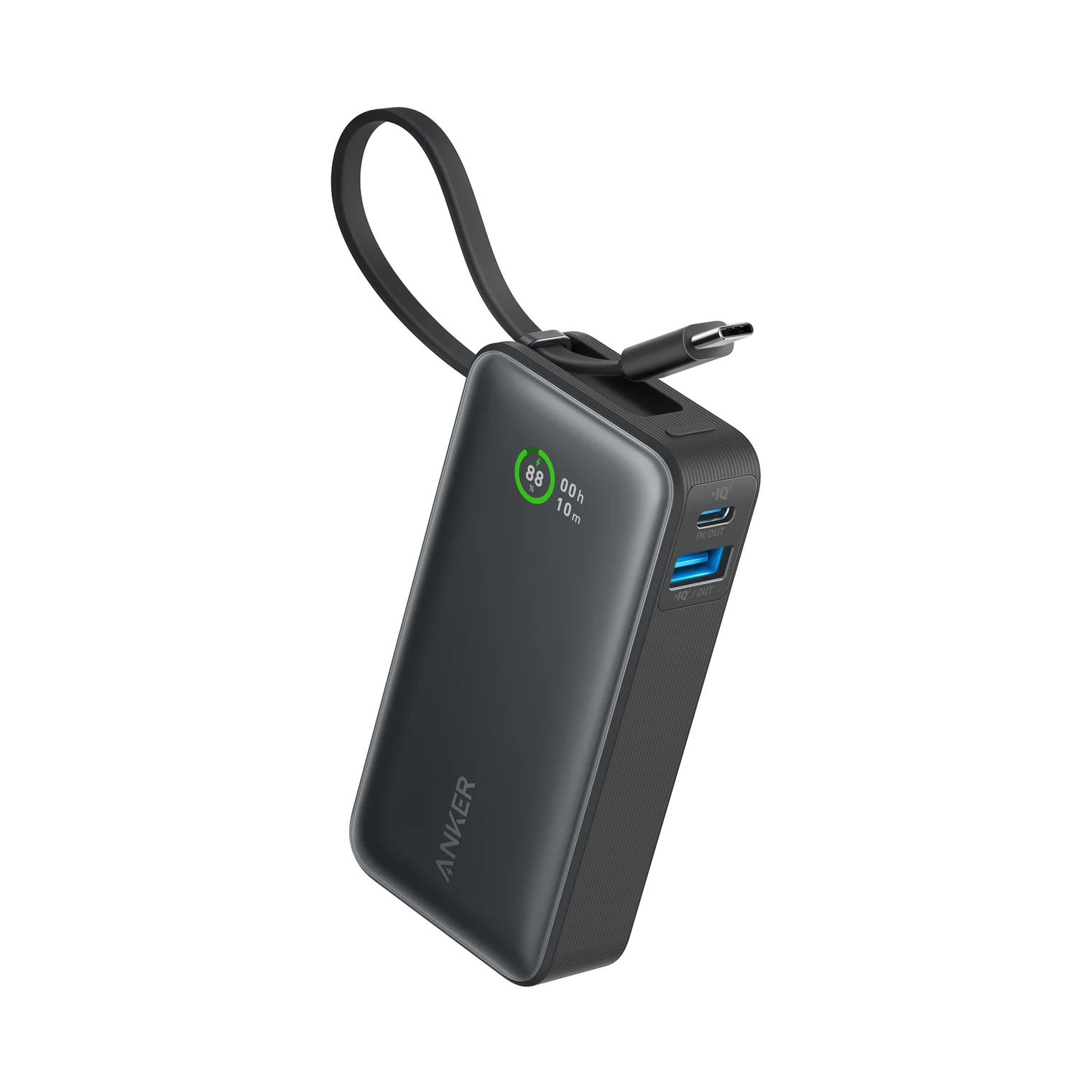
Anker
Anker Nano Power Bank (10,000mAh, 30W, Built-In USB-C Cable)
A 10,000mAh power bank with a built-in USB-C cable plus separate USB-C and USB-A ports, rated up to 30W.
- 30W max output
- 3 ports
Choose this when the point is to leave home with a charged bank and a cable you cannot forget. Its attached USB-C cable charges a device or refills the bank, and the separate USB-C socket offers the same 30W maximum. You can therefore use a separate cable when that suits the device or its position better. The USB-A socket adds an option for older accessories. (Anker A1259)
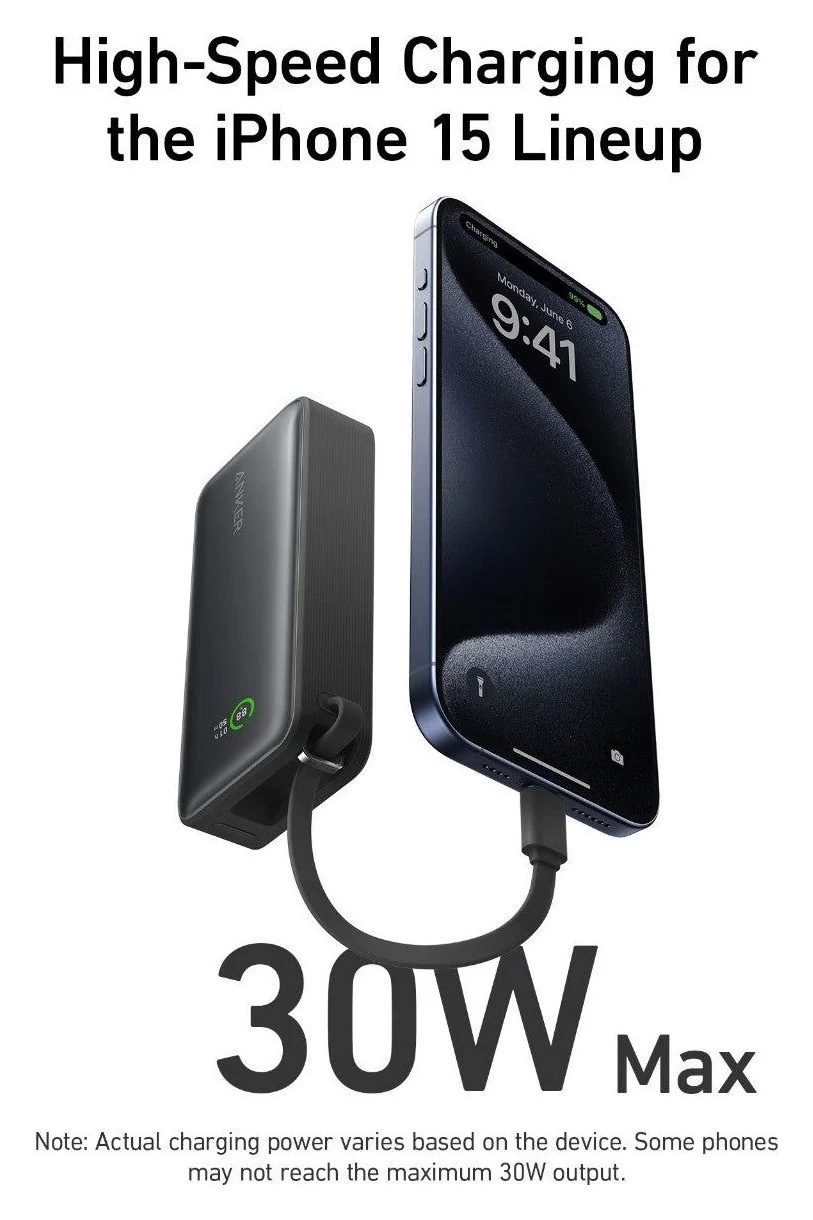
Thirty watts is not a promise of every phone's fastest charging. Apple lists a 40W-or-higher adapter for its fastest wired figure on iPhone 17, 17 Pro and 17 Pro Max, which exceeds this Nano's rating. Apple's current instructions also require AVS for the fastest wired charging of iPhone 18 Pro models; the A1695's higher wattage alone does not establish that compatibility. Check your phone's protocol requirement before upgrading just for speed. (Apple's charging requirements)
For an older Lightning iPhone, pack a USB-C-to-Lightning cable for the socket; neither bank's attached USB-C plug replaces it. Apple distinguishes that cable from the USB-C cable used by iPhone 15 and later. (Apple)
Our pick remains the Nano if everyday phone top-ups are the job. If your existing phone bank already lasts long enough, keep it; buy the Laptop model when additional energy or laptop charging solves a recurring problem.
Best for laptop carry: Anker Laptop A1695
Anker
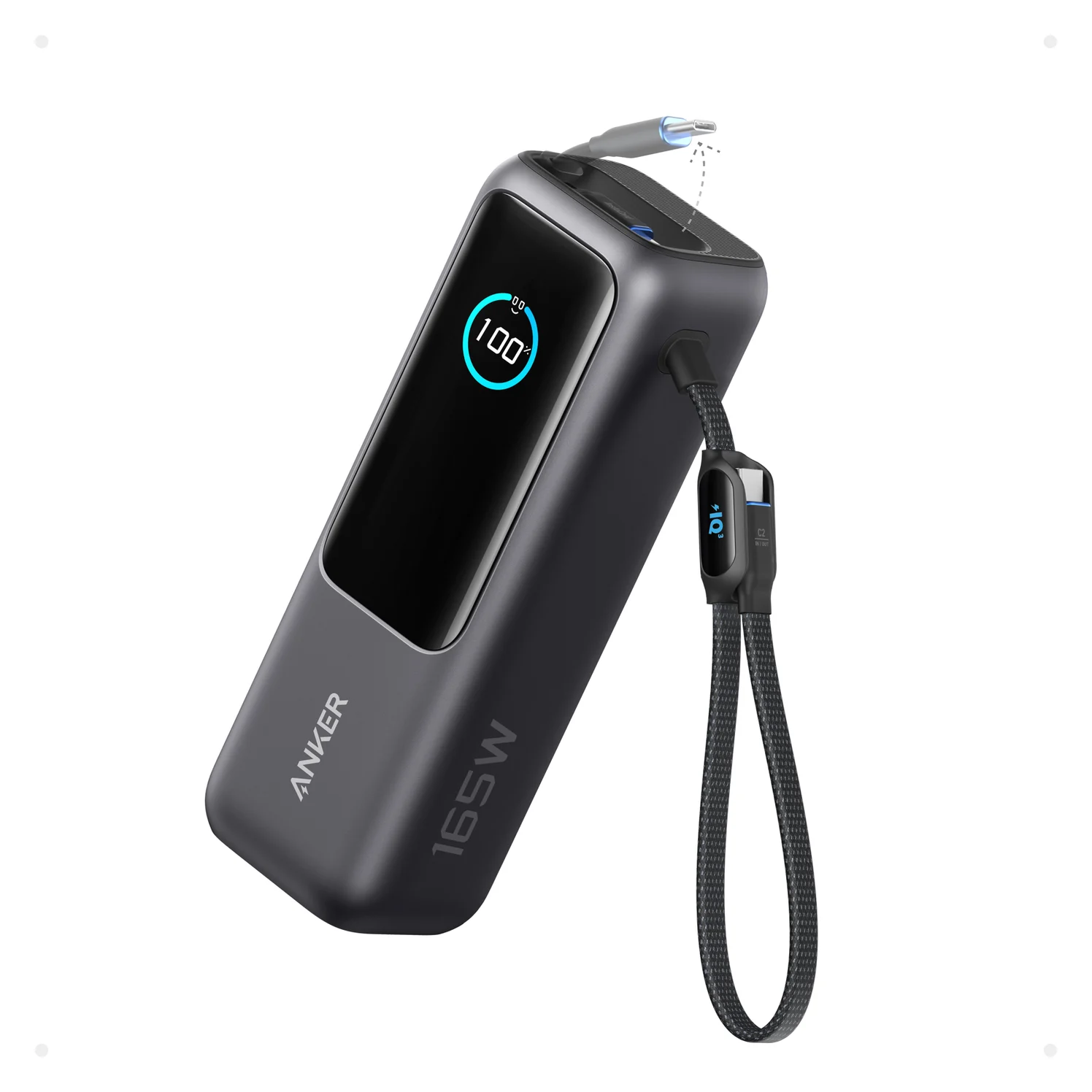
Anker Laptop Power Bank (25K, 165W, Built-In and Retractable Cables)
A 25,000mAh (90Wh) laptop power bank with two built-in USB-C cables, a USB-C port and a USB-A port, rated up to 165W total.
- 100W max output
- 4 ports
The useful upgrade is the combination of 90Wh storage and 100W USB-C connections. The manual identifies the retractable lead as USB-C1, the non-retractable lead as USB-C2 and the socket as USB-C3. Either attached lead can handle the bank's maximum single-connection output, so a laptop and a USB-C phone do not need separate charging cables packed alongside the bank. (Anker specifications, manual)
The cable arrangement matters at a small table: the retractable lead reaches farther, while the shorter strap cable suits a nearby device. Choose where the bank will sit before plugging in; do not make cable reach an afterthought.
The Nano is not categorically unable to charge laptops. Apple lists a 30W adapter for the 13-inch MacBook Air, and allows USB PD sources above or below its recommended adapter wattage. That makes the Nano a plausible occasional top-up for a compatible low-power Mac, while we recommend the Laptop bank for regular laptop use. (Apple adapter guidance)
For a 16-inch MacBook Pro, distinguish charging from Apple's fastest configuration. Anker advertises a half-charge in 30 minutes for a 16-inch M5 MacBook Pro, but Apple's adapter-based fast-charge instructions specify 140W, beyond this bank's 100W single-connection limit. We would buy it for portable charging, without relying on that advertised time. (Anker's claim, Apple's requirements) See our MacBook Pro charger guide if that faster configuration is essential.
Shared power: what changes when you add devices
Anker lists 30W single-connection USB-C output alongside 24W total output for the Nano. We treat the lower number as the combined budget; the cited manual does not provide a connection-by-connection sharing matrix. Do not plan on keeping the phone at its full single-device speed while charging other gear. (Nano specifications, manual)
For the A1695, Anker explicitly labels 165W across two USB-C connections, and reduces the ceiling to 130W with three or four devices. Its four-device diagram allocates up to 100W to USB-C1 and 30W shared by the other connections, so reserve the retractable cable for the laptop in that arrangement. These are ceilings, not a guarantee that each connected device will draw the maximum. (Anker's allocation diagrams)
Refilling the bank: check the wall charger too
Neither standard bank-only package lists a wall charger in its contents. The Nano's product description lists the bank and welcome guide; the Laptop's lists the bank and user manual, with separate charger bundles offered. Compare bank-only with bank-only, then add any charger you actually need. (Nano package description, Laptop packages)
The Nano accepts up to 30W; Anker claims 50% in 45 minutes, not a full refill. The Laptop accepts up to 100W; its FAQ estimates about two hours for a full refill with a 100W-or-higher charger at 25°C, and says peak 100W input applies only above 25% battery. Those figures describe different milestones and cannot establish which bank fills faster from empty. (Nano, Laptop FAQ and notes)
Check the wall charger's USB-C output
Target 30W for the Nano's maximum input or 100W for the Laptop's; check the port you will actually use.
Use an attached cable
Both banks can refill through their built-in USB-C cable, avoiding another loose charging cable.
For the Laptop, use one input
Its manual says multiple connected power sources do not add together; it selects the highest-power source.
That last rule comes from the A1695 manual. For wall-adapter choices, use our USB-C charger guide.
Pass-through has a separate power budget. Anker documents it for the A1695 with at least 20W input and says output is limited below incoming power. Its support table allows only 45W from a single USB-C output when input is at least 60W but below 80W. Do not assume the battery's standalone 100W output survives while the bank refills. (Anker pass-through guide)
Capacity, travel and comparing an offer
Use watt-hours to plan laptop backup. Anker estimates about 63–70Wh of usable output from the A1695's 90Wh cell energy, depending on the device, cable and protocol. Compare that estimate with your laptop's battery energy; do not read 25,000mAh as a guaranteed full laptop recharge. Anker's own conversion guidance says to use the relevant nominal battery voltage and printed Wh rating, rather than USB output voltage. We leave the Nano's Wh value unconfirmed because its cited US specs and manual supply mAh without Wh. (A1695 energy explanation, Nano manual)
For flying, Anker lists both models as flight-compatible, and the A1695's 90Wh is below the FAA's normal 100Wh size limit. Power banks belong in carry-on baggage with protection against short circuits, including when a bag is gate-checked; check your carrier's current restrictions before departure. (Anker model list, FAA guidance)
For a holiday offer, match model, colour, condition, bank-only versus bundle, and warranty before deciding. Anker's US product descriptions state 24 months for A1259 and 18 months for A1695; verify the terms for the seller and region you are buying from. Do not pay for a bundled loose cable unless you need its extra reach or connectors. For alternatives beyond this pair, return to our power bank guide.
How we choose
This is a comparison of manufacturer specifications and manuals, not a physical test. We prioritize usable cable arrangements, single-connection and shared power, recharge requirements and carried weight. Manufacturer charge times remain estimates.
We also flag source conflicts: Anker's A1695 support summary lists a 12V/1.5A step, while its store specifications list 12V/3A. Both give a 100W maximum; we do not use the inconsistent lower-voltage profiles to promise a particular phone's fastest charging.
Verdict
Choose the Nano A1259 for everyday phone carry. Choose the Laptop A1695 when laptop output, more energy or the second attached cable earns its space in your bag. Keep a working bank that already covers your needs, and investigate the separate Nano A1638 if retractability is the only upgrade you want. Buy the complete usable kit, with the shared-power limits in mind.
Frequently asked questions
Which Anker power bank with a built-in USB-C cable should I buy?
Choose the Nano A1259 for everyday phone top-ups: it has a 10,000mAh battery, one attached USB-C cable and up to 30W USB-C output. Choose the Laptop A1695 for regular laptop charging or sharing: it has a 25,000mAh, 90Wh battery and two attached USB-C cables. Its 165W rating is shared; each USB-C connection tops out at 100W.
Can the Anker Nano 30W charge a MacBook?
It can be a reasonable occasional top-up for a compatible low-power MacBook. Apple lists a 30W adapter for the 13-inch MacBook Air and permits USB Power Delivery charging from lower-wattage sources. The Nano's 30W ceiling does not meet Apple's listed 96W adapter configuration for fast charging a 14-inch MacBook Pro. For routine laptop use, choose the A1695 between these two.
Does the Anker 165W power bank deliver 165W to one laptop?
No. Anker rates each A1695 USB-C cable and the separate USB-C port at up to 100W. Two USB-C devices can share up to 165W, so you cannot budget 100W for both simultaneously. With three or four connected devices, Anker lists a 130W total ceiling. It is a laptop-and-phone bank, rather than a guarantee of full power to every connection.
How long do the Nano 10K and Laptop 25K take to recharge?
Anker says the Nano A1259 reaches 50% in 45 minutes using 30W charging; that is not a full-recharge time. For the A1695, Anker estimates about two hours for a full recharge using a 100W or higher charger at 25°C. It also says the A1695 reaches its 100W peak input only above 25% battery. Treat both as manufacturer estimates.
Can I take either Anker power bank on a plane?
Anker lists both A1259 and A1695 among its flight-compatible banks; the A1695 manual confirms 90Wh. FAA guidance places the normal lithium-ion size limit at 100Wh and requires power banks in carry-on baggage, with protection against short circuits. Remove them if your bag is gate-checked. Check your airline's current quantity, storage and onboard-use restrictions before departure.
Best for everyday phone carry
Anker Nano Power Bank (10,000mAh, 30W, Built-In USB-C Cable)
Related guides
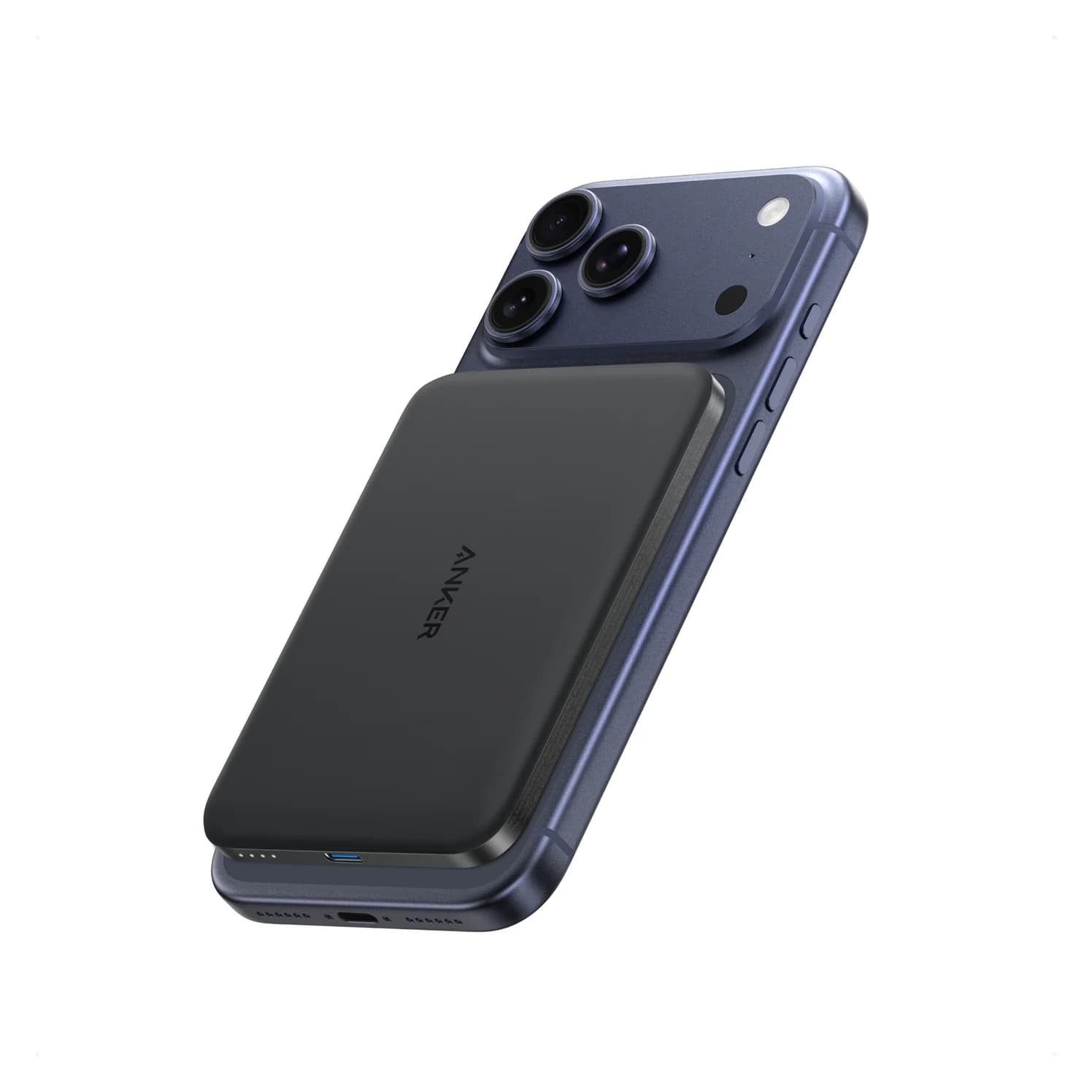
Baseus PicoGo Qi2 5K vs UGREEN MagFlow 5K: The Honest Answer in 2026
No UGREEN MagFlow 5K exists — the real Qi2 5K showdown is Baseus PicoGo vs Belkin BoostCharge Pro 10K. Here are the picks, specs, and gotchas.
Updated November 5, 2026Read
Anker Zolo 10K Power Bank Review: A1688 vs the Nano 10K
Anker Zolo 10K vs Nano 10K: compare built-in cable length, 30W charging, shared output, refill speed and the complete kit, from the makers' own documents.
Updated November 5, 2026Read
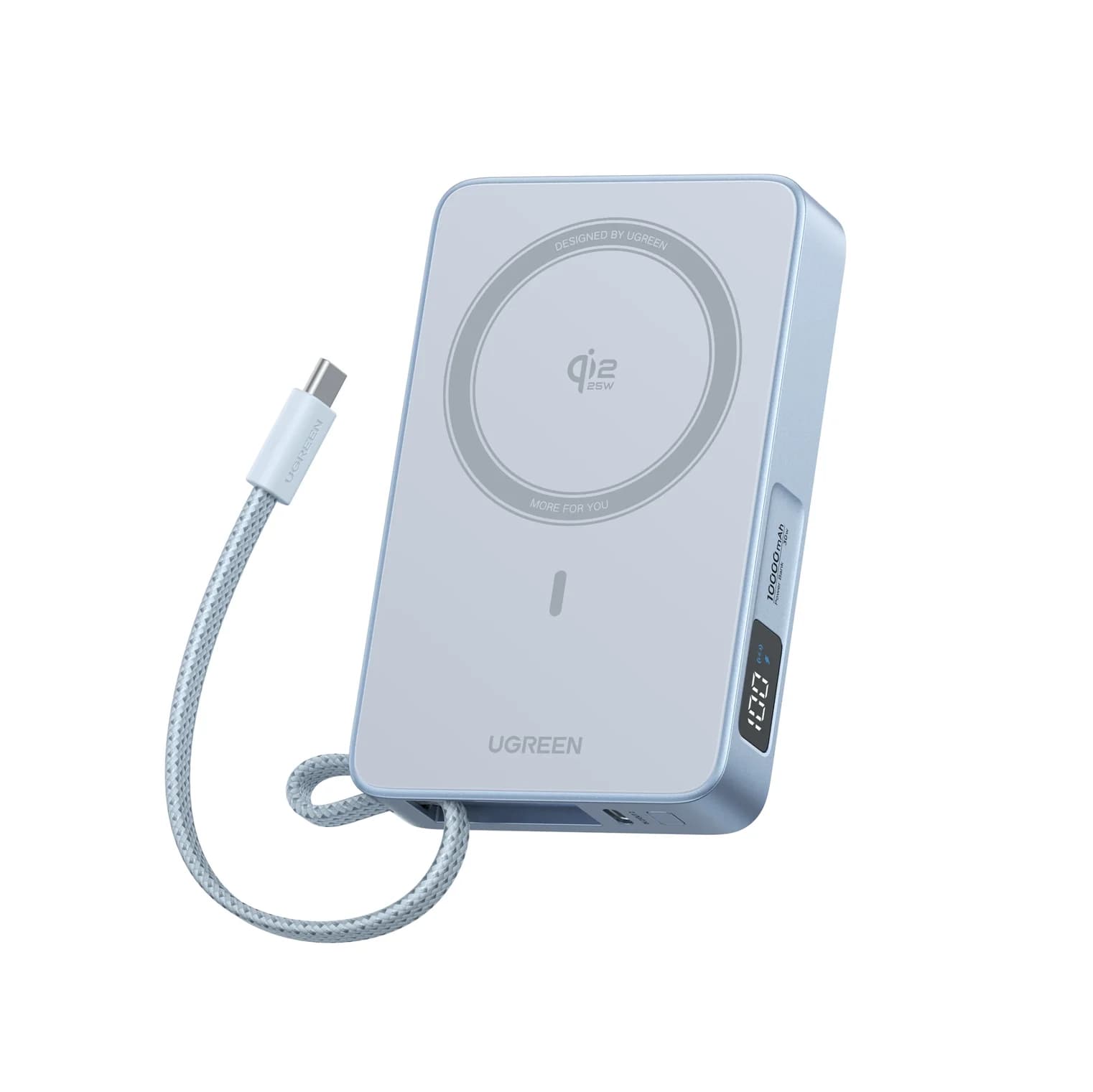
Anker Nano MagGo Slim 5K vs UGREEN MagFlow 10K: Which Magnetic Power Bank?
The Anker MagGo Slim 5K is the 8.6 mm pocket card; the UGREEN MagFlow 10K adds Qi2 25W and a built-in cable. Exact specs, phone fit and honest capacity.
Updated November 5, 2026Read