Black Friday: the specs to check before you buy
Comparison
Updated November 3, 2026Anker Nano 30W vs 45W Power Bank: Fixed or Retractable Cable?
Short answer
For a new Anker power bank with a built-in USB-C cable, choose the Nano A1638 45W if you want a retractable lead or higher single-device output; keep the A1259 30W if its fixed lead already suits your phone. Both are 10,000mAh banks with up to 30W input, so the upgrade changes cable handling and output rather than battery size or recharge wattage. Those ratings come from Anker's A1638 specifications and A1259 specifications.
Our picks at a glance
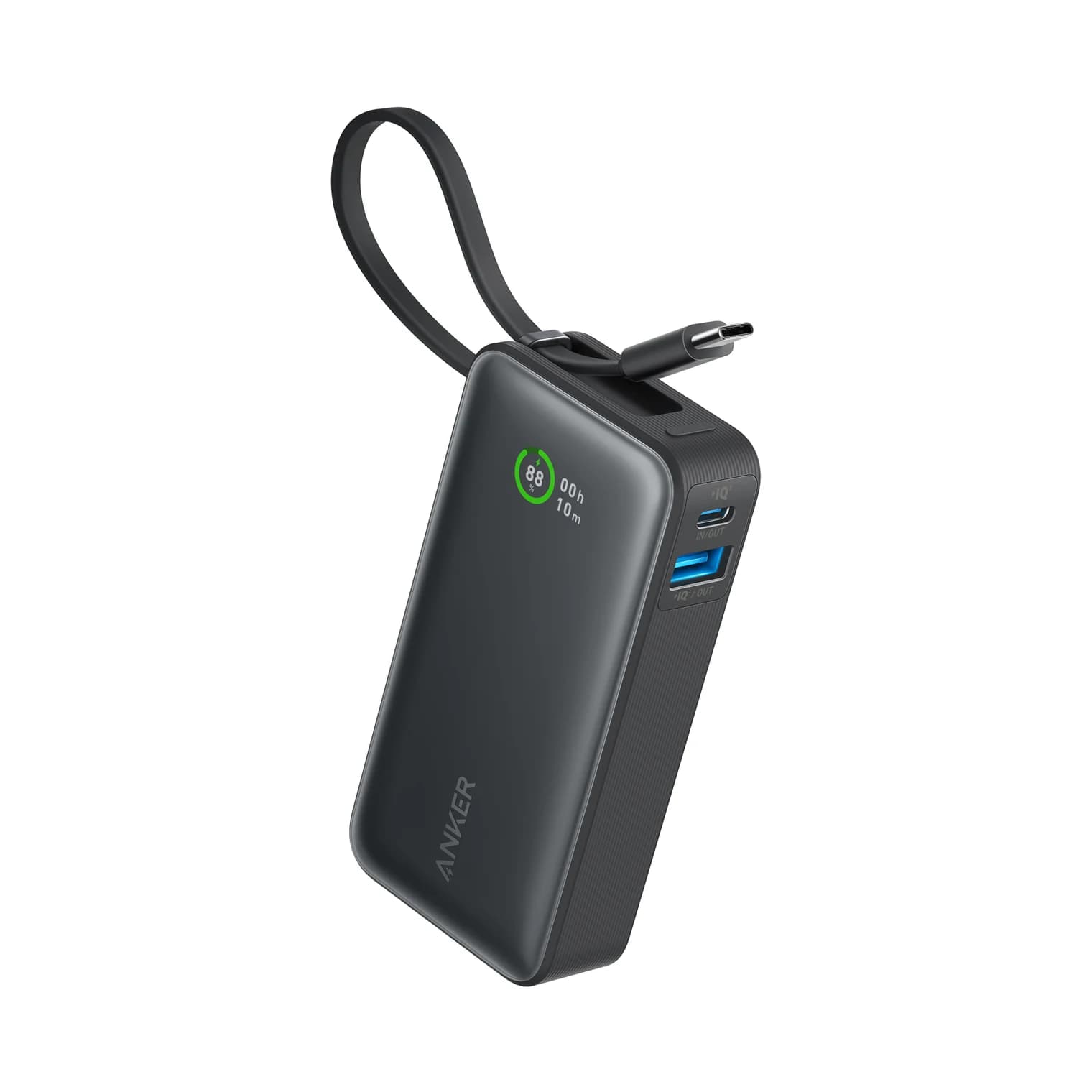
Best to keep: A1259 fixed cableAnker
Anker Nano Power Bank (10,000mAh, 30W, Built-In USB-C Cable)
- max output
- 30W
- ports
- 3
- Choose
- Its 30W USB-C output already covers Apple's published adapter requirement for iPhone 15 and 16 fast charging, and its body is thinner than A1638.
- Limit
- Anker lists a lower total output figure, so expect slower speeds when charging two devices at once
- 45WA1638 maximum USB-C output with one device connected
- 30WMaximum recharge input on both banks
Quick picks
| Your priority | Pick | Why |
|---|---|---|
| Buying new; want adjustable cable reach | A1638 45W retractable | Cable extends to 70cm; higher single-device output |
| Already happy with the older bank | Keep A1259 30W | Same stated battery capacity and input ceiling |
| Thinner carry | A1259 | 1.02 inches thick versus 1.42 inches |
| Fast charging several devices together | Choose a different bank | A1638 drops to 15W plus 7.5W with two outputs; A1259 lists a 24W total |
A1259 vs A1638: identify the actual versions
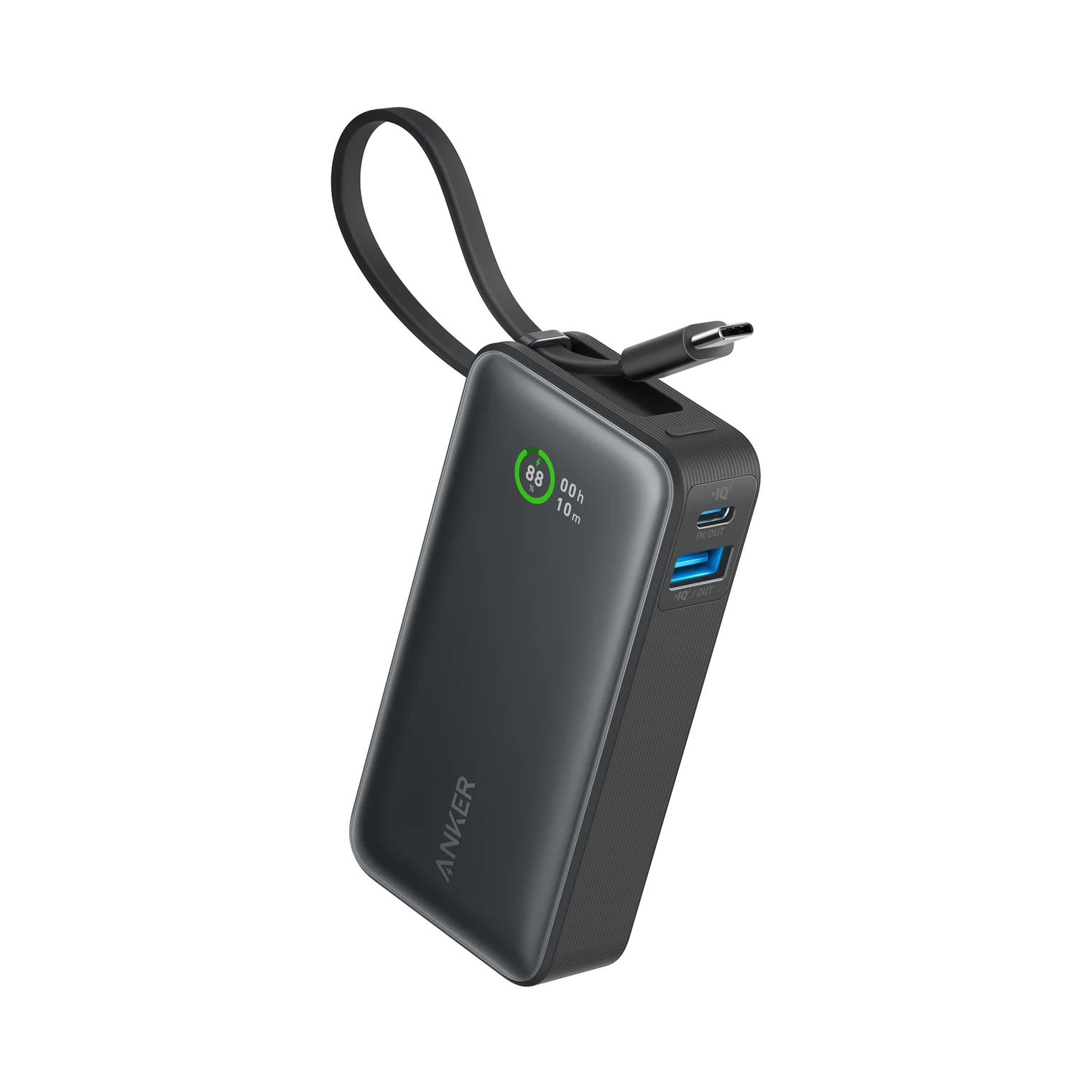
Check A1259 or A1638 in the specifications before buying. Anker calls both “Nano,” but A1259 is the 30W built-in-cable model and A1638 is the 45W retractable-cable model. The model numbers appear on their respective US product pages; do not identify the version from “Nano” alone.
| Feature | Nano A1259, fixed cable | Nano A1638, retractable cable |
|---|---|---|
| Stated cell capacity | 10,000mAh | 10,000mAh |
| Built-in USB-C cable output, alone | Up to 30W | Up to 45W |
| Separate USB-C port output, alone | Up to 30W | Up to 45W |
| USB-A output, alone | Up to 22.5W | Up to 22.5W |
| Recharge through cable or USB-C port | Up to 30W | Up to 30W |
| Output connections | Built-in USB-C cable, one USB-C port, one USB-A port | Built-in USB-C cable, one USB-C port, one USB-A port |
| Cable reach | No length confirmed in the cited model documents | Up to 2.3ft / 70cm; eight presets |
| Dimensions, US listing | 4.09 × 2.06 × 1.02 inches | 3.21 × 1.99 × 1.42 inches |
| Weight, US listing | 7.58oz / 215g | 0.51lb |
| Shared-output documentation | 24W total; no per-port split given | 15W + 7.5W for two outputs; 7.5W each for three |
Sources: the linked US specification pages and Anker's A1259 user guide, A1638 user guide and A1638 FAQ. The A1638 manual also lists 24W total, conflicting with its detailed sharing limits; use the lower, explicit allocations when planning a purchase.
Best new purchase: A1638 45W retractable
The reason to buy A1638 is the cable: Anker's manual specifies up to 70cm, with eight preset lengths. It lets you choose the reach between bank and phone, then retract the lead for storage. The body is shorter and narrower than A1259 but thicker, so “smaller” does not automatically mean a better fit in your pocket.
Its cable and separate USB-C port each provide up to 45W alone, and Anker explicitly advertises Samsung Fast Charging 2.0 and up to 40W for the iPhone 17 series through those USB-C connections. USB-A has a separate 22.5W ceiling. Choose it for a compatible phone's higher output requirement or for the retracting design; neither advantage guarantees a particular charge time.
Anker's marketing says A1638 can power laptops, but its manual explicitly says laptop charging is not recommended because capacity and output are limited. Treat it as a phone or tablet bank. For a laptop-first purchase, start with our power bank guide.
Check the A1638 model and options at Anker
Best to keep: A1259 30W fixed cable
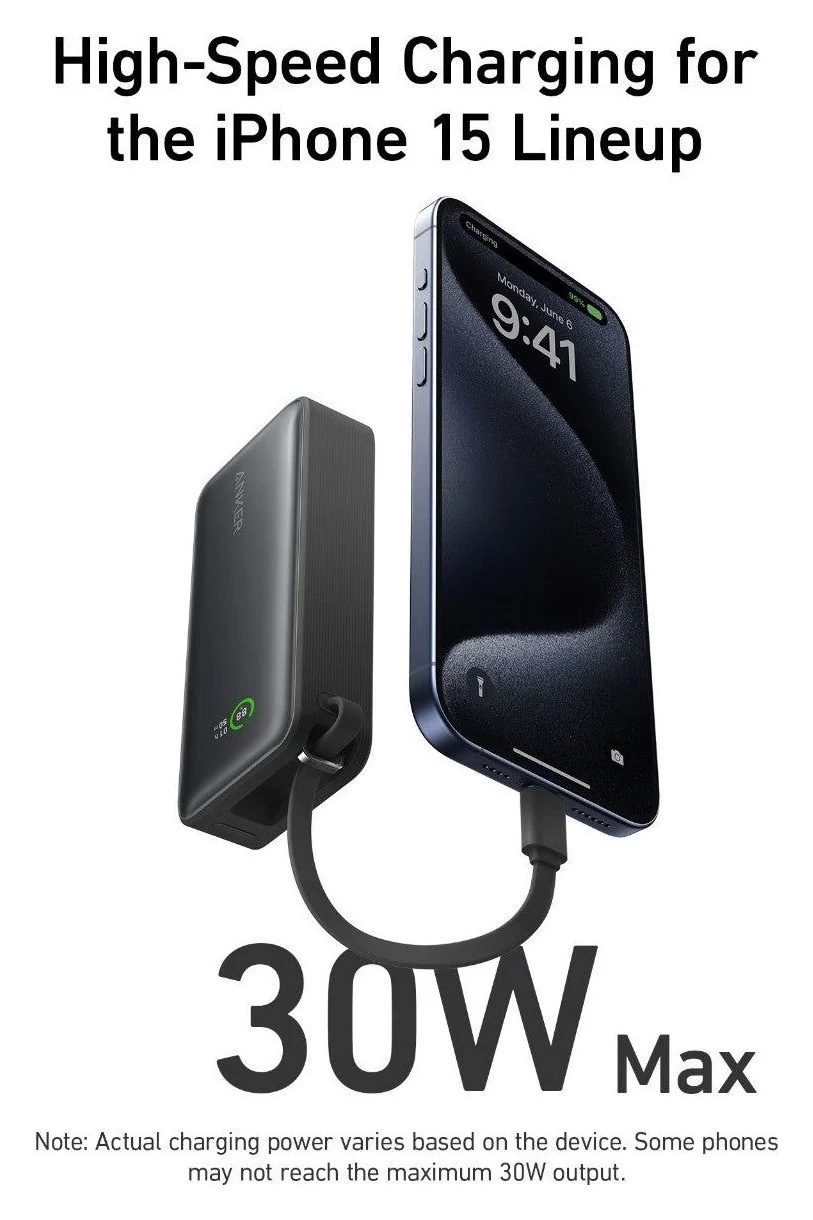
Anker
Anker Nano Power Bank (10,000mAh, 30W, Built-In USB-C Cable)
A 10,000mAh power bank with a built-in USB-C cable plus separate USB-C and USB-A ports, rated up to 30W.
- 30W max output
- 3 ports
A1259 already provides up to 30W through its built-in cable or separate USB-C port. Its 1.02-inch thickness is the carry advantage over A1638's 1.42 inches. If its cable arrangement works for you, keep it until you have a specific reason to change.
For iPhone 15 and 16 owners, that reason need not be headline wattage: Apple's published charging tests use a 20W adapter, which is below A1259's maximum. That comparison establishes sufficient adapter wattage on paper; it does not establish identical charging curves between these banks. Anker also publishes PPS support for A1259, but a 30W bank cannot provide a phone's 45W mode.
Which one fits your phone?
| Phone | Purchase advice | What the official documentation establishes |
|---|---|---|
| iPhone 15 or 16 family | Keep A1259; choose A1638 for its cable | Apple's charging tests use a 20W adapter |
| iPhone 17, 17 Pro, 17 Pro Max | Prefer A1638 for output headroom | Apple specifies 40W or higher; Anker claims up to 40W for these phones |
| iPhone 17e or iPhone Air | Choose by cable and carry preference | Apple specifies a 20W or higher adapter |
| iPhone 18 Pro, 18 Pro Max or Duo | Neither for Apple's fastest wired charging | Apple asks for a 60W-capable source with AVS |
| Galaxy phone supporting 45W Super Fast Charging 2.0 | A1638 is the relevant candidate | Anker explicitly claims Samsung Fast Charging 2.0; A1259 stops at 30W |
| Galaxy S26 | Choose by cable; do not pay solely for 45W | Samsung lists up to 25W wired charging |
| Galaxy S26+ or S26 FE | A1638 has the output headroom; confirm exact phone support | Samsung lists 45W; Anker claims Samsung Fast Charging 2.0 without naming these models |
| Galaxy S26 Ultra | Neither for its maximum rate | Samsung lists up to 60W wired charging |
The iPhone requirements come from Apple's fast charging page; the current Galaxy limits come from Samsung's S26 comparison. Samsung also warns that PPS compatibility matters, even when a charger's wattage is high. For a newer Galaxy model, verify its exact compatibility rather than extending an older phone list by assumption.
Pixel owners should be cautious about a full-speed promise. Google specifies a 45W USB-C PPS charger or higher for its Pixel 11 Pro XL fast-charge figure. A1638's cited specifications give fixed voltage/current outputs but no complete PPS voltage/current range, so we cannot establish that it meets that phone's full-speed requirements. Google's model specifications and our USB Power Delivery explainer help distinguish compatibility from maximum speed.
Sharing power: the biggest buying trap
For A1638, Anker's product page, manual and FAQ give these output allocations:
| Connections in use | Allocation |
|---|---|
| Built-in USB-C cable + USB-C port | 15W to the cable + 7.5W to the port |
| Either USB-C connection + USB-A | 15W to USB-C + 7.5W to USB-A, per the manual |
| Cable + USB-C + USB-A | 7.5W to each |
The manual's separate 24W total line conflicts with the detailed 22.5W combined allocation on the product page. Neither document promises 45W to a phone while another output is in use. For A1259, the product page and manual give 24W total, but no explicit per-port allocation; do not divide it equally or borrow A1638's split.
The practical choice: charge your priority phone alone, then connect accessories. A1638's manual also recommends activating trickle mode for low-power devices on USB-A; its USB-C port adjusts current automatically.
Recharging and pass-through: separate limits
Both banks accept up to 30W through either their built-in cable or USB-C port. Buying a higher-output bank therefore does not raise its input ceiling. A1638's manual recommends a 30W USB PD charger and says it cannot recharge through both USB-C connections simultaneously.
Anker's A1638 product description claims a full recharge in 2 hours; its FAQ gives about 2 hours and 10 minutes using a 30W or higher charger at 25°C. These are differently stated manufacturer estimates, not a guaranteed schedule or evidence that it recharges faster than A1259.
A1638 explicitly supports pass-through, but the documents disagree on how it prioritizes charging. The FAQ says power starts shifting toward the bank after the device reaches about 80%; the manual says the bank holds its level until the connected device is fully charged.
A1259's cited product page and user guide do not document the equivalent behavior. Choose A1638 if documented pass-through matters, while allowing for that uncertainty.
Cable handling, bundle and total purchase
Anker's A1638 manual says to pull the cable gently and horizontally, release it to lock, and use a slight pull to initiate retraction. Its separate cable support article gives a different release distance from the manual; use gentle movement and avoid forcing the mechanism. We have no independent durability evidence for either design.
Extend gently
Hold the A1638 connector and pull horizontally to the reach you need.
Let it lock
Release tension so the cable settles at a preset position.
Retract gently
Use a slight outward pull and release; allow the reel to draw the cable back.
Both US product descriptions list the bank, a welcome guide and a 24-month warranty. A1638's page explicitly excludes a wall charger and separate USB-C cable. Compare the complete purchase with the charger and any extra cable you need, and verify the regional bundle and warranty before ordering; a color or bundle name is not a substitute for the model number.
For iPhone 14 and earlier, add a USB-C to Lightning cable; neither built-in USB-C connector plugs directly into that phone. For either bank, a separate cable can also use the independent USB-C port. Our fast-charging cable guide explains how to choose a spare.
How we choose
This is a comparison of manufacturer specifications, manuals and phone-maker charging requirements. We have no physical testing or measured charge-time comparison to report. Recommendations favor documented compatibility and useful cable handling; we retain conflicts between Anker's pages instead of treating marketing maxima as guaranteed performance.
Verdict
Buy A1638 for the retractable cable or a compatible phone that benefits from its higher single-device output. Keep A1259 when its fixed cable suits you, especially with an iPhone 15 or 16. For sharing, neither earns a recommendation on headline wattage: A1638's explicit allocations are much lower than its single-device rating, and A1259 does not publish the per-port split you would need to plan confidently.
Frequently asked questions
Which Anker power bank with a built-in USB-C cable should I buy?
Choose the Nano A1638 for its retractable cable, which extends to 70cm, and up to 45W single-device USB-C output. Keep an A1259 if its fixed cable suits you: its 30W output already covers Apple's published fast-charge adapter requirement for iPhone 15 and 16. Both have 10,000mAh batteries and accept up to 30W input, so upgrading buys cable convenience and output headroom rather than a larger battery or higher recharge wattage.
Does the 45W Anker Nano charge an iPhone faster than the 30W version?
It can offer more useful headroom on iPhone 17, 17 Pro and 17 Pro Max: Apple specifies a 40W or higher adapter for its faster charging figure, and Anker explicitly lists up to 40W for those phones on A1638. That is a manufacturer claim, not a measured comparison here. Neither bank meets the 60W-capable source requirement Apple lists for the fastest iPhone 18 Pro and iPhone Duo charging.
Can the Anker Nano 45W fast charge two phones at once?
Do not buy it expecting 45W to either phone while sharing. Anker's A1638 manual specifies 15W for the built-in USB-C cable and 7.5W for the USB-C port when both are used. A USB-C output paired with USB-A gets 15W plus 7.5W, and all three outputs get 7.5W each. The product page and FAQ agree on those splits, although the manual also prints a conflicting 24W total-output line.
Does the Anker Nano support pass-through charging?
A1638 explicitly supports charging a device while connected to a charger. Its FAQ says the device gets priority until about 80%, then power gradually goes to the bank; its manual says the bank starts recharging after the device is fully charged. Those descriptions conflict, so do not count on a precise handover point or simultaneous full-speed charging. A1259's product page and user guide do not confirm equivalent behavior.
Can I still use the power bank if its built-in cable stops working?
Both models have a separate USB-C port that can charge a device or recharge the bank, so a separate USB-C cable provides another connection path if the bank itself is functioning normally. Each also has USB-A output. For iPhone 14 and earlier, use a separate USB-C to Lightning cable; the built-in USB-C connector does not plug directly into a Lightning iPhone.
Best to keep: A1259 fixed cable
Anker Nano Power Bank (10,000mAh, 30W, Built-In USB-C Cable)
Related guides
Baseus PicoGo Qi2 5K vs UGREEN MagFlow 5K: The Honest Answer in 2026
No UGREEN MagFlow 5K exists — the real Qi2 5K showdown is Baseus PicoGo vs Belkin BoostCharge Pro 10K. Here are the picks, specs, and gotchas.
Updated November 5, 2026Read
Anker Zolo 10K Power Bank Review: A1688 vs the Nano 10K
Anker Zolo 10K vs Nano 10K: compare built-in cable length, 30W charging, shared output, refill speed and the complete kit, from the makers' own documents.
Updated November 5, 2026Read
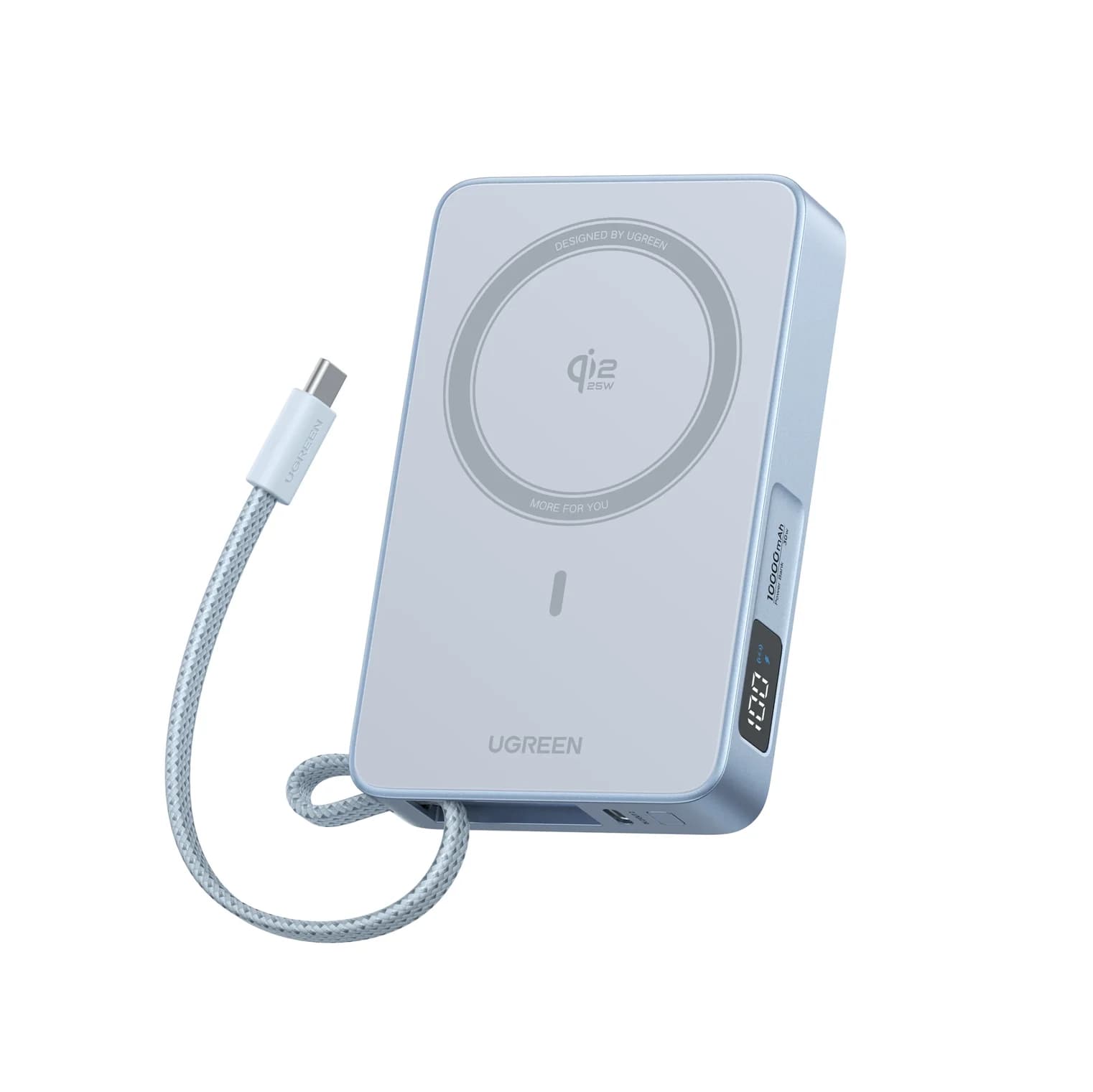
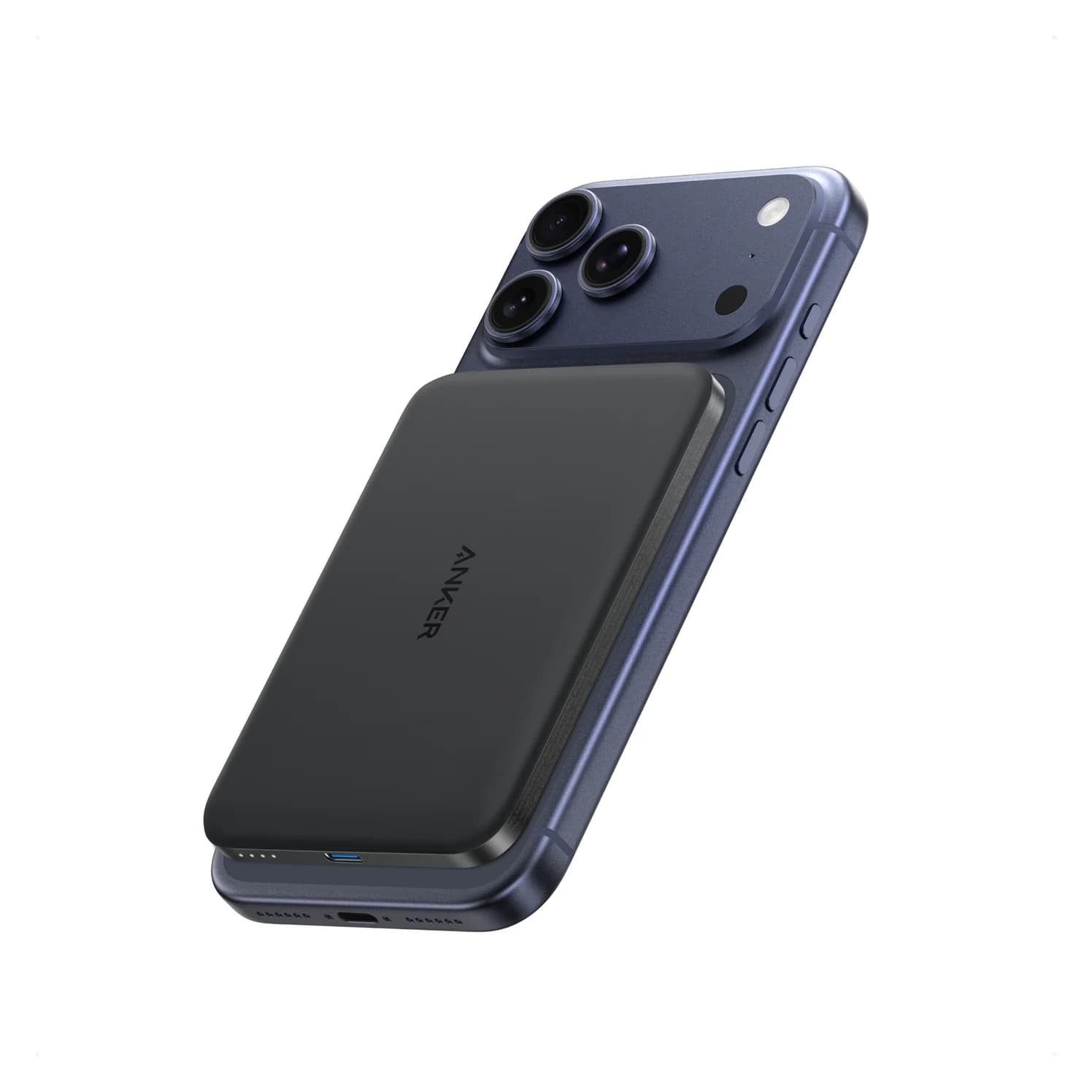
Anker Nano MagGo Slim 5K vs UGREEN MagFlow 10K: Which Magnetic Power Bank?
The Anker MagGo Slim 5K is the 8.6 mm pocket card; the UGREEN MagFlow 10K adds Qi2 25W and a built-in cable. Exact specs, phone fit and honest capacity.
Updated November 5, 2026Read