Black Friday: the specs to check before you buy
Comparison
Updated November 3, 2026Anker Prime 100W A2343 vs A2688: Which Version to Buy?
Short answer
For a new Anker Prime 100W USB-C charger, buy the A2688 after checking the model on the selected item: its three-port diagram keeps up to 65W available to the laptop. Keep an A2343 if you already own one and its charging arrangement works—both models specify 100W from either USB-C port alone and 65W + 35W across the two USB-C ports. The useful differences are the shared-port allocations, where the laptop plugs in, and the exact package you receive.
Our picks at a glance
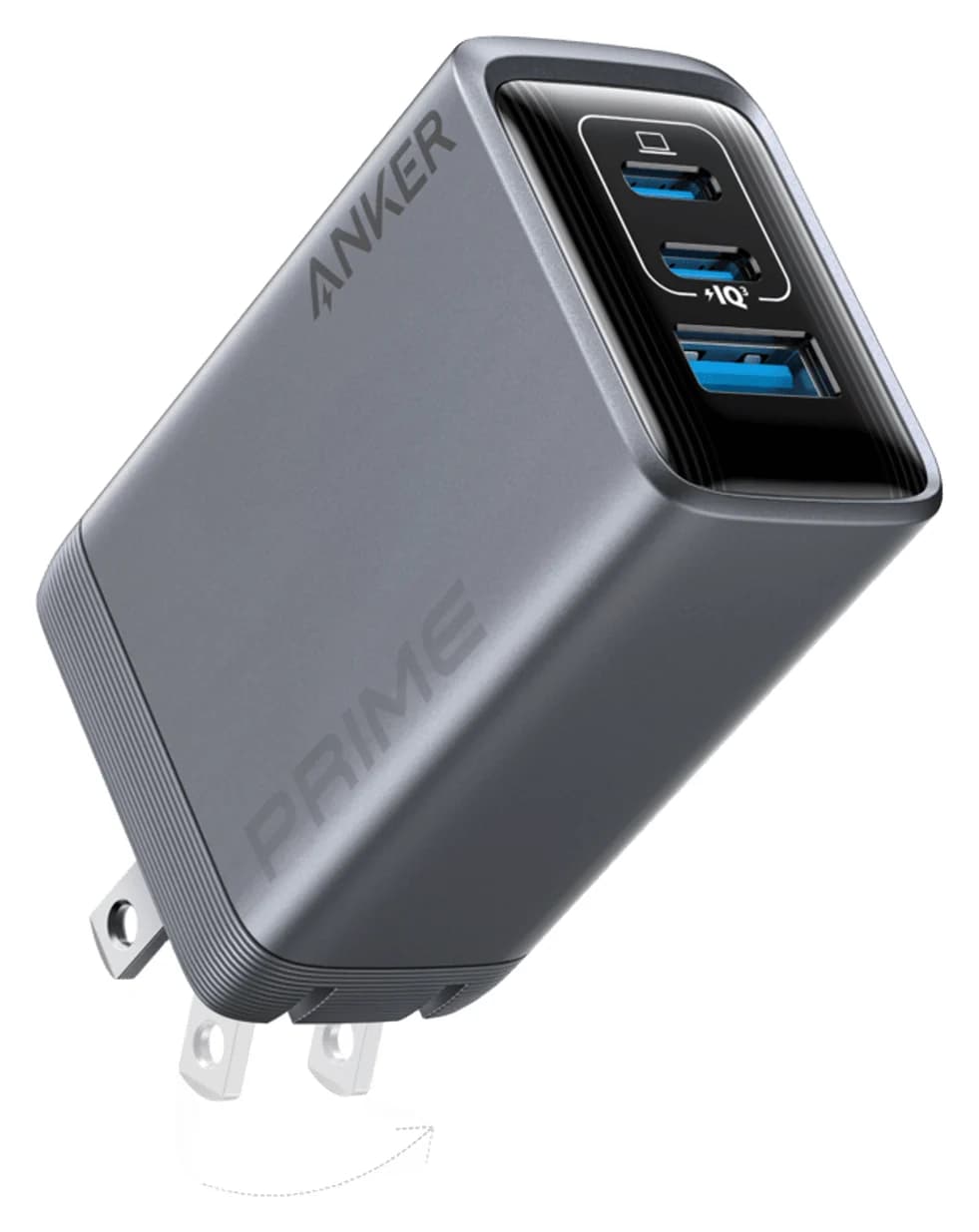
Best default purchase: verify A2688Anker
Anker Prime Charger (100W, 3 Ports, GaN)
- max output
- 100W
- ports
- 3
- Choose
- Anker's A2688 diagram allocates 65W to the laptop port with all ports occupied, and its US page explicitly identifies the model.
- Limit
- Needs a 5A e-marked cable to deliver more than 60W
Quick picks
| Your situation | Our choice | Decision to make before ordering |
|---|---|---|
| Buying a laptop-and-phone charger from scratch | A2688 | Match the model, plug and cable bundle |
| Already own an A2343 and mostly charge one laptop | Keep A2343 | Its single-port ceiling is also 100W |
| Laptop plus an accessory using USB-A | Compare the pair carefully | A2343's regional table lists 76W + 22.5W; A2688's support table lists 65W + 22.5W |
| Need more than 100W to one device | Choose another charger | Neither model provides that; see our USB-C charger shortlist |
The figures below come from Anker's documents, with their inconsistencies identified. They are output ceilings, not a promise that your devices continuously draw that power; USB-IF explains that devices take the power they require.
How to tell A2343 and A2688 apart
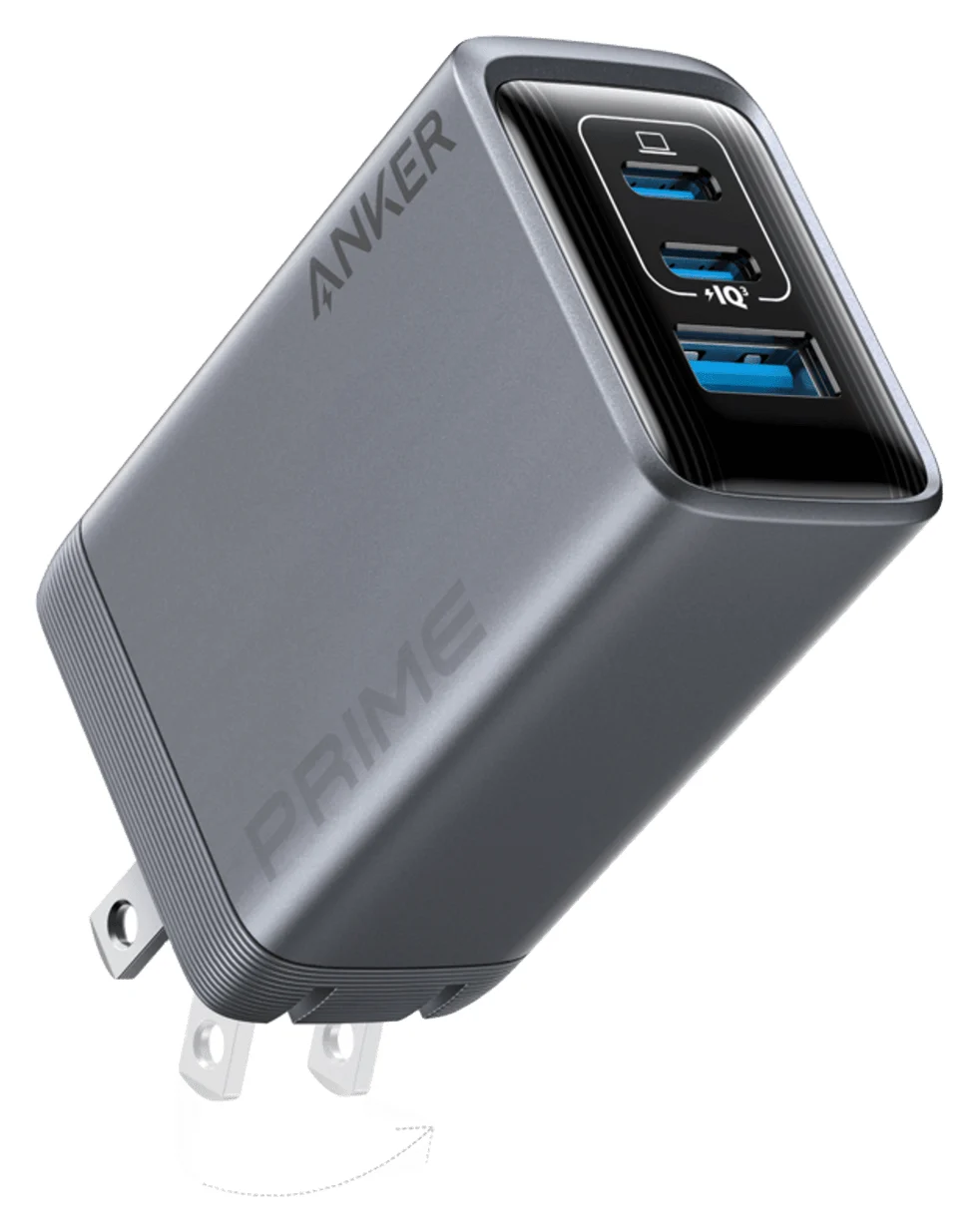
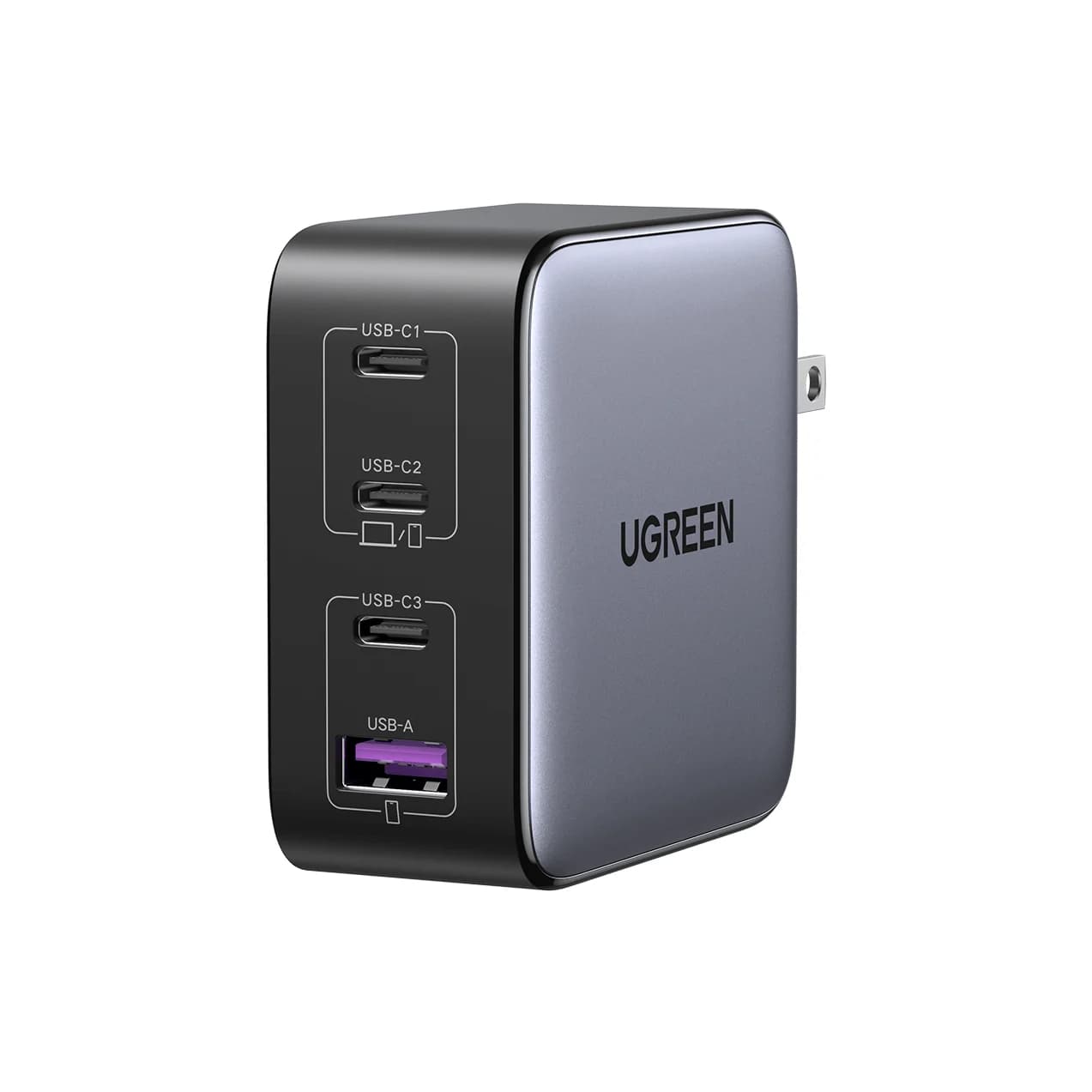
Read the model marking before trusting “Prime,” “GaN” or “100W.” Anker's A2343 support page and A2688 US product page identify different models. The laptop connection is a useful cross-check: USB-C1 is the middle port on A2343, but the top port on A2688.
| Identification or specification | A2343 | A2688 |
|---|---|---|
| Manufacturer's name | Prime 100W GaN Wall Charger (3 Ports) | Prime Charger (100W, 3 Ports, GaN) |
| Ports | 2 USB-C + 1 USB-A | 2 USB-C + 1 USB-A |
| USB-C1 location | Middle | Top |
| Either USB-C used alone | Up to 100W, at 20V/5A | Up to 100W, at 20V/5A |
| Published fixed USB-C voltages | 5V, 9V, 12V, 15V, 20V | 5V, 9V, 15V, 20V |
| USB-A used alone | Up to 22.5W | Up to 22.5W |
| Published dimensions | 44 × 39 × 60,5 mm | 43.5 × 29 × 67.8 mm |
| Published weight | 183,3 g | 170 g |
A2343's dimensions and detailed sharing figures come from Anker's Vietnam regional product page; A2688's are from its US page. A2343's measurements retain the regional table's decimal commas. Treat these as reference specifications, and verify the physical plug on an imported item. A2688's US page scripts identify SKU A2688141; that is an Anker SKU, not independent confirmation of a marketplace listing.
The official power-sharing tables, side by side
Port names matter more than the combined total. Read allocations in the order shown; all figures are maxima.
| Ports occupied | A2343: regional table / manual | A2688: support table / US diagram |
|---|---|---|
| USB-C1 + USB-C2 | 65W + 35W | 65W + 35W |
| USB-C1 + USB-A | 76W + 22.5W | 65W + 22.5W, or 87.5W total |
| USB-C2 + USB-A | Manual says 100W combined; individual allocation unspecified | 12W + 12W, or 24W total |
| All ports | Regional row gives 46W + 30W + 22.5W, with a label error; manual gives 100W maximum combined | Diagram shows 65W to USB-C1 + 24W shared by the other ports; specification gives 89W total |
Sources: A2343 regional specifications, its manual via Anker Support, and A2688's support table plus US product diagrams.
Three official-document conflicts deserve attention. A2343's support page starts with “Total Output: 65W Max,” contradicting its own output rows and the manual's 100W total. Its regional three-port row labels the last port USB-C3, although the product has two USB-C ports and one USB-A; the allocation above is reported with that error flagged, not treated as a guarantee for every regional unit. A2688's marketing promises 100W across three devices, while its specification and quick-start guide explicitly limit three-port output to 89W. Plan around the detailed port table and verify your unit's documentation if an allocation is essential.
Source: Anker's A2343 regional table and A2688 diagram
Best default purchase: A2688
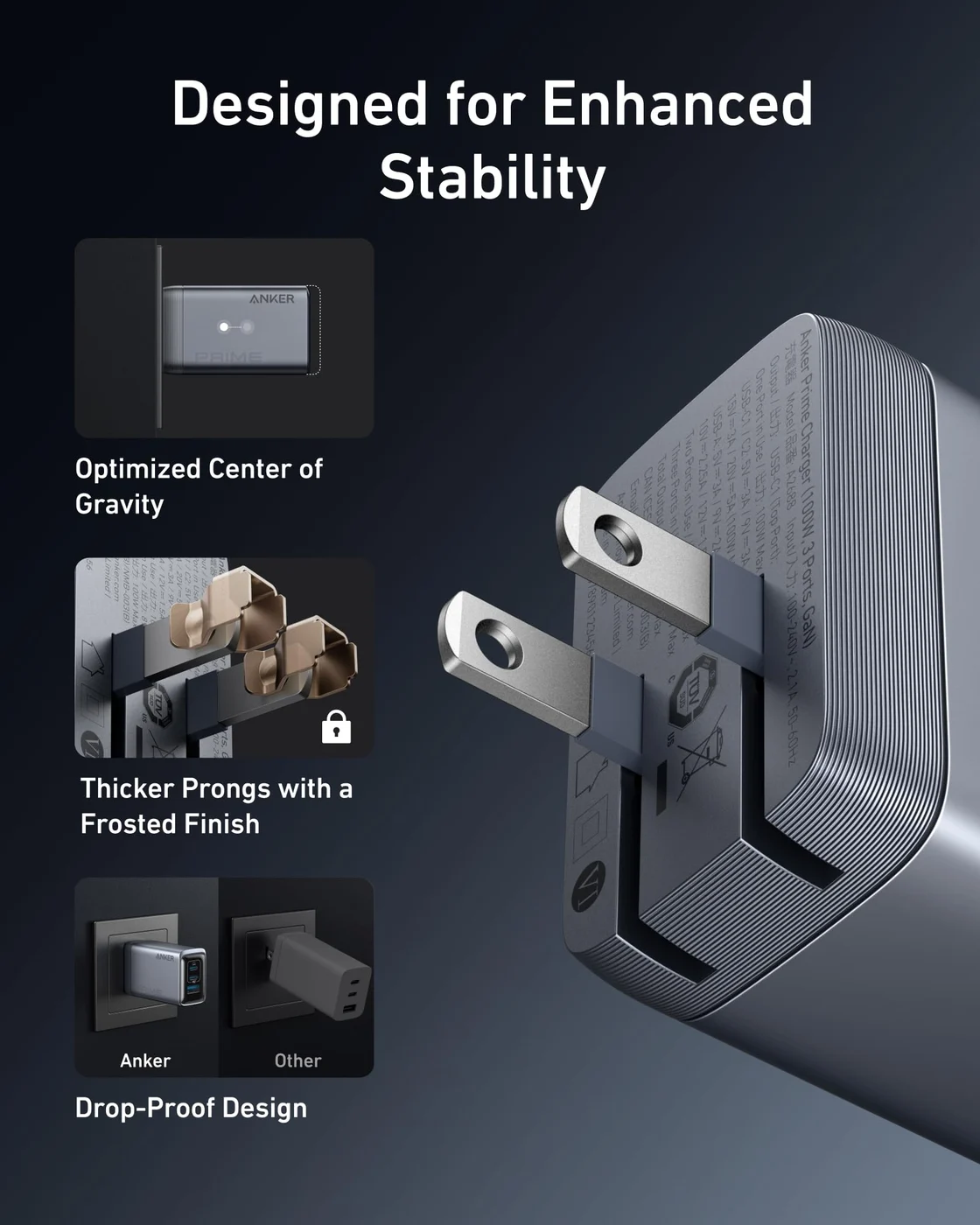
Anker
Anker Prime Charger (100W, 3 Ports, GaN)
A 100W GaN wall charger with two USB-C ports and one USB-A port and a foldable plug.
- 100W max output
- 3 ports
Choose A2688 for a new kit, particularly if you intend to use all its ports. Its published diagram reserves 65W for the laptop while the remaining ports share 24W; the A2343 regional row instead lists 46W for the first USB-C output. That is the reason for our pick, rather than an assumption that a different model must charge every device faster.
For a laptop and phone both using USB-C, the documented 65W + 35W allocation is the same on both models. And when the laptop needs the full 100W, use a USB-C port alone. A2688's product page explicitly excludes charging cables, so budget for a suitable cable if you don't own one.
Check price on Amazon—verify the selected item is A2688
A2343: keep it, or verify a specific offer carefully
A2343 offers the same single-USB-C ceiling and dual-USB-C split. Replacing a working one solely for higher wattage in those arrangements makes little sense. Its regional table also lists more laptop power alongside USB-A—76W versus A2688's 65W—but confirm the exact unit before making that your buying reason.
We have not established a current US retail bundle for A2343 from the official material, so this comparison does not attach an Amazon purchase link to it. Use the model-specific Anker support page to check a unit you own or an explicitly identified offer. Support documentation remaining online should not be treated as proof of stock.
Device fit: laptop wattage and phone protocols
For a laptop, check the shared allocation against its required input. A device that needs more than 65W cannot receive that through the two-USB-C arrangement on either model. For Windows laptops, first check that the maker permits charging through the particular USB-C port you plan to use.
For MacBook Pro, Apple's fast-charge page lists its 96W adapter for the 14-inch and its 140W adapter for the 16-inch. Either Prime's 100W single-port ceiling clears the former rating on paper; the 65W shared allocation falls below it. Neither reaches 140W. This compares power ratings, not charging times; our MacBook Pro charger guide covers the model and cable combinations.
A2343 has a specific Mac warning: its regional page says it does not support MagSafe charging for M2 MacBooks and recommends USB-C to USB-C instead. Keep that caveat attached to A2343 rather than assuming all Prime chargers behave identically.
For a Galaxy phone, Samsung says high wattage alone does not establish Super fast charging: USB PD PPS support matters. A2343's manual confirms PPS, but provides no range; the cited A2688 output table does not specify a PPS range either. Ask Anker about your exact phone and simultaneous-port arrangement before relying on its fastest mode. Our Samsung charger guide covers that separate decision.
Cable, plug region and exact bundle
For full 100W charging, Anker specifies an E-Marker cable for A2688, and USB-IF describes 100W operation as 20V with a 5A USB-C cable. A suitable existing 100W cable is enough; a 240W cable does not increase either charger's output. USB-IF's current certification markings distinguish 60W and 240W cables, so check the cable rating before blaming the charger.
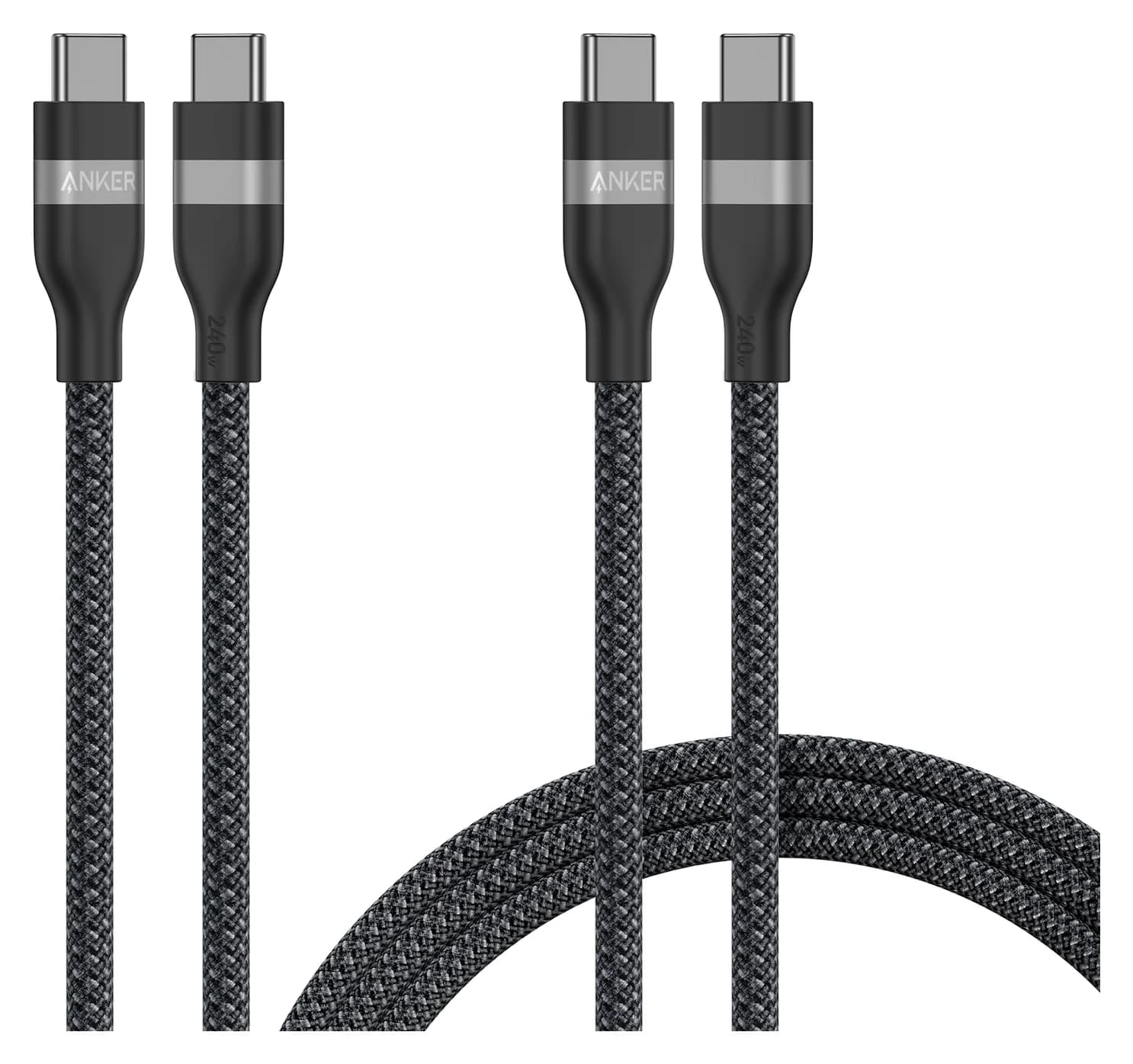
If you need a spare, the Anker A82E2 is a charging-first option: its official page specifies 240W and 480 Mbps data, with no screen mirroring. The two-pack selector offers two 3 ft cables, two 6 ft cables, or a mixed 3 ft/6 ft set; that direct-store page showed Sold Out when checked. Check the selected pack and availability separately: check the mixed-length cable pack on Amazon. Our fast-charging cable guide covers more choices.
A2343's package description lists a charger and welcome guide; A2688 explicitly says cables are purchased separately. Both list 100–240V input, but choose the correct physical plug for your outlet. A2343's support page lists folding US, UK and DE variants; a model number alone does not select your regional package.
Black Friday: compare the complete kit
Compare the final cost of the charger plus any cable you actually need, after matching the model and selected bundle. Use the following order before comparing offers; a larger advertised discount is not a reason to accept an unidentified version.
Match the model
Require A2688 or A2343 on the selected item's model marking and documentation.
Match your connections
Compare the row for the ports you will occupy, especially a laptop alongside USB-A.
Match the package
Verify plug region, cable rating, length and pack count; compare the complete kit cost.
If charging seems unexpectedly slow after setup, simplify to the laptop alone on USB-C1 with the suitable cable, then reconnect accessories. Anker specifically warns that a USB-C to Lightning cable draws power even without a device attached on A2688; remove the cable from the charger when checking single-port behavior.
How we choose
This is a comparison of manufacturer documentation, without physical testing. We matched model numbers, read the separate single-port and shared-port tables, and checked cable and device requirements against USB-IF, Apple and Samsung. We identify disagreements between Anker's marketing, support text and manuals, and distinguish regional specifications from confirmation of a US retail bundle. The purchase recommendation follows the documented connections a reader needs; no claim here establishes sustained output or comparative temperature performance.
Verdict
Buy A2688 for a new setup, with the laptop on USB-C1 and the cable checked separately. Keep A2343 if its present arrangement works; consider an explicitly identified offer only after checking its regional documentation and complete kit cost. If your laptop must retain more than 65W while a second USB-C device charges, choose a charger with a stronger published shared-port allocation.
Frequently asked questions
Which Anker Prime 100W charger should I buy, A2343 or A2688?
Choose A2688 for a new purchase unless an explicitly identified A2343 kit better suits your connections and total cost. Both specify up to 100W from either USB-C port alone and a 65W + 35W dual-USB-C split. A2688's three-port diagram reserves 65W for USB-C1; A2343's regional table lists 46W there, with a port-label error flagged below. Keep an A2343 if its existing charging arrangement already works.
Does the Anker Prime 100W include a USB-C cable?
Anker explicitly says charging cables are not included with the standard A2688. A2343's package description lists the charger and welcome guide, so confirm any claimed cable bundle separately. For the full 100W, Anker specifies an E-Marker cable; USB-IF explains that 100W uses 20V and a 5A cable. Reuse a suitable cable before buying another one.
Can an Anker Prime 100W charge a laptop and phone at full speed together?
That depends on both devices. Across the USB-C ports, the published allocation for either model is 65W to USB-C1 and 35W to USB-C2. A laptop needing more than 65W loses that headroom when you share. On A2688, USB-C2 plus USB-A is a different case: Anker specifies only 12W per port. Connect the laptop to USB-C1 and check the phone's charging protocol.
Is the A2343 only a 65W charger?
Its support page contains a contradictory Total Output: 65W Max line, but the same page lists 100W USB-C output and 100W shared totals. The linked A2343 manual specifies 100W maximum total output. We flag the inconsistency instead of calling this a 65W model. Check the actual model label; the support-page header is insufficient to identify a charger.
Will a 240W cable make either charger output more than 100W?
No. Both chargers specify a maximum of 100W from a USB-C port alone. A suitably rated cable lets the charger reach its supported output; it cannot raise the charger's limit. USB-IF describes 100W as 20V at 5A, while higher power requires additional voltage levels. Choose a cable for its rating, length and connectors rather than expecting extra charger power.
Related guides
Best Wireless Chargers in 2026: Qi2 Stands, Pads and 3-in-1 Stations
The best Qi2 wireless chargers of 2026, from maker spec sheets: 15W MagGo stands, foldable 3-in-1 stations, a Galaxy pad, and the adapter wattage each one needs.
Updated November 7, 2026Read
Anker Prime A2688 vs Satechi 100W Charger: Which to Buy?
Anker Prime A2688 vs Satechi 100W Compact GaN: exact port splits, sizes, cables and travel plugs from the makers, and which kit fits your laptop.
Updated November 5, 2026Read
Satechi 145W vs Anker Prime Fusion: The Four-Port Travel Charger Match
Satechi 145W vs the Prime Fusion-class pick: real port splits for one or two laptops plus phones, plug kits, cables and which complete travel kit wins.
Updated November 5, 2026Read