Cyber Monday: the specs to check before you buy
Best picks
Updated November 23, 2026Best Chromebook Chargers in 2026: 45W and 65W USB-C Picks
Short answer
Most USB-C Chromebooks charge on a 45W USB-C Power Delivery charger, and the simplest replacement is the Anker Nano Charger (45W), which comes with its own 6 ft USB-C cable. If the adapter that came with your Chromebook says 65W, as it does on some larger models, get the Anker 715 (65W) instead. The one trap: a small phone charger will plug in and show a charging light, but it may not keep up while the Chromebook is in use.
We may earn a commission when you buy through links on this page. As an Amazon Associate, thisUSB earns from qualifying purchases. How we earn
Our picks at a glance
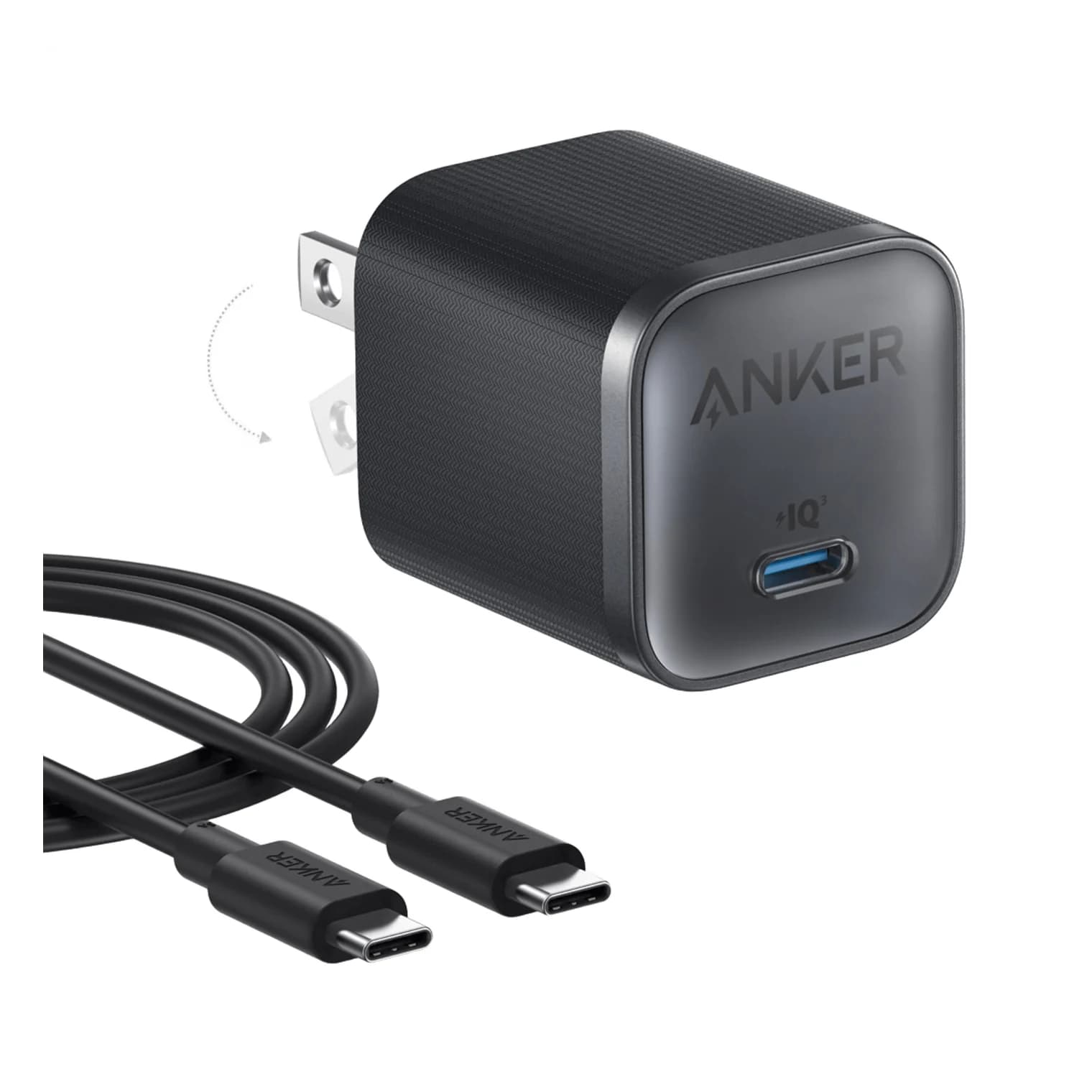
Best overall for 45W ChromebooksAnker
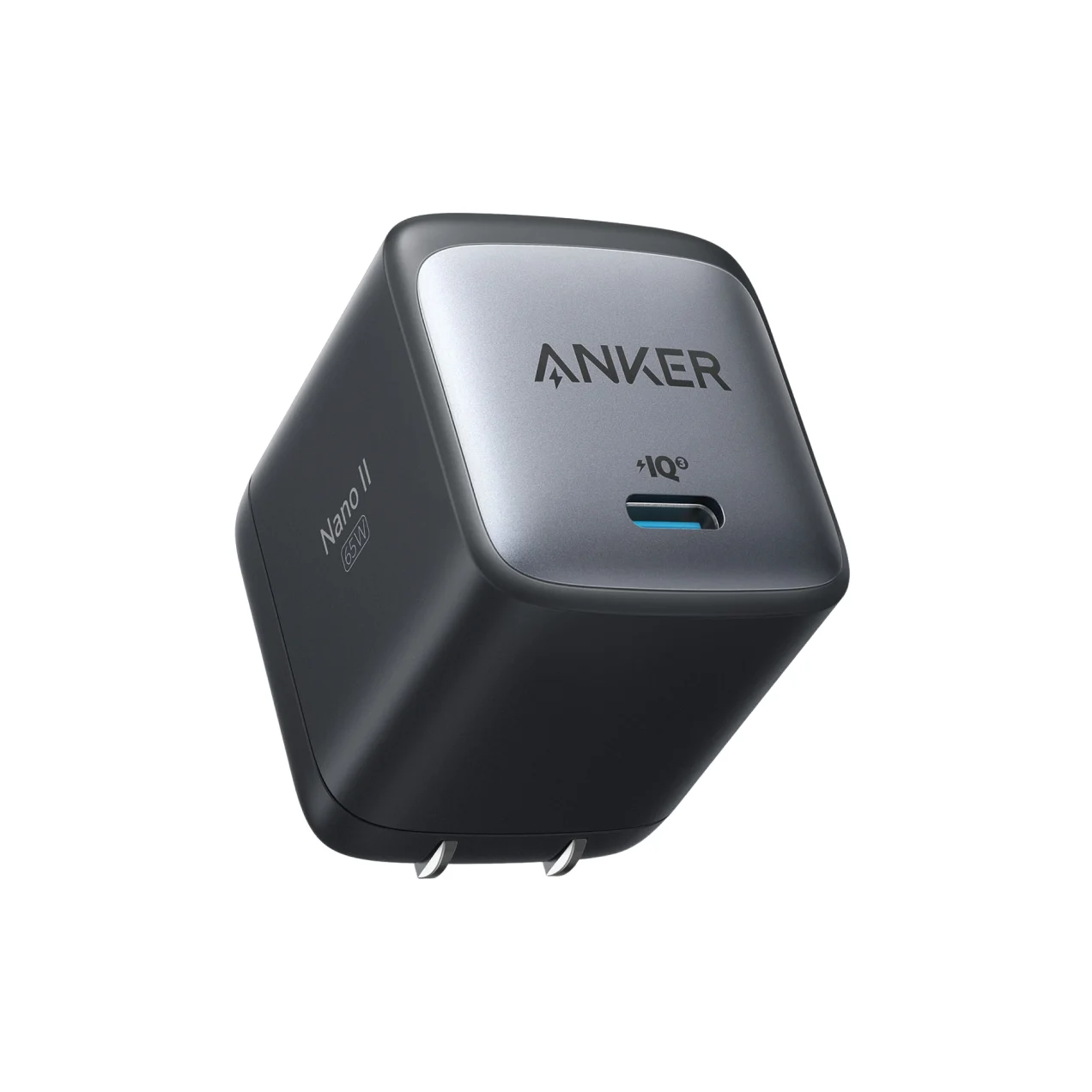
Anker Nano Charger (45W) with 6 ft USB-C Cable (Black)
- max output
- 45W
- port
- 1
- Choose
- 45W USB-C Power Delivery with a 20V profile in a small foldable charger, and a 6 ft USB-C cable in the box, so it replaces a lost charger in one purchase.
- Limit
- One port
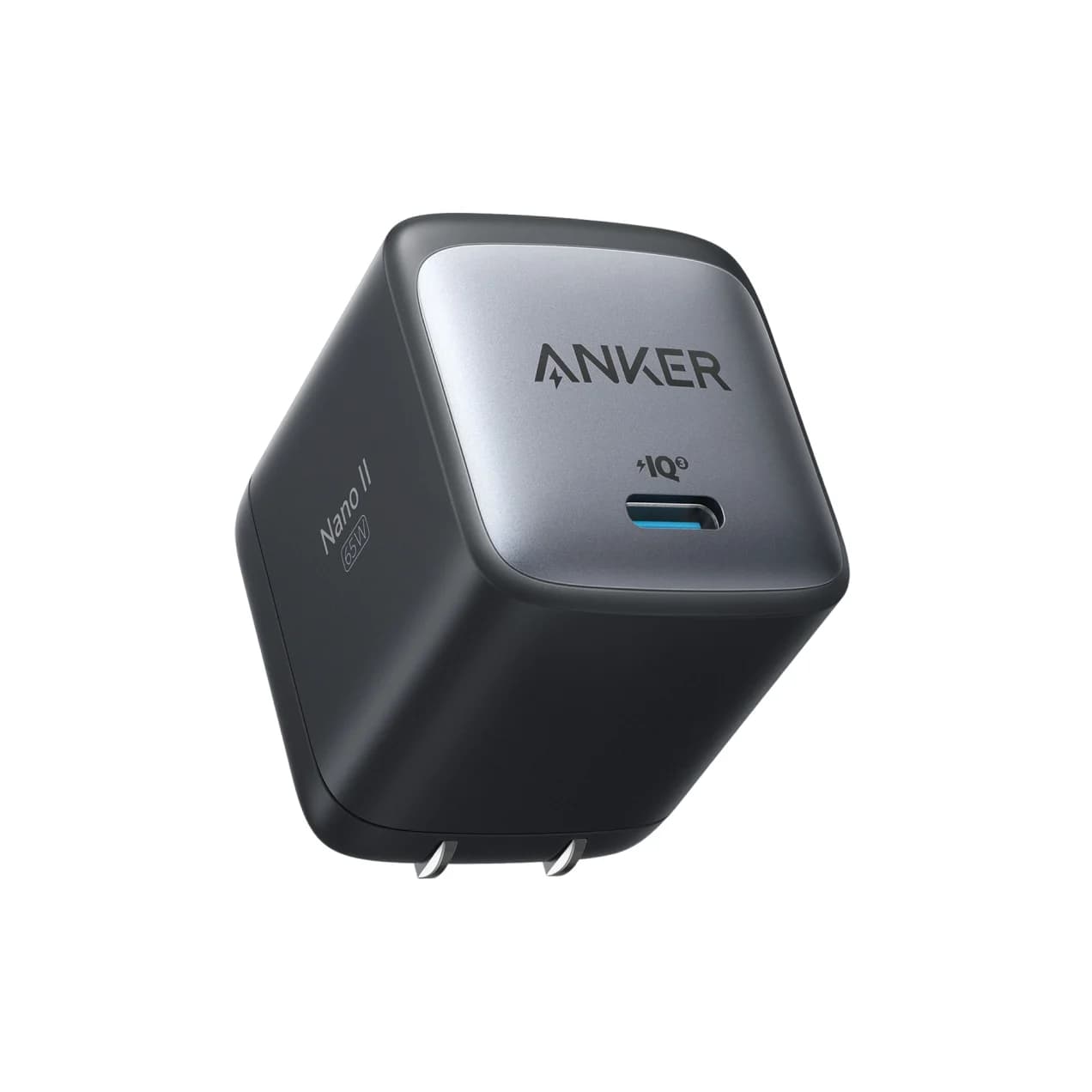
Best for 65W ChromebooksAnker
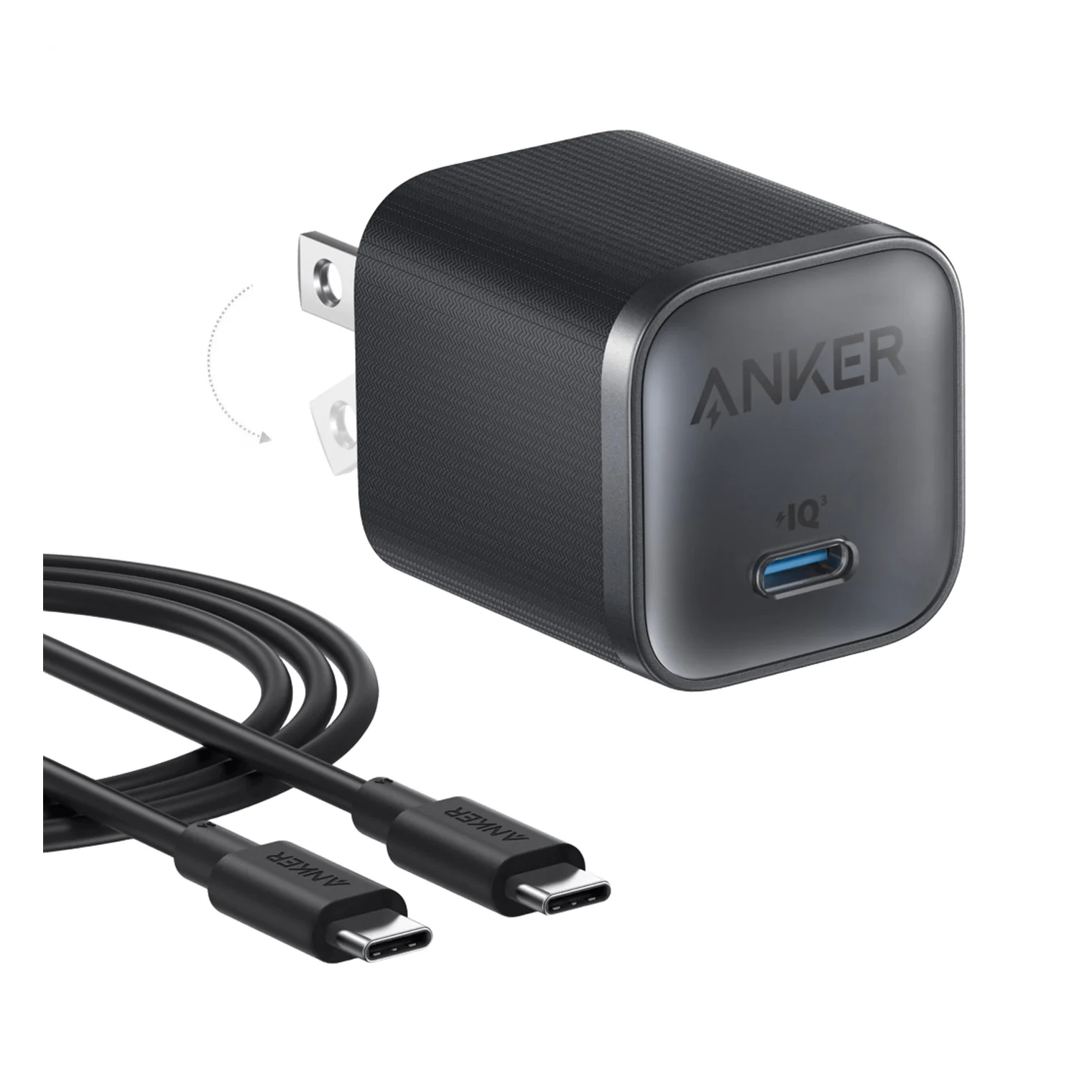
Anker 715 Charger (Nano II 65W)
- max output
- 65W
- port
- 1
- Choose
- The full 65W from one USB-C port (20V/3.25A) with nothing to share, in a body small enough for a school bag.
- Limit
- One device at a time
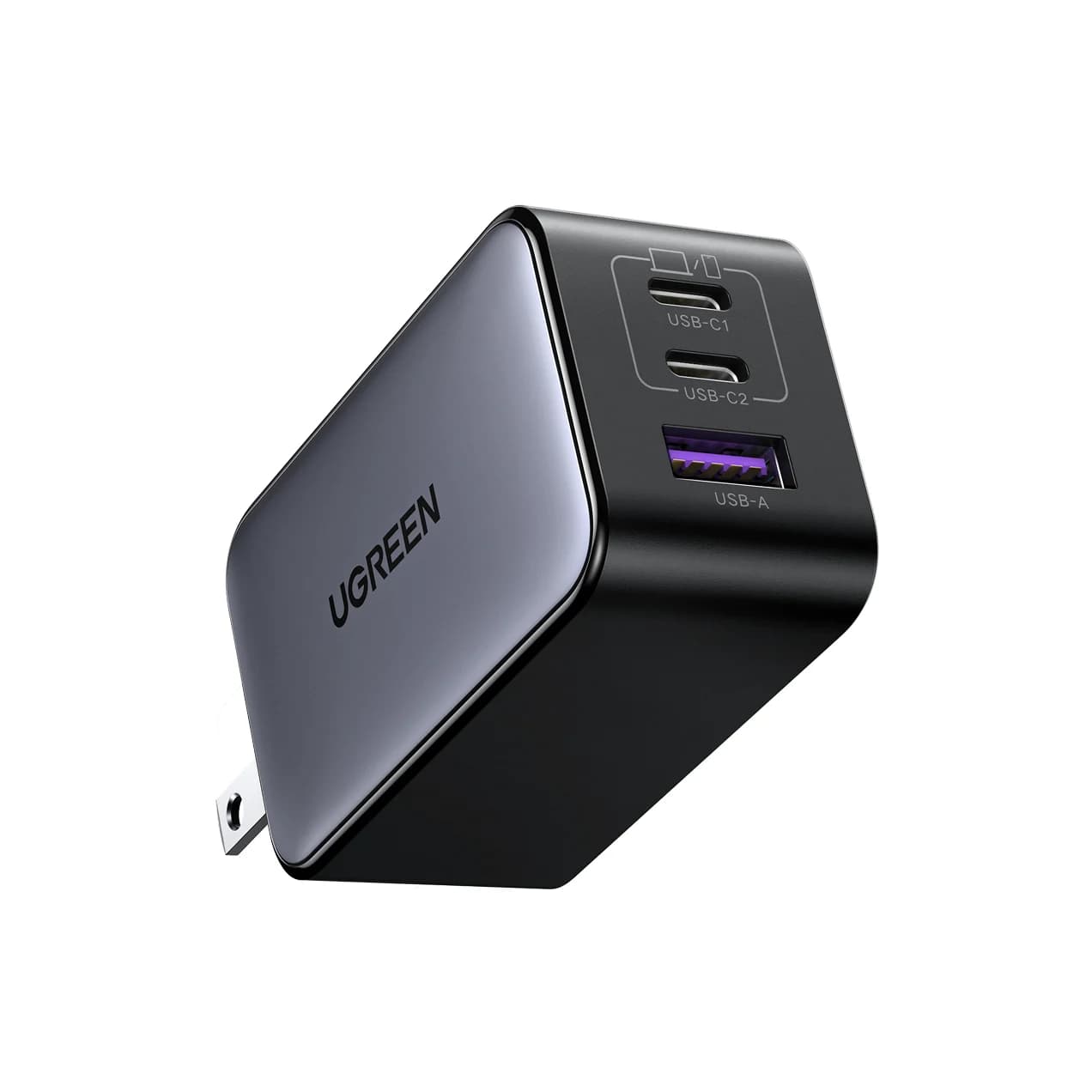
Best for a Chromebook and a phoneUGREEN
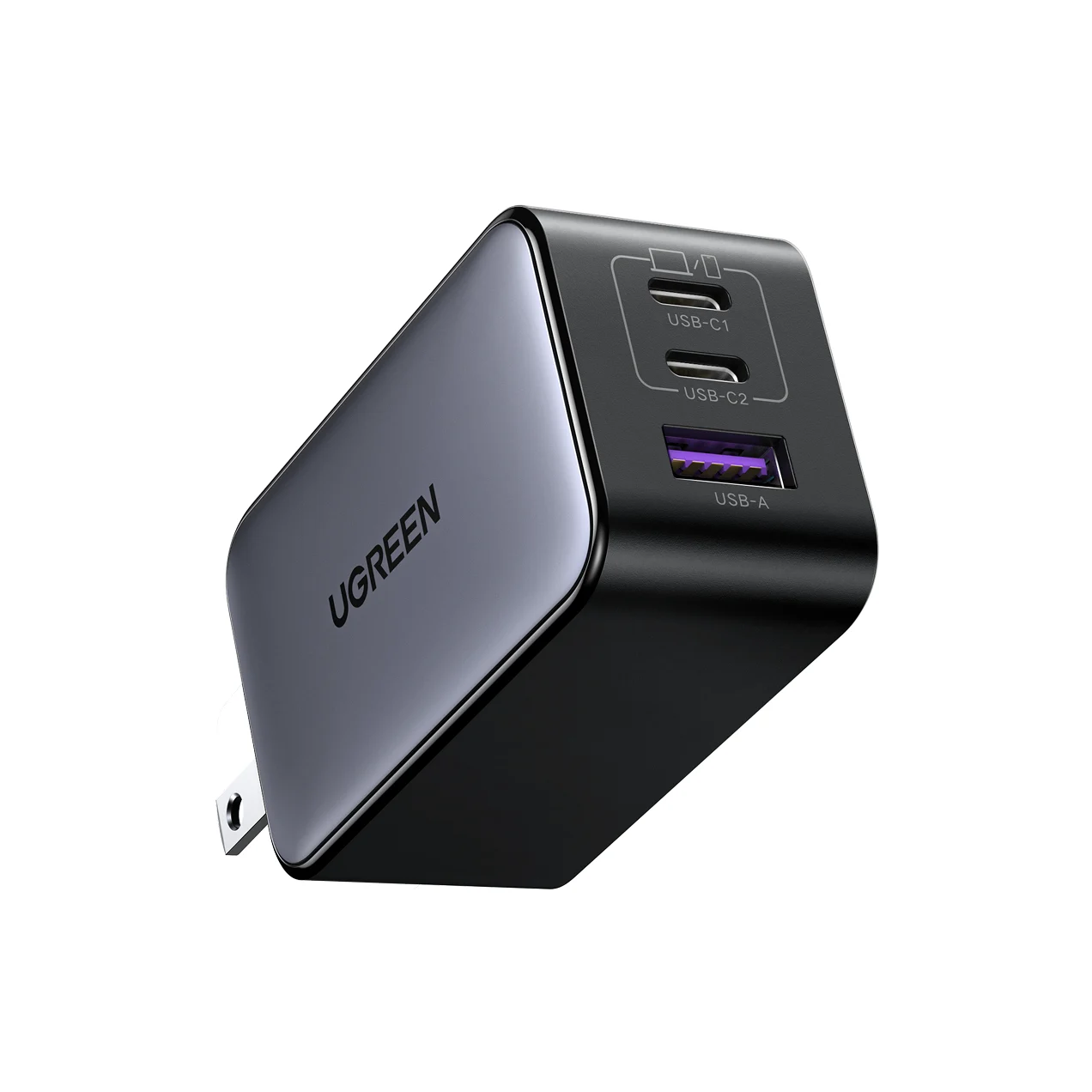
UGREEN Nexode 65W 3-Port USB-C Charger
- max output
- 65W
- ports
- 3
- Choose
- Up to 65W from a single USB-C port, and UGREEN's diagram still gives 45W to USB-C1 while a phone charges on USB-C2.
- Limit
- Power is shared: with two or three devices the laptop gets up to 45W on USB-C1, and USB-C2 and USB-A can drop to 8.5W each per UGREEN's diagram
- See on Amazon4
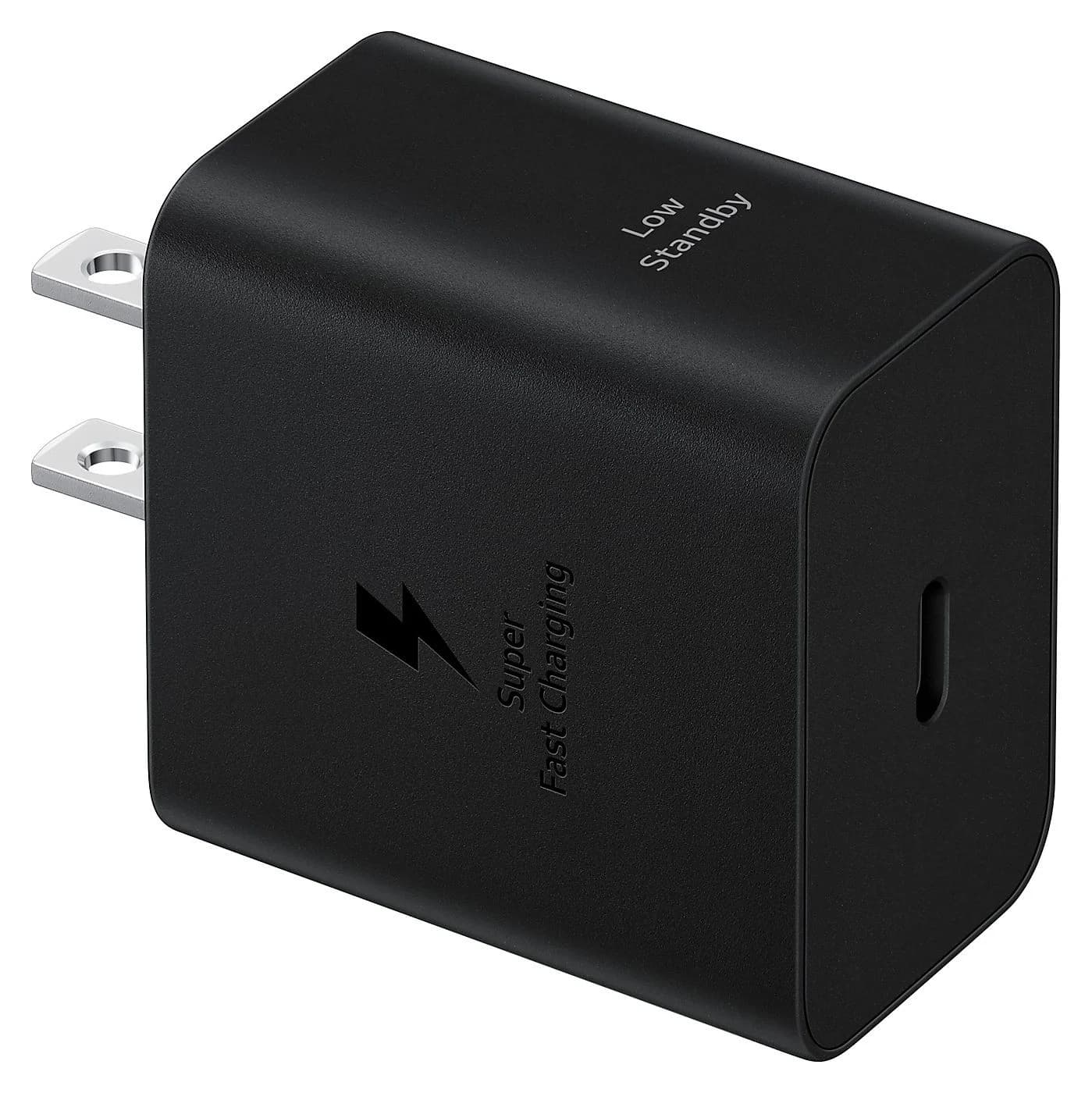
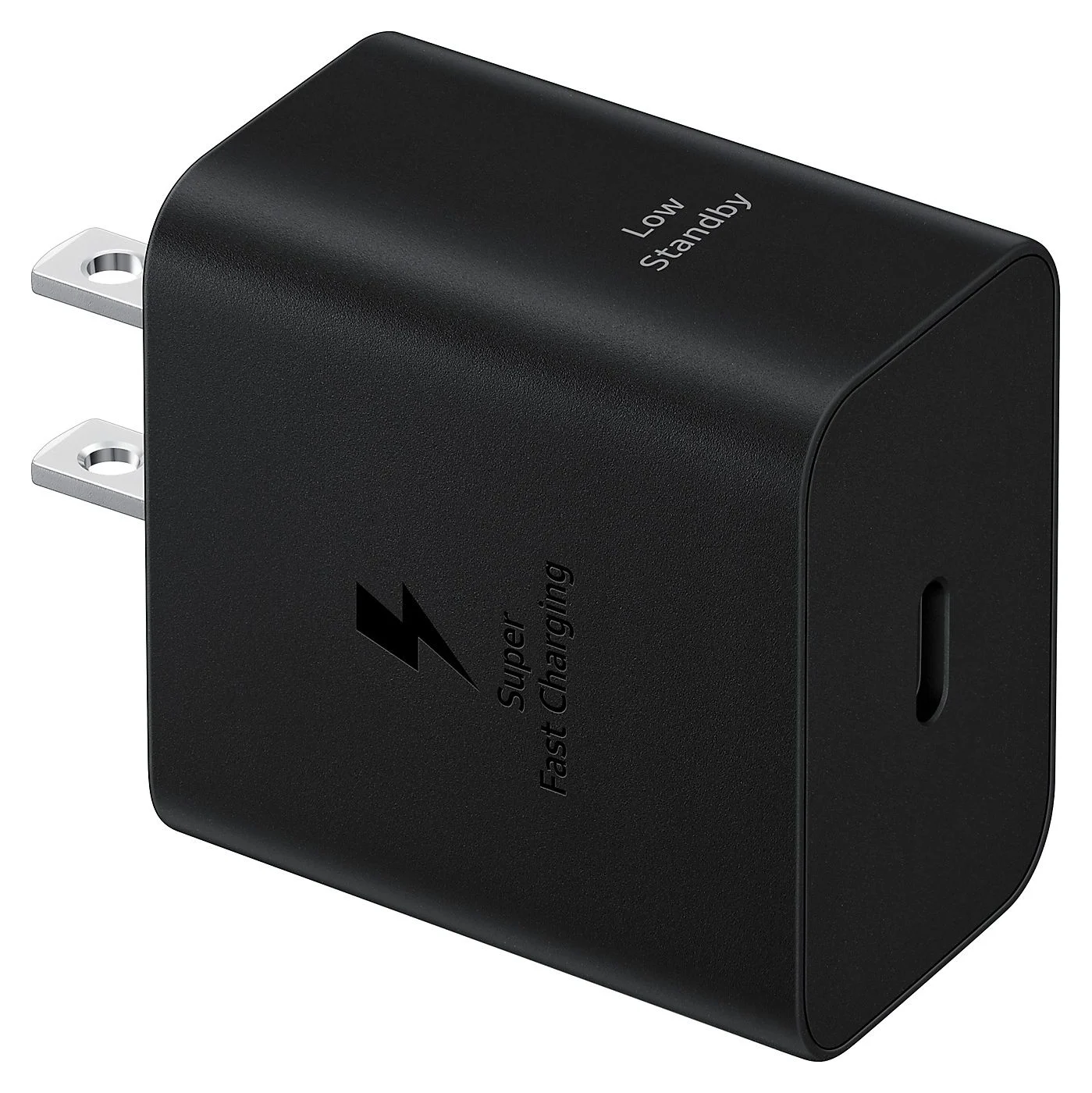
Best for Samsung Galaxy households
Samsung 45W Power Adapter with 5A USB-C Cable (EP-T4511, Black)
45W max output · 1 port
- See on Amazon5
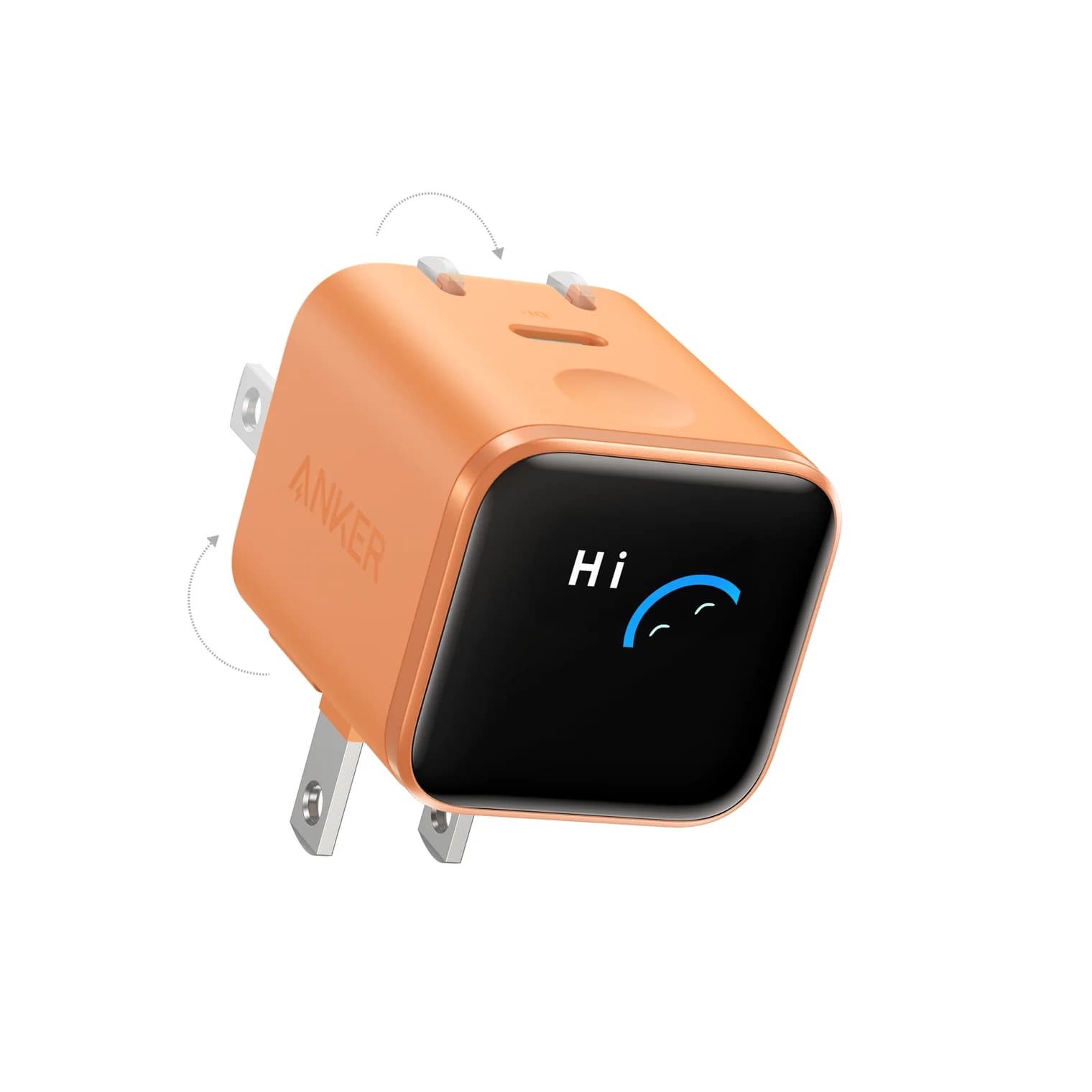
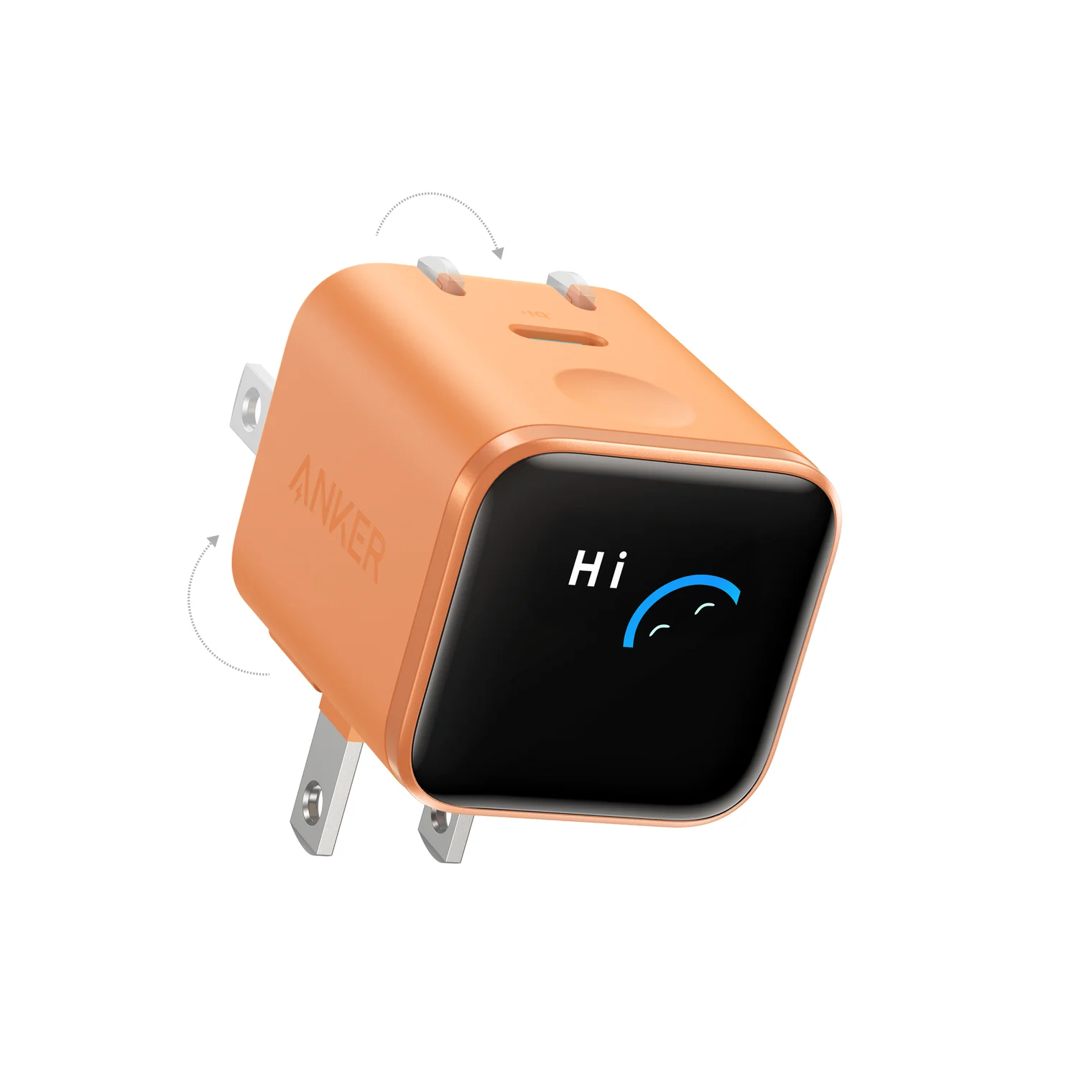
Best for seeing what your Chromebook draws
Anker Nano Charger (45W, Smart Display, 180° Foldable)
45W max output · 1 port
- 45WThe wattage HP lists for its Chromebook chargers
- 65WThe step up for larger Chromebooks, and safe on a 45W one
- 3ACable rating that carries up to 60W, enough for either
Which pick for your Chromebook?
- Yes: Adapter says 45W: the Anker Nano 45W with cable, Samsung 45W, or Anker 45W Smart Display
- Yes: Adapter says 65W: the Anker 715 (65W) or UGREEN Nexode 65W
- Yes: Charging a phone from the same charger: the UGREEN Nexode 65W (45W stays on USB-C1 with a phone on USB-C2)
- Partly: Adapter says 30W or less: any pick here works and charges at least as fast
- No: A barrel-plug (round pin) Chromebook: none of these fit; you need the maker's own adapter
Source: HP's laptop charging guide and each maker's spec page, linked in the product cards
Quick picks
| Pick | Award | Output | Cable in box |
|---|---|---|---|
| Anker Nano Charger (45W) with cable | Best overall for 45W Chromebooks | 45W, 1x USB-C | Yes, 6 ft USB-C |
| Anker 715 (Nano II 65W) | Best for 65W Chromebooks | 65W, 1x USB-C | No |
| UGREEN Nexode 65W 3-Port | Best for a Chromebook and a phone | 65W single port; 45W + 20W split | No |
| Samsung 45W Power Adapter | Best for Samsung Galaxy households | 45W, 1x USB-C | Yes, 1.8 m 5A |
| Anker Nano Charger (45W, Smart Display) | Best for seeing what your Chromebook draws | 45W, 1x USB-C | No |
Can you use any USB-C charger for a Chromebook?
Mostly, as long as it speaks USB Power Delivery and has enough watts. HP's own guide explains it well: "All HP USB-C chargers use Power Delivery (PD) technology to automatically adjust output", and the wattage on a charger "is the upper limit, not the fixed output". That's why a bigger charger is safe: HP says "any device requiring 45W can be charged using a 65W charger without issues" (HP).
What causes trouble is a charger that is too small. HP's same guide puts "45W for Chromebooks and thin laptops" and lists its 45W USB-C adapter for the HP Chromebook 14, Chromebook x360 14 and Chromebook 11. A 20W phone charger is less than half of that, so expect slow charging, and on some models the battery can drain while you work.
Best overall for 45W Chromebooks: Anker Nano Charger (45W) with cable
Anker
Anker Nano Charger (45W) with 6 ft USB-C Cable (Black)
A compact single-port 45W USB-C GaN charger with a foldable plug, published 5A PPS for Samsung Super Fast Charging, and a 6 ft USB-C cable in the box.
- 45W max output
- 1 port
This is the straightforward replacement for a lost or broken Chromebook charger. Anker's spec table lists a 20V/2.25A profile (45W max), the profile a 45W USB-C laptop asks for, and the box includes a 6 ft USB-C to USB-C cable, so there's nothing else to buy. It's small (1.3 x 1.26 x 1.45 in) with folding prongs, which matters for a charger that lives in a school bag. Its one limitation is the obvious one: a single port.
See the Anker Nano Charger (45W) with cable on Amazon
Best for 65W Chromebooks: Anker 715 (Nano II 65W)
Anker
Anker 715 Charger (Nano II 65W)
A compact single-port 65W GaN USB-C wall charger with a foldable plug.
- 65W max output
- 1 port
If your Chromebook came with a 65W adapter, the Anker 715 matches it from one USB-C port: 20V/3.25A, 65W max, with no power sharing to plan around. It's 1.65 x 1.42 x 1.74 in with a foldable plug. It's also a sensible upgrade for a 45W Chromebook if you want one charger that can later run a bigger laptop. There's no cable in the box, so pair it with a USB-C cable rated for 3A or more.
Best for a Chromebook and a phone: UGREEN Nexode 65W 3-Port
UGREEN
UGREEN Nexode 65W 3-Port USB-C Charger
A compact 65W GaN wall charger with two USB-C ports and one USB-A port and a foldable plug.
- 65W max output
- 3 ports
One charger for the Chromebook and a phone at the same desk. Either USB-C port gives up to 65W on its own, and UGREEN's charging diagram shows 45W on USB-C1 plus 20W on USB-C2 when both are in use, so a 45W Chromebook keeps its full rate while a phone charges beside it. There's also a USB-A port for an older cable. The catch is in the same diagram: with all three ports busy, USB-C2 and USB-A drop to 8.5W each.
See the UGREEN Nexode 65W on Amazon
Best for Samsung Galaxy households: Samsung 45W Power Adapter
Samsung
Samsung 45W Power Adapter with 5A USB-C Cable (EP-T4511, Black)
Samsung's own single-port 45W USB-C wall charger for Super Fast Charging 2.0, sold with a 1.8 m 5A USB-C to USB-C cable.
- 45W max output
- 1 port
Samsung's own 45W adapter lists the same 20V/2.25A USB-C PD profile a 45W Chromebook uses, and it ships with a 1.8 m 5A USB-C cable. The reason to choose it over the Anker is the phone: it also runs Samsung's 45W Super Fast Charging 2.0 on the Galaxy phones and tablets Samsung lists, from the S22+ and Ultra through the S25 series and Galaxy Tab S7 and later. It is larger than the GaN-sized Anker chargers.
See the Samsung 45W Power Adapter on Amazon
Best for seeing what your Chromebook draws: Anker Nano Charger (45W, Smart Display)
Anker
Anker Nano Charger (45W, Smart Display, 180° Foldable)
A single-port 45W USB-C GaN wall charger with a small status display, a switchable Care Mode and US prongs that fold to 90° or 180°.
- 45W max output
- 1 port
This 45W charger has a small display that shows real-time wattage, temperature and charging mode. On a Chromebook, that answers the usual question at a glance: is it charging fast, or barely trickling? It has the same 20V/2.25A profile (45W max) as the plain Anker Nano, folding prongs that lock at 90° or 180°, and a Care Mode that caps output at 20W. Leave Care Mode off for a Chromebook, since 20W is below what a 45W model wants. No cable is included.
See the Anker Nano Charger (45W, Smart Display) on Amazon
Do I need a special cable?
Not for a Chromebook. A USB-C to USB-C cable rated for 3A carries up to 60W, which covers both 45W and 65W chargers. A 5A cable only matters above 60W. The cable to avoid is an old phone cable with USB-A on one end: USB-A can't carry Power Delivery, so it charges slowly. If you're shopping for one, our USB-C cables for fast charging guide covers the ratings.
What if my Chromebook won't charge at all?
Try another outlet, another cable and the charger straight into the Chromebook, with no hub in between. If it still won't charge, the steps in our laptop not charging over USB-C guide apply to Chromebooks too. Older Chromebooks with a round barrel plug need the maker's own adapter; none of the USB-C picks here will fit.
How we choose
We start from what Chromebook makers publish about charging (HP's guide is the clearest, and it lists 45W for its Chromebooks), then pick chargers whose makers publish the USB-C Power Delivery profiles they support, including the 20V profile a laptop asks for. Every output figure, port split and cable detail comes from the makers' spec pages, linked in each product card. We have not lab-tested these chargers. For the wider field, including chargers for bigger laptops, see our best laptop chargers, and for accessories that plug into the same port, best USB-C hubs for Chromebook.
Verdict
For most Chromebooks, buy the Anker Nano Charger (45W) with cable: the right 45W profile, a cable in the box, and small enough for a backpack. If your original adapter says 65W, get the Anker 715. If the Chromebook shares a desk with a phone, the UGREEN Nexode 65W keeps 45W on the laptop with a phone plugged in. And if you just want to know whether a Chromebook is charging properly, the Anker 45W Smart Display shows you the watts.
Frequently asked questions
Can you use any USB-C charger for a Chromebook?
Any USB-C charger that supports USB Power Delivery will try, but wattage decides whether it keeps up. HP's charging guide puts Chromebooks at 45W and explains that a USB-C PD charger only delivers what the device asks for, so a 65W charger is safe on a 45W Chromebook. A small phone charger may charge very slowly or not keep up while you work.
What wattage charger does my Chromebook need?
Read the wattage printed on the adapter that came with it and buy at that number or higher. HP lists 45W for its Chromebook 14, Chromebook x360 14 and Chromebook 11; some larger models ship with 65W adapters. A higher-wattage USB-C PD charger is safe because the Chromebook only draws what it needs.
Is a 65W charger safe for a 45W Chromebook?
Yes. HP's guide says any device requiring 45W can be charged using a 65W USB-C Power Delivery charger without issues, because the charger adjusts its output to what the device requests. It's the reverse, an underpowered charger, that causes slow charging.
Do I need a special cable to charge a Chromebook?
For 45W or 65W, a standard USB-C to USB-C cable rated for 3A (60W) is enough. A 5A cable only matters above 60W. Several picks here include a cable; others don't, so check before you rely on an old phone cable, which may be USB-C to USB-A and won't carry Power Delivery.
Related guides
USB-C Charging Requirements by Device: What Apple, Samsung and Nintendo State
The charger wattage Apple, Samsung and Nintendo state for each iPhone, iPad, MacBook, Galaxy phone and the Switch 2, with a link to the maker's own page for every figure.
Updated November 23, 2026Read
Which iPhones Have Wireless Charging? Every Model, and Qi vs MagSafe vs Qi2
Every iPhone from the iPhone 8 on charges wirelessly. iPhone 12 and later add MagSafe (except the 16e). Each model's top wireless speed, from Apple's own pages.
Updated November 25, 2026Read
Best iPad Chargers in 2026: The Wattage Each iPad Needs
Every current iPad ships with a 20W charger. iPad mini fast charges from 35W and iPad Pro from 60W or Apple's 40W Dynamic adapter. The chargers worth buying.
Updated November 23, 2026Read