Cyber Monday: the specs to check before you buy
Best picks
Updated November 23, 2026Best Laptop Chargers in 2026: 9 Picks from 30W to 140W
Short answer
The best laptop charger for most people is Anker's Prime 100W (3 Ports, GaN): either USB-C port delivers the full 100W when used alone, so it fast charges effectively any USB-C laptop, and Anker still lists 89W max with three devices connected. If you use a MacBook Air, Apple's own 70W adapter is the one Apple names in its fast-charge tests, good for up to 50% battery in around 30 minutes. And if you just need a reliable second charger that stays in the bag, the UGREEN Nexode 65W 3-Port matches or beats the adapter most laptops ship with and still has three ports.
We may earn a commission when you buy through links on this page. As an Amazon Associate, thisUSB earns from qualifying purchases. How we earn
Our picks at a glance
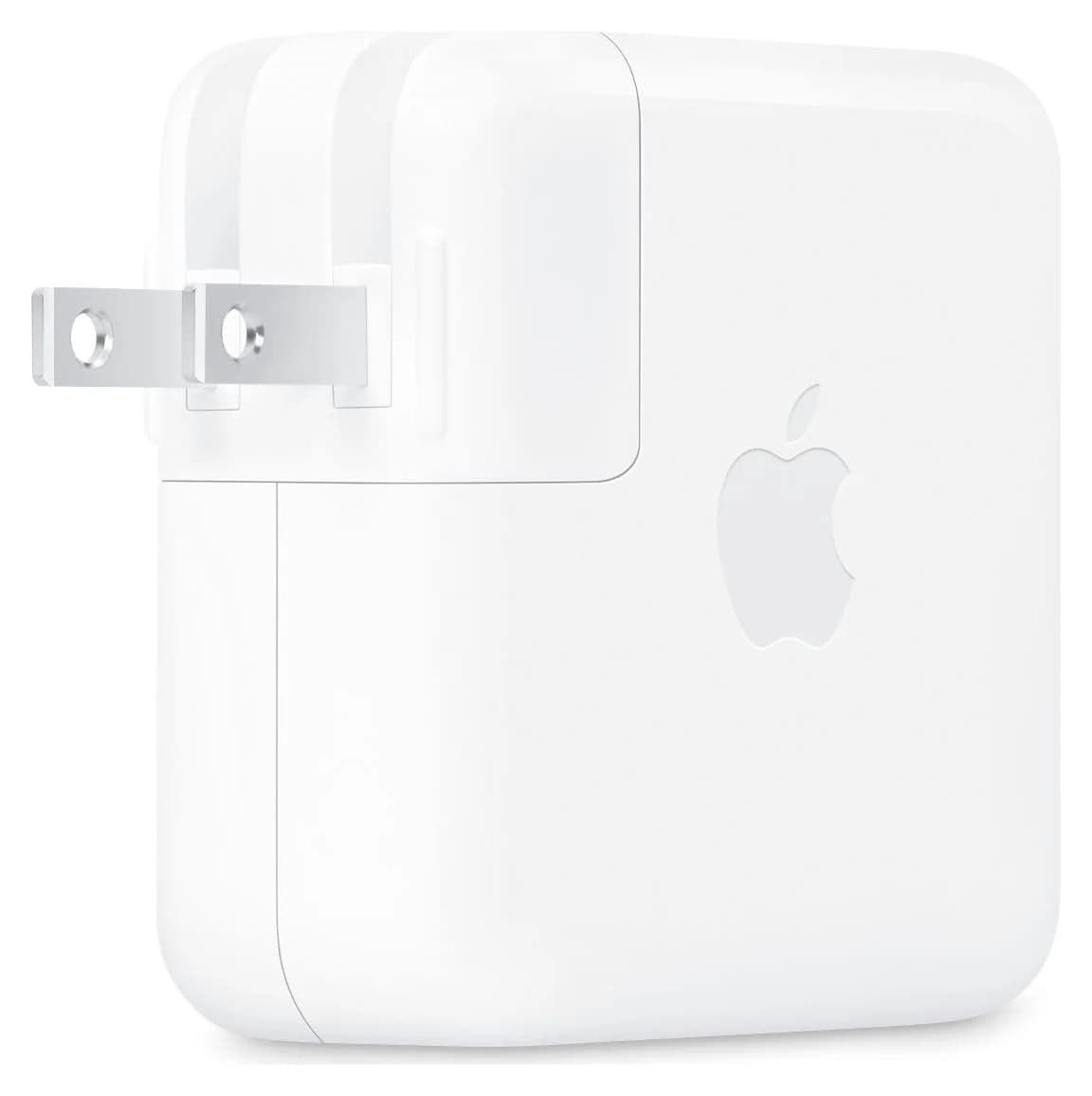
Best for MacBook Air fast chargingApple
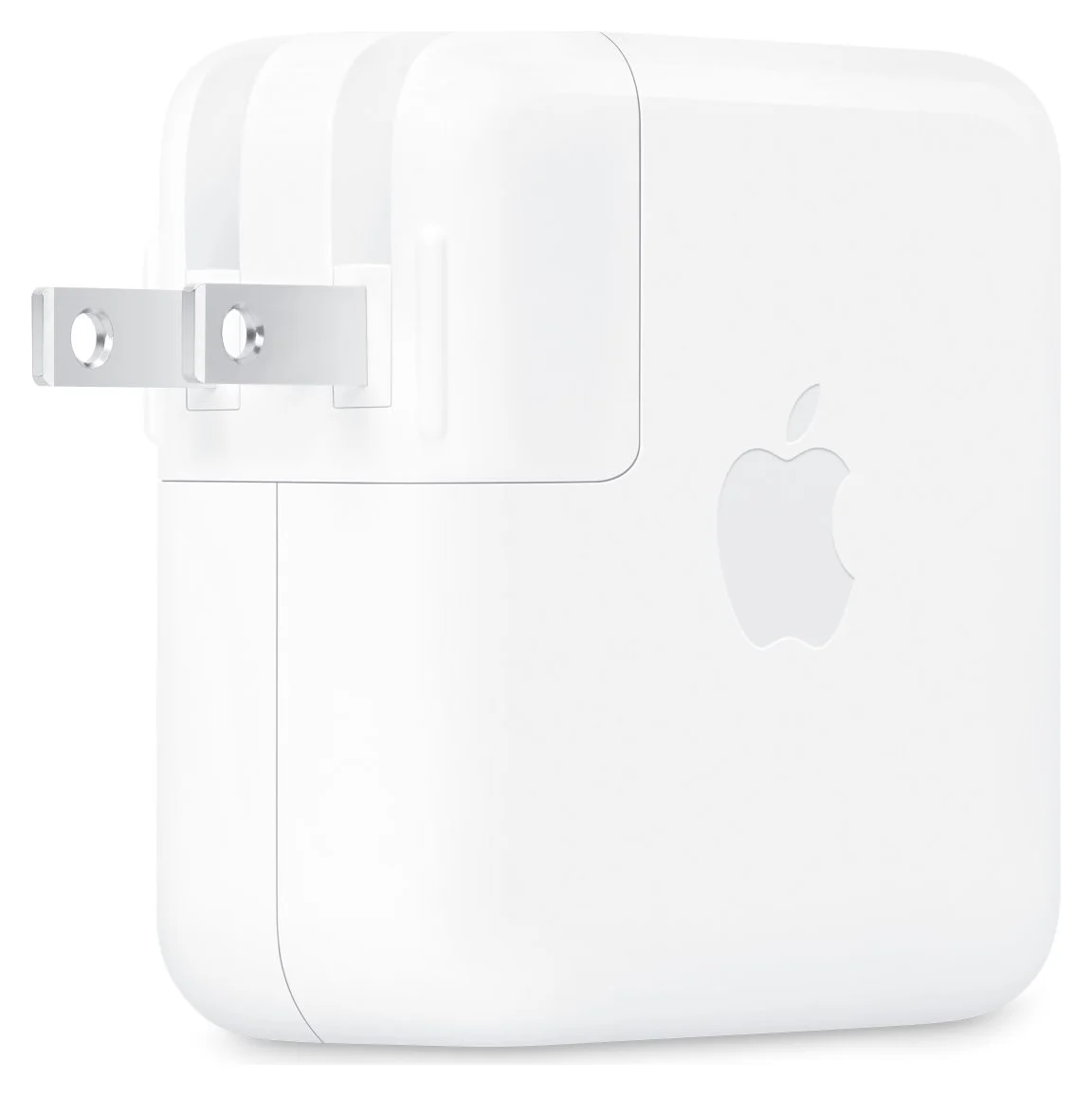
Apple 70W USB-C Power Adapter
- max output
- 70W
- port
- 1
- Choose
- The adapter Apple names in its own MacBook Air fast-charge tests: up to 50% in around 30 minutes, with nothing extra to configure.
- Limit
- One port, so it charges one device at a time
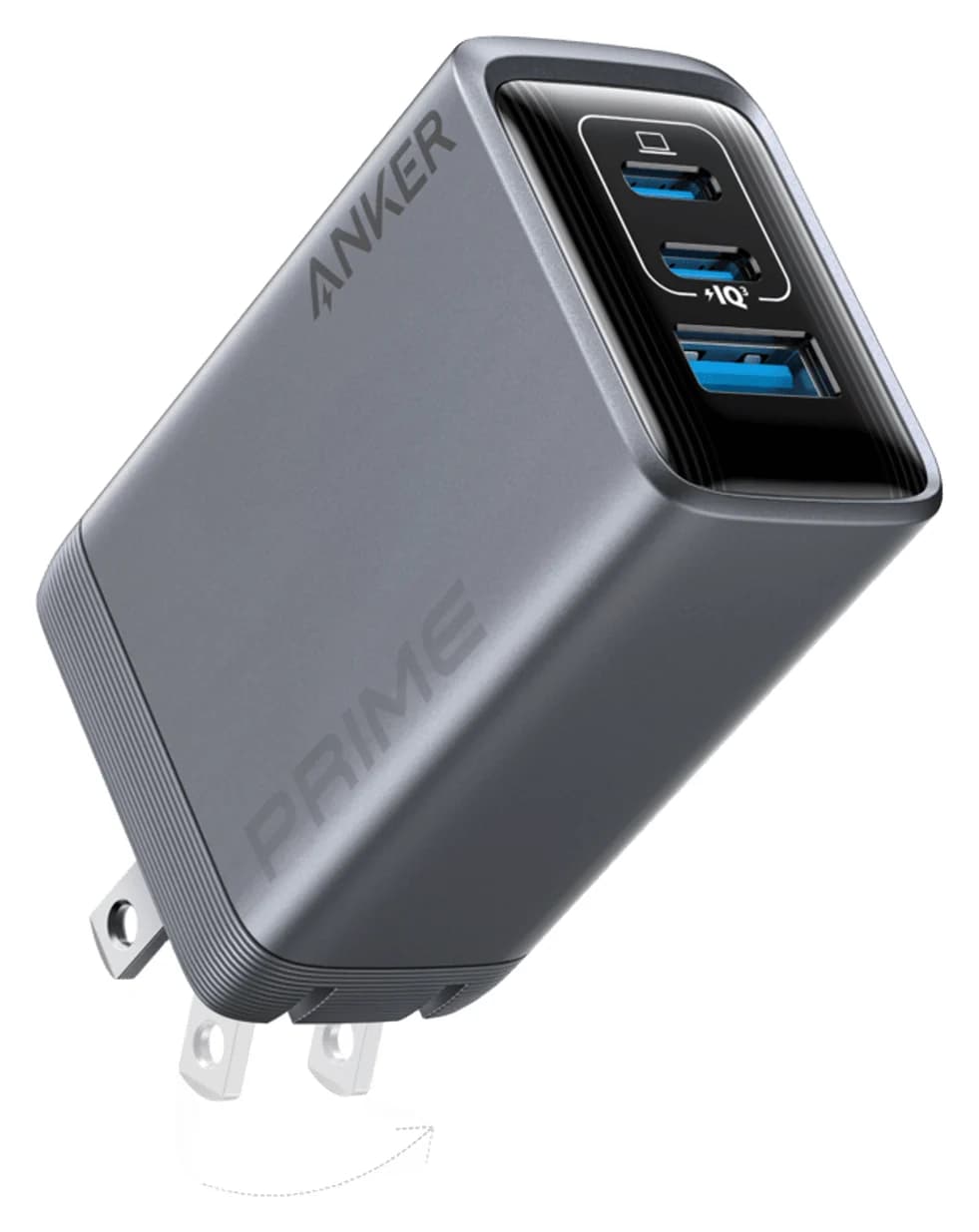
Best 100W all-rounderAnker
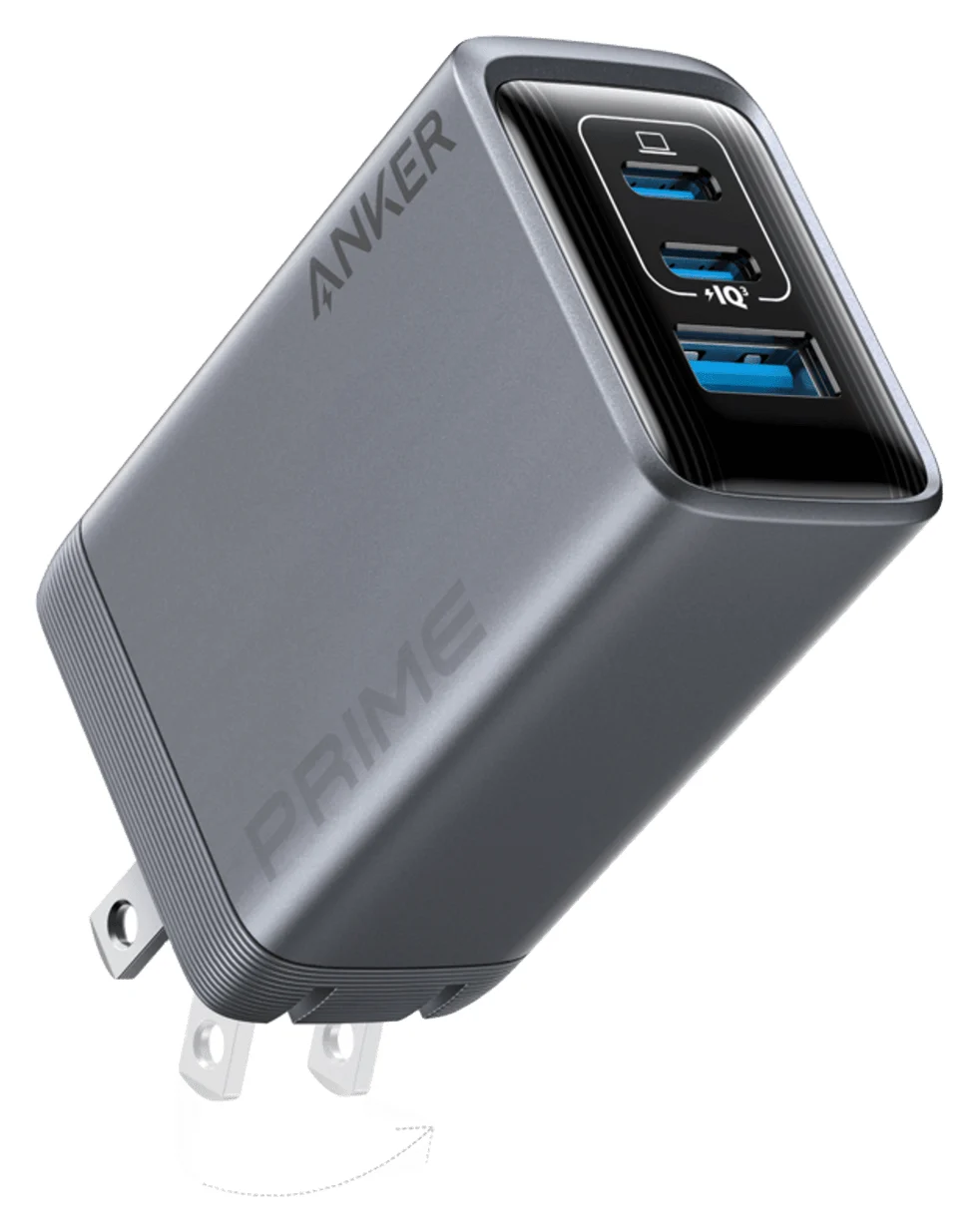
Anker Prime Charger (100W, 3 Ports, GaN)
- max output
- 100W
- ports
- 3
- Choose
- Either USB-C port delivers the full 100W alone, and Anker lists 89W max with three ports in use, so a laptop keeps most of its power alongside a phone.
- Limit
- Needs a 5A e-marked cable to deliver more than 60W
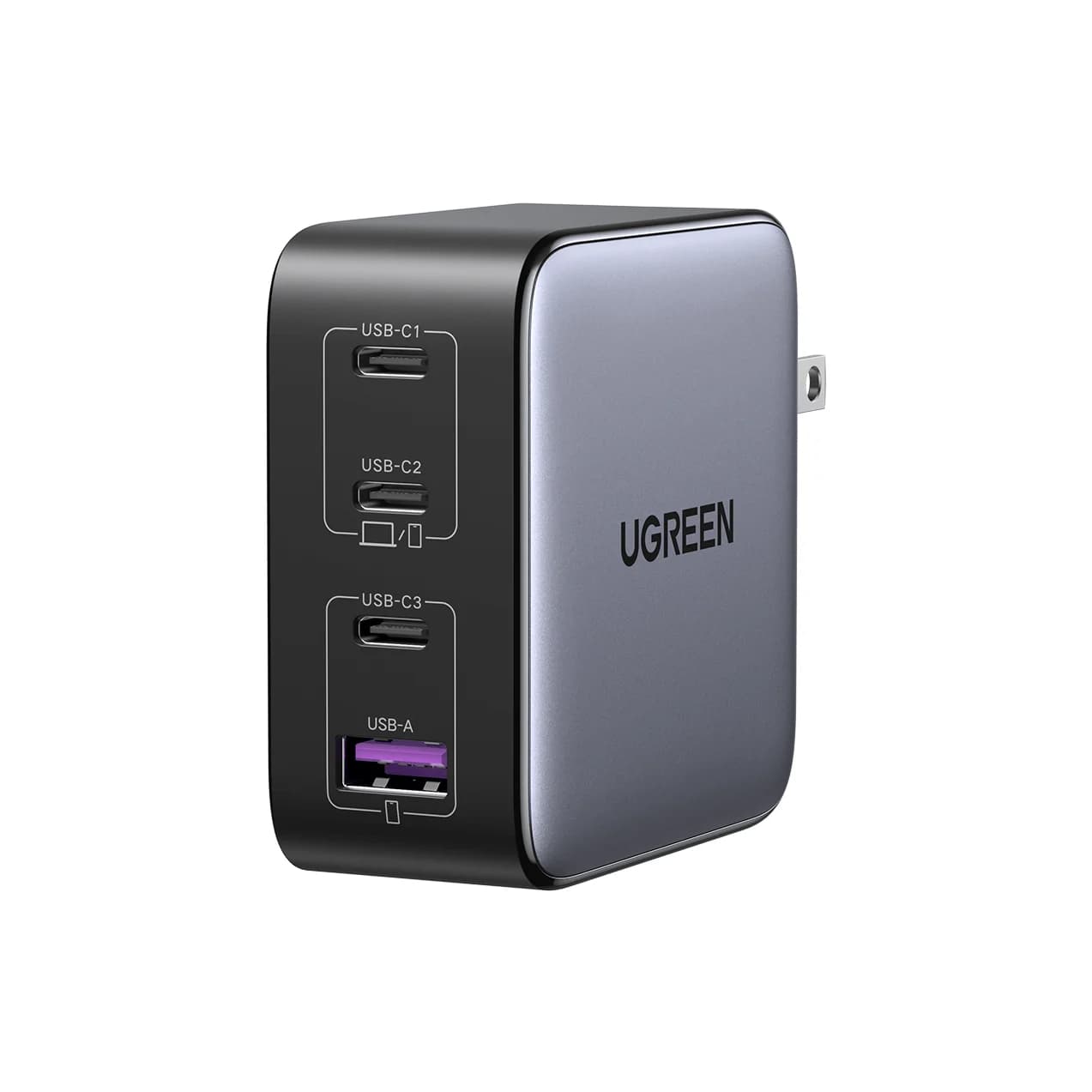
Best four-port desk chargerUGREEN
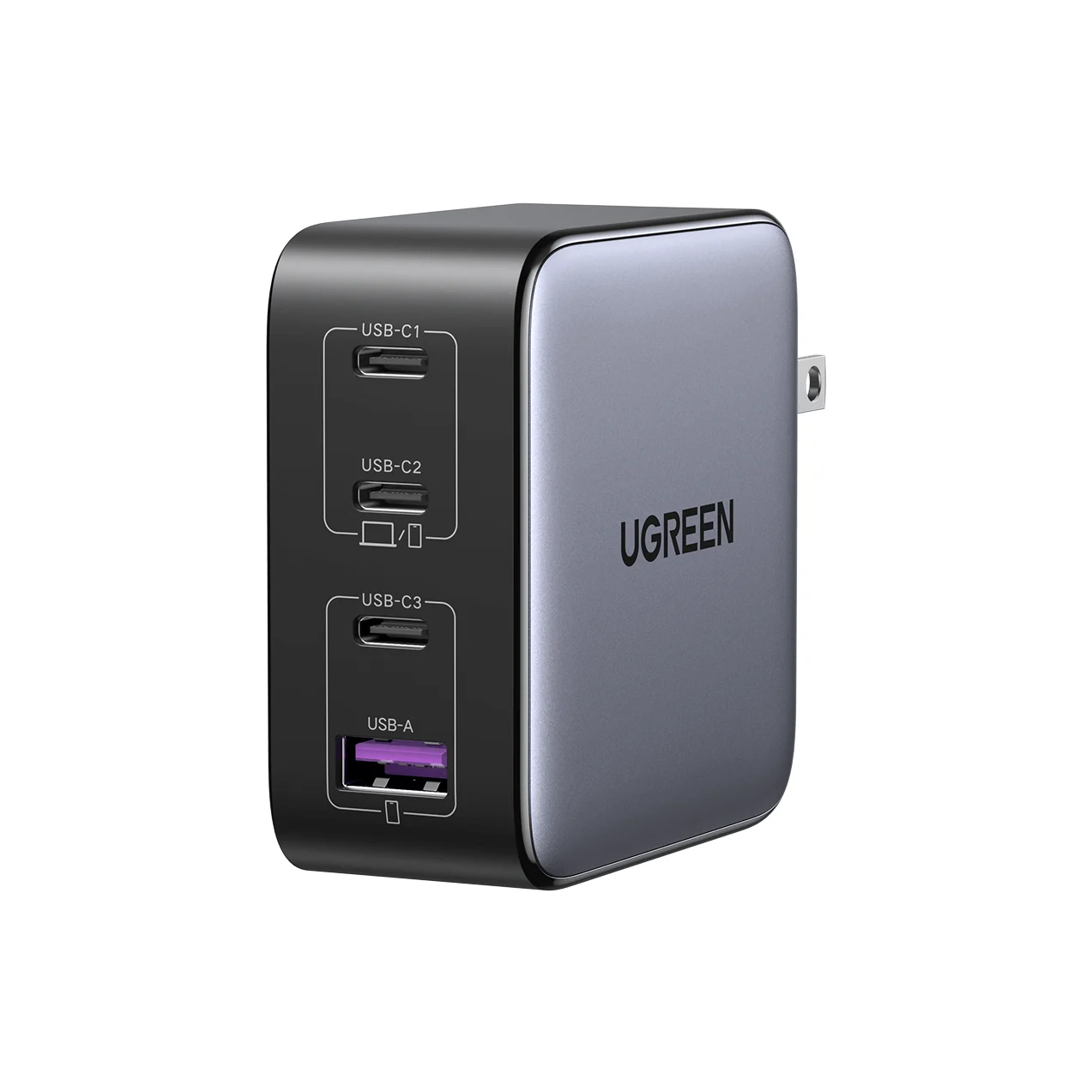
UGREEN Nexode 100W 4-Port USB-C Charger
- max output
- 100W
- ports
- 4
- Choose
- 100W from a single USB-C port with a 5A cable, plus three more ports for a tablet, phone and watch at the same desk.
- Limit
- 100W is shared across ports; a single device only gets the full 100W when used alone with a 5A cable
- See on Amazon4
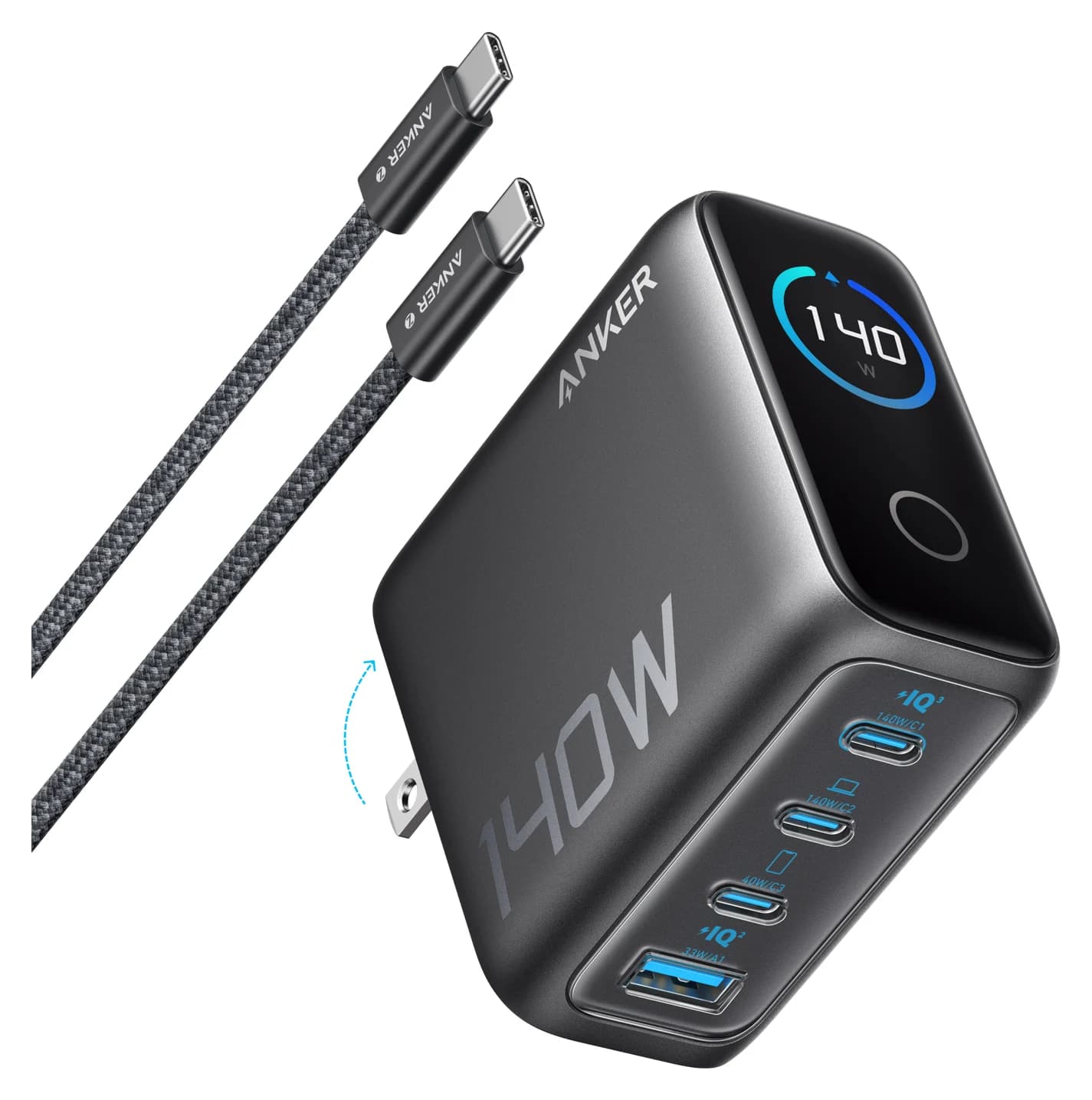
Best for two laptops
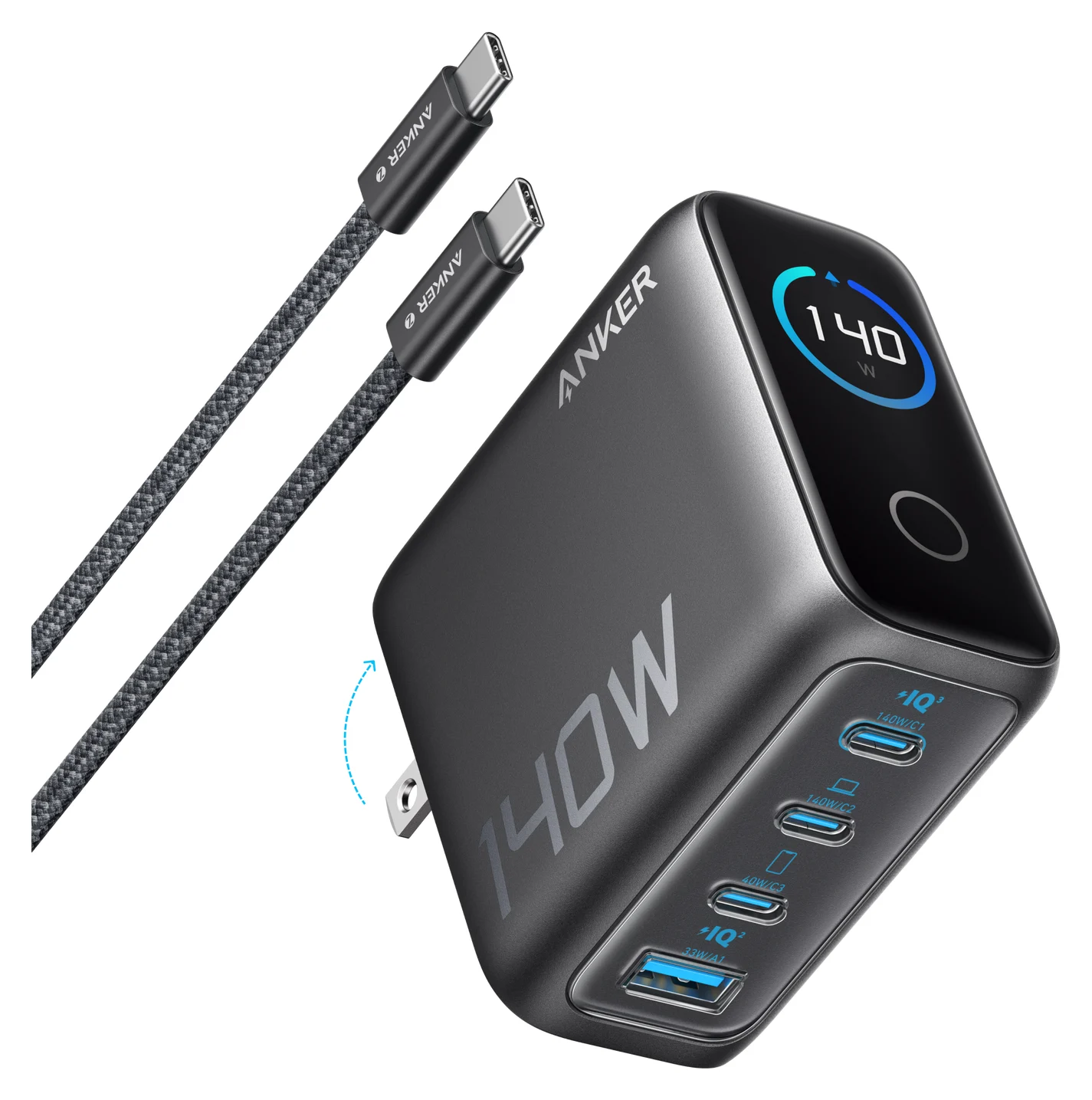
Anker Charger (140W, 4-Port, PD 3.1)
140W max output · 4 ports
- See on Amazon5
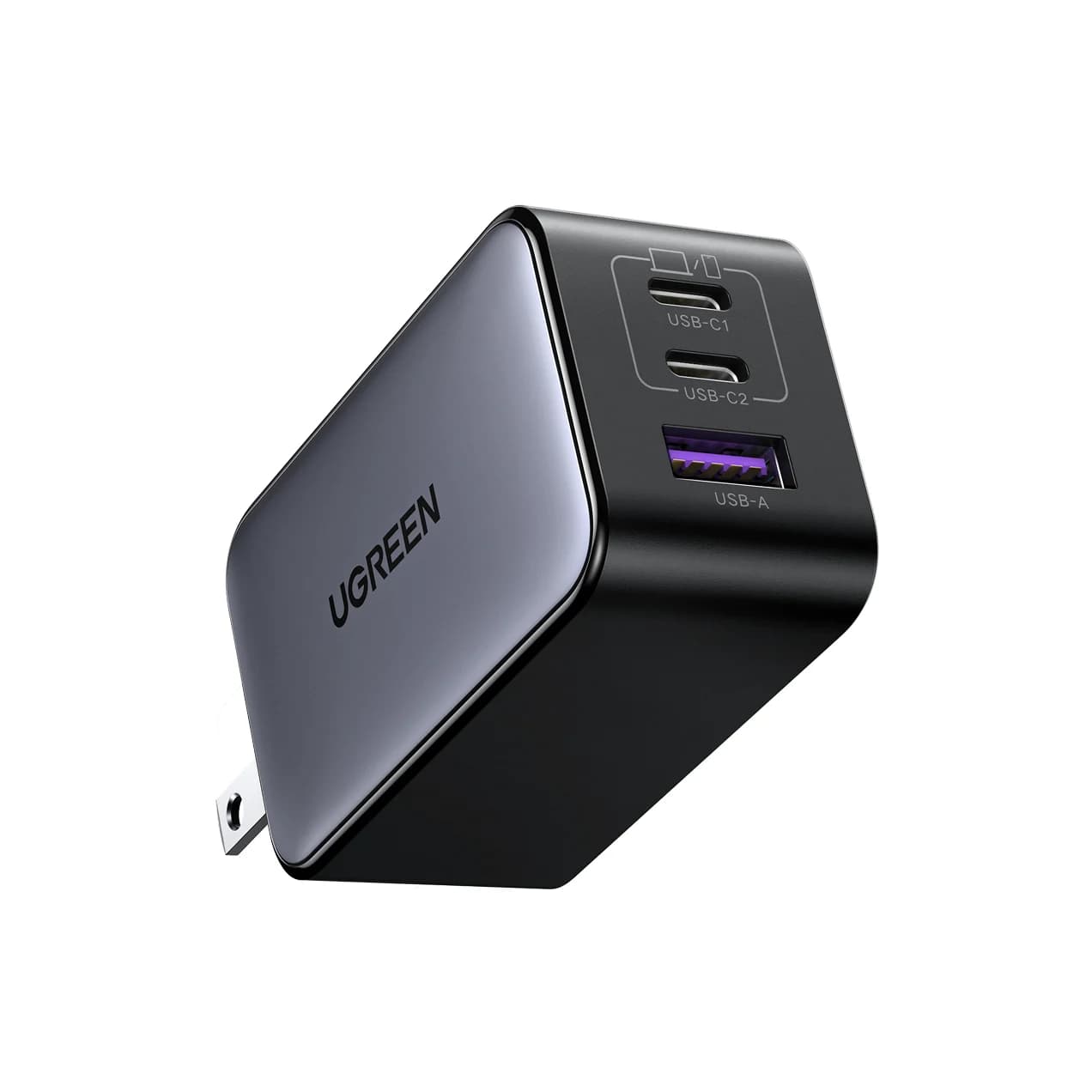
Best 65W with three ports
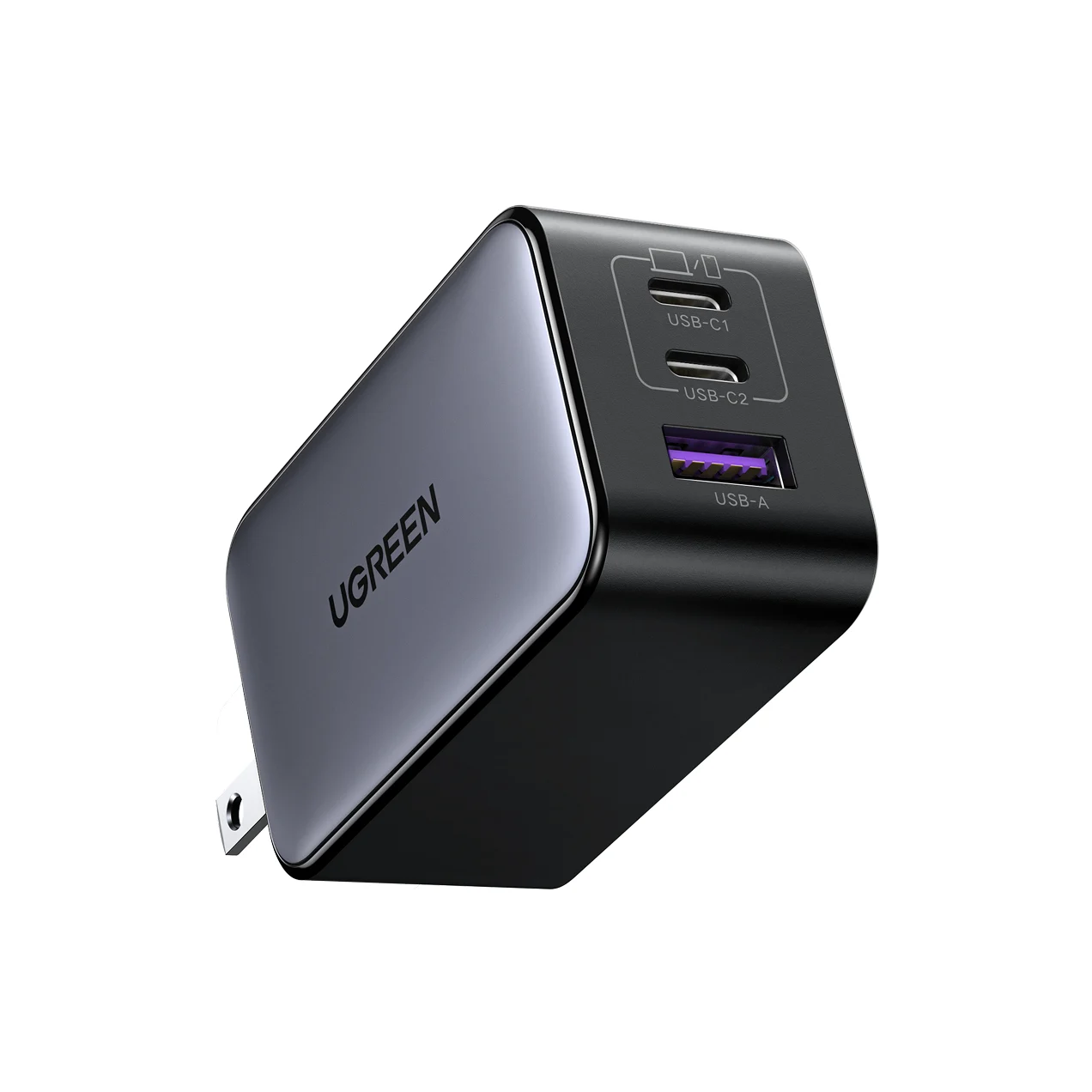
UGREEN Nexode 65W 3-Port USB-C Charger
65W max output · 3 ports
- See on Amazon6
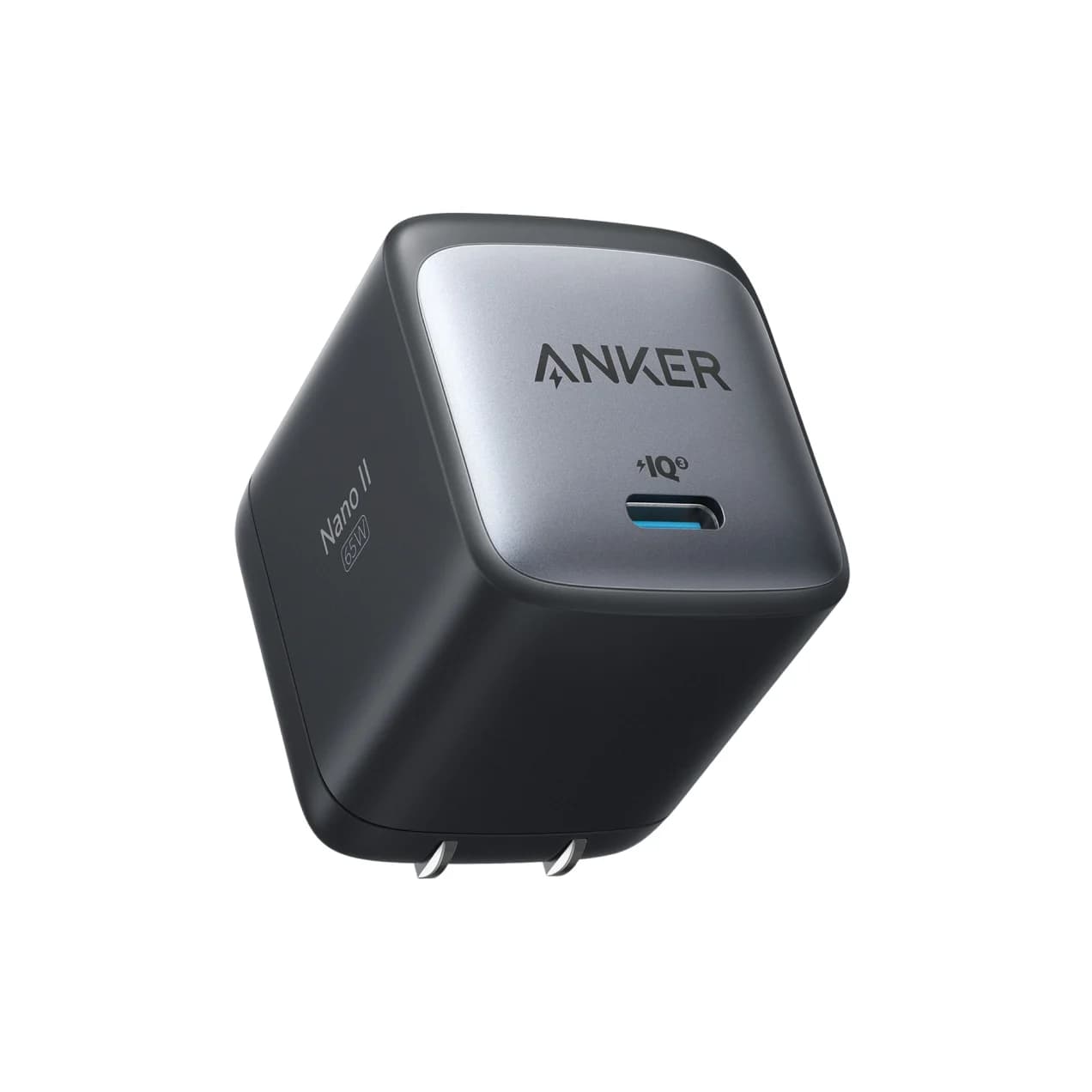
Best compact 65W
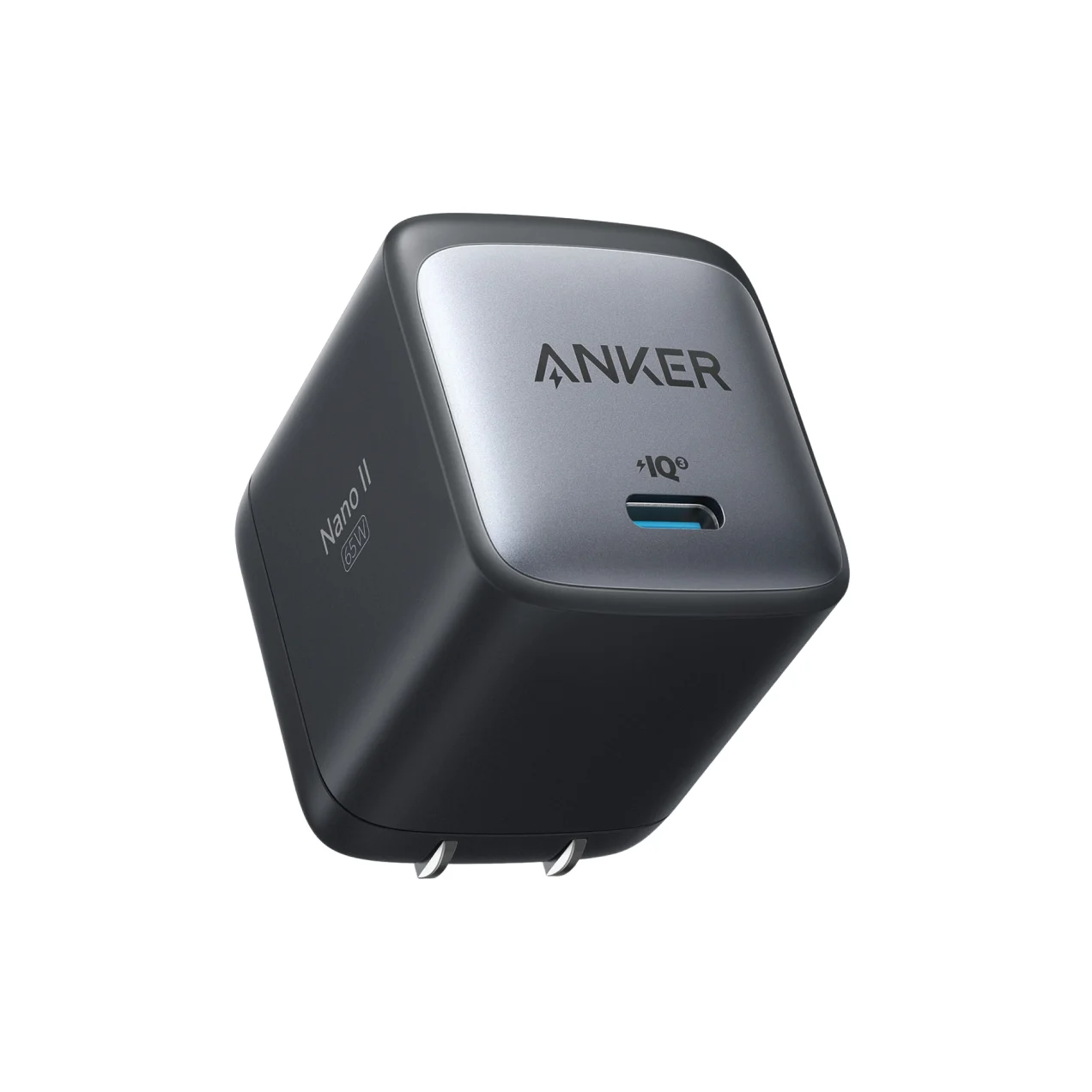
Anker 715 Charger (Nano II 65W)
65W max output · 1 port
- See on Amazon7
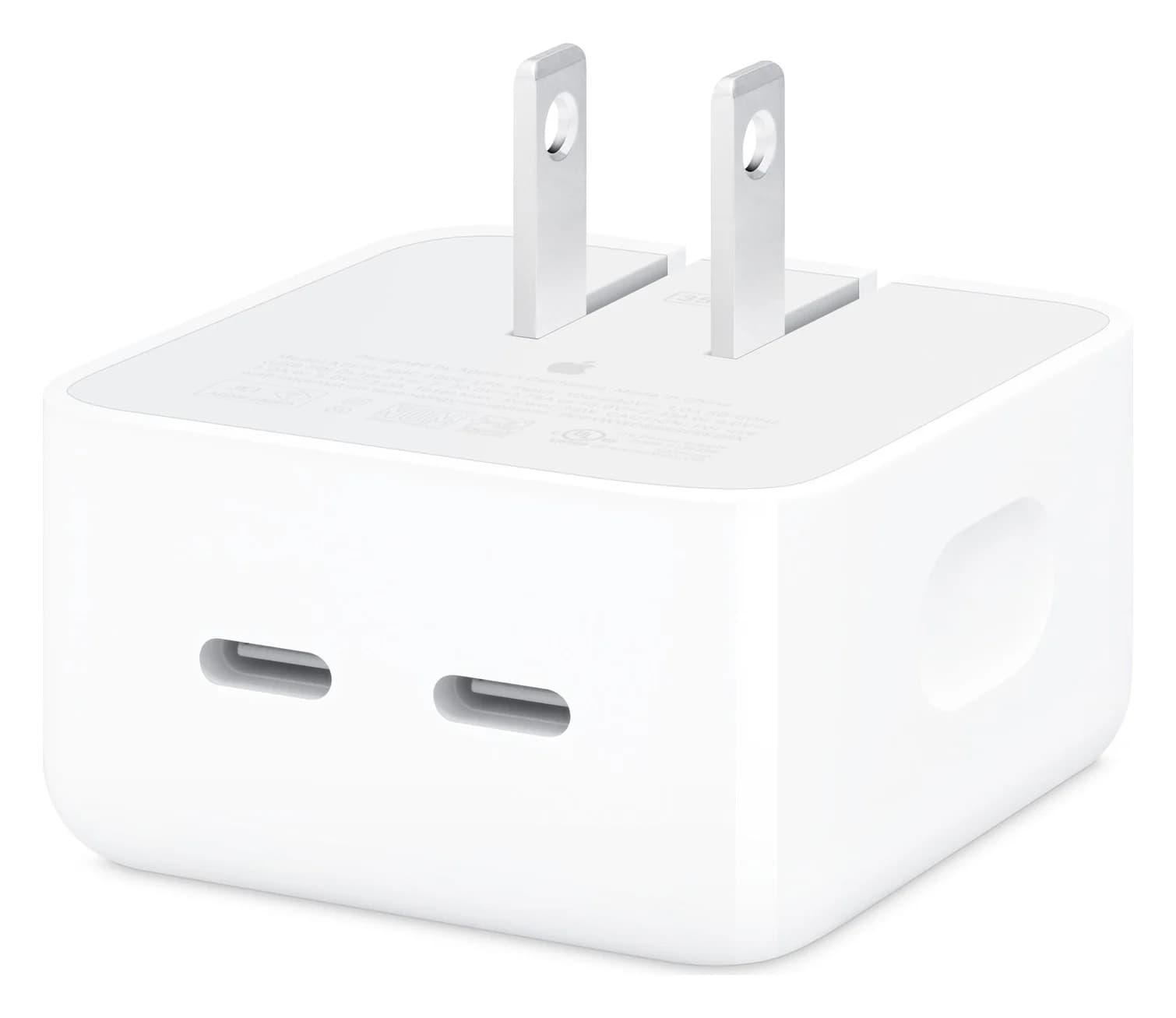
Best for a Mac laptop and a phone
Apple 35W Dual USB-C Port Compact Power Adapter
35W max output · 2 ports
- See on Amazon8
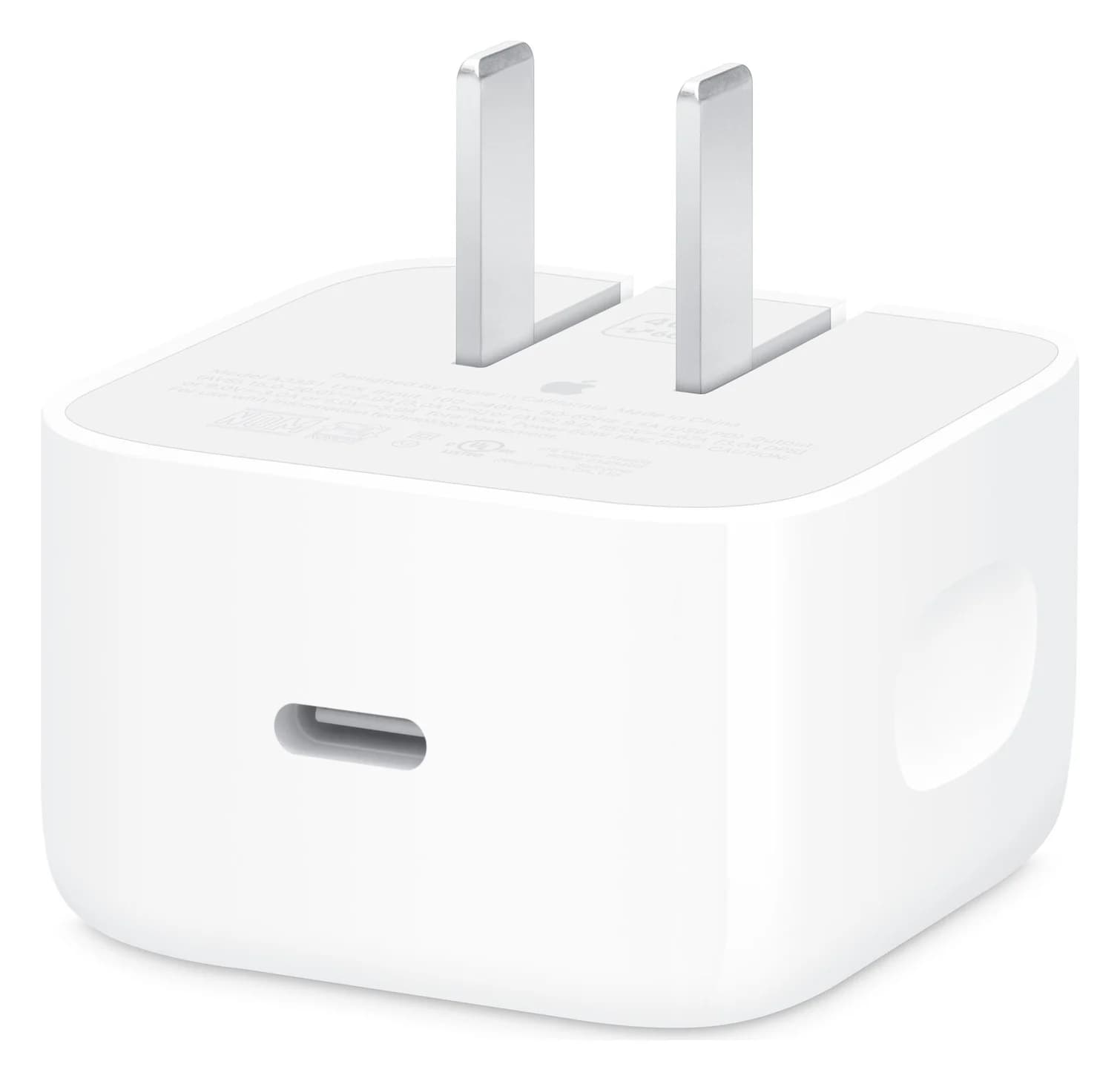
Best 40W with headroom
Apple 40W Dynamic Power Adapter with 60W Max
40W max output · 1 port
- See on Amazon9
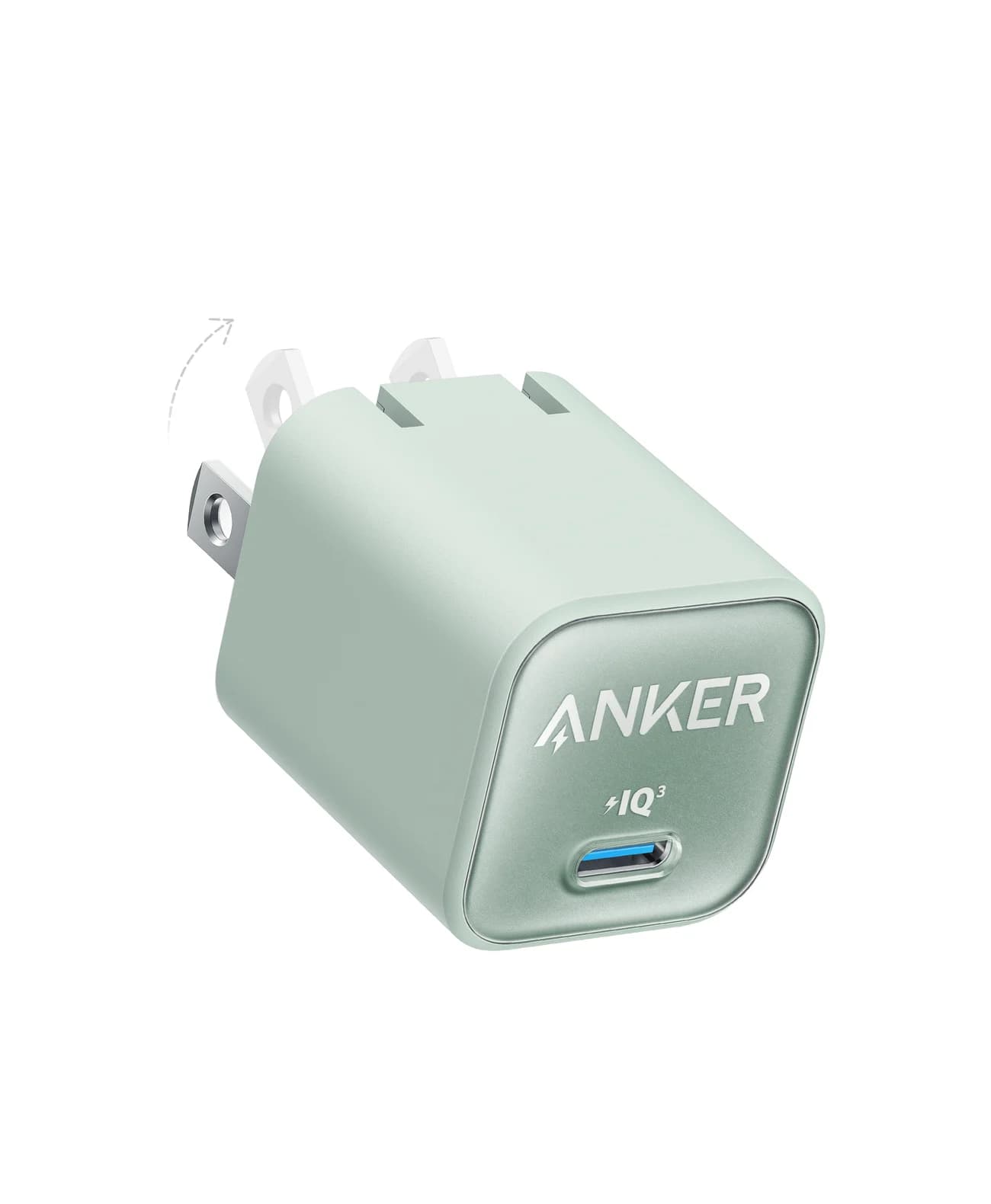
Best for phones and light laptops
Anker Nano Charger (30W)
30W max output · 1 port
Wattage is the whole game with laptop chargers. A laptop that came with a 65W adapter will charge fine on any 65W-or-higher USB-C charger; a 16-inch performance laptop may want 100W or 140W to hold its charge under load. Below, we've grouped nine picks by what they're good at rather than by brand, with the port splits that actually matter when you plug in more than one device.
- 140WThe highest output among our picks (Anker's 4-port, over one USB-C port)
- 70WThe threshold Apple lists for MacBook Air fast charging
- 89WWhat Anker lists across three ports on its Prime 100W
Which pick for your device?
- Yes: Any USB-C laptop that shipped with 65W or less: the UGREEN Nexode 65W or Anker 715 (65W) meets or beats it
- Yes: MacBook Air (2022 or later): Apple's 70W adapter reaches Apple's own fast-charge figure of up to 50% in around 30 minutes
- Yes: 100W-class laptops: the Anker Prime 100W or UGREEN Nexode 100W delivers it from a single port
- Yes: Two laptops or a laptop plus several devices: the Anker 140W 4-Port splits 70W + 70W across two USB-C ports
- Partly: Barrel-connector Dell, Lenovo and HP laptops: none of these work; you need the maker's own adapter (see below)
Source: Maker spec pages for each pick, linked in the product cards below
Quick picks
| Pick | Award | Output | Ports |
|---|---|---|---|
| Apple 70W USB-C Power Adapter | Best for MacBook Air fast charging | 70W | 1x USB-C |
| Anker Prime 100W (3 ports) | Best 100W all-rounder | 100W single port | 2x USB-C, 1x USB-A |
| UGREEN Nexode 100W (4 ports) | Best four-port desk charger | 100W single port | 3x USB-C, 1x USB-A |
| Anker 140W 4-Port | Best for two laptops | 140W single port, 70W + 70W split | 3x USB-C, 1x USB-A |
| UGREEN Nexode 65W (3 ports) | Best 65W with three ports | 65W single port | 2x USB-C, 1x USB-A |
| Anker 715 (Nano II 65W) | Best compact 65W | 65W | 1x USB-C |
| Apple 35W Dual USB-C | Best for a Mac laptop and a phone | 35W shared | 2x USB-C |
| Apple 40W Dynamic (60W Max) | Best 40W with headroom | 40W sustained, up to 60W | 1x USB-C |
| Anker Nano 30W | Best for phones and light laptops | 30W | 1x USB-C |
Best for MacBook Air fast charging: Apple 70W USB-C Power Adapter
Apple
Apple's single-port 70W USB-C wall charger, the adapter Apple names for MacBook Air fast charging.
- 70W max output
- 1 port
Apple's fast-charge promise for the MacBook Air - up to 50% in around 30 minutes - is tied to a 70W or higher USB PD power source, and this is the 70W adapter Apple names in its own test notes. Plug it into the MagSafe 3 cable that came with your Air (or either USB-C port) and nothing else needs configuring. It's also on Apple's recommended list for 14-inch MacBook Pro models, and it charges iPhones and iPads over the same port. The trade-offs are the Apple trade-offs: one port, no cable in the box, and no published dimensions to compare against the third-party picks. If you want a second port for a phone, jump to the Anker Prime 100W below.
Best 100W all-rounder: Anker Prime 100W (3 ports)
Anker
Anker Prime Charger (100W, 3 Ports, GaN)
A 100W GaN wall charger with two USB-C ports and one USB-A port and a foldable plug.
- 100W max output
- 3 ports
This is the charger we'd hand to someone with a USB-C laptop and a cluttered desk. Anker's spec table gives each USB-C port 20V/5A - 100W max - when used alone, so it drives 100W-class laptops at full speed. When three ports are in use, Anker still lists 89W max combined, which keeps a laptop charging at close to full rate while a phone and earbuds top up. The foldable plug and 6-ounce body make it a credible travel charger too, though with 100W on tap most people will keep it at the desk. Note that a 100W claim over USB-C assumes a 5A-rated cable; the cable your laptop shipped with may be 3A-only, in which case the port tops out at 60W.
Best four-port desk charger: UGREEN Nexode 100W
UGREEN
UGREEN Nexode 100W 4-Port USB-C Charger
A 100W GaN wall charger with three USB-C ports and one USB-A port and a foldable plug.
- 100W max output
- 4 ports
Where the Anker Prime covers a laptop and two accessories, UGREEN's four-port Nexode is for the full desk: three USB-C ports and one USB-A for older cables and watches. A single USB-C port delivers up to 100W with a 5A cable, and UGREEN lists the same PD and PPS protocol support as its 65W sibling. It's the pick for a shared desk - laptop, tablet, phone and a USB-A device plugged in at once - or for a household that keeps arguing about outlets. As with any four-port charger, the headline 100W applies to one port; check the port diagram on UGREEN's page for the splits.
Best for two laptops: Anker 140W 4-Port
Anker
Anker Charger (140W, 4-Port, PD 3.1)
A 140W USB PD 3.1 GaN charger with three USB-C ports, one USB-A port and a smart status display, sold with a 240W USB-C cable.
- 140W max output
- 4 ports
Anker's 140W is the only charger here built around charging two real laptops at once: its spec table lists 70W + 70W across USB-C1 and USB-C2, which is enough for two MacBook Airs at fast-charge speed or a laptop plus a tablet. A single USB-C port reaches 140W over USB PD 3.1, and the package includes a 5-foot 240W-rated USB-C cable, so you don't have to guess about cable ratings. The four-port layout (three USB-C, one USB-A) plus a smart status display make it the command center of this list. It's overkill for a single ultraportable, but for a two-Mac household or a desk with a laptop and an iPad Pro, nothing else here comes close.
Best 65W with three ports: UGREEN Nexode 65W
UGREEN
UGREEN Nexode 65W 3-Port USB-C Charger
A compact 65W GaN wall charger with two USB-C ports and one USB-A port and a foldable plug.
- 65W max output
- 3 ports
The Nexode 65W is the most flexible 65W pick here. Either USB-C port delivers the full 65W alone - enough for most ultraportables, including every MacBook Air - and UGREEN's port diagram shows 45W + 20W when both USB-C ports are working, so a laptop and an iPhone charge together at sensible speeds. There's a USB-A port for legacy cables, foldable prongs, and a 2.59 x 1.57 x 1.22-inch (4.58 oz) body. Limitations are honest ones: 45W for the laptop while a second device charges, and no support for Samsung's 45W Super Fast Charging. No other 65W pick here has three ports.
Best compact 65W: Anker 715 (Nano II 65W)
Anker
Anker 715 Charger (Nano II 65W)
A compact single-port 65W GaN USB-C wall charger with a foldable plug.
- 65W max output
- 1 port
If you'd rather have one excellent port than three shared ones, the Anker 715 puts the full 65W through a single USB-C connector with no sharing math at all. Its body is about the size of a matchbox - 1.65 x 1.42 x 1.74 in, with folding prongs - which is why it has been the default recommendation for a leave-it-in-the-bag laptop charger since launch. One device at a time is the entire limitation. Pair it with the cable your laptop shipped with and you're done.
Best for a Mac laptop and a phone: Apple 35W Dual USB-C
Apple
Apple 35W Dual USB-C Port Compact Power Adapter
Apple's compact two-port USB-C wall charger that shares 35W between two devices, with folding prongs.
- 35W max output
- 2 ports
Apple's 35W Dual is the compact charger Apple recommends for MacBook Air and MacBook Neo, and it's the rare two-port charger with published sharing behavior: Apple documents up to 17.5W each for a Mac plus an iPhone or iPad, and up to 27.5W to the Mac with just a Watch or AirPods on the second port. That transparency makes it easy to plan around. It's not a fast charger for any laptop - 35W total, 17.5W each - so think of it as the overnight-and-travel charger, not the deadline charger. Folding prongs, no cable included.
Best 40W with headroom: Apple 40W Dynamic Power Adapter with 60W Max
Apple
Apple 40W Dynamic Power Adapter with 60W Max
Apple's single-port USB-C wall charger, rated 40W continuous, that can dynamically deliver up to 60W and supports Adjustable Voltage Supply (AVS).
- 40W max output
- 1 port
This adapter is rated 40W continuous but can dynamically deliver up to 60W, and it supports Apple's Adjustable Voltage Supply for efficient fast charging on recent iPhones. It's also the adapter Apple ships in the US box with M5 MacBook Air models, which makes it a natural spare: it charges the Air at its normal rate, gives iPhone 17 and 18 Pro owners Apple's fastest wired figures, and its 60W peak is closer to laptop territory than the 30W or 35W adapters of years past. Still, 40W sustained is slow for anything bigger than an Air, and fast-charge figures assume a 60W-capable cable, sold separately.
Best for phones and light laptops: Anker Nano 30W
Anker
A single-port 30W USB-C GaN wall charger with a foldable plug, sized for phones, tablets and light laptops.
- 30W max output
- 1 port
At 30W, this is the pick for a phone-first bag that occasionally carries a small laptop. It fast charges any recent iPhone at full speed, handles Samsung and Google phones over PPS, and can top up a MacBook Air or a small Windows ultraportable overnight - 30W is above the minimum Apple lists to charge an M5 Air, just not to fast charge it. The 1.12 x 1.12 x 1.39 in body and foldable plug make it the smallest charger here. If your laptop is your primary device, buy a 65W pick instead.
What about Dell, Lenovo and HP laptops?
If your laptop charges over a round barrel connector rather than USB-C, none of the picks above will work: those chargers need the maker's own adapter with the correct tip, wattage and - on many business models - a signal pin that tells the laptop the adapter is genuine. Dell, Lenovo and HP all sell replacement adapters through their own parts stores, and using an underpowered or third-party barrel adapter is a common cause of the "plugged in, not charging" warning. Check the label on your current adapter for its wattage and match it. For the USB-C models those makers sell, see our Dell, HP and Lenovo USB-C laptop chargers guide; if a USB-C laptop won't charge at all, start with laptop not charging over USB-C before buying a new charger.
How we choose
Every pick here is drawn from the maker's own product and spec pages - port counts, wattage ratings, port-split tables and included cables all come from Anker, Apple and UGREEN rather than from retailer listings. We grouped the field by what a laptop owner actually needs: matching the adapter in the box (65W class), clearing Apple's 70W fast-charge line (100W class), and charging several devices at once (the splits we quote for each multi-port pick). We left out chargers whose makers don't publish port-split behavior, because "100W total" tells you nothing about what your laptop gets when a phone is also plugged in. Our best USB-C chargers guide covers the broader field including phone-focused picks, and our USB Power Delivery explainer covers why a higher-wattage charger is always safe.
Buying tips
Match the shipped adapter first. The fastest way to pick a wattage is to read the label on the charger your laptop came with and buy at that number or above. USB Power Delivery negotiates downward safely, so oversizing is fine; undersizing gives you slow charging or a battery that holds steady only while the laptop sleeps.
Cables are the silent limiter. A standard 3A USB-C cable caps at 60W no matter what the charger can deliver. For 100W you need a 5A-rated cable, and for 140W-class charging a 240W (EPR) cable - which is why the Anker 140W includes one. Our USB-C fast-charging cables guide explains the ratings.
Read the port-split table, not the headline. Every multi-port charger divides power when ports are active, and the splits are rarely even. Anker publishes 89W max for three ports on its 100W Prime and 70W + 70W for two laptops on the 140W; UGREEN shows 45W + 20W for its 65W's two USB-C ports. The best pick is the one whose two-device split still meets your laptop's requirement.
Travel chargers want foldable plugs and short cables. For a charger that lives in a bag, favor folding prongs (both 65W picks here have them) and a short cable you keep with the charger; the Anker 140W includes its own 240W-rated cable. For air travel specifically, see our travel charger guide.
Verdict
Buy the Anker Prime 100W if you want one charger that handles any USB-C laptop plus accessories; buy Apple's 70W adapter if you use a MacBook Air and want Apple's own fast-charge figure without compromise; buy the Anker 140W 4-Port if two laptops share a desk; and buy the UGREEN Nexode 65W if you want three ports at 65W. Everyone else: match the wattage on your current adapter's label, add one port for a phone, and pick from the table above.
Frequently asked questions
What wattage charger do I need for my laptop?
Match or exceed the adapter the laptop shipped with: check the label on the original charger or the maker's spec page. Most ultraportables charge on 30W-65W, larger productivity laptops want 65W-100W, and 16-inch performance models spec 100W-140W or higher. A higher-wattage USB-C charger is always safe to use - the laptop draws only what it asks for over USB Power Delivery - but an underpowered one may charge slowly or only hold the battery level while the laptop is in use.
Can one charger run a laptop and charge a phone at the same time?
Yes, if it has more than one port and enough total power. The catch is power sharing: when two ports are active, most chargers cut the laptop's port below its single-port maximum. Anker lists 89W max across three ports on its 100W Prime and 70W + 70W for two USB-C ports on the 140W model - so check the maker's port-split table, not just the headline wattage.
Will a 65W charger fast charge a MacBook Air?
Not by Apple's definition. Apple's figure of up to 50% in around 30 minutes needs a 70W or higher USB PD power source (or Apple's own 67W adapter on 13-inch models). A 65W charger still charges the Air faster than the 30W or 35W adapter in many boxes, but Apple doesn't quote a 30-minute figure for it.
Do I need the laptop maker's own charger?
Only if your laptop charges over a barrel connector rather than USB-C - Dell, Lenovo and HP sell most of their business laptops that way, and those need the maker's own adapter with the right tip and wattage. For USB-C laptops, any charger that delivers the wattage the maker specifies will charge it. If your USB-C laptop refuses to charge on a new adapter, see our guide to a laptop not charging over USB-C.
Related guides
USB-C Charging Requirements by Device: What Apple, Samsung and Nintendo State
The charger wattage Apple, Samsung and Nintendo state for each iPhone, iPad, MacBook, Galaxy phone and the Switch 2, with a link to the maker's own page for every figure.
Updated November 23, 2026Read
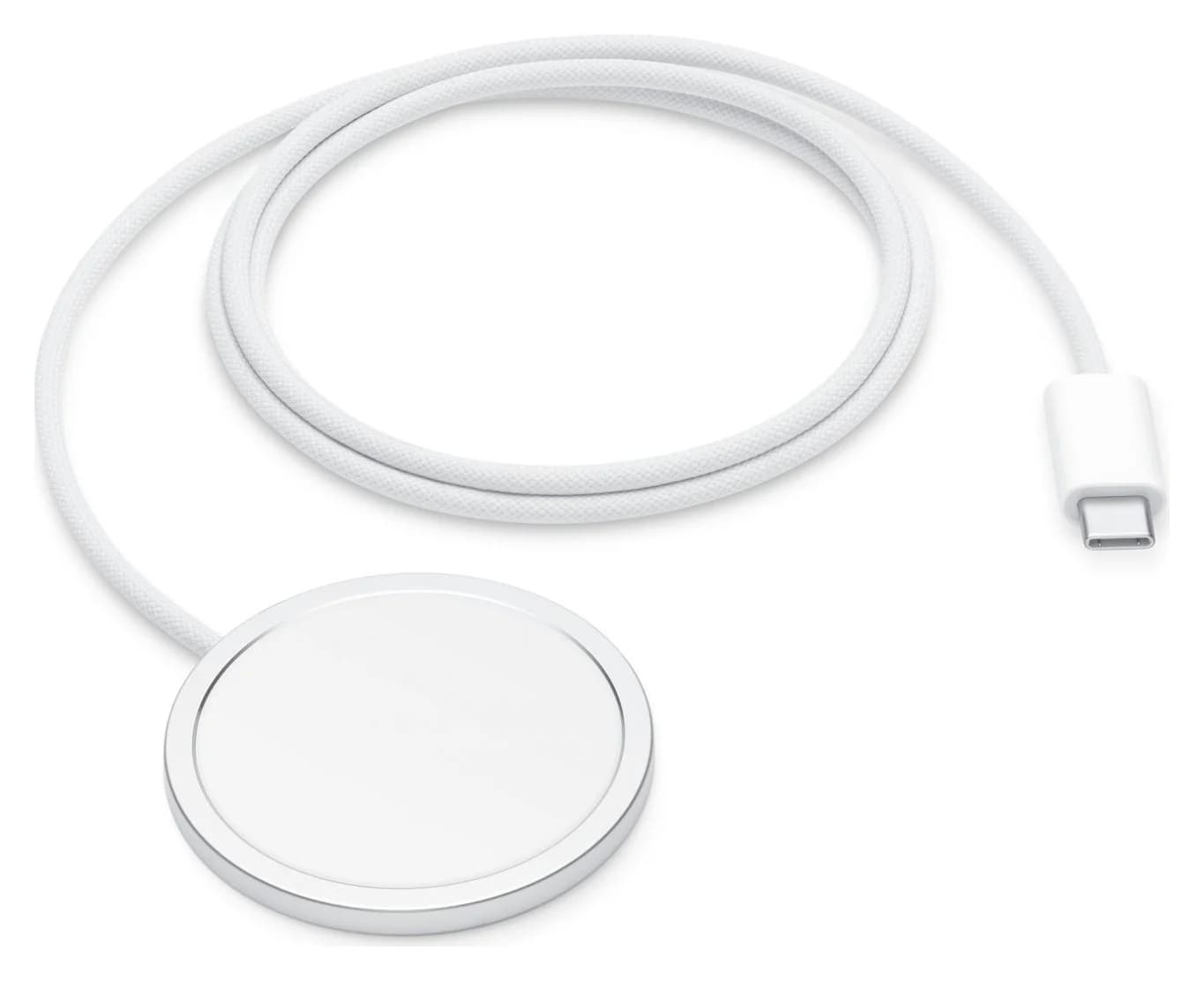
Which iPhones Have Wireless Charging? Every Model, and Qi vs MagSafe vs Qi2
Every iPhone from the iPhone 8 on charges wirelessly. iPhone 12 and later add MagSafe (except the 16e). Each model's top wireless speed, from Apple's own pages.
Updated November 25, 2026Read
Best Chromebook Chargers in 2026: 45W and 65W USB-C Picks
Most USB-C Chromebooks charge on a 45W USB-C Power Delivery charger; 65W covers models that shipped with a 65W adapter. Five picks matched to the adapter in your box.
Updated November 23, 2026Read