Black Friday: the specs to check before you buy
Explainer
Updated November 3, 2026InnoView INVPM406: Which Version and Connection Kit Should You Buy?
Short answer
The InnoView INVPM406 is worth considering for a simple second screen only after the seller confirms the exact panel, ports and supplied power adapter. If that match is unclear, our pick is the ASUS ZenScreen MB169CK, whose USB-C and HDMI power paths are documented. This InnoView portable monitor review guide assesses manufacturer specifications; picture quality and build quality remain unmeasured.
Our picks at a glance
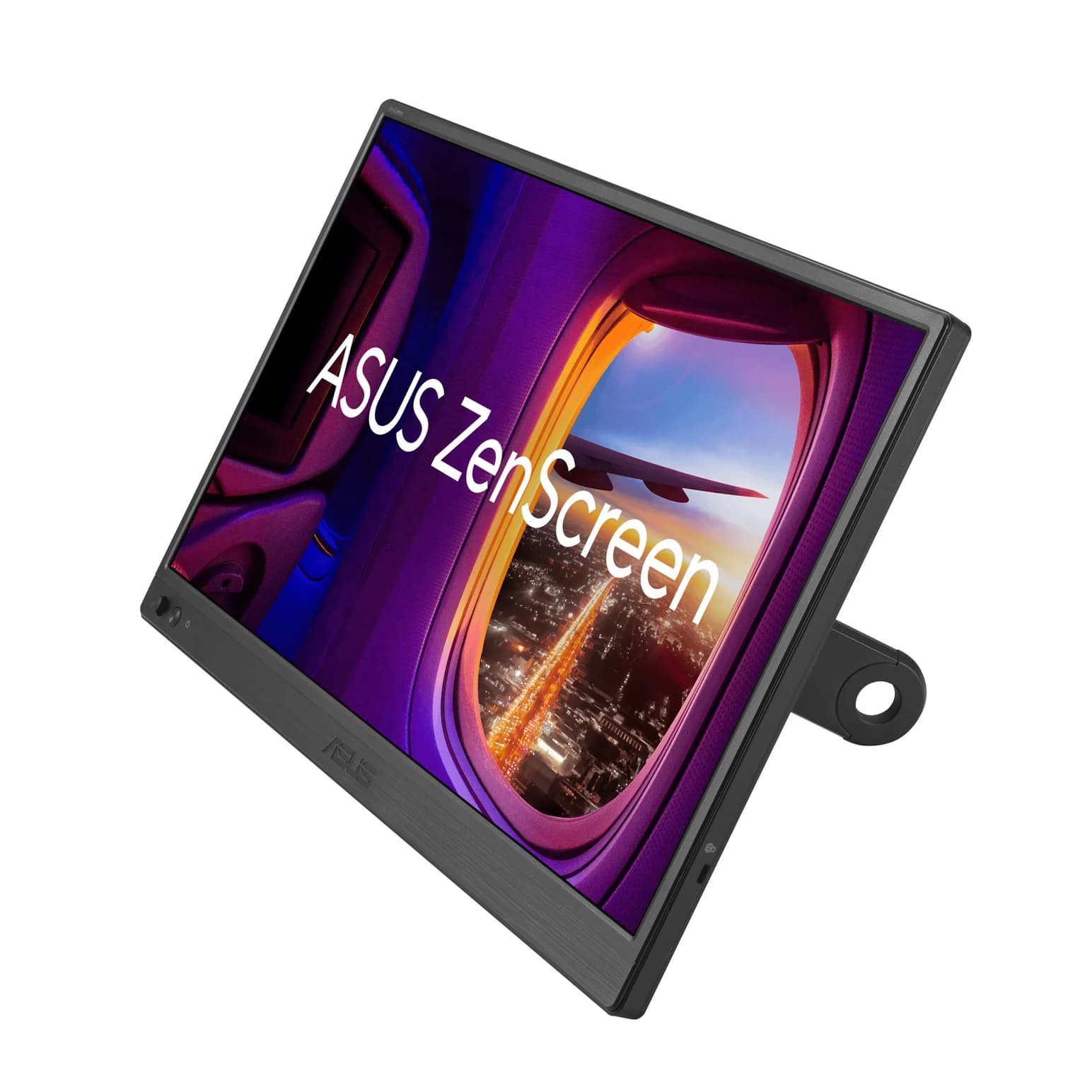
Best documented alternativeASUS
ASUS ZenScreen MB169CK Portable USB-C Monitor (15.6-inch, 1080p)
- ports
- 3
- host link
- USB-C
- Choose
- ASUS documents USB-C video and power, mini HDMI with separate USB-C power, and a detachable kickstand for the MB169CK.
- Limit
- 1080p at 60Hz with 250 nits: fine indoors, dim near a bright window
Quick picks
| Your situation | Choose | Purchase condition |
|---|---|---|
| You want the InnoView's speaker-and-folio setup | INVPM406, conditionally | Match the rear label, panel, connectors and complete bundle before paying |
| You cannot establish which InnoView version will ship | ASUS ZenScreen MB169CK | Confirm MB169CK at checkout; budget for external power when using HDMI |
| Your computer has no USB-C video output | Use an HDMI connection if the computer has HDMI | Both monitors' documented HDMI paths need a separate power plan |
Research check: November 3, 2026. InnoView's own store page shows the monitor as sold out. That does not establish availability elsewhere; an exact current US retail bundle remains unconfirmed here.
Conditional choice: InnoView INVPM406
InnoView describes the INVPM406 as an IPS screen with 1920 × 1080 resolution, 60Hz refresh, 250 cd/m² brightness and 45 percent NTSC color gamut. It lists dual speakers, dual full-featured USB-C ports and a Mini HDMI connection. On paper, that makes it a candidate for documents and a second application window; those specifications do not establish color accuracy, speaker quality or gaming latency. See the manufacturer product page.
The identification problem is concrete: that page's title says 15.6 inches, while its body and separate INVPM406 landing page say 15.8 inches. We cannot tell from those pages whether this reflects a naming error or a hardware difference. Do not choose between purported sizes using the headline alone.
Request a rear-label photo showing the complete model and any regional or revision suffix, a connector photo, and the matching manual's panel specification. Ask the seller to confirm all of them describe the unit being shipped. If an offer promises a different resolution, touch, another stand or another HDMI connector, request that version's documentation before applying this guide's cable advice.
InnoView's own purchase buttons point to ASIN B095GG31KX in the saved official page code. Treat that as an identification lead: the currently shipping US revision, supplied adapter and matching manual are not verified here.
What makes it appealing: InnoView's own package description combines speakers with a protective folio that also supports the screen. What holds back a purchase recommendation: the size conflict, unresolved current US bundle and conflicting warranty wording below. Use the official product details to establish the match; this guide does not attach a purchase link to an unverified InnoView retail version.
Best documented alternative: ASUS ZenScreen MB169CK
ASUS
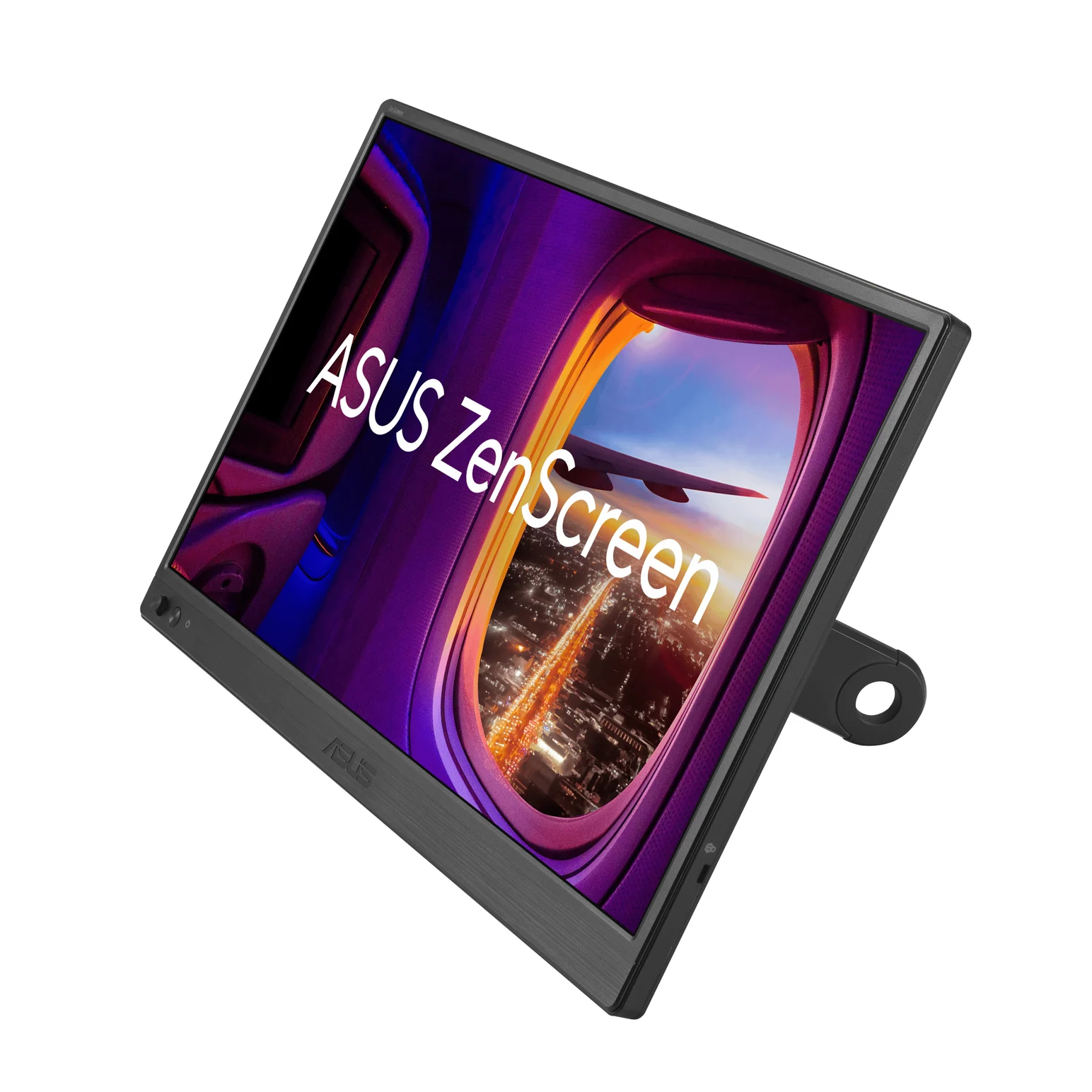
ASUS ZenScreen MB169CK Portable USB-C Monitor (15.6-inch, 1080p)
A 15.6-inch 1080p IPS portable monitor with two USB-C (DP Alt Mode) ports, a mini HDMI input and a detachable 360° kickstand.
- 3 ports
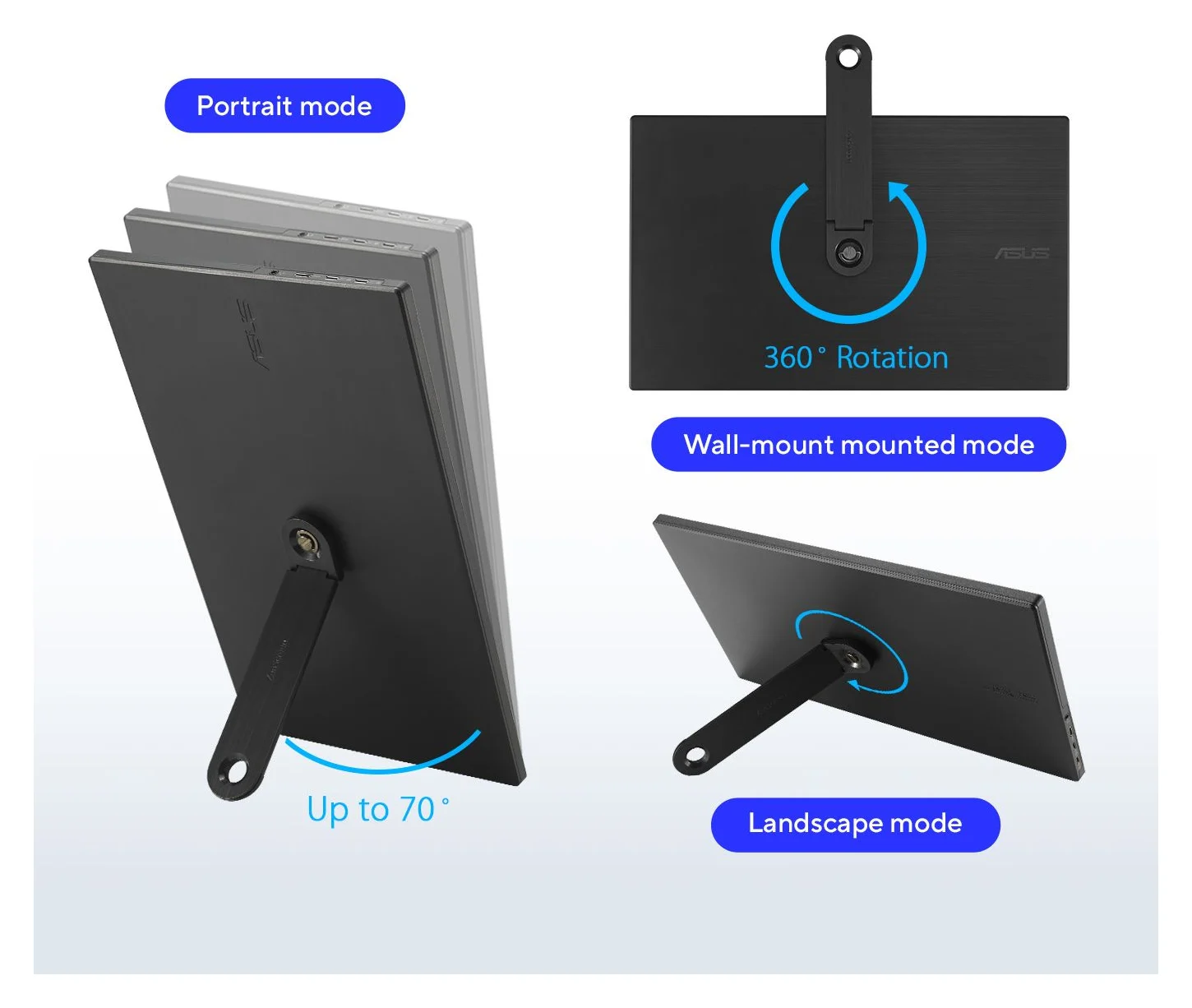
Choose the MB169CK if you would rather buy around a documented connection plan. ASUS specifies a 15.6-inch, 1920 × 1080 IPS panel at up to 60Hz, with 250 cd/m² typical brightness, two USB-C ports supporting DisplayPort Alt Mode and a mini HDMI input. Its detachable 360° kickstand supports portrait and landscape positioning. ASUS lists no built-in speakers. Sources: US specifications and product description.
ASUS explicitly describes a single USB-C cable carrying video and power from a compatible laptop, or HDMI video with USB-C used for power. Its 7.64W consumption figure is not a charger recommendation: the manual's connection diagram labels external power ≥10W. The manual calls the adapter optional, and the US accessory list varies by region, so budget for one unless your particular package confirms it.
The USB-C cable, Mini HDMI to HDMI cable, sleeve and kickstand appear in ASUS's accessory list. Keep the laptop's own charger in your kit; do not budget around an unconfirmed monitor-to-laptop charging capability.
Check price on Amazon for the ASUS ZenScreen MB169CK. Confirm the exact model and supplied accessories at checkout.
INVPM406 versus MB169CK: the useful differences
These are manufacturer claims, with the InnoView uncertainty retained. Sources: InnoView product page, its package description, ASUS specifications and ASUS manual.
| Buying detail | InnoView INVPM406 | ASUS ZenScreen MB169CK |
|---|---|---|
| Diagonal | Official title: 15.6 inches; body: 15.8 inches | 15.6 inches |
| Panel and refresh | IPS, 1920 × 1080, 60Hz | IPS, 1920 × 1080, up to 60Hz |
| Stated brightness | 250 cd/m² | 250 cd/m² typical |
| USB-C | Two full-featured ports, per InnoView | Two ports with DP Alt Mode |
| HDMI input | Mini HDMI, per product page | Mini HDMI |
| Speakers | Dual speakers | No speakers |
| Support | Folding protective case | Detachable 360° kickstand |
| External power in package | Landing page lists an 18W adapter; current US kit unconfirmed | Adapter optional in manual; regional contents vary |
The InnoView page also contains a comparison chart with other panel resolutions and touch options. Do not transfer neighboring products' features to the INVPM406. Neither the shared connector shape nor an InnoView family name substitutes for a matching model, panel and bundle.
Buying guide: choose the connection before the accessories
USB-C video requires the source to support DisplayPort Alt Mode and the cable to carry that video signal. VESA explains that a source port without DisplayPort support produces no image on a DisplayPort-over-USB-C display. ASUS explicitly requires DP Alt Mode; InnoView calls for a full-function cable. Read the source device's specification, then use the supplied video cable. See VESA's FAQ and our USB-C cable types guide.
- Yes: USB-C video source and a full-featured cable: direct video connection
- Partly: HDMI source: video connection plus separate USB-C monitor power
- No: USB-C port without DisplayPort video: no direct USB-C picture
Do not buy a cable solely because its charging wattage sounds impressive. Check that it expressly supports video. In HDMI mode, keep the jobs separate: the HDMI lead carries the picture and a USB-C lead connects the monitor to an appropriate power source. ASUS documents that distinction.
| Source device | Video connection to pack | Monitor power and extra parts |
|---|---|---|
| Laptop with USB-C DP Alt Mode | Supplied full-function USB-C to USB-C cable | Source power may suffice; pack monitor power for an insufficient source |
| HDMI laptop or console | HDMI to Mini HDMI cable, matching the actual monitor socket | USB power lead plus monitor adapter; verify InnoView's supplied adapter or ASUS's optional power equipment |
| Phone with documented wired display output | Video-capable USB-C cable, or the phone maker's supported HDMI adapter route | Separate monitor power; an HDMI route also needs the correctly terminated HDMI cable |
| Nintendo Switch 2 | Dock HDMI output; confirm a compatible Mini HDMI connection before buying | Dock, its power adapter, Nintendo-specified HDMI cabling and independent monitor power |
For an HDMI-only setup, count the power lead as well as the wall adapter. A charger without a cable is not a complete kit. InnoView's package page lists a USB-A to USB-C lead; ASUS's listed accessories do not establish an extra dedicated power lead for every HDMI bundle. Confirm that cable separately.
Phones: check the current phone documentation
Apple's current list includes iPhone 15 models, iPhone 16 models except 16e, and iPhone 17 models except 17e, as well as the listed newer models. Apple specifies a suitable USB-C video cable and says these connections normally mirror the phone, except in apps with a second-screen experience. It lists up to 4.5 watts for powering small accessories; our recommendation is separate monitor power.
For Android, check the exact model under Samsung's wired DeX compatibility list or the equivalent phone-maker documentation. A generic “Android compatible” promise is not enough. InnoView's older comparison chart says an iPhone needs an additional dongle; use Apple's current model-specific guidance instead of treating that as a universal requirement.
Consoles: do not confuse monitor power with dock power
Nintendo's Switch 2 instructions call for its dock, its AC adapter and an Ultra High Speed HDMI cable. The bundled monitor Mini HDMI lead is not established here as meeting Nintendo's cable requirement. Confirm the complete HDMI-to-Mini-HDMI arrangement before choosing either monitor for that console; this is not a verified Switch 2 accessory chain. The monitor still needs its own USB power connection.
Before paying: bundle, warranty and complete kit
InnoView's package page lists the monitor, protective case, USB-C to USB-C cable, USB-C to USB-A cable, Mini HDMI to HDMI cable, 18W adapter, cleaning cloth and user guide. Ask which items accompany the exact US offer, including the adapter's plug and output label. The advertised adapter rating does not establish the monitor's maximum input or a replacement charger's required voltage profiles.
There is also a warranty conflict: the product page says 12 months, while the refund policy describes 18 months for quality defects on direct or authorized purchases, restricted to the country of purchase. That policy describes a 30-day return window for undamaged goods, requires accessories and original packaging, and directs purchases from other retailers back to those retailers for refunds. Get the applicable terms confirmed and keep the packaging and receipt.
Compare complete delivered baskets: monitor + missing video cable + power lead + suitable adapter + any required dock or phone adapter. Check seller identity, model selection, bundle contents, returns and delivery at checkout before treating a holiday offer as the better buy. There is no confirmed InnoView US kit total here.
If the screen stays blank
ASUS's manual distinguishes missing signal from insufficient source power: repeated logos or a continuously blinking indicator can indicate inadequate USB-C power on the MB169CK. For InnoView, use this as a connection checklist rather than a model-specific fault diagnosis. ASUS troubleshooting and VESA's no-video explanation support the sequence below.
Establish power
Connect the monitor's documented power equipment before changing video accessories.
Match the input
Check the selected input and reseat the matching video lead; ASUS offers HDMI and USB-C input selection.
Check the source
Confirm USB-C DisplayPort support and the video cable, or isolate the HDMI path with separate power.
How we choose
We compare manufacturer specifications, package descriptions, manuals and source-device requirements, without physical product evaluation. Recommendations favor a documented working connection over an attractive but unresolved listing. InnoView's size and warranty conflicts remain visible; ASUS also gives different contrast and color-count figures in its manual and US spec page, so those figures are excluded from our comparison. No buyer anecdotes establish performance here.
For higher refresh rates, other sizes or a monitor explicitly documented to charge the laptop, continue with our portable monitor shortlist.
Verdict
Buy the ASUS ZenScreen MB169CK if the InnoView seller cannot establish the exact version and complete kit; check price on Amazon with MB169CK selected. Consider the INVPM406 only after the panel, rear label, HDMI connector, adapter and warranty match. Choose the video path first, then count every power and connection component in the purchase.
Frequently asked questions
Is the InnoView INVPM406 worth buying?
Consider it for a simple second screen if the seller confirms the exact version and complete bundle. InnoView describes a 1920 × 1080 IPS display at 60Hz with dual speakers, but its own page disagrees on diagonal size and its warranty pages disagree on coverage length. If those details remain unresolved, choose the documented ASUS MB169CK alternative.
Can one USB-C cable run the INVPM406?
InnoView advertises a single full-function USB-C cable connection. That requires a source with USB-C video output, a video-capable cable and sufficient power from the source. A USB-C connector alone does not establish video support. If power is uncertain, plan on the monitor's own adapter; if the source lacks USB-C video but has HDMI, use the HDMI path with separate monitor power.
Does the INVPM406 include a charger and stand?
InnoView's separate INVPM406 landing page lists an 18W adapter, protective case, USB-C to USB-C cable, USB-C to USB-A cable and Mini HDMI to HDMI cable. It describes the case as the stand. Treat that as a bundle to verify with the seller, because the saved manufacturer material does not establish the exact current US retail package or adapter plug.
Will an InnoView portable monitor work with an iPhone?
Check the exact iPhone first. Apple's display-support list includes iPhone 15 models and the 16 and 17 families with the 16e and 17e excluded. Apple specifies a suitable video cable and lists accessory power at up to 4.5 watts. Budget for separate monitor power, and do not interpret InnoView's older generic iPhone dongle wording as current model-specific advice.
Why does my portable monitor say no signal?
Check power, the selected input, the cable and the source's video capability separately. VESA says a USB-C port without DisplayPort support supplies no video to this type of display. ASUS also documents repeated logos or a blinking power indicator when source power is insufficient. That ASUS symptom is a diagnostic clue, not a confirmed INVPM406 fault code.
Best documented alternative
ASUS ZenScreen MB169CK Portable USB-C Monitor (15.6-inch, 1080p)
Related guides
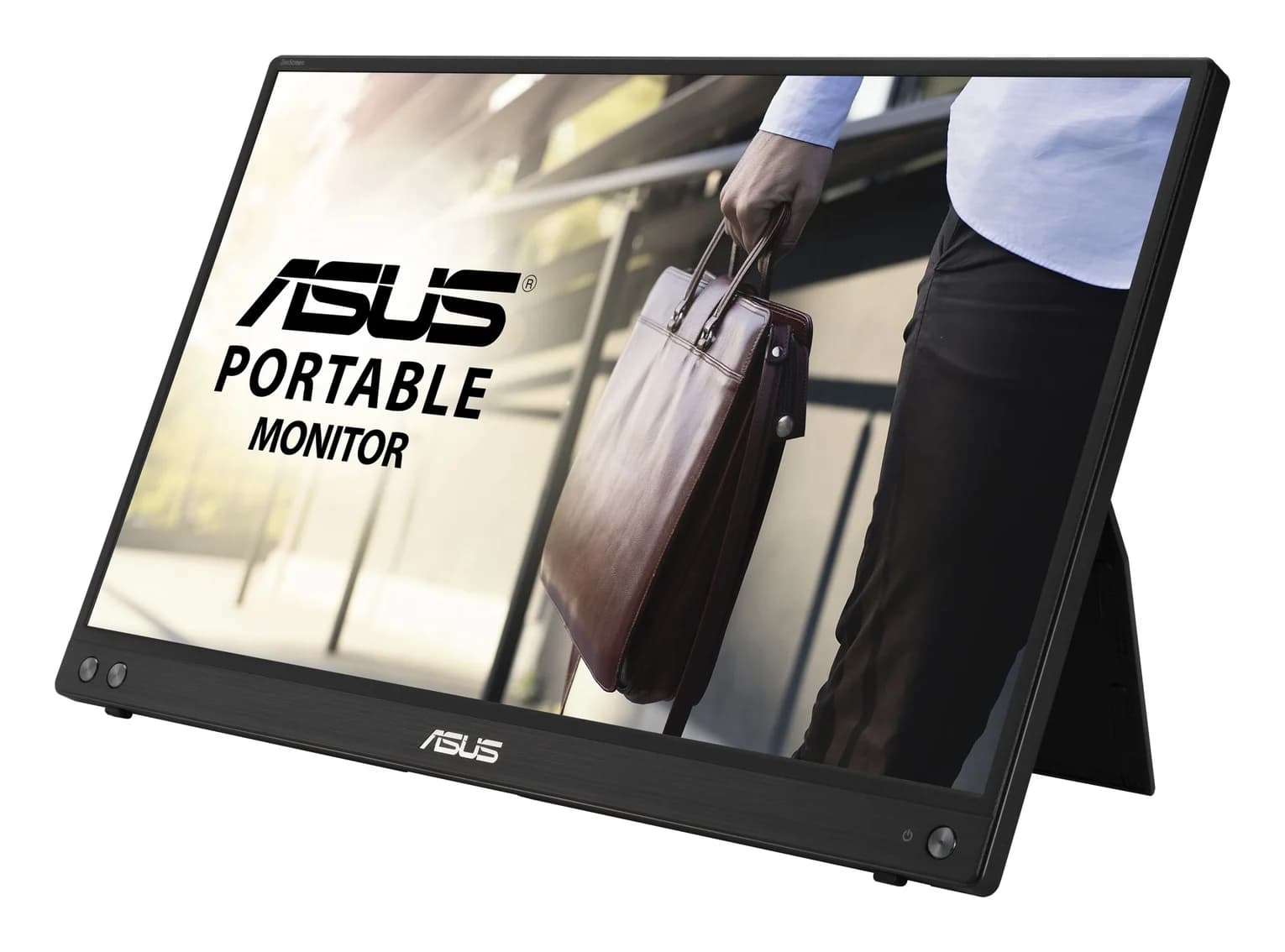
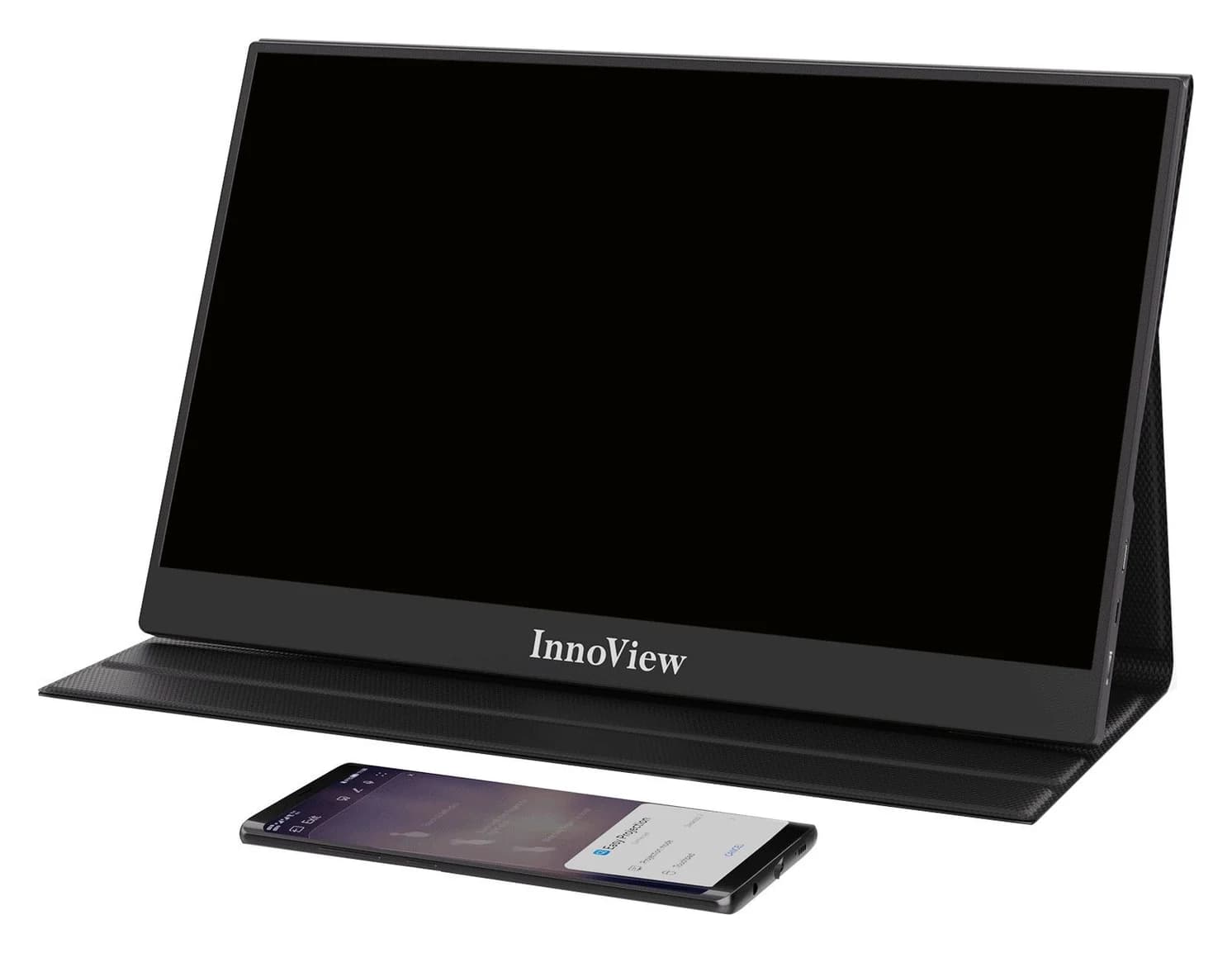
InnoView INVPM406 vs ASUS ZenScreen MB16ACV: Which Portable Monitor?
Choose between the InnoView INVPM406 and the ASUS ZenScreen MB16ACV from maker specs: ports, USB-A driver rules, kit contents, stands and return checks.
Updated November 7, 2026Read
ASUS ZenScreen MB16NCG vs Lenovo ThinkVision M14d: Which Portable Monitor?
Choose between the ASUS MB16NCG and Lenovo M14d with panel, refresh, weight, stand and USB-C power differences explained, plus the travel kit each one needs.
Updated November 5, 2026Read
AOC 16T20 vs ASUS ZenScreen MB16ACV: Pick by Your Laptop's Ports
AOC 16T20 vs ASUS ZenScreen MB16ACV compared from official specs: inputs, power, drivers, stands and travel weight, so you buy a complete kit that works.
Updated November 5, 2026Read