Black Friday: the specs to check before you buy
Buying guide
Updated November 3, 2026iPhone Docking Stations: Wired USB-C Docks vs Charging Stands
Short answer
For an iPhone docking station with wired ports, choose the Satechi OntheGo Foldable Stand Hub, provided your exact iPhone appears in its compatibility list. For an upright charger without storage or monitor connections, choose the Belkin UltraCharge 2-in-1; its power supply is included. Choose Apple's MagSafe Charger if you prefer a charging puck and can supply the adapter.
Our picks at a glance
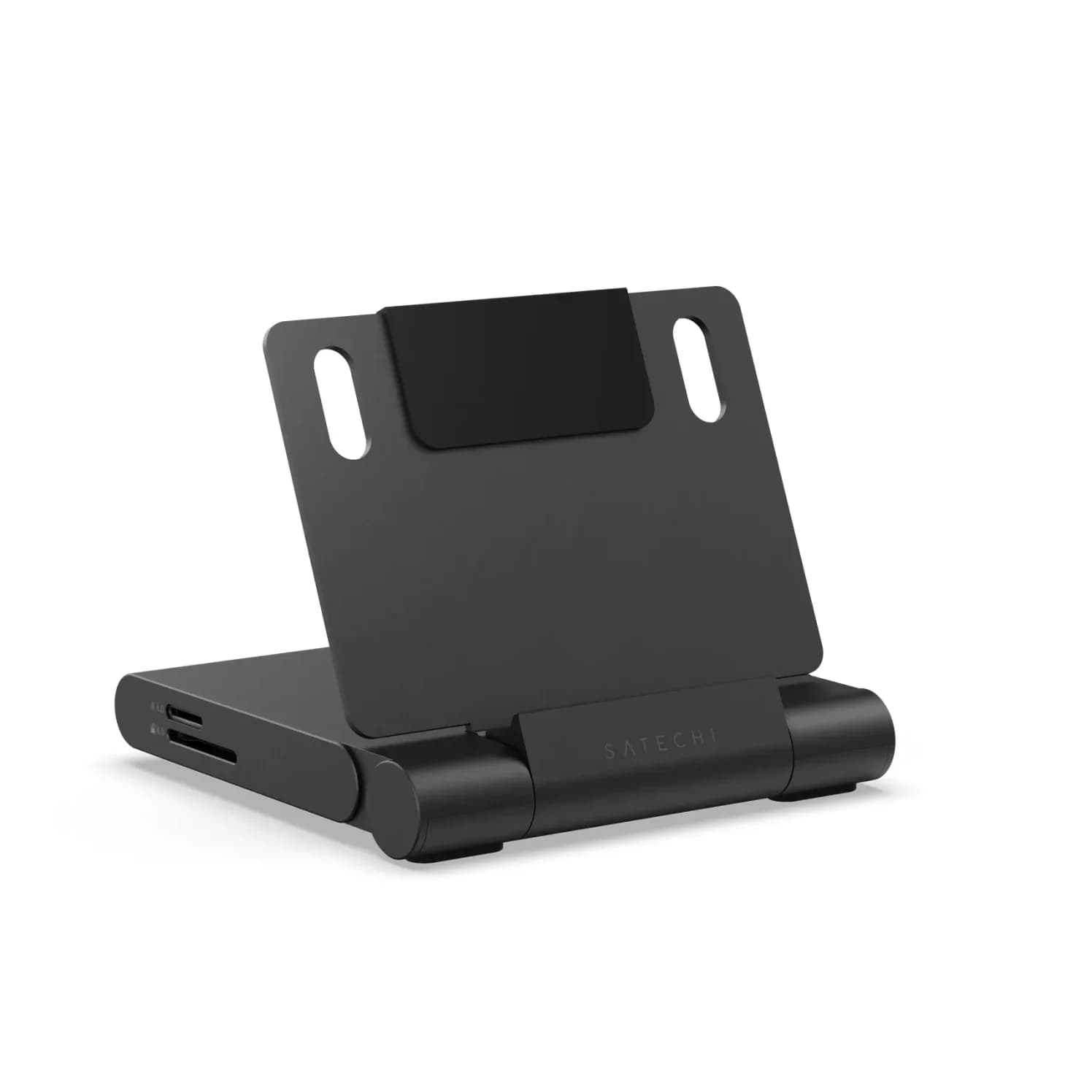
Best for wired portsSatechi
Satechi OntheGo Foldable Stand Hub (7-in-1, Space Black)
- to laptop
- 85W
- data
- 10 Gbps
- video
- 4K60
- Choose
- Satechi explicitly lists compatible iPhones and combines HDMI, USB data and card readers in a folding stand.
- Limit
- One fixed viewing angle
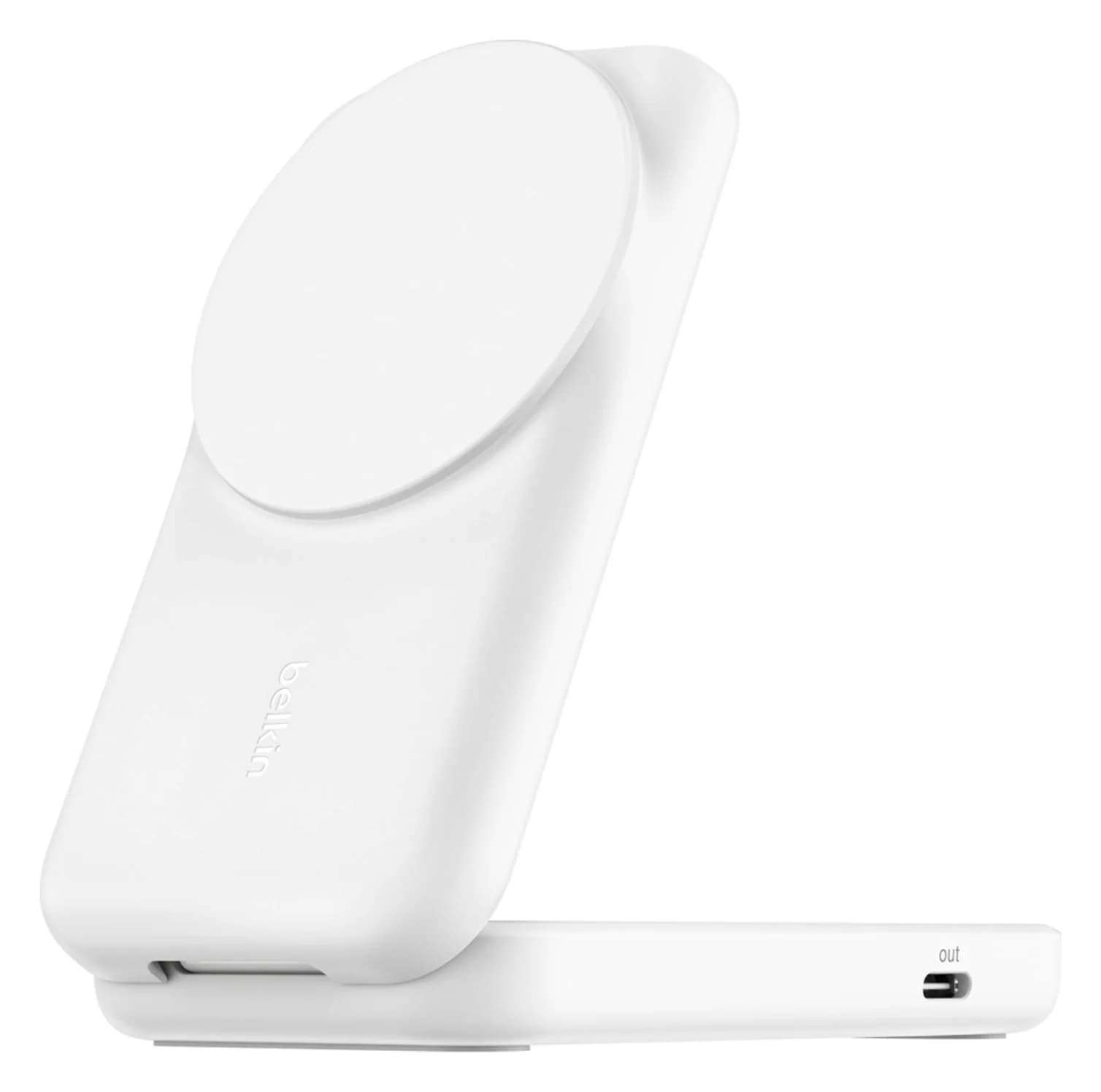
Best charging standBelkin
Belkin UltraCharge 2-in-1 Foldable Magnetic Charger with Qi2 25W (White)
- max output
- 25W
- port
- 1
- Choose
- Belkin bundles its Qi2 25W magnetic stand with a 45W power supply and USB-C cable.
- Limit
- AirPods pad tops out at 5W
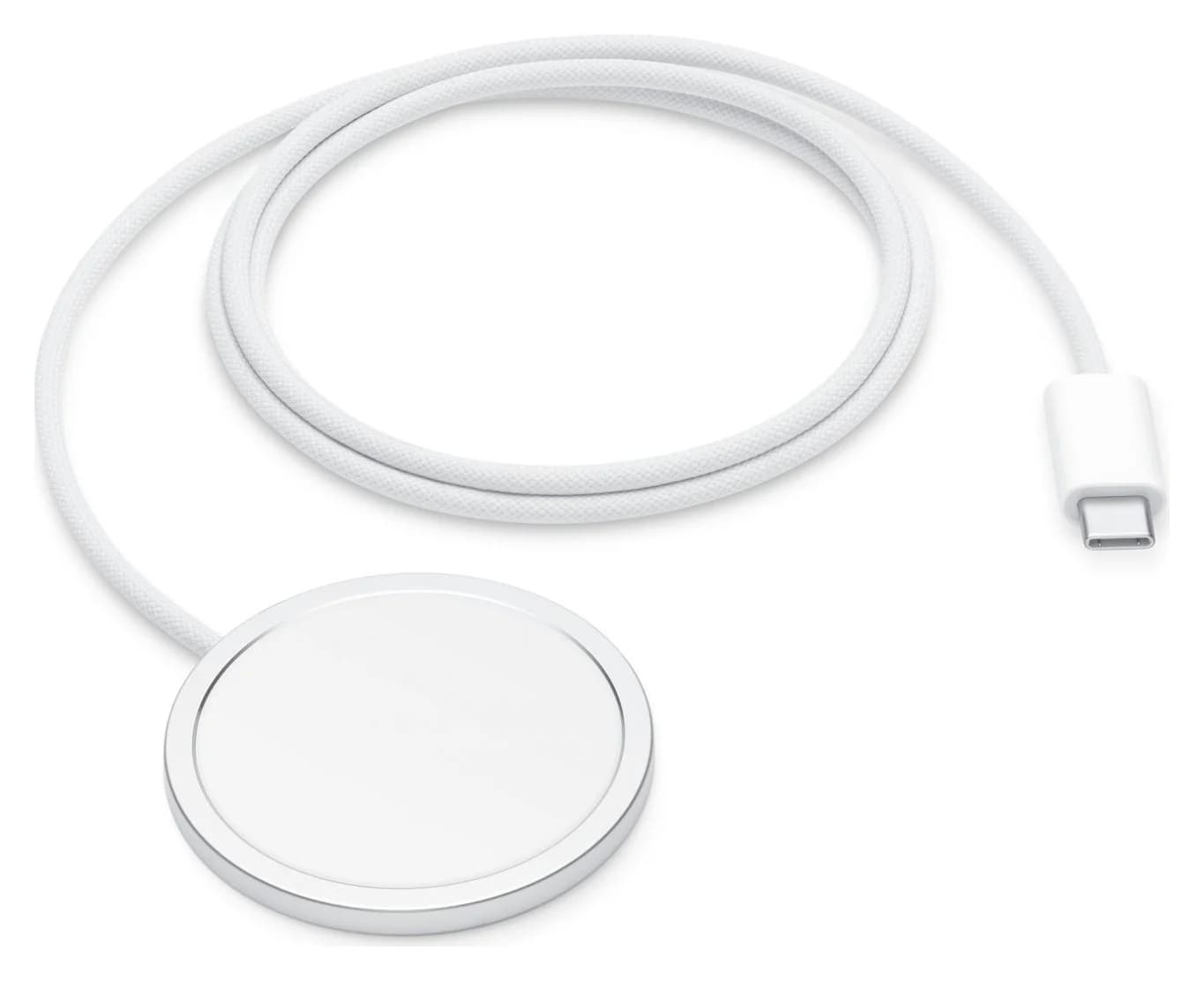
Best charging puckApple
Apple MagSafe Charger (1 m, Qi2 25W, 2025)
- max output
- 25W
- Choose
- Apple's Qi2 25W-certified MagSafe Charger suits buyers who prefer a puck and already have a suitable power adapter.
- Limit
- No power adapter in the box; 25W needs a 30W or greater adapter (15V/2.0A), or 35W+ for the iPhone 18 Pro's and Duo's quoted times
- Find on Amazon4
Belkin UltraCharge 2-in-1, Square Form — charging stand pick
Quick picks: compare the complete setup
| Pick | What it connects | Power and extras to allow for |
|---|---|---|
| Satechi OntheGo Foldable Stand Hub — wired desk pick | HDMI up to 4K@60Hz; USB-C and USB-A up to 10Gbps; SD, microSD and audio | Hub and manual only; add a PD supply, its USB-C cable, and the display/storage kit you need |
| Belkin UltraCharge 2-in-1, Square Form — charging stand pick | Magnetic phone charging up to 25W; AirPods pad; 5W USB-C charging output | 45W supply and 1.5m USB-C cable included; watch charging needs your own watch cable |
| Apple MagSafe Charger, 1 m — charging puck pick | Wireless charging up to 25W on specified iPhones; no upright support | Integrated cable; adapter sold separately; check Apple's 30W and 15V/2A requirements for 25W |
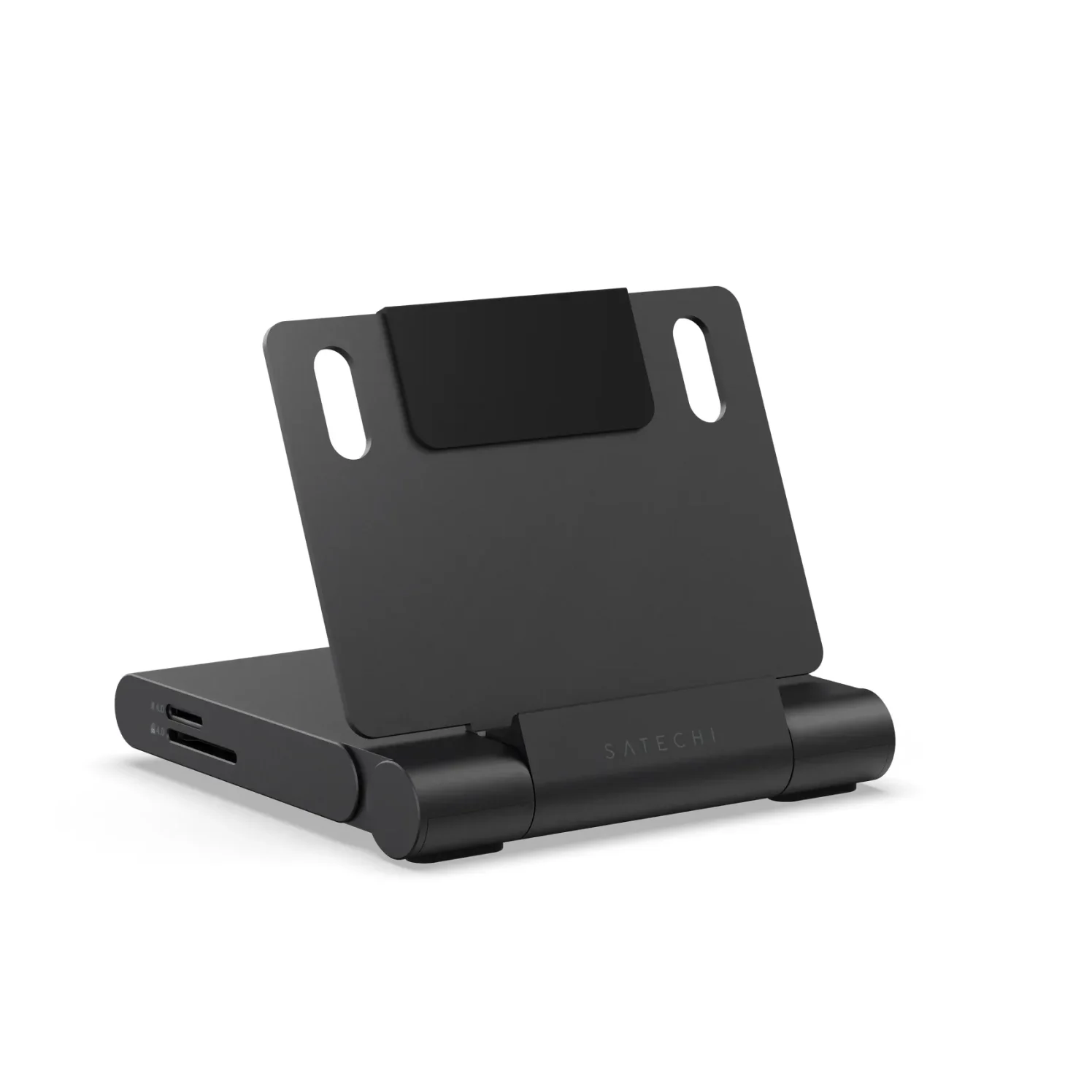
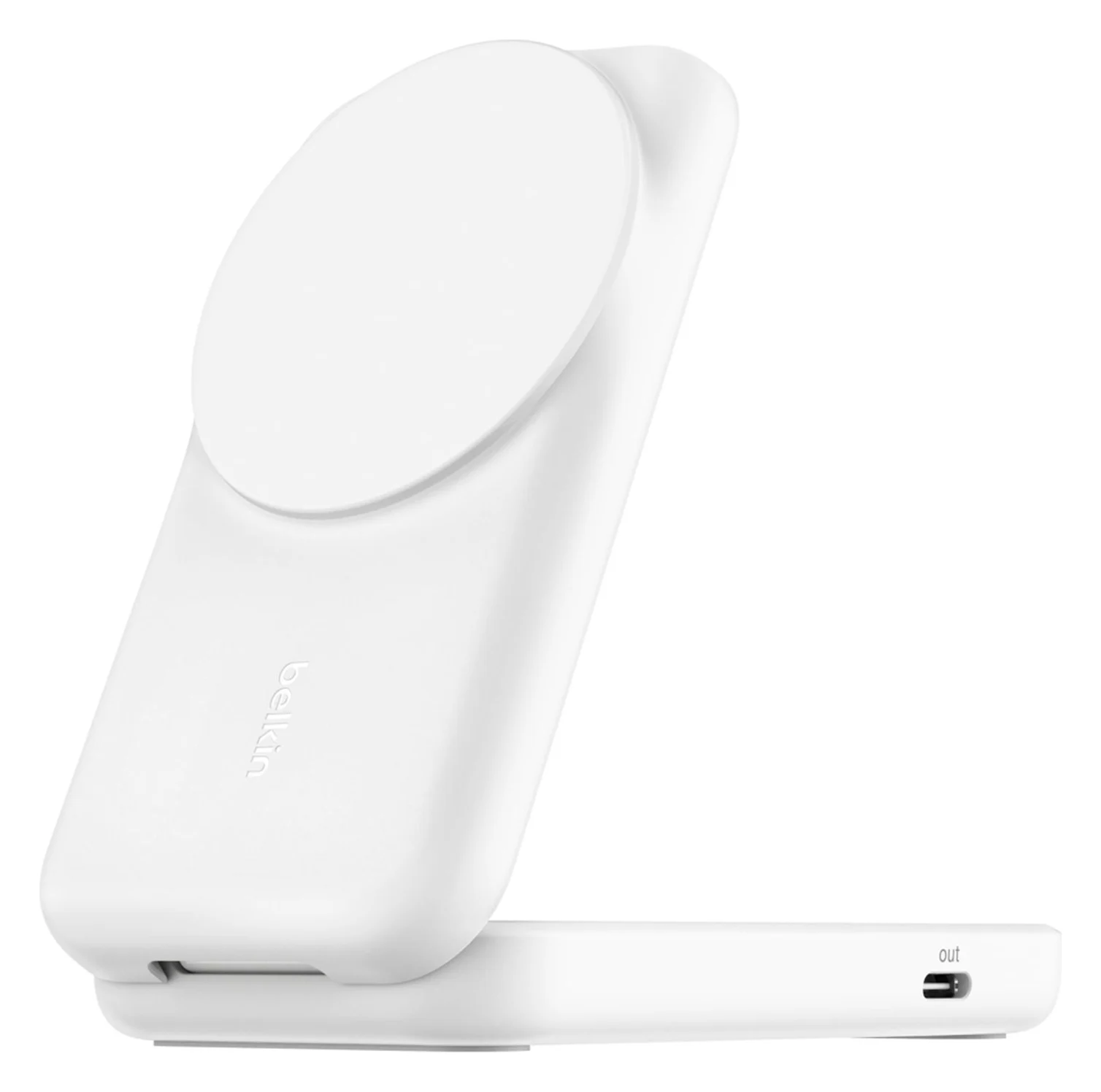
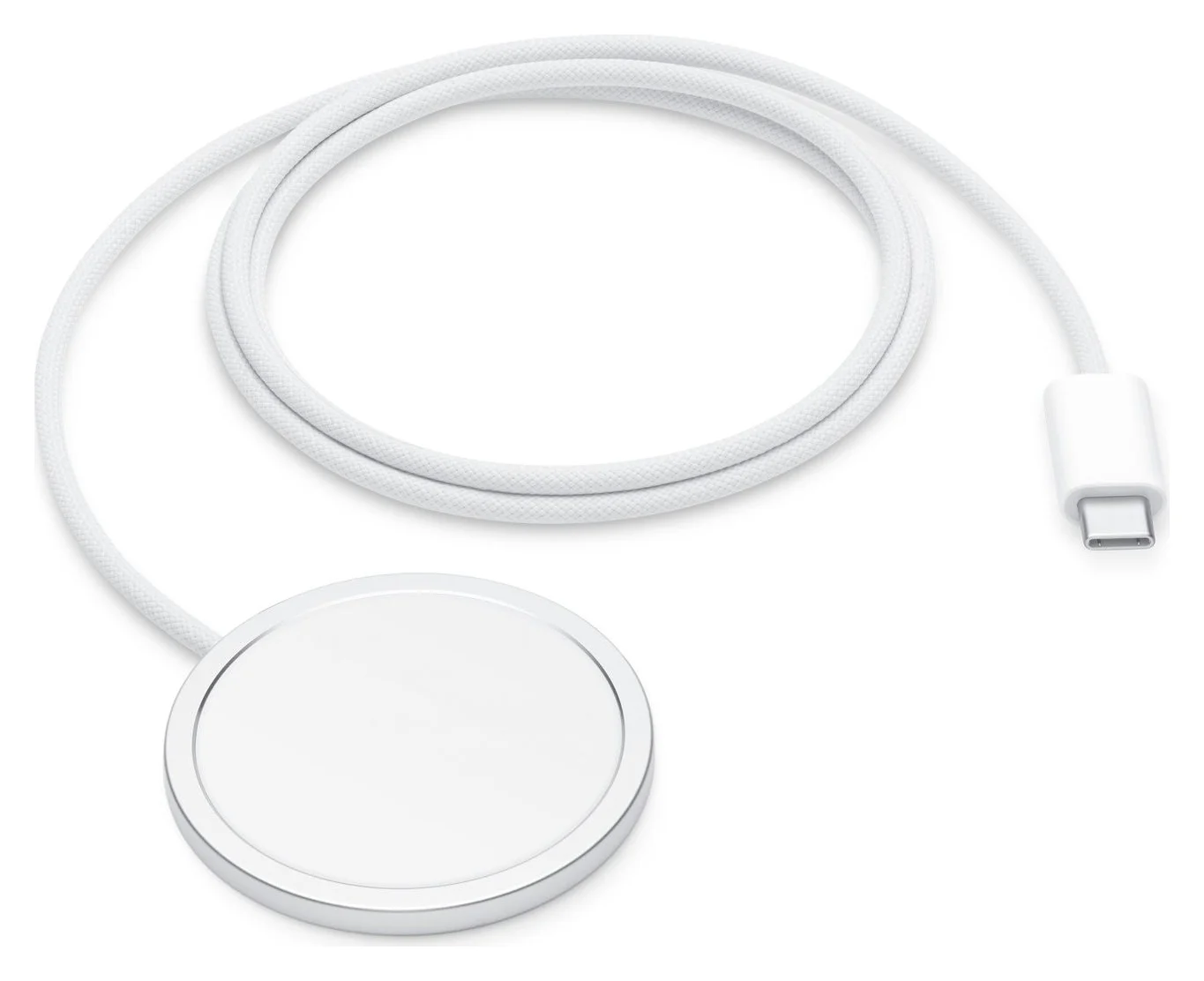
These are different purchases: the Satechi expands the phone's wired connections; the magnetic chargers' advertised functions are charging. The comparison follows the makers' Satechi specifications, Belkin bundle contents and Apple adapter requirements.
- Yes: Need HDMI, USB accessories or camera cards: start with the wired hub and the model check below
- Yes: Need a phone-and-AirPods charging perch: choose the Belkin stand
- Partly: Need both: a powered USB connection takes charging priority over MagSafe
- No: A magnetic charging pad does not provide the Satechi's advertised HDMI and card-reader functions
Best for wired ports: Satechi OntheGo Foldable Stand Hub
Satechi
Satechi OntheGo Foldable Stand Hub (7-in-1, Space Black)
A fold-flat aluminum tablet stand with a built-in 7-port USB-C hub: 4K@60Hz HDMI, 10Gbps USB-C and USB-A, UHS-II SD and microSD readers, a 3.5mm audio jack and 100W USB-C PD pass-through.
- 85W PD passthrough
- 10 Gbps data
- 4K60 video
- 7 ports
Buy model ST-GOTGFC for an iPhone-hosted desk setup. Satechi names the iPhone 15 and 15 Plus, 16 and 16 Plus, 17, and the Pro/Pro Max models from 15 through 18; this is a product-specific compatibility list, not permission to assume every USB-C iPhone works fully.
Its HDMI output reaches 4K@60Hz, both USB data ports reach 10Gbps, and the SD and microSD readers are UHS-II, rated up to 312MB/s. The 3.5mm socket handles audio input and output. These are hub ceilings: the phone and attached accessory still determine what you can actually use.
The important socket distinction is in Satechi's manual: USB-C PD is the power input, USB-C data does not output video or provide output charging, and the built-in host cable goes to the phone. Connect an HDMI monitor directly with an HDMI-to-HDMI cable. Do not order this expecting its USB-C data socket to drive a USB-C-only monitor.
The stand folds flat, with cable storage, but its host cable is only 17cm. The box lists the hub and manual, so budget for the power and peripheral connections below.
Best charging stand: Belkin UltraCharge 2-in-1
Belkin
Belkin UltraCharge 2-in-1 Foldable Magnetic Charger with Qi2 25W (White)
A foldable Qi2.2-certified magnetic stand that charges an iPhone at up to 25W and AirPods at up to 5W, with a 5W USB-C port for a watch cable and a 45W USB-C power supply in the box.
- 25W max output
- 1 port
Choose this for a phone and AirPods charging spot when you do not need wired expansion. The Square Form, White, BBB010-WH bundle contains a 45W supply and 1.5m cable. Belkin rates Qi2 25W-certified devices up to 25W, with other Qi2 devices up to 15W; the headline is not a promise for every iPhone.
Belkin's UK WIZ038 page specifies an AirPods pad up to 5W and adjustable portrait/landscape viewing. The extra 5W USB-C socket is for a smartwatch charging cable, rather than a storage or monitor connection. Bring that cable; this is not a built-in watch charging puck.
Check the variant at checkout: the US page offers both Square Form and Round Form, while the UK page uses WIZ038myWH. Match the ordered SKU and its box contents rather than assuming every similar-looking UltraCharge listing is the same package.
Best charging puck: Apple MagSafe Charger
Apple
Apple MagSafe Charger (1 m, Qi2 25W, 2025)
Apple's magnetic wireless charging puck with an integrated 1 m USB-C cable, certified for Qi2 25W and rated up to 25W on supported iPhones when paired with a 30W or greater adapter.
- 25W max output
Apple's current puck is certified for Qi2 25W. This pick is the 1 m, A3502 version; Apple also identifies a 2 m, A3503 version. Its integrated USB-C cable is included, but the power adapter is separate, and Apple's setup instructions place the puck on a flat surface.
For up to 25W, Apple's support page specifies an adapter of 30W or greater, offering 15V/2.0A or higher, and a supported iPhone. It lists iPhone 15 and earlier MagSafe models and the 17e at up to 15W. The 16e is described as a non-MagSafe Qi device, so do not assume it will attach to a magnetic stand like a MagSafe phone.
For other phone-specific wireless limits and watch-equipped alternatives, use our MagSafe charger guide.
How we choose
Our recommendations come from official specifications, manuals, box contents and Apple's compatibility guidance. We compare connector roles, data ceilings, video protocols and power requirements; a brand's compatibility list matters more than the shape of a USB-C plug. These are research-based picks, without physical testing or assumed sustained speeds. Where documentation leaves a fit or power question open, we keep that condition in the buying advice.
Buying guide: check the phone, then build the kit
Match the exact iPhone
Apple's USB-C connection guide separates fast data from display support. The table combines it with the individual phone specifications; an omitted Satechi model is a reason to seek confirmation, not a claim that every hub function fails.
| Your iPhone | Phone's USB data ceiling | Wired display and buying decision |
|---|---|---|
| 15/15 Plus, 16/16 Plus, 17 | USB 2, up to 480Mb/s | DisplayPort supported; Satechi names these models |
| 15, 16, 17 and 18 Pro/Pro Max | Up to 10Gbps with the appropriate USB 3 connection | Wired displays supported; Satechi names these models |
| 16e, 17e, Air | USB 2, up to 480Mb/s | No DisplayPort listed in connector specs; none named by Satechi here. Skip this HDMI purchase |
| Duo | Up to 10Gbps | Apple documents DisplayPort, but Satechi does not name Duo in this hub's list; confirm compatibility and fit |
| Lightning iPhones, such as iPhone 14 | Different connector | No direct connection to this USB-C host cable; choose a documented Lightning accessory route |
A slower USB data rating does not automatically rule out video: Apple lists DisplayPort even on the base USB 2 models above. Conversely, a matching USB-C plug does not establish display support. Apple says an external display normally mirrors the iPhone, except when an app provides its own second-screen experience; do not assume a laptop-style extended desktop. Our USB-C-to-TV guide covers the display path in more detail.
The wired kit: what to order and where it plugs in
To supply the hub's full rated input, the Anker Prime 100W, A2688 delivers 100W from either USB-C port alone. Satechi specifies 100W maximum input and up to 85W to the host; neither figure means an iPhone accepts 85W. Those maximum ratings do not establish the hub's minimum adapter requirement or guarantee Apple's direct fast-charge times, so do not buy a large charger solely from the hub's headline.
Keep the Anker dedicated to the hub for its full rating: using both USB-C ports changes the allocation to 65W + 35W. Anker excludes charging cables and calls for an E-Marker cable for optimal 100W charging. Its Prime 240W cable is a suitable power-cable option on paper; that rating is headroom, not the phone's charging speed.
Power supply to PD input
Connect a suitably rated USB-C cable from the power adapter to the Satechi's PD socket
Host cable to iPhone
Use the Satechi's built-in cable; check it seats fully with your case
HDMI to display
Add a direct HDMI-to-HDMI cable and a display input supporting the output format you want
Storage to reader or data port
Add your SD/microSD card, or storage whose power requirements fit the manual
Keep power cables and data cables separate on the order list: Anker's 240W cable is USB 2 and does not support screen mirroring. Apple's in-box iPhone cable is also USB 2; for a separate high-speed storage connection Apple specifies a USB 3 cable supporting 10Gbit/s. The Satechi already provides the host cable.
Storage: the limit that matters more than the port count
Satechi says connected USB devices should not exceed 5V/900mA. Check a drive's documented power requirement, or use storage with its own suitable power source; a larger adapter at the PD input does not cancel that manual limit. Apple also warns that external hard drives often need external power. Do not assume any bus-powered SSD is compatible just because the hub has a fast port.
For ordinary file access, Apple's external-storage guide requires a single data partition and a supported format, including exFAT or APFS. Open Files, then Browse and the drive under Locations. Reusing an existing compatible card in the Satechi's reader can avoid buying an SSD for a simple photo-transfer job.
ProRes recording is a separate purchase decision. Apple's ProRes guidance requires exFAT, a suitable USB 3 cable and sustained writes of at least 220MB/s for 4K60 or 440MB/s for 4K120 on supported models. Satechi's 312MB/s card-reader ceiling cannot meet the latter requirement, and its USB port rating alone proves no drive's sustained write speed. Treat this as a desk file-transfer hub unless your exact recording chain is separately confirmed.
Compare basket cost, case clearance and desk space
Compare the whole basket: Satechi plus power supply, supply cable, HDMI cable and any storage; Belkin with its included power kit; Apple puck plus adapter and any separate upright support you want. Count accessories you already own before choosing. The included items above matter more than comparing three bare product offers.
Satechi lists an 11 × 11 × 1.9cm body and warns against thick tablet cases; it gives no iPhone-case thickness guarantee in that manual. Check cable reach, connector clearance and room for cables around the base. Belkin's printed metric dimensions are 106 × 60 × 24mm, but its paired inch length says 4.7in, which disagrees with the metric length; treat its size table cautiously when space is tight.
For magnetic charging, check your case's magnetic compatibility and remove wallet cards or key fobs from between charger and phone, as Apple advises. If you want ports and a magnetic perch, remember Apple's rule: the powered wired connector takes charging priority. Buying both will not add their charge outputs together.
Verdict
Choose Satechi OntheGo ST-GOTGFC for a listed iPhone that needs a wired desk kit, after checking display support and storage power. Choose Belkin UltraCharge 2-in-1 for an upright phone-and-AirPods charger with the supply included. Choose Apple's MagSafe puck for a flat charging spot with your own suitable adapter. Buy for the connection you need, then check the exact phone and package.
Frequently asked questions
Which iPhone docking station should I buy?
Choose the Satechi OntheGo Foldable Stand Hub if your compatible iPhone needs wired HDMI, USB storage or card readers at a desk. Choose the Belkin UltraCharge 2-in-1 if you only need magnetic phone and AirPods charging. Apple's MagSafe Charger is the puck alternative; it needs a separate power adapter and does not hold the phone upright.
Can iPhone 16e, 17e or Air use a USB-C dock with HDMI?
Do not buy this hub for wired HDMI on those models. Apple's connector specs list charging and USB 2 data, without DisplayPort; its USB-C display-support list excludes the 16e and 17e and does not name Air. Satechi also does not name them in this hub's iPhone compatibility list. Ask for model-specific confirmation before buying for other hub functions.
Can I use MagSafe and a powered wired dock together?
You can connect both, but Apple says an iPhone connected to MagSafe and power through its USB-C or Lightning connector charges through the connector. Do not buy both expecting their wattages to add together. For a desk with wired accessories, also check the model-specific wireless charging limits Apple applies while USB-C accessories are connected.
Will this wired dock sync my iPhone with a computer?
Treat the Satechi as an accessory hub with the iPhone connected to its host cable. Its downstream USB-C port is a data port, not another host connection. For computer syncing, use Apple's documented connection from the iPhone to the computer's USB-C port. That is a different connection from having the iPhone host an HDMI display and attached storage.
Related guides
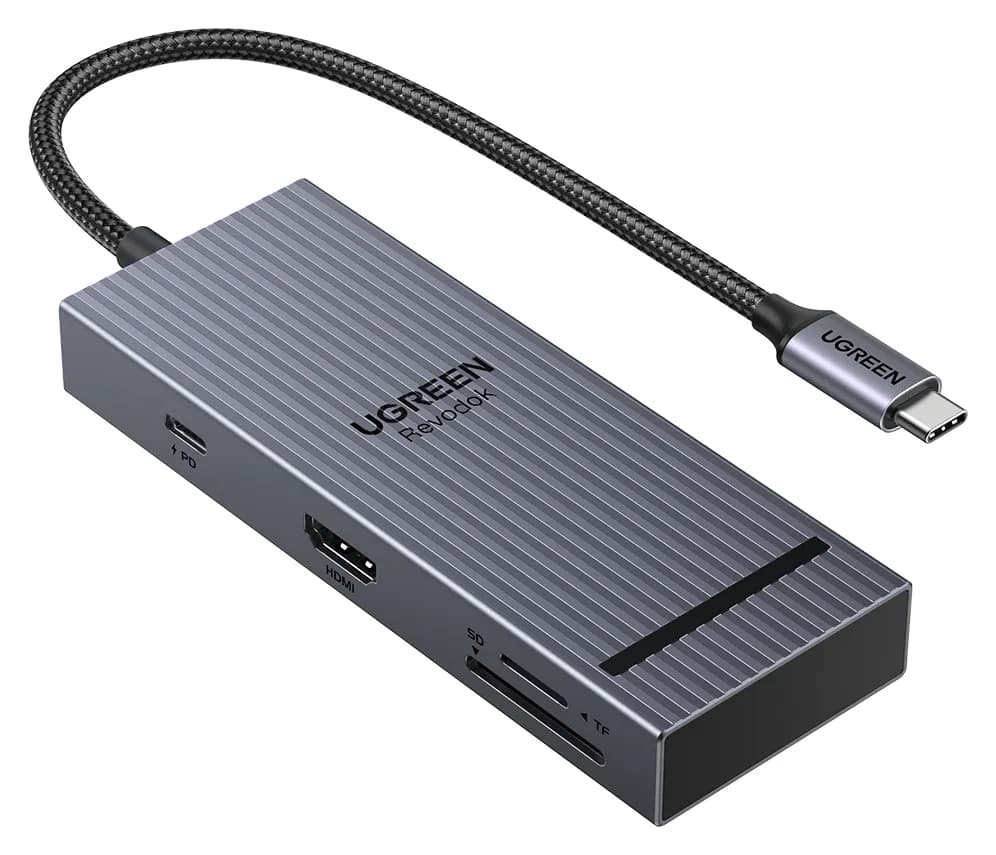
Satechi OntheGo vs UGREEN Revodok Pro 108 for iPad Pro: Which Hub Should You Buy?
Satechi OntheGo vs UGREEN Revodok Pro 108 for iPad Pro: stand-and-audio hub vs cable hub, case fit, the 4K display ceiling, SD card speed and the charger reserve that decides it.
Updated November 5, 2026Read
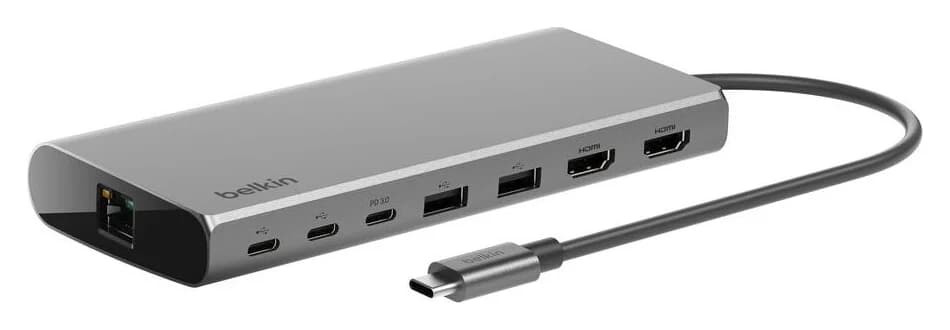
Belkin Core 8-in-1 vs Anker 553: Pick by Laptop and Monitors
Choose between Belkin's Core 8-in-1 and Anker 553 with exact models, Mac and Windows display limits, real laptop charging budgets, and a complete-kit checklist.
Updated November 5, 2026Read
Anker 553 vs Plugable USBC-MSTH2: Hub or Display Adapter?
Choose Anker 553 or Plugable USBC-MSTH2 for dual monitors: check Windows support, 4K limits, Mac mirroring, charging and the complete setup before you buy.
Updated November 4, 2026Read