Black Friday: the specs to check before you buy
Buying guide
Updated November 3, 2026USB-C to HDMI: Connect a Laptop, Phone or Switch 2 to a TV
Short answer
A standard USB-C to HDMI adapter only puts your screen on a TV if your device's USB-C port outputs video (DisplayPort Alt Mode, Thunderbolt or USB4), and only at the resolution and refresh rate every link supports. For most laptops, our pick is the Anker 555 USB-C Hub: its HDMI 2.0 port is rated 4K@60Hz with HDR and HDCP 2.2, the copy protection Netflix asks for in 4K. For an iPhone 15, 16, 17 or 18 Pro, or a USB-C iPad, get the Satechi OntheGo Foldable Stand Hub, and for a Steam Deck at 4K 120Hz, the UGREEN Steam Deck Docking Station.
Our picks at a glance
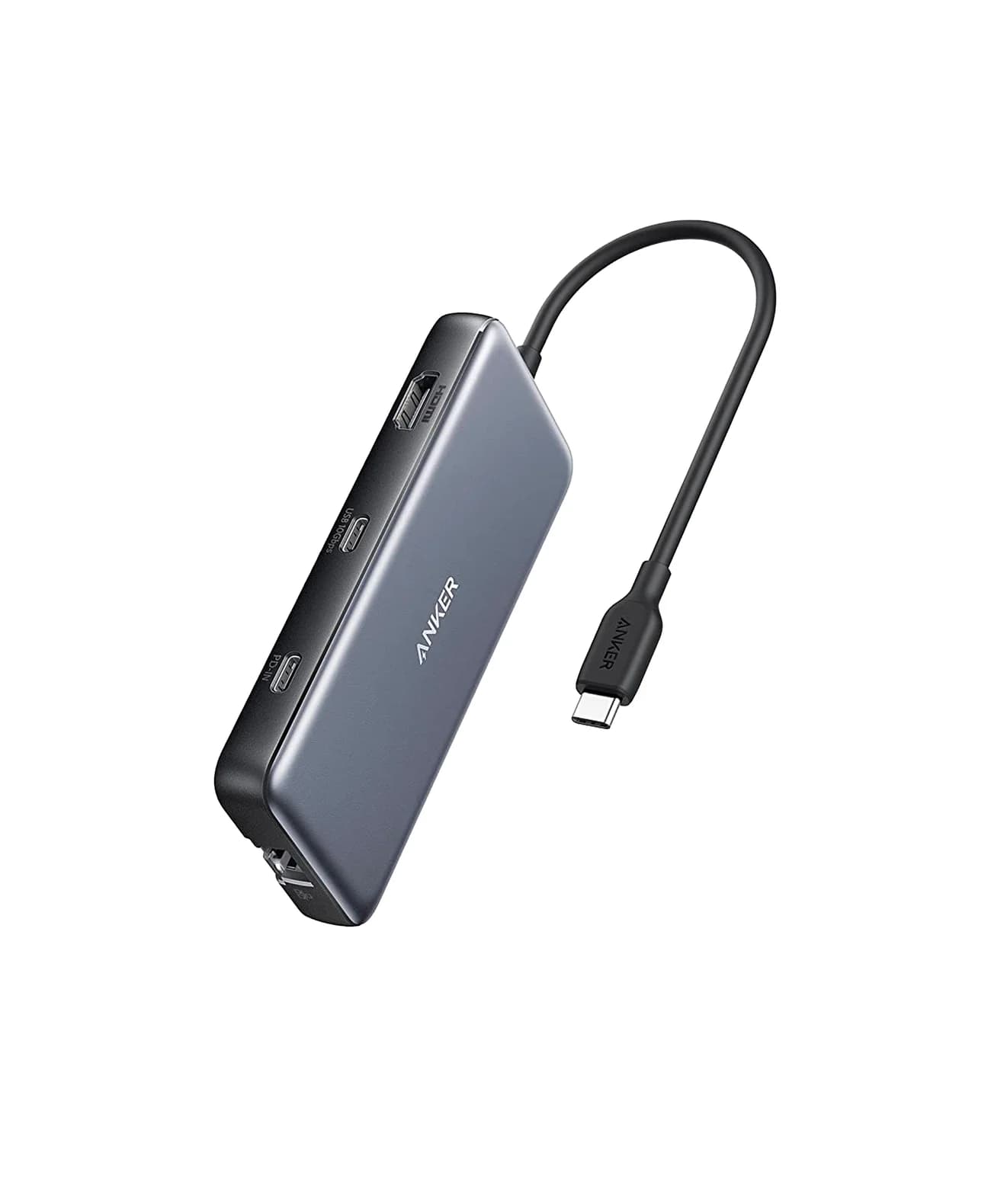
Best for laptopsAnker
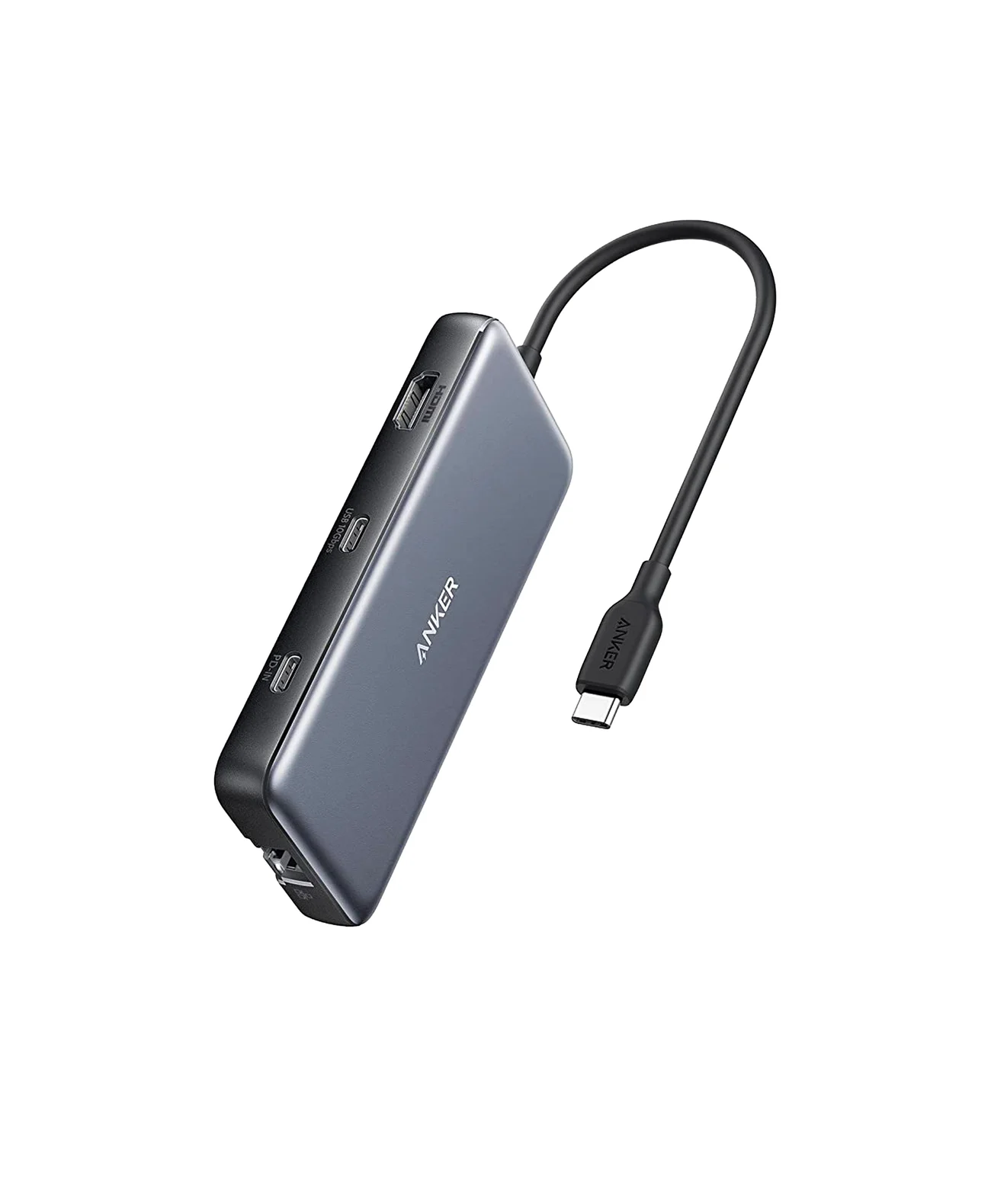
Anker 555 USB-C Hub (8-in-1)
- to laptop
- 85W
- data
- 10 Gbps
- video
- 4K60
- Choose
- HDMI 2.0 at 4K@60Hz with HDR and HDCP 2.2 on Anker's spec list, plus up to 85W pass-through charging, Gigabit Ethernet and 10Gbps USB ports.
- Limit
- 4K@60Hz needs a DP 1.4 host; DP 1.2 hosts get 4K@30Hz
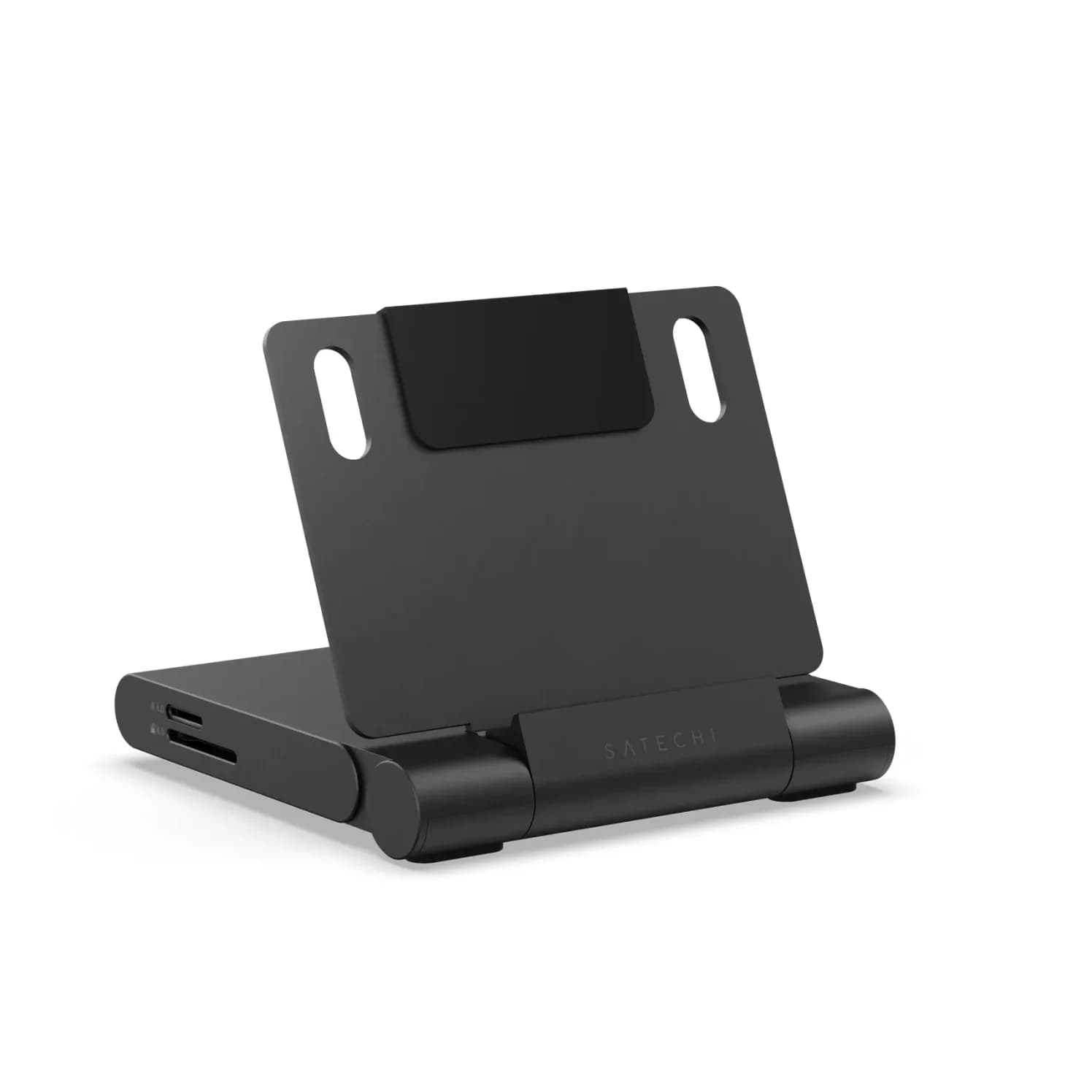
Best for iPhone and iPadSatechi
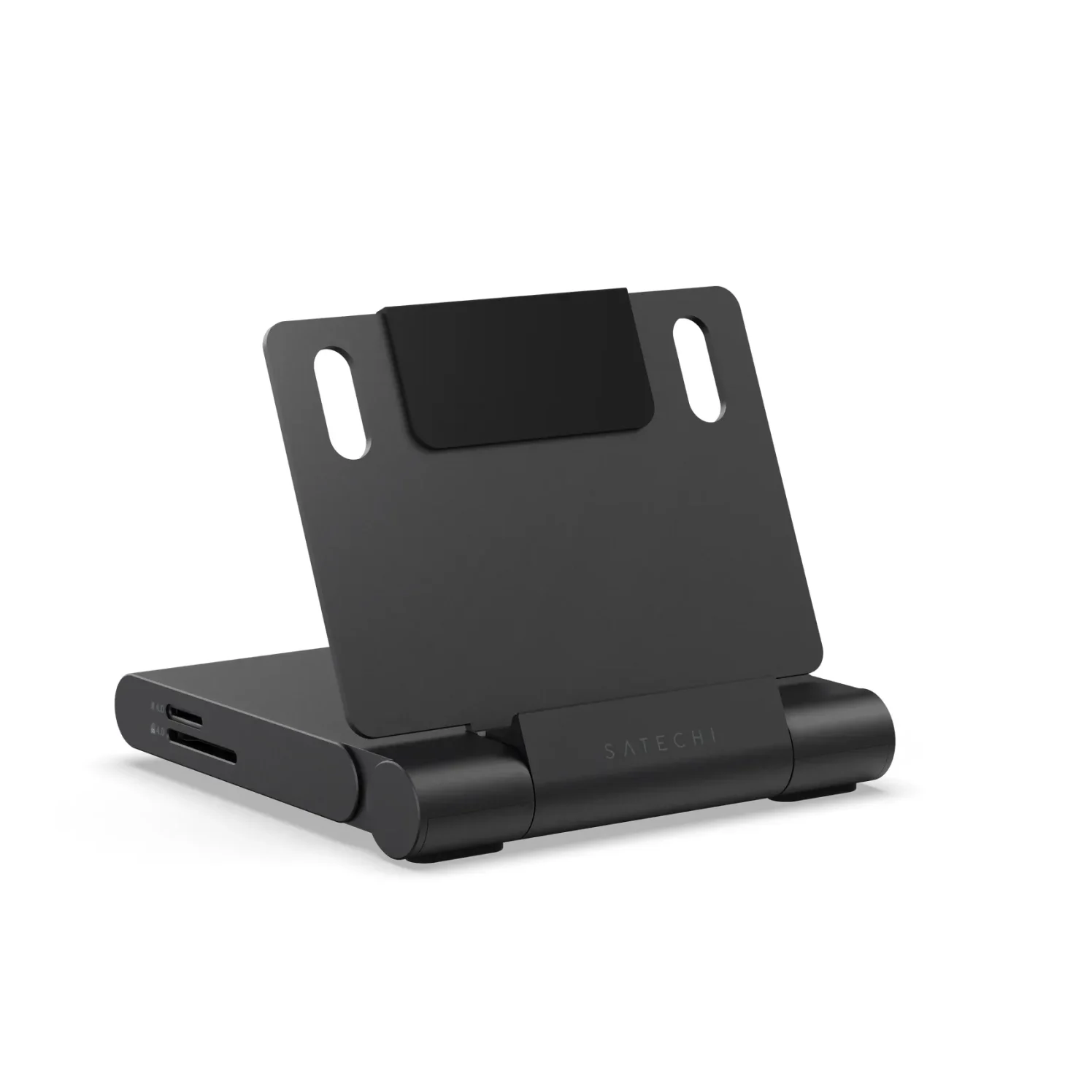
Satechi OntheGo Foldable Stand Hub (7-in-1, Space Black)
- to laptop
- 85W
- data
- 10 Gbps
- video
- 4K60
- Choose
- Satechi lists every USB-C iPad and the iPhone 15, 16, 17 and 18 Pro models that output video (its list omits the Duo), with 4K@60Hz HDMI 2.0 and up to 85W pass-through.
- Limit
- One fixed viewing angle
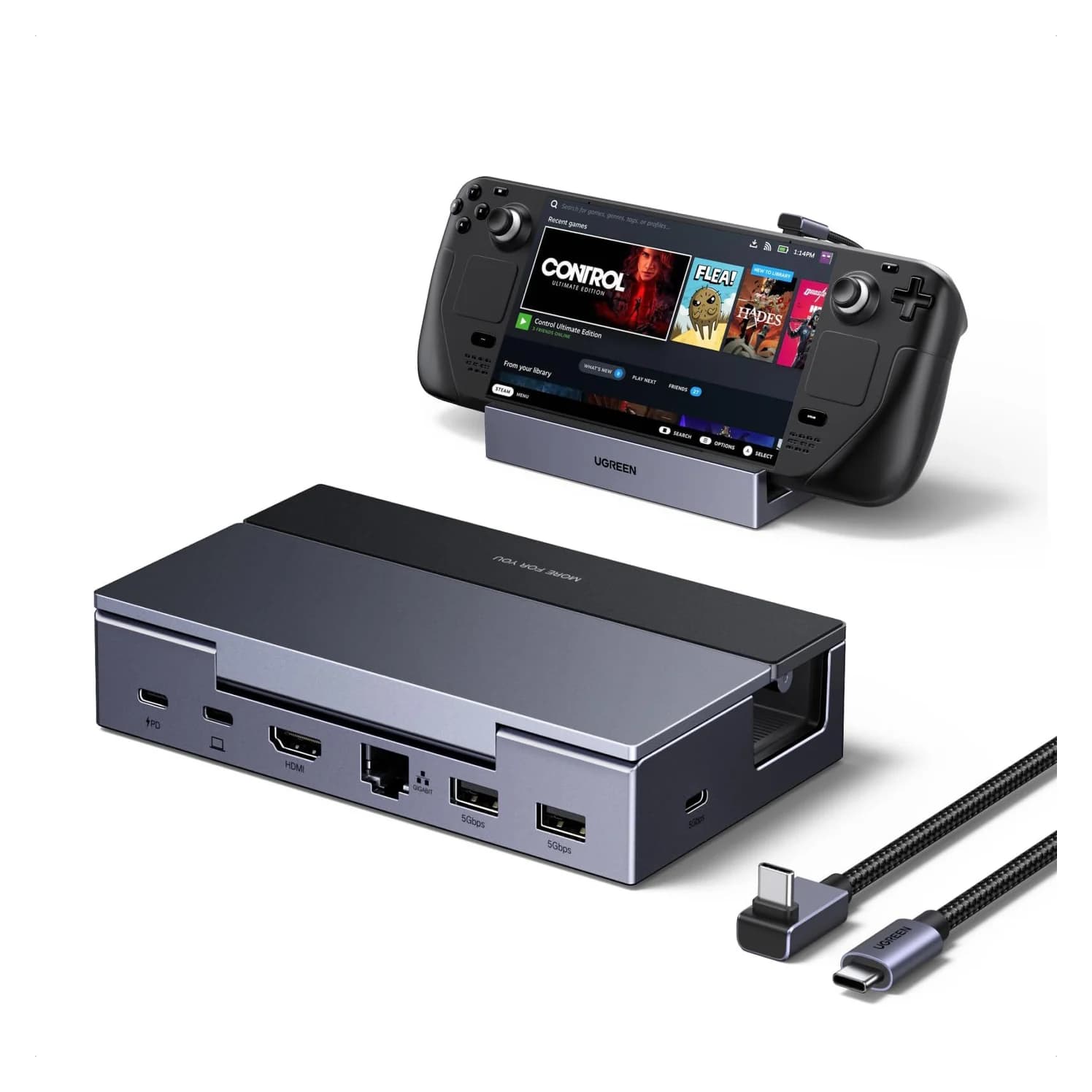
Best for 4K at 120HzUGREEN
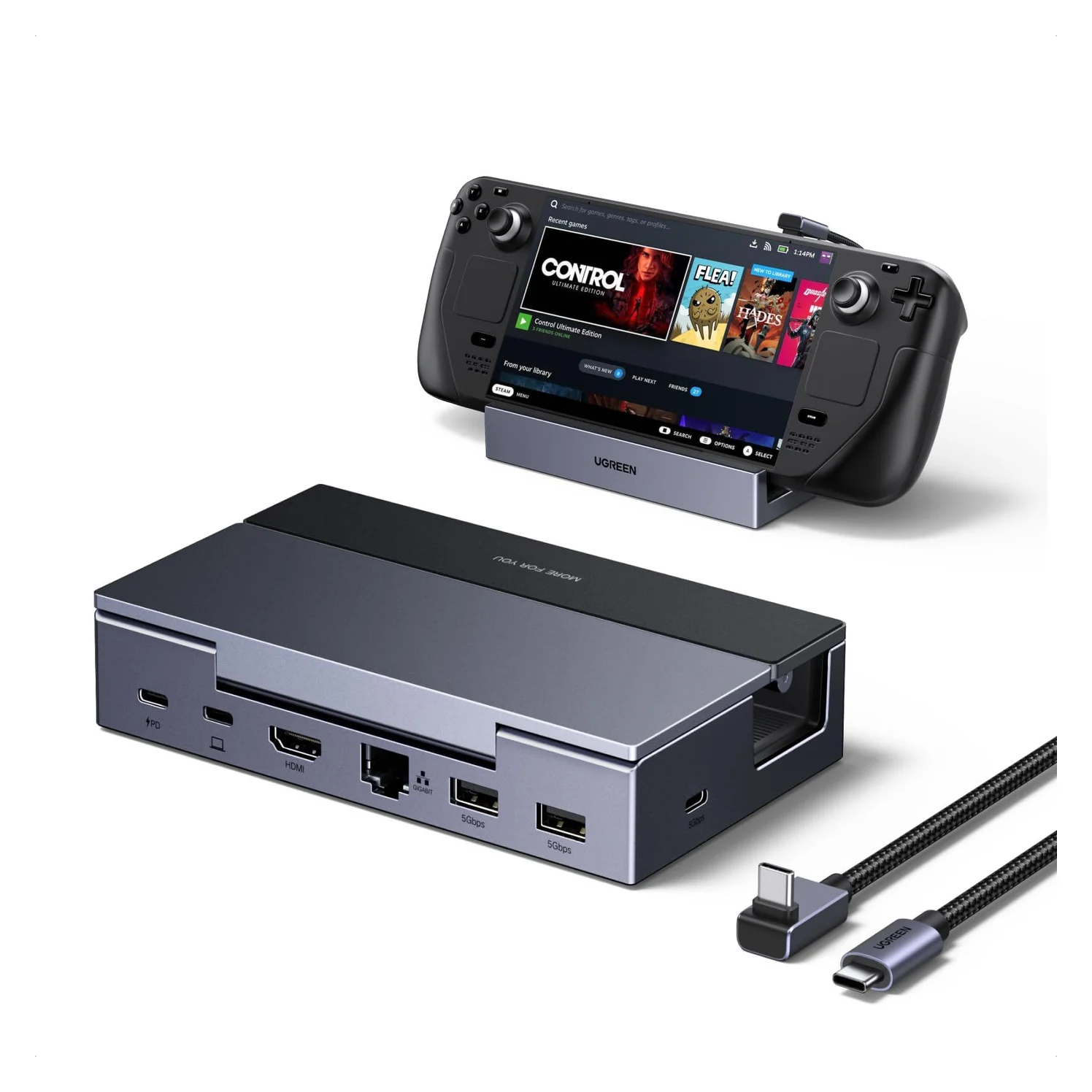
UGREEN Steam Deck Docking Station (6-in-1, 4K@120Hz, 100W PD)
- to laptop
- 85W
- data
- 5 Gbps
- video
- 4K120
- Choose
- HDMI 2.1 rated up to 4K@120Hz with VRR for the Steam Deck, ROG Ally, Xbox Ally and Legion Go, and UGREEN says it works with laptops too.
- Limit
- Not compatible with Nintendo Switch or Switch 2
- See on Amazon4
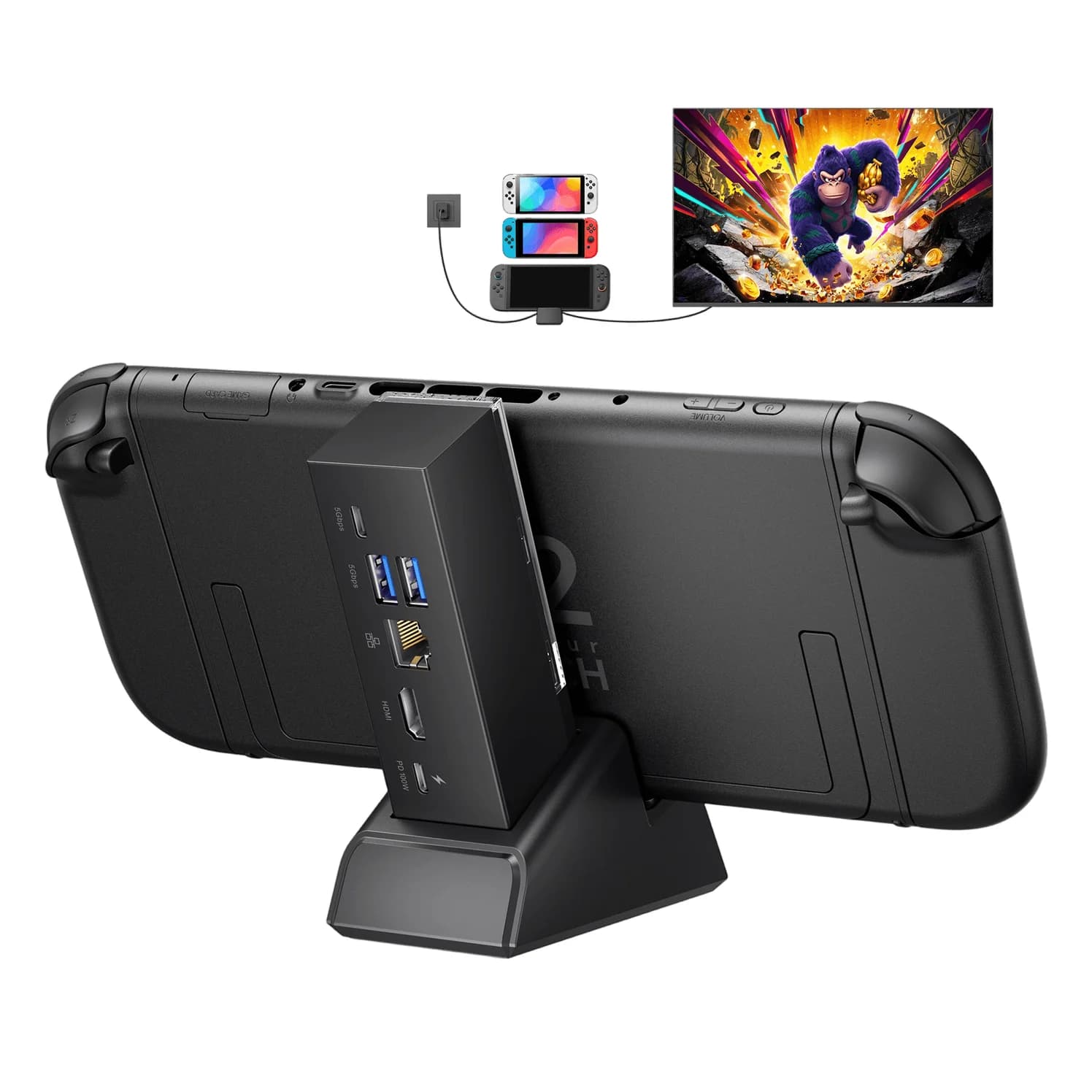
Best second TV dock for Switch 2
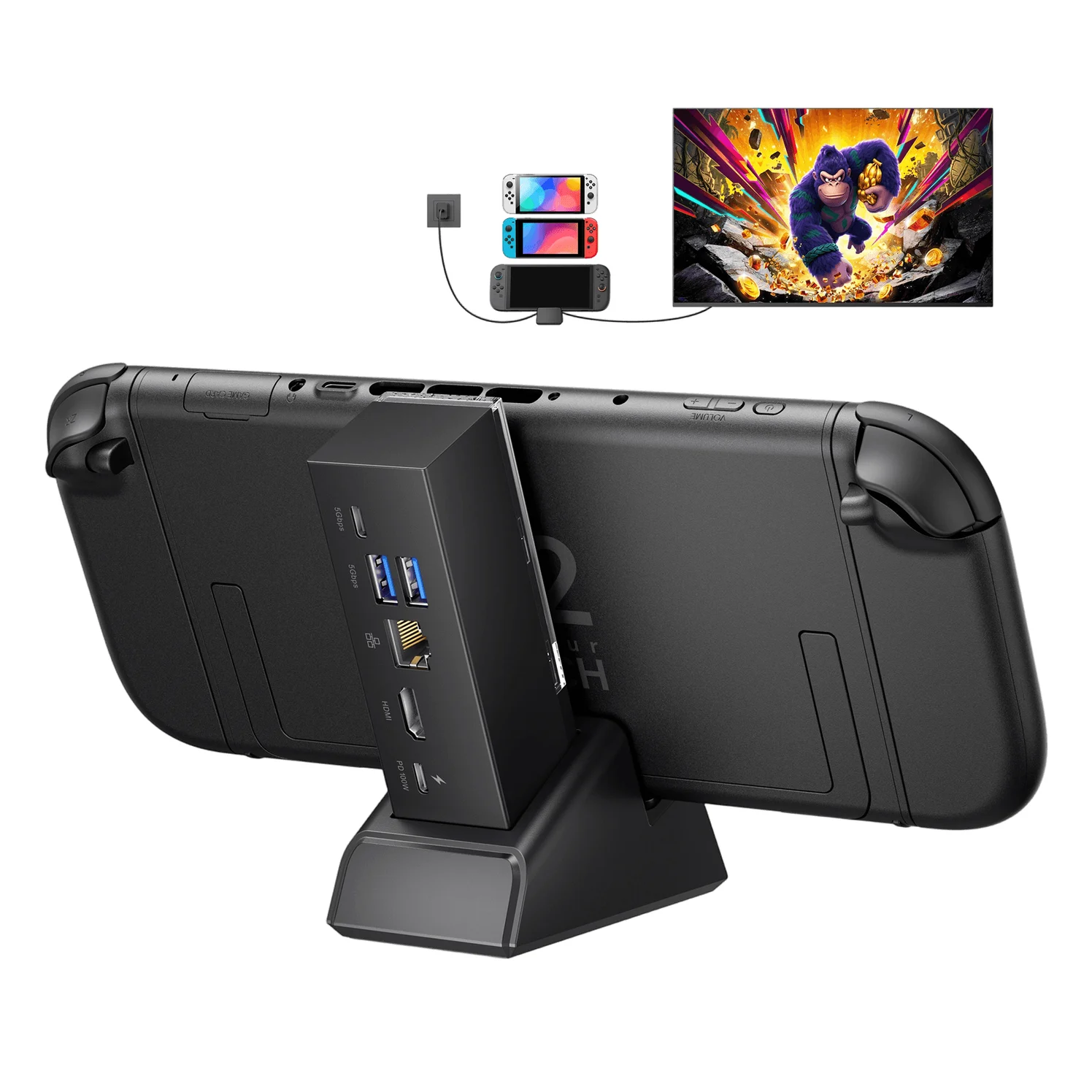
JSAUX 7-in-1 Multifunctional Docking Station for Switch 2 (HB0704)
5 Gbps data · 4K60 video · 6 ports
- See on Amazon5
Best if you'd rather use a monitor
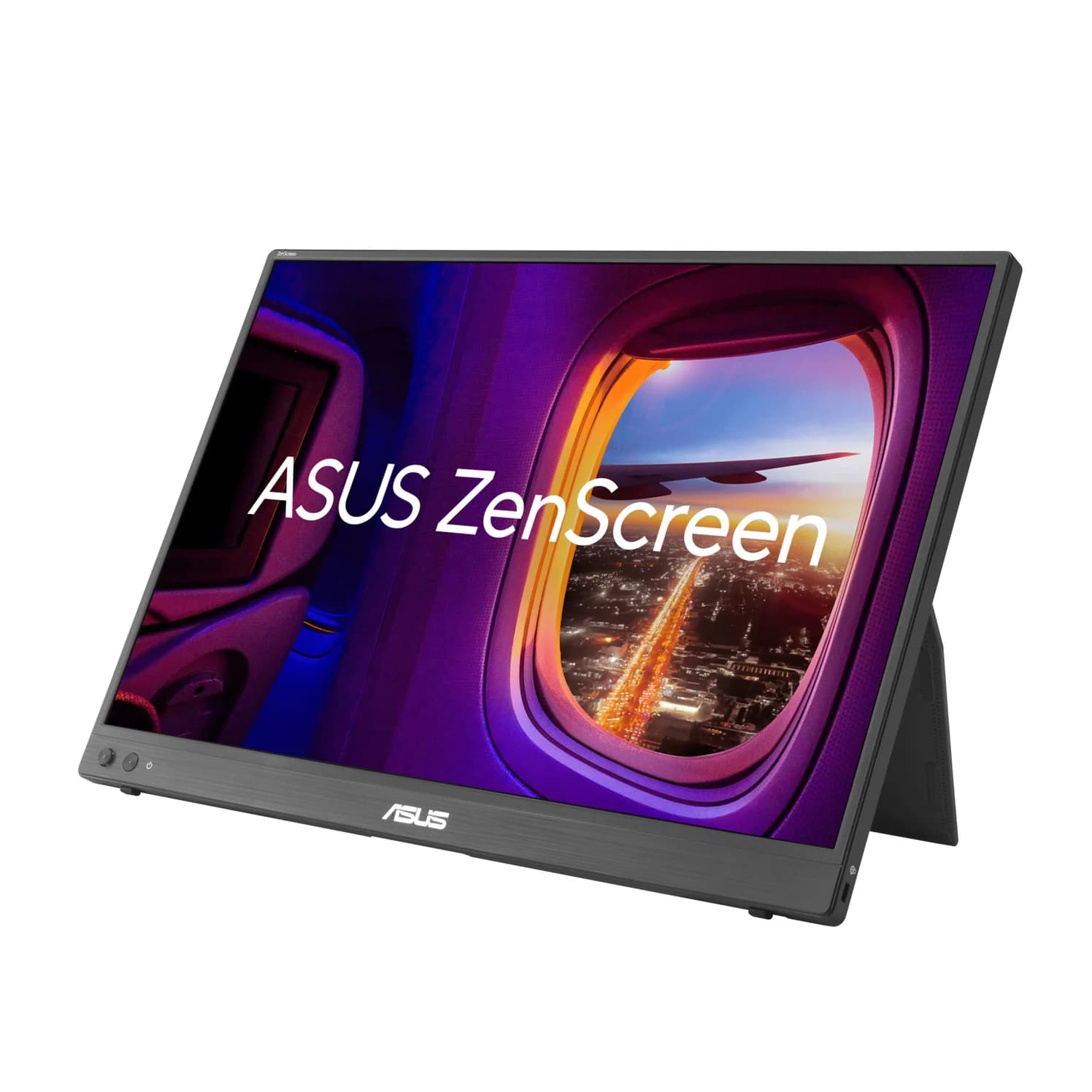
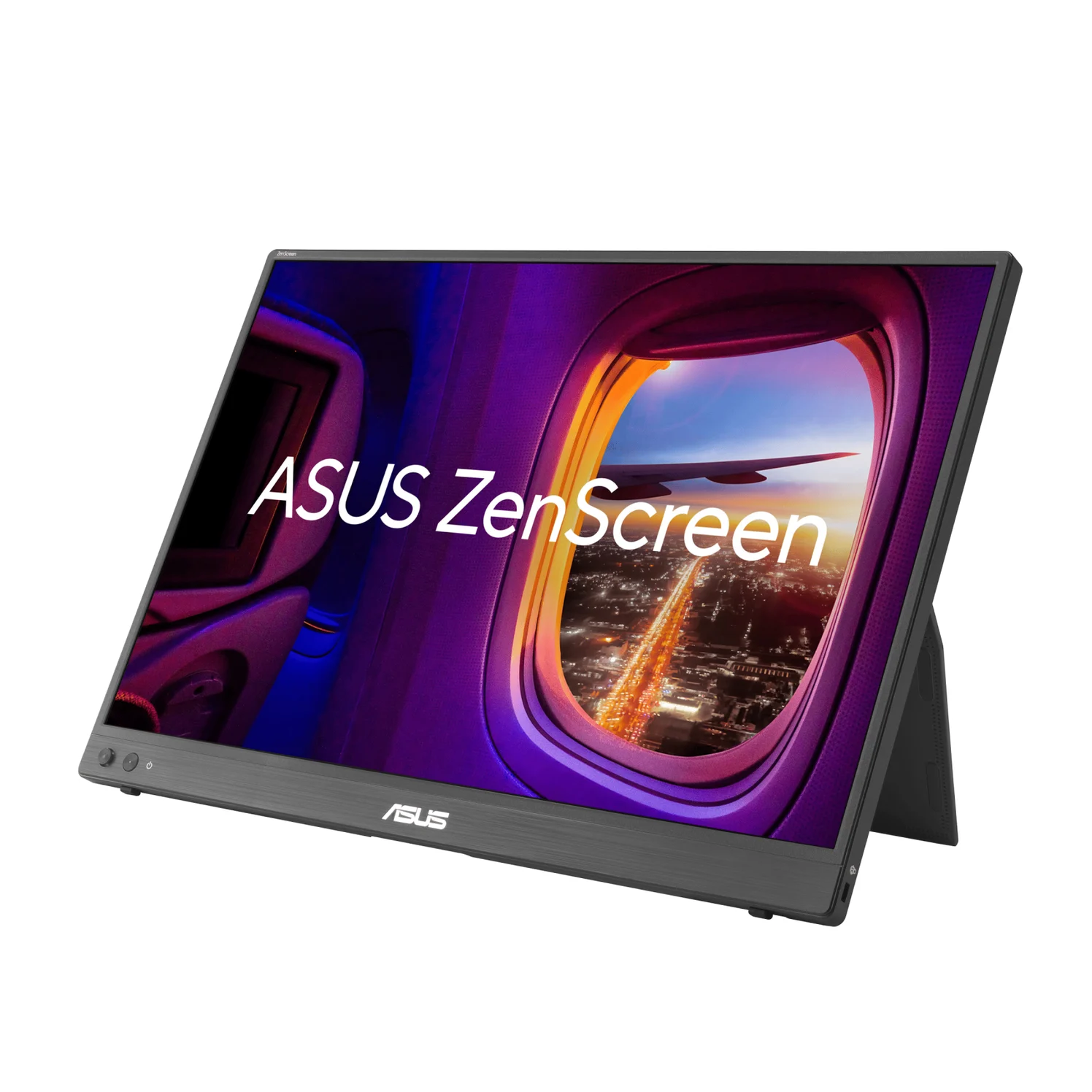
ASUS ZenScreen MB16NCG Portable USB-C Monitor (16-inch, 2560x1600, 155Hz)
65W PD passthrough · 3 ports
Some USB-C ports never output video, including those on the iPhone Air, 16e and 17e. Every spec here comes from the makers' own pages; we haven't handled these products.
- 4K60The most an iPhone sends to an HDMI TV, per Apple
- 4K120The Steam Deck's top 4K output over USB-C, per Valve
- 48GbpsWhat a certified Ultra High Speed HDMI cable carries
Does USB-C to HDMI work with my device?
A standard adapter needs a USB-C port that outputs video (on computers, USB graphics adapters such as DisplayLink are the exception, with limits, below). This is what each maker says:
| Device | Video out over USB-C? | What to use |
|---|---|---|
| iPhone 15, 16, 17 and 18 Pro models, and Duo (except the three below) | Yes, up to 4K at 60Hz | A 4K@60Hz HDMI hub |
| iPhone 16e, 17e, Air | No | AirPlay |
| iPhone 5 to 14 and SE (Lightning) | Up to 1080p | Apple's Lightning Digital AV Adapter |
| iPad with USB-C | Yes | A 4K@60Hz HDMI hub |
| MacBook Air, MacBook Pro with USB-C | Yes; 14- and 16-inch Pros from 2021 on also have HDMI | A hub, or the HDMI port |
| MacBook Neo | Only from the USB 3 port | A hub in that port |
| Windows laptop | Ports with DisplayPort, Thunderbolt or USB4 on the spec sheet | A hub, or its own HDMI port |
| Galaxy S8 to S26 and Note (minus some Lite and FE models), Z Fold models, Z Flip7, Z Flip8; Pixel 8 and later | Yes (DeX or mirroring) | A standard USB-C to HDMI adapter |
| Galaxy S26 FE, Z Flip7 FE and older Flips, Galaxy A (except A90 5G), Pixel 7 and earlier | No, or not on the maker's list | Casting, if your TV and app support it |
| Steam Deck, ROG Xbox Ally, Legion Go 2 | Yes; Steam Deck up to 4K at 120Hz | A dock; for 120Hz, one that lists 4K@120Hz |
| Switch 2 | Through a dock (Nintendo documents its own) | Nintendo's dock, or one whose maker lists Switch 2 |
How to connect a laptop to a TV
14- and 16-inch MacBook Pro (2021 or later): use the HDMI port and an HDMI cable. Apple lists 4K at 60Hz over HDMI on all of them and up to 4K at 240Hz on the models it names from 2023 on (the base M3 isn't one), and says adapters aren't supported at 8K 60Hz or 4K 240Hz (Apple). Above 4K at 60Hz, use a certified Ultra High Speed (or Ultra96) HDMI cable.
MacBook Air and MacBook Neo: use a USB-C hub. Both of the Air's Thunderbolt ports list DisplayPort (Apple); on the Neo, only the USB 3 port does, for one display at up to 4K at 60Hz (Apple).
Windows laptops: Microsoft says a DisplayPort adapter has to go into a USB-C port that supports DisplayPort Alternate Mode, with no setting to turn on (Microsoft). Thunderbolt 4 ports always qualify, since Intel's certification requires video; for other ports, look for DisplayPort, Thunderbolt or USB4 on the spec sheet. A built-in HDMI port is simpler still.
Anker
An 8-in-1 USB-C hub with 4K@60Hz HDMI, gigabit Ethernet, 10Gbps USB-C and USB-A data ports, SD/microSD readers and 85W pass-through charging.
- 85W PD passthrough
- 10 Gbps data
- 4K60 video
- 8 ports
The Anker 555 is our pick for either: HDMI 2.0 at 4K@60Hz with HDR and HDCP 2.2 on Anker's spec list, up to 85W passed through to the laptop from your charger, Gigabit Ethernet and three 10Gbps USB ports. Stuck at 4K at 30Hz? Our 30Hz guide explains why. Check price on Amazon.
How to connect an iPhone or iPad to a TV
Apple lists wired display output on the iPhone 15, 16 and 17 models (except the 16e and 17e), the iPhone 18 Pro models and iPhone Duo (Apple). Through an adapter or cable that supports HDMI 2.0, the iPhone outputs 4K at 60Hz; with Apple's own USB-C Digital AV Multiport Adapter, Apple says that includes HDR10 or Dolby Vision on an HDR TV. The iPhone mirrors its screen, except in video apps with their own second-screen view.
Every iPad with USB-C outputs video. With an HDMI 2.0 adapter, Apple lists 4K at 60Hz from every USB-C iPad Pro, the iPad Air (5th generation and M2 to M4), iPad mini (A17 Pro) and iPad (A16), and 4K at 30Hz from the iPad Air (4th generation), iPad mini (6th generation) and iPad (10th generation) (Apple). HDR needs an adapter that supports it, and HDMI audio carries Dolby Digital Plus, not Dolby Atmos.
Satechi
Satechi OntheGo Foldable Stand Hub (7-in-1, Space Black)
A fold-flat aluminum tablet stand with a built-in 7-port USB-C hub: 4K@60Hz HDMI, 10Gbps USB-C and USB-A, UHS-II SD and microSD readers, a 3.5mm audio jack and 100W USB-C PD pass-through.
- 85W PD passthrough
- 10 Gbps data
- 4K60 video
- 7 ports
The Satechi OntheGo's compatibility list names every USB-C iPad and the iPhone 15, 16, 17 and 18 Pro models that output video, though not the iPhone Duo. It holds the device up, outputs HDMI 2.0 at 4K@60Hz and passes up to 85W from a charger, so the device charges while it plays. Satechi doesn't list HDR; Anker lists it for the 555. Check price on Amazon. Lightning iPhones (iPhone 5 to 14 and the SE models) use Apple's Lightning Digital AV Adapter, at up to 1080p. More iPad options are in our iPad hub guide.
How to connect an Android phone or tablet to a TV
Samsung Galaxy: Samsung's DeX page lists the phones that work with an HDMI cable or adapter: the Galaxy S8 to S26 series, Note8 to Note20, the Galaxy Fold and Z Fold2 to Z Fold8 (including the Fold8 Ultra), the Z TriFold, the Z Flip7 and Z Flip8, and from the A series only the A90 5G. Samsung's other pages carve out exceptions: its DeX app page excludes the S26 FE, the S10 Lite and Note10 Lite spec pages say no DeX, and the Z Flip7 FE and older Z Flips aren't compatible. Tablets: the Tab S4, S5e and S6, the Tab S7 to S12 series and the Tab Active Pro and Active 3, but not the Tab S9 FE and S10 FE series or the S10 Lite; Samsung's two DeX pages disagree on the Tab S10+ and Tab A11+. Samsung says a standard USB-C to HDMI adapter starts DeX, its desktop mode; some models mirror the screen first.
Google Pixel: Google documents wired mirroring to a TV or monitor for the Pixel 8 and later (Google).
Other Android phones: look for DisplayPort or video output on the spec page. If it isn't there, try casting, if the phone, TV and app support it.
How to connect a Steam Deck, ROG Ally or Legion Go to a TV
All three output DisplayPort over USB-C: Valve lists up to 4K at 120Hz for the Steam Deck LCD and OLED (Valve), ASUS lists DisplayPort on both USB-C ports of the ROG Xbox Ally and Ally X, and Lenovo lists DisplayPort on both USB4 ports of the Legion Go 2: version 2.1 on the Z2 Extreme model, and 1.4, up to 4K at 60Hz, on the Z2 model. The ports on its controllers only charge. Valve's own dock has HDMI 2.0 and lists up to 4K at 60Hz or 1440p at 120Hz (Valve), so 4K at 120Hz takes a dock or adapter that lists 4K@120Hz.
UGREEN
UGREEN Steam Deck Docking Station (6-in-1, 4K@120Hz, 100W PD)
A 6-in-1 USB-C dock and stand for handheld gaming PCs with HDMI 2.1, Gigabit Ethernet, three 5Gbps USB ports and 100W PD input.
- 85W PD passthrough
- 5 Gbps data
- 4K120 video
- 6 ports
The UGREEN Steam Deck Docking Station has HDMI 2.1 rated up to 4K@120Hz with VRR, Gigabit Ethernet and three 5Gbps USB ports. UGREEN lists the Steam Deck, ROG Ally and Xbox Ally models, Legion Go and Go S and MSI Claw, says it also works with laptops and Macs, and asks for a 100W charger with a ROG Ally or Legion Go (65W recommended for a Steam Deck). For a Legion Go 2, JSAUX lists it for its HB0609 dock. Our Steam Deck dock guide compares more. Check price on Amazon.
How to connect a Switch 2 to a TV
TV mode runs through a Nintendo Switch 2 dock, the Switch 2 AC adapter and an Ultra High Speed HDMI cable like the one in the box (Nintendo). Nintendo says the original Switch dock isn't compatible, and the original Switch's HDMI cable can't be used for TV mode. Through the dock, it lists up to 4K at 60fps, 120fps at 1080p or 1440p, HDR10 and VRR up to 120Hz. Nintendo's steps don't include a plain USB-C to HDMI adapter, and UGREEN says its Steam Deck dock isn't compatible with the Switch 2.
JSAUX
JSAUX 7-in-1 Multifunctional Docking Station for Switch 2 (HB0704)
A Switch 2 TV dock with a detachable hub: HDMI 2.1, Gigabit Ethernet, one USB-C and two USB-A 5Gbps ports, and a 100W USB-C PD input.
- 5 Gbps data
- 4K60 video
- 6 ports
For a second TV, the JSAUX HB0704 is sold for the Switch 2. JSAUX says a Switch 2 outputs up to 4K at 60Hz through it, that it doesn't support VRR, that TV mode needs a 65W charger, and not to install Nintendo's dock firmware on it. Our Switch 2 charger and dock guide has more. Check price on Amazon.
Getting 4K at 120Hz, HDR and streaming apps to work
Every link has to support 4K at 120Hz, starting with the source:
- Yes: Steam Deck: up to 4K at 120Hz output over USB-C (Valve)
- Yes: MacBook Pros from 2023 on, except the base M3: up to 4K at 240Hz from the HDMI port (Apple)
- Partly: Windows laptops, ROG Ally, Legion Go: depends on the port and the dock
- No: iPhone: up to 4K at 60Hz (Apple)
- No: Switch 2: 4K tops out at 60fps; its 120fps mode is for 1080p or 1440p (Nintendo)
Then three more links:
- The adapter or dock must list 4K@120Hz. HDMI Licensing says every HDMI 2.1 feature is optional and a product can claim HDMI 2.1 with only HDMI 2.0-level 18Gbps support; makers are supposed to list the supported features next to the claim (HDMI Licensing).
- The cable must be certified Ultra High Speed (48Gbps, for 4K@120 and 8K@60) or the newer 96Gbps Ultra96, built for HDMI 2.2, which HDMI Licensing says works with existing HDMI devices (HDMI Licensing).
- The TV input must take it. Sony's help guide for the BRAVIA 9 II and 7 II lists inputs labeled "HDMI IN (4K 120 Hz)" and has you set that input's HDMI signal format (Sony).
HDR needs an adapter that supports it; on a Samsung TV fed from a PC, Samsung says to turn on Input Signal Plus or HDMI UHD Color for that port (Samsung). HDCP is copy protection: Apple says movies, TV shows and certain streaming apps require it (Apple), and Netflix asks for HDCP 2.2 or later for 4K or HDR, otherwise playing at the best quality the setup supports (Netflix).
HDMI to USB-C is a different product
USB-C to HDMI cables and adapters work one way, from a USB-C source to an HDMI screen: UGREEN calls its cable unidirectional, and Plugable's rule is that you can't feed HDMI into USB-C (Plugable). One won't carry a console's picture to a USB-C monitor or into a laptop; to see a console on a laptop screen, use an HDMI capture card, which Plugable says your computer sees as a webcam. To connect an HDMI device to a portable monitor, pick one with an HDMI input.
ASUS
ASUS ZenScreen MB16NCG Portable USB-C Monitor (16-inch, 2560x1600, 155Hz)
A 16-inch 16:10 portable IPS monitor with 2560x1600 resolution, up to 155Hz over USB-C, two USB-C inputs with up to 65W pass-through, and mini HDMI.
- 65W PD passthrough
- 3 ports
The ASUS ZenScreen MB16NCG has a mini HDMI input next to two USB-C inputs (DP Alt Mode), and ASUS lists a mini HDMI to HDMI cable among its accessories, which vary by region. A laptop with DP Alt Mode needs one USB-C cable for video and power; an HDMI source uses mini HDMI, with USB-C as the power input. Our portable monitor guide has more. Check price on Amazon.
A USB-A to HDMI adapter needs DisplayLink or a similar driver
A USB-A port has no video mode of its own: VESA defines DisplayPort Alt Mode for the USB Type-C connector (VESA). So a USB-A to HDMI adapter is a USB graphics adapter: it receives the picture as ordinary USB data, which is also why Plugable says one doesn't need an Alt Mode port. It needs software, such as DisplayLink Manager or Silicon Motion's InstantView on a Mac (Windows usually installs the DisplayLink driver through Windows Update), and it's a poor way to watch TV. Plugable says its DisplayLink adapters don't support HDCP-protected playback, so some Netflix, Disney+, Prime Video or Apple TV content may show a black screen, play without video or drop in resolution (Plugable). Ordinary apps and unprotected video still work. If your computer has a USB-C port with DisplayPort, use that instead.
"8K" on the box proves nothing; the certification label does
Ignore "8K", "48Gbps" or "HDMI 2.1" on an HDMI cable's box: HDMI Licensing warns that resellers may not use the official cable names, and that some cables are counterfeits. Every Ultra High Speed HDMI cable model must pass testing at an HDMI Forum Authorized Test Center and carry a certification label on each package that a standard QR code app can scan, with the cable name on the jacket too (HDMI Licensing). The label is for cables, so for an adapter or dock, read the spec sheet's resolution, refresh rate and conditions.
Why is my USB-C to HDMI adapter not working?
Use a port that outputs video
Microsoft says a DisplayPort adapter needs a USB-C port with DisplayPort Alternate Mode: on a MacBook Neo, the USB 3 port; on a Legion Go 2, a USB4 port on the console, not a controller.
Plug the adapter straight in
Microsoft says to connect it directly, not through another hub or dock.
Power the dock
JSAUX asks for a 65W charger for Switch 2 TV mode on its dock, and UGREEN for 100W with a ROG Ally or Legion Go.
Pick the right input and format
Choose the HDMI input you used and, for 4K at 120Hz or HDR, switch on its enhanced format (Sony's HDMI signal format, Samsung's Input Signal Plus).
Check the cables
4K at 120Hz needs an Ultra High Speed HDMI cable. For a USB-C monitor, Apple says to connect an iPhone with a cable that supports USB 3.1 or higher; the one in its box is USB 2.
If only some apps fail
Apple says the app may not support your adapter, and that movies, TV shows and some streaming apps need HDCP. Use a hub that lists HDCP 2.2, and skip DisplayLink for streaming.
How we choose
We started from what each device's maker documents (Apple, Google, Samsung, Microsoft, Valve, Nintendo, ASUS, Lenovo), then chose hubs and docks from our catalog whose makers state the HDMI version, resolution, refresh rate and supported devices. Standards come from HDMI Licensing and VESA. We haven't handled these products, and we don't treat "HDMI 2.1" or "8K" on a box as proof.
Verdict
Check the port before you buy: if it doesn't output video, a standard USB-C to HDMI adapter won't help, and a DisplayLink adapter works only with limits, protected streaming included. For a laptop on a 4K TV, the Anker 555's 4K@60Hz HDMI with HDR and HDCP 2.2 covers most setups; for an iPhone or iPad with USB-C video, the Satechi OntheGo is the pick whose maker lists them. For 4K at 120Hz, every link must support it, starting with the source: a Steam Deck through a dock that lists 4K@120Hz can, a Switch 2 can't. More choices are in our USB-C hubs with HDMI guide.
Frequently asked questions
Does USB-C to HDMI work with any phone or laptop?
No. A standard adapter works only if the device's USB-C port outputs video through DisplayPort Alt Mode, Thunderbolt or USB4. Apple's pages show it on the iPhone 15 and later, but not the 16e, 17e or iPhone Air; Google lists the Pixel 8 and later; Samsung lists Galaxy S, Note and Z Fold phones and only one A-series model. On a Windows laptop, check the spec sheet for DisplayPort, Thunderbolt or USB4 on that port. On computers, USB graphics adapters such as DisplayLink are the exception, with limits.
Is there a USB-C to HDMI cable?
Yes. It does the same job as an adapter plus an HDMI cable, without the charging port or extra USB ports a hub adds. It works in one direction only, from a USB-C source to an HDMI screen, and only from a port that outputs video. UGREEN, for example, calls its USB-C to HDMI cable unidirectional and says it isn't compatible with USB-C ports that don't support DP Alt Mode.
How do I use USB-C to HDMI on Android?
First check that the phone outputs video. Samsung lists the Galaxy S8 to S26 series, Note8 to Note20, the Z Fold models, the Z Flip7 and Z Flip8, and the A90 5G, with exceptions such as the S26 FE; Google lists the Pixel 8 and later. Then connect a USB-C to HDMI adapter between the phone and the TV. A Galaxy starts DeX, Samsung's desktop mode, or mirrors its screen, and a Pixel mirrors. Without video out, try casting if the phone, TV and app support it.
Does USB-C to HDMI work for Switch 2?
Nintendo's TV instructions use a Nintendo Switch 2 dock, the Switch 2 AC adapter and an Ultra High Speed HDMI cable, not a plain USB-C to HDMI adapter, and Nintendo says the original Switch dock isn't compatible. JSAUX sells docks for the Switch 2, such as the HB0704, which it says outputs 4K at 60Hz from a Switch 2, and it tells owners not to install Nintendo's dock firmware on it.
Why won't streaming apps play through my adapter?
Apple names two causes: the app may not be compatible with your adapter, and movies, TV shows and certain streaming apps require HDCP copy protection. Netflix wants an adapter with HDCP 2.2, and it blocks phone-to-TV playback on its ad-supported and Mobile plans. Plugable says its DisplayLink adapters don't support HDCP-protected playback, so some Netflix or Disney+ content may not play. Use a hub that lists HDCP 2.2, such as the Anker 555.
Related guides
InnoView INVPM406 vs ASUS ZenScreen MB16ACV: Which Portable Monitor?
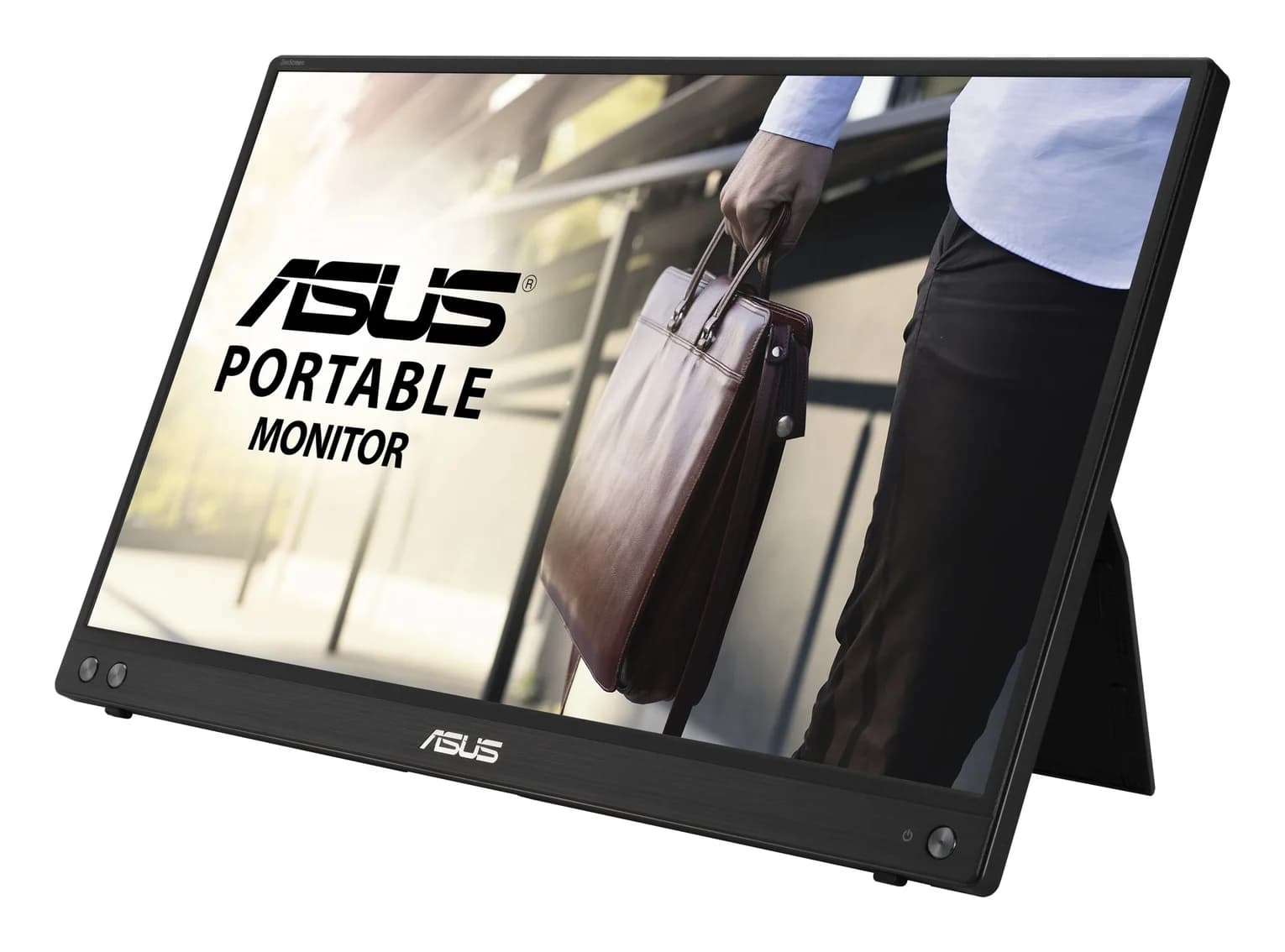
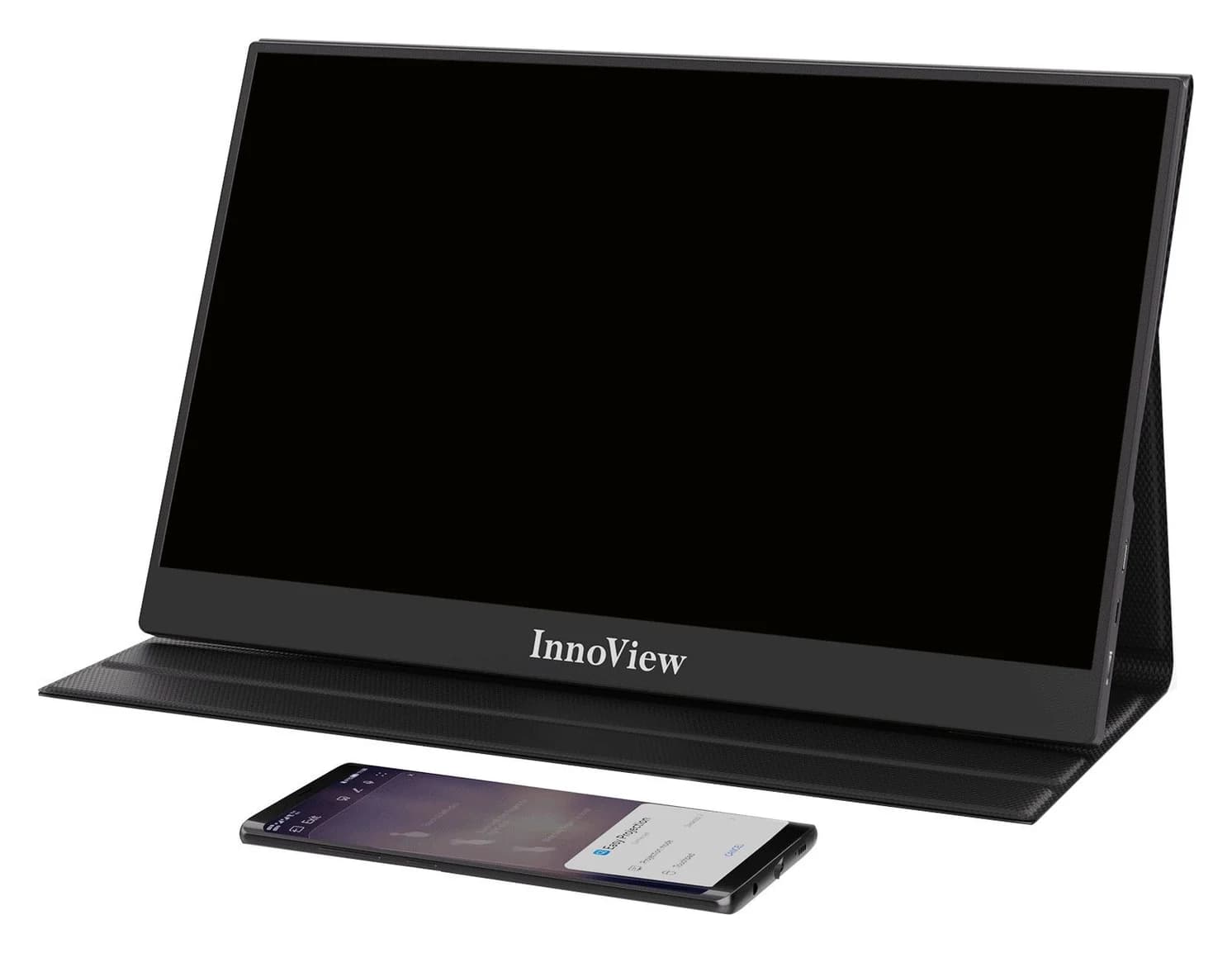
Choose between the InnoView INVPM406 and the ASUS ZenScreen MB16ACV from maker specs: ports, USB-A driver rules, kit contents, stands and return checks.
Updated November 7, 2026Read
ASUS ZenScreen MB16NCG vs Lenovo ThinkVision M14d: Which Portable Monitor?
Choose between the ASUS MB16NCG and Lenovo M14d with panel, refresh, weight, stand and USB-C power differences explained, plus the travel kit each one needs.
Updated November 5, 2026Read
AOC 16T20 vs ASUS ZenScreen MB16ACV: Pick by Your Laptop's Ports
AOC 16T20 vs ASUS ZenScreen MB16ACV compared from official specs: inputs, power, drivers, stands and travel weight, so you buy a complete kit that works.
Updated November 5, 2026Read