Black Friday: the specs to check before you buy
Comparison
Updated November 5, 2026Samsung T9 vs SanDisk Extreme PRO USB4 for Gaming: Which to Buy?
Short answer
For a gaming PC with confirmed USB 3.2 Gen 2x2, choose the Samsung T9 2TB; for a 40Gbps USB4 or Thunderbolt 4 laptop and frequent library transfers, choose the SanDisk Extreme PRO with USB4 2TB. On a 10Gbps connection, buy the better complete-cost option: neither drive can use its headline interface rate. The higher SanDisk transfer rating does not establish a game-loading winner.
Our picks at a glance
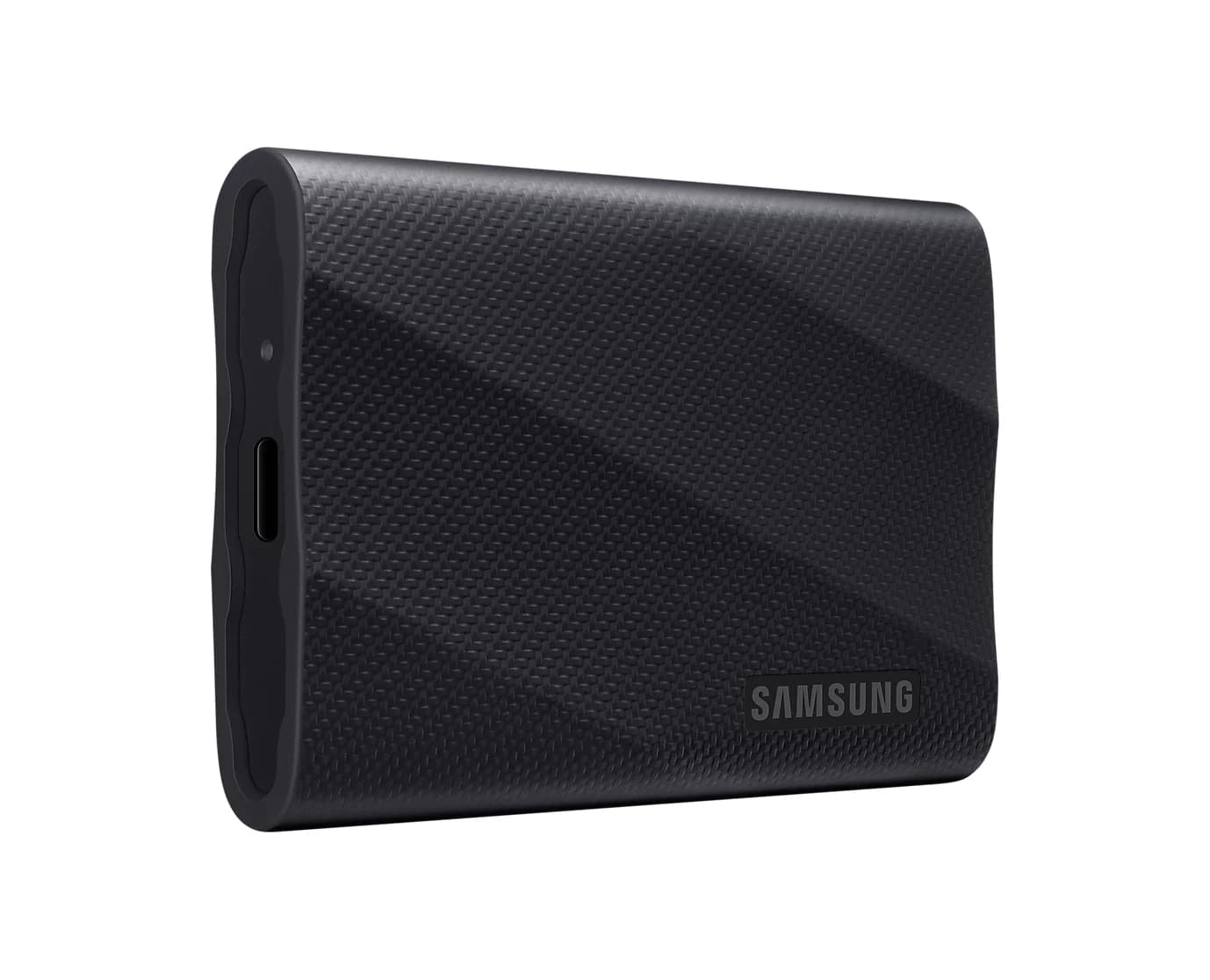
Best for a confirmed Gen 2x2 PCSamsung
Samsung T9 Portable SSD (2TB, USB 3.2 Gen 2x2)
- data
- 20 Gbps
- port
- 1
- host link
- USB-C
- Choose
- A documented USB 3.2 Gen 2x2 interface and included USB-C and USB-A cables make it the straightforward choice for a matching PC.
- Limit
- Macs don't support USB 3.2 Gen 2x2, so on a Mac (or an iPhone 15 Pro or later) it runs at 10Gbps, about T7-class speed
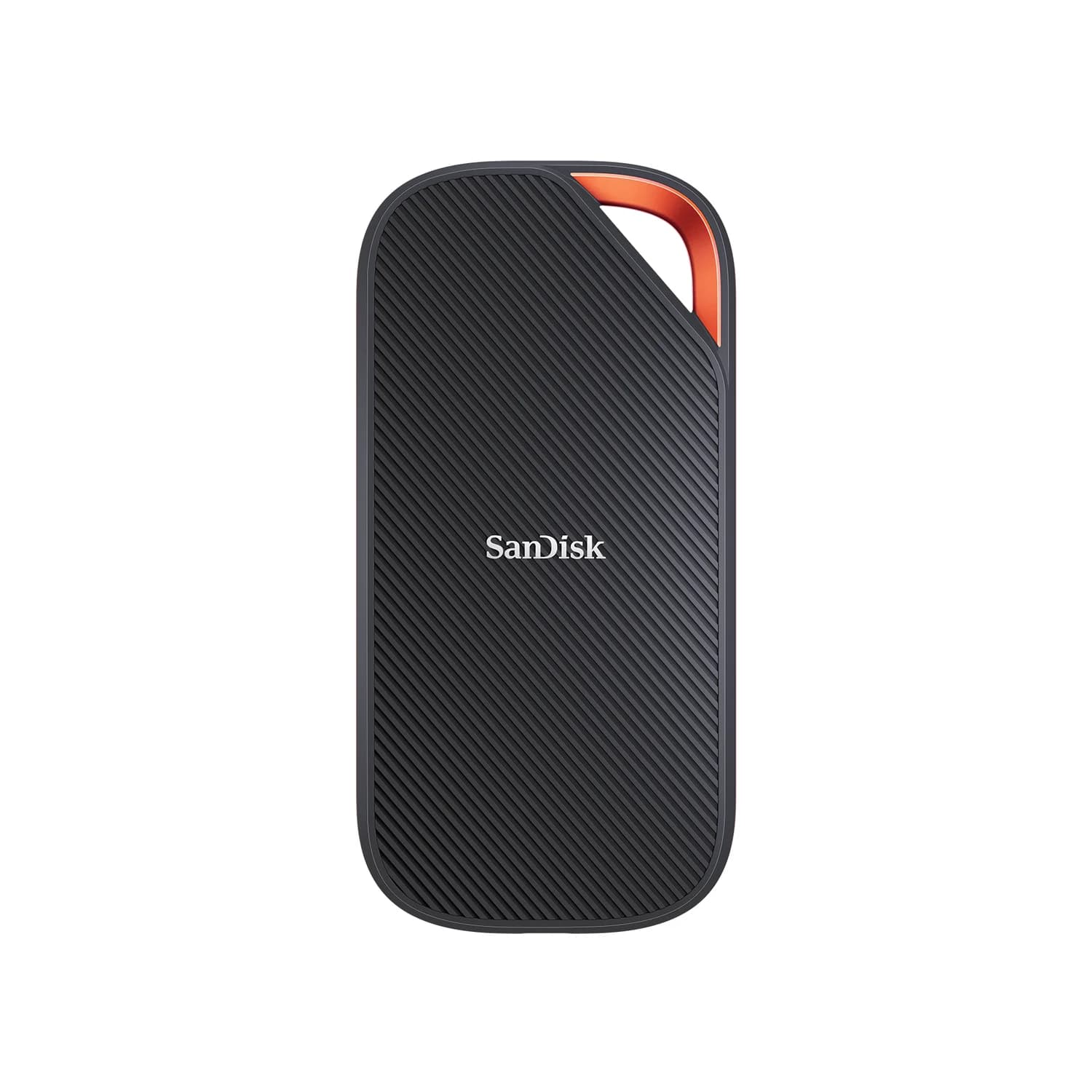
Best for USB4 library transfersSanDisk
SanDisk Extreme PRO with USB4 Portable SSD (2TB)
- data
- 40 Gbps
- port
- 1
- host link
- USB-C
- Choose
- Its USB4 40Gbps interface and up-to-3,800MB/s read rating offer more transfer headroom on a matching host.
- Limit
- Needs a USB4 or Thunderbolt 4 port for its rated speed; on USB 3.2 ports it drops to that port's speed
Quick picks by your actual port
| Your connection | Our pick between these two | Buying rule |
|---|---|---|
| USB 3.2 Gen 2, 10Gbps | Lower complete cost; T9 if prices match and compactness matters | Pay for size, protection or a future host upgrade, rather than an unusable interface rating |
| USB 3.2 Gen 2x2, 20Gbps | Samsung T9 | Its Gen 2x2 support is explicit; compare the complete kit cost |
| USB4 40Gbps or Thunderbolt 4 | SanDisk Extreme PRO with USB4 for regular large transfers | Verify the exact port and use its included USB-C cable |
These are interface-based recommendations. USB-IF defines Gen 2 as 10Gbps and Gen 2x2 as 20Gbps; Samsung requires a matching Gen 2x2 host and cable, with UASP enabled. SanDisk documents USB4 at 40Gbps and Thunderbolt 4 support in its data sheet. The details below explain where those ratings help.
The exact 2TB drives compared
The table uses Samsung's T9 data sheet, its detailed specifications, SanDisk's USB4 data sheet and SanDisk's product page. Speeds are manufacturer “up to” ratings, not thisUSB measurements.
| Specification | Samsung T9 2TB | SanDisk Extreme PRO with USB4 2TB |
|---|---|---|
| US model | MU-PG2T0B/AM | SDSSDE82-2T00-G25 |
| Interface | USB 3.2 Gen 2x2, 20Gbps | USB4 Gen 3x2, 40Gbps |
| Rated read / write | 2,000 / 1,950MB/s | 3,800 / 3,700MB/s |
| Included data cables | USB-C to C and USB-C to A | USB-C to C |
| Dimensions | 88 x 60 x 14mm | 140 x 68.7 x 11.9mm |
| Weight | 122g | 172g |
| Protection stated | Up to 3m drop resistance; no IP rating in Samsung's published specifications | IP65 water-resistant design; up to 2m drop protection |
| Limited warranty | Five years | Five years |
| Listed computer/mobile platforms | Windows, macOS, Android | Windows 10+, macOS 14+ |
Samsung's write-speed claims conflict. The US 2TB headline says 2,000MB/s write, while the data sheet and Ireland's detailed 2TB specifications list 1,950MB/s. We use the capacity-specific data-sheet figure, rather than silently treating the headline as a measured result.
Check the variant before checkout. Samsung lists 1TB, 2TB and 4TB T9 models; its data sheet gives the 1TB and 2TB versions 1,950MB/s write and the 4TB version 2,000MB/s. SanDisk's cited USB4 data sheet lists 2TB and 4TB, with the same maximum transfer ratings. For this comparison, look for “with USB4” and SDSSDE82-2T00-G25, rather than selecting by “Extreme PRO” alone.
Best for a confirmed Gen 2x2 PC: Samsung T9
Samsung
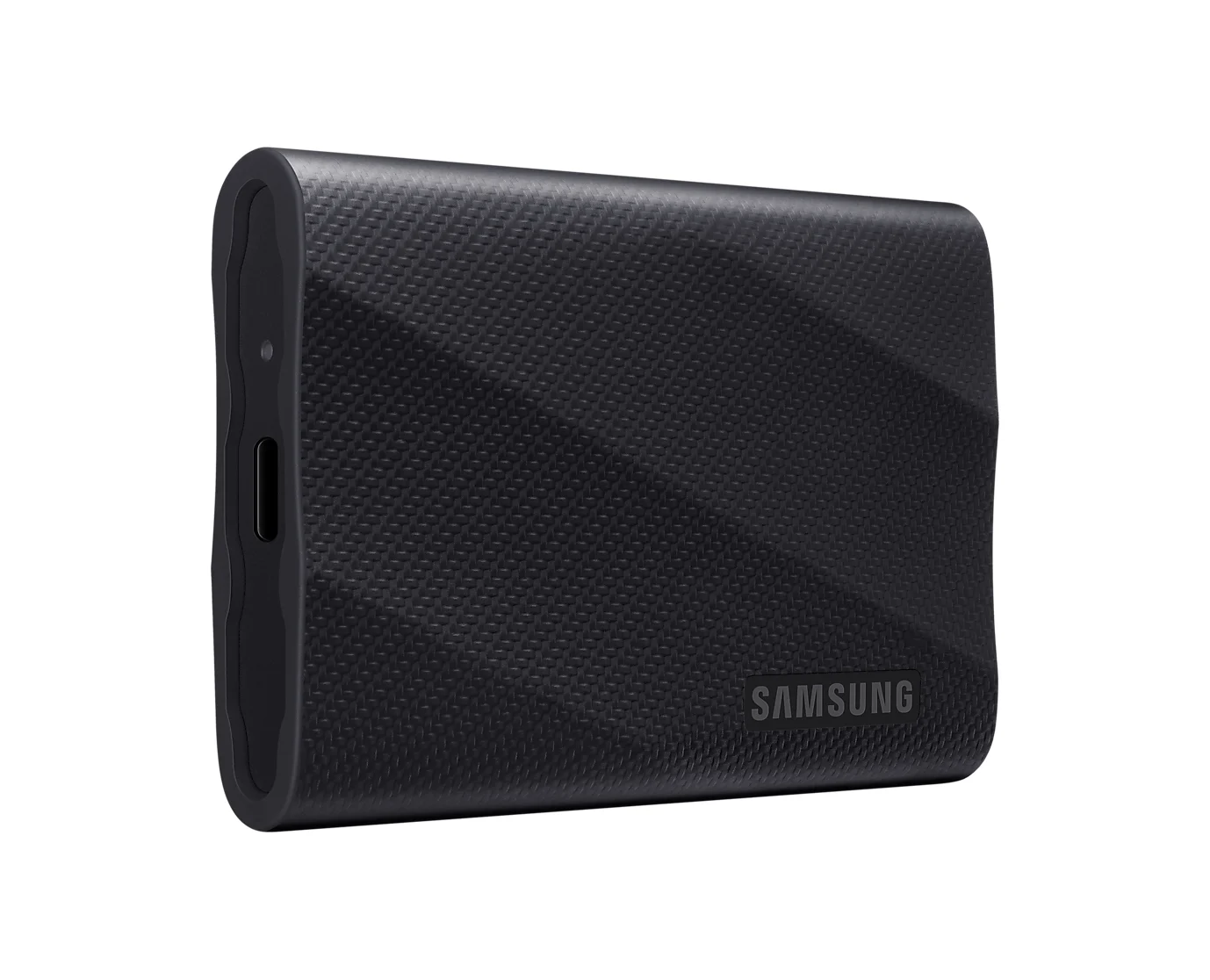
Samsung T9 Portable SSD (2TB, USB 3.2 Gen 2x2)
A 2TB NVMe portable SSD rated up to 2,000MB/s over USB 3.2 Gen 2x2 (20Gbps), with USB-C and USB-A cables included.
- 20 Gbps data
- 1 port
Buy the T9 when the computer's manual explicitly lists USB 3.2 Gen 2x2. That gives you a documented match for its 20Gbps interface, subject to Samsung's cable and UASP requirements. It is our default for that port when it costs less than the USB4 alternative.
The practical advantages are its smaller body and cable bundle. At 122g versus SanDisk's 172g, it is the lighter drive here; both USB-C and USB-A cable types are supplied. Use the included C-to-C cable for the Gen 2x2 connection, and keep the A cable for older-port convenience. A cable bundle is a reason to compare the whole purchase, especially if your library travels between computers.
Samsung also offers Magician for drive-health monitoring and firmware updates. Its support for Windows, macOS and Android does not establish SteamOS support; check your handheld's requirements separately.
Check the Samsung T9 2TB price on Amazon
Best for USB4 library transfers: SanDisk Extreme PRO with USB4
SanDisk
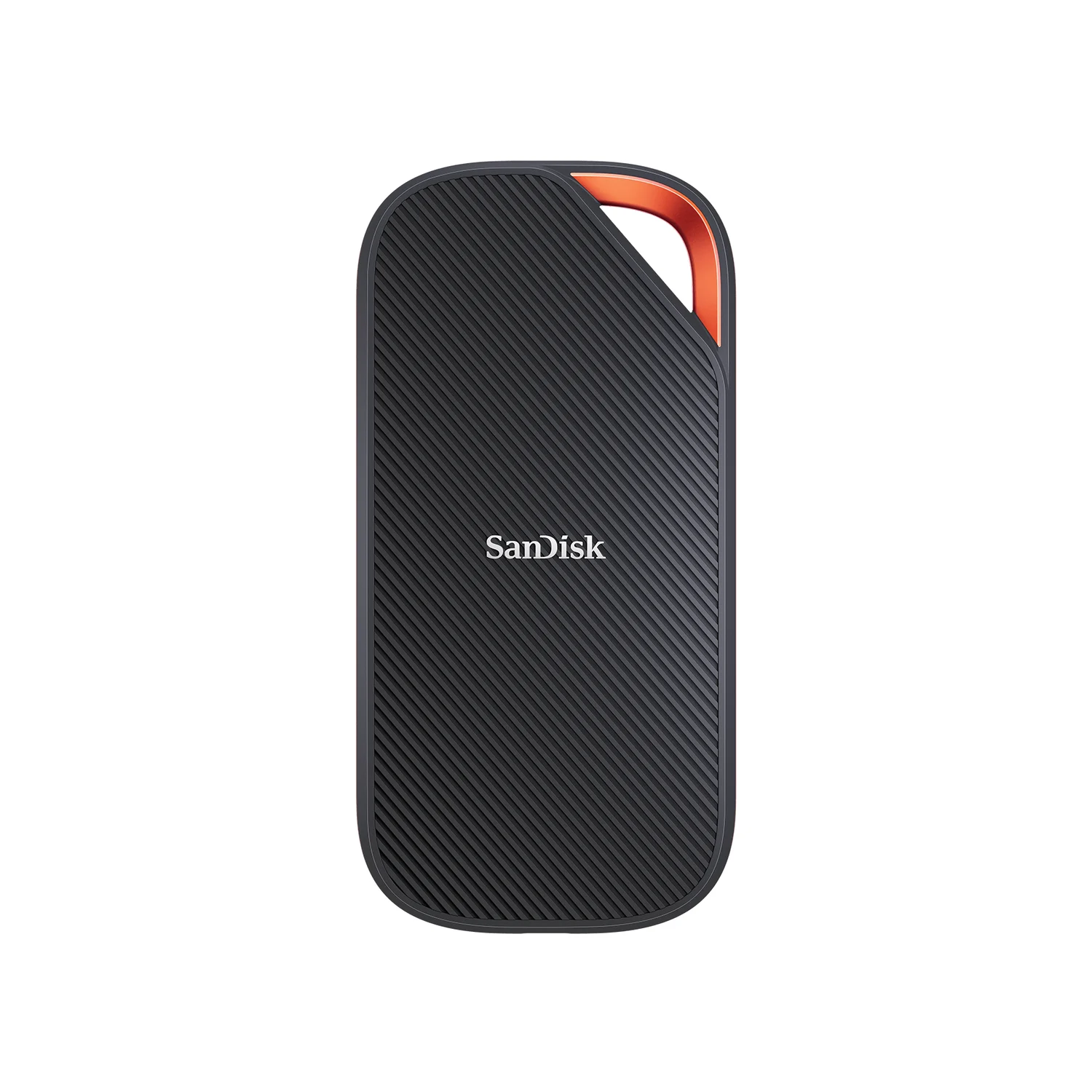
SanDisk Extreme PRO with USB4 Portable SSD (2TB)
A 2TB portable SSD with a USB4 (40Gbps) interface rated up to 3,800MB/s read, backward compatible with USB 3.2 and Thunderbolt 4 ports.
- 40 Gbps data
- 1 port
Buy the SanDisk when you can use a confirmed 40Gbps USB4 or Thunderbolt 4 connection and regularly move substantial libraries. Its up-to-3,800MB/s read and 3,700MB/s write ratings provide the stronger transfer specification, with the manufacturer's warning that host, interface and conditions affect performance.
Its IP65 water-resistant design is another concrete reason to choose it. SanDisk says it must be clean and dry before use. The trade-off is its larger, 172g body and a box containing a C-to-C cable without a listed USB-A adapter. If you need a separate data cable or adapter, include that in the comparison.
Check the SanDisk Extreme PRO with USB4 2TB price on Amazon
What each host can actually negotiate
A 10Gbps port limits both drives. USB-IF says backward-compatible USB connections operate at the lowest common speed capability. Neither product's faster interface raises that host limit. Also check a dock's downstream socket: a 10Gbps SSD connection remains a 10Gbps path even when the computer has a faster port.
A Gen 2x2 port is the T9's documented match. SanDisk confirms backward compatibility with USB 3.2, but SanDisk's published documents don't specify a Gen 2x2 fallback rate for this model. Do not budget for a guaranteed 20Gbps SanDisk connection on that basis. That uncertainty does not prove the T9 is faster on every such PC.
USB4 branding alone does not establish T9 Gen 2x2 support. Check the host's separate USB 3.2 specification against Samsung's requirement. For the SanDisk's headline interface, look for 40Gbps USB4 or its documented Thunderbolt 4 support. USB-IF asks manufacturers to state data capability separately from connector type; a USB-C socket's shape is insufficient.
Two useful handheld examples:
- Steam Deck OLED: Valve lists “USB3 gen 2”, corresponding to 10Gbps. Treat this as a port-speed comparison: neither maker's cited platform list explicitly names SteamOS. Confirm formatting and mounting before buying, and plan how to charge while storage occupies USB-C.
- ROG Xbox Ally X, 2025 RC73XA: ASUS lists a USB 3.2 Gen 2 Type-C port and a USB4 port with Thunderbolt 4 compliance. Use the USB4 port for the SanDisk upgrade; the other port is the 10Gbps path. ASUS lists power delivery on both, allowing the charger to use the other port.
- Yes: T9 maximum interface: explicitly supported Gen 2x2 host and cable, with UASP enabled
- Yes: SanDisk USB4 headroom: matching 40Gbps USB4 or Thunderbolt 4 connection
- Partly: USB4 label on the computer: check its separate Gen 2x2 support for the T9
- No: A 10Gbps downstream dock socket cannot provide a 40Gbps SSD connection
Game loading versus moving a library
For game loading, the citedevidence does not settle this comparison. The makers publish transfer ratings, without a matched game-launch benchmark for these exact drives. Microsoft explains that asset transfer and decompression contribute heavily to loading time. Our reasoning: the sequential figures alone cannot predict your loading-time improvement or frame rate.
For large copies, the SanDisk has the stronger specification on a matching host. Read speed is relevant when copying games off the external SSD; write speed is relevant when copying onto it. The other drive and connection must also keep up. This is our reason to consider a USB4 premium for regular library transfers, without assigning either drive an unsupported transfer time.
Source: Samsung data sheet and SanDisk data sheet
Neither cited data sheet supplies a comparable sustained full-drive write curve. Samsung says performance varies with host configuration, cable and system environment; SanDisk similarly qualifies its internal results. Do not assume peak ratings hold throughout a library migration. For downloads, patching or launching your usual game, identify the actual wait you want to reduce before paying more.
Heat, power and a portable library
Samsung says Dynamic Thermal Guard reduces potential performance loss from overheating; its data sheet recommends sufficient airflow for heavier workloads. SanDisk describes a silicone shell and forged aluminum chassis. These details do not establish which drive stays cooler or writes faster throughout a long session.
Neither cited data sheet provides peak USB power draw or a matched handheld battery-runtime comparison. We therefore make no battery-life recommendation between them. On a handheld, include any powered hub or dock needed for your charging arrangement, check its downstream data rate, and leave the SSD room for airflow.
Treat the drop figures as controlled-condition claims. Samsung explicitly excludes drop damage from warranty coverage. Keep another copy of saves and irreplaceable files, whichever drive you choose.
Buying advice: complete cost and setup
Compare the exact 2TB drive + any required data cable or adapter + any hub or dock needed for charging. Recheck the model code, included accessories and seller before checkout. A USB4 drive routed through a slower dock should be evaluated at that dock's SSD connection speed.
For Black Friday shopping, apply the same rule to the current offers. A lower T9 total strengthens its case for Gen 2x2 or 10Gbps use. A lower SanDisk total can make its IP65 protection attractive even on a slower host; reserve the speed argument for a matching USB4 setup. No current discount is assumed here.
For Steam, Valve's instructions let you create a library location under Settings → Storage and move selected games with Move. Valve separately advises against installing the Steam application itself on an external drive. Keep that distinction in your setup plan.
Check the host and route
Confirm the port's data mode and any dock's downstream capability before buying.
Price the complete kit
Compare the same capacity and include any missing data cable, adapter or charging hub.
Set up a game library
In Steam, add the destination under Settings → Storage, then select games and use Move.
For broader capacity and console choices, use our portable SSD guide. For replacement-cable markings, use our USB-C cable types explainer.
How we choose
This is a research comparison using official manufacturer specifications, USB-IF guidance, host specifications and Valve's setup instructions. The picks keep capacity matched and distinguish interface capability, sequential ratings and game workloads. The makers' published sources provide no paired game-loading, sustained-write or power comparison, so those outcomes remain unranked. Recommendations about paying extra are editorial judgments from the documented connection requirements.
Verdict
Choose the T9 2TB for a confirmed Gen 2x2 PC, particularly at a lower complete cost. Choose the Extreme PRO with USB4 2TB for a matching USB4 laptop and frequent large library moves. On 10Gbps hardware, decide by complete cost, size and protection; the available evidence supplies no game-loading winner.
Frequently asked questions
Which is the best external SSD for gaming: Samsung T9 or SanDisk Extreme PRO USB4?
Choose the T9 for a PC that explicitly supports USB 3.2 Gen 2x2, especially when its complete purchase cost is lower. Choose the SanDisk for a confirmed 40Gbps USB4 or Thunderbolt 4 connection and frequent large library transfers. On a 10Gbps connection, compare cost, size and protection: neither drive can use its headline interface speed. These are buying recommendations based on specifications.
Will the SanDisk Extreme PRO USB4 load games faster than the T9?
The cited manufacturer documents do not establish a game-loading winner. SanDisk publishes higher transfer ratings, but those figures are not a comparison of game launch times. Microsoft's explanation of game loading includes asset transfer and decompression. Our conclusion is to consider the SanDisk upgrade for library transfers, while requiring evidence from your actual games before expecting a loading-time improvement.
Does a USB4 or Thunderbolt port give the Samsung T9 its full speed?
Check the port's separate USB 3.2 capabilities. Samsung requires the host and cable to support Gen 2x2, with UASP enabled, for its maximum sequential performance. A USB4 or Thunderbolt label alone does not demonstrate that requirement. For the SanDisk, its USB4 interface and documented Thunderbolt 4 support are the relevant match; neither interface rating guarantees a particular game-loading time.
Which exact SanDisk Extreme PRO and Samsung T9 variants are compared?
This comparison uses the US 2TB Samsung T9 MU-PG2T0B/AM and the 2TB SanDisk Extreme PRO with USB4 SDSSDE82-2T00-G25. Check those model codes and capacity before buying. Samsung's data sheet gives the 4TB T9 a higher write rating than the 2TB model, so a different capacity changes the specification comparison. SanDisk's cited USB4 data sheet lists 2TB and 4TB versions.
Is either SSD worth buying for a Steam Deck OLED?
Valve lists USB 3 Gen 2 for the Steam Deck OLED, which corresponds to 10Gbps. That connection cannot use either drive's headline interface rate. Between these two, compare complete cost and physical convenience, and check SteamOS formatting and mounting requirements before purchasing. Neither maker's cited platform list explicitly names SteamOS, so the port comparison should not be read as a compatibility guarantee.
Related guides

Best External CD DVD Drives in 2026
The best external CD DVD drives for laptops and Macs: official specs compared, with picks for Windows 11, MacBook Air, USB-C and M-DISC backups.
Updated November 7, 2026Read
Best SSD Enclosures in 2026: Turn NVMe and SATA Drives into Portable SSDs
The SSD enclosure that matches your drive: dual-protocol 10Gbps M.2 picks, a 40Gbps USB4 option, and a 2.5-inch SATA case, all from official spec sheets.
Updated November 7, 2026Read
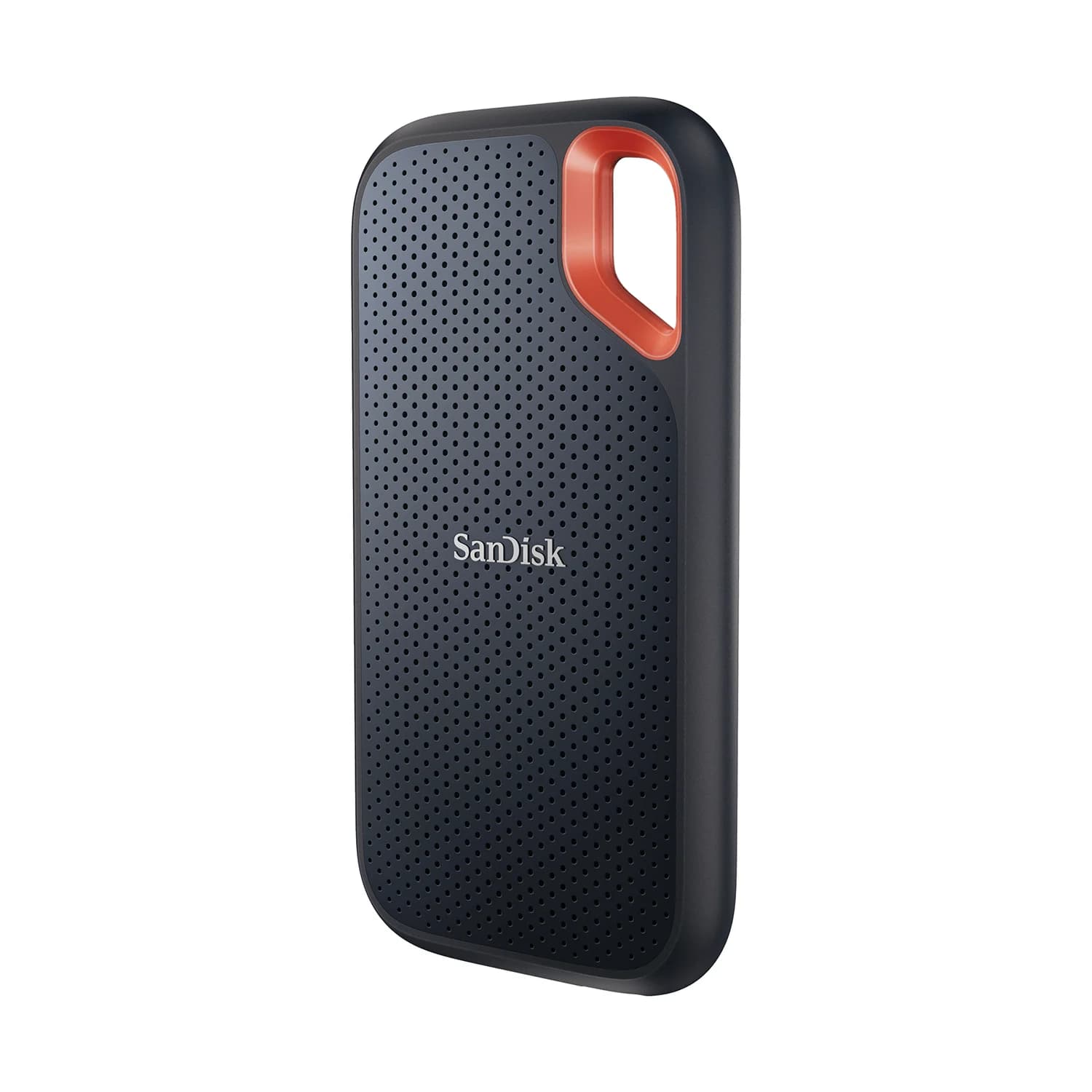
Samsung T9 vs SanDisk Extreme V2: Which 2TB External SSD for Gaming?
Samsung T9 vs SanDisk Extreme V2 at 2TB, from the makers' own spec pages: real speeds on gaming laptops, Steam Deck, PS5 and Xbox, included cables, and which to buy.
Updated November 5, 2026Read