Black Friday: the specs to check before you buy
Best picks
Updated November 7, 2026Best SSD Enclosures in 2026: Turn NVMe and SATA Drives into Portable SSDs
Short answer
The best SSD enclosure for most people is the Sabrent EC-SNVE: it is tool-free, its aluminum case takes any M.2 stick from 2230 up to 2280, and one enclosure handles both NVMe and M.2 SATA drives over a 10Gbps USB 3.2 link, with a Realtek RTL92108B bridge Sabrent names on its product page. If you pulled a 2.5-inch SATA drive out of an old laptop, the ORICO HM25C3 turns it into a USB-C portable drive at that format's native 6Gbps. And if your drive and port can both outrun 10Gbps, the ORICO TCM2-U4 carries a 40Gbps theoretical link. Every spec on this page comes from the makers' official product pages, and we link each one so you can check.
Our picks at a glance
- Find on Amazon
Best 2.5-inch SATA enclosure
ORICO HM25C3
We can't point you to live buy buttons yet: Amazon links on this site only go up once the exact listings are confirmed, so each pick below links to the maker's page instead, and the buy links will follow.
- 10GbpsThe USB 3.2 link the best M.2 picks share
- 40GbpsTheoretical link rate of the USB4 pick
- 2230-2280M.2 drive lengths the Sabrent EC-SNVE fits
Quick picks
| Pick | Best for | Link speed | Fits |
|---|---|---|---|
| Sabrent EC-SNVE | Best overall M.2 enclosure | 10Gbps (USB 3.2) | M.2 NVMe and SATA, 2230/2242/2260/2280 |
| ORICO M206C3-G2 | Best budget NVMe with real cooling | 10Gbps | M.2 NVMe (M-Key/B&M-Key), up to 4TB |
| ORICO TCM2-U4 | Best for USB4 and Thunderbolt ports | 40Gbps (theoretical) | M.2 NVMe, up to 8TB |
| ORICO HM25C3 | Best 2.5-inch SATA enclosure | 6Gbps | 2.5-inch SATA, 7-9.5mm thick, up to 4TB |
Which row you need comes down to one question: what drive is going inside? Everything else in an enclosure is detail around that.
Best overall M.2 enclosure: Sabrent EC-SNVE
See the EC-SNVE on Sabrent's site
The EC-SNVE is the enclosure we would put a spare M.2 drive into first, because it refuses almost nothing. Sabrent's spec sheet lists compatibility with both PCIe NVMe and M.2 SATA drives in four sizes: 2230, 2242, 2260 and 2280. That covers every common M.2 stick, including the short 2230 drives from handhelds and the 2280 sticks from laptops and desktops, so it is also the enclosure to buy before you know what drive is coming.
The rest of the page is equally specific. Installation is 100% tool-free, the case is aluminum with an ABS frame, and the USB 3.2 link runs at up to 10Gbps with UASP and TRIM support. The FAQ on the same page names the bridge chip, a Realtek RTL92108B USB 3.2 to PCIe Gen3 x2 NVMe/SATA part, which is the kind of detail that makes a spec page trustworthy: the maker tells you exactly what is between your drive and the port. In the box are the enclosure, an 8-inch Type-C to Type-C cable and the manual, and Sabrent posts a firmware update for it on the same page.
Best budget M.2 enclosure with real cooling: ORICO M206C3-G2
See the M206C3-G2 on ORICO's site
ORICO's official spec sheet for the M206C3-G2 is short and complete. It is an aluminum M.2 NVMe enclosure with a 10Gbps Type-C link, M-Key and B&M-Key slots, and support for drives up to 4TB. Installation is screw-fixed rather than tool-free, and the box includes a heatsink vest, thermal silicone and silicone caps: ORICO ships the thermal hardware with the enclosure instead of leaving cooling to luck, which matters for sustained copies off an NVMe stick.
The included cable is a 30cm Type-C to Type-C/USB-A combo, so it reaches both new hosts and older USB-A ports without an adapter. It is a single-protocol enclosure: it is for NVMe drives, not M.2 SATA sticks, which is the one thing to check before buying.
Best for USB4 and Thunderbolt ports: ORICO TCM2-U4
See the TCM2-U4 on ORICO's site
Once your drive and your port can both outrun 10Gbps, the bottleneck is the enclosure's link, and the TCM2-U4 removes it: ORICO lists a 40Gbps theoretical rate over Type-C, an aluminum body, and support for drives up to 8TB. The included 0.3m combo cable is rated for the same 40G link and ends in both Type-C and USB-A.
Two honest caveats sit on the same spec sheet. The 40Gbps figure is a theoretical link rate, not a speed any SSD inside will sustain, and reaching it needs a USB4 or Thunderbolt host; on an ordinary USB 3.2 port the enclosure still works at that port's rate. ORICO also lists a 20Gbps sibling in the same family, the TCM2-G20, which splits the difference on price and speed when 40Gbps is more than your workflow needs.
Best 2.5-inch SATA enclosure: ORICO HM25C3
See the HM25C3 on ORICO's site
A 2.5-inch SATA drive needs none of the above: it needs a case with a SATA bay and a 6Gbps link, which is exactly what SATA drives deliver anyway. The HM25C3 provides that over Type-C, with support for drives up to 4TB and 7-9.5mm thick, the standard 2.5-inch range that covers both slim SSDs and laptop hard drives. ORICO includes a 0.5m C-to-C/A combo cable and a shock foam pad, and the ABS body has a metal trim plate. Windows, macOS and Linux support is all listed on the same page.
How to choose an SSD enclosure
Identify the drive's shape
A bare M.2 stick needs an M.2 enclosure; a 2.5-inch drive needs a 2.5-inch enclosure. The two are not interchangeable.
Check the protocol
M.2 drives are NVMe or SATA. A dual-protocol enclosure such as the Sabrent EC-SNVE covers both; single-protocol cases like the ORICO M206C3-G2 are NVMe only.
Match the link to the port
10Gbps over USB 3.2 is the sweet spot for most drives; 40Gbps USB4 only pays off with a fast drive in a USB4 or Thunderbolt port.
The compatibility matrix, from the makers' own spec sheets:
- Yes: Sabrent EC-SNVE: M.2 NVMe and M.2 SATA drives, 2230 to 2280
- Yes: ORICO M206C3-G2: M.2 NVMe drives (M-Key/B&M-Key) up to 4TB
- Yes: ORICO TCM2-U4: M.2 NVMe drives up to 8TB over a 40Gbps theoretical link
- Yes: ORICO HM25C3: 2.5-inch SATA drives, 7-9.5mm thick, up to 4TB
- No: No M.2 enclosure takes a 2.5-inch drive, and no 2.5-inch case takes an M.2 stick
Two things worth a moment before checkout. Capacity support is a maker's spec, not a physics limit: ORICO rates the M206C3-G2 at 4TB and the TCM2-U4 at 8TB, so a drive bigger than the rating is untested territory. And if you want one enclosure to live with, tool-free designs like the EC-SNVE make swapping drives a sliding motion, while screw-fixed designs like the M206C3-G2 trade that convenience for a heatsink vest that is screwed down against the drive.
How we choose
We work from official sources only: the spec sheets and FAQ pages of Sabrent and ORICO linked above, which is where every number in this guide comes from. We prefer enclosures whose makers publish the details that matter to buyers, such as the exact bridge chip and the drive sizes supported, over pages that stop at a marketing speed. We favor current, name-brand products with a support record (both makers here publish firmware updates and manuals for their enclosures), and we exclude any claim we could not verify on a maker's own page. We have not physically tested these enclosures; the verdicts are spec-grounded, and buyer-reported patterns fill gaps only where they are well known.
FAQ about SSD enclosures
The questions buyers actually search, answered from the spec sheets above.
Verdict
Buy the enclosure that matches the drive you already own, not the biggest number on a listing. For a spare M.2 stick, the Sabrent EC-SNVE is the safest pick on paper: dual protocol, four drive sizes, tool-free, 10Gbps, with its bridge chip named. The ORICO M206C3-G2 covers the same speed for NVMe drives with proper included cooling, the TCM2-U4 stretches the ceiling to a 40Gbps theoretical link for USB4 hosts, and the HM25C3 is the right answer for the 2.5-inch SATA drive already sitting in a drawer. If you'd rather buy a ready-made portable SSD instead of building one from parts, see our best portable SSD guide; for what the newer ports can actually do, start with USB4 vs Thunderbolt 4 vs Thunderbolt 5, and iPhone ProRes shooters have a dedicated best SSD for ProRes guide.
Frequently asked questions
What SSD enclosure do I need for my drive?
Match three things to the drive you own. First the shape: a bare M.2 stick needs an M.2 enclosure, while an older 2.5-inch SATA drive needs a 2.5-inch enclosure. Then the protocol: M.2 drives are either NVMe (PCIe) or SATA, and a dual-protocol enclosure such as the Sabrent EC-SNVE takes both. Last, the drive length: M.2 SSDs come in sizes from 2230 to 2280, and the EC-SNVE fits 2230, 2242, 2260 and 2280.
Can an SSD enclosure make my drive faster?
No. An enclosure can only cap a drive, never speed it up. A 10Gbps USB 3.2 enclosure is the ceiling for any M.2 drive inside it, and a 6Gbps enclosure matches what 2.5-inch SATA drives can do anyway. Faster links exist, but they matter only for the drive and the port: the ORICO TCM2-U4's 40Gbps USB4 link only pays off on a USB4 or Thunderbolt host with a drive built to use it.
Do SSD enclosures have heat problems?
M.2 NVMe drives run warm, and makers address it in the hardware. The ORICO M206C3-G2 is an aluminum enclosure that ships with a heatsink vest, thermal silicone and silicone caps, and the Sabrent EC-SNVE uses an aluminum case over its frame. On paper that is the right design; a drive that still throttles usually needs a break from sustained copies rather than a different enclosure.
Will a 10Gbps enclosure work on an older USB port?
Yes, at the port's speed. The EC-SNVE's USB 3.2 link is backward compatible, and ORICO's included cables end in both Type-C and USB-A. Plug into an older port and the enclosure still works, just at that port's lower rate, so the 10Gbps rating only appears on a matching USB 3.2 port.
Do I need a Thunderbolt enclosure?
Only if you own a fast PCIe NVMe drive and a host with a 40Gbps port, and only for work that moves huge files. A USB4 enclosure such as the ORICO TCM2-U4 offers the same 40Gbps theoretical link rate for that use, and both standards share the USB-C connector, so the port on your laptop decides what you can use, not the label on the box.
Best overall M.2 enclosure
Sabrent EC-SNVE
Related guides
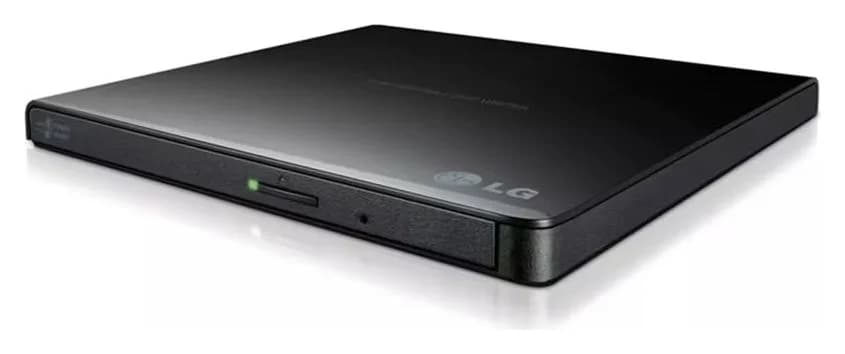

Best External CD DVD Drives in 2026
The best external CD DVD drives for laptops and Macs: official specs compared, with picks for Windows 11, MacBook Air, USB-C and M-DISC backups.
Updated November 7, 2026Read
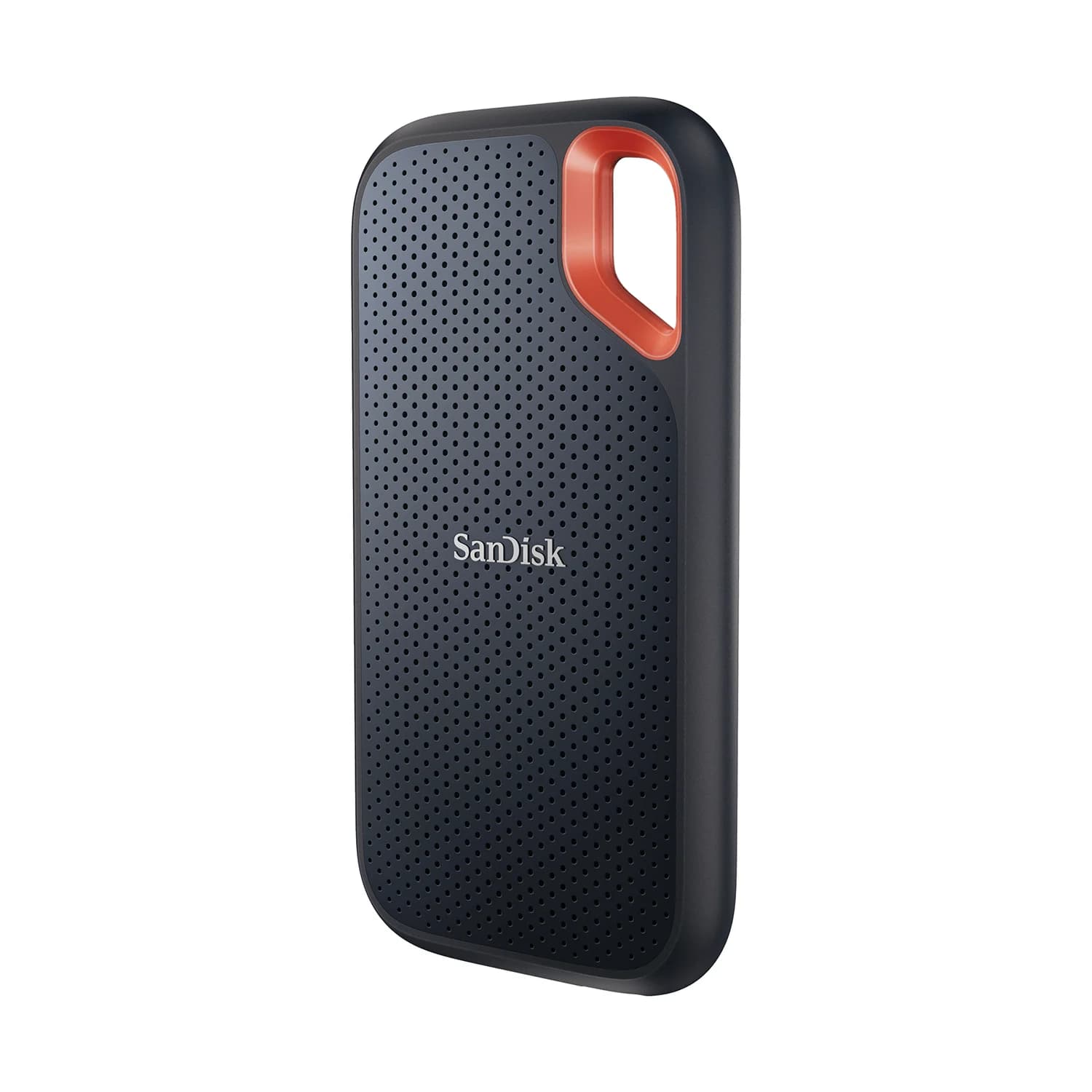
Samsung T9 vs SanDisk Extreme V2: Which 2TB External SSD for Gaming?
Samsung T9 vs SanDisk Extreme V2 at 2TB, from the makers' own spec pages: real speeds on gaming laptops, Steam Deck, PS5 and Xbox, included cables, and which to buy.
Updated November 5, 2026Read
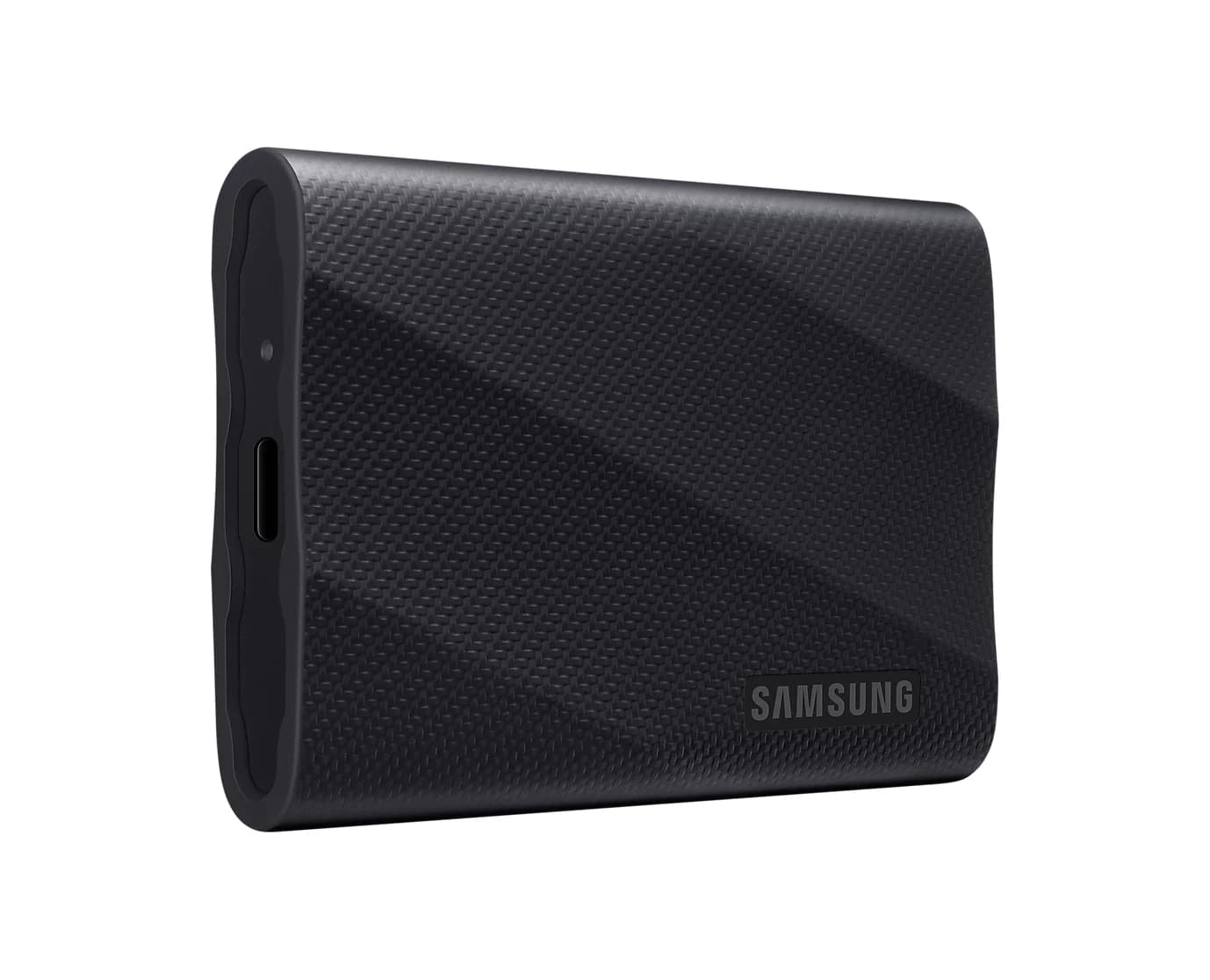
Samsung T9 vs SanDisk Extreme PRO USB4 for Gaming: Which to Buy?
Choose the right 2TB gaming SSD for your USB port: Samsung T9 vs SanDisk Extreme PRO USB4, with exact models, cable costs and honest game-loading limits.
Updated November 5, 2026Read