Black Friday: the specs to check before you buy
Comparison
Updated November 4, 2026TP-Link Archer TX20U Plus vs TX20E: USB or PCIe Wi-Fi?
Short answer
Choose the TP-Link Archer TX20U Plus if you need a wireless USB Wi-Fi adapter for a Windows desktop without opening the case: it connects over USB 3.0 and includes a 1-meter cable for placement outside the PC. Choose the Archer TX20E if you can install a PCIe card and want Bluetooth too, after confirming an available internal F_USB header for its Bluetooth cable.
Our picks at a glance
Quick picks
| Your situation | Our pick | Deciding check |
|---|---|---|
| A desktop you cannot open; Wi-Fi is the priority | TX20U Plus | USB 3.0 connection; movable adapter on its included cable |
| A desktop you can open; you also need Bluetooth | TX20E | A usable PCIe slot and internal F_USB connection for Bluetooth |
| Your current connection already works well | Keep it | Neither product’s advertised rate proves an improvement in your room |
TX20U Plus vs TX20E: the comparison that matters
This comparison uses TP-Link’s US product pages and the V1 / V1.60 support families; confirm the actual hardware label before selecting a driver. TP-Link warns that hardware availability varies by region.
| Check | Archer TX20U Plus | Archer TX20E |
|---|---|---|
| PC connection | USB 3.0, using the supplied cable | PCI Express x1/x4/x8/x16, per the datasheet |
| Internal USB connection | No internal connection in the USB installation instructions | F_USB 2.0 for Bluetooth; header cable included |
| Windows driver architecture | Windows 10 x86/x64; Windows 11 x64 | Windows 10/11, 64-bit |
| Specified Wi-Fi bands | 2.4 GHz and 5 GHz | 2.4 GHz and 5 GHz |
| Maximum 5 GHz signal rate | Up to 1201 Mbps | Up to 1201 Mbps |
| Maximum 2.4 GHz signal rate | Up to 574 Mbps | Up to 574 Mbps |
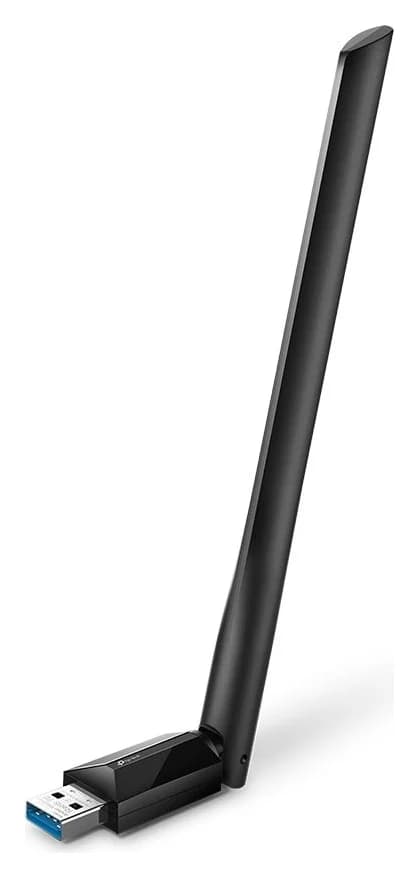
| Antennas and placement | Two adjustable antennas; adapter moves on a 1-meter cable | Two external antennas attached to the card; no remote base listed |
| Bluetooth | Not specified; buy it for Wi-Fi | Included; product says 5.2, driver notes say support for 5.4 |
| Box contents | Adapter, 1-meter USB 3.0 cable, quick installation guide | Card, two antennas, low-profile bracket, Bluetooth header cable, quick installation guide, resource CD |
| Driver installation | Preloaded installer; download available | Install Wi-Fi and Bluetooth drivers separately |
Best USB choice: TP-Link Archer TX20U Plus
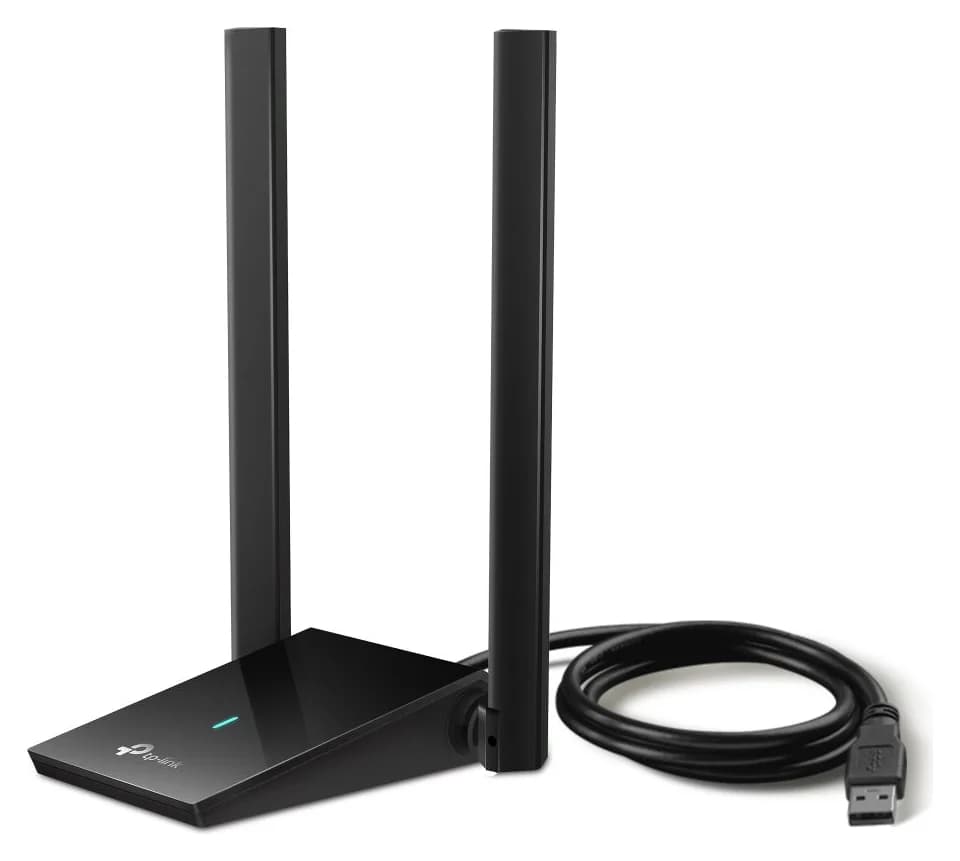
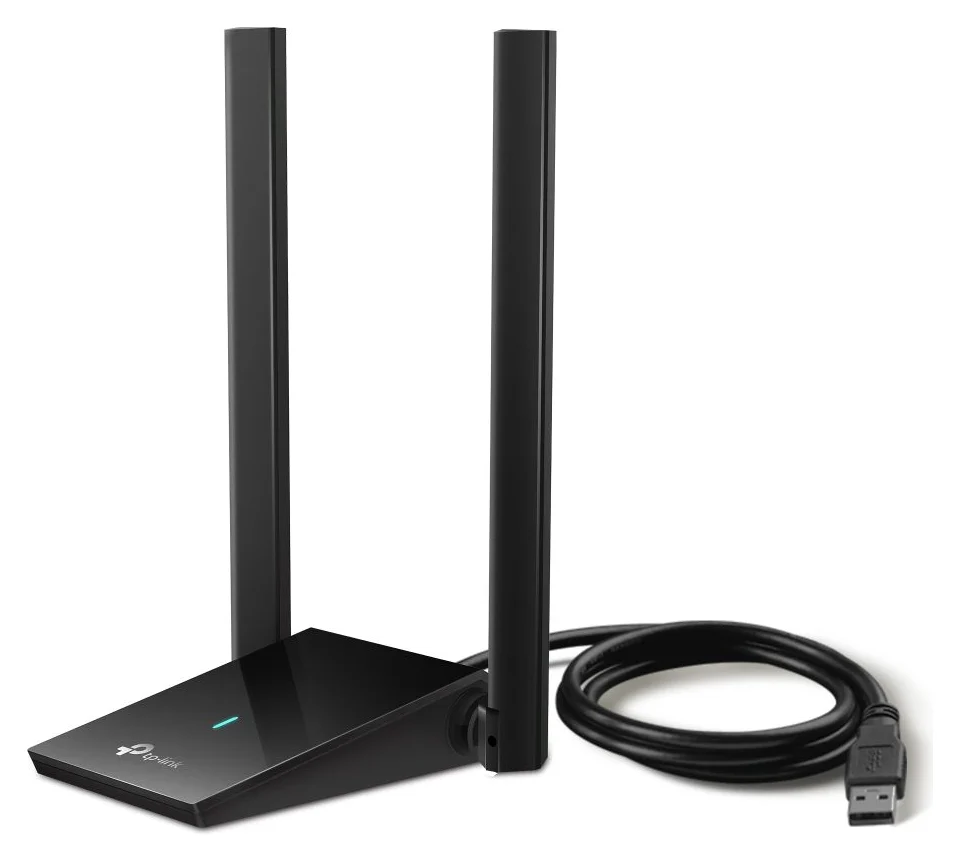
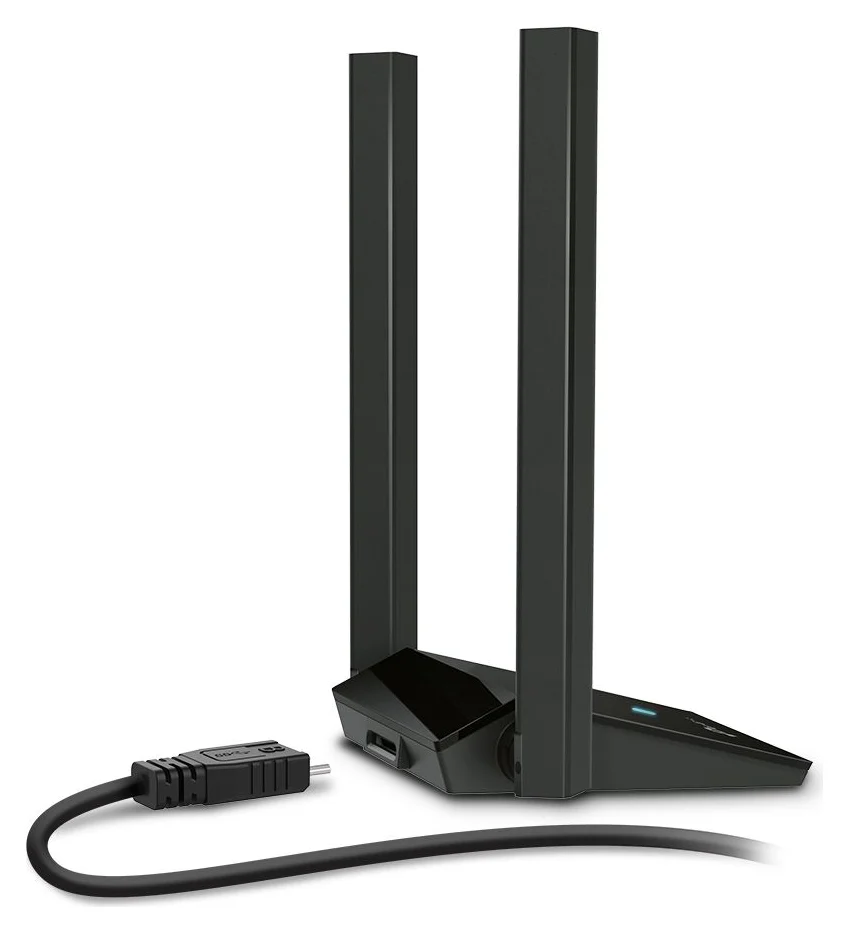
The TX20U Plus is our default recommendation when the job is simply adding Wi-Fi without internal installation. Its desktop body and included cable let you reposition the whole adapter, while the antennas are adjustable.
If the tower sits under a desk, try a position with a clearer path to the router before deciding you need a different adapter. Placement matters because TP-Link explicitly includes obstacles, interference and product location among the factors affecting throughput.
Use the supplied USB 3.0 cable and a USB 3.0 data port on the PC, as TP-Link recommends. Before buying for a USB-C-only computer, check the supplied cable’s host plug and account for any required data adapter. Our USB-C vs USB-A guide explains what to check on the computer’s port.
The preloaded driver is convenient, but installation still means opening the TP-Link disk and running SetupInstall.exe. If Windows asks for administrator credentials, the manual requires an administrator account. For an employer-managed PC, settle that permission before buying.
Choose this model for external Wi-Fi installation; TP-Link does not specify Bluetooth for it. If Bluetooth is essential, include a separate solution in your buying decision or choose the TX20E with its required header connection.
Check price on Amazon
Best internal choice with Bluetooth: TP-Link Archer TX20E
The TX20E suits a desktop where you want an internal Wi-Fi card and Bluetooth. Its datasheet lists PCI Express x1/x4/x8/x16 compatibility, and TP-Link includes standard and low-profile brackets. Check the PC’s service manual for a usable slot, bracket fit and clearance around the graphics card before ordering.
Bluetooth also needs the supplied cable connected to an available F_USB 2.0 motherboard header. TP-Link explicitly warns that Bluetooth will not work if that cable is incorrectly connected, even with the driver installed. If the header is already occupied, resolve that before choosing this card for Bluetooth.
The included antennas attach to the adapter; the US package list does not include a remote antenna base. TP-Link advises keeping the path between antennas and router clear. Our editorial preference is the USB model when moving the antenna position onto the desk matters more than internal installation.
For installation, TP-Link says to shut down, unplug the power cable and remove the case panel. Install the Wi-Fi and Bluetooth drivers one after the other, rather than simultaneously. A low-profile bracket alone is not enough reason to assume the card fits a particular compact PC: check its expansion options first.
Check price on Amazon
Hardware revisions, Windows support and conflicting specs
Both US support selectors offer V1 and V1.60; the V1.60 driver filenames use V1.6. Read the product or package label, choose that version on the support page, then download the matching operating-system file. Use the TX20U Plus downloads or TX20E downloads.
For TX20U Plus, the listed driver architecture is Windows 10 x86/x64 and Windows 11 x64. For TX20E, the product specification says Windows 10/11 64-bit. Do not treat these listings as confirmation for Windows on Arm. Both manuals describe possible administrator prompts, so choosing USB does not remove software-installation permissions.
There is a material TX20E documentation conflict: the linked user guide says 2402 Mbps on 5 GHz and Windows 10 only, while the product page and datasheet specify 1201 Mbps and Windows 10/11. We use the matching product-page and datasheet rate for purchase comparisons, and the current Windows driver notes for installation support; the manual supplies the wiring instructions.
TX20E also has a Linux download specifying kernels 2.6.32–5.8. Do not turn that bounded legacy package into a recommendation for every current distribution. One Windows download is labeled “Windows/Mac OS/Linux” in a generic field, but its actual notes specify Windows. That field is not sufficient evidence to recommend a Mac purchase.
- Yes: TX20U Plus: listed Windows driver architecture and an accessible USB data port
- Yes: TX20E: supported Windows installation and a usable PCIe slot
- Partly: TX20E Bluetooth: an available internal F_USB connection is also required
- Partly: Managed PC: administrator credentials may be requested
- No: Do not assume Mac or Windows on Arm support from a generic download label
Wi-Fi 6, router bands and realistic performance
Both adapters specify up to 1201 Mbps at 5 GHz and 574 Mbps at 2.4 GHz, according to the TX20U Plus specs and TX20E specs. These are per-band physical signal rates; TP-Link does not guarantee actual data throughput. Treat “AX1800” as the advertised class, not a promise of that download speed or a reason to prefer PCIe.
Both list older Wi-Fi standards as well as 802.11ax, so they are not restricted to Wi-Fi 6 routers. However, Wi-Fi 6 features such as OFDMA and MU-MIMO require corresponding support at the access point. WPA3 likewise needs access-point support. Only 2.4 GHz and 5 GHz bands are specified here; no 6 GHz band is listed.
TP-Link’s caveats include walls and obstacles, interference, traffic, placement and access-point limitations; network speed can also be limited by the internet connection and network ports. Our buying conclusion is to prioritize a supported installation and a workable antenna position. For gaming, we would keep a reliable existing Ethernet connection rather than buy either adapter solely for a promised reduction in ping.
Compare the complete installation before buying
Compare the adapter plus everything your particular PC needs to use it. We do not name a cheaper winner: make that decision from matching regional hardware and the complete kit.
- TX20U Plus: count any required host-connector adapter and a separate Bluetooth solution if you need one. The USB cable is already included.
- TX20E: count any installation help and resolve slot or header availability first. TP-Link already includes the Bluetooth header cable and low-profile bracket.
- No optical drive: download the TX20E driver instead of buying a drive merely to use its resource CD.
If this purchase is part of reorganizing the whole workstation, our USB hubs for desk setups guide covers that separate choice. First settle this pair’s essentials: connection, installation rights, antenna location and whether you need Bluetooth.
If installation fails, check this before replacing it
For TX20U Plus, TP-Link recommends USB 3.0, offers a downloadable installer if the built-in disk is missing, and advises restarting after manual driver installation. For TX20E Bluetooth, check the internal cable as well as driver installation.
TX20U Plus is not detected
Try another PC USB port, then the matching official driver and a restart.
TX20U Plus installer disk is missing
Download the driver from TP-Link on a connected computer before trying installation again.
TX20E Bluetooth is missing
Shut down and unplug before checking the internal Bluetooth cable; confirm the Bluetooth driver is installed.
If TX20U Plus is unstable after setup, TP-Link’s troubleshooting page also documents a USB Switch Mode → USB mode 2 setting and reinstalling the official driver. Follow that model-specific support advice before assuming a PCIe replacement will solve the problem.
How we choose
These picks come from TP-Link’s official product pages, hardware-version download pages, datasheets and installation guides. We have not physically evaluated either adapter or produced a comparative throughput, coverage or latency result. The recommendations weigh documented installation requirements and placement flexibility; they do not rank marketing claims about range or gaming performance. Where TP-Link’s own documents disagree, we identify the conflict above instead of silently adopting the larger number.
Verdict
Buy the TX20U Plus for an external USB Wi-Fi upgrade and flexible placement on its included cable. Buy the TX20E when you want internal Wi-Fi and Bluetooth and have confirmed the PCIe slot, internal USB header and supported Windows installation. Keep your existing connection if it already meets your needs: the shared wireless rate ceilings alone do not justify replacing it.
Frequently asked questions
Is the Archer TX20E faster than the TX20U Plus?
Their product pages give the same Wi-Fi signal-rate ceilings: up to 1201 Mbps on 5 GHz and 574 Mbps on 2.4 GHz. Those are physical link rates, with actual throughput dependent on the network and surroundings. Choose the TX20E for its internal installation and Bluetooth capability; the published rates do not establish a speed advantage over the USB model.
Does the Archer TX20U Plus need a driver?
Yes. TP-Link preloads a driver, but its instructions still tell you to open the TP-Link disk in This PC and run SetupInstall.exe. If that disk is missing, download the matching driver from TP-Link support. Administrator credentials may be required, so a USB connection does not bypass a managed computer’s installation restrictions.
Does the Archer TX20E need a motherboard USB header?
Bluetooth does: TP-Link specifies an internal F_USB 2.0 connection using the supplied Bluetooth header cable, in addition to the PCIe connection. Its manual warns that Bluetooth will not work without that cable correctly connected, even after driver installation. Check for an available header before buying the TX20E to add Bluetooth.
Can I use either adapter on a Mac or Linux PC?
The TX20U Plus product page lists Windows 10 and 11, while the TX20E product page lists their 64-bit versions. TX20E support also offers a Linux package limited to kernel versions 2.6.32–5.8. That is not a blanket promise for a current Linux installation. The generic Windows/Mac OS/Linux field on a Windows download does not establish macOS support.
Does the Archer TX20U Plus include Bluetooth?
TP-Link specifies the TX20U Plus as a wireless USB adapter and does not list Bluetooth in its specifications. Buy it for Wi-Fi rather than assuming it replaces a Bluetooth adapter. The TX20E explicitly includes Bluetooth, although its product page says Bluetooth 5.2 and newer driver notes say they support Bluetooth 5.4.
A desktop you cannot open; Wi-Fi is the priority
TX20U Plus
Related guides
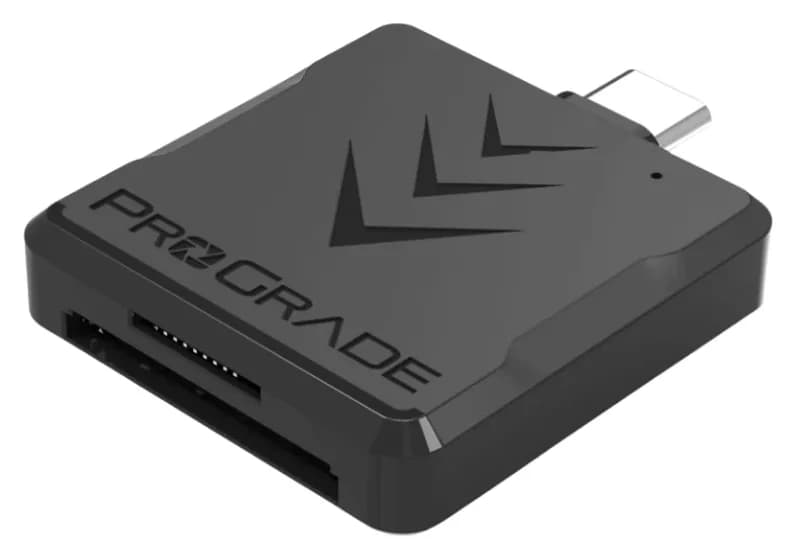
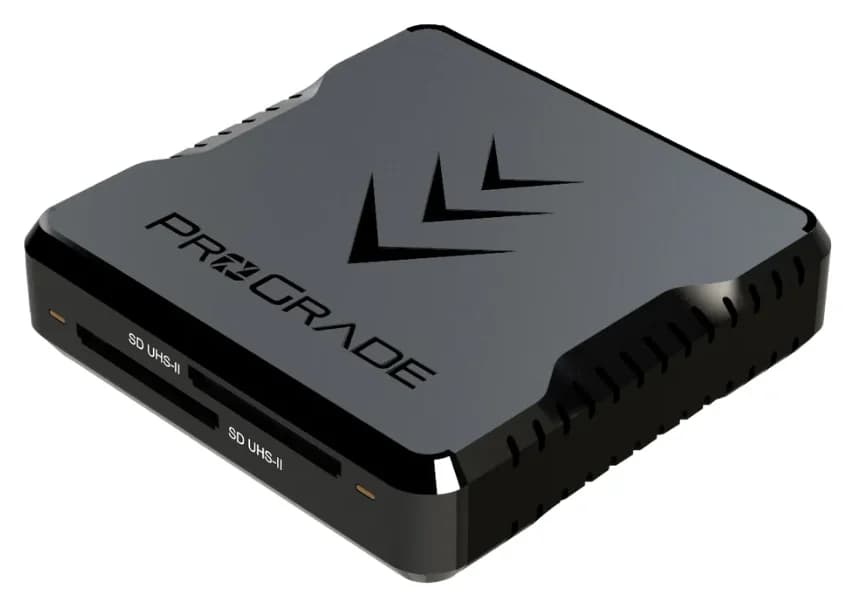
Best SD Card Readers in 2026: USB-C Picks for Every Workflow
The SD card readers worth buying, from makers' spec sheets: UHS-II dual-slot picks from Lexar and ProGrade, Apple's USB-C reader, and an Anker hub that reads cards too.
Updated November 7, 2026Read
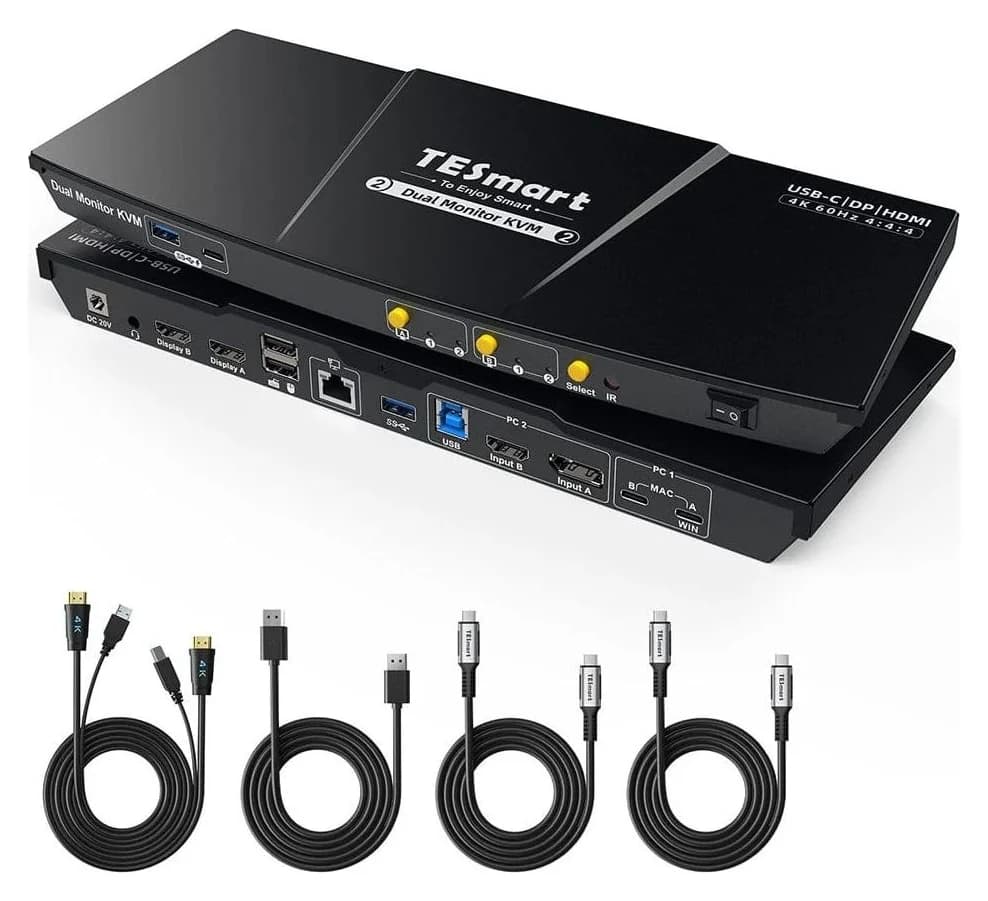
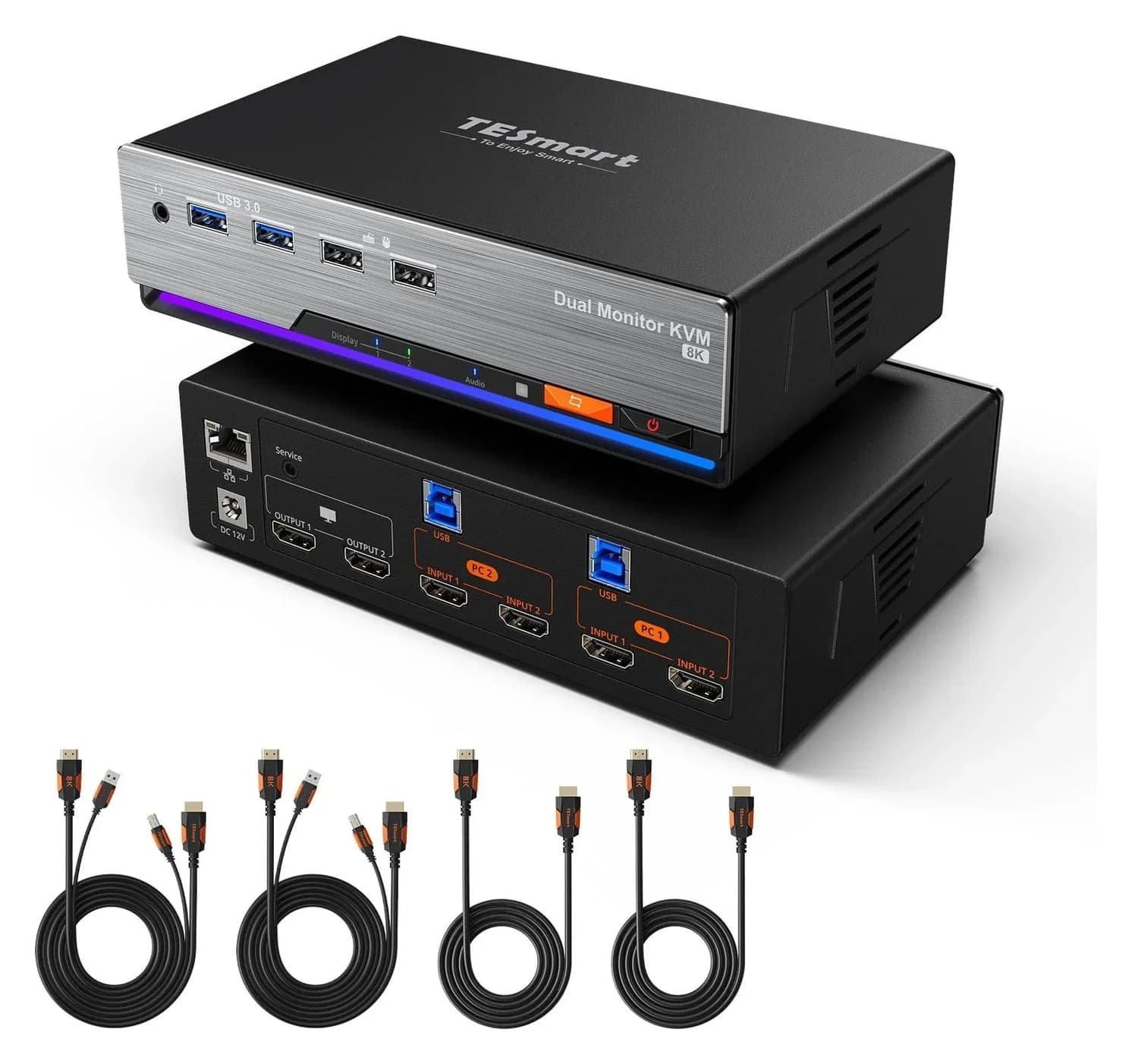
Best KVM Switches: Two Computers, One Keyboard, Mouse and Monitor Set
Pick the right KVM switch for two PCs, laptops, dual monitors, gaming or USB-only sharing. Compare HDMI, DisplayPort and USB-C models, docks and Mac limits.
Updated November 7, 2026Read
The Best USB Wi-Fi Adapters for Mac (The macOS Compatibility Truth)
Which USB Wi-Fi adapters actually support a Mac? The verified models, the macOS version limits, the USB-C problem on modern Macs, and the Ethernet workaround.
Updated November 10, 2026Read