Cyber Monday: the specs to check before you buy
Buying guide
Updated November 25, 2026UGREEN NASync Lineup: DH2300, DH4300 Plus, DXP2800, DXP4800 Plus Compared (and Synology vs UGREEN)
Short answer
UGREEN's NASync lineup splits cleanly in two: the DH series for straightforward home backup and photo storage, and the DXP series for faster transfers, Docker and virtual machines. For most buyers we'd pick the UGREEN NASync DXP2800 — it's the 2-bay model with an Intel N100, 2.5GbE networking, two M.2 NVMe slots and 10Gbps USB on the front — or the DH4300 Plus if you want four bays on UGREEN's simpler, energy-efficient DH platform. Everything below comes straight from UGREEN's and Synology's own spec pages.
We may earn a commission when you buy through links on this page. As an Amazon Associate, thisUSB earns from qualifying purchases. How we earn
Our picks at a glance
Best 2-bay UGREEN NAS for most peopleUGREEN
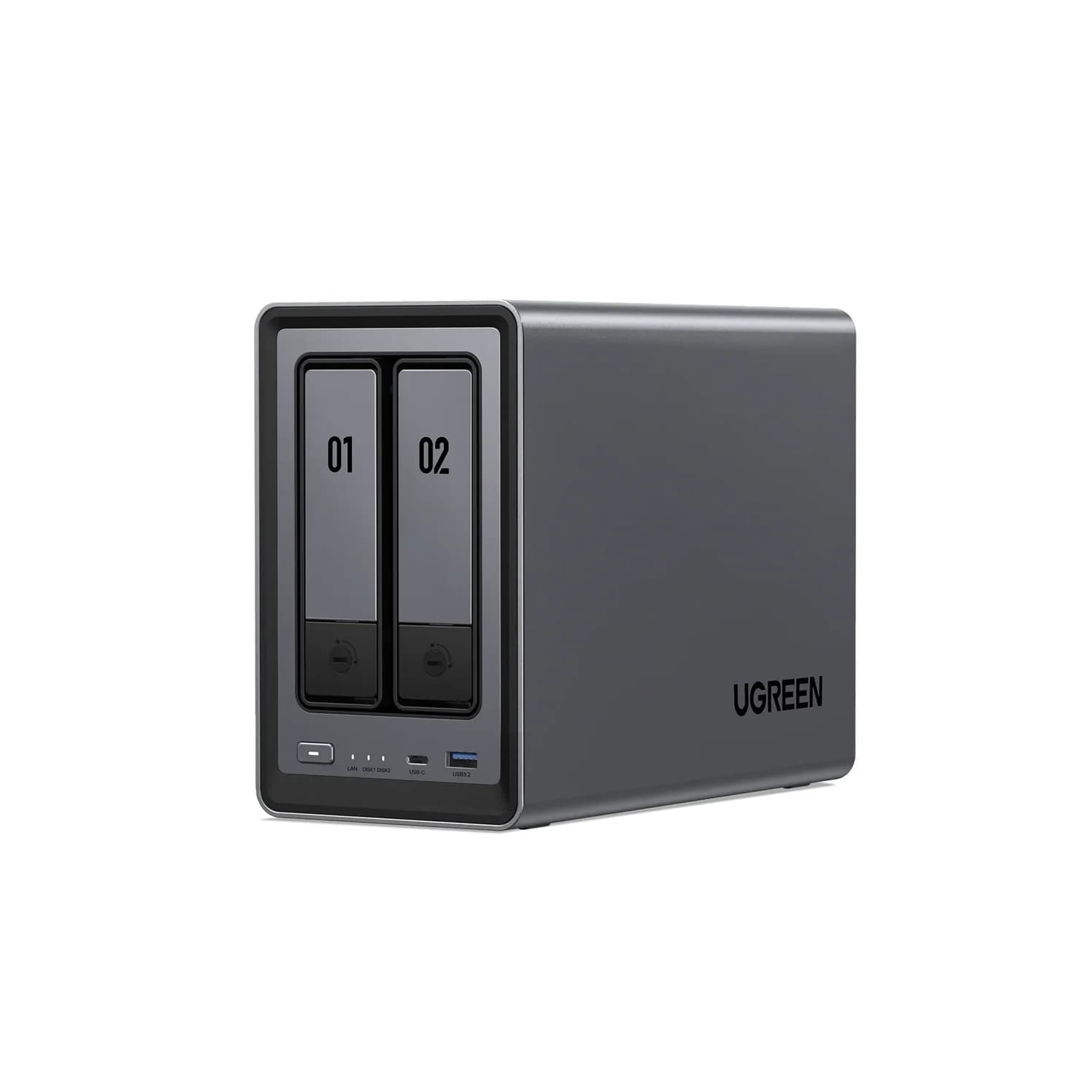
UGREEN NASync DXP2800
- data
- 2.5 Gbps
- video
- 4K
- ports
- 6
- Choose
- The DXP2800 pairs an Intel N100 with 2.5GbE, two M.2 NVMe slots and 10Gbps front USB — the most capable 2-bay model in this comparison.
- Limit
- Two bays limit RAID to 0/1
Best 4-bay UGREEN NASUGREEN
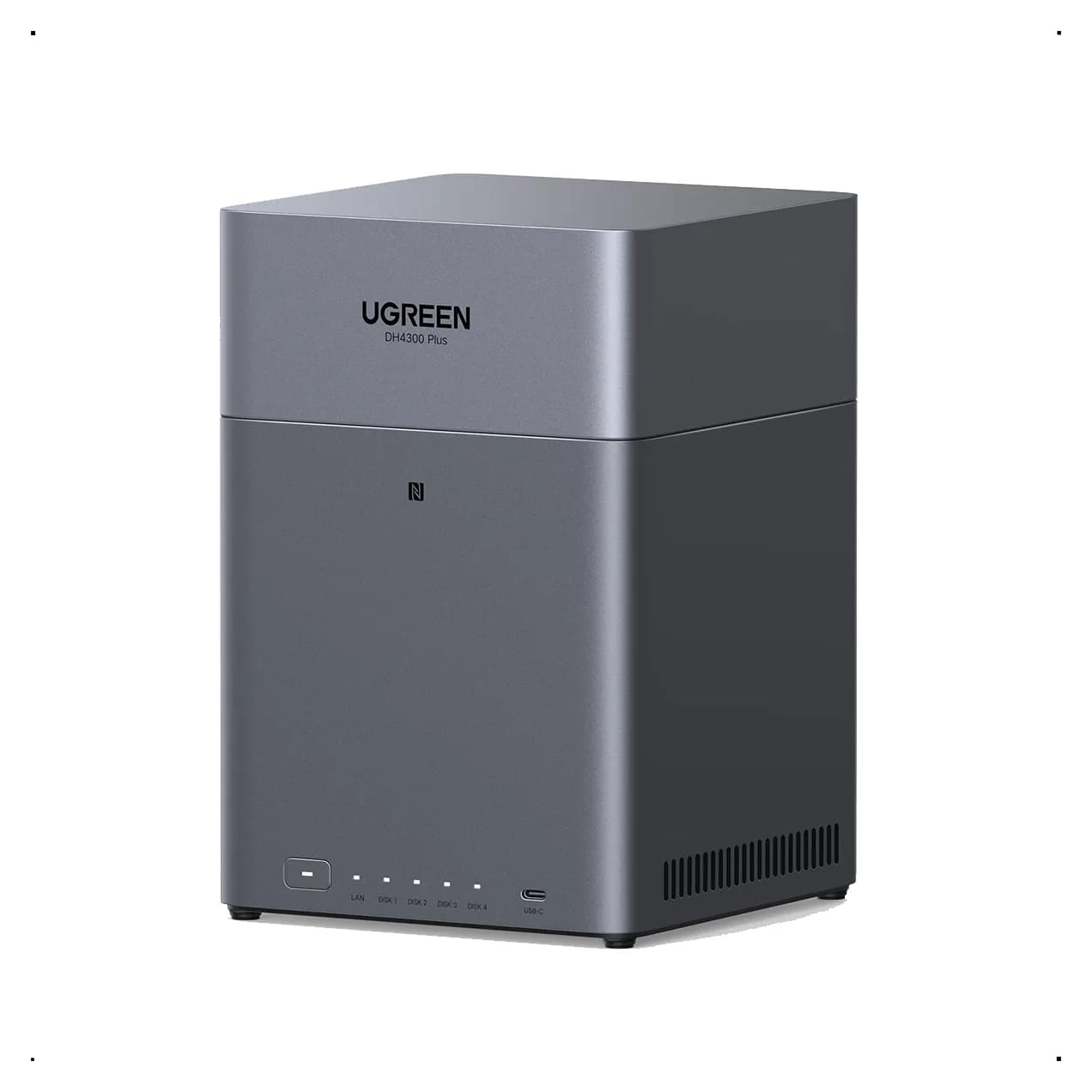
UGREEN NASync DH4300 Plus
- data
- 2.5 Gbps
- video
- 4K60
- ports
- 3
- Choose
- The DH4300 Plus brings four bays, full RAID 5/6/10 and 2.5GbE on UGREEN's energy-efficient ARM platform.
- Limit
- Fixed 8GB RAM, no M.2 slots, no virtual machine support (ARM model)
Best UGREEN NAS for power usersUGREEN
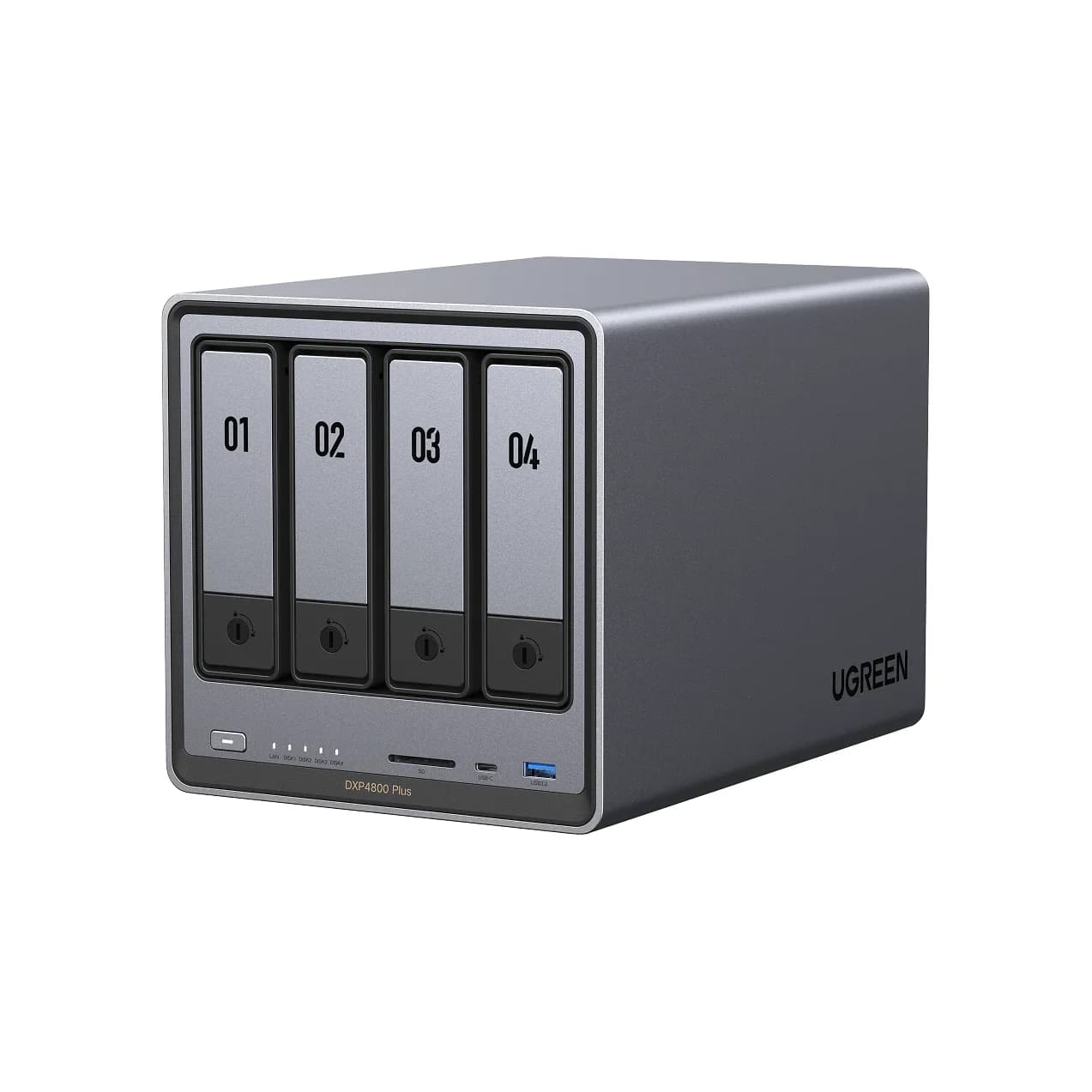
UGREEN NASync DXP4800 Plus
- data
- 10 Gbps
- video
- 4K
- ports
- 6
- Choose
- The DXP4800 Plus adds a Pentium Gold 8505, 10GbE, RAM expandable to 64GB and full virtual-machine support.
- Limit
- Highest power draw of the UGREEN models here with published figures (42.36W in drive access)
- Find on Amazon
best for entry-level backup
UGREEN NASync DH2300
- 4NASync models compared here, from 2-bay entry to 10GbE performance
- 64–144TBRaw capacity range across the lineup (drives sold separately)
- 10Gb/sFront USB speed on both DXP models — built for portable SSD backups
- 2 yearsUGREEN's product warranty on NASync hardware
Quick picks
| Pick | Best for | Why |
|---|---|---|
| UGREEN NASync DXP2800 | Most people: home backup + headroom | Intel N100, 2.5GbE, 2x M.2 NVMe, 10Gbps front USB, Docker and VMs |
| UGREEN NASync DH2300 | Simplest entry-level backup | 8-core ARM, NFC Quick Connect, 1GbE |
| UGREEN NASync DH4300 Plus | Four bays, simple setup | RAID 5/6/10, 2.5GbE, Docker (no VMs) |
| UGREEN NASync DXP4800 Plus | Power users, creators | Pentium Gold 8505, 10GbE + 2.5GbE, RAM to 64GB, VMs |
The lineup at a glance
| DH2300 | DH4300 Plus | DXP2800 | DXP4800 Plus | |
|---|---|---|---|---|
| Series | DH (entry) | DH (entry) | DXP (performance) | DXP (performance) |
| Bays | 2 | 4 | 2 | 4 |
| CPU | Rockchip A72+A53 8-core | Rockchip A76+A55 8-core 2.0GHz | Intel N100 quad-core | Intel Pentium Gold 8505 |
| Memory | Fixed (size not listed) | 8GB LPDDR4X (fixed) | 8GB DDR5 → 16GB | 8GB DDR5 → 64GB |
| M.2 slots | Not listed | None | 2x NVMe | 2x NVMe |
| Max raw capacity | 64TB | 128TB | 80TB | 144TB |
| Network | 1GbE | 2.5GbE | 2.5GbE | 10GbE + 2.5GbE |
| Front USB | Not listed | 1x USB 3.2 Gen 1 + 2x USB-A (all 5Gb/s) | 1x USB-C + 1x USB-A (10Gb/s) | 1x USB-C + 1x USB-A (10Gb/s) |
| HDMI | Not listed | 4K 60Hz | 4K (4K 60Hz playback) | 4K (4K 60Hz playback) |
| Docker / VMs | No / no | Docker (limited) / no | Docker / VMs | Docker / VMs |
| RAID | 0/1 | 0, 1, 5, 6, 10 | 0/1 | 0, 1, 5, 6, 10 |
| Warranty | 2 years | 2 years | 2 years | 2 years |
All capacity figures are UGREEN's maximums with the largest drives it lists (32TB HDDs, 8TB NVMe SSDs where M.2 slots exist) — the bays ship empty. UGREEN's lineup and comparison pages don't state the DH2300's memory size, USB ports, M.2 slots or HDMI output, so those cells say "Not listed" rather than guess; check its product page if they matter to you.
DH vs DXP: which series do you need?
UGREEN's own comparison page frames it as energy-efficient ARM versus high-performance x86 (Intel/AMD), and its buying guidance is blunt about who each line serves:
- DH Series — "great for beginners and home users purchasing a NAS for the first time." Fixed memory, no virtual machines, Docker support limited to the DH4300 Plus, networking up to 2.5GbE.
- DXP Series — "built for enthusiasts, creators, and professionals. It delivers stronger processing power and supports advanced functions like Docker and virtual machines across all models." Expandable memory and networking up to 10GbE.
- Yes: Automated phone photo backup and remote file access — every model (UGREENlink)
- Yes: RAID 1 mirroring on two bays — every model
- Yes: Docker containers — DXP2800, DXP4800 Plus, DH4300 Plus (limited per UGREEN's table)
- No: Virtual machines on any DH model — not supported; DXP only
- No: M.2 NVMe slots on the DH4300 Plus — none; both DXP models carry two
- No: 10GbE networking below the DXP4800 Plus — DH and DXP2800 max out at 2.5GbE
UGREEN NASync DXP2800 — the 2-bay sweet spot
UGREEN
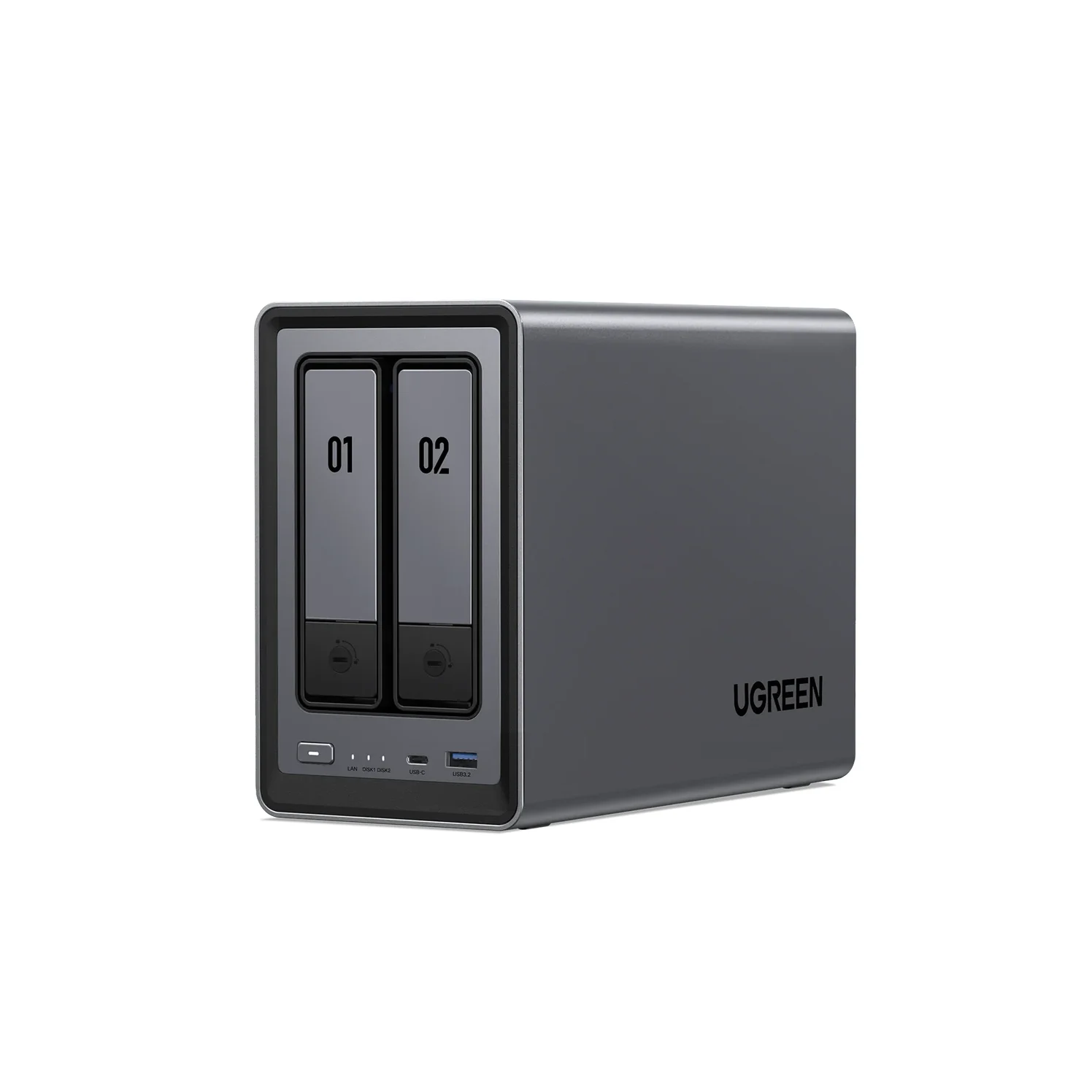
2-bay x86 NASync with an Intel N100, 8GB DDR5 (expandable to 16GB), two M.2 NVMe slots, 2.5GbE and 10Gbps front USB. Full Docker and VM support. Sold diskless.
- 2.5 Gbps data
- 4K video
- 6 ports
If you're searching for a "2 bay UGREEN NAS," this is the one most people should land on. UGREEN describes it as a 2-bay Intel N100 NAS with 2.5GbE LAN and 4K HDMI, sold diskless. The N100 is an x86 quad-core, so unlike the DH models you get virtual-machine support as well as Docker — UGREEN's FAQ confirms "the DXP2800 supports Docker and virtual machines, and Plex can run in Docker."
The two M.2 NVMe slots are the quiet advantage: use them for an SSD cache or a small all-SSD pool alongside the two SATA bays (up to 80TB raw with 32TB HDDs plus 8TB SSDs). RAM is 8GB of DDR5, expandable to 16GB.
The USB story is where it stands out for this site's readers: the front panel carries 1x USB-C and 1x USB-A, both rated 10Gb/s, plus a rear 5Gbps USB-A and two 480Mbps USB-A ports. Plug in a portable SSD, and 10Gbps means the port won't be the bottleneck — it can move data faster than the 2.5GbE network can. If you have archives scattered across old external drives, see best portable SSDs and SSD types explained for what to consolidate onto.
UGREEN's own guidance settles the DH2300-vs-DXP2800 question: "Choose the DXP2800 when you need an x86 Intel N100 processor, 2.5GbE networking, two M.2 NVMe slots, expandable memory, and headroom for Docker or virtual-machine workloads. Choose the DH2300 for straightforward home backup, photo management, and everyday file storage where advanced expansion isn't a priority."
Spec sheet: 16.38W (drive access) / 5.24W (drive hibernation); RAID Basic/JBOD/0/1; 32GB eMMC; 2-year warranty.
UGREEN NASync DH2300 — best for entry-level backup
The DH2300 is the lineup's "Your First Home Cloud": a 2-bay chassis with a Rockchip A72+A53 8-core processor, fixed memory and NFC Quick Connect — tap your phone to it to speed up setup. Capacity tops out at 64TB raw (2x 32TB HDDs), with Basic, JBOD, RAID 0 and RAID 1 available; two-bay models can't do parity RAID, so RAID 1 mirroring is the safety play.
Networking is 1GbE — the lineup's bottleneck, fine for backup and photo streams, slow for sustained large transfers. UGREEN's comparison table limits Docker to the DH4300 Plus and lists no virtual machines for the DH series, and UGREEN's UPS2000 battery backup is made for DH models. As a phone-and-laptop backup target with UGREENlink remote access, it's the simplest way into NAS ownership in this lineup.
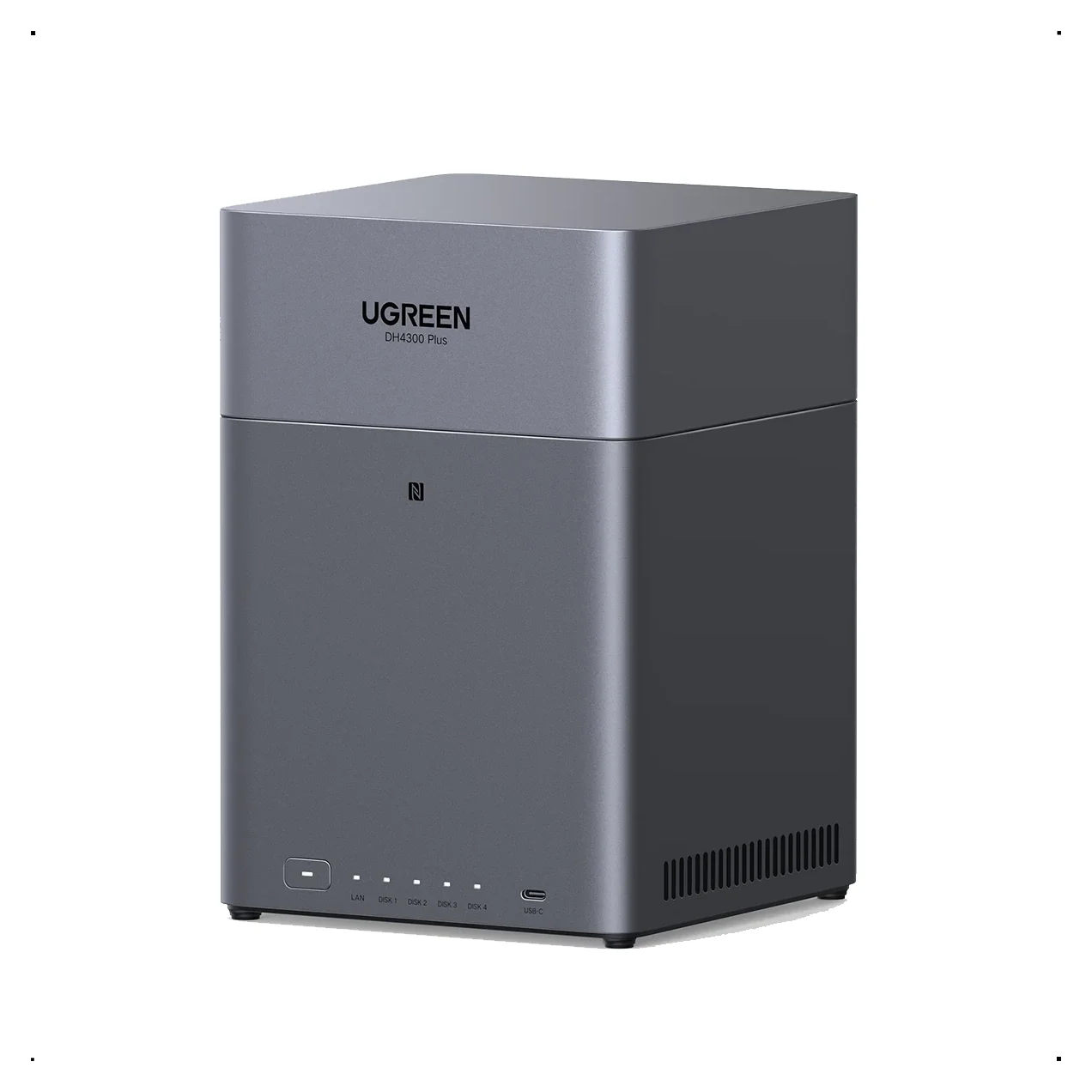
UGREEN NASync DH4300 Plus — four bays on the DH line
UGREEN
4-bay NASync with an 8-core ARM processor, 8GB LPDDR4X, 2.5GbE and full RAID 5/6/10 support. Docker capable but no VMs and no M.2 slots. Sold diskless.
- 2.5 Gbps data
- 4K60 video
- 3 ports
This is the pick for storage hoarders: four SATA bays, up to 128TB raw, full RAID 5/6/10, and 2.5GbE networking, on the same ARM-class platform. UGREEN's spec sheet lists a Rockchip ARM 8-core at 2.0GHz, 8GB LPDDR4X, 4K 60Hz HDMI output, and 22.89W access / 7.23W hibernation power draw. USB is the 5Gb/s tier (three front ports: one USB 3.2 Gen 1 and two USB-A) — adequate for drive backups, not the 10Gb/s of the DXP models.
The FAQ confirms Docker support but no virtual machines, no M.2 NVMe slots, and no Intel Quick Sync — media playback runs through HDMI 4K60, DLNA and UGREEN's media apps instead. RAID migration is supported along a Basic → RAID 1 → RAID 5 path, so you can start with one drive and add protection later. With four matching 32TB drives, UGREEN notes RAID 5 provides approximately 96TB before formatting overhead and protects against one drive failure.
Source: UGREEN's NASync lineup
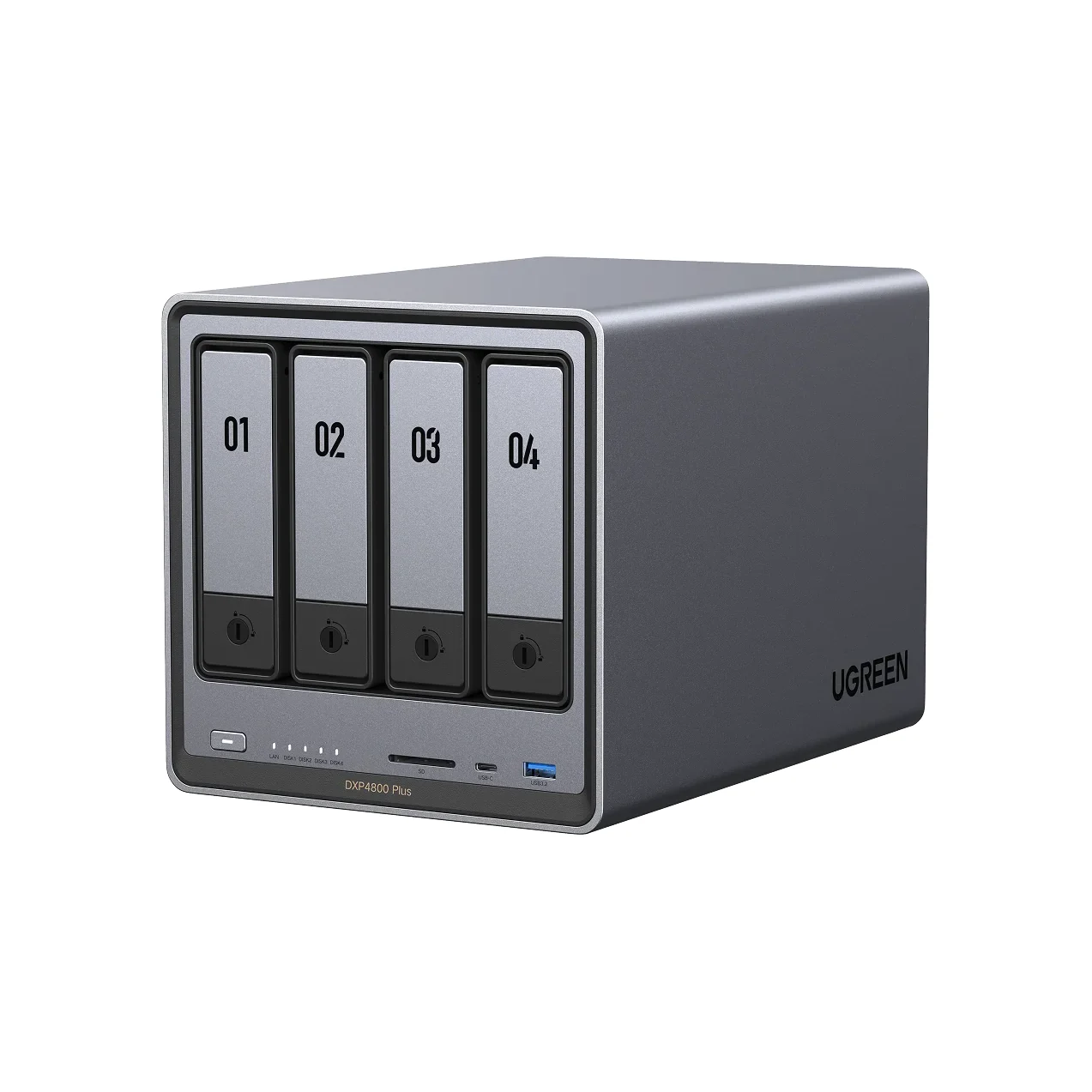
UGREEN NASync DXP4800 Plus — the power pick
UGREEN
4-bay x86 NASync flagship with a Pentium Gold 8505, 8GB DDR5 (expandable to 64GB), two M.2 NVMe slots, 10GbE + 2.5GbE and full VM support. Sold diskless.
- 10 Gbps data
- 4K video
- 6 ports
The DXP4800 Plus is what UGREEN's own DH4300 Plus FAQ points to when you outgrow ARM: it "adds an Intel Pentium Gold 8505 processor, 8GB DDR5 expandable to 64GB, two M.2 NVMe slots, one 10GbE port plus one 2.5GbE port, and virtual-machine support." Four bays, up to 144TB raw, full RAID 5/6/10, and the same 10Gbps front USB-C + USB-A pair as the DXP2800 (plus a rear 5Gbps USB-A and two USB 2.0 ports).
Who needs this? Anyone pushing files over 10GbE (editors reading project folders off the NAS), homelabbers running multiple VMs, and anyone who wants the 64GB RAM ceiling for containers and indexes. It draws the most power of the UGREEN models here with published figures (42.36W in drive access, against 22.89W for the DH4300 Plus), and it's the only one here with a 10GbE port — you need a 10GbE switch or adapter on the other end to use it. UGREEN's FAQ adds that the Pentium Gold 8505 supports Intel Quick Sync Video, which can help with hardware transcoding when Plex runs in Docker.
Synology vs UGREEN NAS (spec sheet vs spec sheet)
We compare what the manufacturers document — no performance verdicts. The closest Synology rival to the DH4300 Plus/DXP4800 Plus tier is the DS425+, a compact 4-bay unit with up to 96TB of raw storage (a lower ceiling than UGREEN's 32TB-drive maximums, since Synology calculates the raw capacity using 24 TB drives rather than the larger drives UGREEN uses in its own maximum calculations).
| UGREEN DXP4800 Plus | Synology DS425+ | |
|---|---|---|
| CPU | Intel Pentium Gold 8505 | Intel Celeron J4125 (4c/4t, 2.0/2.7GHz) |
| Memory | 8GB DDR5 → 64GB | 2GB DDR4 → 6GB (2GB + 4GB) |
| Bays | 4x SATA + 2x M.2 NVMe | 4x 3.5"/2.5" SATA + 2x M.2 2280 NVMe |
| Max raw capacity | 144TB | 96TB |
| Network | 10GbE + 2.5GbE | 1x 1GbE + 1x 2.5GbE |
| USB | 10Gbps front C/A + 5Gbps rear | 2x USB 3.2 Gen 1 |
| File system | UGOS volume management | Btrfs or ext4 |
| RAID | 0, 1, 5, 6, 10, JBOD, Basic | SHR, Basic, JBOD, 0, 1, 5, 6, 10 |
| Snapshots | UGOS Snapshot app | Snapshot Replication, up to 1,024 per system |
| Power (access/hibernation) | 42.36W / 18.12W | 28.25W / 6.10W |
| Warranty | 2 years (UGREEN) | 3 years, extendable to 5 with Extended Warranty Plus |
How to read it:
- Hardware, on paper: the DXP4800 Plus lists a bigger CPU, a 64GB RAM ceiling against 6GB, a 10GbE port, and higher maximum capacity; the DS425+ lists lower power draw. Synology's DS425+ lists a lower base RAM figure you'll likely want to expand.
- Software and maturity: Synology's DSM is the long-established incumbent with Snapshot Replication and USB Copy ("back up data to or from USB drives") documented in its own pages; UGREEN's UGOS is younger but documents Docker, Virtual Machine Manager, Snapshot, DLNA and UGREENlink in its App Center.
- Warranty: Synology ships 3 years extendable to 5; UGREEN ships 2 years.
- Both are diskless: budget for drives on top of either chassis.
The USB angle: backups, phones, and the ports on the box
This site covers gear with USB ports, so here's why the NASync's USB layout matters:
- Ingesting old external drives. The DXP models' front 10Gb/s USB-C/USB-A pair exists for exactly this — plugging in a portable SSD or external HDD and pulling its contents onto the RAID pool. On the DH4300 Plus the same job runs at 5Gb/s.
- Phone backup. UGREEN's mobile app handles photo and file backup from Android and iPhone over the network; the DH2300's NFC Quick Connect pairs a phone by tap.
- UPS units. UGREEN's compatibility page pairs its UPS2000 with the DH series and its UPS3000 with its 2-4 bay models.
- Keeping an archive copy off the NAS still matters — RAID protects against a drive failing, not against deletion or ransomware. Keep a copy on an external drive or portable SSD that you rotate offsite; a powered USB hub helps when you're juggling several drives.
How we choose
Every specification here comes from UGREEN's and Synology's own published pages — product spec sheets, the official DH-vs-DXP comparison, the compatibility page, and the UGOS page — fetched and quoted in our sources. We have not tested any of these units; where the makers' pages conflict or stay silent we say so (UGREEN's lineup and comparison pages are our only source for the DH2300, so specs they don't state are left out). We deliberately make no performance or reliability verdicts between UGREEN and Synology: their software ecosystems can't be judged from spec sheets.
Verdict
For a first NAS that won't box you in, the DXP2800 is the pick: x86, 2.5GbE, NVMe slots and 10Gbps front USB in a 2-bay chassis. Buy the DH2300 only if 1GbE backup is genuinely all you need; buy the DH4300 Plus when four bays matter more than CPU headroom; and step up to the DXP4800 Plus when 10GbE, VMs and a 64GB RAM ceiling are the job. If long software maturity and a 3-to-5-year warranty outweigh raw spec sheets, that's the case for Synology's DS425+ — and it's a reasonable one. Whichever chassis you choose, the drives you put in it matter more than people expect: NAS-rated CMR, matched capacities, and an off-NAS backup copy.
Frequently asked questions
Is the UGREEN NASync sold with hard drives included?
No. UGREEN sells every NASync model diskless — hard drives and SSDs are sold separately. UGREEN recommends NAS-rated CMR drives for always-on storage and RAID, and specifically warns against SMR drives and mixing old and new drives in the same array. Check the compatibility list before buying drives.
UGREEN NAS vs Synology — which should I buy?
From the spec sheets: UGREEN's DXP4800 Plus gives you a stronger CPU on paper (Pentium Gold 8505 vs the DS425+'s Celeron J4125), 10GbE networking, and 8GB of DDR5 expandable to 64GB, while Synology's DS425+ counters with DSM's mature software, Snapshot Replication, and a 3-year warranty extendable to 5. Both are sold diskless with 2.5GbE-class networking on the 4-bay models. Pick on software and warranty priorities; we make no performance verdicts.
Does UGREEN NAS use Btrfs or ext4?
UGREEN's NASync models run UGOS, which formats internal drive pools with its own volume management; the company's product pages do not state an ext4/Btrfs choice for internal pools the way Synology's DS425+ page does (Synology supports Btrfs or ext4). What UGREEN does document is external-drive support for reading and backing up USB drives, and its own snapshot tool in UGOS for point-in-time recovery.
What is the difference between UGREEN DH and DXP series?
DH is UGREEN's entry-level line with energy-efficient ARM processors, fixed memory and no virtual machines; DXP is the high-performance line with x86 Intel processors, expandable memory, and Docker and virtual-machine support across all models. DH tops out at 2.5GbE networking (DH4300 Plus); DXP models go up to 10GbE. UGREEN itself says the DH Series is great for beginners and first-time NAS buyers, while the DXP Series is built for enthusiasts, creators, and professionals.
Can I back up my external USB drive or phone to a UGREEN NAS?
Yes — it's one of the best reasons to pick a NASync model. The DXP2800 and DXP4800 Plus have front USB-C and USB-A ports rated at 10Gb/s, so you can plug in a portable SSD and copy its contents over quickly. The UGREEN mobile app backs up photos from your phone automatically, and NFC Quick Connect on the DH2300 speeds up phone setup.
Do UGREEN NAS devices need a public IP or port forwarding for remote access?
No. UGREENlink is a built-in remote access service that works without a public IP address or router port forwarding: sign in to your UGREEN Cloud account, enable UGREENlink in the Control Panel, then reach the NAS through a browser or the UGREEN apps. Advanced users can instead use DDNS (which does require a public IP and port forwarding) or Tailscale through Docker for private mesh networking.
Related guides
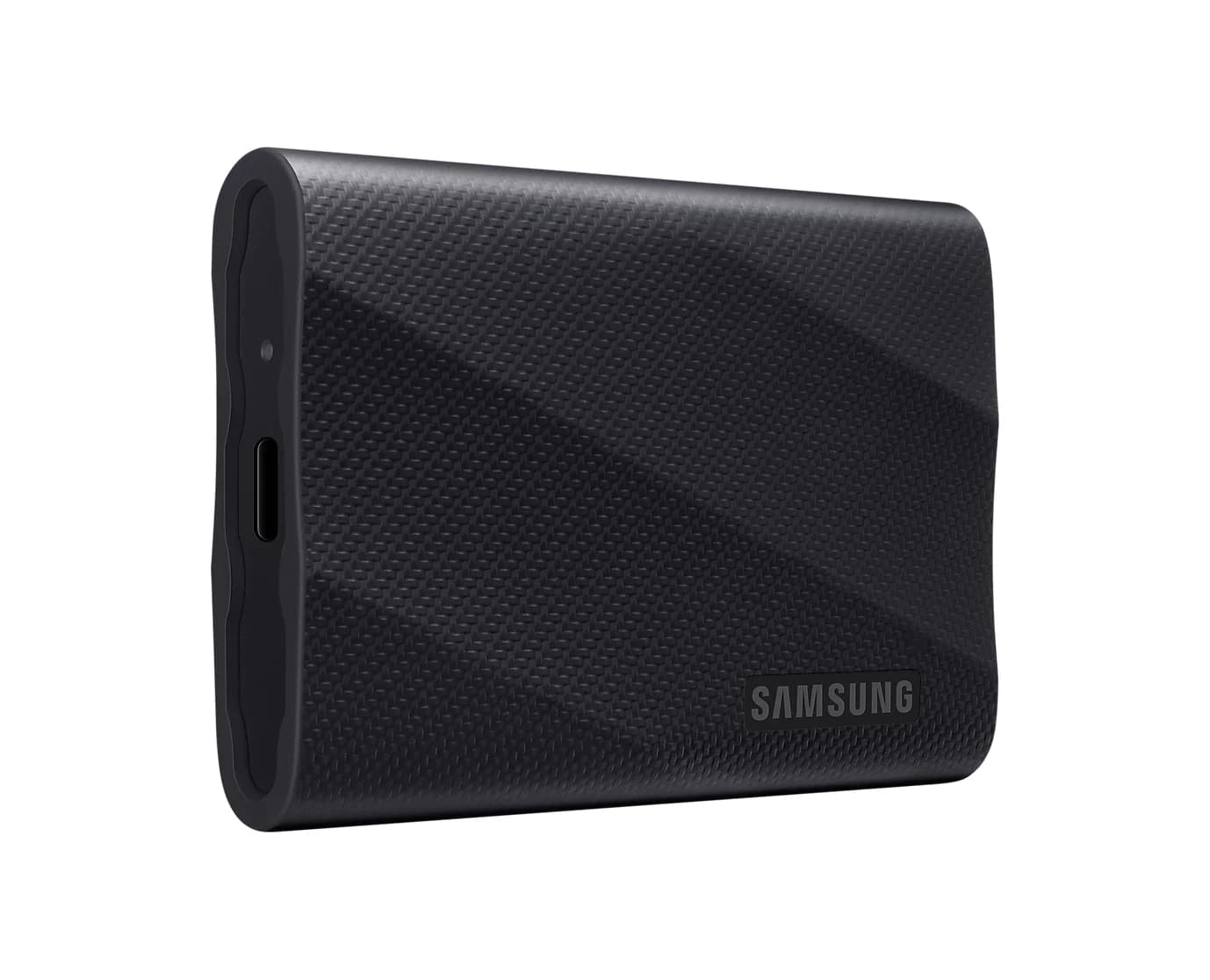
NVMe vs SSD: What the Terms Mean, and What Changes Over USB
NVMe is the protocol, SSD the drive, M.2 the card shape and SATA the older interface. Over USB, the port and cable, not the drive inside, set a portable SSD's speed.
Updated November 26, 2026Read
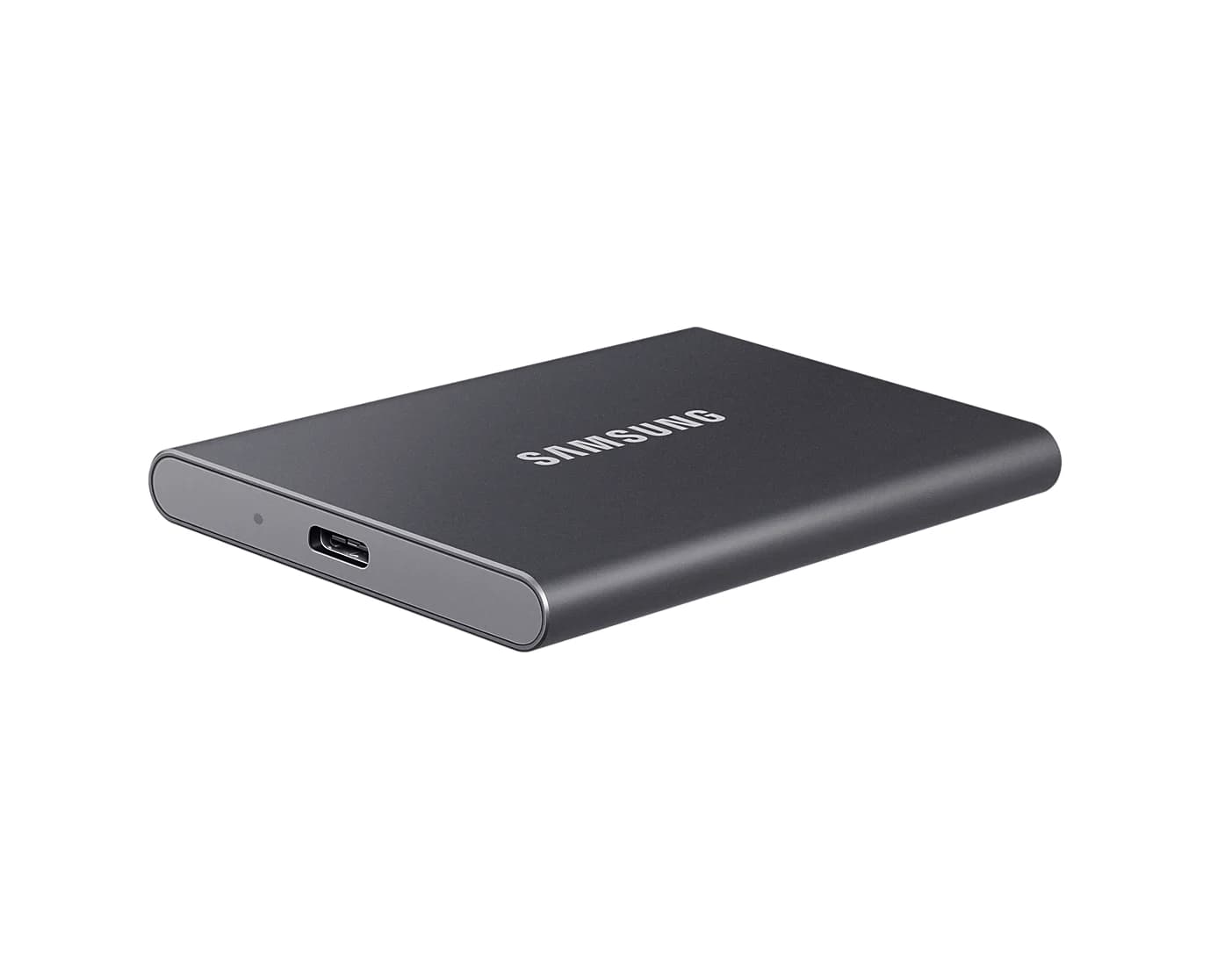
SSD vs eMMC vs UFS vs SATA vs SD Card vs Hard Drive: Storage Types Explained
Learn the difference between SSD, eMMC, UFS, SATA, NVMe, SD cards and hard drives: where each type is found, interface speeds, and which external SSD to buy.
Updated November 26, 2026Read
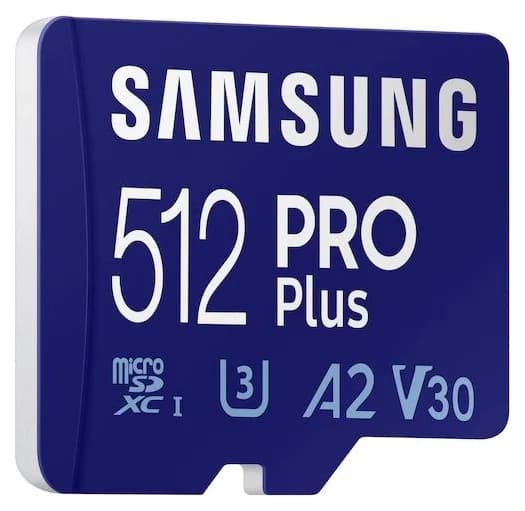
Best 512GB microSD Cards in 2026 (Speed Classes and microSD Express for Switch 2)
512GB microSD cards compared: microSD Express for the Nintendo Switch 2, fast UHS-I cards for cameras and handhelds, and which speed class your device actually needs.
Updated November 29, 2026Read