Cyber Monday: the specs to check before you buy
Explainer
Updated November 26, 2026NVMe vs SSD: What the Terms Mean, and What Changes Over USB
Short answer
NVMe is the protocol a modern SSD uses to talk to your computer over PCI Express; SSD is the drive itself, and M.2 is the little card shape most of them come in. SATA is the older, slower interface that previous-generation SSDs used. When you buy a portable SSD, what actually caps its speed is the USB or Thunderbolt link on the outside — usually far below what the NVMe drive inside is capable of.
We may earn a commission when you buy through links on this page. As an Amazon Associate, thisUSB earns from qualifying purchases. How we earn
Our picks at a glance
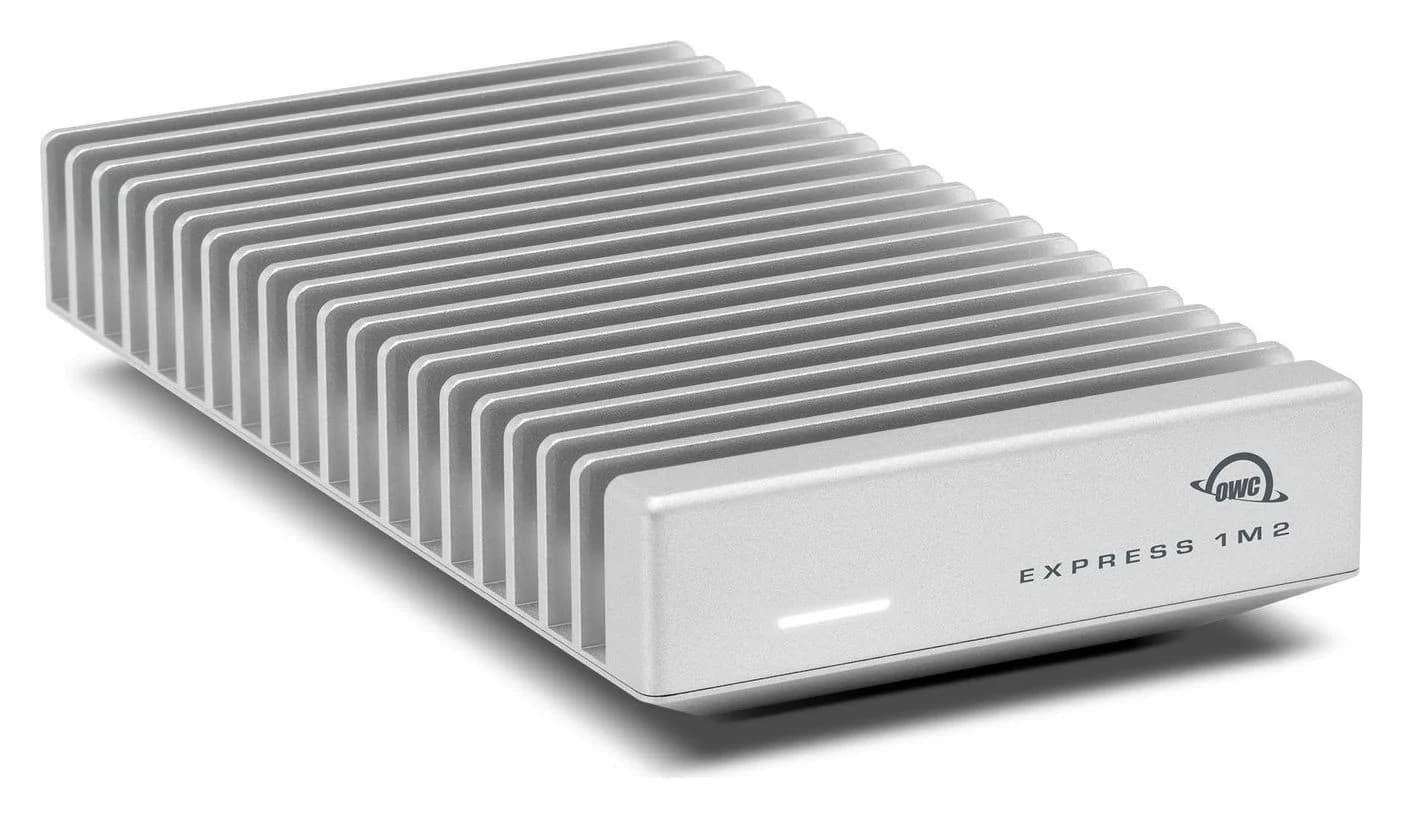
Fastest overall — full USB4 80Gb/s speedOWC
OWC Express 1M2 80G USB4 80Gb/s NVMe M.2 SSD Enclosure (Enclosure Only)
- data
- 80 Gbps
- port
- 1
- Choose
- An NVMe M.2 enclosure that speaks USB4 at 80Gb/s, rated over 6000MB/s on USB4 80Gb/s or Thunderbolt 5 hosts; you supply the 2280 or 2242 drive.
- Limit
- Enclosure only: you supply the NVMe SSD
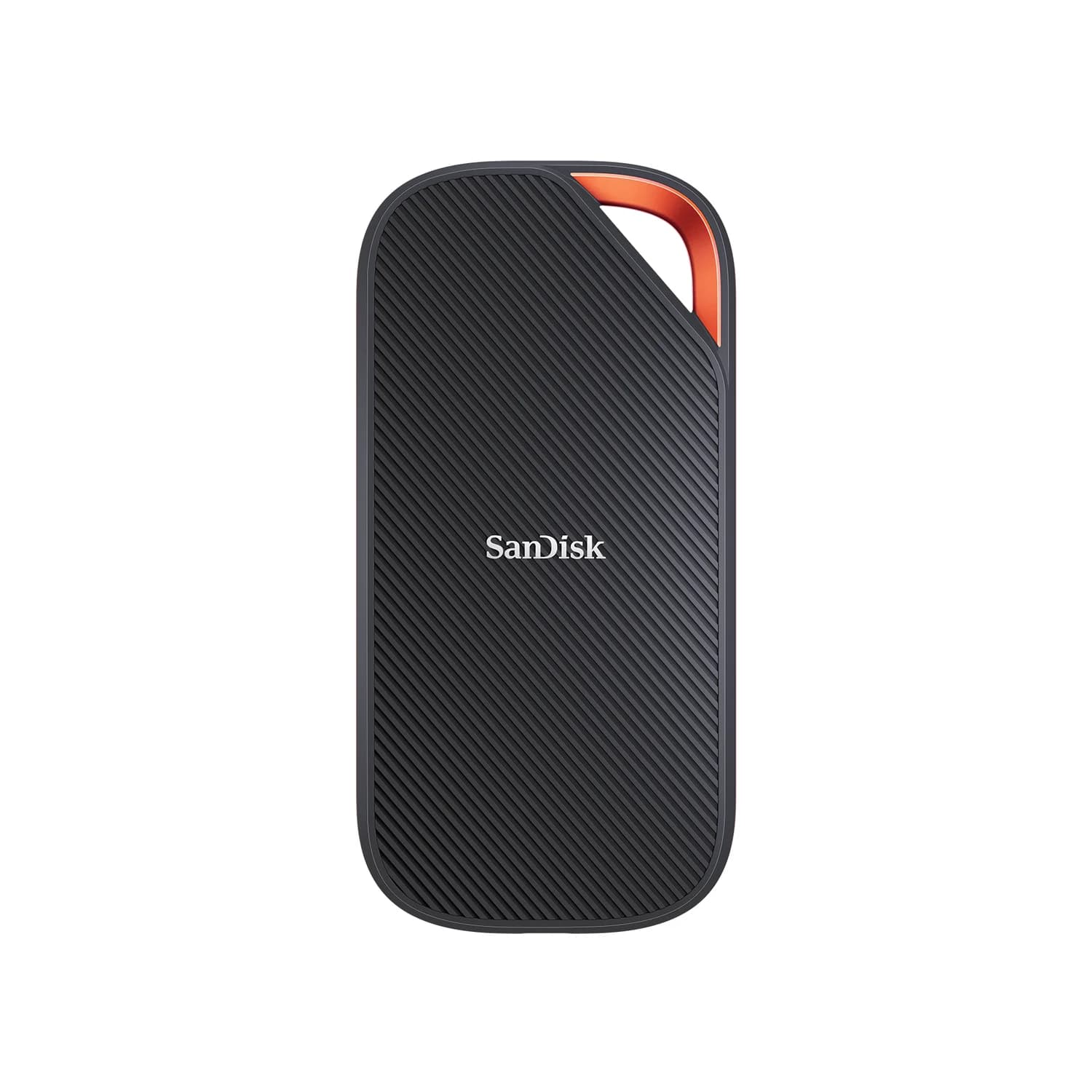
Best ready-to-run USB4 portableSanDisk
SanDisk Extreme PRO with USB4 Portable SSD (2TB)
- data
- 40 Gbps
- port
- 1
- host link
- USB-C
- Choose
- A sealed USB4 40Gb/s portable SSD rated up to 3800MB/s read, with IP65 durability, a 2m drop rating and a 5-year warranty.
- Limit
- Needs a USB4 or Thunderbolt 4 port for its rated speed; on USB 3.2 ports it drops to that port's speed
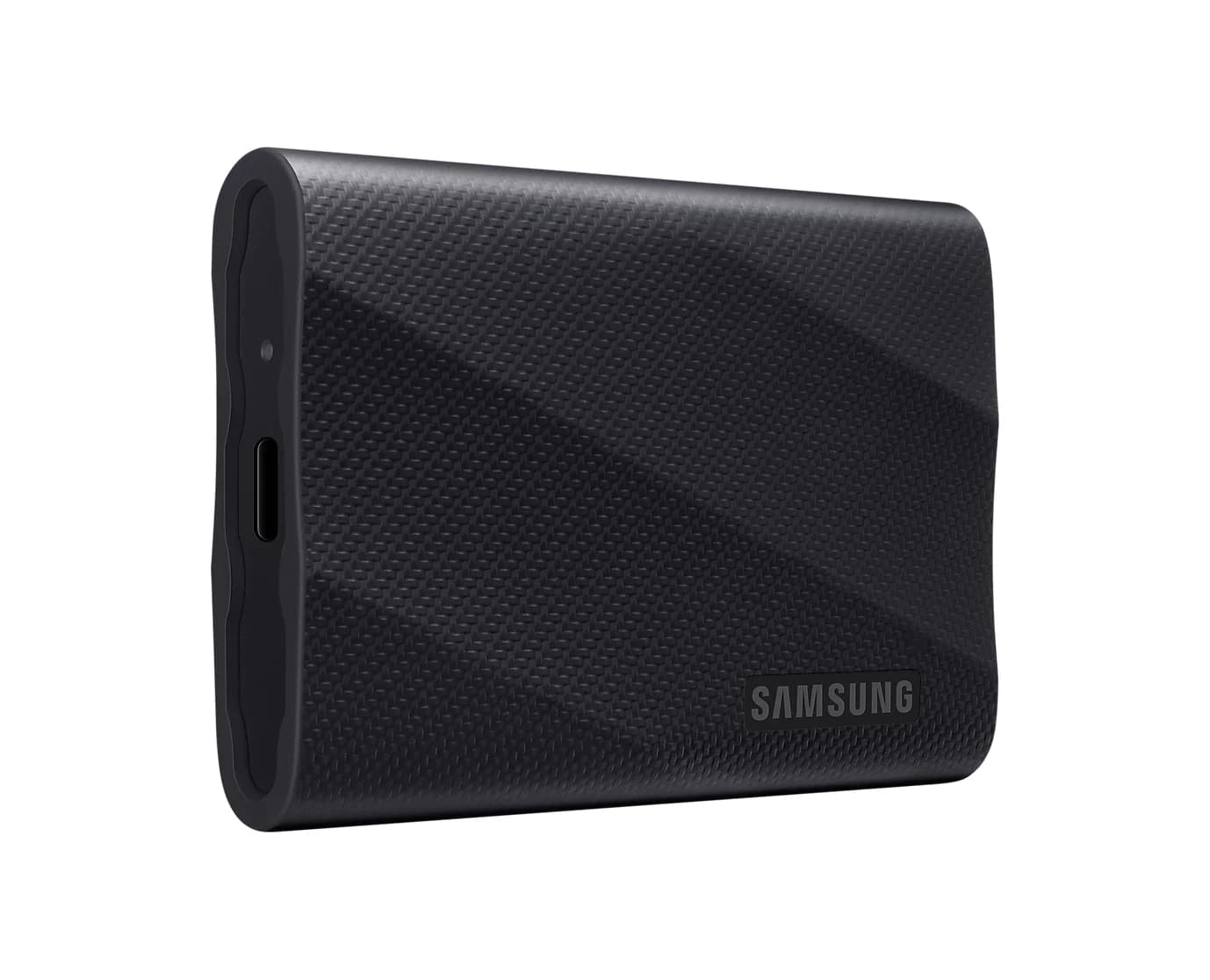
Best at the 20 Gbps tierSamsung
Samsung T9 Portable SSD (2TB, USB 3.2 Gen 2x2)
- data
- 20 Gbps
- port
- 1
- host link
- USB-C
- Choose
- USB 3.2 Gen 2x2 portable rated up to 2000MB/s read, with both USB-C to C and USB-C to A cables in the box and a 5-year warranty.
- Limit
- Macs don't support USB 3.2 Gen 2x2, so on a Mac (or an iPhone 15 Pro or later) it runs at 10Gbps, about T7-class speed
- See on Amazon4
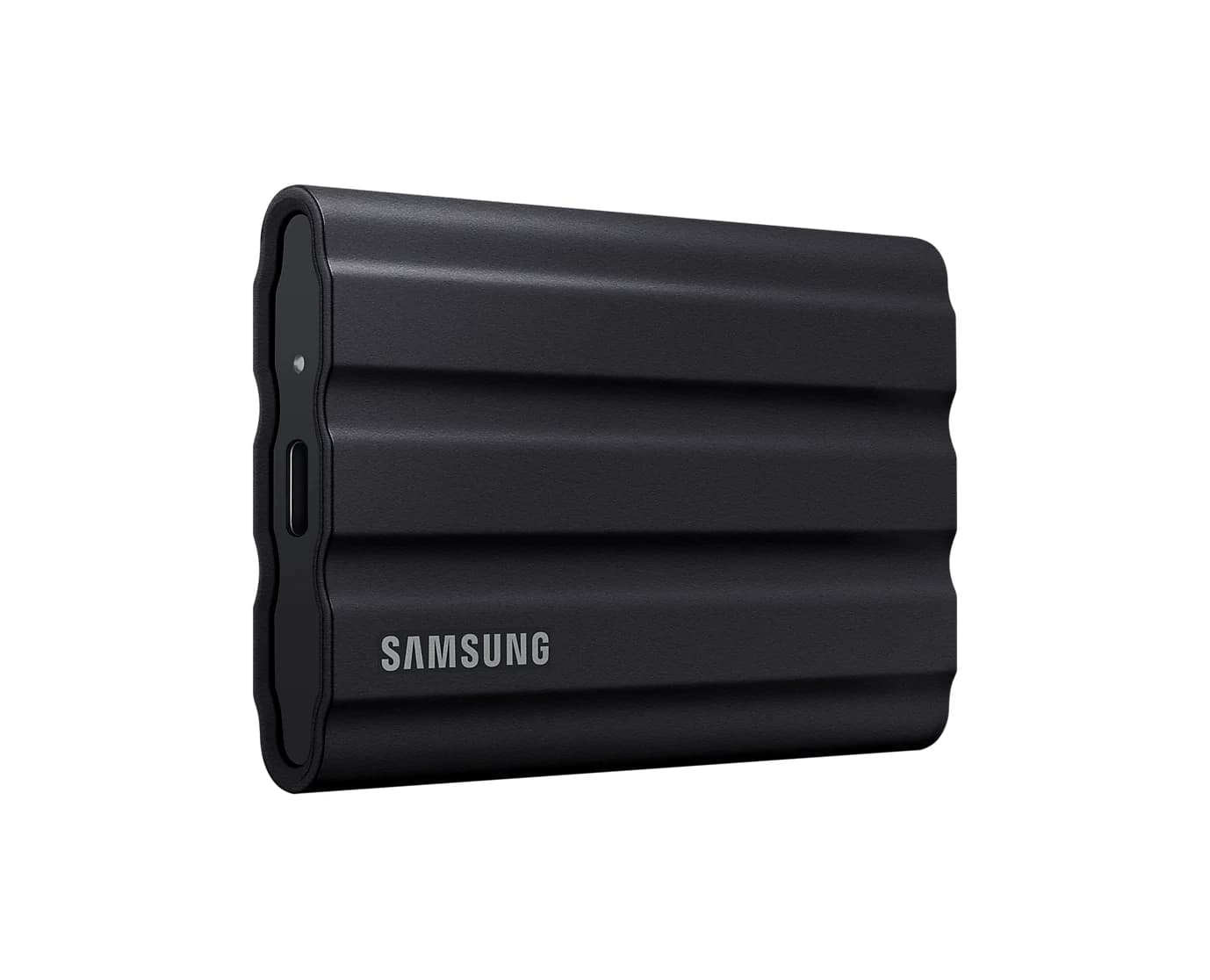
Best for wide compatibility and durability
Samsung T7 Shield Portable SSD (2TB, Black)
10 Gbps data · 1 port
If you just want the fast answer: every pick below is an NVMe SSD that connects over USB, and the difference between them is mostly how fast the USB link is. That is the number that decides whether you are copying at roughly a gigabyte per second or roughly six gigabytes per second on your laptop.
- 6000MB/sTop rated speed on the fastest pick, over USB4 80Gb/s or Thunderbolt 5
- 3800MB/sTop rated speed over USB4 40Gb/s (SanDisk Extreme PRO with USB4)
- 2000MB/sTop rated speed at the 20 Gbps tier (Samsung T9)
- 6.0 Gb/sThe SATA ceiling — every SATA SSD, internal or not, stops here
The four terms, separated
These words get mixed together all the time, but they name different layers. Think of it as one question with four answers.
- SSD (solid state drive) — the drive itself. Instead of spinning platters, it stores data in flash memory with no moving parts. Both NVMe and SATA drives are SSDs.
- NVMe (NVM Express) — the protocol, the language the drive and computer use to exchange data. Per the NVM Express organization, NVM Express is "an open set of standards and information to fully expose the benefits of non-volatile memory in all types of computing environments from mobile to data center", and NVMe "is designed from the ground up to deliver high bandwidth and low latency storage access".
- M.2 — the small card and connector form factor most consumer SSDs use. SATA-IO describes M.2 (formerly known as NGFF) as "a small form factor card and connector that supports applications such as Wi-Fi, WWAN, USB, PCIe & SATA". Per the M.2 specification, an M.2 module can expose "up to four PCI Express lanes and one logical SATA 3.0 (6 Gbit/s) port" through the same connector — so an M.2 card can carry either an NVMe or a SATA interface.
- SATA — the legacy interface. (For SATA vs NVMe vs M.2 drive types inside a computer, see SSD types explained.) SATA-IO states that "SATA supports 6.0 Gb/s, 3.0 Gb/s and 1.5 Gb/s data transfer speeds". That 6.0 Gb/s ceiling is why old SATA SSDs are far slower than NVMe, even though both may look identical as M.2 cards.
Keying gives it away: M.2 SATA SSDs typically use a B-key connector, while M.2 NVMe SSDs typically use an M-key connector, with some dual-mode cards using B+M. If a card physically fits, check the notch and the spec sheet before assuming what it is.
Inside the drive
The NVMe drive speaks its protocol over PCI Express lanes, exactly as it would inside a computer.
At the bridge
A bridge chip in the enclosure or portable drive converts that PCIe/NVMe traffic into a USB or Thunderbolt signal.
Down the cable
The USB or Thunderbolt link carries the data to your computer's port — and its maximum speed (5, 10, 20, 40 or 80 Gbps) caps everything.
At the port
Your computer's controller unpacks the traffic. The whole chain runs at the speed of its slowest part.
Why the USB link is the real speed limit
Here is the key insight most "NVMe vs SSD" searches miss. Every portable SSD below already contains an NVMe drive that could run far faster internally. But the data has to leave through the USB port, and that port is the narrowest part of the pipe.
The link ladder, fastest first:
| Link | Signaling rate |
|---|---|
| USB4 80Gb/s (USB4 V2) | 80 Gbps, with an optional 120 Gbps asymmetric mode |
| USB4 40Gb/s and Thunderbolt 4 | 40 Gbps |
| USB 3.2 Gen 2x2 | 20 Gbps |
| USB 3.2 Gen 2 | 10 Gbps |
| USB 3.2 Gen 1 | 5 Gbps |
USB4 defines signaling rates of 20 Gbit/s, 40 Gbit/s and 80 Gbit/s. The updated USB4 specification, per the USB-IF, "doubles the maximum aggregate bandwidth of USB" using a new physical layer architecture based on PAM3 signal encoding, while keeping backward compatibility with all previous versions of USB. In practice that means a top-tier USB4 enclosure can push a flagship NVMe drive close to its real internal speed, while a 10 Gbps USB 3.2 port caps any drive at roughly a tenth of that.
Thunderbolt fits the same ladder: Thunderbolt 4 requires 40 Gbit/s with a minimum PCIe bandwidth of 32 Gbit/s, and Thunderbolt 5 steps up to the 80 Gbit/s class. Because Thunderbolt tunnels PCIe — the same bus NVMe speaks natively — Thunderbolt enclosures tend to squeeze the most out of an NVMe drive at a given tier.
Our picks
OWC Express 1M2 80G — Fastest overall: the full speed of an 80Gb/s USB4 link
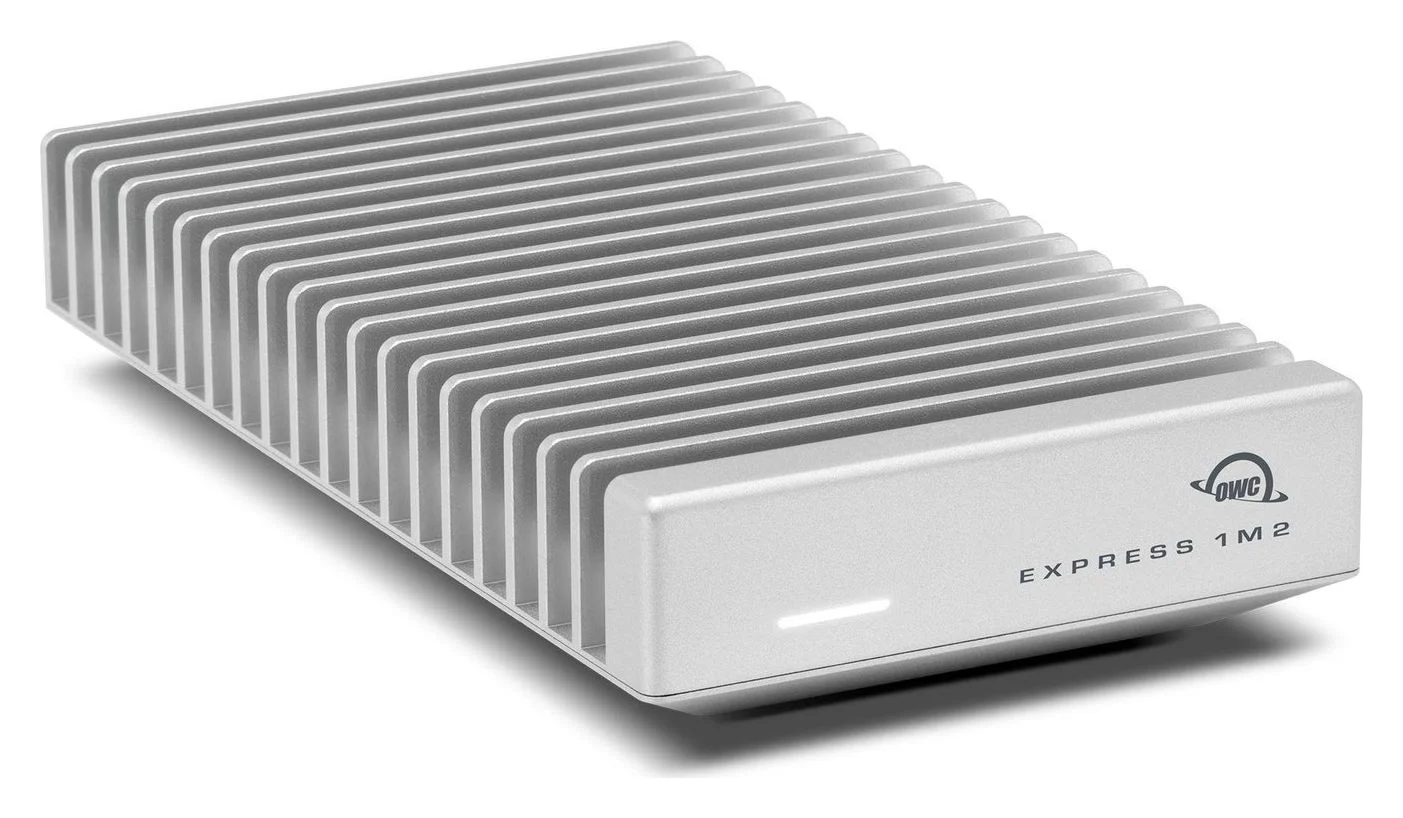
The OWC Express 1M2 80G is an NVMe M.2 enclosure — you supply the drive — that speaks USB4 at 80Gb/s. Per the maker, it is rated over 6000MB/s on USB4 80Gb/s or Thunderbolt 5 hosts, over 3800MB/s on USB4 40Gb/s hosts, up to 3800MB/s on Thunderbolt 4, and up to 2800MB/s on Thunderbolt 3 (Mac). It accepts NVMe M.2 2280 or 2242 drives, is bus-powered and fanless with a passive aluminum heatsink design, and includes a 0.3m USB4 cable.
See the OWC Express 1M2 80G on Amazon
Choose it when your computer already has a USB4 80Gb/s or Thunderbolt 5 port and you actually want those speeds for big video files, drive clones or multiple parallel offloads.
SanDisk Extreme PRO with USB4 — Best ready-to-run USB4 portable
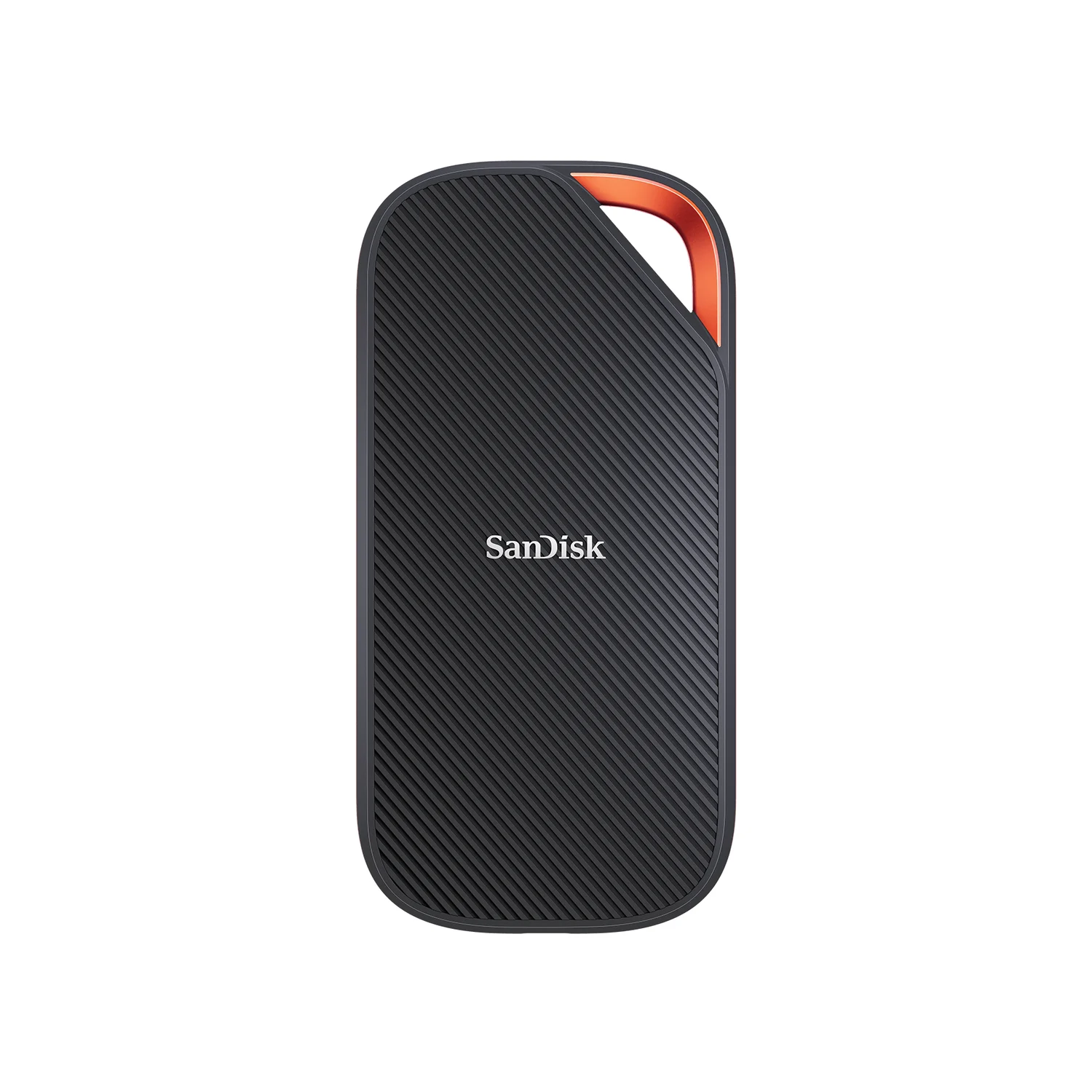
The SanDisk Extreme PRO with USB4 is a complete, sealed portable drive rather than a bare enclosure. Its spec sheet lists a USB4 Gen 3x2 (40Gb/s) interface, up to 3800MB/s read and up to 3700MB/s write, in 2TB and 4TB capacities, with Thunderbolt 4 support and backward compatibility with USB 3.2 and USB 2.0. It adds travel-proofing: a rugged silicone shell over a forged aluminum chassis, IP65 dust and water resistance and a 2m drop rating, backed by a 5-year limited warranty.
See the SanDisk Extreme PRO with USB4 on Amazon
Choose it when you want a finished, rugged drive that moves at full 40Gb/s between USB4 and Thunderbolt machines without any setup.
Samsung T9 — Best at the 20 Gbps tier
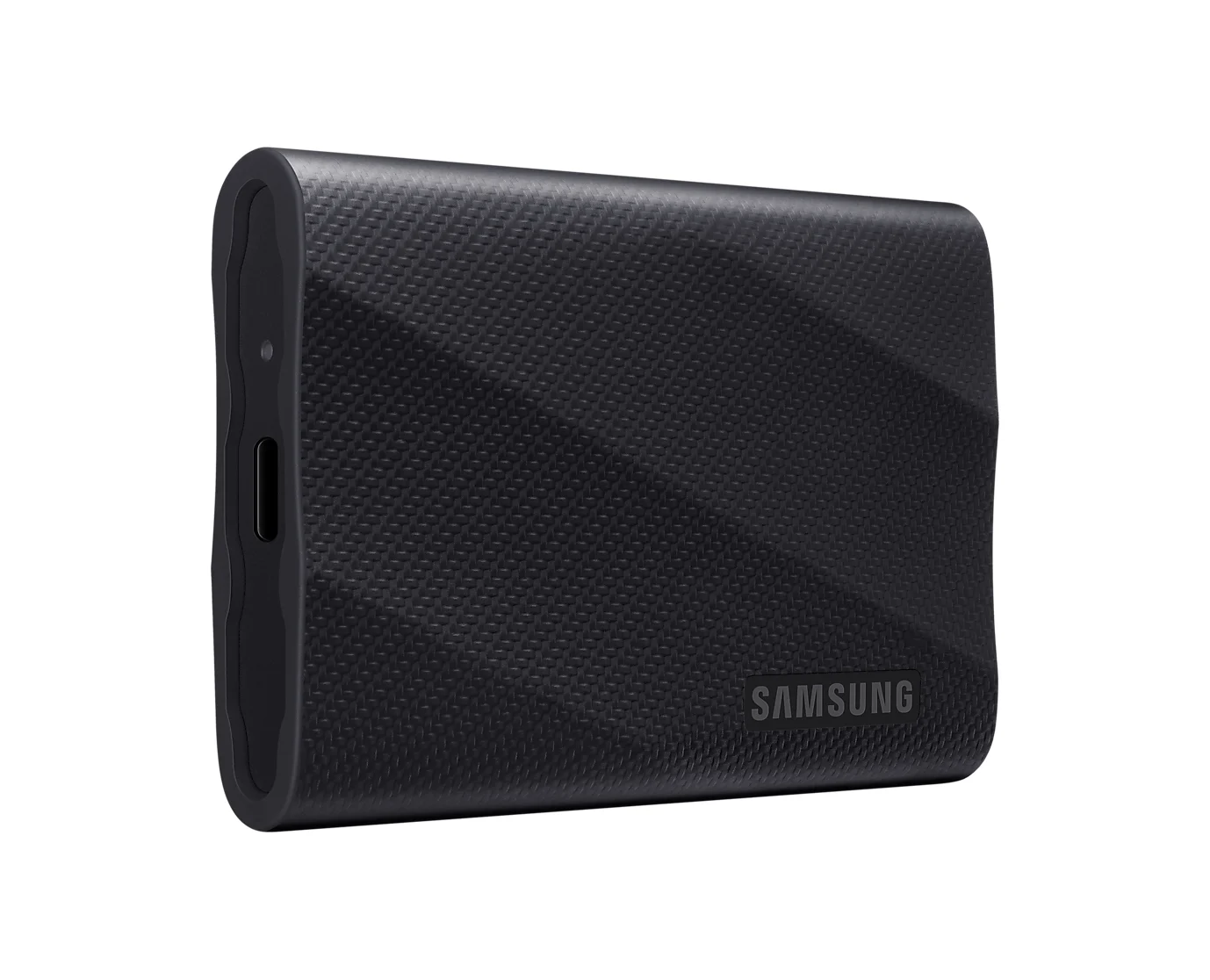
The Samsung T9 connects over USB 3.2 Gen 2x2 at 20 Gbps and is rated up to 2000MB/s read and 2000MB/s write, with AES 256-bit hardware encryption and both USB-C-to-C and USB-C-to-A cables in the box. It survives 3m drops and carries a 5-year limited warranty. One caveat from the maker: Macs are limited to 10Gbps on Gen 2x2 links, so Mac buyers should weigh the USB4 option above instead.
Choose it when your PC has a 20 Gbps port and you want the biggest jump over 10 Gbps drives without needing a USB4 machine.
Samsung T7 Shield — Best for wide compatibility and durability
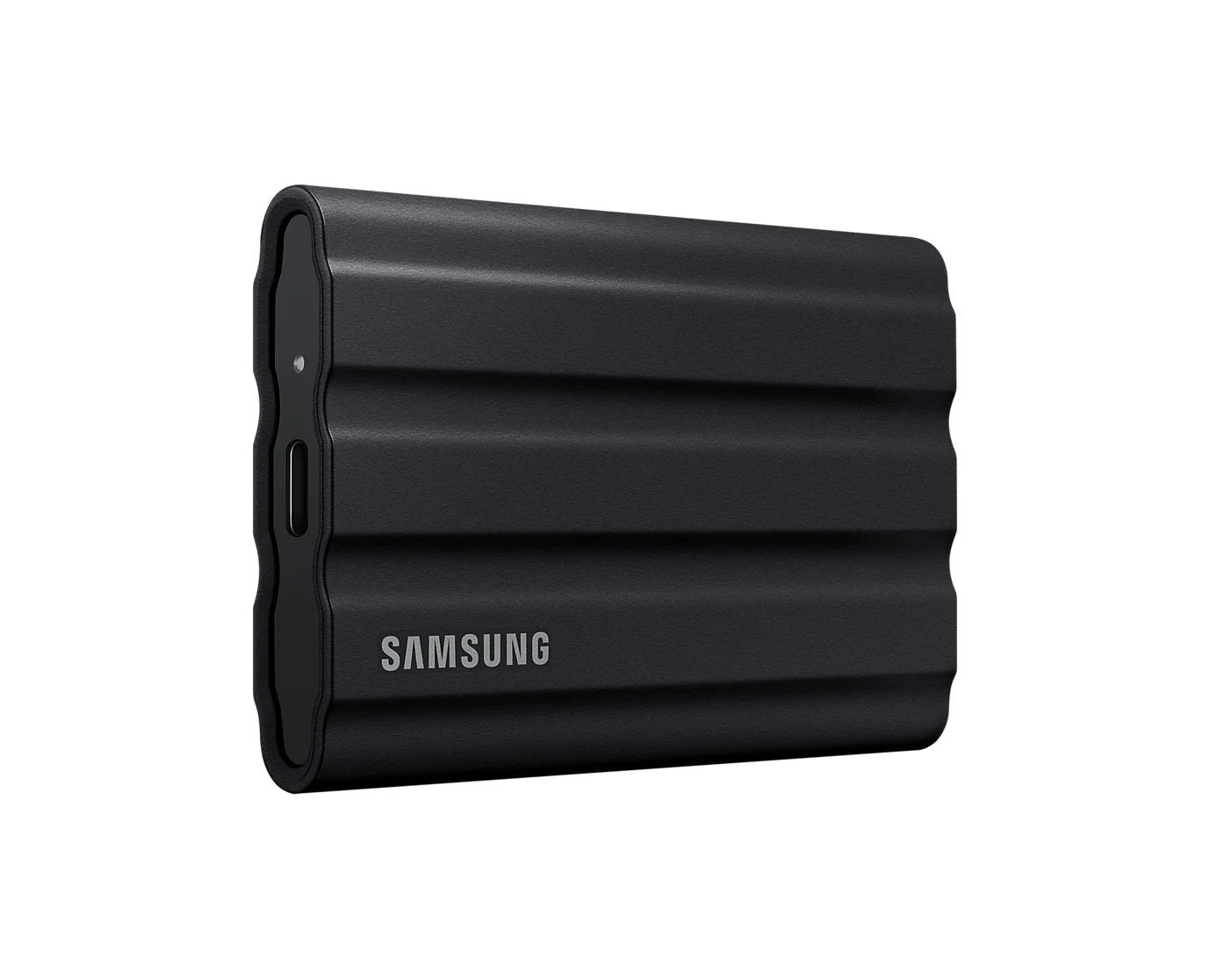
The Samsung T7 Shield connects over USB 3.2 Gen 2 at 10 Gbps and is rated up to 1050MB/s read and 1000MB/s write. It is IP65 rated, survives 3m drops, uses AES 256-bit hardware encryption, and comes with USB-C cables. Ten Gbps works with essentially any USB-C computer of the last decade, which is why it remains the safe, dependable pick.
See the Samsung T7 Shield on Amazon
Choose it when compatibility with older laptops matters more than squeezing out every last megabyte per second, or when durability matters most.
How we choose
We compare portable SSDs by the speed of their external link first, because that is what actually limits real-world transfers. For each pick we look at the published specifications from the manufacturer: the USB or Thunderbolt generation, the rated read and write speeds, the warranty term, the durability ratings, and the cables in the box. This comparison is based on those published specs, not on lab measurements of our own.
How to choose a portable NVMe SSD
- Yes: USB4 80Gb/s or Thunderbolt 5 port — the OWC Express 1M2 80G with your own NVMe drive is the match.
- Yes: USB4 40Gb/s or Thunderbolt 4 port — the SanDisk Extreme PRO with USB4 runs at its full rated speed.
- Yes: USB 3.2 Gen 2x2 (20 Gbps) on a PC — the Samsung T9 is the match.
- Yes: Any older USB-C port (10 Gbps or less) — the T7 Shield, or any quality 10 Gbps drive, is the sensible match.
- Partly: "Up to" speeds assume an ideal host, short cable and large sequential transfers; everyday mixed use lands lower.
- No: Avoid USB 2.0-only drives and unbranded enclosures with no stated USB generation.
Buy the fastest link your ports support, then weigh durability and warranty. For most people the 20 Gbps or 10 Gbps tiers are the best balance, while 40 and 80Gb/s matter mainly for video editors and anyone moving very large files all day. If you would rather build your own from a bare NVMe drive, the enclosure route is covered in best SSD enclosures.
Verdict
NVMe versus SSD is a false choice — every modern SSD worth buying is an NVMe SSD, and the real question is how fast the USB or Thunderbolt link in front of it runs. Match the drive to your fastest port: USB4 80Gb/s if you have it, USB4 or Thunderbolt 4 at 40 Gbps for the best balance of speed and polish, and 20 or 10 Gbps for universal compatibility. And if a spec sheet ever seems confusing, remember the layer cake: SSD is the drive, NVMe is the protocol, M.2 is the shape, SATA is the past, and USB is the pipe everything has to squeeze through.
Related guides
- SSD types explained: SATA, NVMe and M.2 inside your computer
- Thunderbolt vs USB-C: same connector, different capabilities
- Thunderbolt 5 vs USB4: which port should you buy?
- Best SSD enclosures for putting an NVMe drive on USB
- Samsung T9 vs SanDisk Extreme V2
- Samsung T7 Shield vs T9
- Best SSD for iPhone ProRes recording
- USB-C cable types explained
Frequently asked questions
Is an M.2 drive the same thing as an NVMe drive?
No. M.2 is the physical card and connector size, while NVMe is the protocol a drive speaks. An M.2 card can carry either an NVMe or a SATA interface, and NVMe drives also come in other shapes such as U.2.
What does NVMe do that SATA cannot?
NVMe is designed from the ground up to deliver high bandwidth and low latency storage access over PCI Express, while SATA supports 6.0 Gb/s, 3.0 Gb/s and 1.5 Gb/s data transfer speeds. That 6.0 Gb/s ceiling is why the best SATA SSDs are far slower than modern NVMe drives.
Will a faster internal SSD make my portable USB drive faster?
Only up to the speed of the cable and port. A portable SSD is limited by its USB or Thunderbolt link, which tops out well below what an internal NVMe drive can sustain, so the drive inside is rarely the bottleneck.
What USB speeds should I look for on a portable SSD?
The USB ladder runs 5, 10, 20, 40 and now 80 Gbps, with an optional 120 Gbps asymmetric mode in the updated USB4 specification. USB4 stays backward compatible with all previous versions of USB.
Do I need Thunderbolt to get high USB speeds?
No. USB4 delivers 40 and 80 Gbps without the Thunderbolt brand, and Thunderbolt 4 runs at 40 Gbps too. What matters is that the port, cable and drive all support the same speed, because the whole chain runs at the slowest link.
SATA SSD vs NVMe SSD — which should I buy today?
For an internal upgrade, NVMe, provided your motherboard has an M.2 slot that supports it; M.2 SATA SSDs use a B-key connector while M.2 NVMe SSDs typically use an M-key connector, so check which your board accepts. For a portable drive over USB, the interface inside matters less than the USB link outside.
Fastest overall — full USB4 80Gb/s speed
OWC Express 1M2 80G USB4 80Gb/s NVMe M.2 SSD Enclosure (Enclosure Only)
Related guides
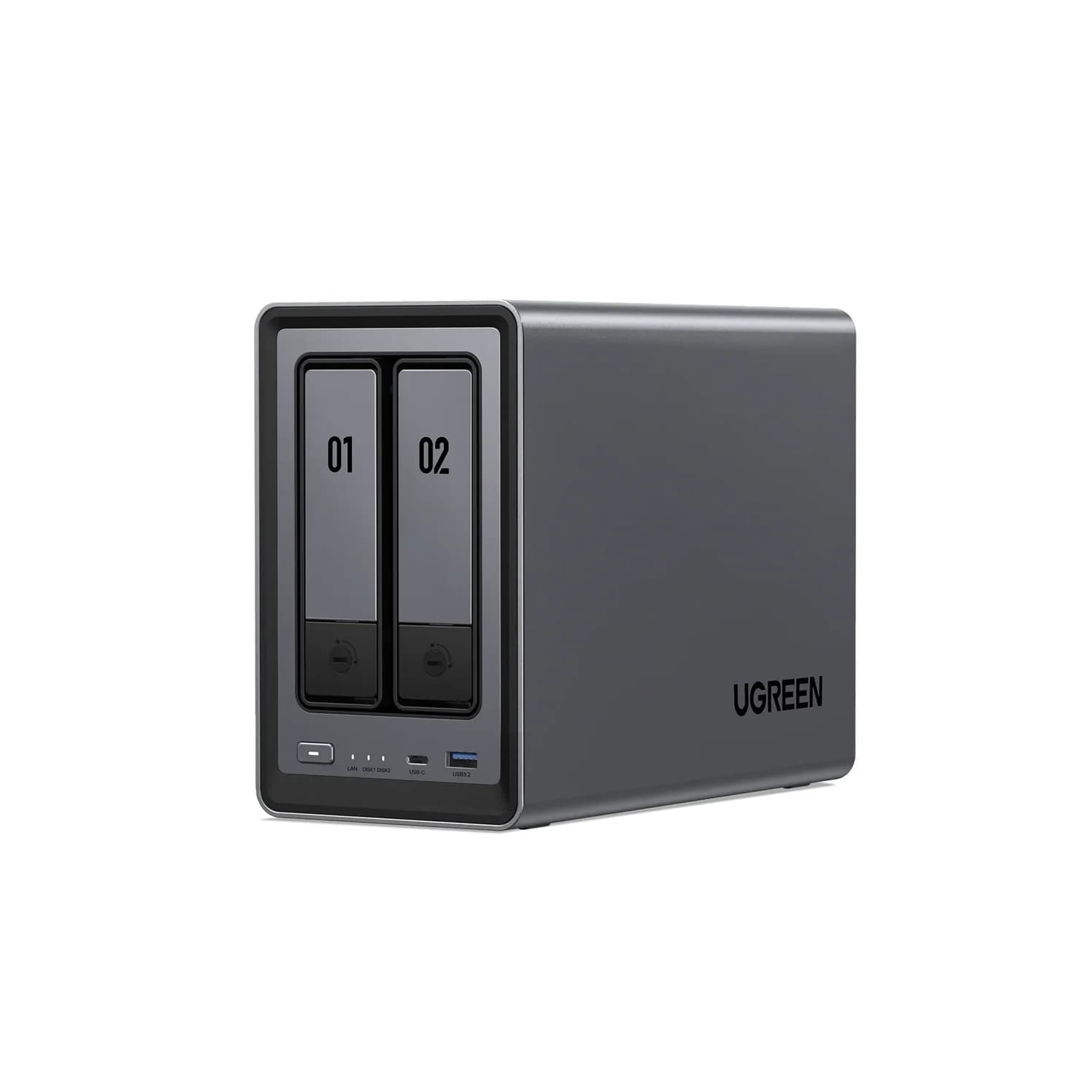
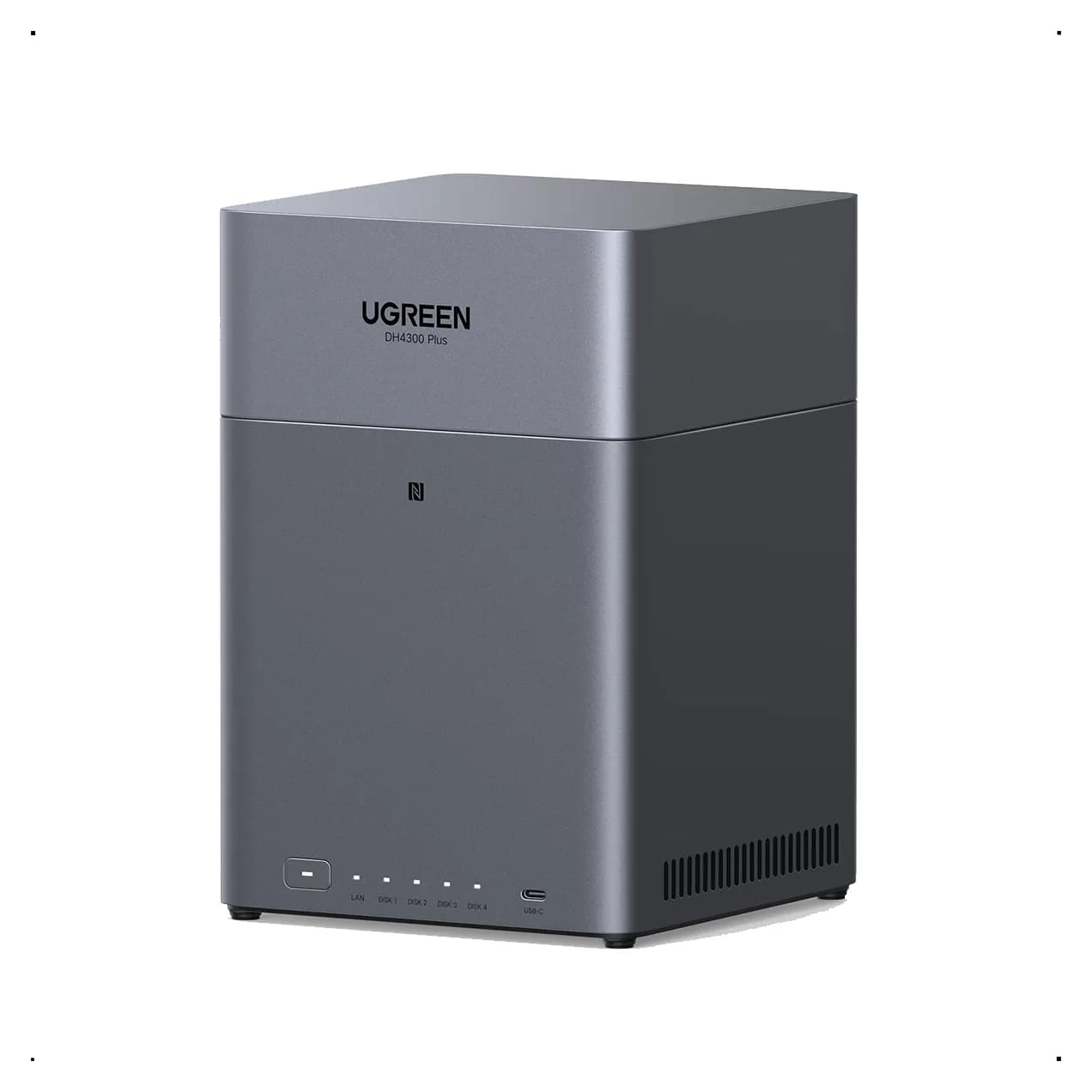
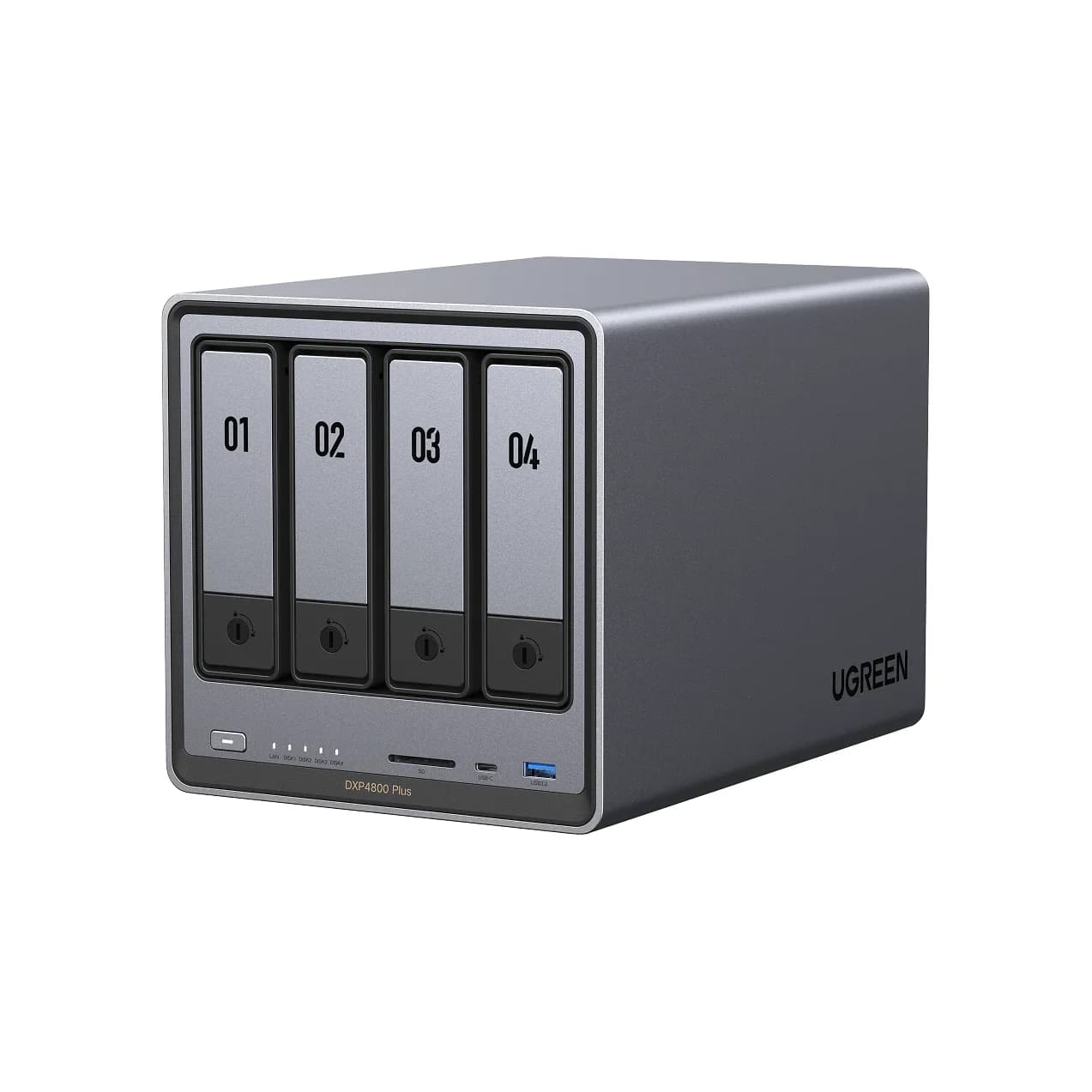
UGREEN NASync Lineup: DH2300, DH4300 Plus, DXP2800, DXP4800 Plus Compared (and Synology vs UGREEN)
UGREEN's NASync lineup compared: DH2300 vs DH4300 Plus vs DXP2800 vs DXP4800 Plus, DH vs DXP explained, Synology vs UGREEN, and the USB backup angle.
Updated November 25, 2026Read
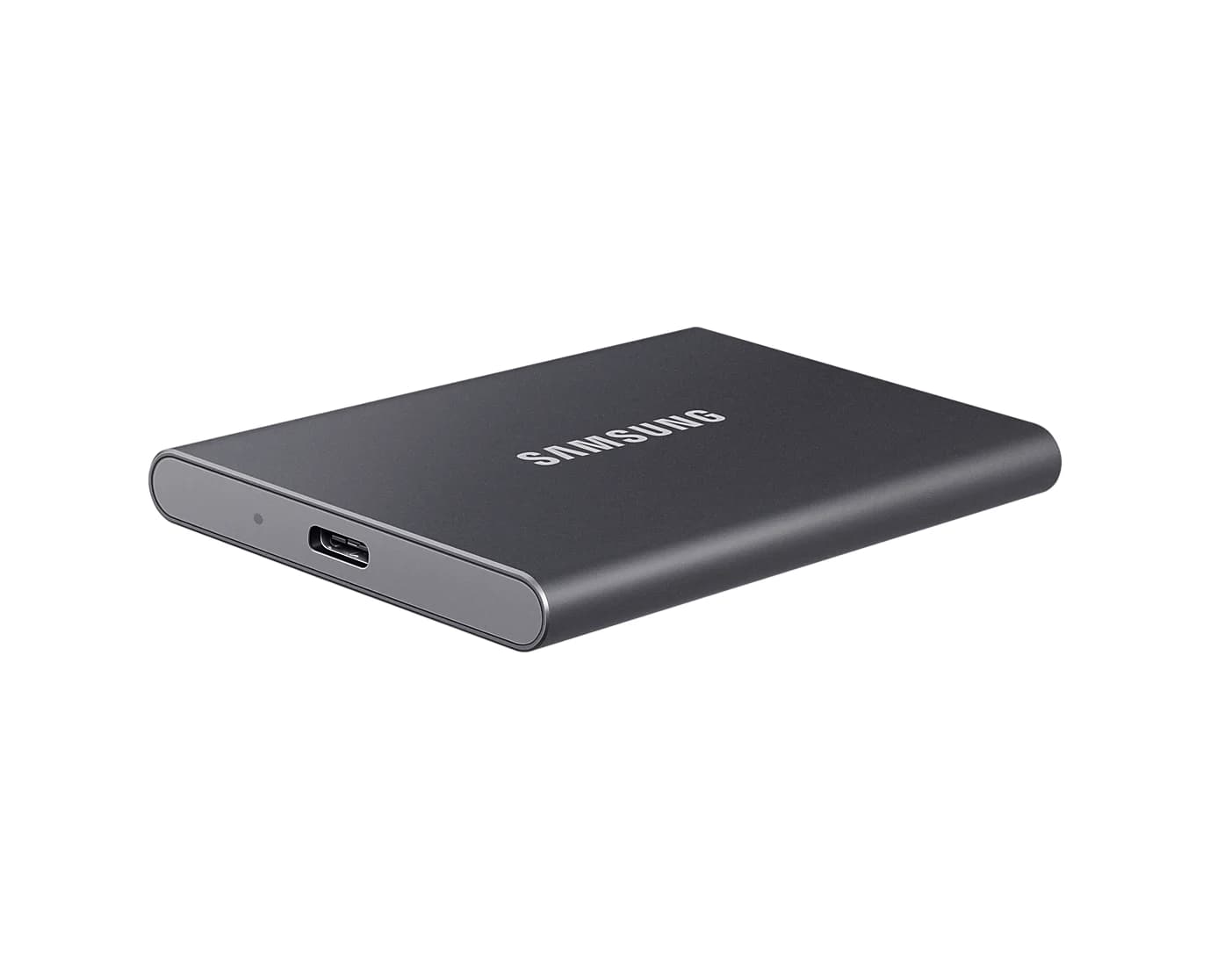
SSD vs eMMC vs UFS vs SATA vs SD Card vs Hard Drive: Storage Types Explained
Learn the difference between SSD, eMMC, UFS, SATA, NVMe, SD cards and hard drives: where each type is found, interface speeds, and which external SSD to buy.
Updated November 26, 2026Read
Best 512GB microSD Cards in 2026 (Speed Classes and microSD Express for Switch 2)
512GB microSD cards compared: microSD Express for the Nintendo Switch 2, fast UHS-I cards for cameras and handhelds, and which speed class your device actually needs.
Updated November 29, 2026Read