Cyber Monday: the specs to check before you buy
Explainer
Updated November 26, 2026SSD vs eMMC vs UFS vs SATA vs SD Card vs Hard Drive: Storage Types Explained
Short answer
Storage comes in more types than most people realise, and the names overlap in confusing ways. An SSD is not a brand, a USB drive is not the same thing as a portable SSD, and your phone's internal storage (eMMC or UFS) is on a completely different level from a desktop hard drive. Here's what each term means, where you find each type, and how fast it really is.
We may earn a commission when you buy through links on this page. As an Amazon Associate, thisUSB earns from qualifying purchases. How we earn
Our picks at a glance
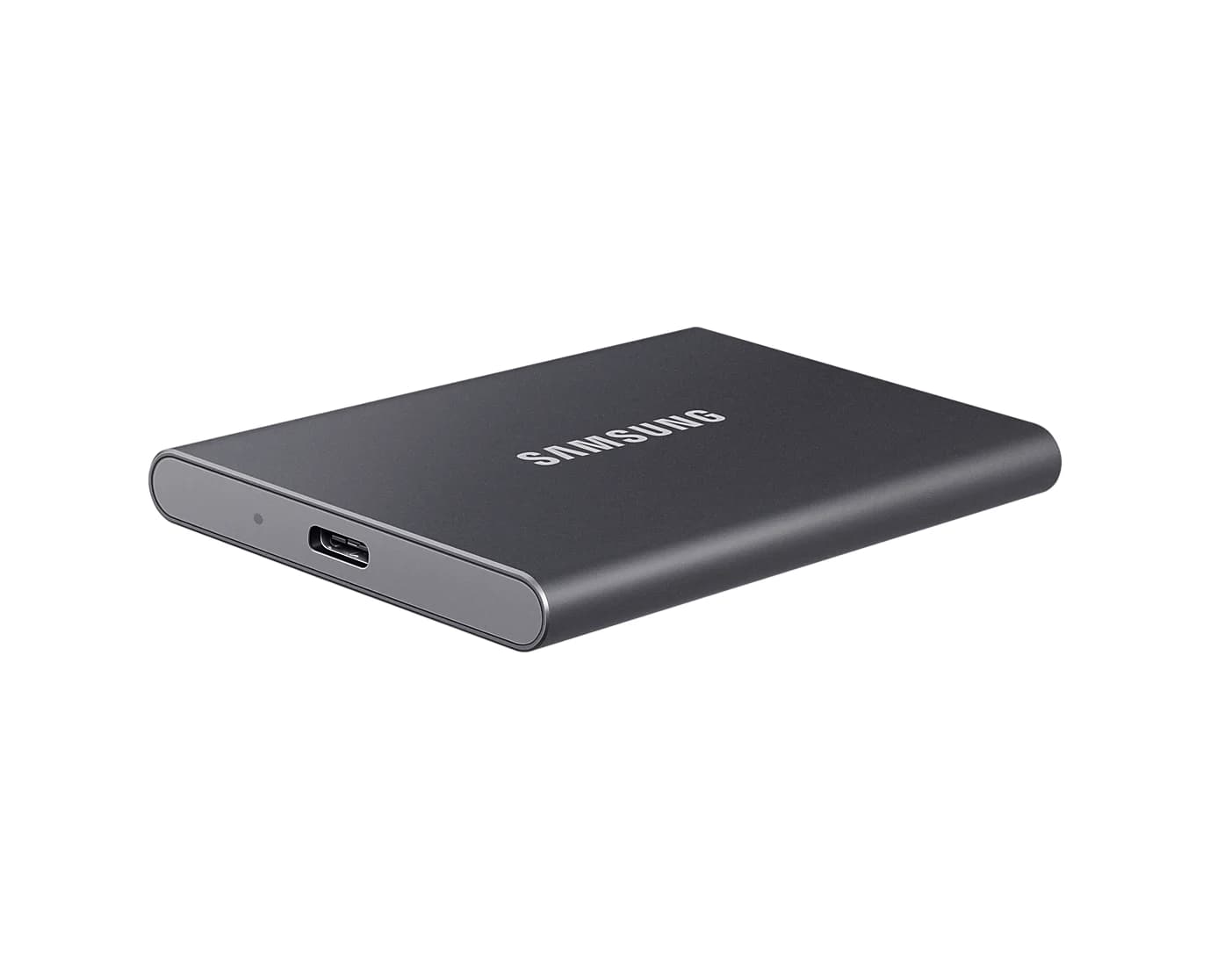
Best everyday portable SSDSamsung
Samsung T7 Portable SSD (1TB, Titan Gray)
- data
- 10 Gbps
- port
- 1
- host link
- USB-C
- Choose
- 10Gbps USB 3.2 Gen 2, up to 1,050MB/s read, compact metal body at 58g with USB-C and USB-A cables included.
- Limit
- Needs a 10Gbps port to hit rated speed; slower on 5Gbps hubs
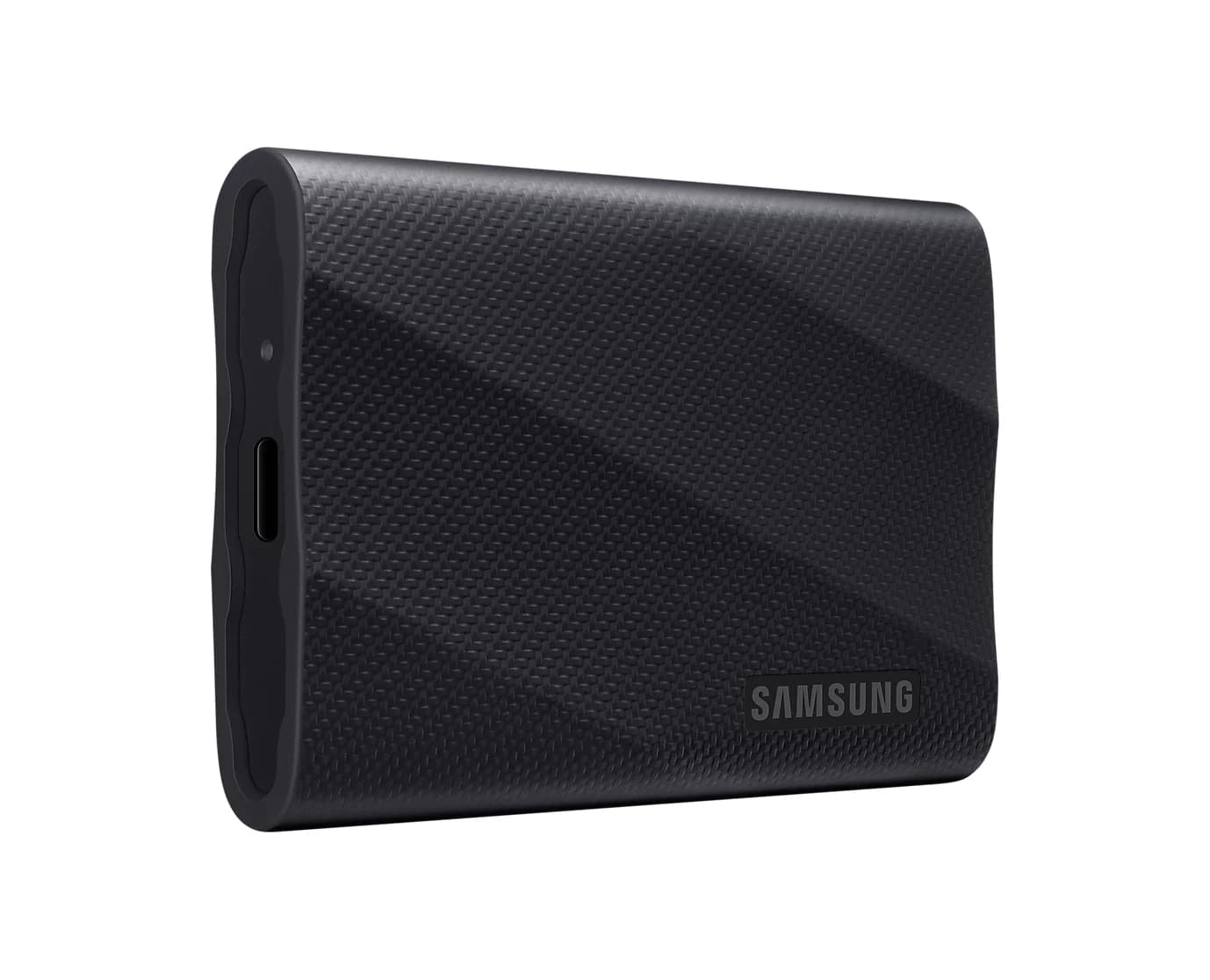
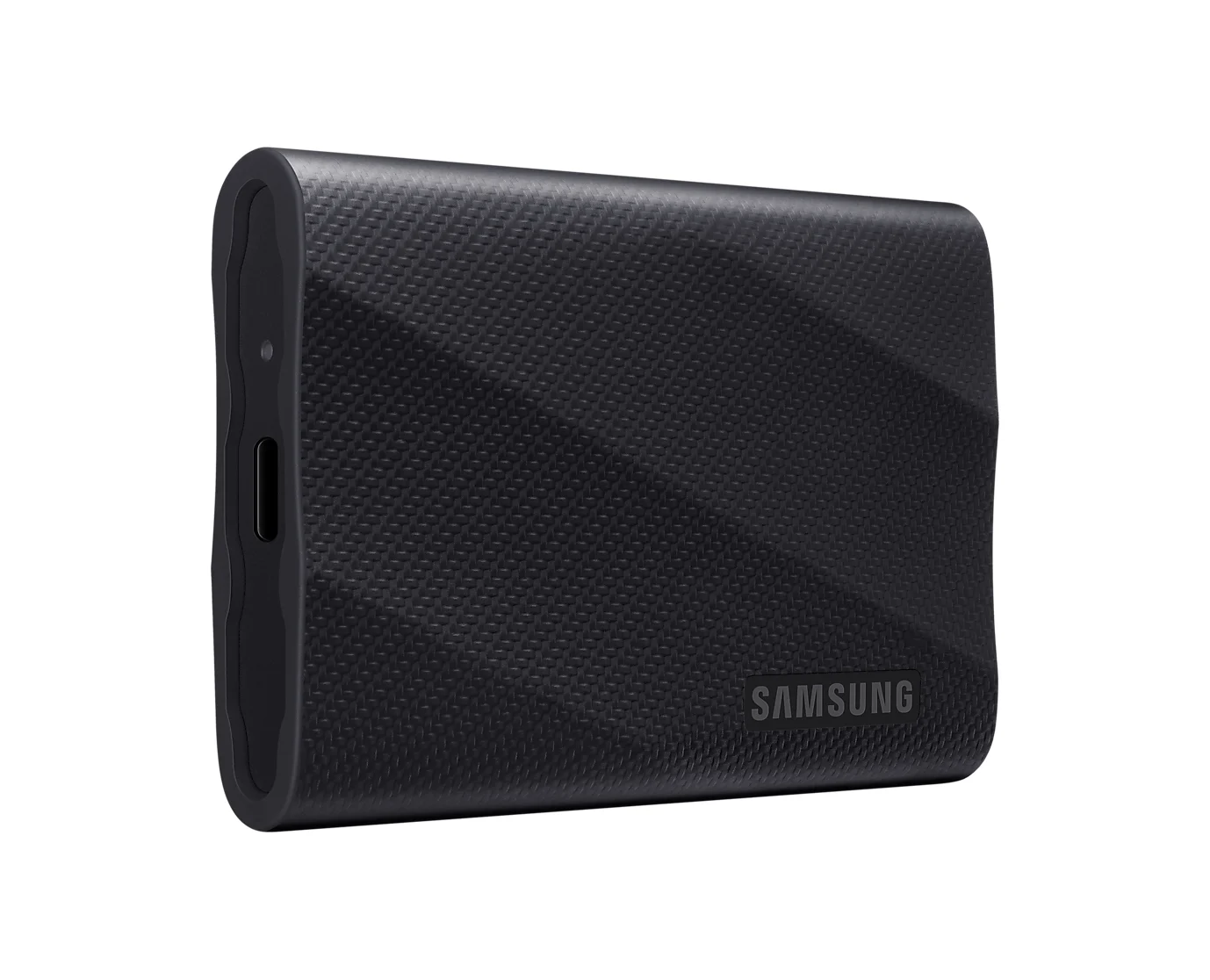
Best fast portable SSDSamsung
Samsung T9 Portable SSD (2TB, USB 3.2 Gen 2x2)
- data
- 20 Gbps
- port
- 1
- host link
- USB-C
- Choose
- 20Gbps USB 3.2 Gen 2x2, up to 2,000MB/s read, non-slip finish, drop resistant up to 3m, 5-year warranty.
- Limit
- Macs don't support USB 3.2 Gen 2x2, so on a Mac (or an iPhone 15 Pro or later) it runs at 10Gbps, about T7-class speed
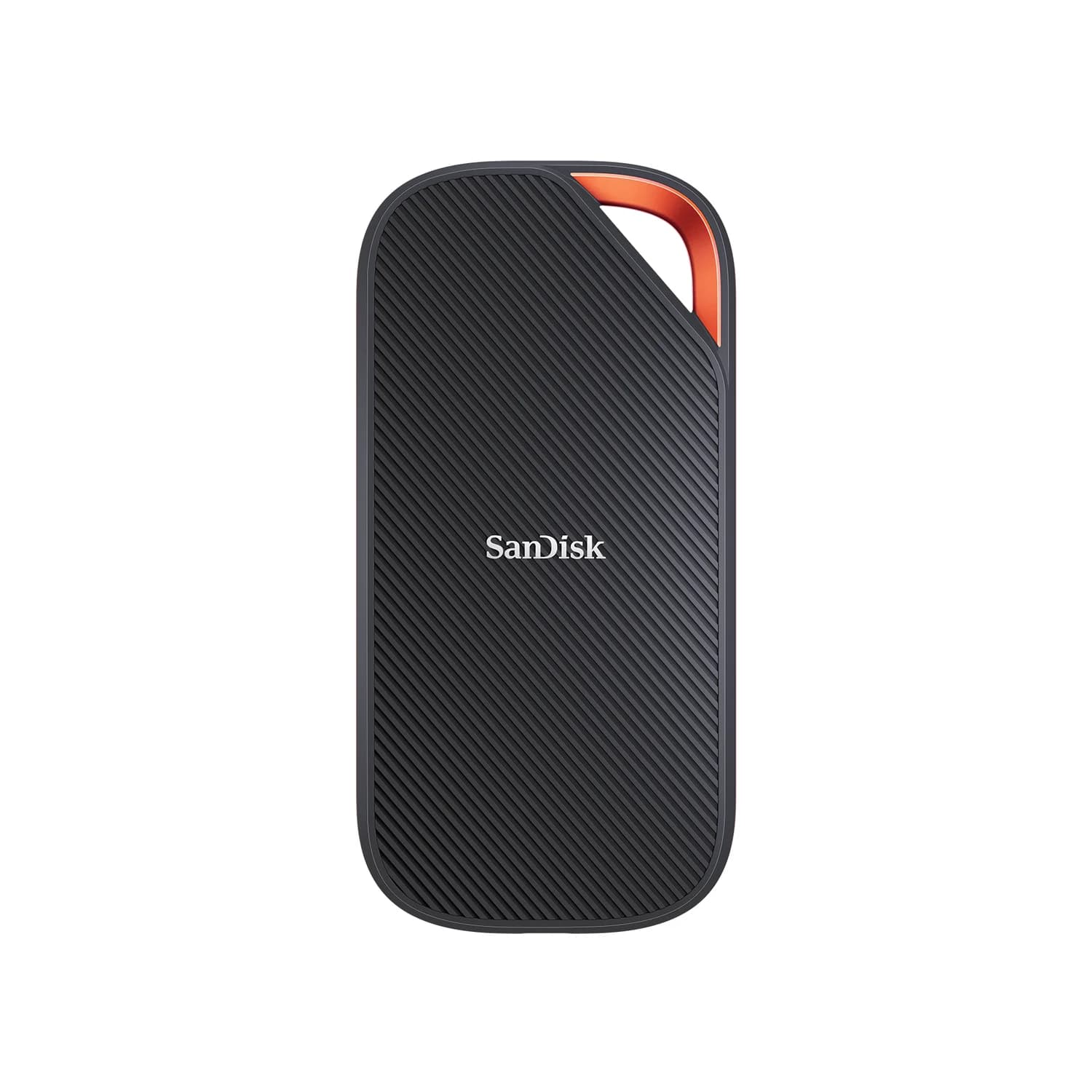
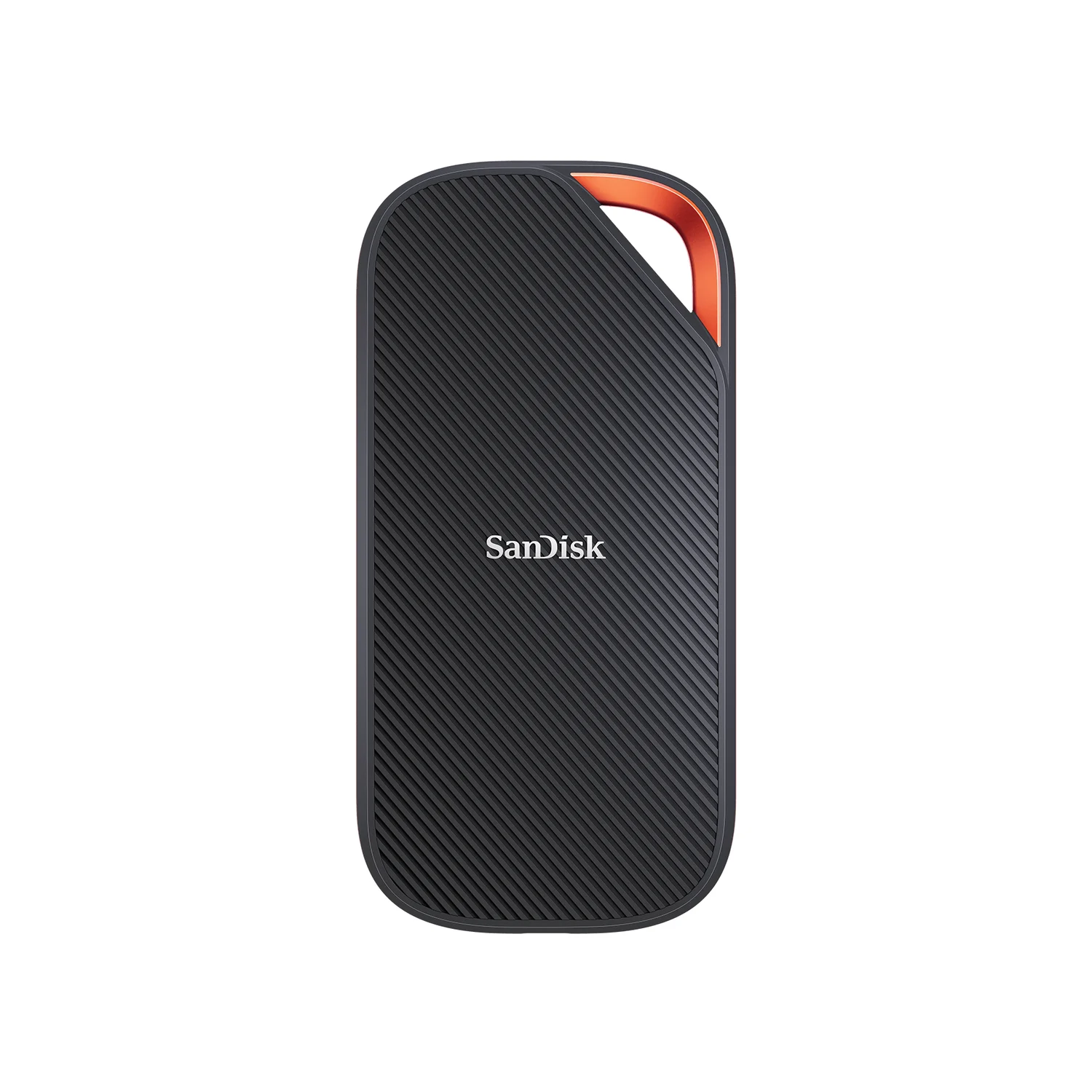
Best professional portable SSDSanDisk
SanDisk Extreme PRO with USB4 Portable SSD (2TB)
- data
- 40 Gbps
- port
- 1
- host link
- USB-C
- Choose
- USB4 40Gbps, up to 3,800MB/s read, backward compatible with Thunderbolt 4, 5-year warranty.
- Limit
- Needs a USB4 or Thunderbolt 4 port for its rated speed; on USB 3.2 ports it drops to that port's speed
- NVMe over PCIeThe protocol standard behind today's fast SSDs
- 3,800MB/sTop rated speed of a USB4 40Gbps external SSD (SanDisk Extreme PRO)
- 2,000MB/sTop rated speed of a USB 3.2 Gen 2x2 external SSD (Samsung T9)
- 1,050MB/sRated read speed of the Samsung T7 over USB 3.2 Gen 2
The 30-second answer
Your phone, tablet or entry-level laptop uses eMMC (slow) or UFS (faster) — soldered storage you cannot swap. A desktop or gaming laptop uses an NVMe SSD over PCIe — the fast internal standard today. External SSDs connect over USB and are rated by their USB speed: 10Gbps, 20Gbps, 40Gbps or 80Gbps. A hard drive has moving parts and is slower but cheaper per gigabyte, mainly used for backups and mass storage today.
Quick reference: storage types and where they live
| Type | Where you find it | Typical interface |
|---|---|---|
| eMMC | Entry-level phones, tablets, Chromebooks, some laptops | eMMC bus (8-bit parallel) |
| UFS | Mid-range to flagship phones, tablets | UFS 3.1 serial |
| SATA SSD | Older laptops, desktops, some external SSD enclosures | SATA III |
| NVMe SSD | Modern laptops, desktops, game consoles | PCIe Gen 3, 4 or 5 |
| SD card | Cameras, drones, handheld gaming, Nintendo Switch | UHS-I / UHS-II / SD Express |
| Hard drive | Desktops, NAS, external drives, archival | SATA III |
What each storage type means
eMMC — the basic choice
eMMC (embedded MultiMediaCard) is a flash storage interface used in devices where cost and space matter more than speed. The JEDEC eMMC standard (JC-64 committee) defines eMMC as a parallel NAND interface. Its 8-bit parallel bus is the slowest of the internal storage types in this guide. You'll find eMMC in entry-level Android phones, many tablets and many Chromebooks — devices where the spec sheet says "32GB" or "64GB" storage. Apps load slower and files take longer to move than on any UFS or NVMe device.
UFS — the mid-range to flagship choice
UFS (Universal Flash Storage), also defined by JEDEC (JESD220E, UFS 3.1), is a serial interface that replaced eMMC in most phones and tablets above the entry level. Where eMMC uses a shared 8-bit bus, UFS 3.1 uses a full-duplex serial connection that reads and writes simultaneously, which is why it is substantially faster in everyday use. UFS is still soldered — you cannot upgrade it. Newer UFS versions than 3.1 exist and are faster still, so check which version a phone's spec sheet lists.
SATA SSD — the older standard
SATA (Serial ATA), overseen by SATA-IO, was the dominant internal storage interface for a decade. SATA III is the last and fastest revision of the classic SATA link, but even on paper it is far slower than a PCIe-connected NVMe drive. Most new laptops and desktops ship with NVMe SSDs in the M.2 format; SATA lives on in 2.5-inch SSDs and SATA M.2 sticks, sold mainly as upgrade drives for older machines. In external SSD enclosures, you can put either a SATA or NVMe drive inside; the enclosure's USB interface is the speed bottleneck.
NVMe — the current standard
NVMe (Non-Volatile Memory Express) is the protocol that lets SSDs talk directly over the PCIe bus. The NVM Express consortium defines the NVMe specifications, which cover SSDs "in all form factors (U.2, M.2, AIC, EDSFF)". Where SATA uses the older AHCI protocol over a single dedicated link, NVMe talks directly to the CPU over PCIe lanes, at speeds several times faster than SATA. Consumer NVMe SSDs come in the M.2 stick format (common in laptops and desktops) and are the standard for any performance storage today.
Source: Samsung T7/T9 and SanDisk Extreme PRO USB4 manufacturer datasheets
External SSDs over USB: the interface matters most
When an SSD is placed in a USB enclosure, the USB interface becomes the speed ceiling. The drive inside may be NVMe (fast internally), but the USB cable caps the external speed:
| USB interface | Bandwidth | Typical SSD speed | What to pair it with |
|---|---|---|---|
| USB 3.2 Gen 2 (10Gbps) | 10Gbps | Up to ~1,050MB/s | Samsung T7 |
| USB 3.2 Gen 2x2 (20Gbps) | 20Gbps | Up to ~2,000MB/s | Samsung T9 |
| USB4 40Gbps | 40Gbps | Up to ~3,800MB/s | SanDisk Extreme PRO USB4 |
| USB4 80Gbps / Thunderbolt 5 | 80Gbps | Drive-dependent | Host port and drive must both support the 80Gbps mode |
To reach the rated speed, both the drive and the host port must support that USB speed. A USB 3.2 Gen 2 SSD connected to a USB 3.2 Gen 2 port runs at full speed. The same drive on a USB 3.0 (5Gbps) port is limited to that port's lower bandwidth, and on a USB 2.0 (480Mbps) port it drops to USB 2.0 speeds regardless of the drive's rating.
SD cards vs SSDs
SD cards and SSDs both use NAND flash, but they are optimised for different things. SD cards are small, removable and hot-swappable; their speeds are graded by the SD Association's speed class system:
- Class 10 / U1: entry-level, for Full HD video
- U3: faster, for 4K video
- V60 / V90: the video speed classes used in UHS-II mode or faster, for high-bitrate 4K and 8K recording
- SD Express (E-series): uses the PCIe/NVMe path, far faster than any UHS card — still rare in consumer products
A portable SSD over USB 3.2 Gen 2 reaches about 1,000MB/s — several times faster than even a top-tier UHS-II SD card. SD cards are the right choice for cameras, drones and the storage slot on handheld game consoles. For anything involving large files, fast video editing or game library management, a portable SSD is the better tool.
SSD vs hard drive for gaming and backups
SSDs have largely replaced hard drives in gaming PCs because they load games and levels much faster. Samsung quotes its T7 as more than 9.5 times faster than external HDDs.
For backups and archival storage, hard drives still make sense because they cost less per gigabyte at large capacities. A practical backup strategy uses an SSD for the working copy and a hard drive (or cloud storage) for the archive. For a network drive that can hold that archive, our UGREEN NAS lineup guide compares the current models.
RAM and unified memory vs SSD storage
This is the most common storage mix-up. RAM and SSD storage are completely different:
- RAM (or unified memory on Apple Silicon): Temporary, working memory — your Mac's unified memory holds data only while the power is on. When you close an app, its data leaves RAM.
- SSD storage: Permanent storage — the Mac's SSD keeps files even when the power is off.
Apple's M-series chips use a shared memory architecture called unified memory, where the CPU and GPU share the same physical RAM pool. This improves efficiency and reduces latency compared to separate RAM and discrete GPU memory. But it does not make the SSD faster or the RAM larger — they are still separate things. Apple's MacBook Pro tech specs list them as separate choices: the M6 model comes with 16GB, 24GB or 32GB of unified memory and, separately, a 1TB, 2TB or 4TB SSD. You cannot turn SSD storage into RAM, and more RAM lets your Mac keep more apps and tabs open without swapping to the SSD.
Which external SSD to get
For everyday use — files, backups, game libraries.
Samsung
Samsung T7 Portable SSD (1TB, Titan Gray)
A pocket-size 1TB NVMe portable SSD over USB 3.2 Gen 2 with USB-C and USB-A cables in the box.
- 10 Gbps data
- 1 port
The Samsung T7 is a pocket-size portable SSD over USB 3.2 Gen 2 (10Gbps), rated up to 1,050MB/s read and 1,000MB/s write per Samsung's datasheet. The 58g metal body fits in a pocket, and both USB-C-to-C and USB-C-to-A cables are included. It's the right pick if you want a drive that works with any laptop or desktop USB port.
For the fastest USB 3.2 Gen 2x2 — video editing, fast game loads.
Samsung
Samsung T9 Portable SSD (2TB, USB 3.2 Gen 2x2)
A 2TB NVMe portable SSD rated up to 2,000MB/s over USB 3.2 Gen 2x2 (20Gbps), with USB-C and USB-A cables included.
- 20 Gbps data
- 1 port
The Samsung T9 steps up to USB 3.2 Gen 2x2 (20Gbps) with up to 2,000MB/s read per Samsung's specs. The rubber non-slip finish is easier to grip than the T7's metal, Samsung rates it for up to 3-meter drop resistance, and it comes with a 5-year warranty. It needs a USB 3.2 Gen 2x2 port on your host device to hit its rated speed.
For USB4 and Thunderbolt 4 — creators, MacBook Pro, large ProRes video.
SanDisk
SanDisk Extreme PRO with USB4 Portable SSD (2TB)
A 2TB portable SSD with a USB4 (40Gbps) interface rated up to 3,800MB/s read, backward compatible with USB 3.2 and Thunderbolt 4 ports.
- 40 Gbps data
- 1 port
The SanDisk Extreme PRO USB4 (40Gbps) is rated up to 3,800MB/s read and 3,700MB/s write, per SanDisk's product page and datasheet. It runs on Thunderbolt 4 and USB4 40Gbps ports and falls back to slower USB speeds on older ports. With a 5-year warranty and capacities up to 4TB, it suits anyone moving large files regularly.
For NVMe enclosures that let you install your own drive and upgrade later, see best SSD enclosures. For USB flash drives and card readers, see best USB-C flash drives and best SD card readers. For the cards themselves, our best 512GB microSD cards guide covers speed classes. And for what NVMe, SATA and M.2 mean once a drive sits behind a USB port, see NVMe vs SSD.
How we put this together
This explainer is based on the NVMe specifications published by the NVM Express consortium, the JEDEC UFS 3.1 standard (JESD220E), the SD Association's speed class overview, and the SATA-IO ecosystem overview. Product speeds come from Samsung's Portable SSD T7 and T9 datasheets and SanDisk's Extreme PRO USB4 product page and datasheet. Apple's memory and storage options come from its MacBook Pro tech specs. Warranty periods come from each manufacturer's spec sheet. We have not physically tested any of these products.
Verdict
Storage types fall into two groups: internal (eMMC, UFS, SATA, NVMe), which lives inside your device, and external (USB-connected SSDs and drives), which moves between machines. Phone and tablet storage, and the SSD in many thin laptops, is soldered and can't be swapped; desktop SSDs and many laptop SSDs can. NVMe internal SSDs are the fastest tier by a wide margin. External speed is capped by the USB interface: 10Gbps for the Samsung T7, 20Gbps for the T9, 40Gbps for the SanDisk Extreme PRO USB4. For fast external storage today, buy by USB port first — a USB 3.2 Gen 2 port means a T7-class drive, a USB 3.2 Gen 2x2 port opens up the T9, and a Thunderbolt/USB4 port gets you the SanDisk Extreme PRO or a user-upgradable NVMe enclosure.
Frequently asked questions
What is an SSD?
An SSD (solid-state drive) is flash storage that stores data on NAND flash memory chips, with no moving parts. Its key advantage over a hard drive is speed — a consumer NVMe SSD can read at thousands of MB/s, versus a hard drive's roughly 100-200MB/s. SSDs come in internal types (mounted inside a device) and external types (in a USB enclosure).
Is eMMC the same as SSD?
No. eMMC (embedded MultiMediaCard) and an SSD both use NAND flash, but they differ in interface and speed. eMMC connects over an 8-bit parallel bus, found in entry-level phones, tablets and Chromebooks. An SSD connects over SATA or, for modern drives, NVMe over PCIe, which is far faster for read/write throughput. So eMMC is the basic choice, while an SSD is the faster option.
What is the difference between UFS and SSD?
UFS (Universal Flash Storage) is a faster serial interface than eMMC, designed for high-end phones and tablets. UFS 3.1 is substantially faster than eMMC 5.1. Both are soldered storage you cannot swap. By contrast, an SSD in a desktop or laptop can be replaced or upgraded, and external SSDs connect over USB. UFS is not a replacement for a general-purpose SSD.
What is the difference between SATA and NVMe SSDs?
SATA (Serial ATA) is an older interface using the AHCI protocol, with a practical speed ceiling well below NVMe-class speeds. NVMe (Non-Volatile Memory Express) uses the PCIe bus and the much faster NVMe protocol, with modern drives reaching thousands of MB/s. Any SSD you can buy today as a fast internal drive is NVMe. SATA survives in entry-level builds and 2.5-inch laptop drive bays. For portable external SSDs, Samsung's T7 (USB 3.2 Gen 2) and T9 (USB 3.2 Gen 2x2) use NVMe internally but connect over USB.
Is an external SSD the same speed as an internal SSD?
Not quite. An internal NVMe SSD connects directly over PCIe, reaching thousands of MB/s. An external SSD connects over USB, and its speed is capped by the USB interface: USB 3.2 Gen 2 is 10Gbps (about 1,000MB/s), USB 3.2 Gen 2x2 is 20Gbps (about 2,000MB/s) and USB4 40Gbps is about 3,800MB/s; USB4 80Gbps and Thunderbolt 5 go faster still, depending on the drive. The drive's internal NVMe still matters — a fast internal NVMe in a USB 3.2 Gen 2x2 enclosure will be faster than a SATA drive in the same enclosure.
Is an SD card the same as an SSD?
No. Both are flash storage, but SD cards are removable, small and slower than an SSD. SD card speeds vary by class and bus mode; the fast video/express classes are reserved for UHS-II and SD Express cards. By comparison, a portable SSD over USB 3.2 Gen 2 reaches about 1,000MB/s. SD cards are for cameras, drones and game consoles. For anything needing large, fast storage — video editing, game libraries, backups — an SSD is the better choice.
Do SSDs last longer than hard drives?
It depends on use, and the warranty is the clearest promise a maker puts in writing: Samsung gives its T7 portable SSD a 3-year limited warranty and the T9 a 5-year one. SSDs have no moving parts, which makes them more resistant to drops and knocks than hard drives with spinning platters. For backing up critical data, the best practice is to follow the 3-2-1 rule: three copies, on two different media types, with one stored offsite.
Is unified memory (Apple's RAM) the same as SSD storage?
No. Unified memory is RAM — temporary, fast, wiped when the power cuts off. Your MacBook's SSD is storage — permanent, slower, kept when the power cuts off. Apple's M-series chips share memory between the CPU and GPU, and the memory can't be upgraded after purchase. On Apple Silicon, the SSD is used as swap when RAM fills up, which slows things down, but adding RAM would still be faster than using more SSD swap. Apple's MacBook Pro tech specs list memory and SSD storage as separate choices: the M6 model, for example, is offered with 16GB, 24GB or 32GB of unified memory and a 1TB, 2TB or 4TB SSD.
Which external SSD should I buy?
For most people, a 10Gbps USB 3.2 Gen 2 portable SSD such as the Samsung T7 covers everyday file transfers, game libraries and backups at about 1,000MB/s. If your laptop or desktop has a USB 3.2 Gen 2x2 port, the Samsung T9 doubles the interface speed to 20Gbps. For MacBook Pro, creators or anyone moving large video files, a USB4 or Thunderbolt drive such as the SanDisk Extreme PRO USB4 reaches 3,800MB/s and plugs into Thunderbolt 4 and USB4 ports on any modern laptop.
Related guides
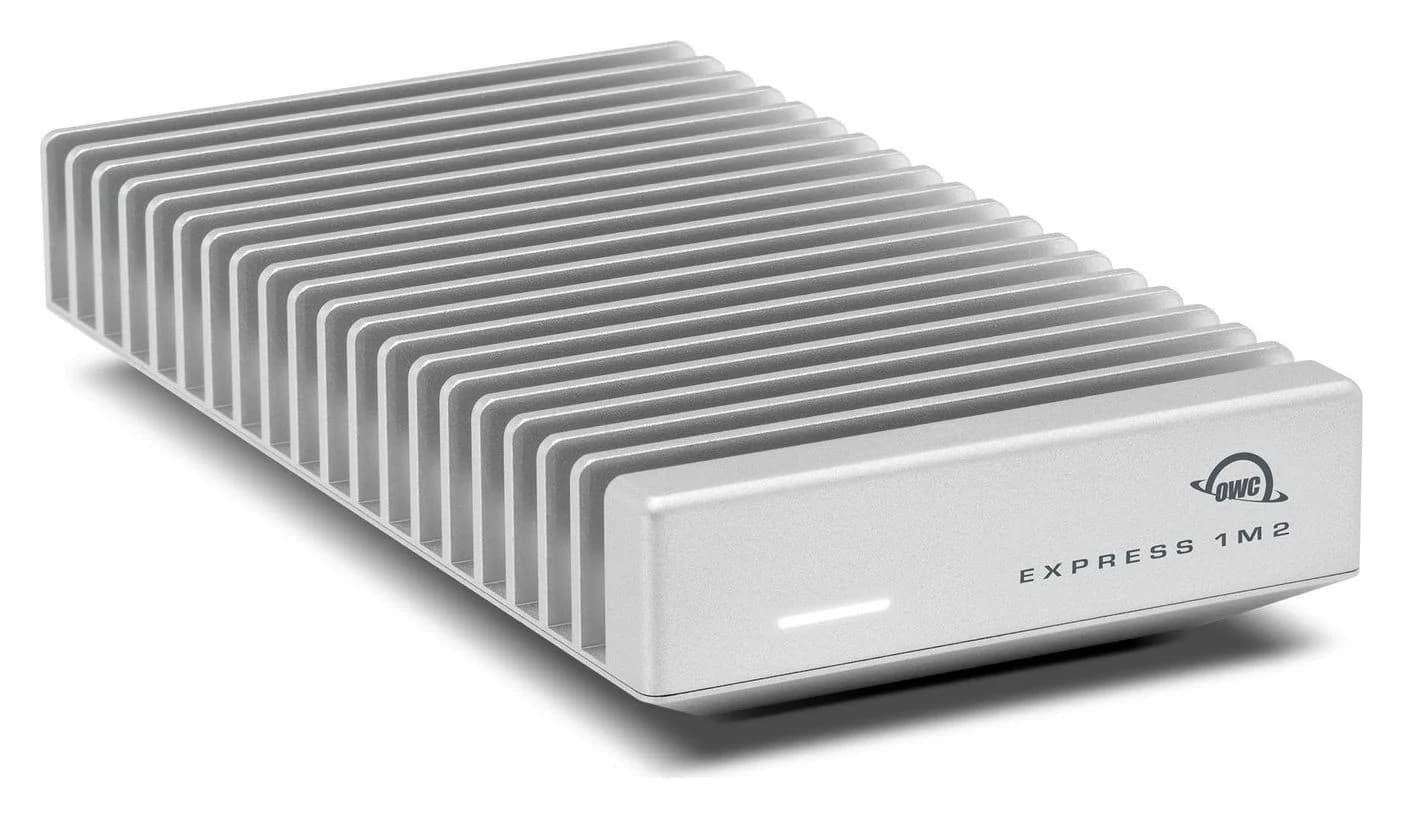
NVMe vs SSD: What the Terms Mean, and What Changes Over USB
NVMe is the protocol, SSD the drive, M.2 the card shape and SATA the older interface. Over USB, the port and cable, not the drive inside, set a portable SSD's speed.
Updated November 26, 2026Read
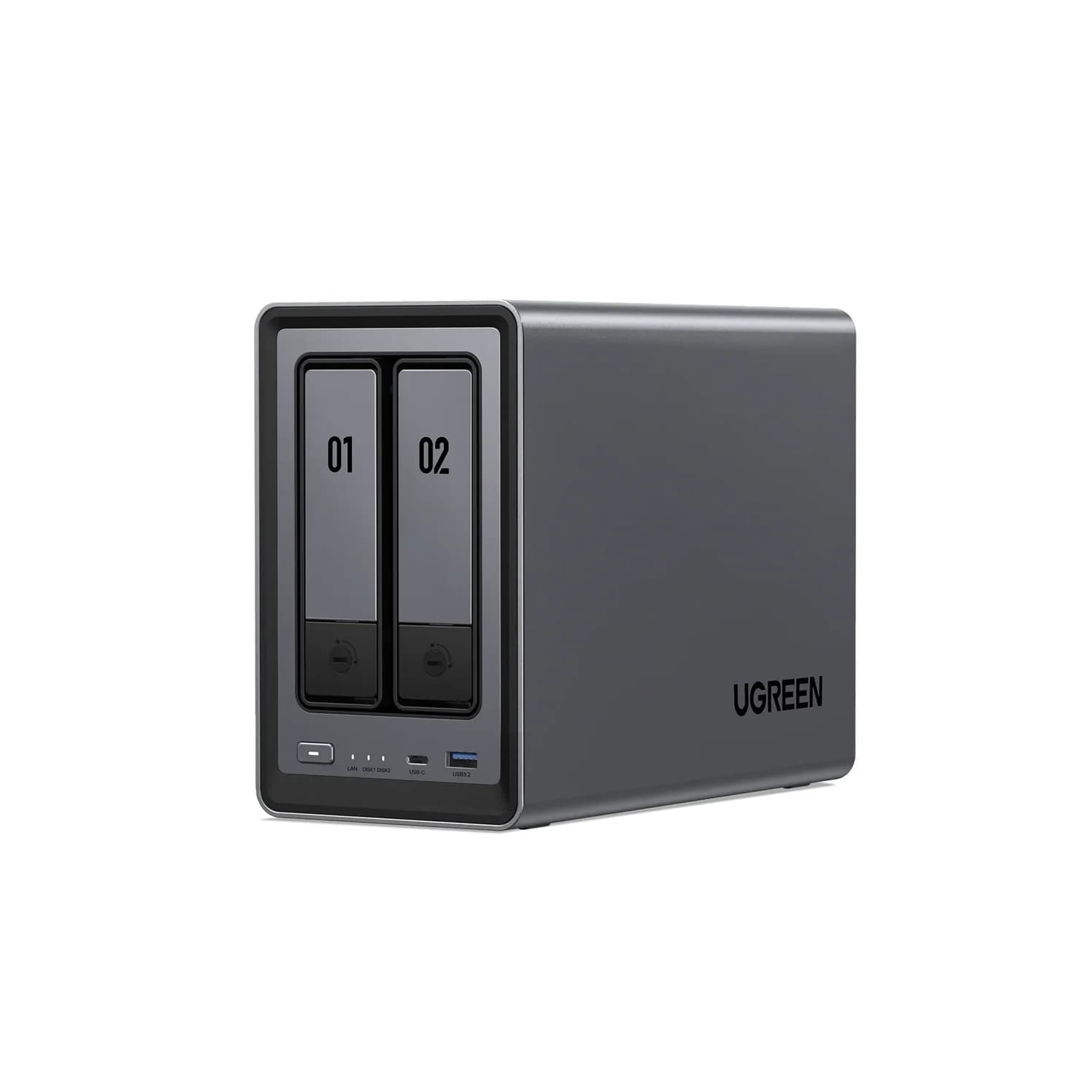
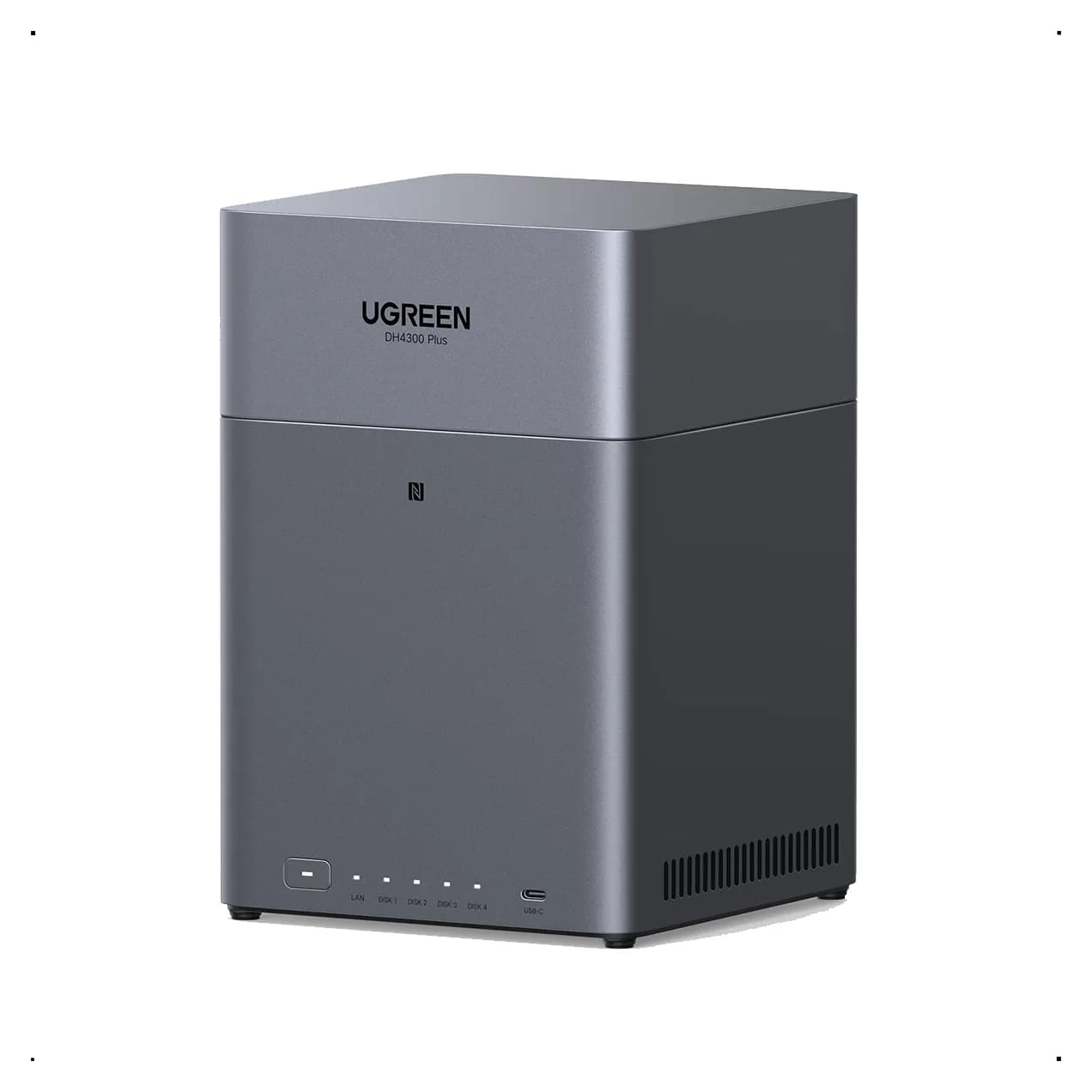
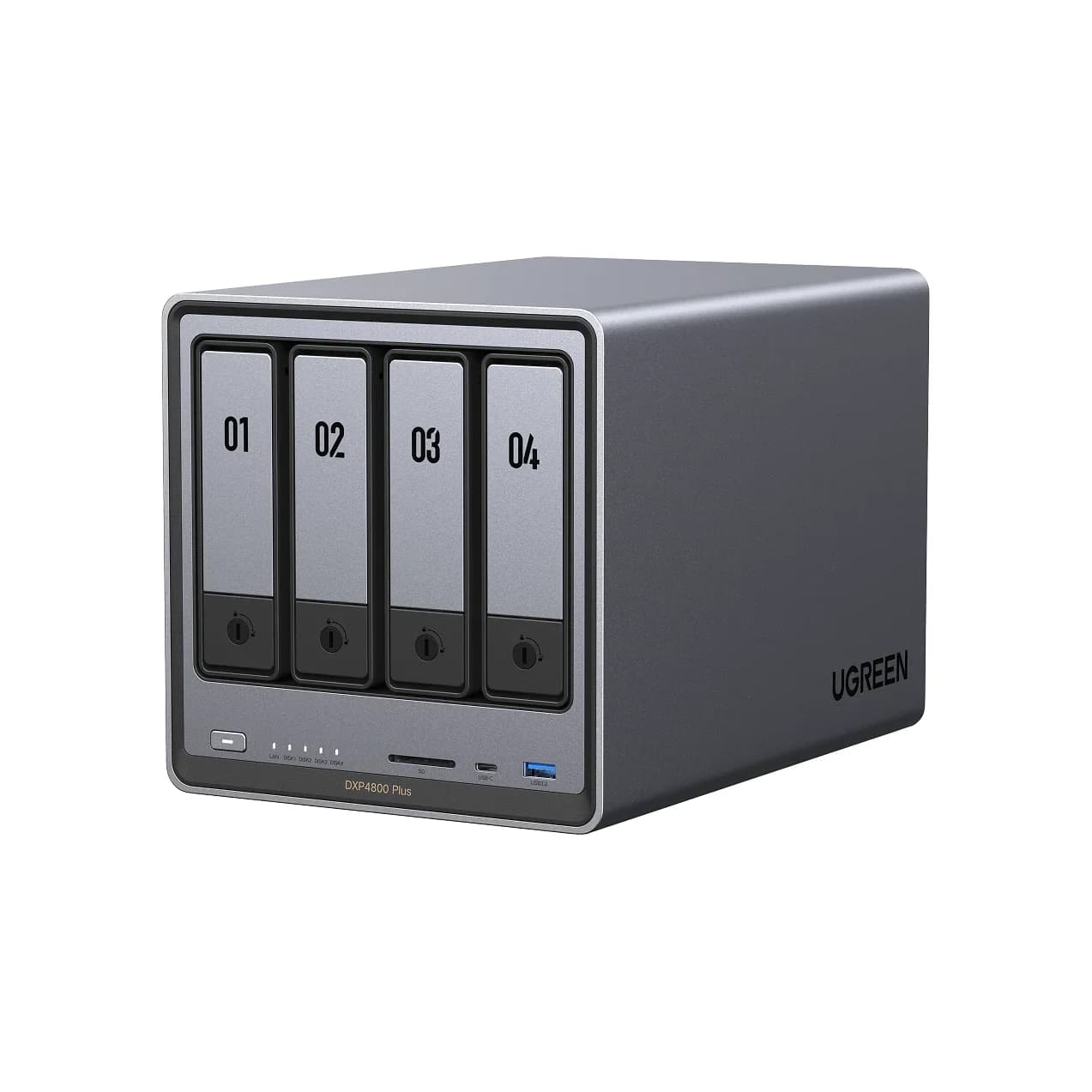
UGREEN NASync Lineup: DH2300, DH4300 Plus, DXP2800, DXP4800 Plus Compared (and Synology vs UGREEN)
UGREEN's NASync lineup compared: DH2300 vs DH4300 Plus vs DXP2800 vs DXP4800 Plus, DH vs DXP explained, Synology vs UGREEN, and the USB backup angle.
Updated November 25, 2026Read
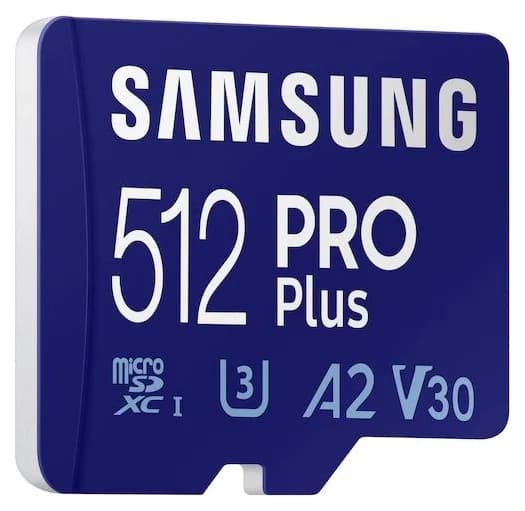
Best 512GB microSD Cards in 2026 (Speed Classes and microSD Express for Switch 2)
512GB microSD cards compared: microSD Express for the Nintendo Switch 2, fast UHS-I cards for cameras and handhelds, and which speed class your device actually needs.
Updated November 29, 2026Read