Cyber Monday: the specs to check before you buy
Best picks
Updated November 29, 2026Best 512GB microSD Cards in 2026 (Speed Classes and microSD Express for Switch 2)
Short answer
Most people buying a 512GB microSD card today need to answer one question first: does the device take microSD Express? The Nintendo Switch 2 does — Nintendo's tech specs say its slot is compatible with microSD Express cards only, and regular microSD cards can be used only to copy screenshots and videos. So for a Switch 2 the pick is the SanDisk microSD Express 512GB, rated up to 880MB/s read. For cameras, drones, phones and handhelds with standard slots, the Samsung PRO Plus 512GB (up to 160MB/s read, 120MB/s write) is the well-rounded pick, and the SanDisk Extreme 512GB adds V30 and A2 ratings for video and apps.
We may earn a commission when you buy through links on this page. As an Amazon Associate, thisUSB earns from qualifying purchases. How we earn
Our picks at a glance
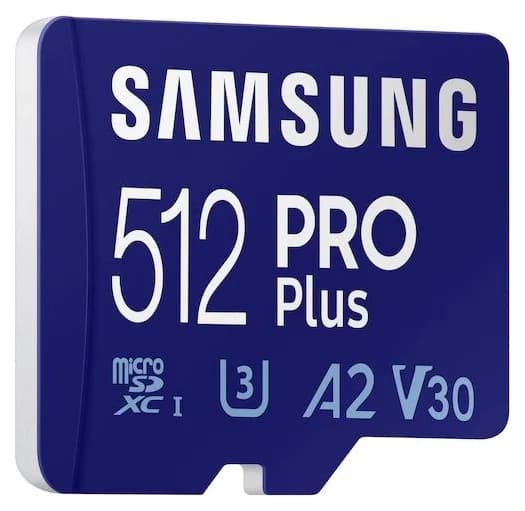
Best overall UHS-ISamsung
Samsung PRO Plus microSDXC 512GB
- Choose
- Samsung's PRO Plus is rated up to 160MB/s read and 120MB/s write, comes with an SD adapter, and covers cameras, consoles, drones and action cams.
- Limit
- UHS-I only — the Nintendo Switch 2's microSD Express slot does not take it for game storage
- Find on Amazon
Fastest UHS-I reads
Samsung PRO Ultimate microSDXC (512GB)
The rest of this guide explains the speed classes, what each card is rated for on paper, and which one fits your device.
- 880MB/sTop rated read speed here, SanDisk microSD Express (512GB, compatible device required)
- 200MB/sTop rated UHS-I read speed here, Samsung PRO Ultimate (512GB)
- 130MB/sTop rated UHS-I write speed here, Samsung PRO Ultimate (512GB; the PRO Plus is rated 120MB/s)
- 2 TBLargest microSD Express card the Switch 2 slot accepts
Quick picks
| Model | Award | Bus | Rated read / write | Key classes |
|---|---|---|---|---|
| SanDisk microSD Express 512GB | Best for Nintendo Switch 2 | microSD Express | Up to 880 / 650MB/s | 220MB/s min sustained write |
| Samsung PRO Plus 512GB | Best overall UHS-I | UHS-I | Up to 160 / 120MB/s | UHS-I, with SD adapter |
| SanDisk Extreme microSDXC (512GB) | Best for cameras and action cams | UHS-I | Up to 190 / 130MB/s | U3, V30, A2 |
| Samsung PRO Ultimate microSDXC (512GB) | Fastest UHS-I reads | UHS-I | Up to 200 / 130MB/s | UHS-I, with SD adapter |
Best for Nintendo Switch 2: SanDisk microSD Express 512GB
SanDisk's data sheet for this card lists up to 880MB/s read and, for the 512GB size, up to 650MB/s write, with a 220MB/s minimum sustained write speed. SanDisk says a compatible device capable of reaching those speeds is required, and that performance may be lower depending on the host device, interface and usage. The data sheet gives the interface as PCIe 3.1 NVMe and microSD UHS-I, and describes the card as officially licensed for Nintendo Switch 2.
SanDisk says a 512GB card holds 18 Switch 2 games, an approximation based on an average game size of 25GB. The warranty is lifetime limited (30 years in Germany, Canada and regions that do not recognize a lifetime warranty).
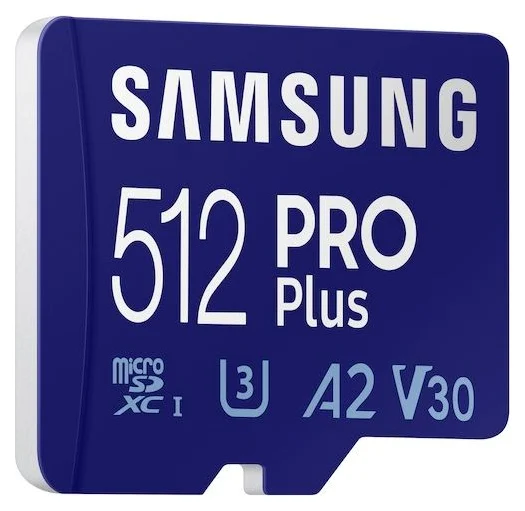
Best overall UHS-I: Samsung PRO Plus 512GB
Samsung
Samsung PRO Plus microSDXC 512GB
Samsung's fast UHS-I microSD card, rated up to 160MB/s read and 120MB/s write, positioned for 4K video and gaming.
Samsung rates the 512GB card at up to 160MB/s read and 120MB/s write, and positions it for 4K video and gaming, listing game consoles, action cams and drones among its uses. It ships with an SD adapter so it works in cameras with full-size SD slots.
The PRO Ultimate reads faster (200MB/s vs 160MB/s) and writes faster (130MB/s vs 120MB/s). The PRO Plus line covers capacities up to 1TB if you want to grow later.
The line is also rated shockproof, temperature-proof, waterproof and X-ray-proof, which is the practical reason it is a fixture in action cams and drones.
Best for cameras and action cams: SanDisk Extreme microSDXC (512GB)
SanDisk's data sheet lists the 256GB to 1TB sizes at up to 190MB/s read and up to 130MB/s write. SanDisk says the 190MB/s read goes beyond the standard UHS-I 104MB/s, needs a compatible device, and may be lower depending on the host device, interface and usage. The card carries UHS Speed Class 3 (U3) and Video Speed Class 30 (V30) ratings for 4K UHD and Full HD video, and an A2 rating for app performance (4000 read IOPS and 2000 write IOPS).
It comes with an SD adapter for full-size SDHC and SDXC devices, and SanDisk lists it as compatible with microSDHC and microSDXC UHS-I host devices. SanDisk calls the card shock-, temperature-, water- and X-ray-proof (card only). Its data sheet lists the warranty as lifetime limited in the US, and 30 years in Germany, Canada and regions that do not recognize a lifetime warranty.
Best for fastest UHS-I reads: Samsung PRO Ultimate microSDXC (512GB)
If your workflow is offloading cards — photos off a camera onto a laptop through a fast reader — read speed is the number that matters most, and Samsung rates the PRO Ultimate 512GB at 200MB/s read and 130MB/s write on the UHS-I bus. That is the highest rated UHS-I read figure among the cards here, and like the PRO Plus it comes with an SD adapter.
The trade against the PRO Plus is simply that it is a step up the same lineup for the same write rating; it is the one to get for read-heavy use.
How we choose
Every spec in this guide comes from the maker's own product pages — Samsung.com, Western Digital's SanDisk store — and from the SD Association's explanations of the speed-class standards, plus Nintendo's official Switch 2 tech specs. We did not test these cards; the numbers here are the makers' rated figures "up to" stated conditions, not measured results. We dropped cards the makers no longer list on their own sites, and we name it plainly when a maker's lineup raises questions — for example, we found EVO Select and EVO Plus at 64GB on Samsung's US microSD lineup page, so we do not recommend a 512GB EVO card that Samsung's own site does not confirm. Where two figures could be read from a maker's materials, we quote the one on the current product page.
Buying guide
First, check what your device's slot takes. That single fact decides the kind of card to buy.
Check the device's slot
A Nintendo Switch 2 takes microSD Express only — Nintendo says regular microSD cards can copy screenshots and videos, nothing more.
Check the speed classes it asks for
A camera that says U3 or V30 needs a card guaranteed at 30MB/s minimum write; a U3 card covers U1 requirements too.
Check the reader you will offload with
A microSD Express card needs an Express reader for full speed, and a UHS-I card tops out at the reader's own limit.
Speed classes, in one minute. The SD Association defines several class systems, and all of them are minimum write speeds, not averages: Speed Class, UHS Speed Class (U1/U3), Video Speed Class (V6 through V90) for video recording, and SD Express Speed Class for Express cards. A card meeting a higher class meets the lower ones — a U3 card satisfies a device that asks for U1.
A2 is about apps, not video. Application Performance Class 2, from the SD Association's SD Physical 6.0 specification, uses Command Queuing and Cache to speed up random access — the pattern of running apps rather than writing long video files. The SD Association notes A2 performance is only available when an A2 card meets an A2-capable host; otherwise the card runs at A1 level. A2 matters for phones and handheld gaming PCs that run software from the card; it does nothing for a camera.
- Yes: Switch 2 game storage: microSD Express card (SanDisk microSD Express 512GB)
- Yes: UHS-I cameras asking U3/V30: SanDisk Extreme or either Samsung card
- Yes: Phones and handheld PCs running apps from the card: an A2-rated card such as SanDisk Extreme
- No: Regular microSD card as Switch 2 game storage — Nintendo does not allow it
- Partly: Express card in a UHS-I device: it works at UHS-I speed (per Western Digital, backward compatible), but you lose the Express speed you paid for
The fast-reader rule. A card is never faster than the reader it is in. Pair a microSD Express card with an Express reader like Western Digital's PRO-READER, and a 200MB/s UHS-I card with a reader that actually does UHS-I at full speed; our best SD card readers guide covers what to look for. For larger, desk-bound storage instead, a portable SSD holds its write speed through long transfers in a way no card slot does — and if the card is headed for something other than a Switch 2, our guides to handheld gaming PCs and Steam Deck docks cover the storage and expansion picture on those devices too.
Verdict
Buy the SanDisk microSD Express 512GB for a Nintendo Switch 2 — it is the only kind of card the slot takes for game storage, and it is rated for 880MB/s reads with a 220MB/s sustained write floor. For standard UHS-I slots, the Samsung PRO Plus 512GB is the balanced pick at up to 160/120MB/s, the SanDisk Extreme 512GB adds V30 and A2 ratings for cameras and app-running devices, and the Samsung PRO Ultimate 512GB is the one to pick for the fastest rated reads at 200MB/s. Check the slot first, then the class the device asks for — the card only ever runs as fast as the device lets it.
Frequently asked questions
Does the Nintendo Switch 2 take a regular microSD card?
No. Nintendo's tech specs say the Switch 2 has a microSD Express card slot, compatible with microSD Express cards only (up to 2 TB). Regular microSD cards that are not compatible with microSD Express can only be used to copy screenshots and videos from the console — they cannot be used as game storage. A 512GB microSD Express card is the practical choice for expanding a Switch 2.
What do U3, V30 and A2 mean on a microSD card?
They are minimum-speed classes from the SD Association. UHS Speed Class 3 (U3) guarantees a minimum of 30MB/s write; Video Speed Class 30 (V30) also guarantees 30MB/s, aimed at video recording; Application Performance Class 2 (A2) adds random-access requirements for running apps, using Command Queuing and Cache. A higher class always covers a lower one: a U3 card works where the device asks for U1.
Is microSD Express backward compatible?
The card is: Western Digital states the SanDisk microSD Express card is backward compatible with UHS-I. The reverse is the problem — a UHS-I card cannot gain Express speed in an Express device, and Express cards reach their rated speeds only when the device supports Express.
Do I need a special card reader for microSD Express?
To read the card at Express speeds on a computer, yes. Western Digital sells its SanDisk PRO-READER SD Express reader separately and notes that full speed needs a compatible device; in an ordinary UHS-I card reader the card falls back to UHS-I speeds.
How fast is a 512GB microSD card in practice?
Depends on the bus. On paper, UHS-I cards here are rated up to 160-200MB/s read and 120-130MB/s write; a microSD Express card is rated up to 880MB/s read and 650MB/s write, closer to a portable SSD than to an older microSD. Your device caps the card: a phone, camera or handheld that only supports UHS-I will hold an Express card back.
Related guides
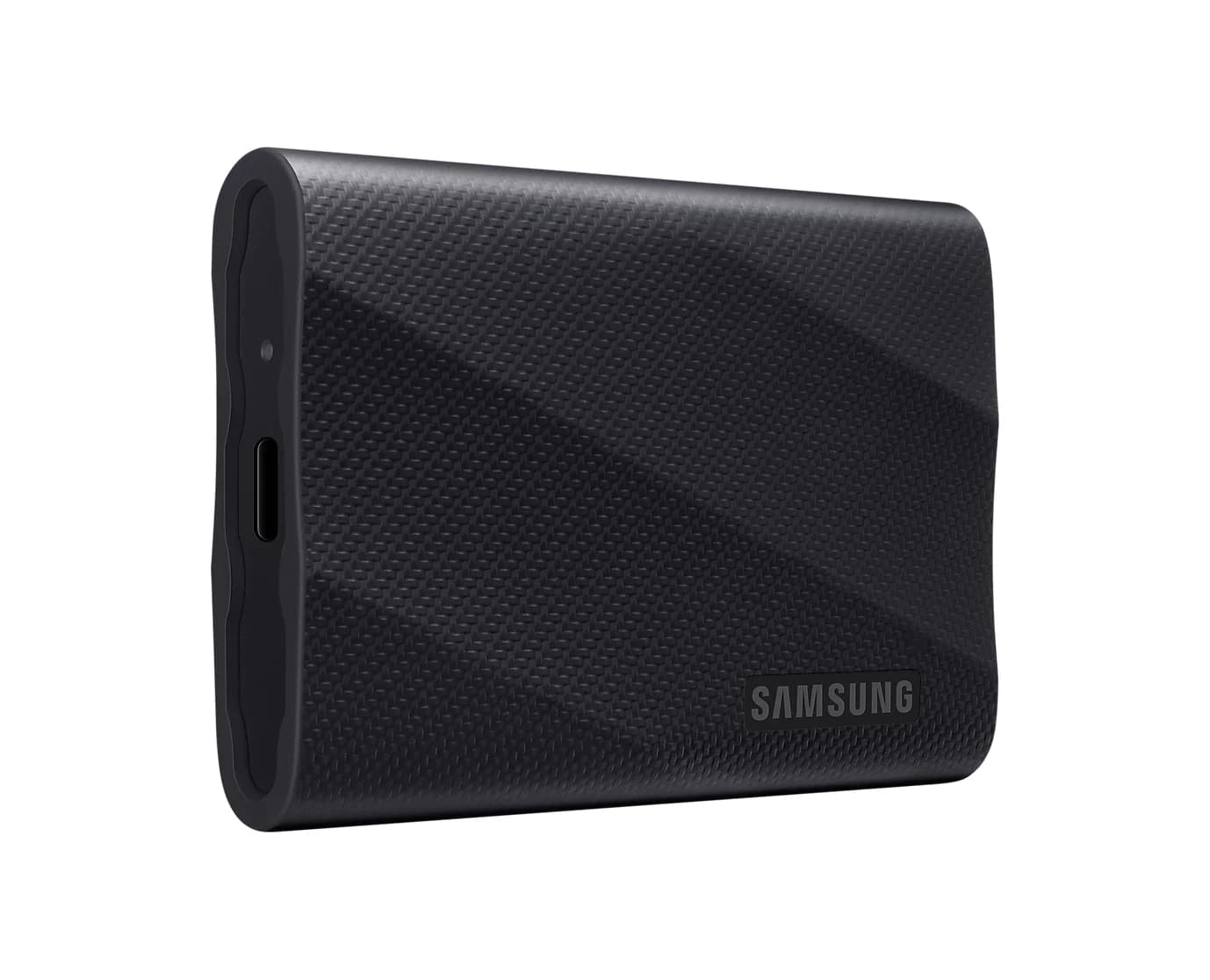
NVMe vs SSD: What the Terms Mean, and What Changes Over USB
NVMe is the protocol, SSD the drive, M.2 the card shape and SATA the older interface. Over USB, the port and cable, not the drive inside, set a portable SSD's speed.
Updated November 26, 2026Read
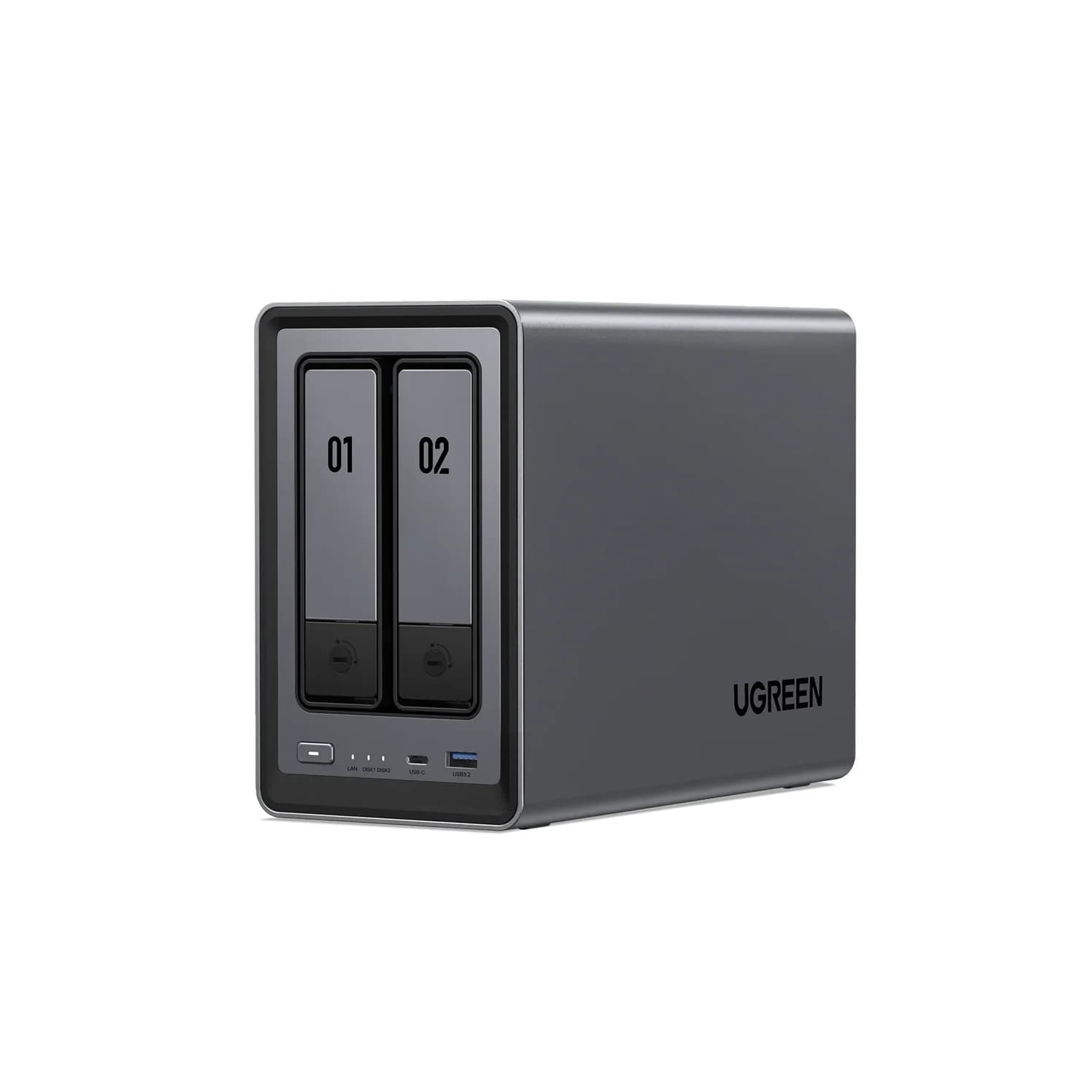
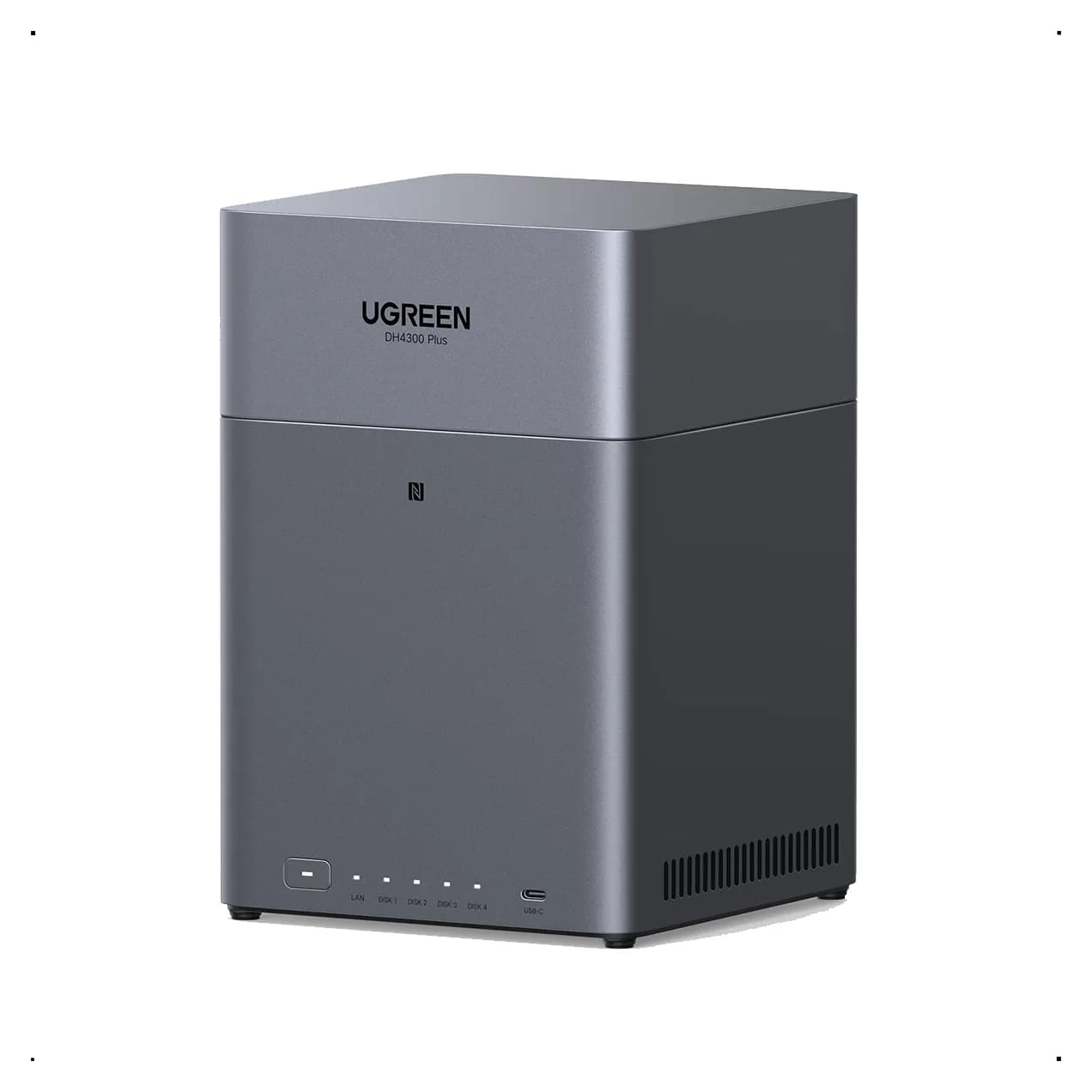
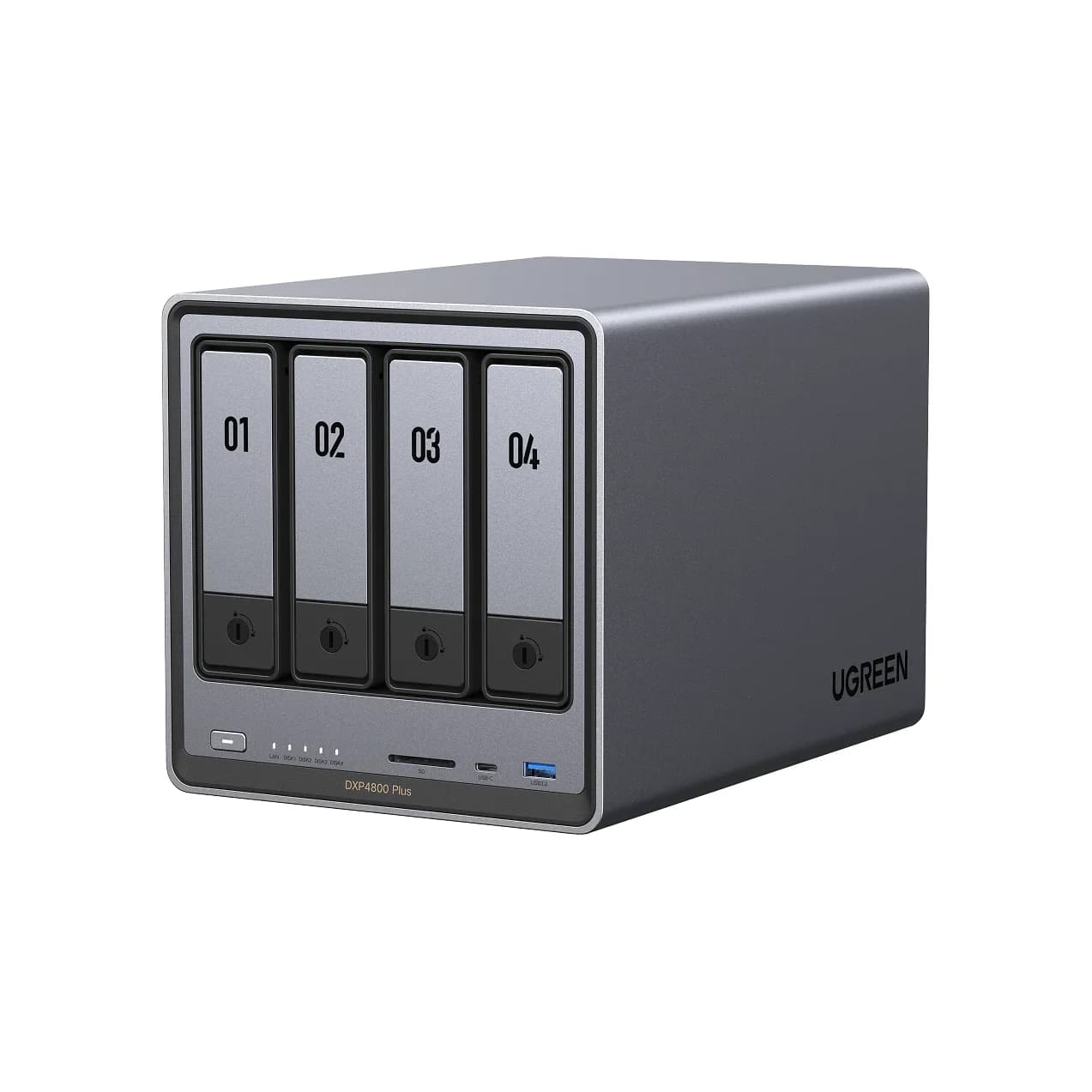
UGREEN NASync Lineup: DH2300, DH4300 Plus, DXP2800, DXP4800 Plus Compared (and Synology vs UGREEN)
UGREEN's NASync lineup compared: DH2300 vs DH4300 Plus vs DXP2800 vs DXP4800 Plus, DH vs DXP explained, Synology vs UGREEN, and the USB backup angle.
Updated November 25, 2026Read
SSD vs eMMC vs UFS vs SATA vs SD Card vs Hard Drive: Storage Types Explained
Learn the difference between SSD, eMMC, UFS, SATA, NVMe, SD cards and hard drives: where each type is found, interface speeds, and which external SSD to buy.
Updated November 26, 2026Read