Black Friday: the specs to check before you buy
Comparison
Updated November 8, 2026Anker 715 Nano II vs UGREEN Nexode 65W: MacBook Air Picks
Short answer
Buy the UGREEN Nexode 65W, US SKU 10334, if your MacBook Air and phone need to charge from the same outlet: its documented two-USB-C setup offers up to 45W for the laptop plus 20W for the phone. Buy the Anker 715 Nano II, A2663, if you mostly charge the Mac alone and want its compact, single-port design with up to 65W. Neither reaches the 70W or higher USB PD source Apple specifies for M5 MacBook Air fast charging. UGREEN, Anker, Apple.
Our picks at a glance
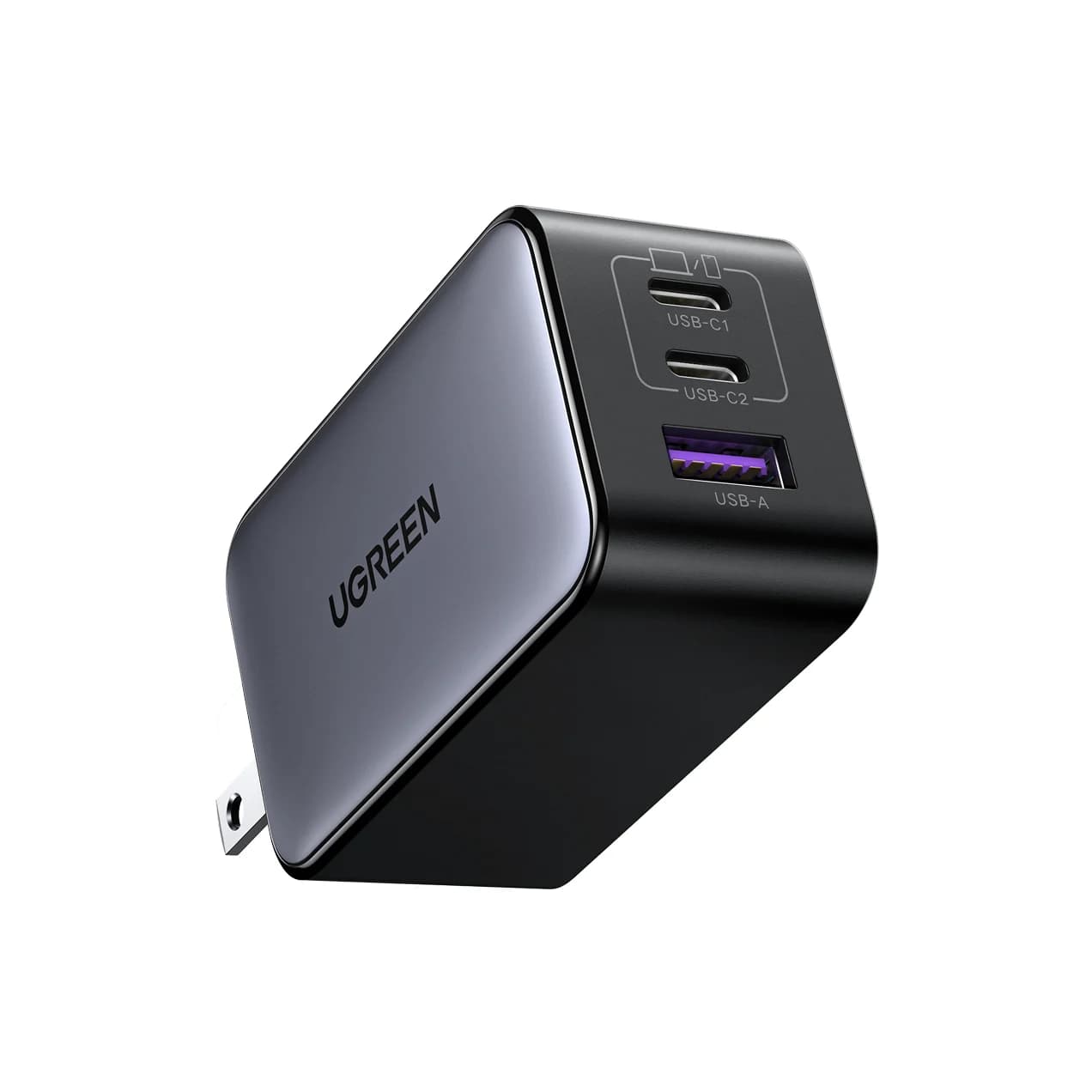
Best for a MacBook Air and phoneUGREEN
UGREEN Nexode 65W 3-Port USB-C Charger
- max output
- 65W
- ports
- 3
- Choose
- Two USB-C ports share up to 45W for the laptop and 20W for a phone in UGREEN's published two-device configuration.
- Limit
- Power is shared: with two or three devices the laptop gets up to 45W on USB-C1, and USB-C2 and USB-A can drop to 8.5W each per UGREEN's diagram
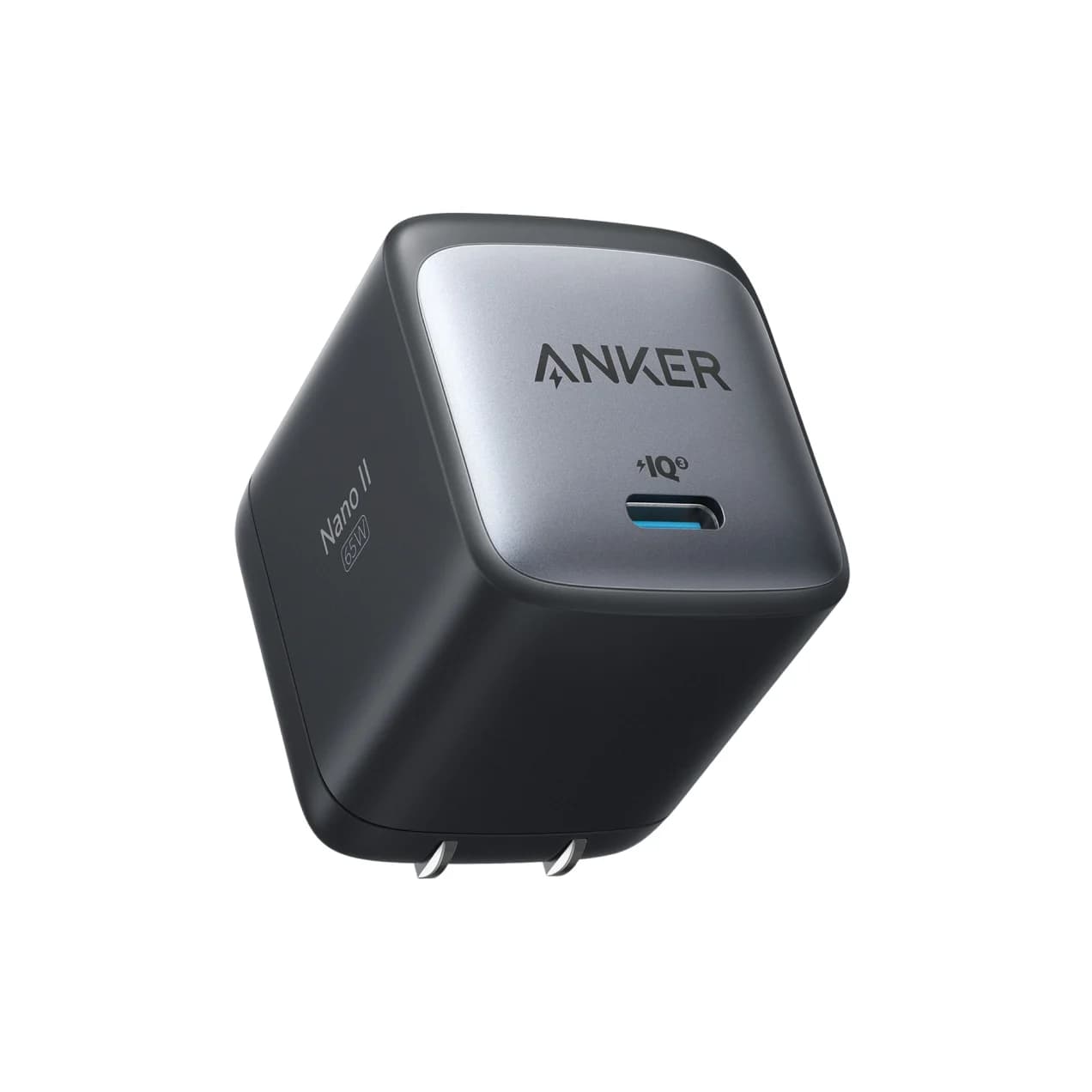
Best for the MacBook Air aloneAnker
Anker 715 Charger (Nano II 65W)
- max output
- 65W
- port
- 1
- Choose
- One USB-C port supplies up to 65W without sharing, in a body whose longest listed dimension is 1.74 inches.
- Limit
- One device at a time
Quick picks
- Air plus phone, one wall plug: UGREEN. Put the Air on USB-C1 and the phone on USB-C2; leave USB-A unused for the documented split.
- Air alone, or phone charged separately: Anker. Its only USB-C port avoids a shared-power decision.
- Apple's fast-charge figure matters: look beyond this pair. Start with our MacBook Air charger guide, then compare the output of the exact ports you will use together.
Exact models: what you are comparing
This is the Anker A2663 against UGREEN's 65W three-port charger, US SKU 10334. Anker prints its model number on its product page; UGREEN identifies SKU 10334 in its US bundle specifications. UGREEN's separate Japan manual data names a different regional model code; see the official download data. Match the exact regional model and bundle selector as well as the name.
| Buying detail | Anker 715 Nano II | UGREEN Nexode 65W |
|---|---|---|
| Model / SKU | A2663 | US SKU 10334; Japan manual names a separate code |
| Charging ports | 1x USB-C | 2x USB-C, 1x USB-A |
| Laptop alone | Up to 65W | USB-C1/C2 listed together: up to 65W maximum |
| Highest fixed USB-C profile | 20V/3.25A | 20V/3.25A |
| Air plus USB-C phone | Phone through the Mac, separate adapter, or charge in turn | Up to 45W + 20W; USB-A unused |
| USB-A alone | No USB-A port | Up to 22.5W; protocol-dependent |
| Listed body dimensions | 1.65 x 1.42 x 1.74 inches | 2.59 x 1.57 x 1.22 inches |
| Plug compared here | Folding US prongs | Folding plug; verify the regional variant |
| Cable purchase | Cables sold separately | Choose “Only Charger” or an explicitly named cable bundle |
Sources: Anker's US specifications, UGREEN's US specifications and selectors, and its power-distribution graphic. Outputs are manufacturer maxima, not promises of constant battery input.
Match model codes, not just “Nexode 65W” or “Nano.” The allocation here belongs to the named SKU and configuration.
Best for a MacBook Air alone: Anker 715 Nano II
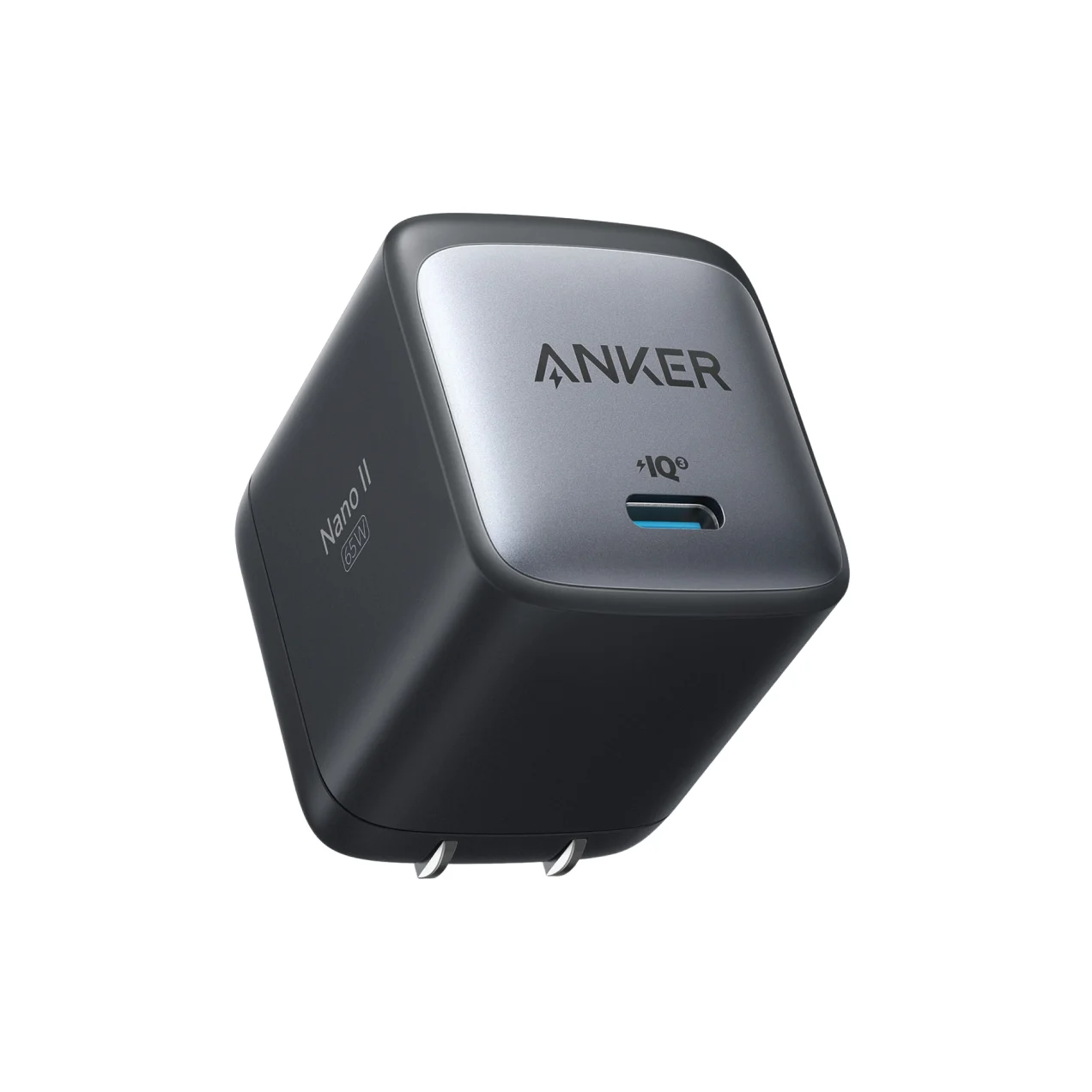
Anker
Anker 715 Charger (Nano II 65W)
A compact single-port 65W GaN USB-C wall charger with a foldable plug.
- 65W max output
- 1 port
The Anker is our pick for a dedicated laptop charger. Its specification lists one USB-C port and up to 65W, including a 20V/3.25A output. There is no second output to divide that rating with. Keep it with the Mac's cable if your phone already has its own charger.
Anker lists a folding design and dimensions of 1.65 x 1.42 x 1.74 inches. Its longest dimension is shorter than UGREEN's 2.59 inches, but UGREEN is thinner on its narrowest dimension. Check socket clearance before choosing either shape.
The Anker has no second direct output; cables are sold separately. However, Apple says an iPhone can charge from a computer's USB-C port, so you can connect the phone through the Mac. That occupies a laptop port; it is not UGREEN's documented 20W phone configuration.
Check price on Amazon: Anker 715 Nano II
Best for a MacBook Air and phone: UGREEN Nexode 65W
UGREEN
UGREEN Nexode 65W 3-Port USB-C Charger
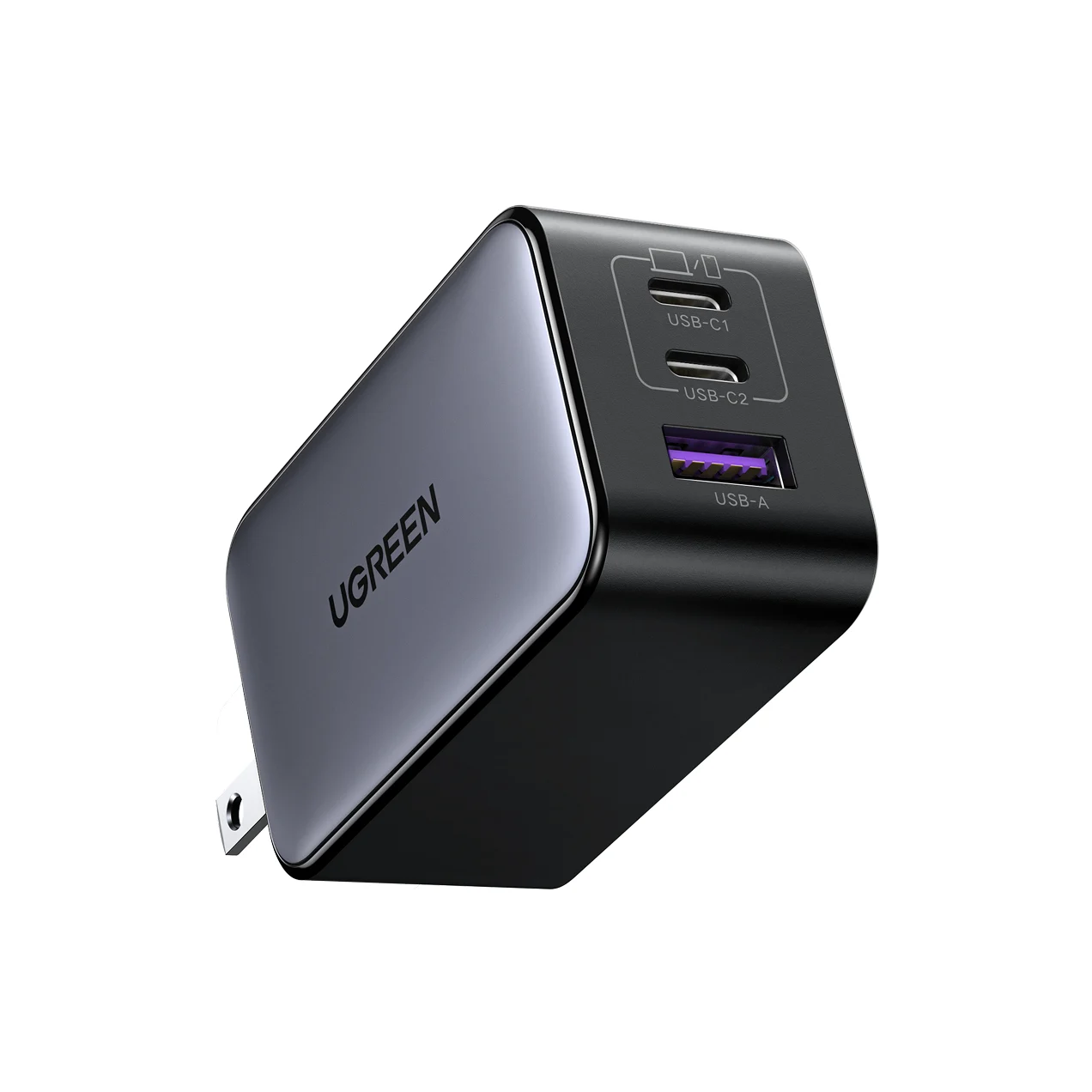
A compact 65W GaN wall charger with two USB-C ports and one USB-A port and a foldable plug.
- 65W max output
- 3 ports
UGREEN's US specifications list two USB-C ports and one USB-A port, with USB-C1/C2 output shown together at up to a 65W maximum; consult UGREEN's own port graphic for the exact port behavior. Its US bundle page's Automatic Power Distribution graphic labels the laptop/tablet connection 45W and the phone connection 20W with both USB-C ports occupied.
Use the top USB-C port, labelled USB-C1, for the Air and USB-C2 for the phone. The port labels appear in UGREEN's official port-face image. Leave USB-A empty when planning around that split. The advantage is simultaneous charging from a single wall plug; the laptop's available maximum is lower than when it has the charger to itself.
UGREEN also tells owners to unplug unused cables because they can restrict the other ports' maximum output. Its specific Apple Watch warning says not to use USB-C2 simultaneously when charging the watch through USB-A. These are good reasons to treat the port combination as part of the purchase, rather than count sockets and assume equal performance.
Check price on Amazon: UGREEN Nexode 65W
What changes with the same Air and iPhone?
Our reference setup is a 13-inch M5 MacBook Air and an iPhone 15. Apple's US Air specifications list a 40W Dynamic Power Adapter with 60W Max, a 2 m USB-C to MagSafe 3 cable, and fast charging with a 70W or higher USB PD power source. The 15-inch M5 has the same listed adapter and fast-charge requirement.
Apple permits USB PD adapters with higher or lower wattage. USB-IF says devices take only the power they require, so the Mac need not constantly draw 65W.
| Same devices, different arrangement | Air's available maximum | Phone arrangement |
|---|---|---|
| Anker, Air on its only output | 65W | Phone through the Mac or a separate adapter |
| UGREEN, Air alone on either USB-C | 65W | Phone disconnected |
| UGREEN, Air on C1 and iPhone on C2 | 45W | Up to 20W; USB-A unused |
Apple's iPhone fast-charge page accepts an Apple 18W or greater USB-C Power Adapter or a comparable third-party USB-PD adapter for an iPhone 15 or later. UGREEN's documented phone allocation is therefore in that broad adapter class; this is a specification comparison, not a measured charging-time result. Do not transfer that conclusion to a phone whose fastest charging needs a different protocol or more power.
Source: Anker specifications, UGREEN allocation graphic, Apple specifications
Do not assume the two-USB-C split applies with USB-A occupied. The linked UGREEN graphic does not establish every combination. Consult your exact unit's diagram before budgeting a laptop, phone and accessory together.
Cables and complete kits: compare the same basket
For the Air, start by reusing its MagSafe 3 cable. Apple's charging instructions also allow charging through any of the Mac's USB-C ports. Using MagSafe leaves those ports available for accessories. Connecting both charging routes does not add their power: Apple says the Mac charges from one source at a time.
For a USB-C-to-USB-C laptop cable, prefer an official rating that is at least the charger output: 100W or 240W covers the full 65W output. A 60W logo category does not establish that a cable can carry the chargers' full 20V/3.25A output, so check its official rating or rely on the charger/cable negotiation and device-reported power. This follows from the chargers' listed profiles and USB-IF's 60W and 240W cable-logo categories. A cable's higher rating cannot increase the charger's output.
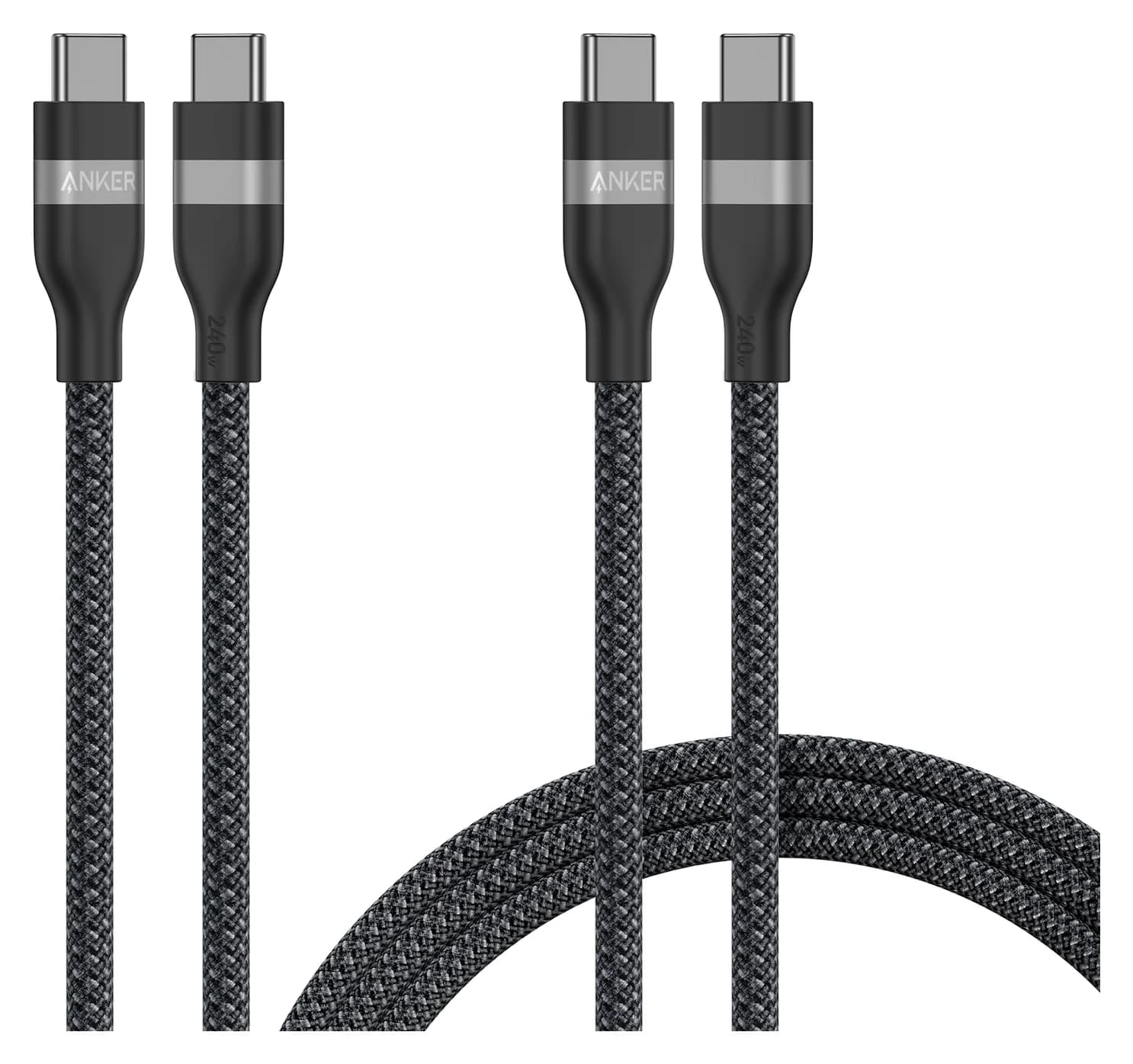
The existing Anker A82E2 240W cable two-pack is an optional matched addition to either basket. Anker's two-pack selector includes two 3 ft cables, two 6 ft cables, and a mixed-length selection; check the actual pack selected. Anker specifies 480 Mbps data and no screen mirroring, so treat it as a charging cable, not a monitor cable. Our fast-charging cable guide explains other choices.
Manufacturer specifications and bundle selectors checked 3 November 2026:
| Kit for the same Air and iPhone | Anker basket | UGREEN basket |
|---|---|---|
| Reuse cables you own | A2663 + Air's MagSafe cable + phone's USB-C cable | 10334 “Only Charger” + the same cables |
| Charge both simultaneously | Phone through the Mac, or separate phone adapter and outlet | Air on C1, phone on C2; no extra wall adapter |
| Need new USB-C cables | Add the same A82E2 pack and lengths | Add the same A82E2 pack and lengths |
| Consider a maker cable bundle | Anker says cables sold separately | US selectors name 100W cable two-packs; check length and bundle selected |
At checkout, compare charger plus missing cables, any additional phone adapter, shipping and tax. UGREEN's bundle page offers 3.3 ft or 6.6 ft 100W cable two-packs; its charger page distinguishes “Only Charger” from a cable bundle. Do not assume those kits have identical contents or that a manufacturer option describes the Amazon offer.
Our value rule: choose Anker when the phone's existing charger already solves simultaneous charging. Choose UGREEN when replacing that second adapter and freeing an outlet is useful enough to justify the checkout difference. Extra ports buy convenience here, not a higher maximum for the Air. If the phone matters as much as the Air, our fastest charging phones guide names the phones and chargers that hit each maker's top rate.
Buying checks before you keep either charger
If you want to fast-charge a compatible MacBook Air, Apple lists a 70W adapter plus a USB-C to MagSafe 3 or USB-C charge cable among its qualifying combinations. Charge times vary with adapter, settings, usage and conditions, so choose a higher class that offers at least 70W to the Air's port in your intended configuration rather than treating the page's 30-minute figure as universal. A larger total on the box is insufficient if the second device reduces the laptop port below that requirement. Our USB-C charger guide covers broader options.
Both makers list 100–240V input. Match the plug to your travel destination. Neighbouring-outlet clearance is not guaranteed.
Apple explains how to check the adapter wattage in System Information. UGREEN's unused-cable warning makes this especially useful when comparing the laptop-alone and shared configurations. The displayed adapter information is not a measurement of power entering the battery.
Connect the Air alone
Use a suitable charging cable and leave the charger's other ports empty.
Check the adapter information
Hold Option while choosing Apple menu > System Information, select Power, and read AC Charger Information.
Add the phone
For UGREEN, keep the Air on USB-C1 and the phone on USB-C2; keep USB-A unused for the documented configuration.
Remove unused cables
Follow UGREEN's warning that they can restrict the other ports' maximum output.
How we choose
We compare manufacturer specifications, Apple support documents, USB-IF guidance and complete kits for the same devices. UGREEN's two-device figures come from its own hosted graphic, read visually; other regional versions and generic brand articles do not establish this SKU's remaining combinations.
This is research, without physical charging-time, temperature or clearance measurements. Check seller identity, stock and the selected bundle at purchase.
Verdict
Choose Anker A2663 for the Air alone; choose UGREEN US 10334 for the Air plus a USB-C phone from one outlet. Plan around UGREEN's documented 45W + 20W split and keep USB-A unused for it. If Apple's M5 Air fast-charge specification is the goal, buy a charger that keeps at least 70W available to the laptop in the configuration you will actually use.
Frequently asked questions
Should I buy the Anker 715 or UGREEN Nexode 65W for a MacBook Air?
Choose the Anker 715 (model A2663) if you normally charge only the MacBook Air. Choose UGREEN's US SKU 10334 if you also want to charge a phone from the same outlet: its published two-USB-C configuration offers up to 45W and 20W. Both offer up to 65W with the laptop alone. Neither reaches the 70W or higher USB PD source Apple specifies for fast charging an M5 Air.
Does a 65W USB-C charger fast charge a MacBook Air?
It can charge a USB-C MacBook Air, but it falls below Apple's stated fast-charge requirement for the M5: a 70W or higher USB PD power source. Apple gives its up-to-50-percent-in-around-30-minutes figure for qualifying adapter and cable combinations. Neither of these 65W chargers qualifies on that specification, and UGREEN's laptop allocation falls to 45W in the documented laptop-and-phone configuration.
Do I need a 240W cable with an Anker 715 or UGREEN 65W charger?
A 240W USB-C cable is suitable, but an existing 100W cable also covers their 65W output. A cable rated only 60W cannot carry the full 65W. With an M5 Air, you can instead reuse its included USB-C to MagSafe 3 cable. A higher cable rating does not increase either charger's output or turn it into a charger that meets Apple's 70W fast-charge requirement.
Will the UGREEN Nexode 65W charge a Samsung phone at 45W?
UGREEN's US SKU 10334 page explicitly says it supports 25W Galaxy Super Fast Charging 1.0 and does not support 45W Samsung Super Fast Charge 2.0. Anker also says the A2663 does not support 45W Super Fast Charging 2.0. A 65W laptop rating therefore does not establish 45W Samsung charging. Check the exact phone protocol as well as the charger's total wattage.
Related guides
Best Wireless Chargers in 2026: Qi2 Stands, Pads and 3-in-1 Stations
The best Qi2 wireless chargers of 2026, from maker spec sheets: 15W MagGo stands, foldable 3-in-1 stations, a Galaxy pad, and the adapter wattage each one needs.
Updated November 7, 2026Read
Anker Prime A2688 vs Satechi 100W Charger: Which to Buy?
Anker Prime A2688 vs Satechi 100W Compact GaN: exact port splits, sizes, cables and travel plugs from the makers, and which kit fits your laptop.
Updated November 5, 2026Read
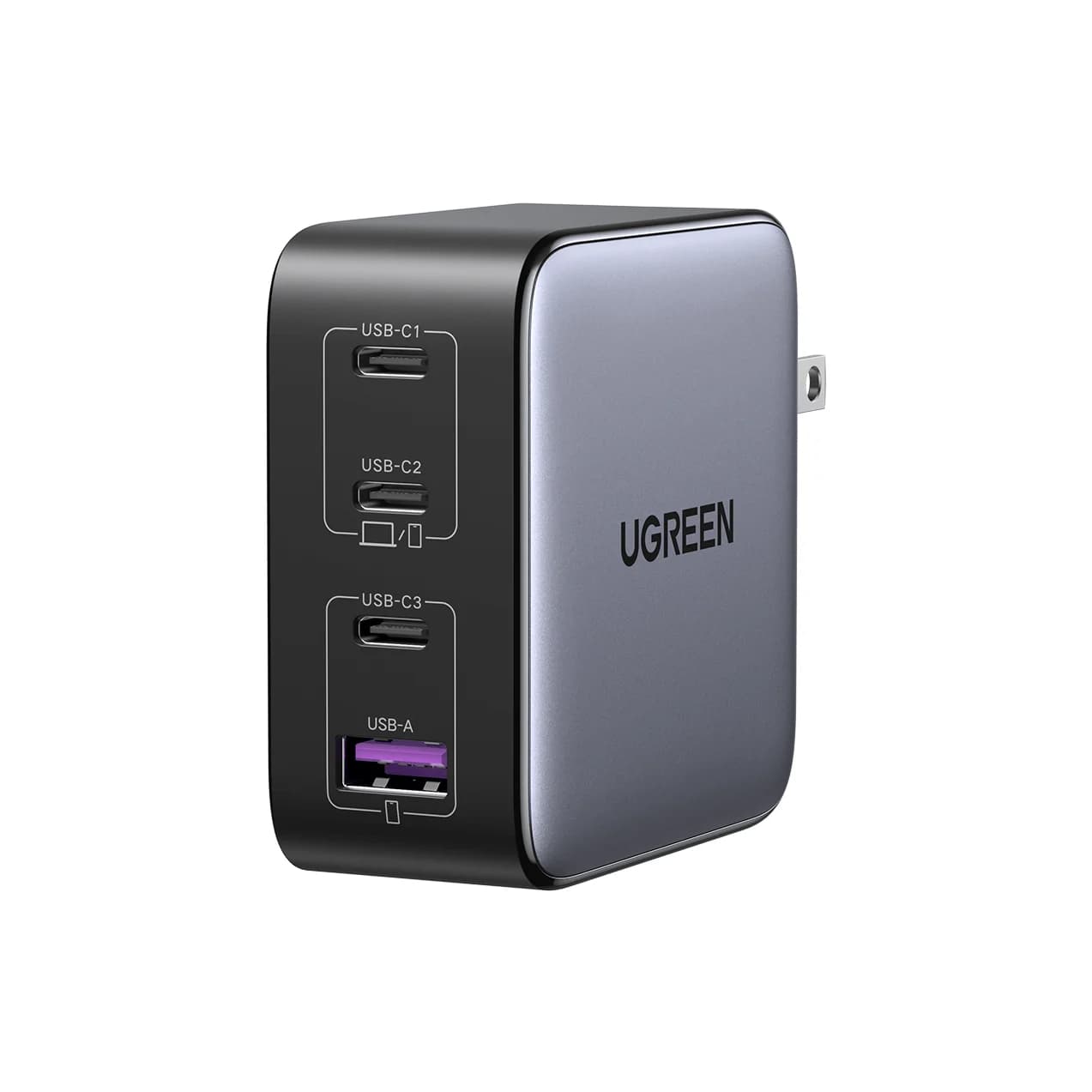
Satechi 145W vs Anker Prime Fusion: The Four-Port Travel Charger Match
Satechi 145W vs the Prime Fusion-class pick: real port splits for one or two laptops plus phones, plug kits, cables and which complete travel kit wins.
Updated November 5, 2026Read