Black Friday: the specs to check before you buy
Explainer
Updated November 3, 2026Anker Prime Power Banks: 20K 200W vs 27K 250W vs 26K 300W
Short answer
For a new purchase among these three Anker Prime banks, choose the 26K 300W A110A: it has up to 140W from each USB-C port, up to 250W dual-port recharging, and Anker's US page lists it in stock. Keep an A1340 27,650mAh 250W if its 140W single-port ceiling already meets your needs; the smaller A1336 20K 200W is enough on paper when your required port power is no more than 100W. Anker's US A1340 page and European A1336 page show those models as sold out, so treat them as conditional older alternatives.
Our picks at a glance
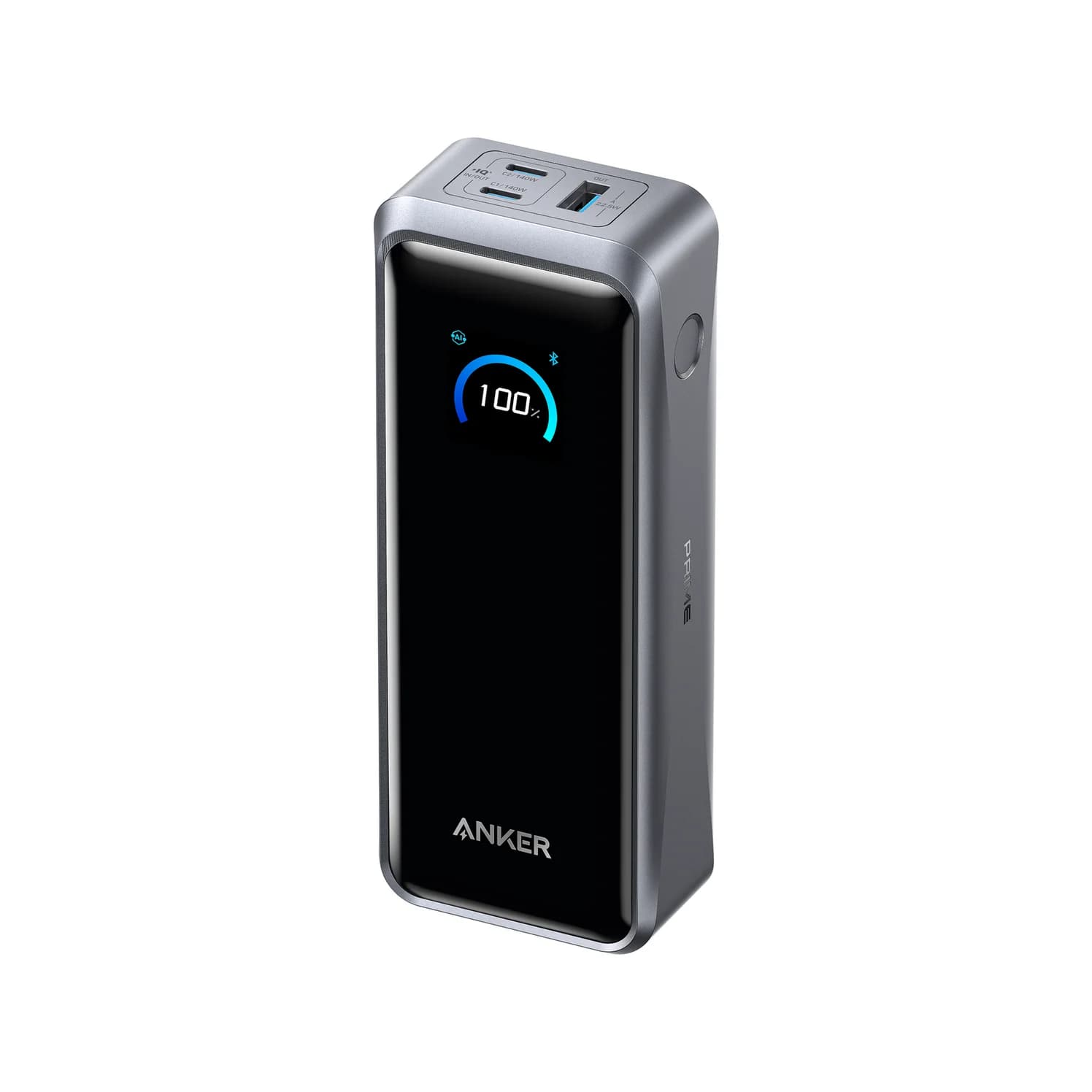
Best new purchase among these threeAnker
Anker Prime Power Bank (26K, 300W)
- max output
- 140W
- ports
- 3
- Choose
- A110A combines 140W USB-C output, 300W total output and up to 250W dual-port recharging; Anker's US page lists the bank in stock.
- Limit
- At 600 g it's a bag item, not a pocket one
Anker's A110A specifications separate these three limits:
- 300WA110A combined output across its USB ports
- 140WA110A maximum output from either USB-C port
- 250WA110A maximum recharge input using both USB-C ports
Quick picks: buy, keep or skip the upgrade
| Your situation | Our choice | Reason |
|---|---|---|
| Buying a bank now for high-power laptop use | A110A 26K 300W | Current US maker listing; 140W USB-C output and a higher dual-input refill ceiling |
| Already own the larger older Prime | Keep A1340 27K 250W | Its 140W single-port ceiling matches A110A's |
| Already own the smaller older Prime; need up to 100W per laptop | Keep A1336 20K 200W | Anker documents two laptops charging at 100W each |
| Primarily want convenient desk refilling | Choose the base separately | A1902 and A1903 have different simultaneous-charging behavior |
Read the broader power-bank guide if you are still deciding between a laptop bank and a smaller phone-focused pack.
Compare the exact versions
Power figures below are manufacturer maximums. Each bank has two USB-C ports and one USB-A port.
| Specification | A1336: 20K 200W | A1340: 27K 250W | A110A: 26K 300W |
|---|---|---|---|
| Advertised capacity | 20,000mAh | 27,650mAh | 26,250mAh |
| Stated battery energy | Check the unit's label; not confirmed in the linked text specifications | 99.54Wh | 99.75Wh |
| Best single USB-C output | 100W | 140W | 140W |
| Combined output ceiling | 200W | 250W; USB-C pair limited to 240W | 300W |
| Ordinary single-port USB-C recharge | 100W | 140W | 140W; special Anker-protocol exception below |
| Dual USB-C recharge | No higher figure established here | 170W maximum, with conditions below | 250W maximum, with conditions below |
| Display and controls | On-bank display and button settings | Display plus Bluetooth app; locating alerts | Display plus Bluetooth app; adjustable power distribution |
| Dimensions, inches | 4.9 × 2.1 × 1.9 | 2.24 × 1.96 × 6.37 | 6.3 × 1.5 × 2.5 |
| Bank-only cable described by Anker | 2 ft USB-C to USB-C | 2 ft, rated 140W | 3.3 ft, rated 240W |
Sources: Anker's A1336 support specifications, A1336 package description, A1340 specifications, A1340 quick-start guide, and A110A user guide.
Identify the model before comparing a bundle. Anker calls A1340 both “27K” and “27,650mAh”; those identify the same bank. A110A is the 26K model, while the 20K 220W A110B named in Anker's base manual is a different bank from A1336. Ask for the model marking when a listing title only says “Prime 20K.”
Best new purchase: Anker Prime 26K 300W, A110A
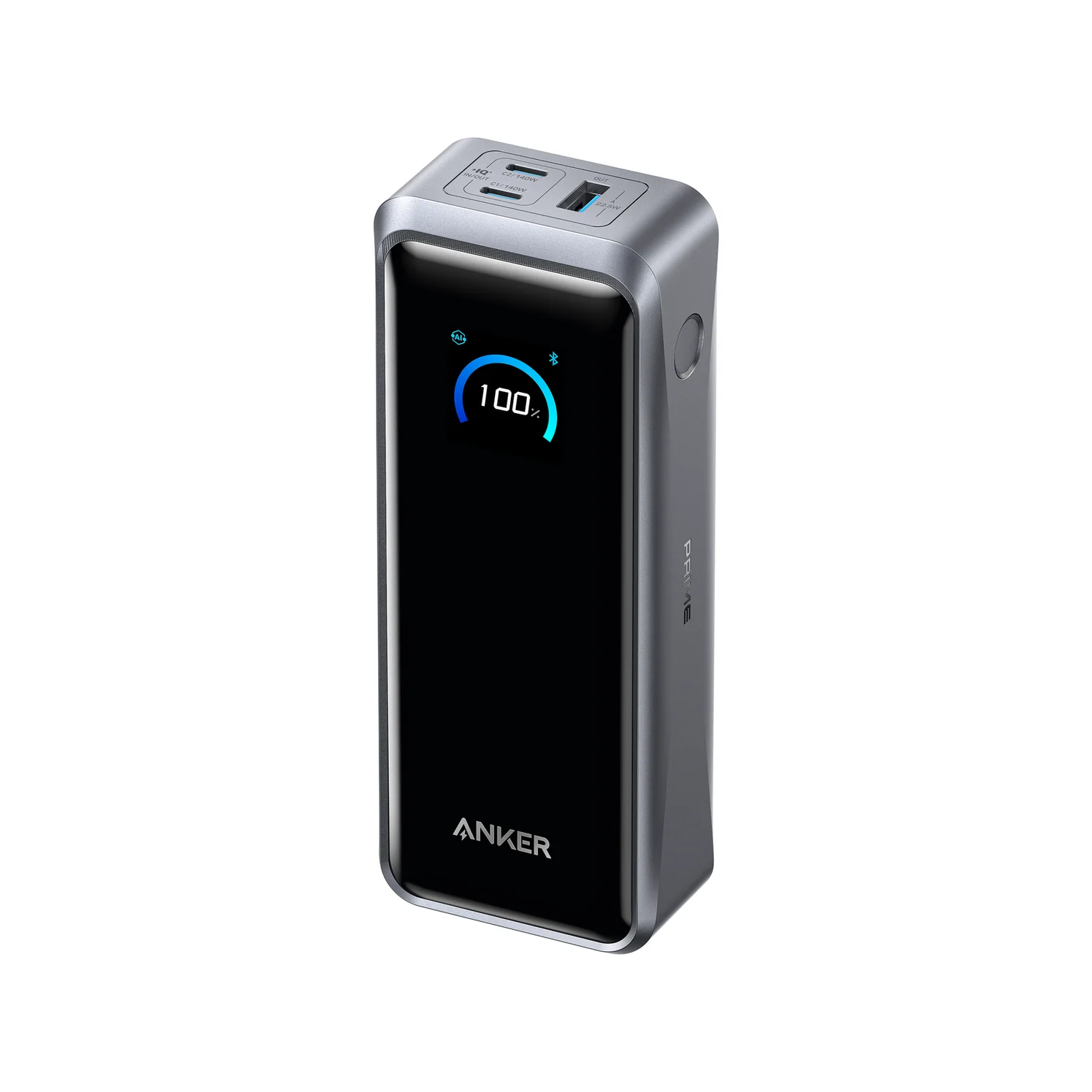
Anker
Anker Prime Power Bank (26K, 300W)
A 26,250mAh (99.75Wh) power bank with two 140W USB-C ports and a USB-A port, rated up to 300W total and 250W recharge input.
- 140W max output
- 3 ports
This is our pick when buying into this comparison today. Its strongest advantage over A1340 is refill flexibility: Anker specifies 250W using both USB-C inputs, and says this can replenish the bank to 50% in 13 minutes. The requirement matters: Anker calls for 140W chargers and 5A cables on both ports. Budget for the complete setup before buying for that particular benefit.
For simpler refilling, the user guide gives about an hour with a single 140W charger. It also documents a 150W single-port input exception using the A2687 Prime 160W charger with specified Anker cables, including the cable supplied with A110A. Ordinary USB-C input is rated at 140W; don't expect every charger bearing a higher total wattage to unlock the special protocol.
Compare refill figures only when the charge target and setup match. A110A's half-charge claim and A1340's full-charge claims below are different benchmarks; higher peak input alone does not establish a shorter full refill.
The trade-off is carrying it: Anker lists 600g. The bank-only package includes a 240W USB-C cable and pouch. App controls offer automatic allocation, power-saving and custom modes; use them if you want to manage charging behavior rather than simply watch the battery percentage.
Check price on Amazon for the Anker Prime 26K 300W
Smaller older option: Anker Prime 20K 200W, A1336
Keep this bank if it already covers your load. Its USB-C ports reach 100W each, and Anker explicitly advertises 100W + 100W for two laptops. Paying for a larger total-output number makes little sense if you never need more port power or capacity.
Its 4.9-inch dimension is shorter than either larger model's longest dimension, although the shapes differ. Anker's package description lists a 2 ft USB-C cable and pouch, and gives an hour and 15 minutes for a full refill at 100W. Those are useful reference points when assessing an older listing.
There is a functional limit: Anker's support introduction says A1336 disables output while recharging, and directs users to the base's own USB ports for device charging. Don't buy it expecting the bank to serve as a pass-through hub.
The European maker page is sold out. It establishes the model's specifications, not US retail availability; a third-party offer needs a separate model, condition and package check.
Larger older option: Anker Prime 27K 250W, A1340
A1340 is the older bank to keep if 140W USB-C output is your main requirement. Its quick-start guide gives a 240W combined ceiling for the two USB-C ports, versus 250W across all ports. The headline number does not describe one laptop's input.
Its app can sound a locating alert and show charging statistics. Anker lists 665g, compared with A110A's 600g, and describes the included cable as 2 ft, 140W. The stated 99.54Wh is very close to A110A's 99.75Wh, despite the larger advertised mAh count. Don't upgrade or choose old stock on capacity names alone.
Read the refill claims carefully. Anker advertises 170W dual-input recharging and 37 minutes in its package description, while its on-page charging section gives 140W and under 43 minutes. Its notes say to use both USB-C ports for 170W, warn that this cannot be sustained continuously, and say it normally reaches that level above 55% battery. These describe different conditions; neither is a guaranteed refill time for your charger.
Anker's US A1340 page shows sold out. It remains a useful comparison and an ownership option, rather than our default new purchase.
Buying guide: the base and the complete kit
Charging-base compatibility is broader than the bundle names
The older A1902 100W base explicitly lists A1336 and A1340. A110A's own manual also confirms compatibility with A1902. The newer A1903 150W base manual names all three banks, but Anker reserves its 150W pogo-pin rate for A110A. Compatibility with the newer base does not upgrade an older bank's input specification.
The A1902 shares 100W total between its USB ports and pogo connector; A1903 shares 150W total. Neither offers every port's advertised maximum simultaneously. A1903's manual also limits its USB-C2 and USB-A pair to 15W combined. Leave other loads disconnected when prioritizing a bank refill.
A1903's app grouping supports A110A; A1902 has no app connection. The bank itself does not connect independently to Wi-Fi, according to A110A's manual. Buying the base for remote controls is a separate decision from buying one for charging convenience.
Compare complete checkout totals
The bank-only package descriptions list a cable and pouch without listing a wall adapter or base. A110A's maker page separately offers Power Bank and Power Bank + Charging Base choices. The base is a mains-powered charger; it needs an outlet and stores no portable power for later use.
| Setup you want | Parts to count in your checkout total |
|---|---|
| A1336 at its documented USB-C refill ceiling | Bank and supplied cable, plus a 100W-capable wall charger |
| A1340 with ordinary single-port refilling | Bank and supplied 140W cable, plus a 140W-capable wall charger |
| A110A with ordinary single-port refilling | Bank and supplied 240W cable, plus a 140W-capable wall charger |
| A110A at its advertised 250W dual-input ceiling | Bank, supplied cable, another 5A cable, and 140W charging sources for both USB-C inputs |
| Drop-on desk refilling | Bank plus the separately identified A1902 or A1903 base; Anker lists a power cord with each base |
Start with the charger you already own. If you choose a multi-port replacement, check its simultaneous output table against both inputs before counting on the dual-input figure. Our USB-C charger guide and charging-cable guide help assemble that kit.
Match the bank
Read the model marking and capacity in the comparison table.
Match the base
Require the actual base model in the package description.
Count the refill gear
Include the charger and any additional high-power cable in the complete checkout total.
Capacity labels and realistic expectations
Use the actual unit's printed watt-hour marking for travel planning. The linked A1336 text specifications establish its mAh capacity without establishing its Wh rating, so we leave that cell unfilled. For A1340 and A110A, their published Wh figures show that stored energy is essentially tied.
Capacity is not a promise of energy delivered to a laptop: Anker's A110A FAQ explicitly describes conversion losses. Nor are peak wattages sustained-power guarantees: Anker warns that A1336 output falls with high temperature or low charge, and that A110A recharge input can taper. Consult our power-bank flight guide for the travel rules and check your carrier before departure.
How we choose
This Anker Prime power bank comparison uses Anker's product pages, model-specific manuals and package descriptions. Recommendations weigh port power, stored energy, refill requirements and base compatibility. Quoted charging times are Anker's published claims; we have no independent runtime or temperature measurements.
We distinguish bank specifications from base specifications, and flag different refill conditions rather than merging their best figures. Older models stay in the selector to help existing owners and shoppers identify offers; a regional specification page does not establish US stock.
Verdict
Buy A110A 26K 300W for a new high-power Prime setup, especially if brief, high-power top-ups matter. Keep A1340 when its 140W port already does the job, or A1336 when 100W is sufficient. Add A1903 for the documented A110A simultaneous-charging features; keep an existing A1902 if simple refilling is enough.
Frequently asked questions
Which Anker Prime power bank should I buy?
Among these three, choose A110A, the 26K 300W model, for a new purchase. Its USB-C ports are rated up to 140W, with up to 250W dual-port input for recharging. Anker's US A1340 page and European A1336 page show those older banks as sold out. Keep an existing A1340 if its 140W single-port output meets your needs; consider upgrading for higher peak recharge input or the newer base features.
Does 300W mean one laptop gets 300W?
No. Anker lists 300W as A110A's combined output across its USB ports. Each USB-C port is rated up to 140W, while USB-A reaches up to 22.5W on its own. A1340 also reaches 140W from a USB-C port despite its lower total rating. Choose by your laptop's accepted input and the port's rating, then consider the combined ceiling if you charge other devices alongside it.
Can I use the older Anker 100W base with the 26K 300W bank?
Yes. A110A's user guide explicitly lists the older A1902 base alongside A1903. The important restriction is simultaneous use: the guide says the bank cannot charge other devices while recharging on A1902. A1903 supports that function and offers up to 150W pogo-pin charging for A110A. If you already own A1902 and only need to refill the bank overnight, keeping it is a reasonable choice.
Is the 27,650mAh Prime bigger than the 26K model?
Its advertised mAh count is higher, but Anker lists 99.54Wh for A1340 and 99.75Wh for A110A. Their stated stored energy is therefore very close; the names alone suggest a larger difference. A1340 weighs 665g and A110A weighs 600g. For travel, read the actual unit's watt-hour marking and check your airline's rules through our flight guide before packing either bank.
Do Anker Prime power banks include a wall charger or charging base?
The bank-only package descriptions for these models list a USB-C cable and a pouch, with no wall charger or base listed. A110A's page separately offers a Power Bank + Charging Base option. Check that the selected bundle names the base you want. Reaching A110A's advertised 250W refill rate also requires both USB-C inputs, 5A cables and 140W chargers; buying the bank alone does not supply that complete setup.
Related guides
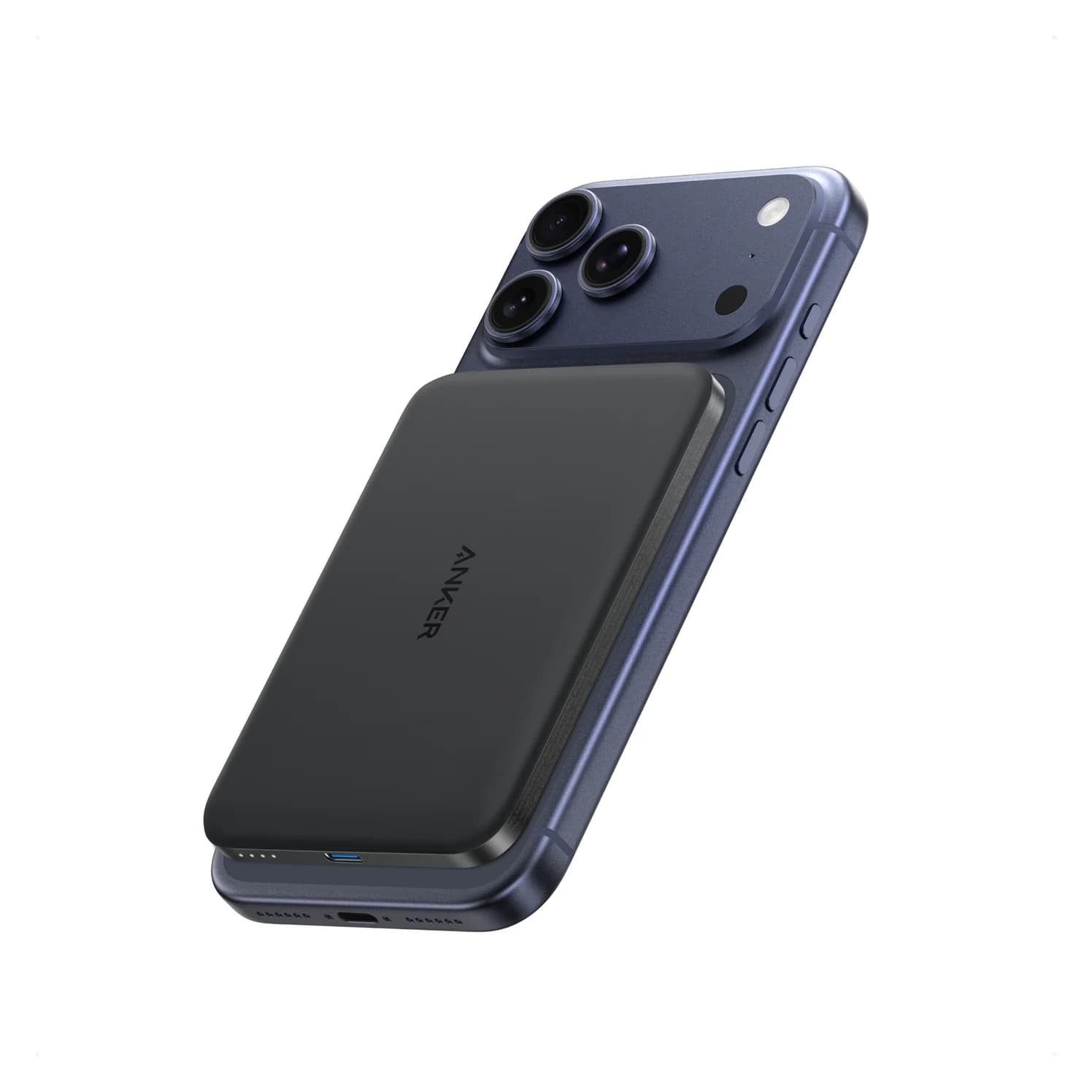
Baseus PicoGo Qi2 5K vs UGREEN MagFlow 5K: The Honest Answer in 2026
No UGREEN MagFlow 5K exists — the real Qi2 5K showdown is Baseus PicoGo vs Belkin BoostCharge Pro 10K. Here are the picks, specs, and gotchas.
Updated November 5, 2026Read
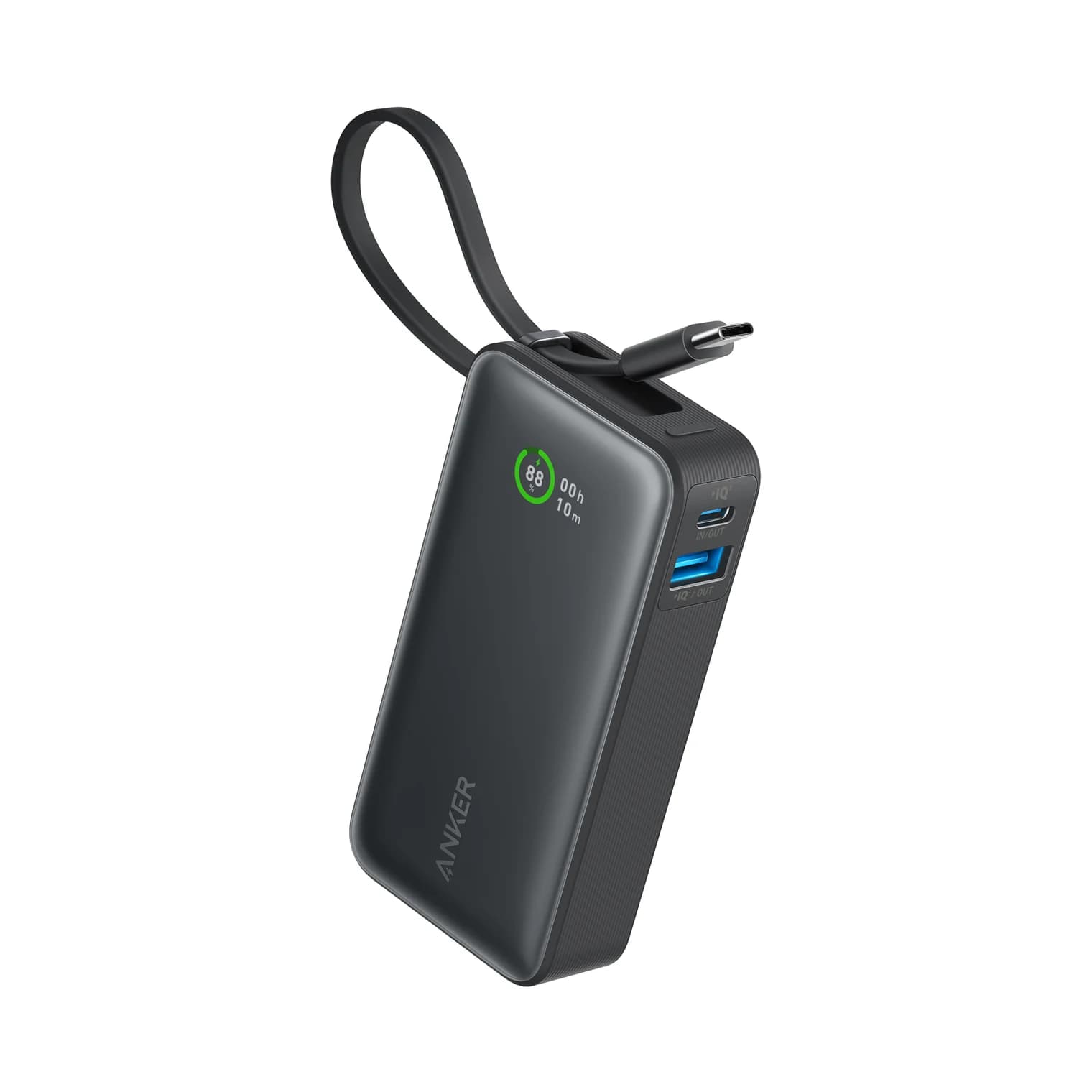
Anker Zolo 10K Power Bank Review: A1688 vs the Nano 10K
Anker Zolo 10K vs Nano 10K: compare built-in cable length, 30W charging, shared output, refill speed and the complete kit, from the makers' own documents.
Updated November 5, 2026Read
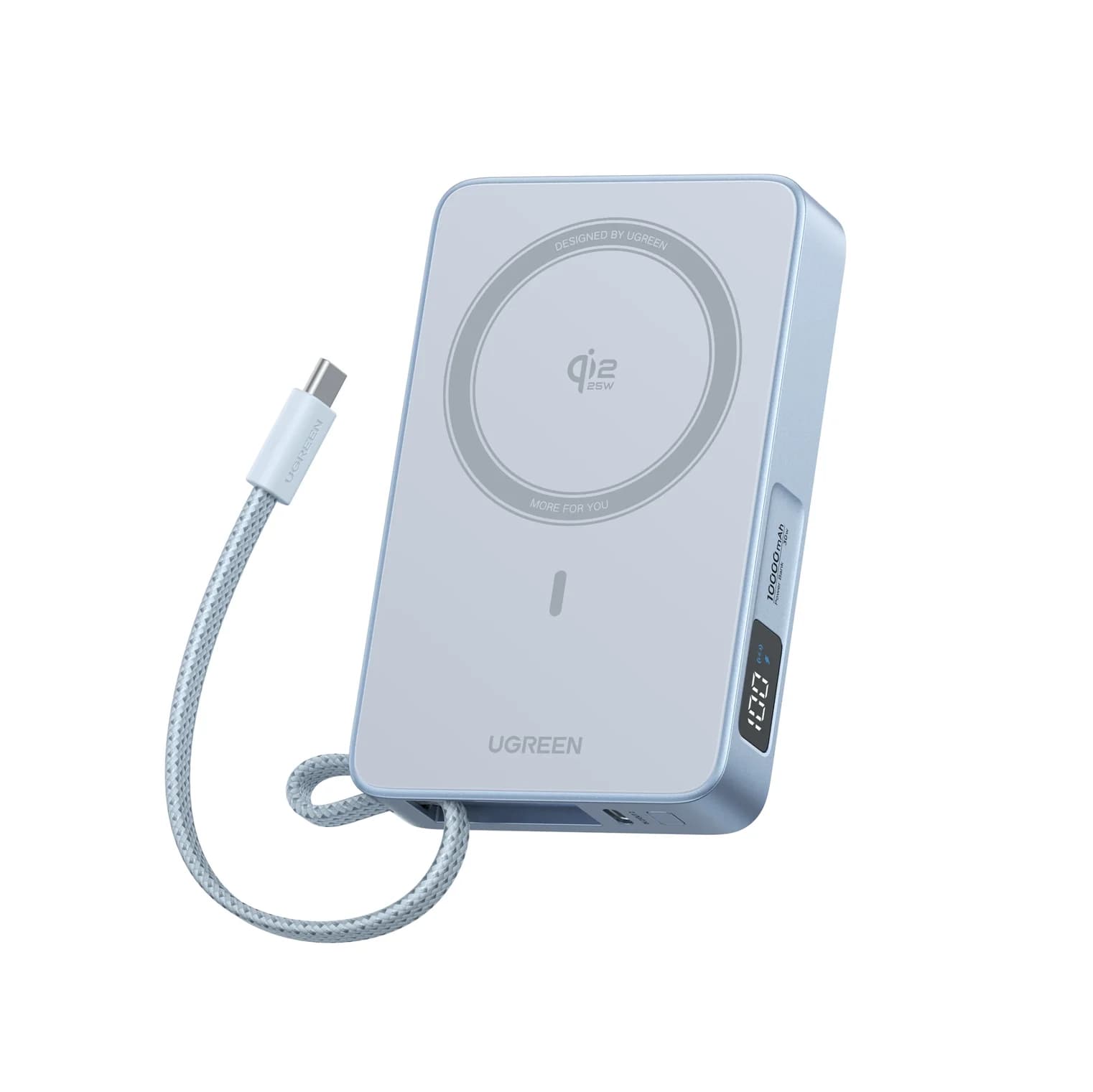
Anker Nano MagGo Slim 5K vs UGREEN MagFlow 10K: Which Magnetic Power Bank?
The Anker MagGo Slim 5K is the 8.6 mm pocket card; the UGREEN MagFlow 10K adds Qi2 25W and a built-in cable. Exact specs, phone fit and honest capacity.
Updated November 5, 2026Read