Black Friday: the specs to check before you buy
Explainer
Updated November 3, 2026Apple Watch Charging Cables: Which USB-C Fast Charger Should You Buy?
Short answer
For a new Apple Watch charger, buy Apple’s Magnetic Fast Charger to USB-C Cable, ML434AM/A (A3277): the current 1 m USB-C cable, especially for Series 12 or Ultra 4, which Apple says charge faster with this newer charger. Pair it with Apple’s 20W USB-C adapter, sold separately, or a suitable USB-PD supply such as the Anker Nano 30W below. If your older fast-charging watch already has a working A2515 cable, our advice is to keep it.
Our picks at a glance
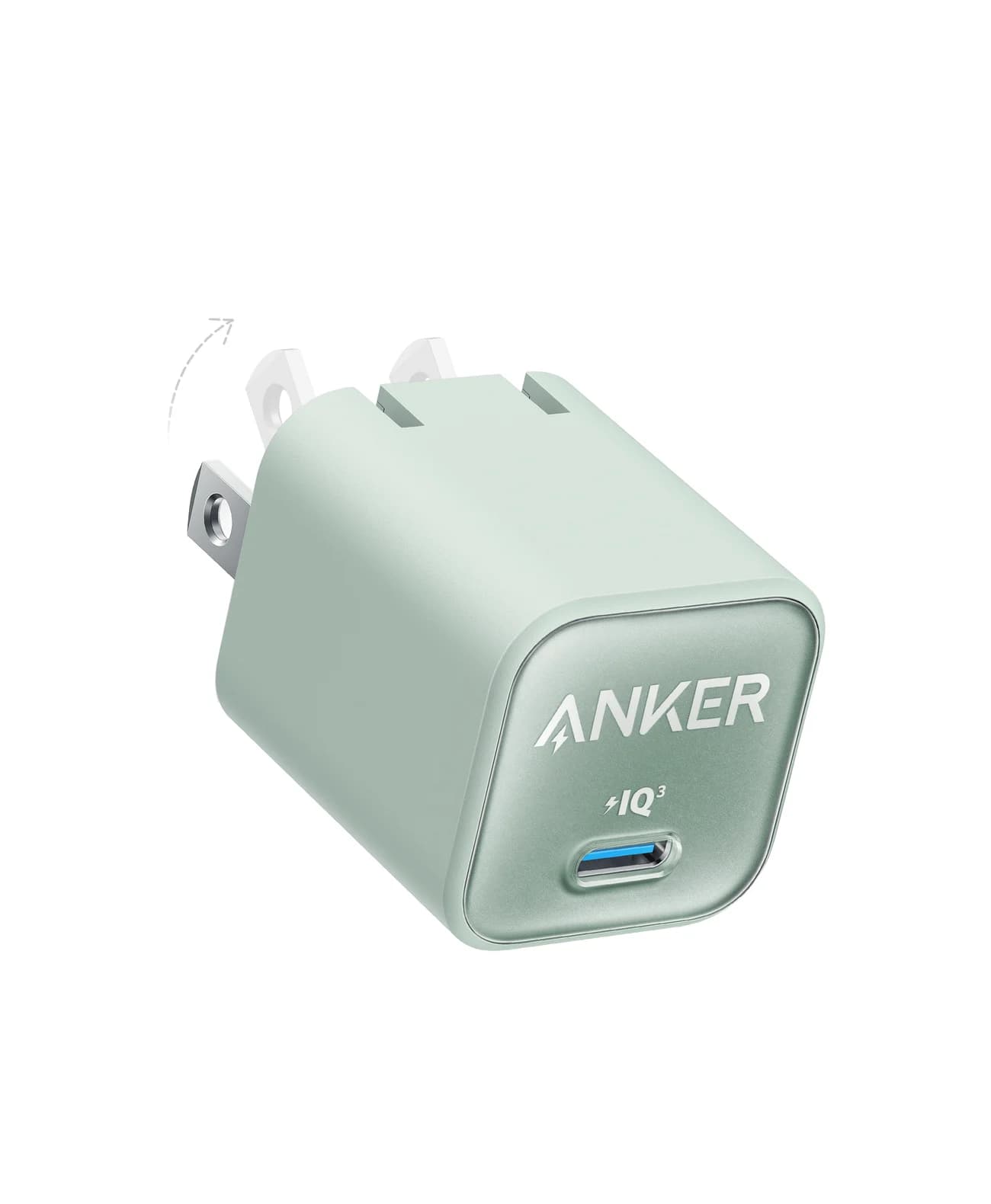
Best compact power adapterAnker
Anker Nano Charger (30W)
- max output
- 30W
- port
- 1
- Choose
- Anker A2147 supplies up to 30W through one USB-C port, supports USB Power Delivery, and has a folding US plug.
- Limit
- Single port, so one device at a time
- 1 mLength of Apple’s current standalone USB-C watch cable
- 20WApple adapter named on the current cable’s store page; sold separately
Quick picks: match the watch, cable and complete kit
| Your watch or need | Cable to buy or keep | Power supply / buying decision |
|---|---|---|
| Series 12 or Ultra 4 | ML434AM/A, A3277 | Add Apple’s 20W USB-C adapter, or the Anker Nano 30W; choose the new cable for Apple’s fastest supported charging. |
| Series 7–11, SE 3, Ultra, Ultra 2 or Ultra 3 | Buy ML434AM/A if replacing; keep a working A2515 fast cable. | Reuse a qualifying USB-C adapter; no need to buy a new kit merely because the cable generation changed. |
| Series 6 or earlier; SE or SE 2 | The current cable supports regular charging on these models. | Keep a working charger; buying a fast cable cannot add fast charging to these watches. |
| A watch or cable bought in China mainland or Indonesia | Check for the WPT label and Apple’s regional compatibility list first. | A WPT cable is country specific and does not support fast charging. |
Need the adapter too? Check price on Amazon for the Anker Nano 30W. Its single USB-C port is for one device at a time.
Identify your watch and the cable you are replacing
In the iPhone’s Watch app → My Watch → General → About, tap Model Number to change the part number beginning with M into the model number beginning with A. Match that number to Apple’s watch identification page, especially if you do not know which SE generation you own.
For the cable, inspect the markings as well as the plug: Apple says smooth cables have identifying text on the cable, while woven cables have it on the metal USB-C plug. Look specifically for A3277 on the part of the plug that inserts into the adapter; USB-C and an aluminum puck identify the fast-charger family, but do not establish the newest generation.
Current and older Apple cable versions compared
| Apple identifier | Hardware model | Connector / length | What to do with it |
|---|---|---|---|
| ML434AM/A — current US retail SKU | A3277 | USB-C, 1 m; woven cable | Best new replacement; Apple’s faster charger for Series 12 and Ultra 4. |
| MT0H3 — previous fast cable’s base part number | A2515 | USB-C, 1 m | Keep for an older fast-charging watch; check the hardware ID when comparing old listings. |
| MLWJ3AM/A — historical fast-cable SKU | Read the actual cable marking; no mapping assumed here. | USB-C, 1 m | Identification reference for older packaging; choose the current SKU when buying new. |
| MX2E2 — USB-A cable’s base part number | A2255 | USB-A, 1 m | Regular charging; it is outside Apple’s USB-C fast-charge requirement. |
Apple’s certification table maps each hardware model to its own part-number column; it publishes MT0H3 as a base code, without the full regional retail suffix. Apple’s older education catalog establishes MLWJ3AM/A as a fast USB-C cable, but that historical catalog is not evidence of current stock.
Best replacement cable: Apple ML434AM/A, model A3277
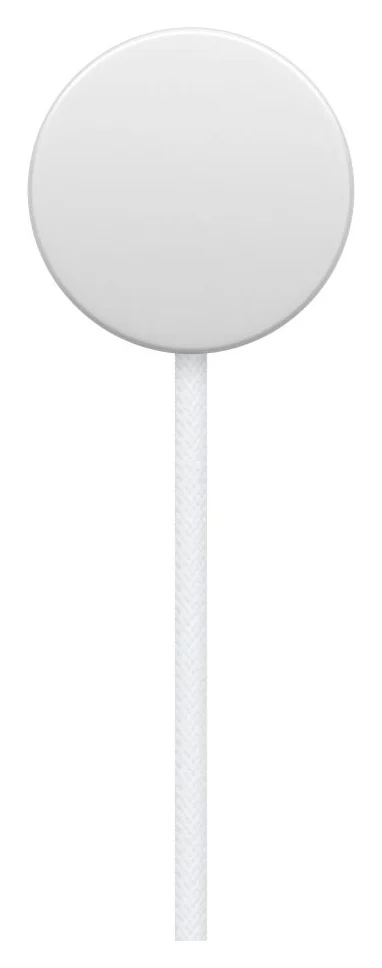
This is our pick for a fresh replacement or a second charging location. Apple lists a woven lead and includes the 1 m magnetic cable in the box; the power adapter is separate. Its store page names Apple’s 20W adapter, model A2305, for fast charging.
For a short top-up, Apple claims 15 minutes can add up to 12 hours of use on Series 12 or 18 hours on Ultra 4. Those are Apple’s conditional battery-life claims, not guaranteed runtimes for your watch; settings, starting charge and conditions affect results. The fast-charge support page specifically identifies A3277 as faster on those models, so an older cable with the same product name is not an equivalent replacement for that purpose.
Apple’s timing table below groups watches by model; it does not establish how many minutes an upgrade from A2515 to A3277 saves. Use it to plan a charging break, without treating it as a cable-generation benchmark.
Check the current cable at Apple. Choose the order code and hardware model together when comparing sellers.
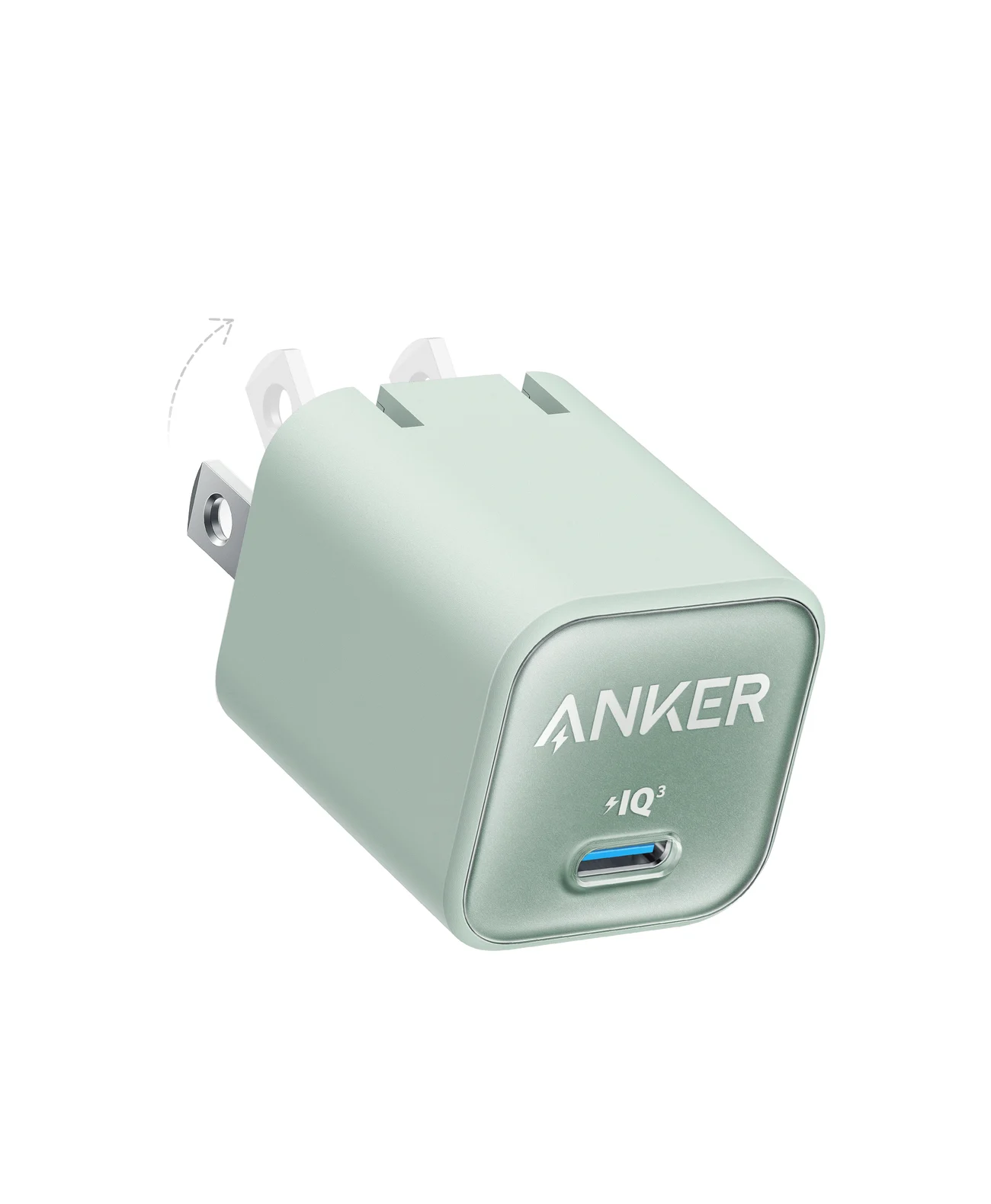
Best compact power adapter: Anker Nano Charger 30W, A2147
Anker
A single-port 30W USB-C GaN wall charger with a foldable plug, sized for phones, tablets and light laptops.
- 30W max output
- 1 port
The Anker Nano 30W is our compact supply pick: one USB-C port, up to 30W, USB Power Delivery support and a folding US plug. Anker lists 5V/3A among its output profiles, and its charger comparison confirms Power Delivery support for A2147. It meets Apple’s stated third-party power requirement on paper, but Apple’s watch charging figures do not establish a measured result for this particular combination.
The practical limit is that single port: pack another supply if you want to charge your phone and watch simultaneously. For more shared-port choices, see our USB-C charger guide; our iPhone charger guide covers the phone side of the travel kit.
Why Apple’s adapter requirements look inconsistent
Apple’s fast-charge support page accepts a comparable third-party USB-PD adapter of 5W or greater. Its watchOS user guide instead says 18W or greater, and the current cable’s store page names Apple’s 20W A2305. Those are different published requirements; do not read the 5W statement as a watch charging-speed promise from every small USB-C port.
For a new purchase, choose Apple’s named 20W pairing or a suitable USB-PD adapter such as this 30W Anker. If you already have a compatible adapter, reuse it before buying another; Apple’s fast-charge page also lists its larger USB-C adapters. Our USB Power Delivery explainer explains what the protocol does.
Which watches actually fast charge?
These are Apple’s approximate 0–80% times with a qualifying fast-charge setup, from its support page; they are not full-charge times or independent measurements.
| Watch | Apple’s approximate 0–80% time |
|---|---|
| Series 10, 11 and 12 | 30 minutes |
| Series 7, 8 and 9 | 45 minutes |
| SE 3 | 45 minutes |
| Ultra 3 and Ultra 4 | 45 minutes |
| Ultra and Ultra 2 | About an hour |
SE clarification: Apple’s support page explicitly includes SE 3, as does the store’s overview. The store’s generic footnote mentions only Series 7 and later and Ultra models; do not use that incomplete footnote to rule out SE 3.
Travel cable or charging station?
For a watch-only travel kit, our pick is the same current cable plus the folding US Anker adapter. Before ordering, measure the route from your outlet to where the watch will sit; Apple specifies a 1 m lead for this cable.
As an emergency option, Apple says iPhone 15 and later can power an Apple Watch by connecting the USB-C watch cable directly to the phone. The phone supplies up to 4.5 watts to small devices. Plan around a wall adapter for fast charging; Apple’s iPhone page describes accessory charging without promising the watch’s fast-charge times.
Choose a station if you want dedicated places for the phone, watch and earbuds. The Belkin UltraCharge Pro 3-in-1, WIZ040ttCH, is an alternative covered in our MagSafe charging-station guide: Belkin includes a 45W supply and claims Series 10 charging from 0–80% in 30 minutes. Its published watch compatibility list stops at Series 10; that claim does not verify A3277-level performance on Series 12 or Ultra 4.
Before replacing a cable that seems slow
Apple says a completely depleted watch may need up to 30 minutes on its charger before it turns on. Start with these checks from Apple’s charging troubleshooting page.
Clean and align
Remove protective plastic, clean the watch back and puck, and reposition the watch until its charging symbol appears.
Swap the power path
Try another watch cable and another USB power adapter to isolate the problem.
Check charging conditions
Avoid extreme heat or cold, and let the watch charge without keeping its screen on or installing updates.
If charging pauses at 80%, check Settings → Battery → Battery Health for Optimized Battery Charging or Optimized Charge Limit. Apple says these features can delay finishing a charge to fit your routine; a pause alone does not establish that the cable needs replacement.
Buying checklist: exact cable, seller and usable kit
- Match the SKU and hardware ID. For the current cable, check ML434AM/A and A3277; a generic “Apple Watch USB-C charger” title is insufficient.
- Check the package contents. Account for the cable and a separate compatible USB-C adapter before comparing your final cart totals.
- Choose a documented charger. Apple recommends its own chargers or certified accessories carrying the Made for Apple Watch badge; it links a public MFi accessory database.
- Compare the same kit during promotions. Check the cable generation, length, regional compatibility, seller and included supply before treating a holiday offer as the better buy.
How we choose
Our recommendations compare Apple’s hardware-to-part-number certification data, current store specifications and model-specific support guidance, plus Anker’s official adapter specifications. We distinguish manufacturer charging claims from compatibility conclusions on paper. Older catalog entries identify old packaging; they do not establish present availability. Charging-station rankings stay in the linked MagSafe guide.
Verdict
Buy ML434AM/A, model A3277, for a new standalone replacement, especially for Series 12 or Ultra 4. Keep a working A2515 with an older fast-charging watch. Add the Anker Nano 30W if you need a compact US supply, or use Apple’s named 20W pairing; check WPT compatibility before ordering an imported cable.
Frequently asked questions
Which Apple Watch charging cable should I buy?
For a new replacement, choose Apple’s Magnetic Fast Charger to USB-C Cable, ML434AM/A, model A3277. Apple identifies A3277 as the cable supplied with Series 12 and Ultra 4 and says it charges those watches faster than older chargers. Budget for a separate USB-C power adapter; Apple names its 20W adapter for this cable.
Does Apple Watch SE support fast charging?
Apple Watch SE 3 supports fast charging; the earlier SE and SE 2 get regular charging with the current cable. Apple’s fast-charge support page explicitly includes SE 3, and the store overview names it too. The store’s generic footnote mentions only Series 7 and later and Ultra models, so read the model-specific information when choosing for an SE.
Is a 20W adapter required, or can I reuse a 30W charger?
Apple’s fast-charge support page accepts a comparable third-party USB-PD adapter of 5W or more, while its user guide specifies at least 18W and the current cable’s store page names Apple’s 20W adapter. Our buying recommendation is Apple’s 20W adapter or a suitable USB-PD adapter such as the Anker Nano 30W. Anker meets the stated power requirement on paper; Apple’s quoted charging results are not measurements of that Anker combination.
Can an iPhone charge an Apple Watch with this cable?
Yes. Apple says to plug the Magnetic Fast Charger to USB-C Cable directly into an iPhone 15 or later. The phone can supply up to 4.5 watts to small devices. Treat this as an emergency travel option and use a wall adapter for planned fast charging; the cable’s name alone does not make the iPhone a fast-charge power supply.
Why does my Apple Watch stop charging at 80 percent?
It may be following your charging routine. Apple says its optimized charging can wait to finish past 80 percent until you need the watch. Check Settings, Battery, then Battery Health for Optimized Battery Charging or Optimized Charge Limit. This behavior is a reason to check settings before replacing an otherwise working cable.
Related guides
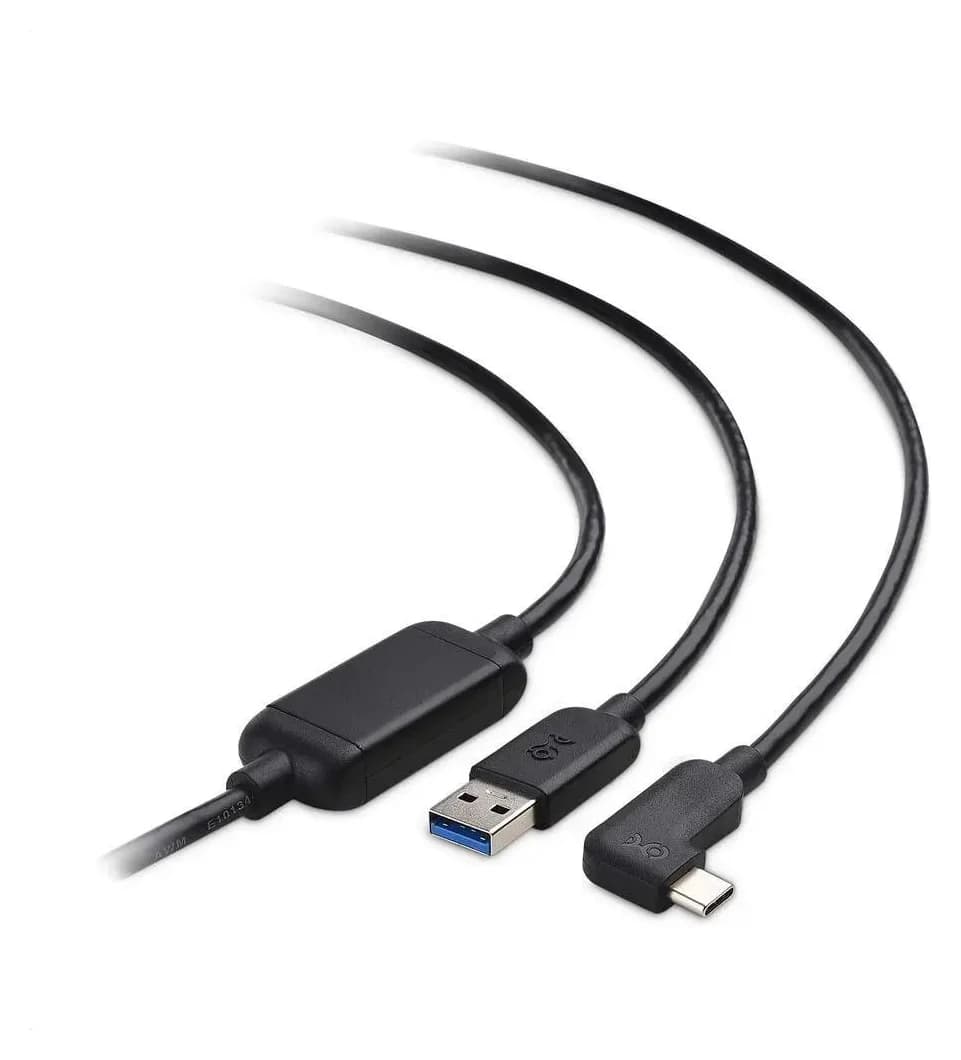
Best Link Cables for Meta Quest 3: USB-C Specs That Actually Work
The best link cable for Quest 3 and older Quest headsets: Meta's own fiber cable, a charge-while-playing pick, and long active cables, per Meta's USB rules.
Updated November 8, 2026Read
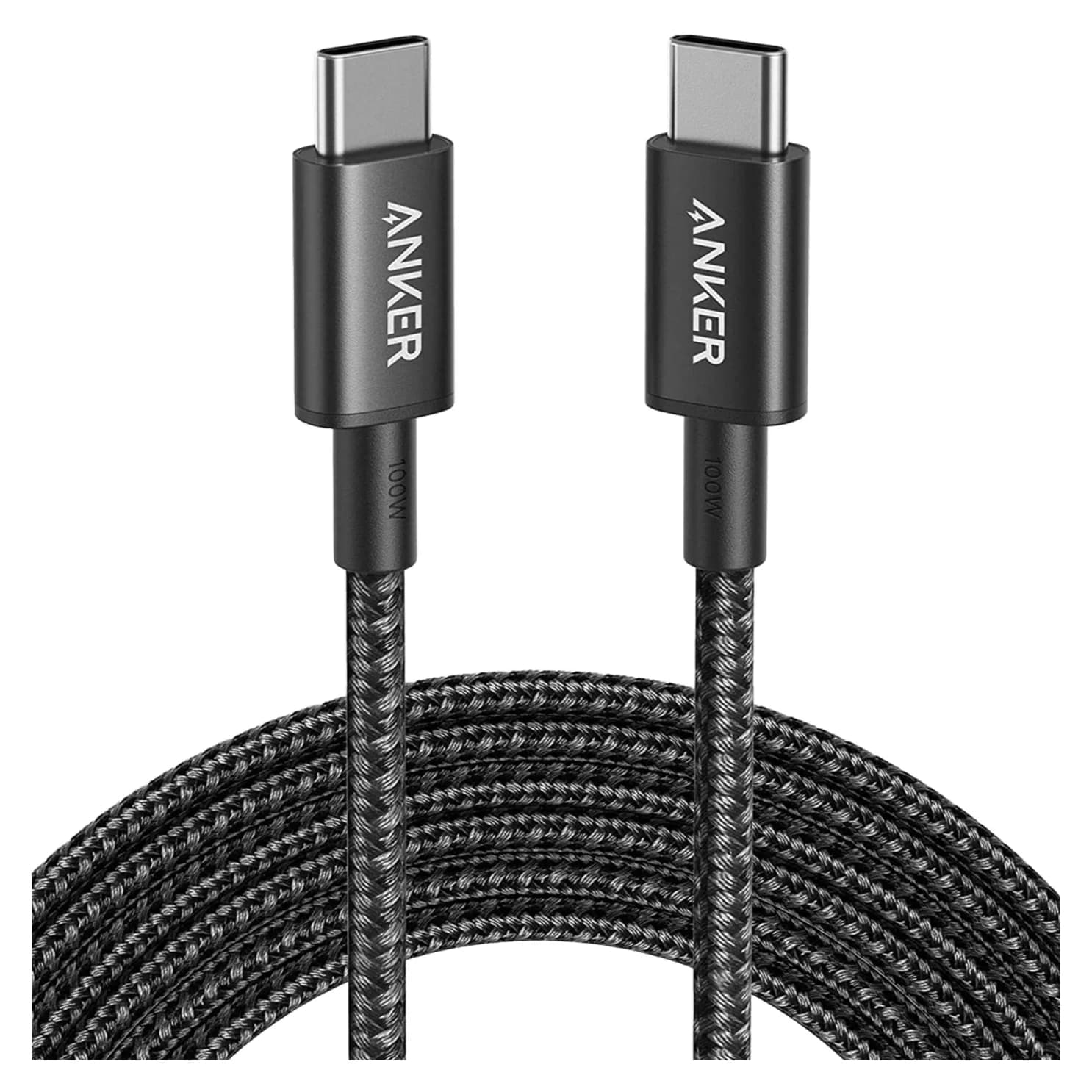
Anker 100W vs Baseus 100W USB-C Cables: Which Should You Buy?
Compare Anker A8758 10 ft with Baseus CAWJ020001 3.3 ft: charging, data, lengths, pack sizes and variant traps, plus how to judge an Anker 100W USB-C cable deal.
Updated November 5, 2026Read
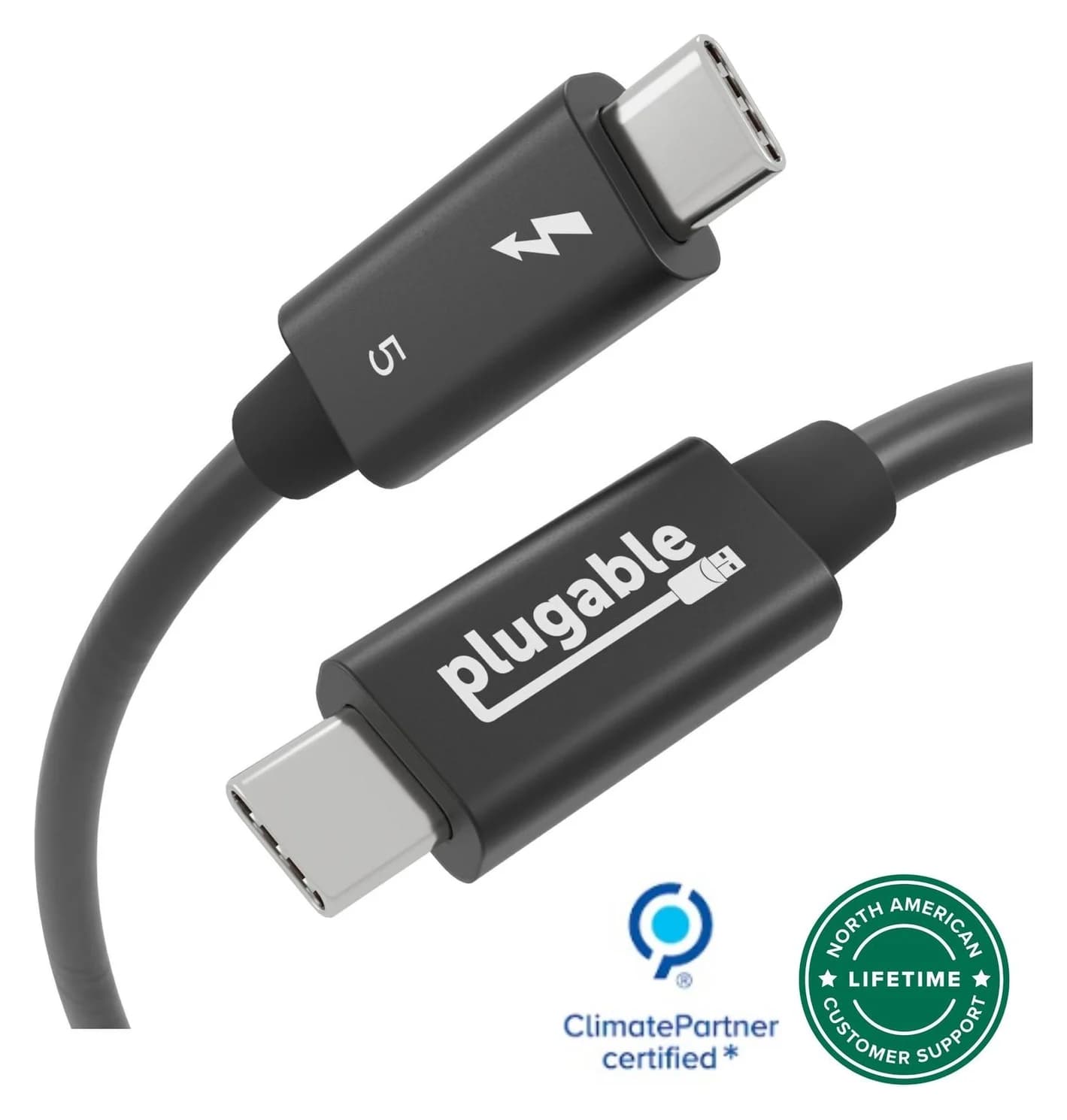
Beats USB-C vs Apple USB-C Cable: Which Should You Buy?
Choose between the Beats USB-C woven cable (60W, USB 2.0) and a full-feature Thunderbolt 5 USB-C cable: charging, data, docks, displays and the exact SKUs.
Updated November 5, 2026Read