Black Friday: the specs to check before you buy
Comparison
Updated November 4, 2026ASUS PA279CRV vs BenQ PD2730S for MacBook Pro: 4K or 5K?
Short answer
For a 14-inch MacBook Pro with M5 Pro, choose the BenQ PD2730S for text-heavy design work: its 27-inch 5K panel packs 218 PPI, with Thunderbolt 4 and a KVM for a shared desk. Choose the ASUS PA279CRV if its 27-inch 4K panel at 163 PPI meets your needs and you prioritize 96W charging and listed Adobe RGB coverage. These picks use BenQ's specifications and ASUS's specifications.
Our picks at a glance
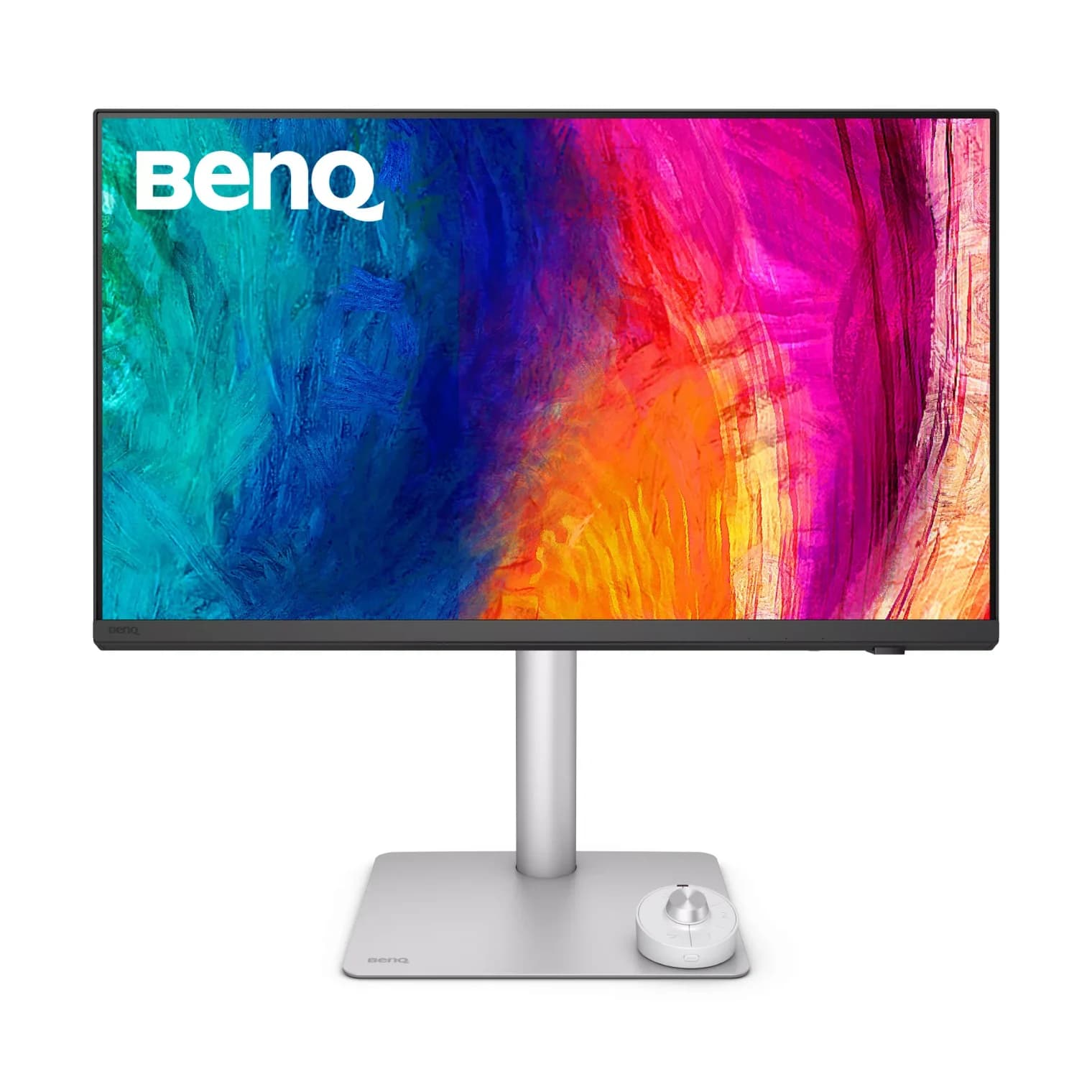
Best for text, design and a shared deskBenQ
BenQ PD2730S 27-inch 5K Thunderbolt 4 Designer Monitor
- to laptop
- 90W
- data
- 10 Gbps
- video
- 5K
- Choose
- A 27-inch 5K panel at 218 PPI, Thunderbolt 4 and a KVM make it our pick for detailed Mac work and sharing peripherals with a second computer.
- Limit
- 90W charging: fine for 13- and 14-inch laptops, slow for a 16-inch MacBook Pro or gaming laptop
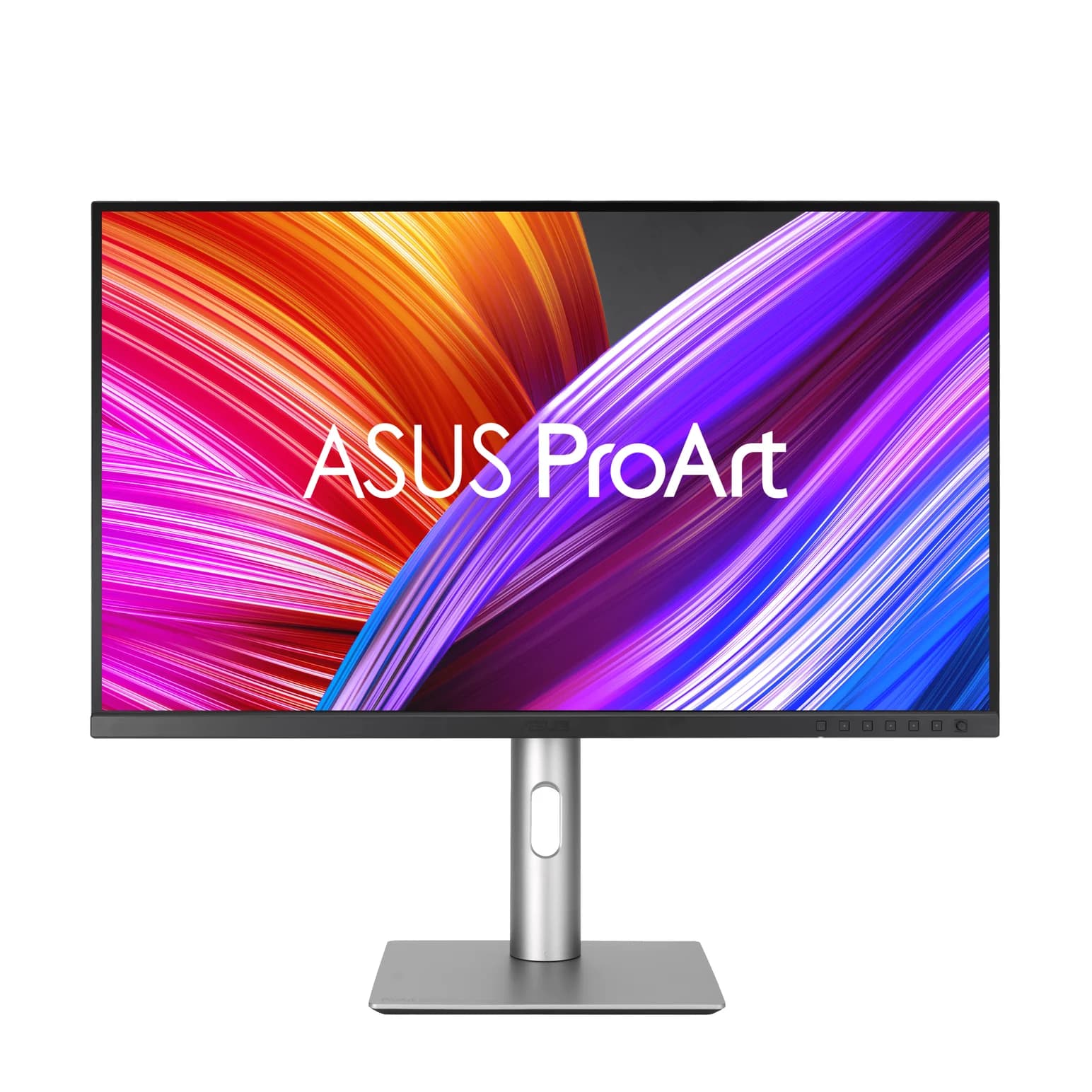
Best for charging and Adobe RGB coverageASUS
ASUS ProArt Display PA279CRV 27-inch 4K USB-C Monitor
- to laptop
- 96W
- data
- 5 Gbps
- video
- 4K
- Choose
- Its 96W USB-C output meets Apple's published 14-inch fast-charge criteria on paper, alongside 99% Adobe RGB coverage on a 27-inch 4K panel.
- Limit
- The USB hub runs at 5Gbps, which bottlenecks fast portable SSDs
- 218 PPIBenQ PD2730S: finer pixel density for detailed interface work
- 163 PPIASUS PA279CRV: the 4K alternative at the same screen size
Quick picks
| Your priority | Buy | Reason |
|---|---|---|
| Text, interface design and sharing peripherals | BenQ PD2730S | 5K, a 10Gbps USB hub and built-in KVM |
| Laptop charging and Adobe RGB work | ASUS PA279CRV | 96W USB-C power and 99% Adobe RGB coverage |
| Fast charging a 16-inch MacBook Pro | Either for its display; retain a qualifying charger | Apple's fast-charge guidance specifies its 140W adapter or Studio Display XDR |
The reference host is the 14-inch M5 Pro, 15-core CPU, 24GB memory and 1TB SSD configuration. Apple's host specifications list three Thunderbolt 5 ports and an included 70W adapter for that CPU variant; the 18-core M5 Pro configuration includes 96W instead. Keep plain M5, M5 Max and 16-inch models separate when checking display counts and power requirements.
PA279CRV vs PD2730S: the differences that matter
| Specification | ASUS PA279CRV | BenQ PD2730S |
|---|---|---|
| Panel | 27-inch IPS, anti-glare | 27-inch IPS, Nano Matte |
| Native resolution | 3840 × 2160, 4K | 5120 × 2880, 5K |
| Maximum refresh rate | 60Hz | 60Hz |
| Pixel density | 163 PPI | 218 PPI |
| Mac connection | USB-C with DisplayPort Alt Mode | Thunderbolt 4 upstream |
| Maximum laptop power | 96W | 90W |
| USB hub downstream | 1x USB-C + 3x USB-A, rated 5Gbps | 1x USB-C + 3x USB-A, rated 10Gbps |
| Additional USB upstream | No separate upstream listed | 1x USB-C, 10Gbps, data only |
| Other video inputs | 2x HDMI 2.0, 1x DisplayPort 1.4 | 1x HDMI 2.1, 1x DisplayPort 1.4 |
| Display output | DisplayPort 1.4; requires MST | Thunderbolt 4 out, 15W |
| KVM / Ethernet | Neither listed | KVM; no Ethernet listed |
| Listed color coverage | 100% sRGB, 99% DCI-P3, 99% Adobe RGB | 100% sRGB, 100% Rec.709, 98% P3 |
| Contrast rating | 1000:1 typical | 2000:1 native |
| Stand | Height adjustment 130mm; tilt, swivel, pivot | Height adjustment 150mm; tilt, swivel, pivot |
Sources: ASUS tech specs, ASUS manual, BenQ tech specs. Hub speeds are interface ratings; thisUSB has no simultaneous video-and-SSD throughput measurements for these displays.
Best for text and a shared desk: BenQ PD2730S
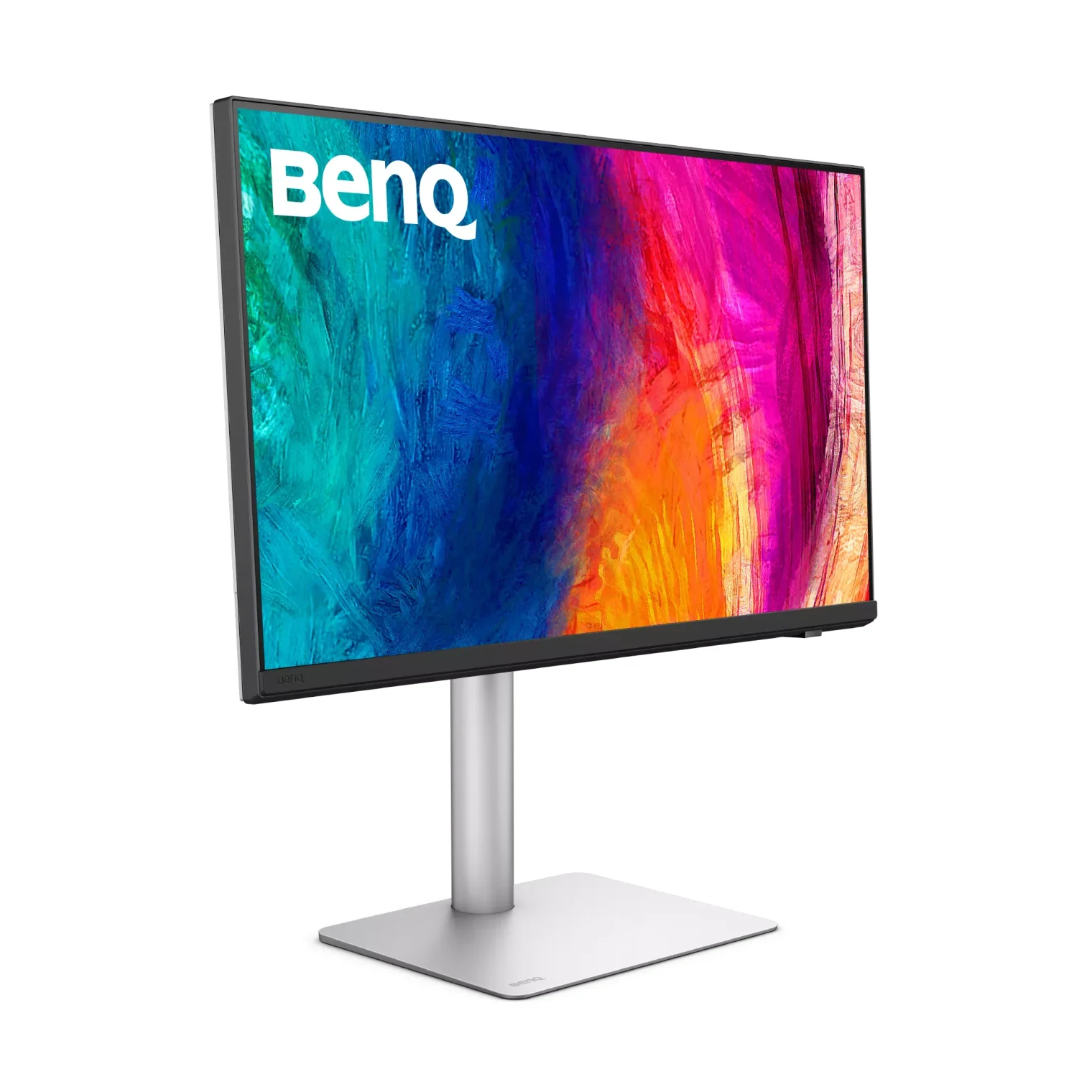
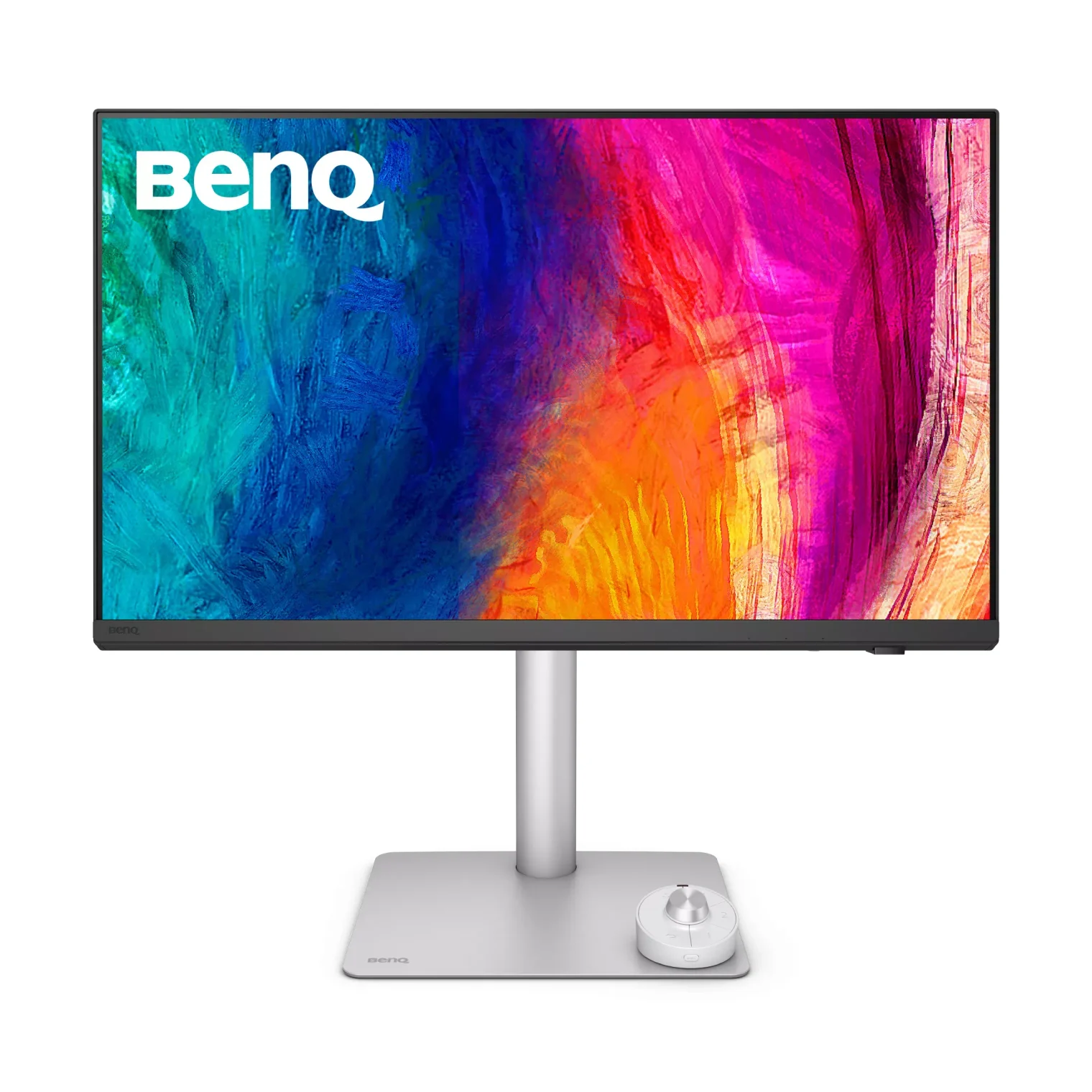
BenQ
BenQ PD2730S 27-inch 5K Thunderbolt 4 Designer Monitor
A 27-inch 5K (218 PPI) designer monitor with Thunderbolt 4 in and out, 90W laptop charging, a 10Gbps USB hub, a KVM switch and BenQ's Hotkey Puck.
- 90W PD passthrough
- 10 Gbps data
- 5K video
- 10 ports
Buy the BenQ when you want the higher-resolution desktop and will use its extra connections. Its Thunderbolt input carries video, data and up to 90W of laptop power, while a separate Thunderbolt output supports chaining another display. The hub's USB-C and USB-A downstream ports are rated 10Gbps, and BenQ includes a Hotkey Puck G3 controller. These are published capabilities, rather than measured performance promises.
The KVM is useful for a MacBook and a separate workstation. BenQ's shared user manual shows the PD2730S connected to one computer over Thunderbolt and, in its illustrated KVM setup, the second computer over HDMI plus USB upstream. Its data-only USB-C upstream port cannot replace the second computer's video cable. With HDMI, the manual instructs you to select KVM Switch > USB > HDMI and to follow its exact source instructions.
Main compromise: its 90W laptop output misses Apple's published fast-charge criteria for this host. Pick it for the screen and desk connections, then decide whether separate charging is worth another cable.
Check price on Amazon: BenQ PD2730S
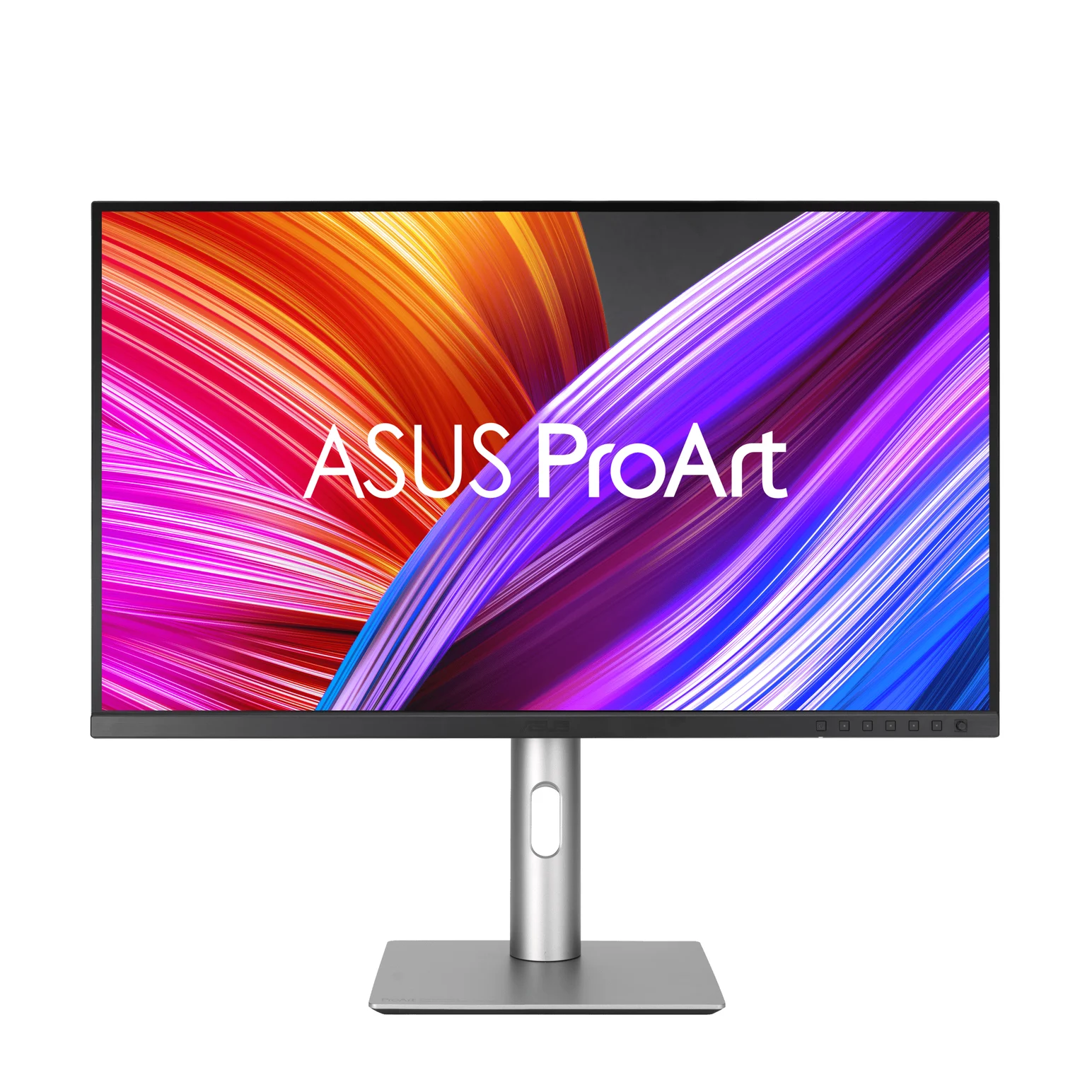
Best for charging and Adobe RGB coverage: ASUS PA279CRV
ASUS
ASUS ProArt Display PA279CRV 27-inch 4K USB-C Monitor
A 27-inch 4K IPS monitor for color work with a USB-C input that supplies 96W to a laptop, a 5Gbps USB hub and DisplayPort daisy-chaining.
- 96W PD passthrough
- 5 Gbps data
- 4K video
- 10 ports
Choose the ASUS when 4K suits your workspace and its charging or color specifications match your priorities. ASUS lists 99% Adobe RGB and 99% DCI-P3 coverage, and its manual specifies up to 96W from the host USB-C input. That combination is the reason to choose it here; compare the complete purchase before assuming it is the better deal.
The ASUS also has two HDMI inputs and a DisplayPort input, but its specification does not list a KVM. Its DisplayPort output requires an MST-capable source, so plan a separate Mac connection for another extended screen. The manual rates its USB connection at 5Gbps; for demanding external-drive work, consider connecting the drive directly to a spare Mac port.
ASUS's current overview also advertises M Model P3 color matching and Mac brightness-key control with DisplayWidget Center. Those functions require the latest firmware, and brightness-key control requires the pointer on the ProArt screen. Its spec page lists security-update support through December 31, 2026; check the support position if long service life is a deciding factor.
Check price on Amazon: ASUS PA279CRV
4K vs 5K in macOS: sharpness and usable workspace
Physical pixels and interface workspace are different. Apple's high-resolution documentation distinguishes points from pixels; BenQ's scaling explanation describes exact 2× mapping for a 5K panel.
Halving each native dimension gives the following calculated logical workspaces at exact 2× scaling: ASUS, 1920 × 1080; BenQ, 2560 × 1440. The panel still has its native pixels. At a 2560 × 1440 logical workspace, the ASUS's physical dimensions imply resampling, while the BenQ can use exact 2× mapping. Use this pixel-mapping calculation to choose a comfortable workspace.
Our pick is BenQ for dense text and interface work; choose ASUS if its available scaling looks comfortable to you. Apple says available scaled resolutions vary with system resources and the connected display, so do not assume an identical menu on every Mac. Both monitors top out at 60Hz; neither reproduces the reference MacBook's adaptive refresh up to 120Hz.
Charging: why 96W and 90W change the setup
Apple's M5 Pro specifications say fast charging needs a 96W or higher USB PD source. Its fast-charge support page separately lists an external third-party display capable of delivering 94W with a Thunderbolt 3 or USB-C cable for the 14-inch. These are different published criteria: ASUS's 96W meets both on paper; BenQ's 90W falls below both.
Source: Apple fast-charge guidance and the manufacturers' specifications above
That does not make the BenQ unable to charge the Mac: Apple permits charging from USB PD displays with higher or lower wattage than its recommended adapter. Battery gain depends on the workload; Apple warns that a demanding workload can consume more power than the source supplies. For separate charging options, use our MacBook Pro charger guide.
If you add MagSafe, the Mac uses the source supplying the most power and charges from one port at a time, according to Apple's charging guidance. The two sources do not add together.
A second monitor: Thunderbolt and MST are different
Apple's M5 Pro display matrix allows up to three external displays, subject to resolution and refresh rate, and says supported hubs or daisy-chaining can enable up to three displays over a single Thunderbolt port. That host limit does not make every monitor output suitable: ASUS requires MST, while BenQ's Mac guidance specifies Thunderbolt for Mac daisy-chaining. The BenQ therefore offers the appropriate connection type for an extended chain.
The relevant manual sections are the port description and model-specific supported-resolution table. For broader port and display-count choices, see our MacBook Pro dock guide.
Color work: specifications are a starting point
ASUS claims factory pre-calibration to Delta E below 2. BenQ's overview also says below 2, while its detailed specification says average Delta E ≤2; preserve that distinction when comparing claims. Both list Calman verification and a calibration report. These ASUS and BenQ claims do not supply thisUSB with measurements of your individual panel.
For Adobe RGB deliverables, ASUS publishes explicit coverage; BenQ's detailed sheet lists P3, sRGB and Rec.709 instead. For matching a MacBook visually, BenQ offers M-book mode and Display Pilot 2 ICCsync, alongside ASUS's firmware-dependent Mac features described above. Choose for your delivery color space and profiling workflow; gamut coverage alone does not establish accuracy.
Buying guide: compare the complete kit
| Setup | ASUS PA279CRV | BenQ PD2730S |
|---|---|---|
| Direct single-screen connection | Listed USB-C cable | Listed Thunderbolt 4 cable, 1m |
| Other listed video cables | HDMI and DisplayPort | HDMI 2.1 and DisplayPort 1.4 |
| Fast charging this 14-inch host | No separate source needed on paper | Add or reuse a qualifying power source and cable |
| Second computer sharing keyboard and mouse | Plan a separate switching solution | Video cable plus USB upstream; configure the KVM |
| Wired networking | Add an adapter or dock if needed | Add an adapter or dock if needed |
Both makers qualify cable bundles by region. BenQ's shared manual additionally lists a USB-C-to-USB-A cable that its US specification's signal-cable list omits; confirm that accessory before ordering another cable for the second computer. Check the exact model, regional box contents and seller's complete bundle using the price links above. Compare any current offer against the accessories you actually need.
Start with a direct connection to the host input, choose the workspace in Displays settings, then verify power:
Connect the supplied display cable
Use the ASUS host USB-C input or BenQ Thunderbolt upstream input, rather than a downstream or data-only port.
Set the desktop
Open System Settings > Displays, select the monitor, choose an extended desktop and a comfortable resolution, and check 60Hz.
Check delivered power
Hold Option while opening Apple menu > System Information, select Power, then inspect AC Charger Information.
For a wider shortlist, use our USB-C monitor guide. Keep this comparison focused on PA279CRV versus PD2730S when checking similarly named listings.
How we choose
ThisUSB has not physically tested these monitors. We compare official model specifications, USB and Thunderbolt connection requirements, manuals, box contents and Apple's host documentation. Scaling workspaces above are calculations from native resolution. Conflicting maker statements stay visible; factory color claims and interface speeds remain labeled as specifications. No independent panel measurements or buyer anecdotes determine these picks.
Verdict
Buy the BenQ PD2730S for the higher-density 5K desktop, faster-rated USB hub and KVM; allow for separate power if fast charging matters. Buy the ASUS PA279CRV for its 96W one-cable charging and published Adobe RGB coverage when 4K suits your work. Let your preferred workspace, charging routine and complete accessory kit decide between them.
Frequently asked questions
Which is the better USB-C monitor for a MacBook Pro: PA279CRV or PD2730S?
For the 14-inch M5 Pro setup in this comparison, choose the BenQ PD2730S when fine text, a 5K workspace or sharing a keyboard and mouse matters most. Choose the ASUS PA279CRV when you prefer its listed Adobe RGB coverage and 96W laptop charging. Both are 60Hz monitors; thisUSB's recommendations use official specifications rather than physical testing.
Does the BenQ PD2730S fast charge a 14-inch MacBook Pro?
Its 90W output falls below both the 96W USB PD figure in Apple's M5 Pro specifications and the 94W third-party-display criterion in Apple's fast-charge support page. It can charge over the same Thunderbolt cable that carries video and data, but plan on a separate qualifying power source if fast charging matters. Actual battery gain also depends on the laptop's power use.
Is 5K worth it over 4K on a 27-inch Mac monitor?
Choose 5K if you want a 2560 × 1440 logical workspace with exact 2× pixel mapping. Calculating from their native resolutions, the ASUS gives a 1920 × 1080 logical workspace at exact 2×, while the BenQ gives 2560 × 1440. Other scaled settings can change interface size; Apple says available scaled modes depend on the connected display and system resources.
Can the ASUS PA279CRV daisy-chain a second extended display on a Mac?
ASUS's manual says its DisplayPort output needs Multi-Stream Transport, which macOS does not support for extended displays; BenQ's Mac connection guidance instead specifies Thunderbolt for Mac daisy-chaining. For an extended desktop, connect another screen to a separate Mac port or use a compatible Thunderbolt setup. The PD2730S has Thunderbolt out, but its manual contains differing dual-display resolution statements, explained below; check the exact chain before buying.
Do I need a dock or another cable with either monitor?
For the named MacBook Pro and a single screen, start with a direct connection: ASUS lists a USB-C cable, while BenQ lists a one-meter Thunderbolt 4 cable. Both qualify their cable bundles by region. A dock becomes a separate decision for extra connections, such as wired networking; neither monitor lists Ethernet. A second computer using BenQ's KVM needs its own video and USB upstream connections.
Best for text, design and a shared desk
BenQ PD2730S 27-inch 5K Thunderbolt 4 Designer Monitor
Related guides
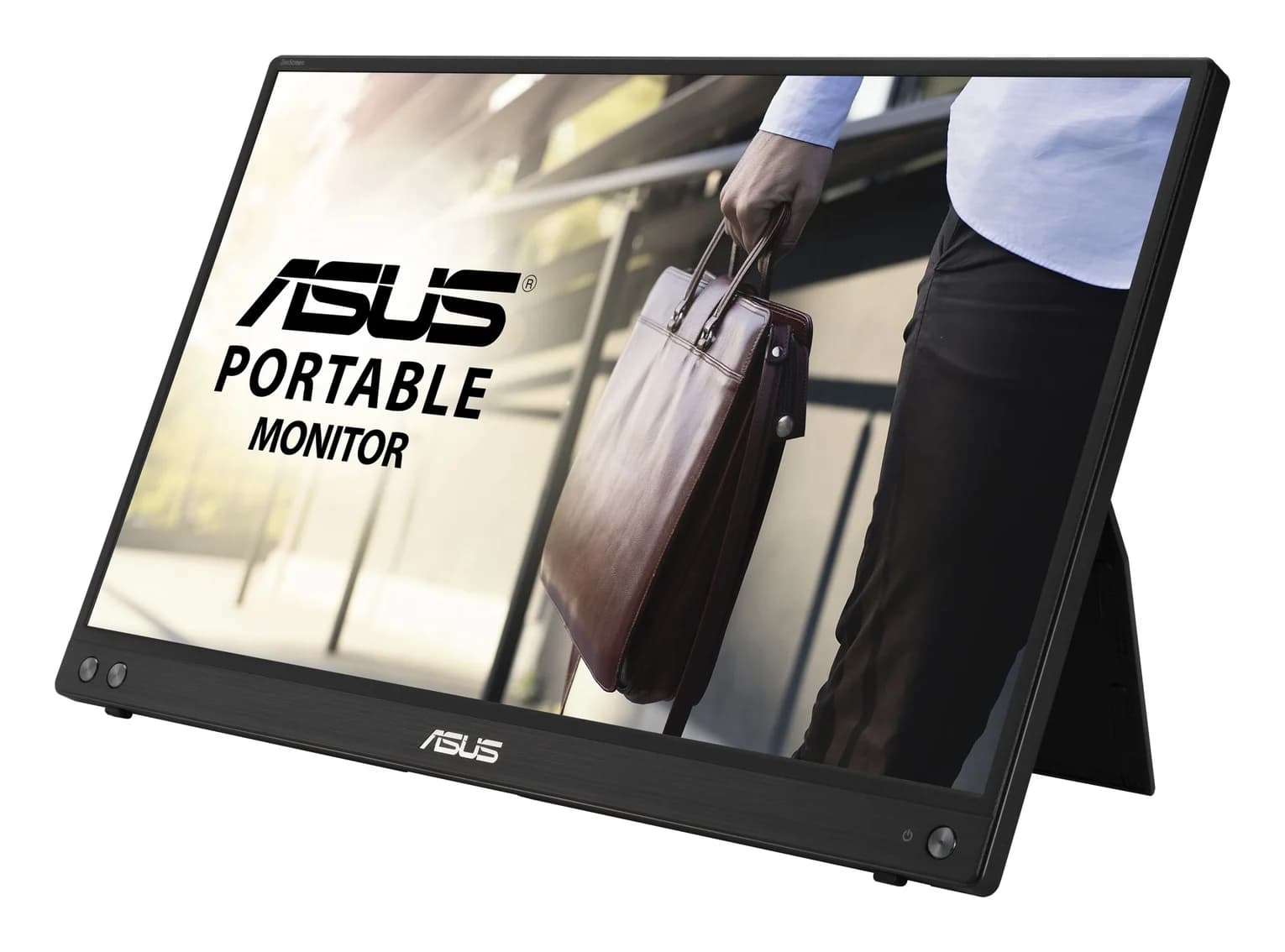
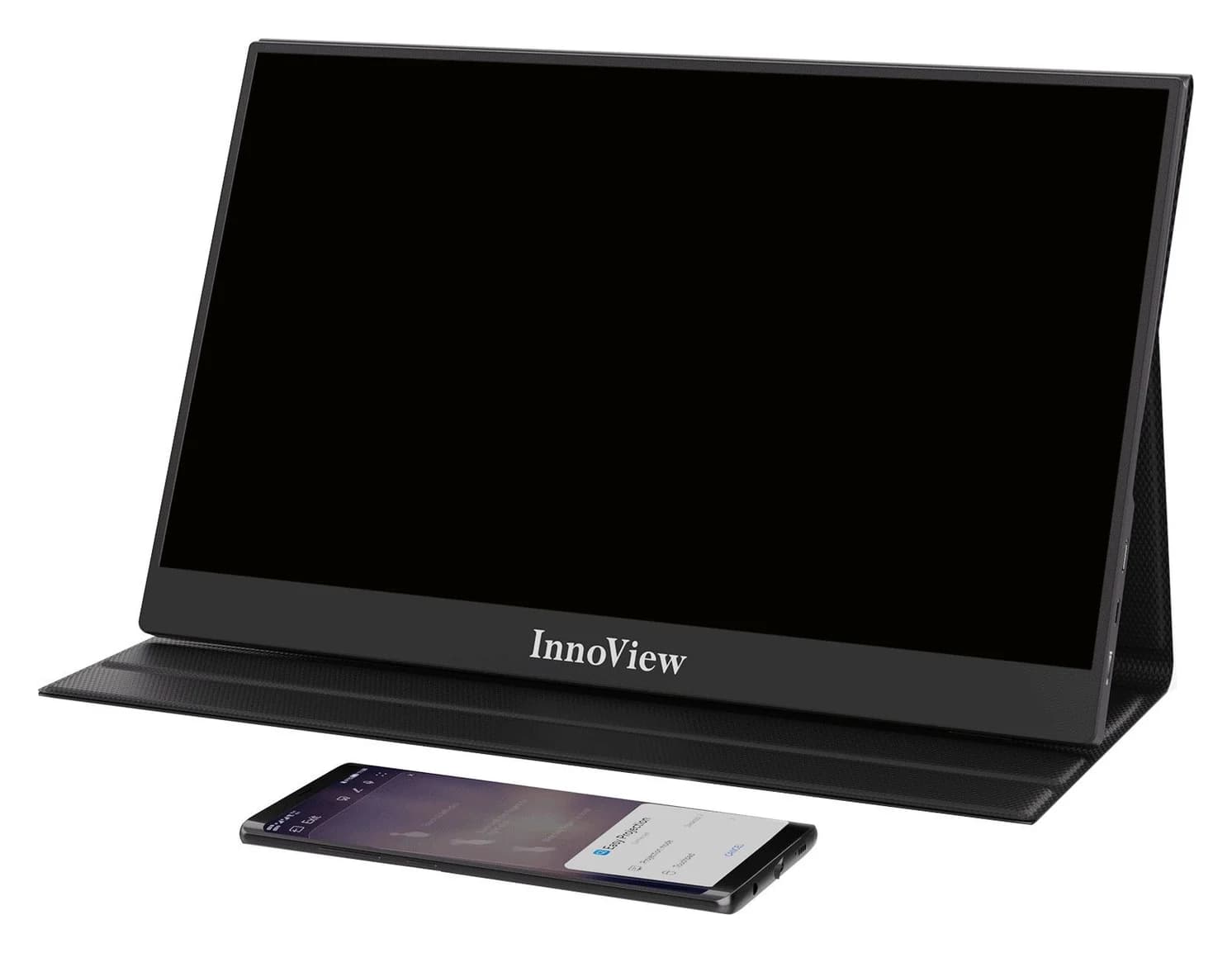
InnoView INVPM406 vs ASUS ZenScreen MB16ACV: Which Portable Monitor?
Choose between the InnoView INVPM406 and the ASUS ZenScreen MB16ACV from maker specs: ports, USB-A driver rules, kit contents, stands and return checks.
Updated November 7, 2026Read
ASUS ZenScreen MB16NCG vs Lenovo ThinkVision M14d: Which Portable Monitor?
Choose between the ASUS MB16NCG and Lenovo M14d with panel, refresh, weight, stand and USB-C power differences explained, plus the travel kit each one needs.
Updated November 5, 2026Read
AOC 16T20 vs ASUS ZenScreen MB16ACV: Pick by Your Laptop's Ports
AOC 16T20 vs ASUS ZenScreen MB16ACV compared from official specs: inputs, power, drivers, stands and travel weight, so you buy a complete kit that works.
Updated November 5, 2026Read