Cyber Monday: the specs to check before you buy
Best picks
Updated November 29, 2026Best Monitors for Mac mini in 2026: 4K, 5K and 6K Picks That Match Its Ports
Short answer
The best monitor for most Mac mini owners is a 27-inch 5K display, because 5120x2880 at 218 PPI gives macOS its sharpest text. Apple's Studio Display does that with a camera and speakers built in, and the BenQ PD2730S does it with HDMI and a KVM for a second computer. If you'd rather have smooth motion than maximum sharpness, a 4K monitor at 120Hz like Dell's U2725QE is the pick. The one trap: connect the monitor to a Thunderbolt port or the HDMI port on the back, not the front USB-C ports, which Apple says don't support video output.
We may earn a commission when you buy through links on this page. As an Amazon Associate, thisUSB earns from qualifying purchases. How we earn
Our picks at a glance
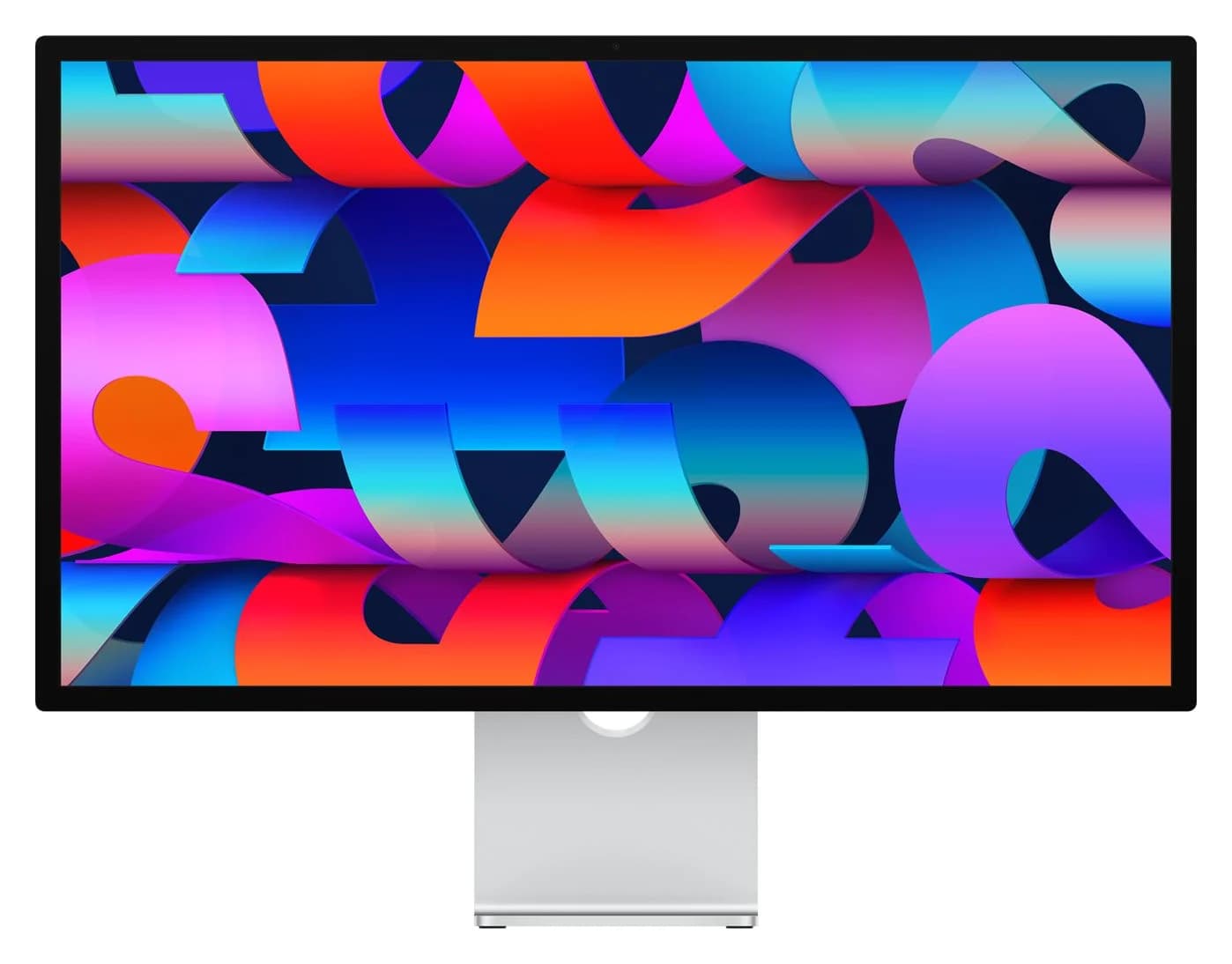
Best overall for Mac miniApple
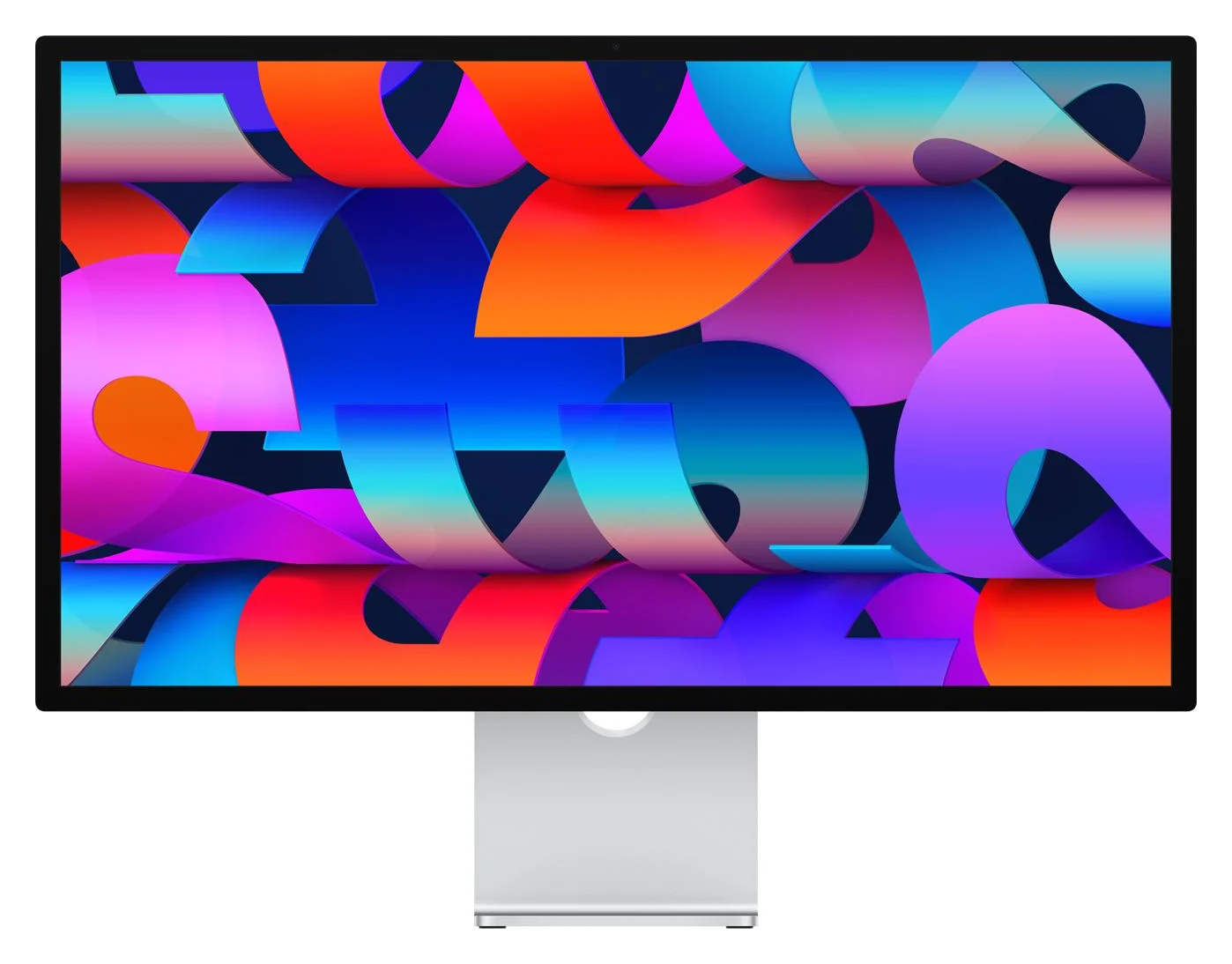
Apple Studio Display (2026, Standard Glass, Tilt-Adjustable Stand)
- to laptop
- 96W
- data
- 10 Gbps
- video
- 5K
- Choose
- Apple's 27-inch 5K Retina display (5120x2880, 218 PPI) with Thunderbolt 5, a 12MP Center Stage camera and six speakers; one Thunderbolt cable from the Mac mini.
- Limit
- Only one video path (Thunderbolt): no HDMI or DisplayPort inputs for a console or second computer
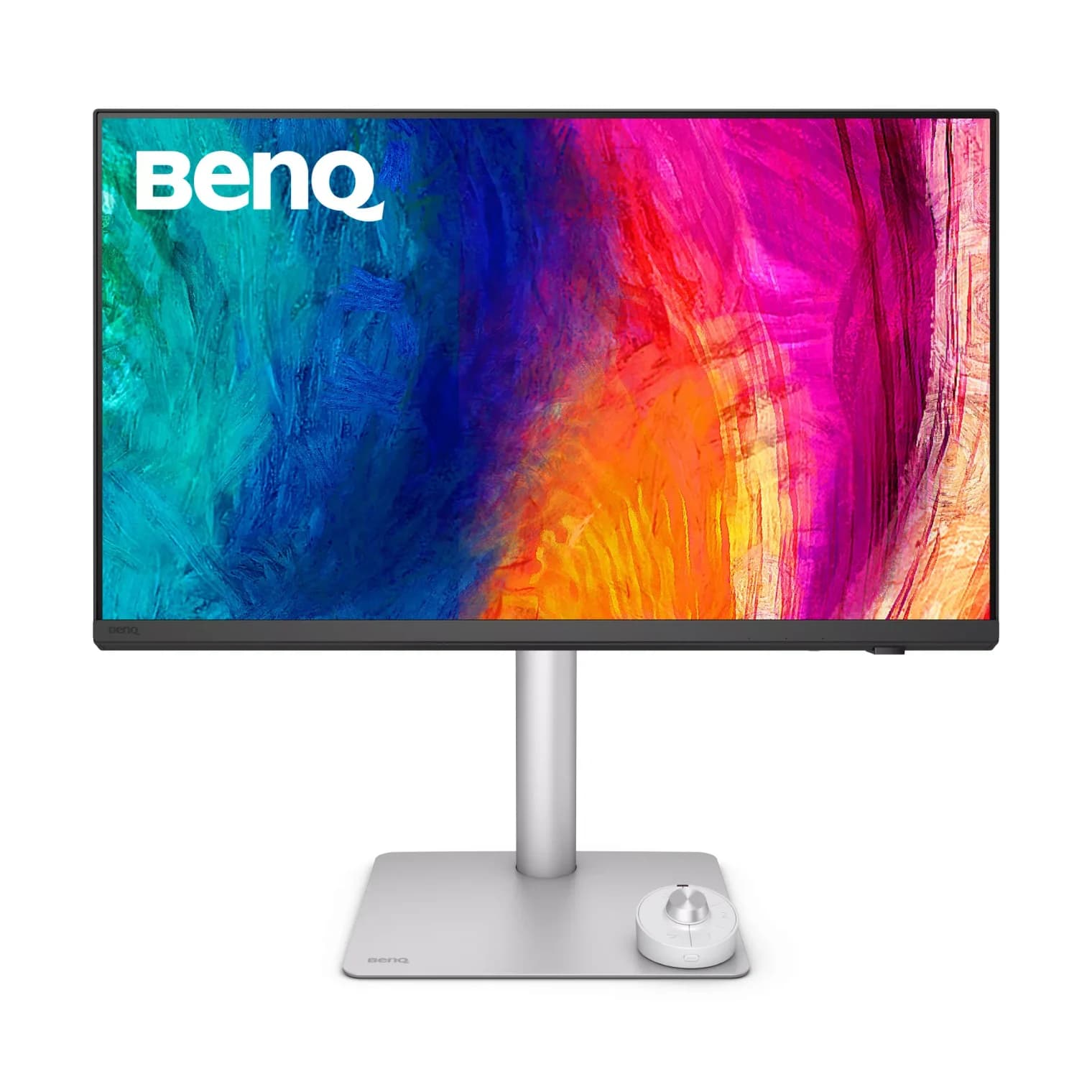
Best 5K with HDMI and a KVMBenQ
BenQ PD2730S 27-inch 5K Thunderbolt 4 Designer Monitor
- to laptop
- 90W
- data
- 10 Gbps
- video
- 5K
- Choose
- 27-inch 5K at 218 PPI over Thunderbolt 4, plus HDMI 2.1 and DisplayPort inputs and a built-in KVM for a second computer.
- Limit
- 90W charging: fine for 13- and 14-inch laptops, slow for a 16-inch MacBook Pro or gaming laptop
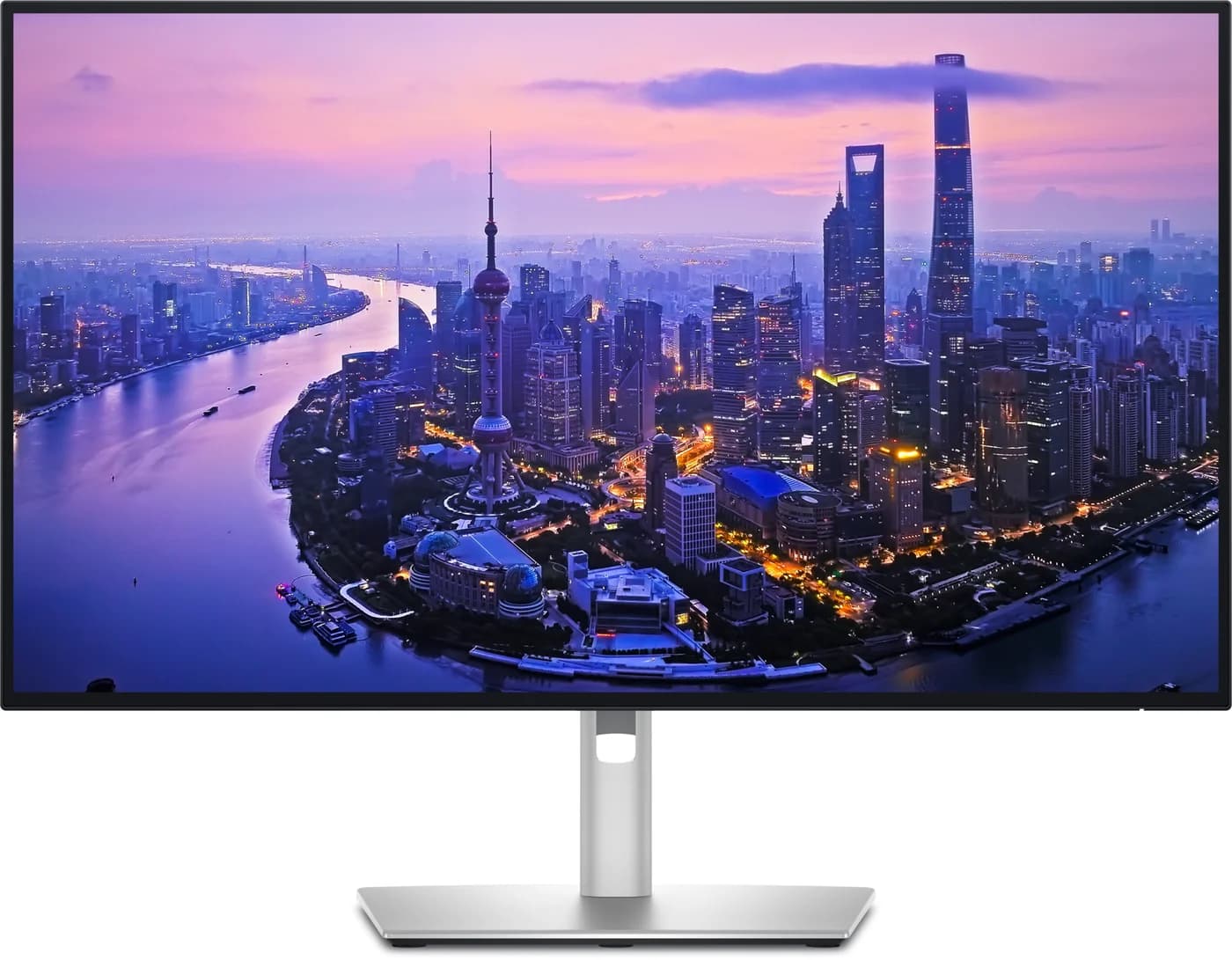
Best 4K hub monitorDell
Dell UltraSharp 27 4K Thunderbolt Hub Monitor (U2725QE)
- to laptop
- 140W
- data
- 10 Gbps
- video
- 4K
- Choose
- 27-inch 4K at up to 120Hz over Thunderbolt 4, with a 10Gbps USB hub, 2.5GbE Ethernet and a Thunderbolt port for a second monitor.
- Limit
- 140W only reaches laptops that support USB PD EPR; others top out at 90W
- See on Amazon4
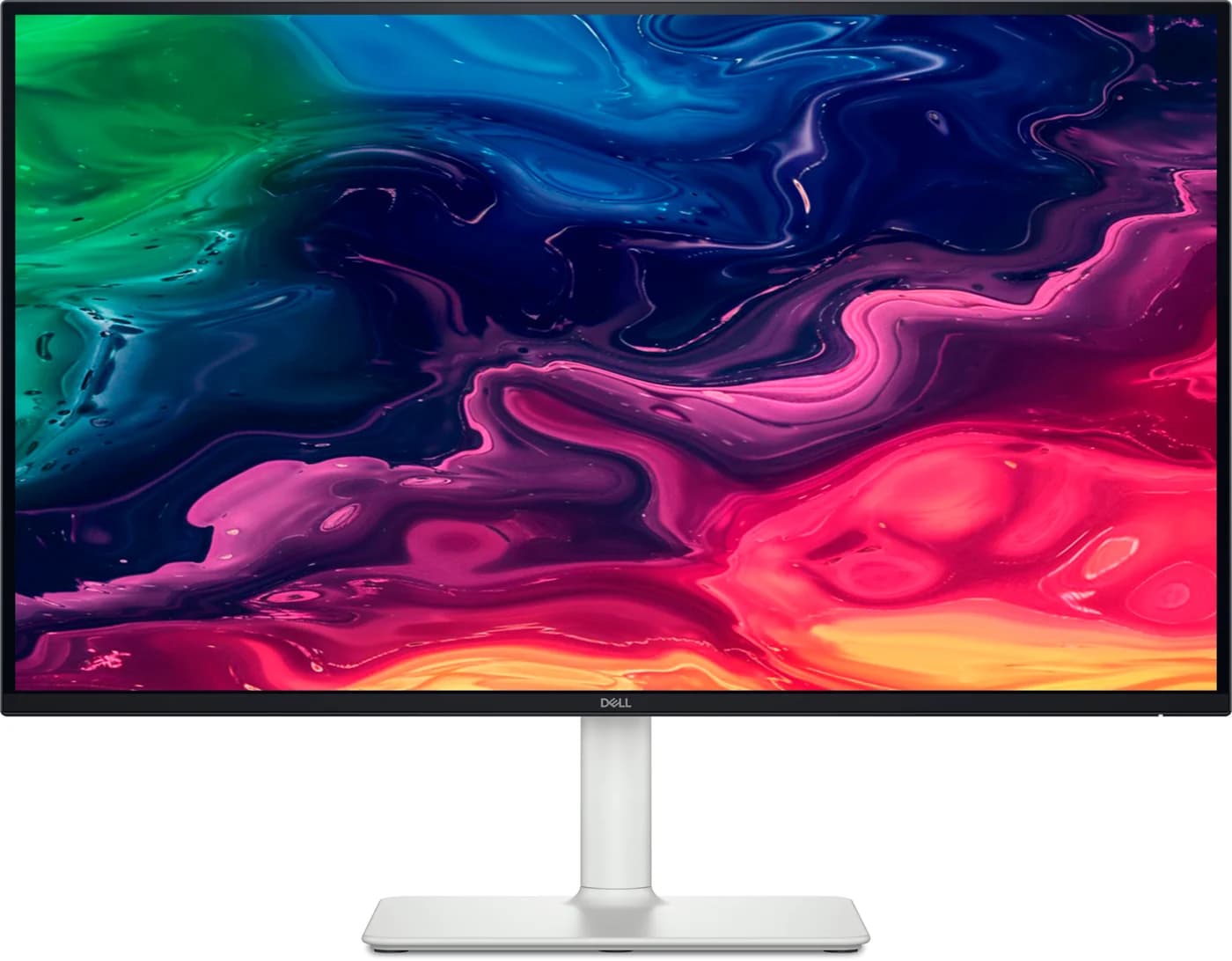
Best simple 4K at 120Hz
Dell 27 Plus 4K USB-C Monitor (S2725QC)
65W PD passthrough · 5 Gbps data · 4K video · 6 ports
- See on Amazon5
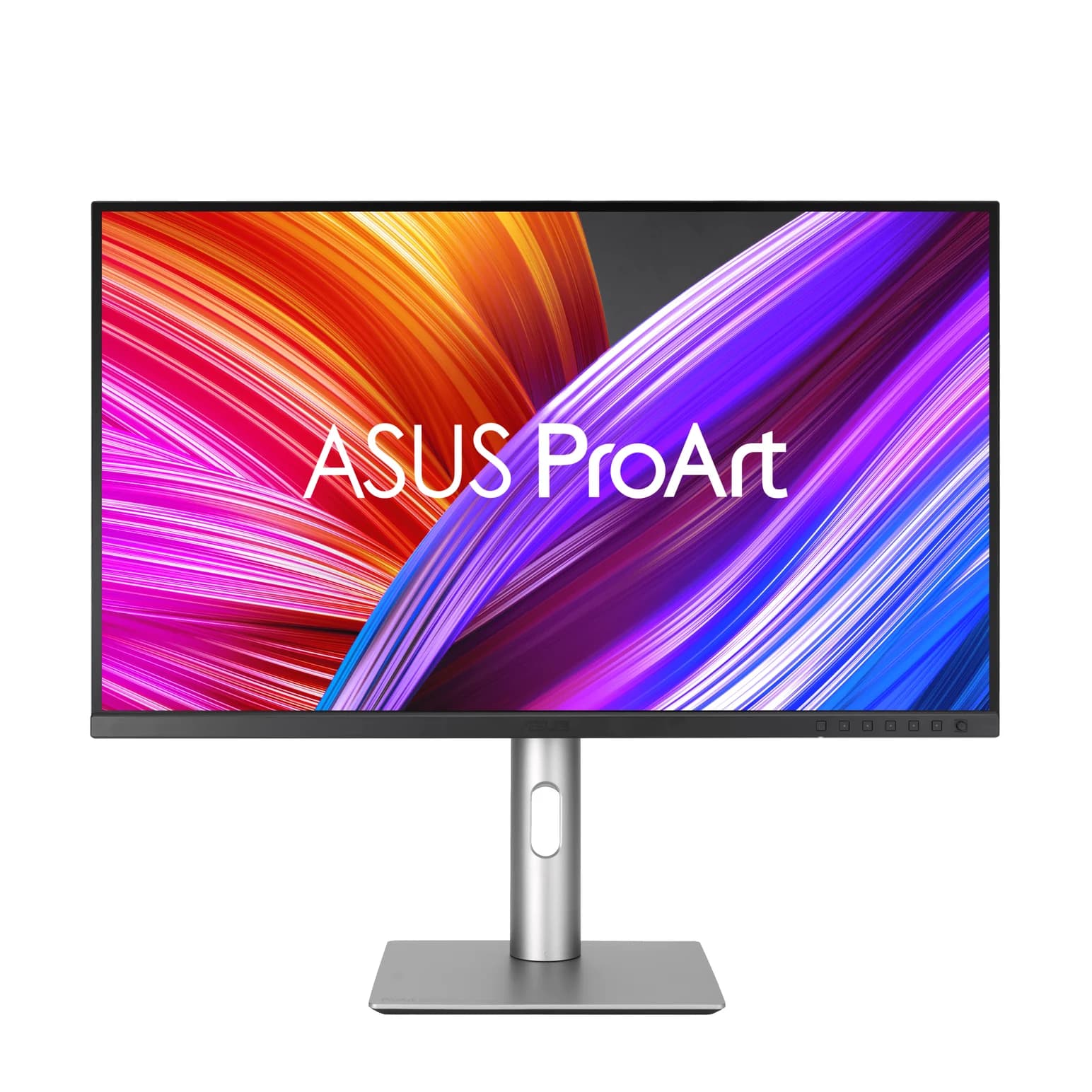
Best for photo and print color
ASUS ProArt Display PA279CRV 27-inch 4K USB-C Monitor
96W PD passthrough · 5 Gbps data · 4K video · 10 ports
- See on Amazon6
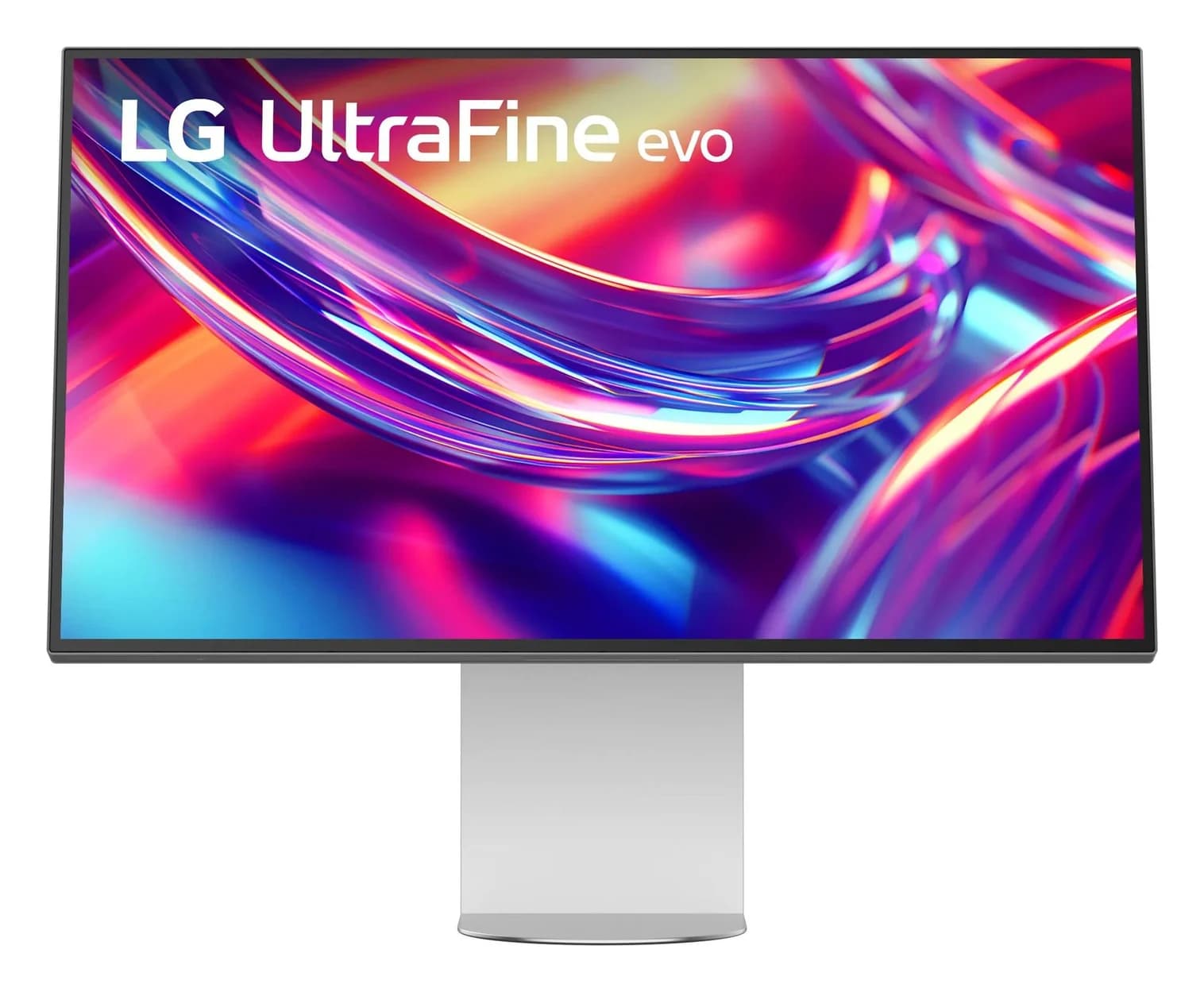
Best 6K for the most screen space
LG UltraFine evo 32-inch 6K Thunderbolt 5 Monitor (32U990A-S)
96W PD passthrough · 10 Gbps data · 32-inch 6K video · 7 ports
- 3External displays the current Mac mini supports, per Apple
- 5K5120x2880 at 218 PPI, the sharpest 27-inch option here
- 6K6144x3456 on LG's 32-inch UltraFine evo
Which monitor for your Mac mini?
- Yes: Mostly text, code, photos, design: a 27-inch 5K (Apple Studio Display or BenQ PD2730S)
- Yes: Smooth scrolling and motion: 4K at 120Hz (Dell U2725QE or Dell S2725QC)
- Yes: Photo editing for print: ASUS ProArt PA279CRV (99% Adobe RGB, Calman Verified)
- Yes: The most screen space: LG UltraFine evo 32-inch 6K
- Partly: A second computer on the same desk: the BenQ PD2730S, Dell U2725QE and LG 6K have built-in KVMs
- No: Front USB-C ports for the display: Apple lists displays on the back Thunderbolt and HDMI ports only
Source: Apple Mac mini tech specs and each maker's spec page, linked in the product cards
What the Mac mini can drive
Apple's current Mac mini comes with an M6 or M5 Pro chip, and both list up to three external displays over Thunderbolt and HDMI (Apple).
| Mac mini (M6) | Mac mini (M5 Pro) | |
|---|---|---|
| Back ports | 3x Thunderbolt 4, HDMI | 3x Thunderbolt 5, HDMI |
| One display | Up to 8K at 60Hz, 5K at 120Hz or 4K at 240Hz | Up to 8K at 60Hz, 5K at 120Hz or 4K at 240Hz |
| Three displays | Two up to 6K at 60Hz, plus a third up to 5K at 60Hz over Thunderbolt or 4K at 60Hz over HDMI | Three up to 6K at 60Hz or 4K at 165Hz |
Two details from the same page matter when you plug in. The front USB-C ports are listed for USB 3 data up to 10Gb/s, while display support is listed on the Thunderbolt and HDMI ports on the back. And the HDMI port caps a third display at 4K and 60Hz on the M6, so put your best monitor on Thunderbolt.
Best overall for Mac mini: Apple Studio Display (2026)
Apple
Apple Studio Display (2026, Standard Glass, Tilt-Adjustable Stand)
Apple's 27-inch 5K Retina display, updated in 2026 with two Thunderbolt 5 ports, 96W charging for a connected Mac laptop, a 12MP Center Stage camera and six speakers.
- 96W PD passthrough
- 10 Gbps data
- 5K video
- 4 ports
Apple's own 27-inch display is a 5K Retina panel (5120x2880 at 218 PPI, 600 nits, P3 wide color) that connects to the Mac mini with the Thunderbolt 5 Pro cable in the box. It also brings what the Mac mini lacks: a 12MP Center Stage camera with Desk View, a three-mic array and a six-speaker system, plus two 10Gb/s USB-C ports for accessories. The trade-offs are clear in Apple's specs: 60Hz, no HDMI or DisplayPort input, and this configuration's stand tilts but doesn't adjust in height.
See the Apple Studio Display on Amazon
Best 5K with HDMI and a KVM: BenQ PD2730S
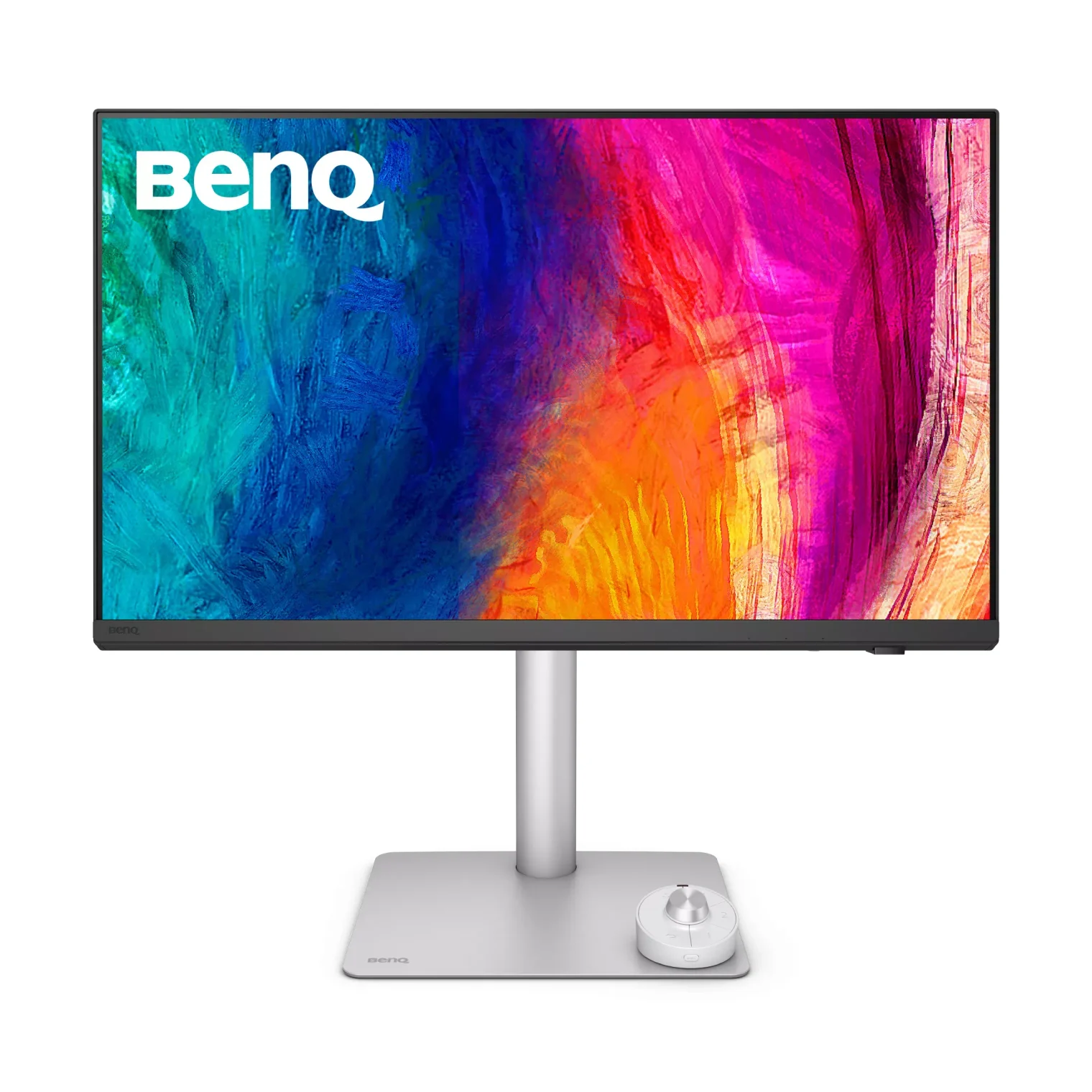
BenQ
BenQ PD2730S 27-inch 5K Thunderbolt 4 Designer Monitor
A 27-inch 5K (218 PPI) designer monitor with Thunderbolt 4 in and out, 90W laptop charging, a 10Gbps USB hub, a KVM switch and BenQ's Hotkey Puck.
- 90W PD passthrough
- 10 Gbps data
- 5K video
- 10 ports
The same 5K resolution and 218 PPI as Apple's display, with more inputs: Thunderbolt 4, HDMI 2.1 and DisplayPort 1.4. BenQ builds in a KVM, so a work laptop can share the keyboard and mouse through a second USB-C upstream port, and adds a 10Gbps USB hub, a Thunderbolt 4 output for a second monitor and a Hotkey Puck controller. It runs at 60Hz, has small 3W speakers and no camera.
See the BenQ PD2730S on Amazon
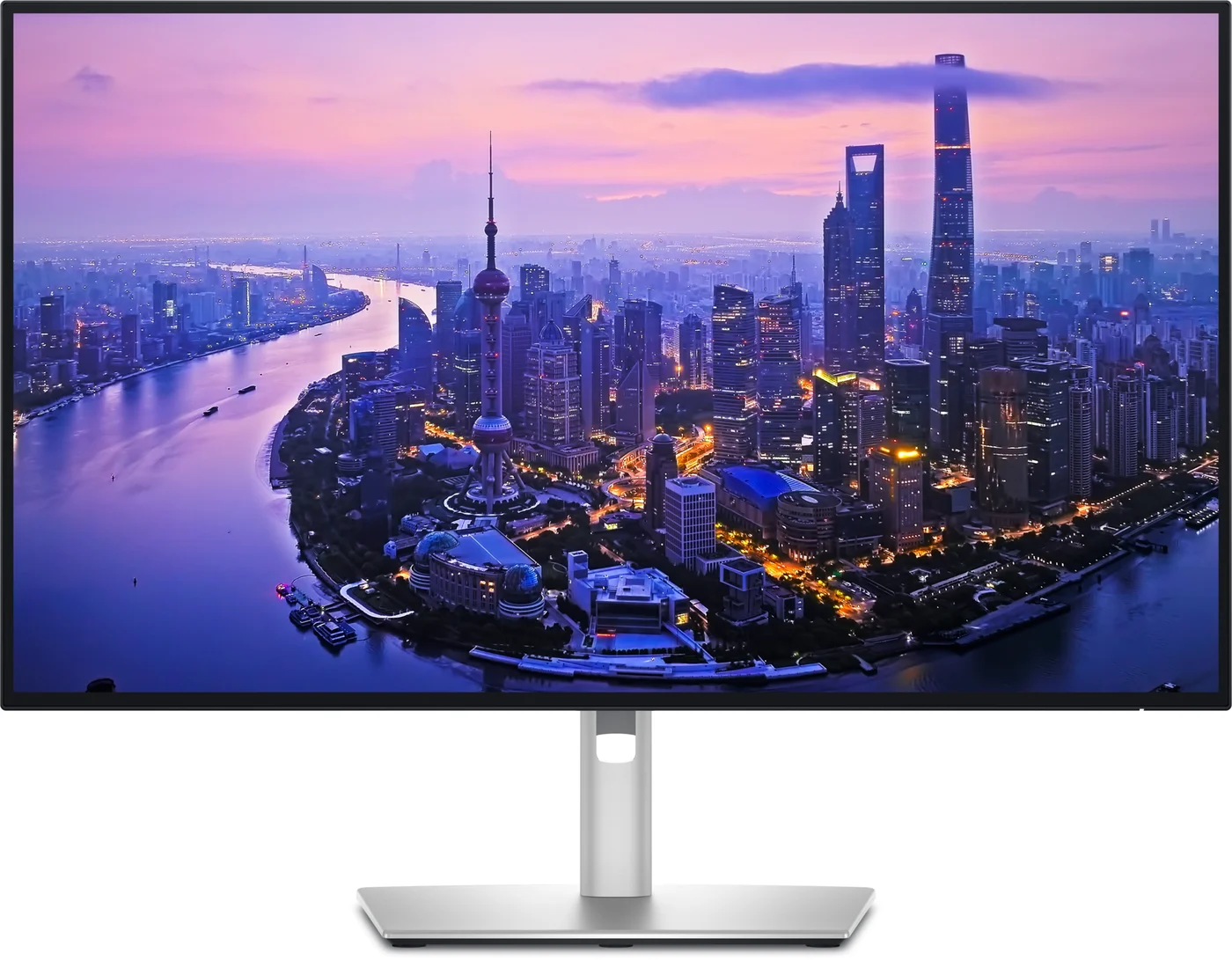
Best 4K hub monitor: Dell UltraSharp 27 4K Thunderbolt Hub (U2725QE)
Dell
Dell UltraSharp 27 4K Thunderbolt Hub Monitor (U2725QE)
A 27-inch 4K 120Hz IPS Black monitor with a built-in Thunderbolt 4 hub that can charge a laptop at up to 140W over one cable, plus 2.5GbE Ethernet, a USB KVM and daisy-chaining.
- 140W PD passthrough
- 10 Gbps data
- 4K video
- 15 ports
This is the desk hub in monitor form. Dell rates the 27-inch IPS Black panel at 4K and up to 120Hz over Thunderbolt 4, and the back carries a 10Gbps USB hub, 2.5GbE Ethernet, a Thunderbolt 4 port for daisy-chaining a second monitor and a built-in KVM. For a Mac mini tucked behind the screen, those front-facing USB ports and Ethernet save you a separate dock. It has no speakers, and its 3.5mm port is line out only, per Dell.
See the Dell U2725QE on Amazon
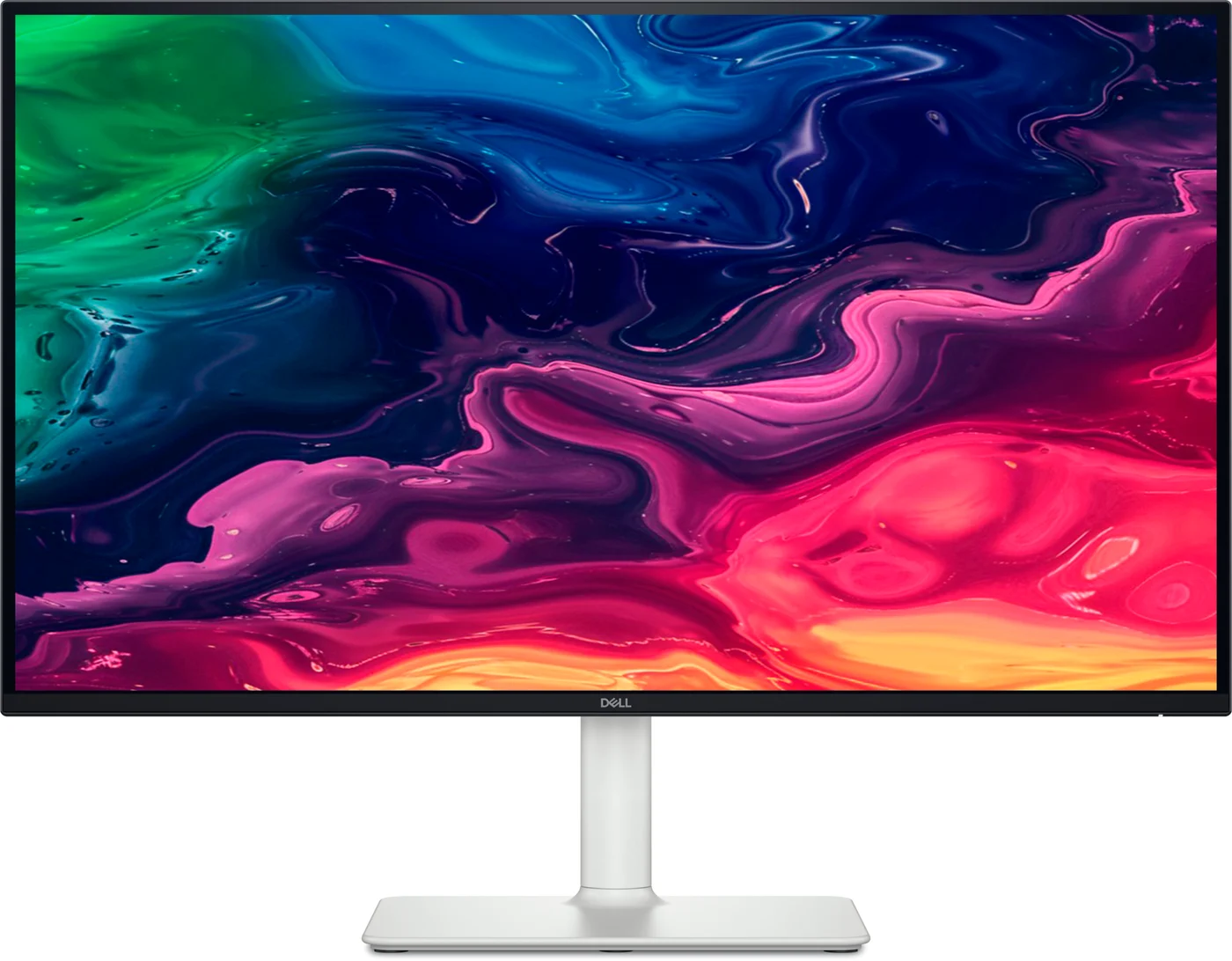
Best simple 4K at 120Hz: Dell 27 Plus 4K (S2725QC)
Dell
Dell 27 Plus 4K USB-C Monitor (S2725QC)
A 27-inch 4K 120Hz IPS monitor with a USB-C input that supplies up to 65W to a laptop, a small 5Gbps USB hub, two HDMI 2.1 ports and built-in speakers.
- 65W PD passthrough
- 5 Gbps data
- 4K video
- 6 ports
If you want 4K at 120Hz and nothing else to configure, this Dell keeps it simple: a USB-C input with DisplayPort 1.4 Alt Mode, two HDMI 2.1 inputs, two 5W speakers and a 5Gbps USB hub. The Mac mini's Thunderbolt ports can feed its USB-C input with the USB-C cable Dell lists in the box (its manual says the included 1.8 m cable applies to monitors made on or after June 2026), or use HDMI. There's no Ethernet, daisy chain or KVM.
See the Dell S2725QC on Amazon
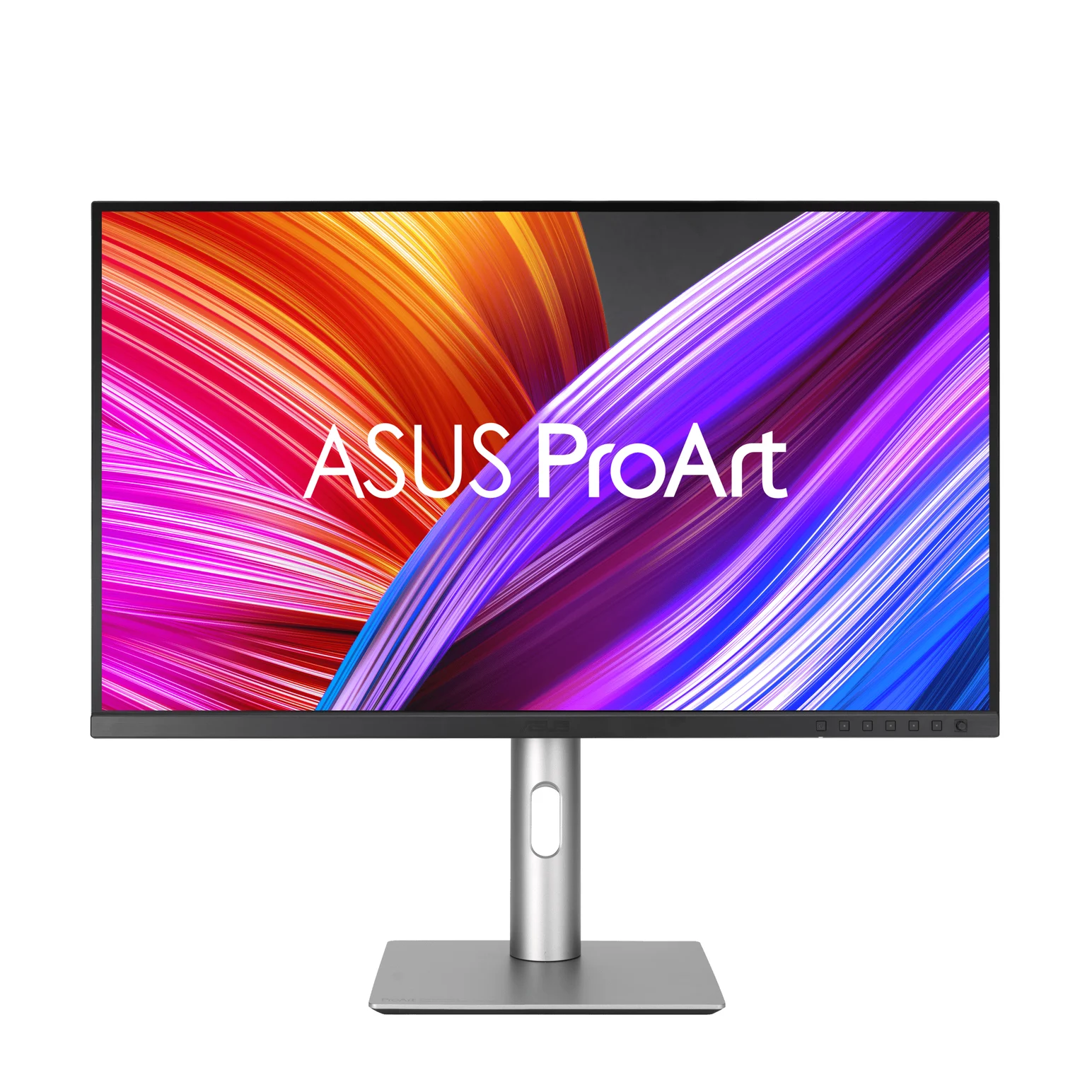
Best for photo and print color: ASUS ProArt PA279CRV
ASUS
ASUS ProArt Display PA279CRV 27-inch 4K USB-C Monitor
A 27-inch 4K IPS monitor for color work with a USB-C input that supplies 96W to a laptop, a 5Gbps USB hub and DisplayPort daisy-chaining.
- 96W PD passthrough
- 5 Gbps data
- 4K video
- 10 ports
For photographers working toward print, the ProArt's numbers are the reason to buy: 99% Adobe RGB and 99% DCI-P3, Calman Verified, with a color pre-calibration report that ASUS lists among its accessories (which vary by region). It's a 27-inch 4K panel at 60Hz with USB-C, two HDMI 2.0 and a DisplayPort input, a 5Gbps hub and small speakers. ASUS says the DisplayPort daisy-chain output needs a source with MST support.
See the ASUS ProArt PA279CRV on Amazon
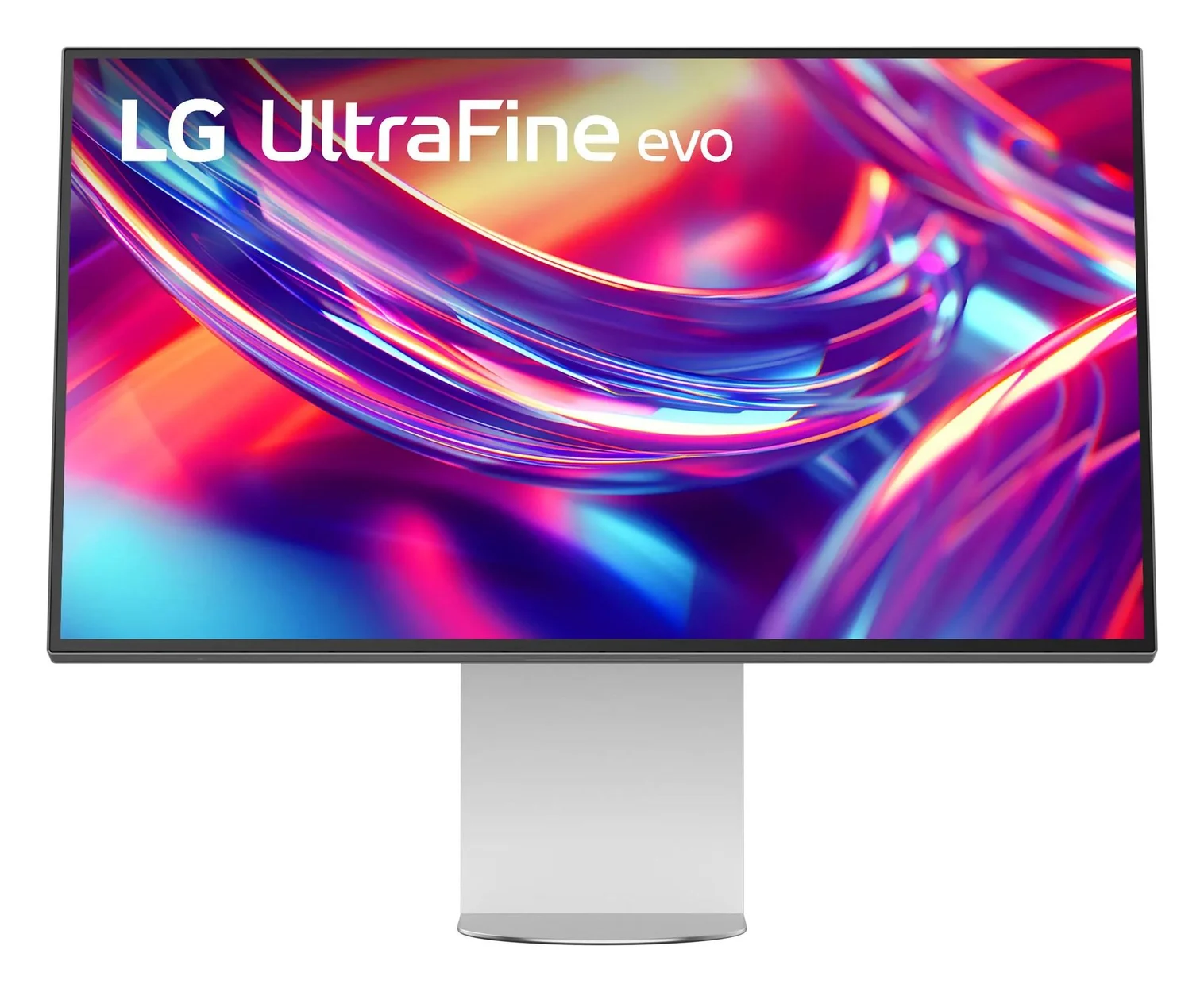
Best 6K for the most screen space: LG UltraFine evo 32-inch 6K
LG
LG UltraFine evo 32-inch 6K Thunderbolt 5 Monitor (32U990A-S)
LG's 32-inch 6K Nano IPS Black monitor with Thunderbolt 5 in and out, 96W laptop charging, a USB-C hub and a built-in KVM.
- 96W PD passthrough
- 10 Gbps data
- 32-inch 6K video
- 7 ports
The biggest canvas here: 32 inches at 6144x3456 (224 PPI), within the 6K at 60Hz that Apple lists for the Mac mini. LG pairs a Nano IPS Black panel with Thunderbolt 5 in and out, HDMI 2.1, DisplayPort 2.1, a built-in KVM and two 10Gbps USB-C ports. It has no USB-A ports, so plan on USB-C accessories or a small adapter.
See the LG UltraFine evo 6K on Amazon
How we choose
We start from Apple's Mac mini specs (which ports carry video, and the resolutions and refresh rates each chip supports) and keep only monitors that fit within them. Then we compare what each maker publishes: resolution and pixel density, refresh rate, inputs, USB hub speeds, KVM and Ethernet. We have not lab-tested these monitors; every figure comes from the makers' spec pages, linked in each product card. For a head-to-head of two of these, see Dell U2725QE vs ASUS PA279CRV for Mac mini; for a dock to add more ports, see best docks for Mac mini; and for the wider field, best USB-C monitors.
Verdict
Buy the Apple Studio Display if you want the sharpest macOS text plus a camera and speakers in one cable. Pick the BenQ PD2730S for the same 5K sharpness with HDMI and a KVM. Choose the Dell U2725QE if smooth 120Hz motion and a built-in hub with Ethernet matter more than 5K, or the Dell S2725QC if you want 120Hz without the extras. Photographers should look at the ASUS ProArt PA279CRV, and anyone who wants the most room at the desk at the LG UltraFine evo 6K. Whichever you choose, plug it into the Mac mini's back Thunderbolt or HDMI port.
Frequently asked questions
Do you need a monitor for a Mac mini?
Yes. The Mac mini has no screen, keyboard or mouse in the box, so you connect your own display. Apple lists display support on its Thunderbolt and HDMI ports, and the current models drive up to three external displays.
What is the best monitor for a Mac mini?
For sharp macOS text, a 27-inch 5K display (5120x2880, 218 PPI), such as Apple's Studio Display or the BenQ PD2730S. For smooth motion at a lower resolution, a 4K monitor at 120Hz, such as Dell's U2725QE. Plug it into a Thunderbolt port or the HDMI port on the back of the Mac mini.
How many monitors can a Mac mini run?
Apple lists up to three external displays for both the M6 and M5 Pro Mac mini, over Thunderbolt and HDMI. On the M6, two can be up to 6K at 60Hz plus a third up to 5K at 60Hz over Thunderbolt or 4K at 60Hz over HDMI. With one display, the M6 supports up to 8K at 60Hz, 5K at 120Hz or 4K at 240Hz.
Can I plug a monitor into the front USB-C ports of the Mac mini?
Use the back ports instead. Apple's spec page lists display support on the Thunderbolt and HDMI ports on the back, and lists the two front USB-C ports for USB 3 data up to 10Gb/s.
Does a monitor's laptop-charging wattage matter for a Mac mini?
No. The Mac mini runs from its own power cord, so a monitor's 90W or 140W charging rating does nothing for it. What matters is the video input (Thunderbolt or HDMI), the resolution and refresh rate, and any USB ports you want on the desk.
Best overall for Mac mini
Apple Studio Display (2026, Standard Glass, Tilt-Adjustable Stand)
Related guides
ASUS ZenScreen MB16NCG vs Lenovo ThinkVision M14d: Which Portable Monitor?
Choose between the ASUS MB16NCG and Lenovo M14d with panel, refresh, weight, stand and USB-C power differences explained, plus the travel kit each one needs.
Updated November 25, 2026Read
AOC 16T20 vs ASUS ZenScreen MB16ACV: Pick by Your Laptop's Ports
AOC 16T20 vs ASUS ZenScreen MB16ACV compared from official specs: inputs, power, drivers, stands and travel weight, so you buy a complete kit that works.
Updated November 26, 2026Read
Dell U2725QE vs ASUS PA279CRV for Mac mini: 4K Hub Monitor Comparison
Dell U2725QE vs ASUS PA279CRV for a Mac mini desk: charging, hub ports, Ethernet, KVM and color specs from the makers, and which complete kit to buy.
Updated November 26, 2026Read