Black Friday: the specs to check before you buy
Comparison
Updated November 5, 2026Dell U2725QE vs ASUS PA279CRV for Mac mini: 4K Hub Monitor Comparison
Short answer
If you're building a Mac mini (or MacBook) desk around one 27-inch 4K monitor that doubles as the hub, the Dell UltraSharp U2725QE is the more complete computer peripheral: Thunderbolt 4 up and downstream, 2.5GbE Ethernet, seven 10Gbps USB accessory ports, a hardware KVM and up to 140W EPR laptop charging. The ASUS ProArt PA279CRV is the better monitor for the money if your priorities are color — 99% Adobe RGB, Delta E under 2 and a pre-calibration report — and 96W charging over one USB-C cable covers most laptops. The gap to weigh: the Dell is a dock replacement; the ASUS is a great panel with a basic hub.
Our picks at a glance
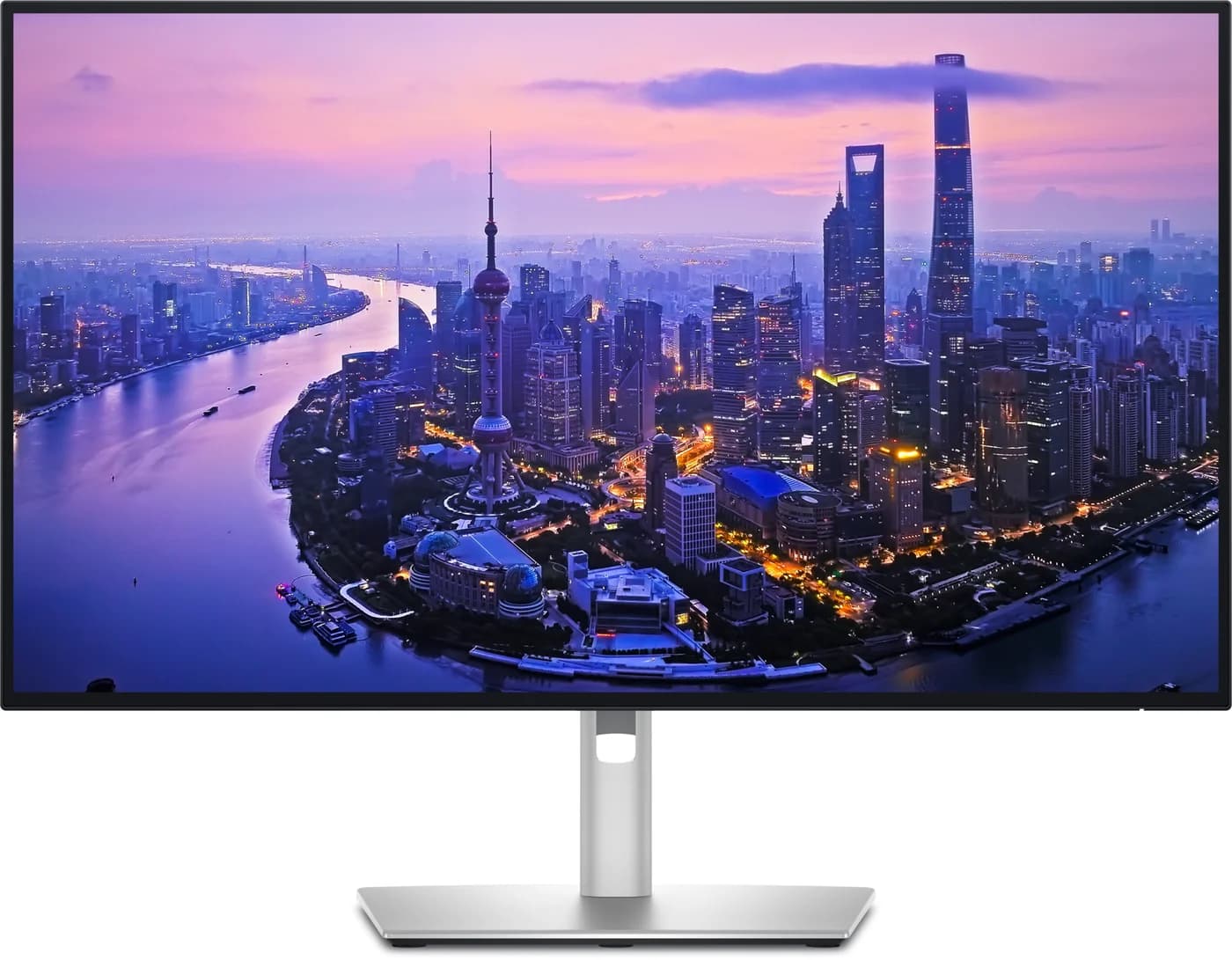
Best complete hub for a Mac mini deskDell
Dell UltraSharp 27 4K Thunderbolt Hub Monitor (U2725QE)
- to laptop
- 140W
- data
- 10 Gbps
- video
- 4K
- Choose
- Thunderbolt 4 upstream and downstream, a 2.5GbE port, a 10Gbps USB hub, a hardware KVM and up to 140W EPR laptop charging on one cable.
- Limit
- 140W only reaches laptops that support USB PD EPR; others top out at 90W
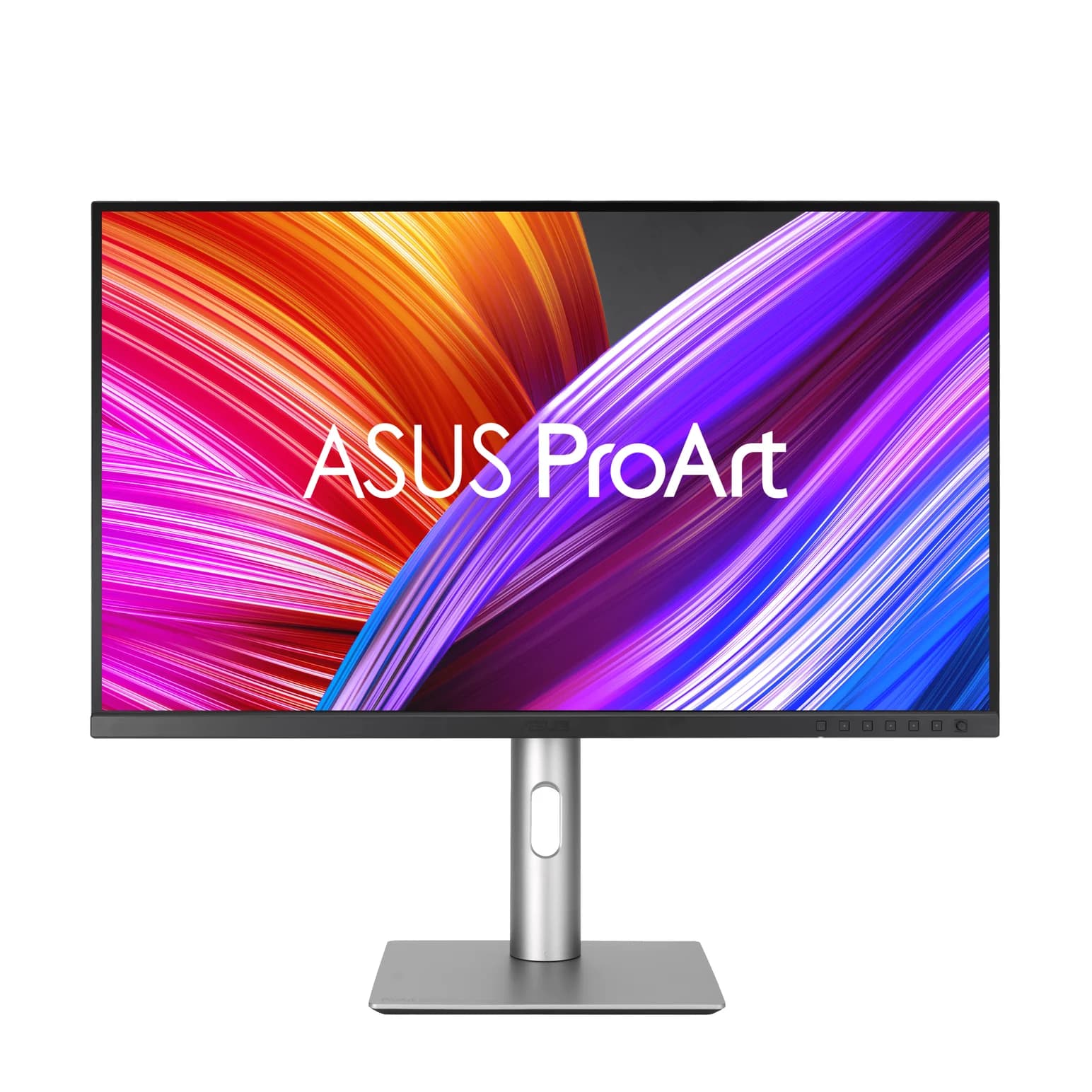
Best value 96W USB-C hub monitorASUS
ASUS ProArt Display PA279CRV 27-inch 4K USB-C Monitor
- to laptop
- 96W
- data
- 5 Gbps
- video
- 4K
- Choose
- 96W laptop power over one USB-C cable, a 5Gbps four-port hub, and specified 99% Adobe RGB coverage from a factory-calibrated panel.
- Limit
- The USB hub runs at 5Gbps, which bottlenecks fast portable SSDs
- 140WDell's Thunderbolt 4 upstream port with USB PD Extended Power Range (90W without)
- 96WASUS's USB-C power delivery to a laptop over the video and data cable
- 2.5GbEEthernet built into the Dell only; the ASUS has none
Quick picks
| Pick | Best for | Why |
|---|---|---|
| Dell UltraSharp U2725QE | A Mac mini desk where the monitor is the dock | Thunderbolt 4, 2.5GbE, 10Gbps USB, KVM, 120Hz IPS Black |
| ASUS ProArt PA279CRV | Color work and laptop charging for less | 96W over USB-C, 99% Adobe RGB, Delta E < 2 |
Which hub monitor should you buy for your laptop desk?
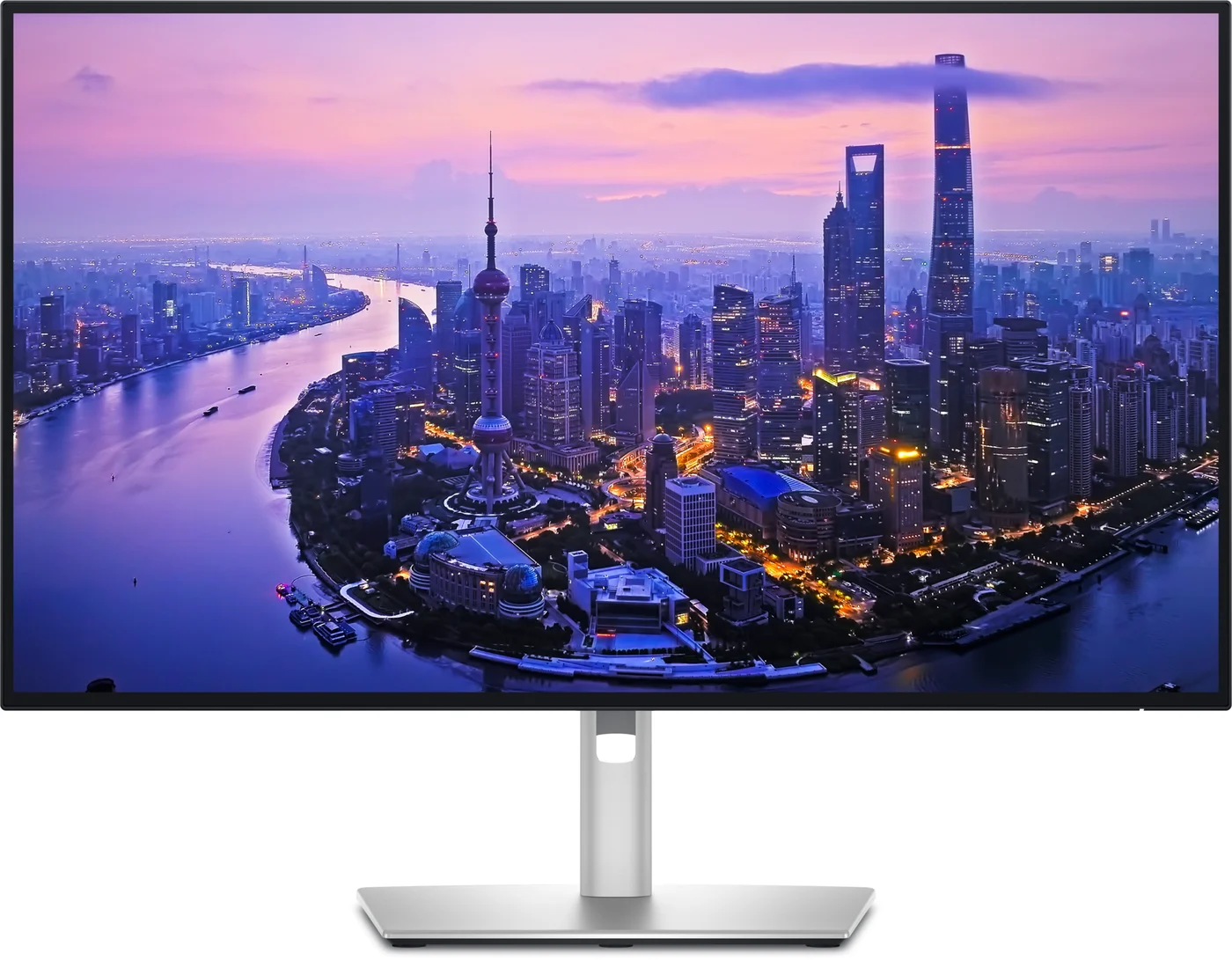
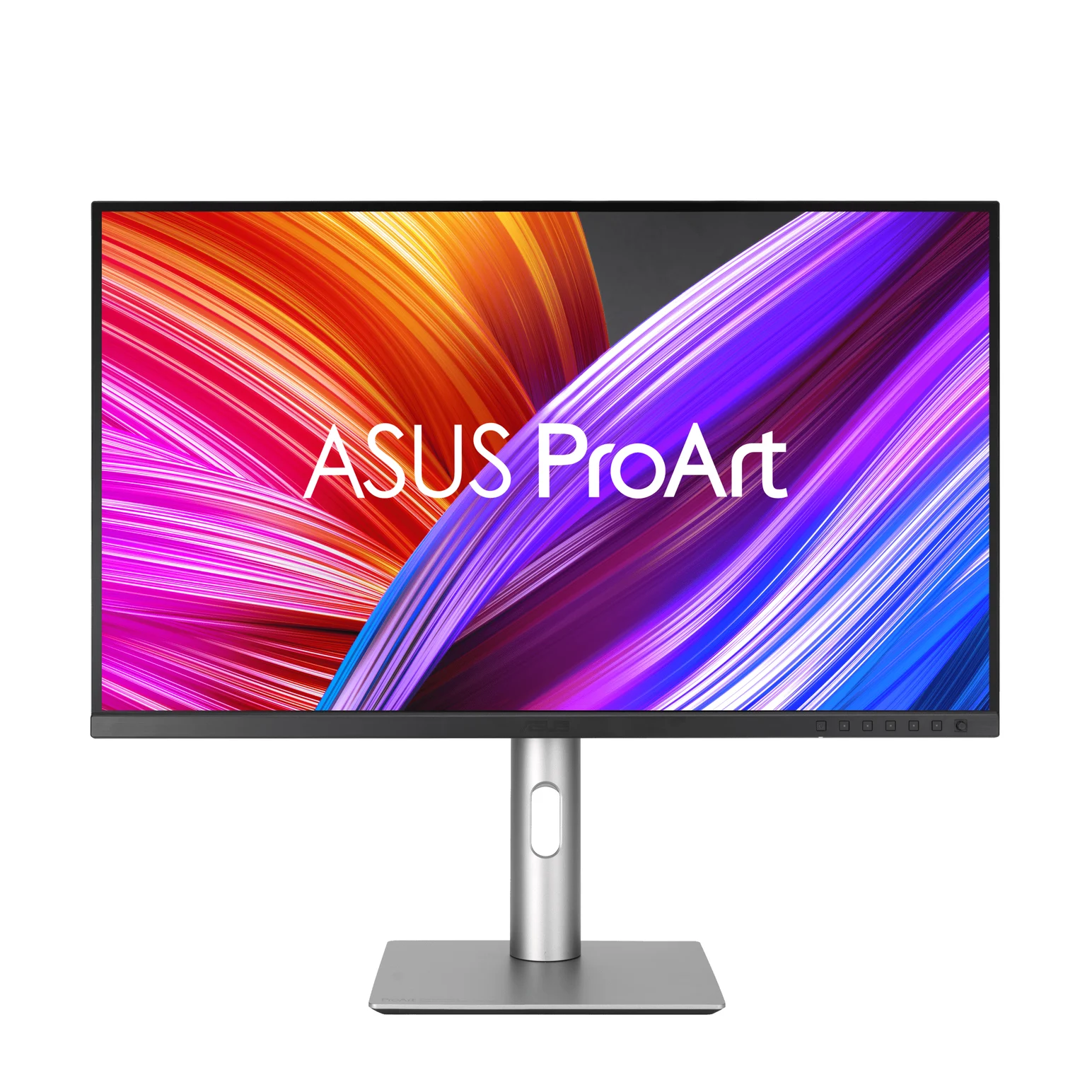
Both are 27-inch 3840 x 2160 IPS panels with a built-in USB hub and laptop charging over USB-C. The question this page answers is whether the Dell's connectivity is worth the premium over the PA279CRV:
| Your desk | Buy |
|---|---|
| Mac mini (or a Thunderbolt laptop) as the only computer, wired network wanted | Dell U2725QE |
| Two computers sharing one screen and one set of peripherals (KVM) | Dell U2725QE |
| MacBook Air or 14-inch MacBook Pro, single cable, photo/video work | ASUS PA279CRV |
| Mac mini plus a MacBook you sometimes plug in | Dell U2725QE |
| Budget desk where the monitor is the display and the charging brick does the rest | ASUS PA279CRV |
Neither monitor replaces a full Thunderbolt dock for everyone; see our Thunderbolt dock guide before deciding the monitor alone is enough.
U2725QE and PA279CRV: panel, ports and what ships in the box
| Spec | Dell U2725QE | ASUS PA279CRV |
|---|---|---|
| Panel | 27-inch IPS Black, 3840 x 2160, up to 120Hz, 163 PPI | 27-inch IPS, 3840 x 2160, up to 60Hz, 163 PPI |
| Contrast / brightness | 3000:1 typical; 450 nits typical, 600 peak | 1000:1 typical, 3000:1 max; 350-nit typical, 400-nit peak |
| HDR | VESA DisplayHDR 600 | VESA DisplayHDR 400, HDR10 |
| Color | 100% sRGB, 99% DCI-P3, 99% Display P3, Delta E <1.5 | 100% sRGB, 99% Adobe RGB, 99% DCI-P3, Delta E <2 |
| Upstream | 1x Thunderbolt 4 (PD up to 140W EPR) + 1x USB-C 10Gbps KVM upstream | 1x USB-C (DP Alt Mode, 96W PD, USB 3.2 Gen 1) |
| USB hub | 2x USB-C 10Gbps + 5x USB-A 10Gbps (one with BC 1.2) + 1x Thunderbolt 4 downstream (15W) | 1x USB-C + 3x USB-A, USB 3.2 Gen 1 |
| Other video | 1x HDMI 2.1 (4K 120Hz FRL), 1x DP 1.4 in, 1x DP 1.4 out | 2x HDMI 2.0, 1x DP 1.4 in, 1x DP 1.4 out (daisy chain) |
| Ethernet | 1x RJ45 2.5GbE | None |
| KVM | Yes, built-in USB KVM | None |
| Speakers | None (audio line-out only) | 2W x 2 stereo |
| Cables in the box | Thunderbolt 4 passive 1.0 m, DP 1.4 1.8 m, USB-A to USB-C 1.0 m, power | USB-C, HDMI, DisplayPort, power, calibration report |
Dell's product page lists the U2725QE's port set as one Thunderbolt 4 upstream port with "PD: Up to 140W EPR", one Thunderbolt 4 downstream port at 15W, a USB-C 10Gbps KVM upstream, two USB-C 10Gbps downstream ports, four ordinary USB-A 10Gbps ports plus one USB-A 10Gbps port with BC 1.2, one HDMI 2.1, two DisplayPort 1.4 (one in, one out) and an RJ45 2.5GbE port. ASUS's spec sheet lists the PA279CRV with one USB-C DisplayPort Alt Mode input, two DisplayPort 1.4, two HDMI 2.0, a hub of one USB-C and three USB-A downstream ports at USB 3.2 Gen 1, an earphone jack and 96W USB-C power delivery. That's the whole connectivity story in one table: the Dell adds Thunderbolt 4 and 2.5GbE, and its USB accessory ports run at 10Gbps rather than the ASUS hub's 5Gbps.
Laptop charging and the exact host path
The headline numbers are 140W versus 96W, but the fine print matters more than the gap:
- Dell: the Thunderbolt 4 upstream port is rated "PD: Up to 140W EPR"; Dell's compare table lists the port at 90W where EPR does not apply. Actual charging depends on host and cable negotiation.
- ASUS: the USB-C input "offers 96W power delivery" with voltages listed as 5V/3A, 9V/3A, 12V/3A, 15V/3A and 20V/4.8A in the manual. Apple lists a 96W USB-C power adapter as fast-charge-capable for the 2021 14-inch MacBook Pro; verify charging for a specific laptop separately.
For a Mac mini there is no charging at all — it runs on its own AC power — so charging only matters if a MacBook shares the desk. Our USB Power Delivery explainer covers what EPR means in practice.
Source: Dell's U2725QE page and ASUS's PA279CRV spec sheet
Keyboard, mouse, Ethernet and the need for a separate dock
A "monitor with a hub" means your keyboard, mouse and any drives plug into the display, and one cable carries them to the computer. Here is where the two models really split:
- Yes: Dell: keyboard, mouse and SSDs on 10Gbps USB-A/USB-C ports, one cable to the computer
- Yes: Dell: wired network on the built-in 2.5GbE port
- Yes: Dell: KVM switches the whole setup between two computers
- Yes: ASUS: keyboard and mouse on its four 5Gbps hub ports, one cable to the computer
- Partly: ASUS: SSDs work, but the 5Gbps hub port is the ceiling for drive speed
- No: ASUS: no Ethernet port — you need the Mac's own port or a USB adapter
- No: ASUS: no KVM — two computers means swapping the upstream cable
For a Mac mini, the Dell's 2.5GbE port is nearly redundant: Apple lists a 2.5Gb Ethernet port on the back of the Mac mini itself (configurable to 10Gb). But the Dell also gives the mini eight 10Gbps USB ports, which Apple's machine can't match — the Mac mini's front has two USB-C ports at USB 3 speed, up to 10Gb/s. If your desk has more than a couple of USB accessories, the monitor becomes the hub and both rear Thunderbolt ports stay free.
The ASUS works as a minimal dock for a MacBook: one cable, 96W, and four downstream USB 3.2 Gen 1 ports — one USB-C and three USB-A. It never becomes an Ethernet dock or a KVM. If you need those, compare a separate dock with this monitor; see our dock guide for MacBook Pro for the options.
Refresh and color specifications, without invented tests
This site has not tested either panel; the numbers below are the makers' own specifications.
The U2725QE runs at up to 120Hz, and Dell says 120Hz "delivers less flicker, more seamless scrolling and smoother motion than 60Hz monitors" — a fair description of the benefit. Its IPS Black panel is rated at 3000:1 typical contrast with 450 nits typical brightness, 100% sRGB, 99% DCI-P3 and 99% Display P3, and Dell specifies average Delta E below 1.5. It carries VESA DisplayHDR 600.
The PA279CRV is a 60Hz panel — fine for office and color work, not for high-refresh gaming — with 1000:1 typical contrast, 350-nit typical brightness, 100% sRGB, 99% Adobe RGB and 99% DCI-P3, factory calibration to Delta E under 2, and a per-unit pre-calibration report in the box. ASUS also advertises Mac-specific touches: an M Model P3 preset that "aligns ProArt Display colors with MacBook", and MacBook brightness-key control with its DisplayWidget Center app installed (both firmware-dependent, and the brightness keys need the pointer on the ProArt screen). Those, plus the Adobe RGB coverage, are why it's the color pick. ASUS lists security-update support until December 31, 2026.
Second displays, KVM and operating-system constraints
- Dell Thunderbolt daisy chain: Dell says the U2725QE can "daisy chain two 4K monitors on either Windows, or macOS, powered by Thunderbolt 4", using the Thunderbolt 4 downstream port. From a Mac mini's Thunderbolt port, that means a second 4K display from one cable. Apple's specs say the Mac mini supports up to three external displays over any combination of Thunderbolt and HDMI.
- DisplayPort MST: both monitors have a DisplayPort output for daisy chaining, and both manuals note it needs Multi-Stream Transport. macOS does not support MST for extended displays, so on a Mac treat the DP output as Windows-only.
- KVM: the Dell's built-in KVM switches keyboard, mouse and drives between two computers, using the second USB-C upstream port for the second machine. The ASUS has no KVM at all.
- Mac caveat: Dell itself says of Mac compatibility that "select M-series chips may not support some features", and its macOS claims are based on internal testing from June 2024. Treat 140W charging and 4K 120Hz from an Apple-silicon Mac as host-dependent rather than promised.
Full workstation cost
Monitor prices move, so check current prices before deciding. The more useful comparison is total desk cost:
- Dell route: the monitor is the dock. You buy the monitor and the cables that come with it, and you're done.
- ASUS route: monitor, plus (if you want Ethernet or a KVM or 10Gbps USB) a separate dock or adapter. A USB-C hub with 2.5GbE costs a fraction of the price gap, but adds a device and a cable to the desk.
Who should keep a monitor and add a dock instead
If you already own a good 27-inch 4K display without a hub, the cheapest path to one-cable living is a dock, not a new monitor. But if you're buying the monitor anyway, the U2725QE folds the dock in: you get Thunderbolt 4, 2.5GbE, the 10Gbps hub and the KVM in the panel, with one Thunderbolt cable and power delivery rated up to 140W with EPR for the days a MacBook replaces the Mac mini.
How we choose
We haven't tested either monitor on a bench. This comparison is built from:
- The makers' own pages: Dell's U2725QE product page and ASUS's PA279CRV specification sheet and user guide, linked throughout.
- Apple's spec page for the Mac mini, for its Thunderbolt, USB and Ethernet ports.
- Standards: USB Power Delivery's Extended Power Range and DisplayPort MST, for the charging and daisy-chain constraints.
Verdict
Buy the Dell UltraSharp U2725QE if the monitor is the center of a Mac mini or Thunderbolt-laptop desk: it's the only one of the two with Ethernet, a KVM, 10Gbps USB and a Thunderbolt 4 port for daisy-chaining a second 4K display, and it charges a laptop at up to 140W with EPR. Buy the ASUS ProArt PA279CRV if the panel matters more than the hub: 99% Adobe RGB with Delta E under 2 and a calibration report, 96W one-cable charging for a MacBook, and real savings you can spend on a dock only if you turn out to need one.
Frequently asked questions
Which is better for a Mac mini, the Dell U2725QE or the ASUS PA279CRV?
If the monitor is your dock, the Dell U2725QE: it adds 2.5GbE Ethernet, a hardware KVM for two computers, 10Gbps USB ports and a Thunderbolt 4 downstream port that can daisy-chain a second display from a Mac mini's Thunderbolt port. The ASUS PA279CRV is the better buy for color work and for charging a MacBook over one USB-C cable at up to 96W, but it has no Ethernet, no KVM and only 5Gbps USB.
Does the Dell U2725QE charge a laptop at 140W?
Dell's spec says the Thunderbolt 4 upstream port delivers PD up to 140W EPR (Extended Power Range), and its compare table lists the port at 90W where EPR does not apply. The supplied cable is a 1.0 m passive Thunderbolt 4 cable.
Does the ASUS PA279CRV work as a dock for a MacBook Pro?
Mostly. One USB-C cable carries DisplayPort video, 5Gbps USB data and up to 96W power delivery; Apple lists a 96W adapter as fast-charge-capable for the 2021 14-inch MacBook Pro. ASUS advertises Mac brightness-key control and an M Model P3 preset with its DisplayWidget Center app. What's missing is Ethernet and a KVM, and its four downstream ports — one USB-C and three USB-A, all USB 3.2 Gen 1 — are 5Gbps.
Can I daisy-chain a second monitor from these two?
Both have a DisplayPort output, but a DisplayPort daisy chain needs Multi-Stream Transport (MST), which macOS does not support for extending the desktop. The Dell U2725QE also has a Thunderbolt 4 downstream port, and Dell says you can daisy-chain two 4K monitors over Thunderbolt 4 on Windows or macOS, so it is the one of this pair that can drive a second 4K display from a single Mac mini port.
Should I connect a Mac mini to one of these over USB-C or HDMI?
USB-C (Thunderbolt on the Dell). Over HDMI the Mac mini only sends video, so the monitor's hub, Ethernet and charging do nothing for the computer. Over the USB-C path the hub, and on the Dell the 2.5GbE port and KVM, all come back through the one cable. Apple's spec page lists three rear Thunderbolt 4 ports on M6 Mac mini configurations and three rear Thunderbolt 5 ports on M5 Pro configurations, both with HDMI; use HDMI only for a second display that isn't daisy-chained.
Which one is better for photo and video color work?
The ASUS PA279CRV on paper: ASUS specifies 99% Adobe RGB, 99% DCI-P3 and 100% sRGB, factory calibration to Delta E < 2, and a pre-calibration report in the box. The Dell U2725QE specifies 100% sRGB, 99% DCI-P3, 99% Display P3 and Delta E under 1.5, plus a 120Hz refresh rate, but no Adobe RGB figure; it carries VESA DisplayHDR 600 versus the ASUS's DisplayHDR 400. Neither panel has been tested by this site.
Best complete hub for a Mac mini desk
Dell UltraSharp 27 4K Thunderbolt Hub Monitor (U2725QE)
Related guides
InnoView INVPM406 vs ASUS ZenScreen MB16ACV: Which Portable Monitor?
Choose between the InnoView INVPM406 and the ASUS ZenScreen MB16ACV from maker specs: ports, USB-A driver rules, kit contents, stands and return checks.
Updated November 7, 2026Read
ASUS ZenScreen MB16NCG vs Lenovo ThinkVision M14d: Which Portable Monitor?
Choose between the ASUS MB16NCG and Lenovo M14d with panel, refresh, weight, stand and USB-C power differences explained, plus the travel kit each one needs.
Updated November 5, 2026Read
AOC 16T20 vs ASUS ZenScreen MB16ACV: Pick by Your Laptop's Ports
AOC 16T20 vs ASUS ZenScreen MB16ACV compared from official specs: inputs, power, drivers, stands and travel weight, so you buy a complete kit that works.
Updated November 5, 2026Read