Black Friday: the specs to check before you buy
Best picks
Updated November 3, 2026Best USB-C to HDMI Adapters: Buy for Your Device and Display
Short answer
The best USB-C to HDMI adapter for most single-display laptop setups is the Plugable USBC-HDMI: it supports up to 4K at 60Hz from a compatible video-capable USB-C port. Choose USBC-HDMI8K for a compatible high-refresh Windows PC, or Belkin AVC002 when the same connection also needs charging. Before buying, confirm that your source port outputs video and add the HDMI cable; these are USB-C-source-to-HDMI-display adapters.
Our picks at a glance
- Find on Amazon
Best compact alternative
Anker 310 USB-C Adapter, A8312
Quick picks by setup
| Your setup | Buy | Why / main catch |
|---|---|---|
| One HDMI monitor or TV | Plugable USBC-HDMI | Up to 4K at 60Hz; source, HDMI cable and display must support the mode. |
| Compact laptop bag spare | Anker 310 / A8312 | 4K at 60Hz on suitable hosts; Anker limits iPad Pro to 2K at 60Hz. |
| High-refresh Windows display | Plugable USBC-HDMI8K | 4K at 144Hz or 8K at 60Hz with DP 1.4 and DSC; check Mac caveat below. |
| Video plus charging | Belkin AVC002btBK | 4K at 60Hz plus up to 60W pass-through; charger sold separately. |
Check that the source USB-C port outputs video
Look up your exact device and the particular port: these native adapters need DisplayPort Alt Mode or a supported Thunderbolt/USB4 video connection. VESA’s DisplayPort guidance warns that the selected USB-C connector may lack DisplayPort support; the connector shape alone is not a compatibility check.
Connect directly to the source while checking compatibility: VESA also warns that an ordinary USB hub can interrupt the DisplayPort connection. For setup instructions, use our USB-C-to-TV connection guide.
- Yes: Video-enabled USB-C source and HDMI display: the intended connection.
- No: Data-only USB-C source: these native Alt Mode picks cannot supply missing video output.
- No: HDMI source to USB-C monitor: these adapters do not work in reverse.
- Partly: USB4 or Thunderbolt host: verify the required display mode as well as the connector.
Compare the adapters and the complete connection kit
Treat the display mode and charging limit as separate specifications. The table distinguishes the attached host connection from the HDMI cable you still need.
| Exact model | Source / HDMI ceiling | Charging input | Supplied kit / add to use |
|---|---|---|---|
| Plugable USBC-HDMI | Video-capable USB-C, USB4 or Thunderbolt; HDMI 2.0, up to 4K at 60Hz. | No PD input among listed connections; charge the laptop separately. | Adapter with attached USB-C connection. Add HDMI cable. |
| Anker A8312 (310 / PowerExpand+) | USB-C DP Alt Mode; HDMI 2.0, up to 4K at 60Hz; iPad Pro: 2K at 60Hz. | No charging support. | Adapter with braided host cable and welcome guide. Add HDMI cable. |
| Plugable USBC-HDMI8K | DP 1.4 host; HDMI 2.1, up to 4K at 144Hz / 8K at 60Hz with DSC. Mac caveat applies. | No PD input among listed connections; charge the laptop separately. | Adapter with attached USB-C connection. HDMI cable explicitly excluded. |
| Belkin AVC002btBK | Video-enabled USB-C; up to 3840 × 2160 at 60Hz. | USB-C PD, up to 60W pass-through. | Adapter with tethered USB-C lead and documentation. Add HDMI cable; add PD charger and USB-C charging cable for charging. No power supply included. |
For the standard 4K-at-60Hz kit, HDMI Licensing Administrator identifies Premium High Speed HDMI cables as certified for 4K60 and HDR. For the higher-refresh kit, use a certified Ultra High Speed HDMI cable: the official cable category covers 4K at 120Hz and 8K at 60Hz. Keep a suitable existing cable; replace it only if its documented capability falls short.
Best for most single displays: Plugable USBC-HDMI
This is our default because its documented target is straightforward: HDMI 2.0 at up to 3840 × 2160, 60Hz, with HDR and HDCP support. Plugable specifies a capable source, cable and display, and notes that some displays need an additional setting to enable that mode.
The connection uses the host’s native video output, and Plugable documents driver-free setup plus mirror, extended and clamshell display modes. The adapter is listed as 7.8 inches / 20cm long and needs a separate HDMI cable. It makes sense for presentations or a desk where you already have the display cable.
Its listed connections are USB-C input and HDMI output, with no charging input; plan a separate laptop charging connection. For surround sound, note the narrower audio claim: Plugable specifies multichannel LPCM rather than universal format support.
See the USBC-HDMI and its compatibility requirements at Plugable.
Best compact alternative: Anker 310 USB-C Adapter, A8312
Anker calls this model both 310 USB-C Adapter (4K HDMI) and PowerExpand+ USB-C to HDMI Adapter; match A8312, rather than buying by the family name alone. Its current US specifications list HDMI 2.0, up to 4K at 60Hz, HDR and HDCP 2.2.
Choose it for the small adapter body: Anker lists 1.97 × 0.85 × 0.45 inches and 0.64 ounces, with an aluminum casing and braided cable. It requires DP Alt Mode and works without an installation step; it does not charge the host.
The important exception is Anker’s own iPad Pro FAQ, which caps that pairing at 2K at 60Hz, despite the general 4K headline. For an iPad purchase, get confirmation for your exact tablet and intended display mode before choosing it. The published package list names the adapter and welcome guide, so budget for a separate HDMI cable.
Best for high-refresh Windows setups: Plugable USBC-HDMI8K
Buy this upgrade for a display mode you can actually use: Plugable documents 4K at 144Hz on compatible Windows systems and 8K at 60Hz, with DP 1.4 and DSC requirements. Its FAQ makes DSC mandatory for modes above 4K at 120Hz or 8K at 30Hz. Ask the computer maker about that capability if it is absent from the specifications.
The adapter is driver-free for normal operation, and Plugable explicitly excludes the HDMI cable. This is the better fit for a compatible gaming PC and high-refresh HDMI screen; for a standard office display, start with the simpler pick.
Mac documentation conflicts: the product page says macOS stops at 4K at 60Hz, but Plugable’s firmware article describes higher-refresh support with macOS 26 or later, a compatible display and appropriate adapter firmware. The support article lists M1 Pro/Max, M2 Pro/Max and M3 or newer, while excluding base M1 and M2.
Check USBC-HDMI8K at Plugable, including its Mac firmware guidance.
Best with charging input: Belkin AVC002btBK
The USB-C to HDMI + Charge Adapter adds HDMI up to 4K at 60Hz and USB-C PD pass-through up to 60W to a video-enabled USB-C source. Choose it when the host connection must handle both video and charging, and you do not need the extra ports of a hub.
The US product page identifies the black consumer model as AVC002btBK and separately labels AVC002BK-BL as the business SKU. Belkin lists the adapter and documentation in the box, and its FAQ explicitly says there is no power supply. For simultaneous charging, add a suitable USB-C PD charger and charging cable to the HDMI cable.
Treat 60W as the adapter’s charging ceiling; compare it with your device’s required input before buying. For a laptop needing more power, keep its separate charger or choose another charging solution. Belkin confirms HDCP 2.2 support; its product page and FAQ disagree on physical dimensions, so we do not use size to rank it.
See the exact AVC002btBK at Belkin.
When a hub or USB graphics adapter makes more sense
If you also need wired Ethernet, USB data ports or card readers, the Anker 555 USB-C Hub (A8383) combines those functions and offers up to 85W to the laptop from a 100W input. Its charger is separate. Consider it as a port-expansion alternative; compare the options in our USB-C hubs with HDMI guide.
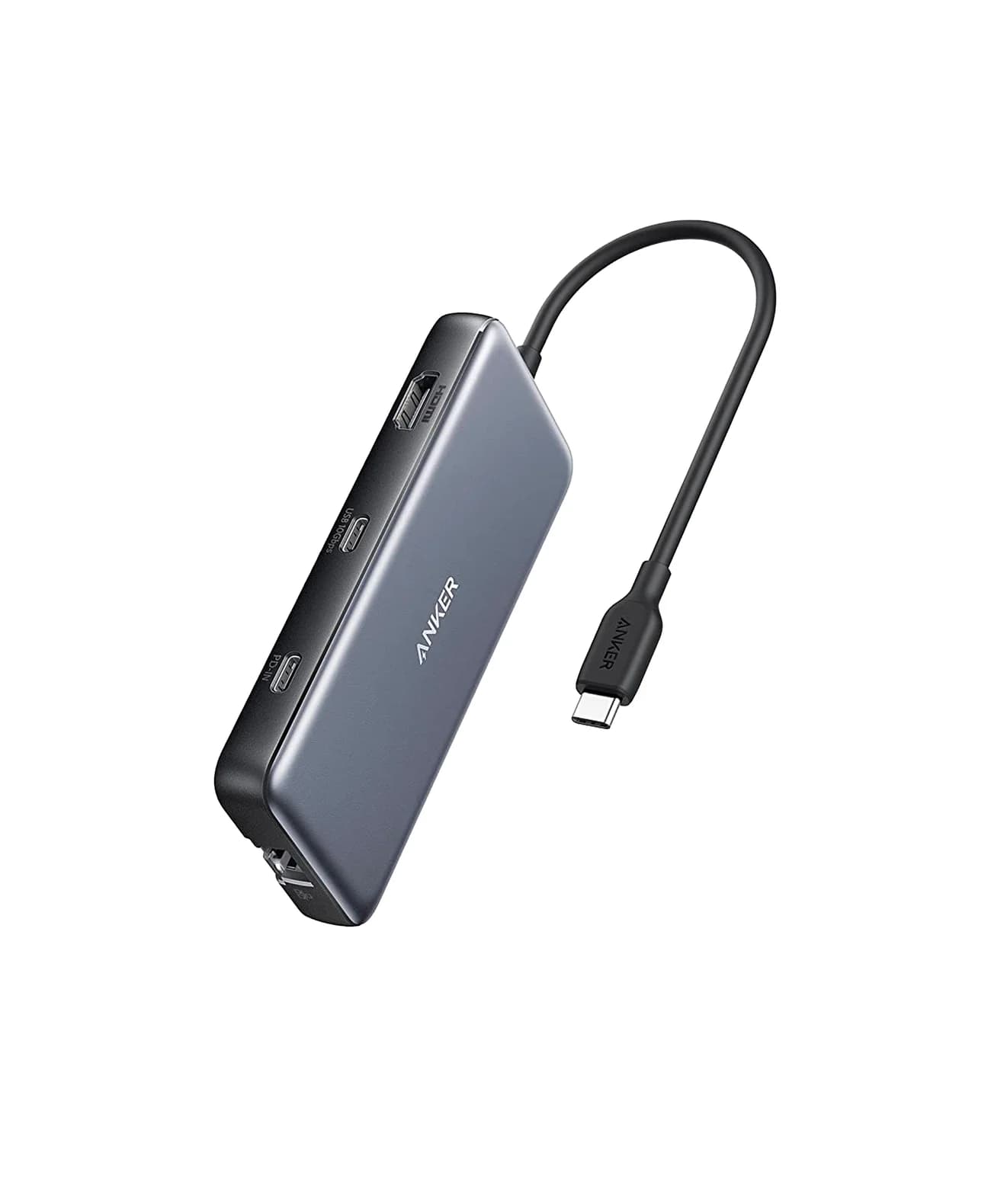
Anker
An 8-in-1 USB-C hub with 4K@60Hz HDMI, gigabit Ethernet, 10Gbps USB-C and USB-A data ports, SD/microSD readers and 85W pass-through charging.
- 85W PD passthrough
- 10 Gbps data
- 4K60 video
- 8 ports
Check the Anker 555 on Amazon.
For a source without native video output, investigate a USB graphics adapter with explicit support for your system instead of these Alt Mode adapters. That is a different purchase: Plugable’s DisplayLink documentation requires DisplayLink Manager on a Mac, and its documentation excludes HDCP-protected streaming apps. Plugable also cautions that DisplayLink is not the right fit for every gaming workflow.
How we choose
These are research-based recommendations from manufacturer product pages, support documents and the VESA and HDMI standards bodies; no physical product testing informs the ranking. We prioritize the required host mode, the complete connection kit and clear limitations over the largest resolution on the box. Where a maker’s documents disagree, we identify the disagreement rather than promise the more attractive result.
Before buying, including Black Friday offers
Compare the same model and usable kit in each offer: adapter, attached host lead, required HDMI cable, and any charger plus charging cable. Check the destination country’s exact SKU and package list instead of assuming a bundle includes accessories. A deal on the wrong connection direction or host mode is still the wrong purchase.
Check the source
Read the exact device and port specifications for video output.
Match the screen
Confirm the desired HDMI resolution and refresh rate at both ends.
Complete the kit
Add the appropriate HDMI cable, then a PD charger and charging cable if using pass-through charging.
If an existing connection falls short, follow our monitor stuck at 30Hz guide before replacing hardware.
Verdict
Start with Plugable USBC-HDMI for a compatible single display up to 4K at 60Hz. Pick Anker A8312 for its compact body, USBC-HDMI8K for a qualifying high-refresh Windows setup, or Belkin AVC002btBK for up to 60W charging pass-through. For high-refresh Mac use, resolve the firmware question with Plugable before ordering.
Frequently asked questions
What is the best USB-C to HDMI adapter for a laptop?
For a single display up to 4K at 60Hz, start with Plugable USBC-HDMI, provided your laptop's USB-C port supports video output. Choose USBC-HDMI8K for a compatible high-refresh Windows setup, or Belkin AVC002 if you also need charging through the same port. A data-only USB-C port cannot use these native video adapters; check the laptop's specifications before buying.
Will any USB-C port work with an HDMI adapter?
No. These adapters need video output through the source port, usually described as DisplayPort Alt Mode. VESA advises checking the system manufacturer's documentation when the selected USB-C connector does not support DisplayPort. Plugable also lists suitable USB4 and Thunderbolt hosts. Start with the exact device and port specification rather than assuming the USB-C connector guarantees HDMI output.
Can a USB-C to HDMI adapter do 4K at 120Hz on a Mac?
It depends on the adapter, Mac and firmware. Plugable's USBC-HDMI8K product page still limits macOS to 4K at 60Hz, while its firmware support article describes higher refresh modes on supported Apple silicon Macs running macOS 26 or later. That article requires compatible firmware and excludes base M1 and M2. Confirm the exact Mac and display with Plugable before buying for high refresh.
Do USB-C to HDMI adapters charge your laptop?
Only a model with charging pass-through can charge the host through the adapter. Belkin AVC002 offers up to 60W of USB-C Power Delivery pass-through and does not include a power supply. Anker explicitly says A8312 does not support charging. With Belkin, budget for a suitable USB-C PD charger and charging cable as well as the separate HDMI cable.
Can I use the same adapter from HDMI to a USB-C monitor?
No. These recommendations take video from a USB-C source and send it to an HDMI display. Plugable specifically describes the USB-C Alt Mode to HDMI connection as not reversible. For an HDMI-source computer or console and a USB-C monitor, search for a converter explicitly supporting that direction and your display; these forward-direction adapters are the wrong purchase.
Best for most single displays
Plugable USBC-HDMI
Related guides
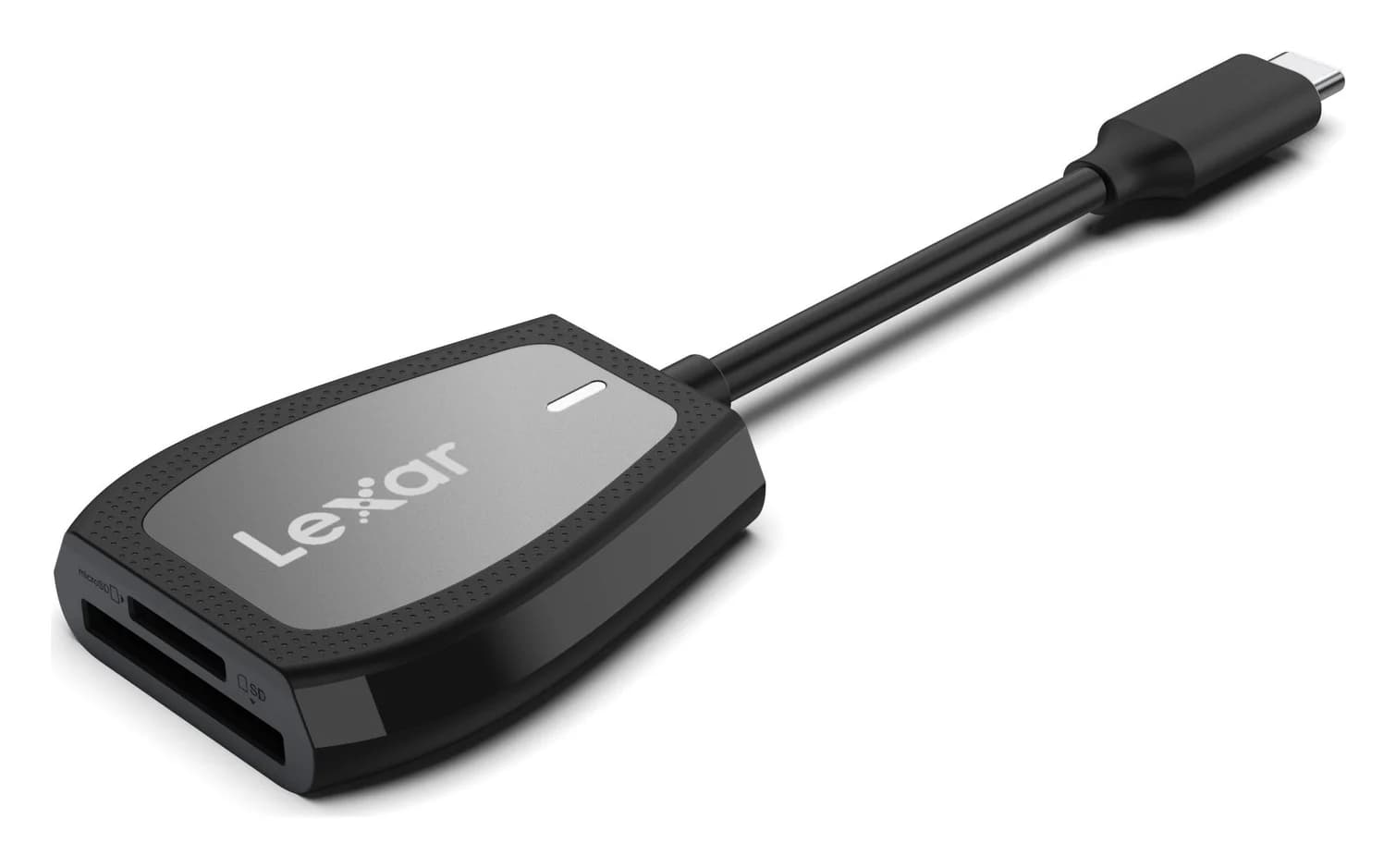
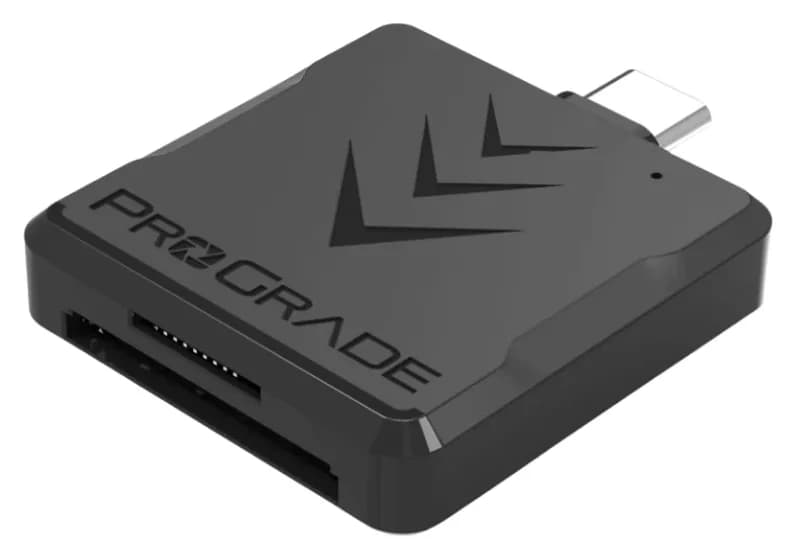
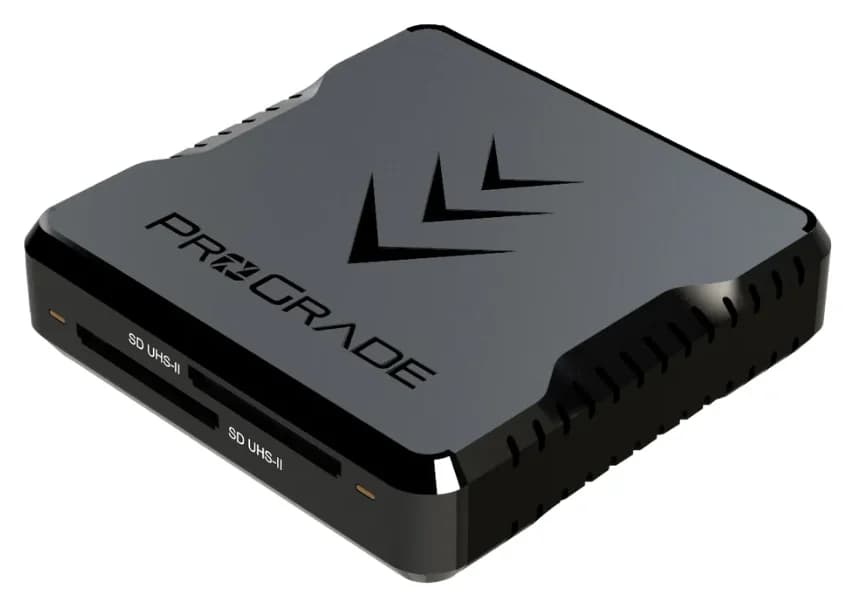
Best SD Card Readers in 2026: USB-C Picks for Every Workflow
The SD card readers worth buying, from makers' spec sheets: UHS-II dual-slot picks from Lexar and ProGrade, Apple's USB-C reader, and an Anker hub that reads cards too.
Updated November 7, 2026Read
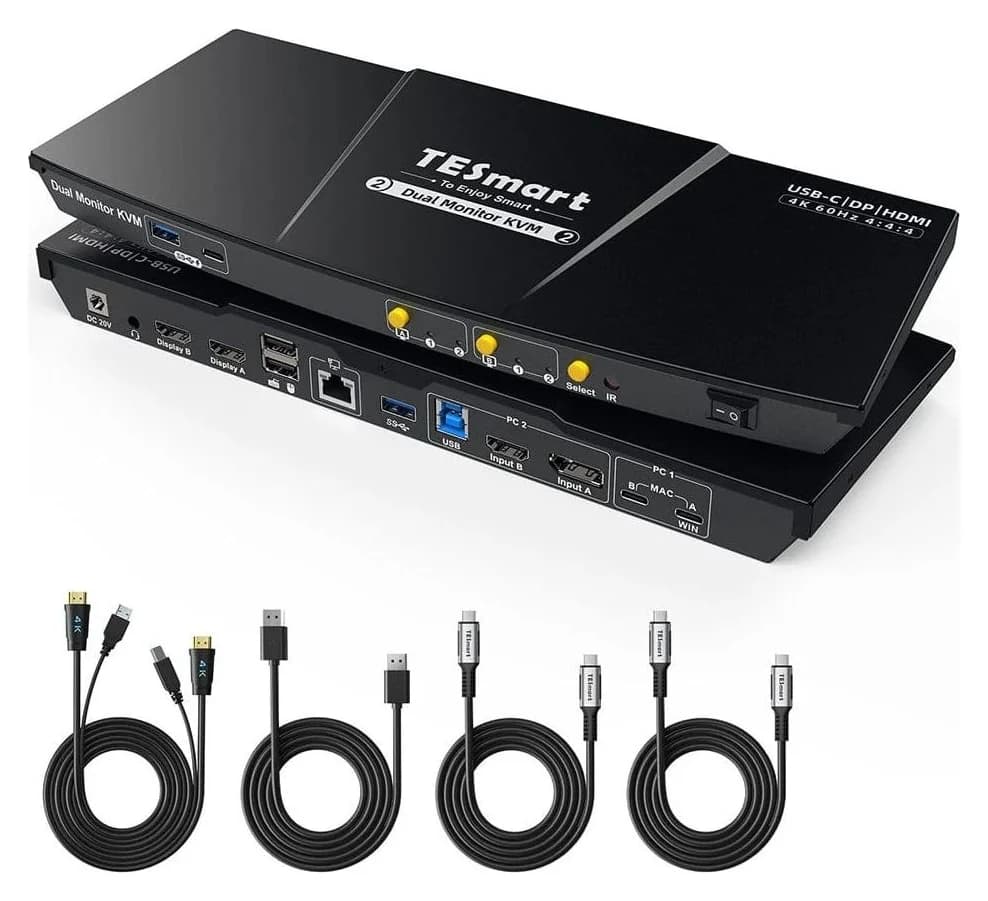
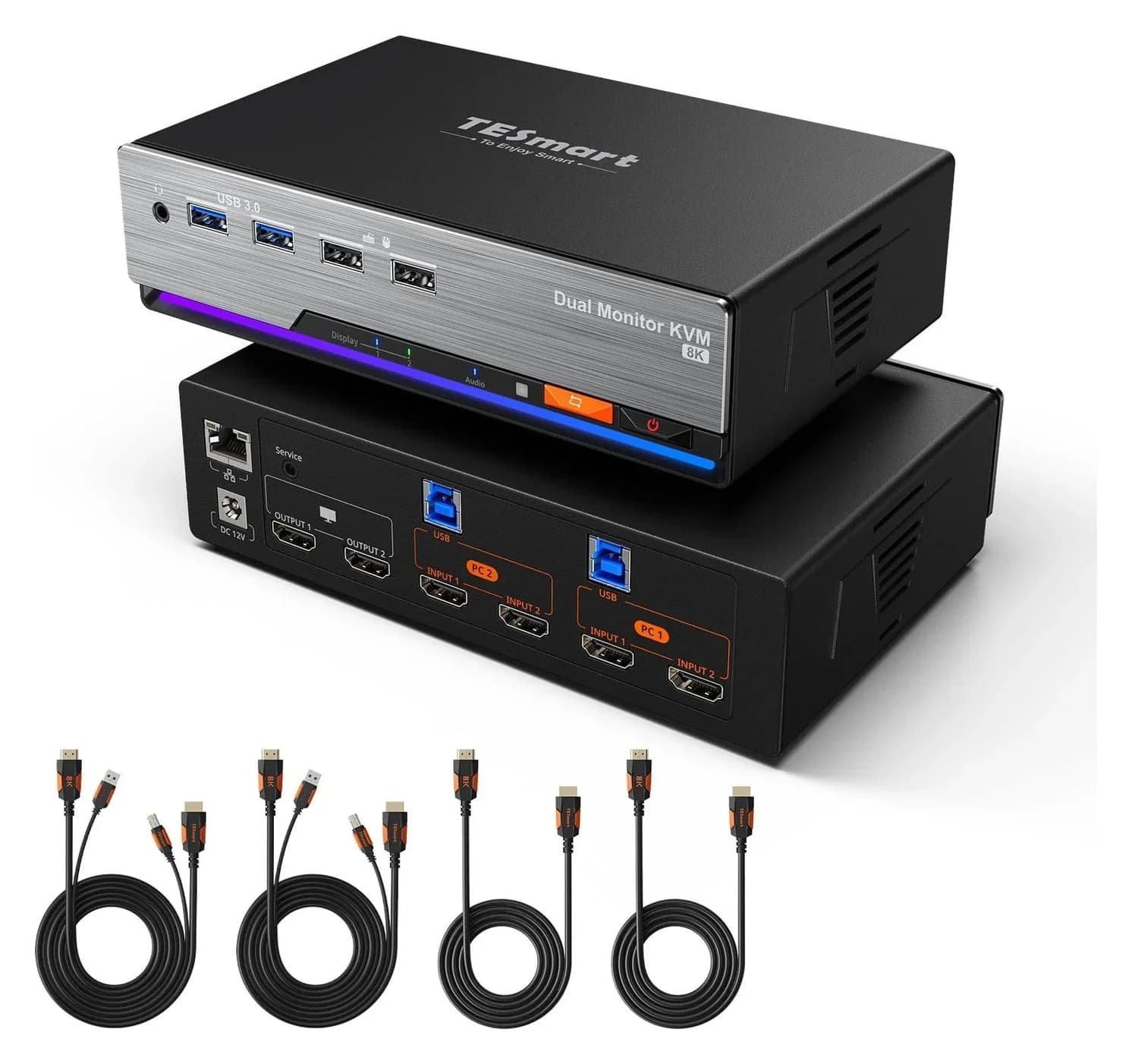
Best KVM Switches: Two Computers, One Keyboard, Mouse and Monitor Set
Pick the right KVM switch for two PCs, laptops, dual monitors, gaming or USB-only sharing. Compare HDMI, DisplayPort and USB-C models, docks and Mac limits.
Updated November 7, 2026Read
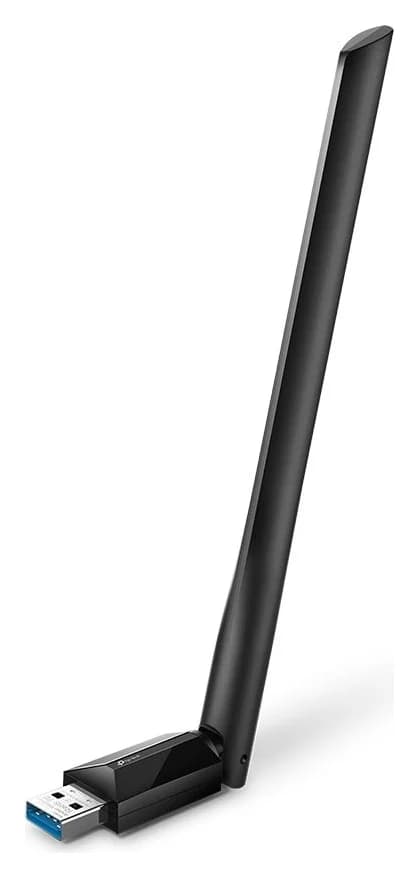
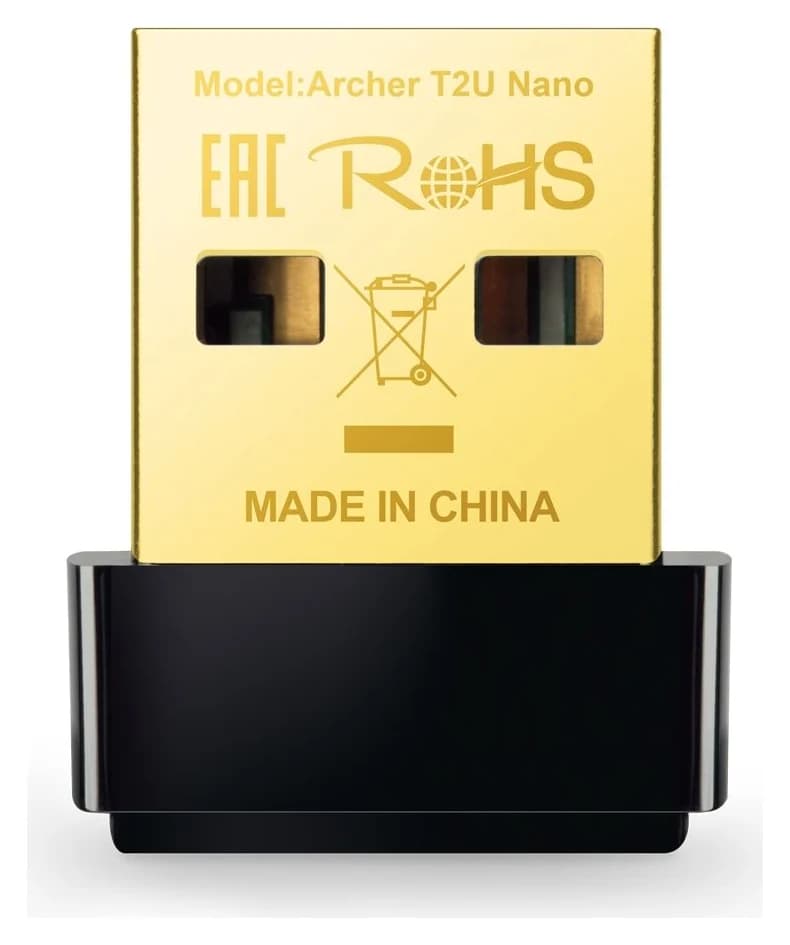
The Best USB Wi-Fi Adapters for Mac (The macOS Compatibility Truth)
Which USB Wi-Fi adapters actually support a Mac? The verified models, the macOS version limits, the USB-C problem on modern Macs, and the Ethernet workaround.
Updated November 10, 2026Read