Black Friday: the specs to check before you buy
Comparison
Updated November 4, 2026Dell U2725QE vs S2725QC: Which USB-C Monitor Should You Buy?
Short answer
Choose the Dell S2725QC for a single-laptop desk if its 65W charging ceiling covers your laptop and you only need a small USB hub. Choose the Dell UltraSharp U2725QE when its Thunderbolt connection, Ethernet, KVM or higher supported charging output replaces equipment you would otherwise buy. Both are 27-inch 4K monitors at up to 120Hz, so the buying decision starts with your laptop and desk connections. Dell UltraSharp specifications, S2725QC manual.
Our picks at a glance
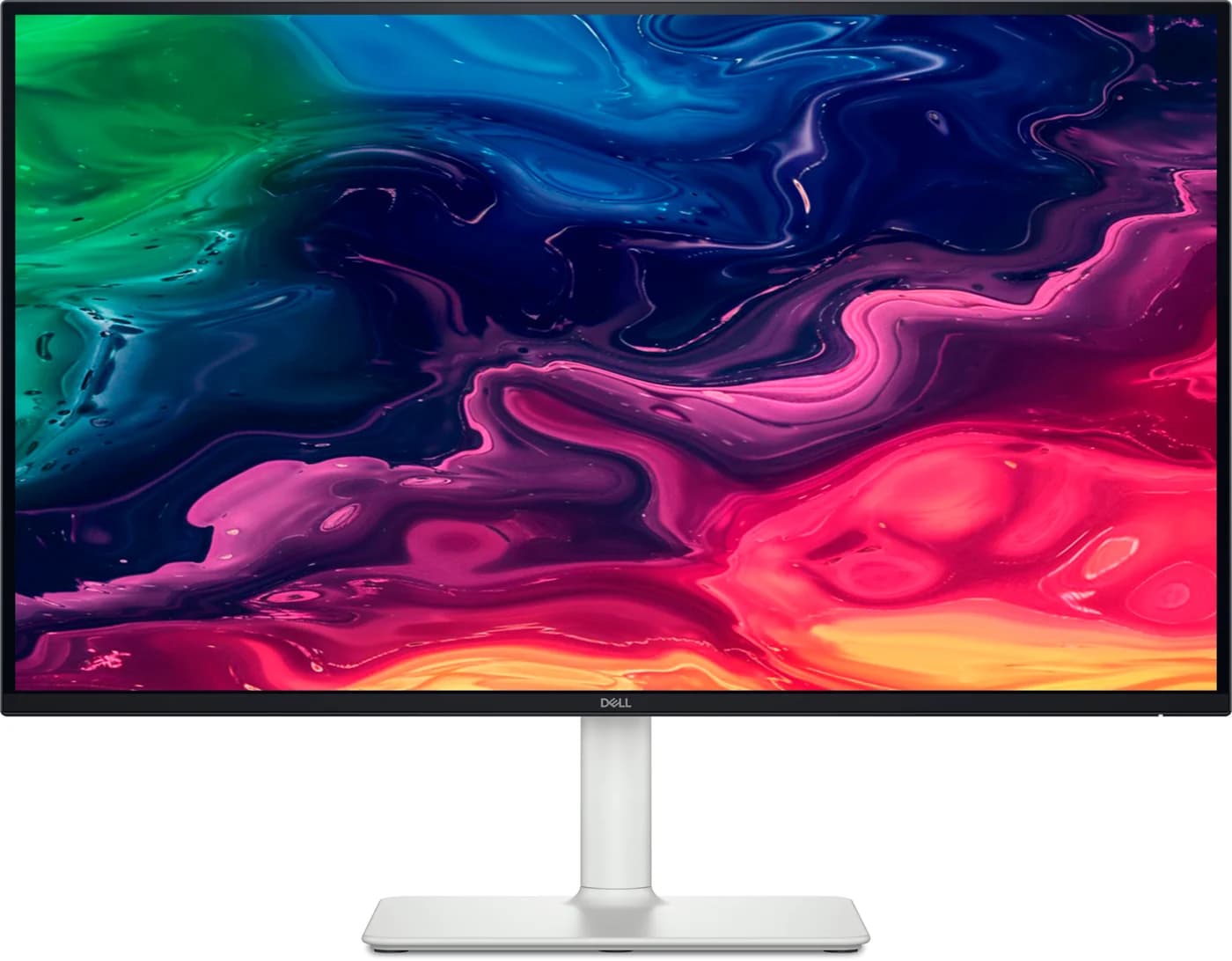
Best for a simple laptop deskDell
Dell 27 Plus 4K USB-C Monitor (S2725QC)
- to laptop
- 65W
- data
- 5 Gbps
- video
- 4K
- Choose
- A 27-inch 4K 120Hz display with up to 65W laptop charging, a small USB hub and built-in speakers.
- Limit
- 65W is not enough to keep a 14- or 16-inch MacBook Pro or a gaming laptop fully charged under load
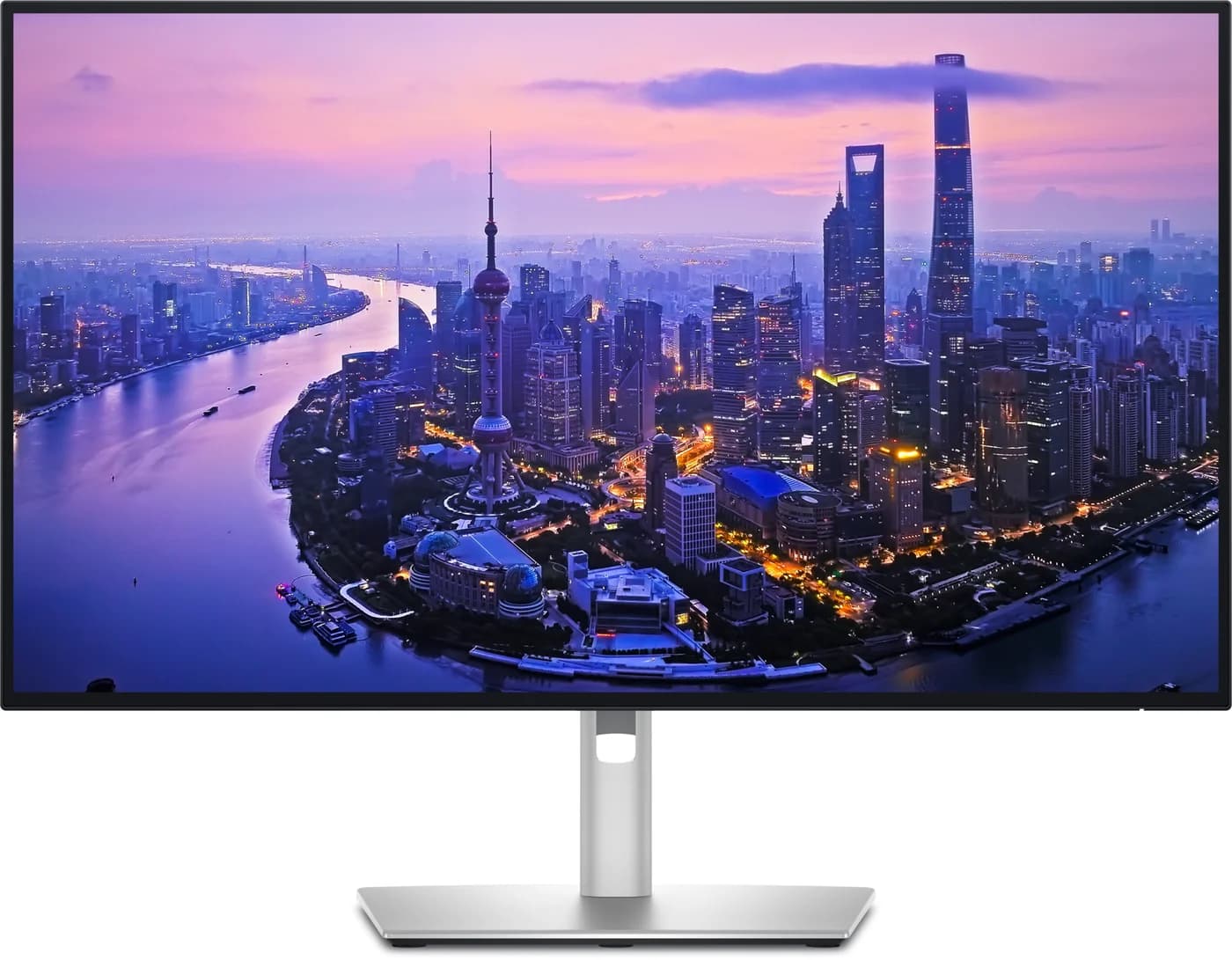
Best for replacing a dockDell
Dell UltraSharp 27 4K Thunderbolt Hub Monitor (U2725QE)
- to laptop
- 140W
- data
- 10 Gbps
- video
- 4K
- Choose
- Thunderbolt 4, a 10Gbps USB hub, 2.5GbE, KVM and conditional charging up to 140W justify the upgrade when you need those connections.
- Limit
- 140W only reaches laptops that support USB PD EPR; others top out at 90W
Quick picks
| Your desk | Pick | Check before buying |
|---|---|---|
| One laptop, keyboard and mouse; charging needs fit within 65W | S2725QC | Laptop USB-C must carry video and accept USB PD charging |
| Wired network, several USB accessories or shared work/personal computers | U2725QE | Its Ethernet, larger hub and KVM must replace something you need |
| You already own a suitable dock | Start with S2725QC | Compare the complete setup before paying again for similar ports |
| Laptop needs more power than either monitor can supply | Either, plus the original charger | Pick the screen and connections; keep a separate power solution |
For alternatives beyond this pair, use our USB-C monitor buying guide.
U2725QE vs S2725QC: the useful differences
These are Dell's published capabilities, not measured results. USB port speeds are ratings; the upstream connection can limit what reaches your laptop.
| Feature | Dell UltraSharp U2725QE | Dell S2725QC |
|---|---|---|
| Size, resolution, refresh ceiling | 27-inch, 3840 × 2160, 120Hz | 27-inch, 3840 × 2160, 120Hz |
| Panel and typical contrast | IPS Black; 3000:1 | IPS; 1500:1 |
| Typical brightness | 450 cd/m² | 350 cd/m² |
| Color specification | 99% DCI-P3; 100% sRGB | 99% sRGB |
| Laptop connection | Thunderbolt 4; also USB-C DisplayPort Alt Mode | USB-C DisplayPort 1.4 Alt Mode |
| Laptop charging | Up to 140W with USB PD EPR; 90W if the computer does not support EPR | Up to 65W |
| Accessory USB ports | Five USB-A and two USB-C at 10Gbps, plus Thunderbolt downstream | Two USB-A and one USB-C at 5Gbps |
| Accessory USB-C power | Up to 15W; Thunderbolt downstream also 15W | Up to 15W |
| Other video inputs | One HDMI 2.1; one DisplayPort 1.4 | Two HDMI 2.1; no separate DisplayPort socket |
| Video outputs | Thunderbolt 4 and DisplayPort 1.4 | None |
| Ethernet / hardware KVM | 2.5GbE / yes | Neither |
| Audio | No speakers; line-out for external speakers, not headphones | Two built-in 5W speakers |
| Stand | Height, tilt, swivel, pivot | Height, tilt, swivel, pivot |
Sources: Dell's U2725QE specifications and S2725QC manual. The UltraSharp also has a separate USB-C upstream port for KVM, for connecting the second computer's USB data. The S2725QC manual's connectivity table says HDMI 2.1 while its electrical table says HDMI 2.0; this guide follows the feature-specific connectivity table.
Best for a simple laptop desk: Dell S2725QC
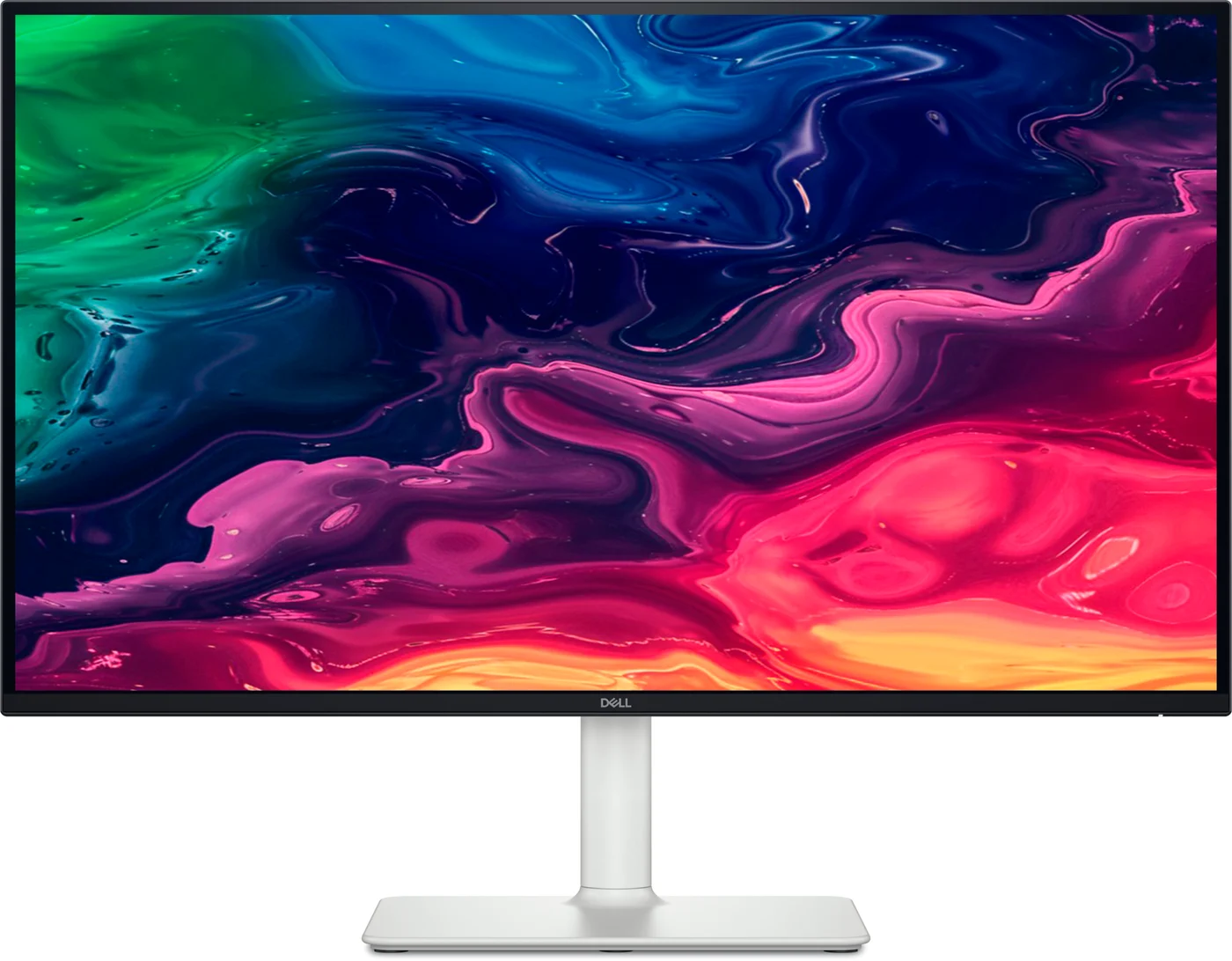
Dell
Dell 27 Plus 4K USB-C Monitor (S2725QC)
A 27-inch 4K 120Hz IPS monitor with a USB-C input that supplies up to 65W to a laptop, a small 5Gbps USB hub, two HDMI 2.1 ports and built-in speakers.
- 65W PD passthrough
- 5 Gbps data
- 4K video
- 6 ports
Buy this for a display, laptop charging, keyboard, mouse and everyday audio. Its speakers, adjustable stand and small hub cover that setup; add networking or more ports only when needed.
The limitations: no Ethernet, hardware KVM or video output in Dell's connection list. A second HDMI input accepts another device's picture; it does not add an independent screen or share a keyboard.
Our pick for: a simple desk or an existing dock. Skip it for: built-in networking, computer switching or chaining.
Check price on Amazon: Dell S2725QC
Best for replacing a dock: Dell UltraSharp U2725QE
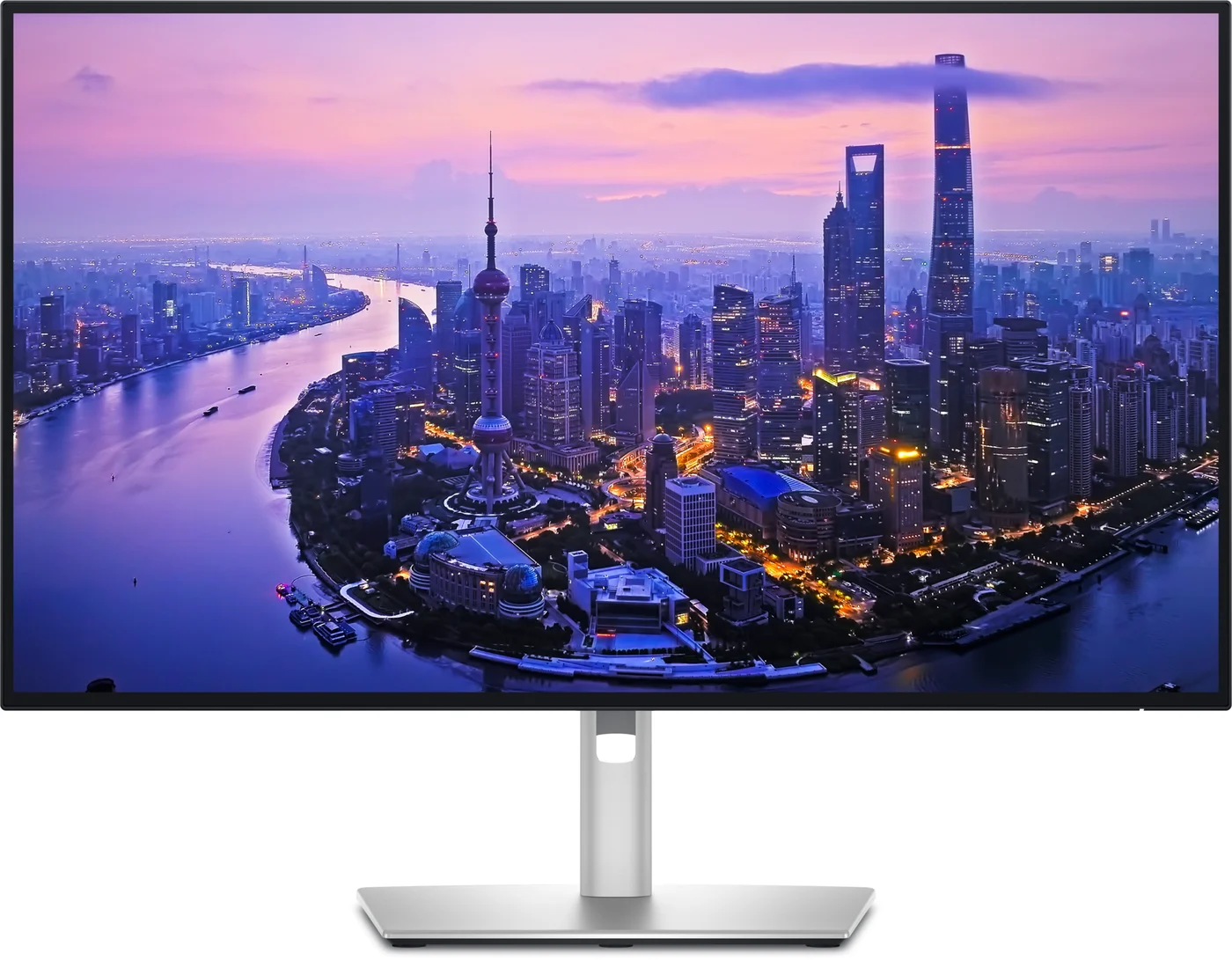
Dell
Dell UltraSharp 27 4K Thunderbolt Hub Monitor (U2725QE)
A 27-inch 4K 120Hz IPS Black monitor with a built-in Thunderbolt 4 hub that can charge a laptop at up to 140W over one cable, plus 2.5GbE Ethernet, a USB KVM and daisy-chaining.
- 140W PD passthrough
- 10 Gbps data
- 4K video
- 15 ports
The UltraSharp earns its upgrade when its hub and network connection are useful. Dell also specifies VESA DisplayHDR 600, alongside the stronger contrast and wider color coverage in the table. These are published panel specifications; we have no measurements of their performance.
For a work laptop and personal computer, connect the laptop to Thunderbolt upstream; give the other computer video and USB upstream connections. Dell's KVM setup guide explains that USB upstream connects the keyboard and mouse. Configure switching through the monitor menu or Dell's KVM wizard.
Budget for audio if you need it: the UltraSharp has no speakers. Dell's audio guidance directs headphones to the computer's audio jack or a USB audio adapter rather than monitor line-out. Keep your existing audio equipment in the comparison.
Check price on Amazon: Dell UltraSharp U2725QE
Charging: 65W, 90W and 140W are different promises
The S2725QC supplies up to 65W to the laptop. Dell's UltraSharp specifications and footnote say up to 140W with USB PD EPR, or Extended Power Range, enabled by Thunderbolt 4. Dell's footnote says charging speed drops to 90W if the computer does not support EPR; 90W is within USB Standard Power Range. Thunderbolt support alone does not establish that the computer supports EPR.
Source: Dell's U2725QE specifications and S2725QC manual
Dell's shop page advertises Mac compatibility; do not read that as a promise of maximum charging output. Before counting on 140W, check Dell's compatible-device sheet and use the supplied passive Thunderbolt cable. Confirm your particular laptop's supported charging configuration.
| Your laptop | Buying consequence |
|---|---|
| MacBook Air M5 | Apple's specs put fast charging at 70W or higher: S2725QC's 65W is below that. Choose it for ordinary charging; check Dell compatibility before counting on faster charging from UltraSharp |
| 14-inch MacBook Pro, 2021 or later | Apple lists third-party displays delivering 94W for fast charging. Neither 65W nor the UltraSharp's 90W fallback reaches that figure |
| 16-inch MacBook Pro | Apple's USB-C fast-charge combination uses its 140W adapter and 240W cable on November 2023 or later models. Do not assume Dell's maximum label guarantees the same result |
| Windows laptop | Match the exact model's USB PD requirements and supported charging port. Keep its original adapter if either monitor falls short |
Sources: Apple's Air specifications and fast-charge combinations. A lower-power connection can charge more slowly; Dell recommends the original adapter when its display cannot supply the Mac's required power. On a Mac, connecting MagSafe as well does not add the two power ratings: Apple says it charges from one source at a time.
USB bandwidth: check the connection, then the menu
For the UltraSharp, Dell's Mac compatibility table lists 4K at 120Hz and USB 3.2 Gen 2 over Thunderbolt, but that is a capability, not a guarantee against connection issues: Dell's support bulletin documents the U2725QE hub being recognized as USB 2.0 over Thunderbolt, primarily on MacBooks. Check firmware and actual USB recognition during your return window; the bulletin's named firmware fix specifically addresses the ambient light sensor.
On the S2725QC, Dell advises High Data Speed for DisplayPort 1.4/HBR3 hosts, and High Resolution for DisplayPort 1.2/HBR2 or older hosts; High Resolution prioritizes video while data and network speed drop. Its manual's troubleshooting also recommends High Data Speed for slow USB peripherals.
This changes the desk decision: check upstream bandwidth for an SSD or webcam. Do not assume simultaneous maximum speeds from every port. Start with the supplied cable and a supported video mode; inspect USB-C Prioritization before replacing hardware.
Two screens: Windows and Mac need different checks
For a compatible Windows computer, the UltraSharp offers DisplayPort MST chaining; Dell says extended mode requires MST to be enabled. A Thunderbolt chain is another option, and Dell's Mac guidance says Thunderbolt is required for chaining. Do not assume both screens will run at 120Hz: Dell's chaining guide explains that host capability, resolution, refresh rate and connection bandwidth affect the result.
For a Mac, use the UltraSharp's Thunderbolt downstream port with a compatible Thunderbolt host and connection. Dell's Mac guidance says USB-C DisplayPort Alt Mode chains clone the picture. The S2725QC has no chaining output; connect another screen to a separate host output or a suitable dock.
Apple's display limits say M4 and M5 MacBook Airs support up to two external displays alongside the built-in screen, subject to each display's resolution and refresh rate. Its MacBook Pro guidance says base-M3 models support two external displays with the lid closed, subject to resolution and refresh rate. The M2 Air's specifications list one external display with up to 6K resolution at 60Hz. A hub does not increase those limits. Use our MacBook dock guide when choosing the complete multi-display connection.
- Yes: Windows MST setup: compatible host, UltraSharp DisplayPort output and MST enabled
- Yes: Mac chaining: UltraSharp Thunderbolt output and a supported host configuration
- No: S2725QC: no video output for daisy-chaining
- Partly: Resolution, refresh rate and independent display count depend on the exact laptop and connection
Names, cables and the complete desk bill
Match U2725QE or S2725QC on the offer itself. Dell's manual identifies the S-series model as Dell S 27 4K USB-C Monitor - S2725QC. Check the full model code rather than treating the family name as the configuration.
Dell's manual lists 1.8 m, 5Gbps, 100W, applying to units manufactured on or after June 2026. Its title identifies Dell S 27 4K USB-C Monitor - S2725QC. Confirm the box contents if reach matters. A higher-rated cable does not increase the monitor's laptop charging output.
The UltraSharp includes a 1.0 m passive Thunderbolt 4 cable, a 1.8 m DisplayPort 1.4 cable, a 1.0 m USB-A-to-C upstream cable and a power cable. Do not automatically add a replacement host cable to its shopping basket.
Compare these complete setups using current checkout totals:
| Required setup | S2725QC basket | U2725QE basket |
|---|---|---|
| Basic laptop desk | Monitor and supplied cable | Monitor and supplied cable; audio if needed |
| Wired network and more USB accessories | Add a suitable hub/dock if your existing gear cannot cover them | Built-in Ethernet and larger hub may cover the requirement |
| Share keyboard and mouse between computers | Add a suitable switch plus its required cables | Built-in KVM; add any missing second-computer video cable |
| Another independent display | Separate host connection or suitable dock, plus cable | Compatible chaining connection and downstream cable |
| Laptop charging exceeds supported monitor output | Keep original power supply | Keep original power supply |
Count only extras you would buy. Compare seller, exact model, stand, cables, condition, shipping, tax and returns. An existing dock, Wi-Fi or laptop audio can remove reasons to upgrade.
How we choose
This comparison uses Dell's manuals, product pages and support guidance, checked on November 3, 2026, plus Apple's charging and display documentation. We have not physically evaluated these monitors. Picks follow documented ports, host requirements and included equipment; documentation conflicts remain explicit.
Verdict
Buy S2725QC when its charging and small hub cover your desk. Buy U2725QE when its network port, KVM, Thunderbolt expansion or confirmed higher-power charging removes equipment you need. Compare complete checkout baskets, and keep the original laptop charger whenever the monitor cannot meet your requirements.
Frequently asked questions
Does the Dell U2725QE work with ordinary USB-C laptops?
Yes, if the laptop's USB-C port supports DisplayPort Alt Mode. Dell lists DisplayPort 1.4 support on the Thunderbolt upstream connection, but an ordinary USB-C host does not become a Thunderbolt host. Check the laptop's video specifications and the required resolution and refresh rate before buying. Dell's USB-C guidance also warns that hub bandwidth depends on the monitor and connection.
Can the Dell S2725QC daisy-chain a second monitor?
No. Its documented connections include USB-C video input and two HDMI inputs, with no DisplayPort or Thunderbolt video output. Connect another monitor to a separate laptop output or use a suitable dock. The U2725QE adds Thunderbolt and DisplayPort outputs, but your computer still determines how many independent screens and which refresh rates are possible.
Will either Dell monitor fast-charge a MacBook Pro?
Do not assume so. Apple lists third-party displays delivering 94W for fast charging a 14-inch MacBook Pro; the S2725QC supplies 65W and the U2725QE's non-EPR fallback is 90W. Dell's 140W maximum needs USB PD EPR, and Dell publishes a compatible-device sheet. Keep the original charging solution unless you have confirmed the exact Mac's supported charging configuration.
Which USB-C cable comes with the S2725QC?
Dell's manual lists a 1.8 m USB-C to C 5Gbps 100W cable for monitors manufactured on or after June 2026. Confirm the supplied cable rather than assuming every box matches. Cable capacity does not raise the monitor's 65W charging output.
Related guides
InnoView INVPM406 vs ASUS ZenScreen MB16ACV: Which Portable Monitor?
Choose between the InnoView INVPM406 and the ASUS ZenScreen MB16ACV from maker specs: ports, USB-A driver rules, kit contents, stands and return checks.
Updated November 7, 2026Read
ASUS ZenScreen MB16NCG vs Lenovo ThinkVision M14d: Which Portable Monitor?
Choose between the ASUS MB16NCG and Lenovo M14d with panel, refresh, weight, stand and USB-C power differences explained, plus the travel kit each one needs.
Updated November 5, 2026Read
AOC 16T20 vs ASUS ZenScreen MB16ACV: Pick by Your Laptop's Ports
AOC 16T20 vs ASUS ZenScreen MB16ACV compared from official specs: inputs, power, drivers, stands and travel weight, so you buy a complete kit that works.
Updated November 5, 2026Read