Cyber Monday: the specs to check before you buy
Explainer
Does the iPhone 16e Have MagSafe? Wireless Charging Explained, Plus Cases That Add Magnets
No: the iPhone 16e charges on Qi wireless only, with no MagSafe magnets. What that means for chargers and power banks, and the cases from Spigen and OtterBox that add the magnets back.
By thisUSB EditorialUpdated November 25, 20267 min read
We may earn a commission when you buy through links on this page. As an Amazon Associate, thisUSB earns from qualifying purchases. How we earn
No, the iPhone 16e does not have MagSafe. Apple's tech specs list the 16e's wireless charging as working with Qi chargers — not MagSafe — and Apple's support pages name the iPhone 16e specifically as a non-MagSafe, Qi-compatible device. Apple's iPhone comparison page puts the figure at Qi wireless charging up to 7.5W. In plain terms: you can set the 16e on any Qi wireless pad and it will charge, but Apple lists no MagSafe magnets for it, so it will not snap onto a MagSafe charger, wallet, grip or car mount, and it charges more slowly on those than MagSafe iPhones do. The fix for the magnet problem is simple: a magnetic case. Makers including Spigen and OtterBox sell iPhone 16e cases with MagSafe-style magnet rings built in, and we pick three below.
- Qi onlyThe iPhone 16e's wireless charging, per Apple's tech specs
- 7.5WThe 16e's wireless charging maximum, per Apple's iPhone comparison page
- 50% in 30 minWired fast charge with a 20W adapter or higher, per Apple's specs
What the iPhone 16e supports, from Apple's specs
Apple's iPhone 16e tech specs cover charging in three lines. Under the battery section: "Wireless charging (works with Qi chargers)". Under Charging and Expansion: "USB-C connector with support for: Charging, USB 2 (up to 480Mb/s)". The wired fast-charge line reads: "Up to 50% charge in 30 minutes with 20W adapter or higher (available separately) paired with USB-C charging cable." Apple's footnote adds that "Qi wireless chargers sold separately," and that Apple's fast-charge testing used the Apple 20W USB-C Power Adapter.
The spec sheet has no MagSafe line and no Qi2 line, and it gives no wireless wattage. Apple's iPhone comparison page fills that gap: in its wireless charging row, the iPhone 16e column reads "Qi wireless charging up to 7.5W", where the iPhone 17e column reads "MagSafe wireless charging up to 15W with 20W adapter or higher". The iPhone 17e spec sheet lists "MagSafe wireless charging up to 15W" and "Qi2 wireless charging up to 15W" outright.
Using MagSafe and Qi2 chargers with the iPhone 16e
Apple's own MagSafe Charger is not wasted on the 16e: its store page lists wireless charging up to 7.5W for iPhone 8 or later with Qi. Third-party Qi2 chargers vary, so check that the charger's maker lists the iPhone 16e as compatible. Either way, the experience differs from a MagSafe iPhone in three ways:
- No snap. Nothing holds the phone to the charger. Lift the phone and the charging stops. On a nightstand pad this hardly matters; in a car mount it rules the mount out entirely without a magnetic case.
- Slower power tier. Apple's store page rates its MagSafe Charger at up to 7.5W for iPhone 8-or-later phones with Qi — the tier that covers the 16e — versus up to 25W for compatible newer MagSafe iPhones with a 30W adapter. Apple's support page puts it plainly: power and charge times are different when you use a MagSafe Charger with a non-MagSafe, Qi-compatible device such as the iPhone 16e.
- Wired is the fast option. Apple rates the 16e's wired fast charge at up to 50% in 30 minutes with a 20W adapter or higher. Apple quotes a similar up to 50 percent in around 30 minutes over MagSafe only for compatible newer iPhones at 25W, while the 16e's wireless ceiling is 7.5W. For a quick top-up before leaving the house, plug in.
Apple
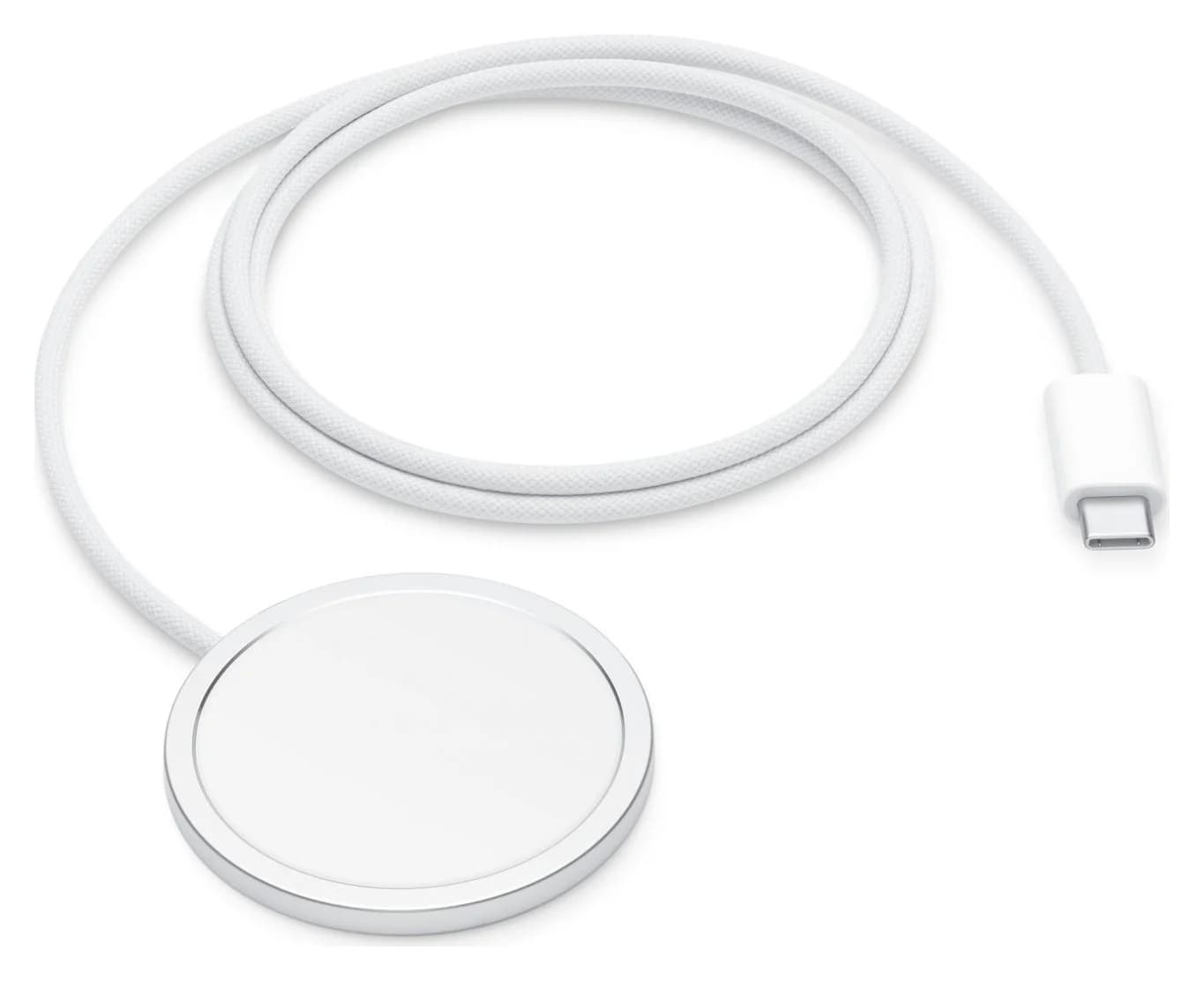
Apple MagSafe Charger (1 m, Qi2 25W, 2025)
Apple's magnetic wireless charging puck with an integrated 1 m USB-C cable, certified for Qi2 25W and rated up to 25W on supported iPhones when paired with a 30W or greater adapter.
- 25W max output
- Yes: Qi wireless pad or stand: charges at up to 7.5W, no magnets needed (charger sold separately)
- Partly: Apple MagSafe Charger: charges over Qi at up to 7.5W, but nothing holds the phone in place without a magnetic case
- No: MagSafe wallet, grip or car mount on the bare phone: nothing attaches; a magnetic case adds the ring
- Yes: Wired fast charge: up to 50% in 30 minutes with a 20W-or-higher USB-C adapter
If you mostly charge wirelessly at a desk or nightstand, a plain Qi pad from our best wireless chargers guide does the same job as a MagSafe one for the 16e. If you want the magnetic ecosystem later, our best MagSafe charger guide covers the pucks and stands, and our best MagSafe power bank guide covers the banks whose magnets only pay off with a case like the ones below.
Cases that add magnets to the iPhone 16e
This is what most iPhone 16e MagSafe searches are really after: a MagSafe-compatible case for the iPhone 16e. These are cases whose makers name the iPhone 16e on the product page and build a magnet ring into the case, so the phone behaves like a MagSafe device on mounts, wallets and stands. Note what a case does and does not change: it adds the magnets, not the faster MagSafe power tiers — wireless charging stays at the 16e's Qi speed. All three picks below work with wireless charging with the case on.
Spigen Ultra Hybrid (MagFit) — best overall magnetic case. Spigen's product page for the iPhone 16e version describes "a premium blend of PC and TPU with stronger magnets for better MagSafe strength," military-grade drop protection via its Air Cushion Technology, and raised edges for screen and camera protection. It is the slim, clear pick: 0.46 inches thick and 1.3 oz per the page's measurements, in clear and frosted colorways.
OtterBox Symmetry Series for MagSafe — best slim everyday case. OtterBox's page for the iPhone 16e fit lists "built-in magnets support wireless charging and MagSafe accessories," a rigid one-piece design with reinforced corners for shock absorption, raised edges around the camera, a screen lip that keeps the display off surfaces, and tactile buttons. OtterBox's page lists it as "3X tested to Military Drop Standard (810G-516.6)", the maker's own claim. OtterBox's compatibility list covers the iPhone 17e, 16e, 15, 14 and 13, but the product title on the same page names only the 17e, 16e, 15 and 14, so iPhone 13 owners should confirm the fit with OtterBox.
OtterBox Defender Series XT for MagSafe — best rugged case. The same magnet feature set in a two-piece rugged frame: port covers that block dust and dirt, grippable rubber edges, camera bumpers, a lanyard attachment and an optional holster. OtterBox's page rates it 5X tested to the Military Drop Standard (810G-516.6). The port covers are the detail 16e owners should weigh: they protect the USB-C port from pocket lint and dust, at the cost of opening one every time you plug in.
Pick the protection level first
Slim (Spigen Ultra Hybrid, OtterBox Symmetry) or rugged (OtterBox Defender XT).
Check the maker names the iPhone 16e
Buy a case whose maker lists the iPhone 16e on its own product page.
Plan the charger around the case
Any Qi pad works; MagSafe mounts and wallets need the magnet ring.
Keep a USB-C adapter of 20W or more
Apple rates the wired fast charge at up to 50% in 30 minutes with one.
The newer "e" model does have MagSafe
If magnetic charging is a must-have, Apple's current "e" phone closes the gap. The iPhone 17e spec sheet lists "MagSafe wireless charging up to 15W" and "Qi2 wireless charging up to 15W," and Apple's MagSafe support page places the iPhone 17e in its up-to-15W tier with a 20W or greater USB-C power adapter. That is full magnetic alignment — snap-on chargers, wallets and mounts — at up to 15W, below the up-to-25W tier Apple lists for models such as the iPhone 17 and iPhone 18 Pro. Our compare iPhone models guide sets the 16e and 17e side by side with every other current iPhone. For the 16e you already own, a magnetic case from the picks above gets you the snap; it just does not get you past the Qi power tier, and no case can.
For a charging-station setup that serves a household of mixed iPhones — a MagSafe iPhone 17 on the magnetic pad, a 16e on a plain Qi pad — our best wireless chargers guide compares the pads and stands, and our best iPhone charger guide covers the wired side, where the 16e is at its fastest.
For the rest of the lineup, see which iPhones have wireless charging.
Verdict
The iPhone 16e has no MagSafe: Apple's own specs limit it to Qi wireless charging, and Apple names it as a non-MagSafe device on the MagSafe Charger support page. Wireless charging works on any Qi pad at up to 7.5W, the figure Apple's comparison page gives the 16e; nothing snaps on without help, and wired charging at 50% in 30 minutes with a 20W adapter remains the fastest way to fill the battery. A magnetic case from Spigen or OtterBox restores the MagSafe snap for mounts, wallets and stands; the newer iPhone 17e is the current "e" model with MagSafe and Qi2 built in at up to 15W.
Frequently asked questions
Is the iPhone 16e MagSafe compatible?
Not magnetically. Apple's tech specs list wireless charging that works with Qi chargers, and Apple's support pages group the iPhone 16e with older non-MagSafe iPhones. It charges on any Qi wireless pad, but it will not snap onto a MagSafe charger, wallet or car mount, and it does not get MagSafe's magnetic alignment or the faster MagSafe power tiers.
How fast does the iPhone 16e charge wirelessly?
Up to 7.5W. Apple's iPhone comparison page lists the iPhone 16e at Qi wireless charging up to 7.5W; its tech specs page says only that it works with Qi chargers. Apple's MagSafe Charger store page gives the same 7.5W ceiling for iPhone 8-or-later Qi phones paired with a 20W adapter, and Apple's support page adds that power and charge times differ when you use a MagSafe Charger with a non-MagSafe, Qi-compatible device such as the iPhone 16e.
Does a MagSafe case make the iPhone 16e MagSafe?
It adds the magnets, which is half the story. With a magnetic case, the phone snaps onto MagSafe chargers, wallets, grips and car mounts and stays put. Charging still tops out at the 16e's Qi rate of up to 7.5W, because a case adds magnets, not MagSafe charging. On the newer iPhone models Apple lists for it, Apple's MagSafe Charger reaches up to 25W with a 30W adapter.
What is the fastest way to charge the iPhone 16e?
Wired. Apple's specs rate the iPhone 16e fast-charge capable: up to 50% charge in 30 minutes with a 20W adapter or higher paired with a USB-C charging cable. The phone has a USB-C connector that supports USB 2 data speeds (up to 480Mb/s). Apple's testing used its 20W USB-C Power Adapter, which is sold separately.
Does the iPhone 17e have MagSafe?
Yes. Apple's iPhone 17e specs list MagSafe wireless charging up to 15W and Qi2 wireless charging up to 15W, and Apple's support page puts the 17e in the up-to-15W MagSafe tier with a 20W or greater USB-C power adapter. If magnetic charging matters to you, the 17e is the 'e' model that has it built in.
Can the iPhone 16e use a MagSafe power bank or wallet?
The power bank works if you hold the two together, because the 16e will charge from any Qi pad, including the pad built into a MagSafe power bank. But without magnets nothing attaches: the bank slides off in a pocket. A MagFit-style case adds the ring that makes MagSafe power banks, wallets and mounts genuinely usable. Our best MagSafe power bank guide covers which banks have strong-enough magnets to matter.
Related guides
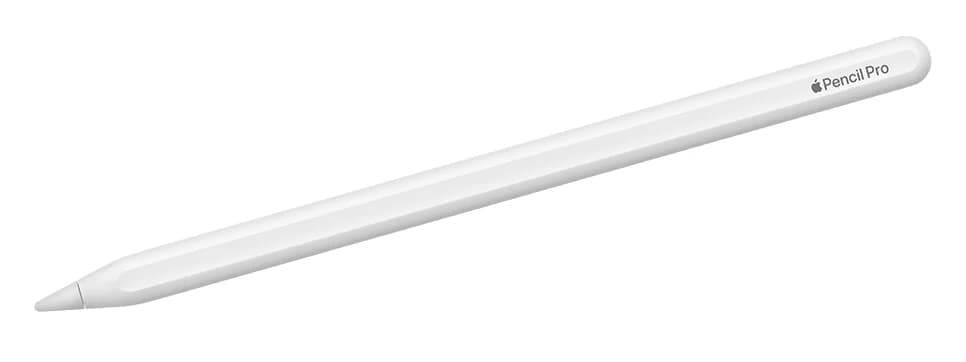
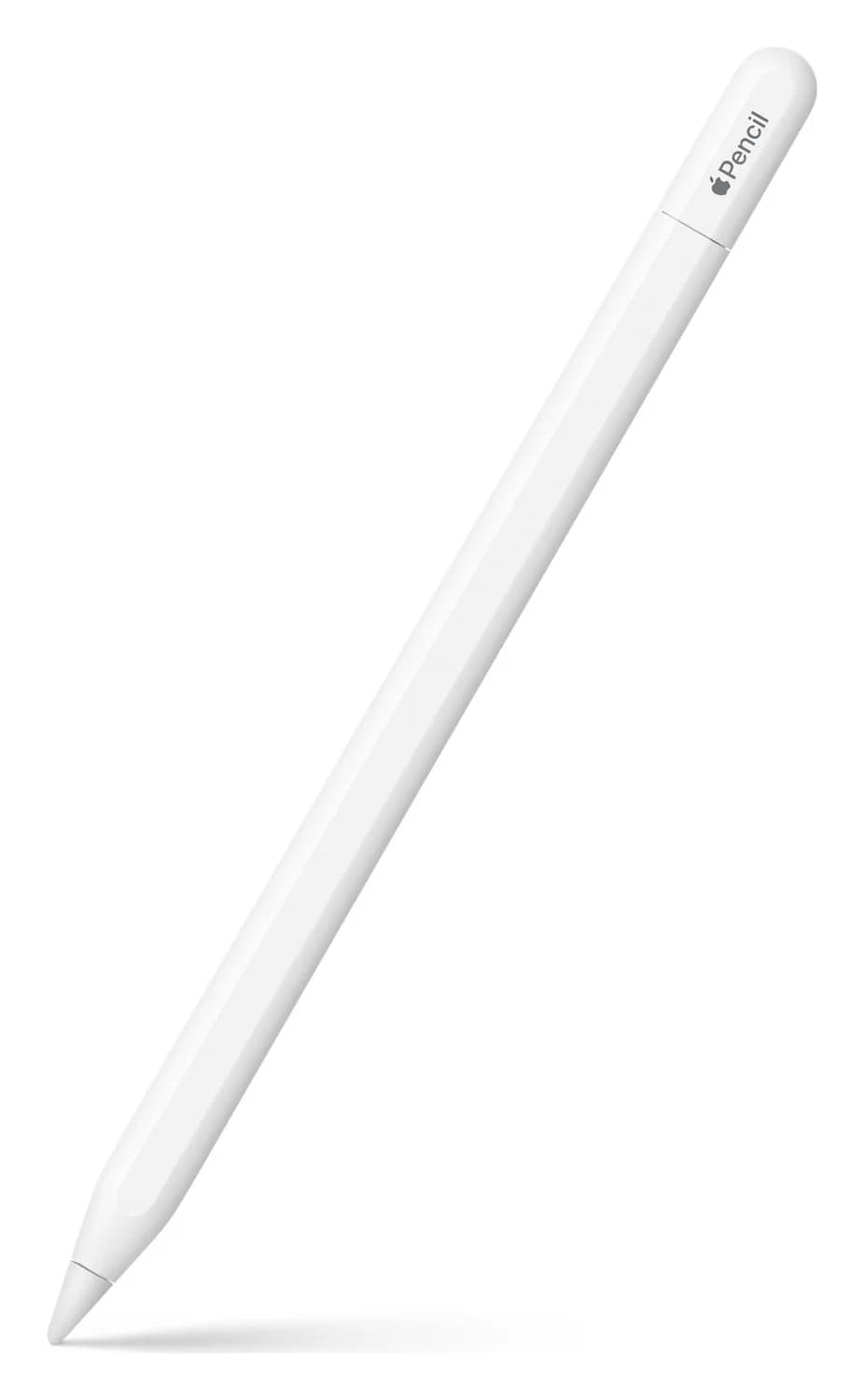
Apple Pencil (USB-C) vs Pencil Pro vs 1st and 2nd Generation: Which One Works With Your iPad
Which Apple Pencil works with your iPad, from Apple's own compatibility list: Pencil Pro for current iPad Pro, Air and mini; Pencil (USB-C) for almost every USB-C iPad.
Updated November 23, 2026Read
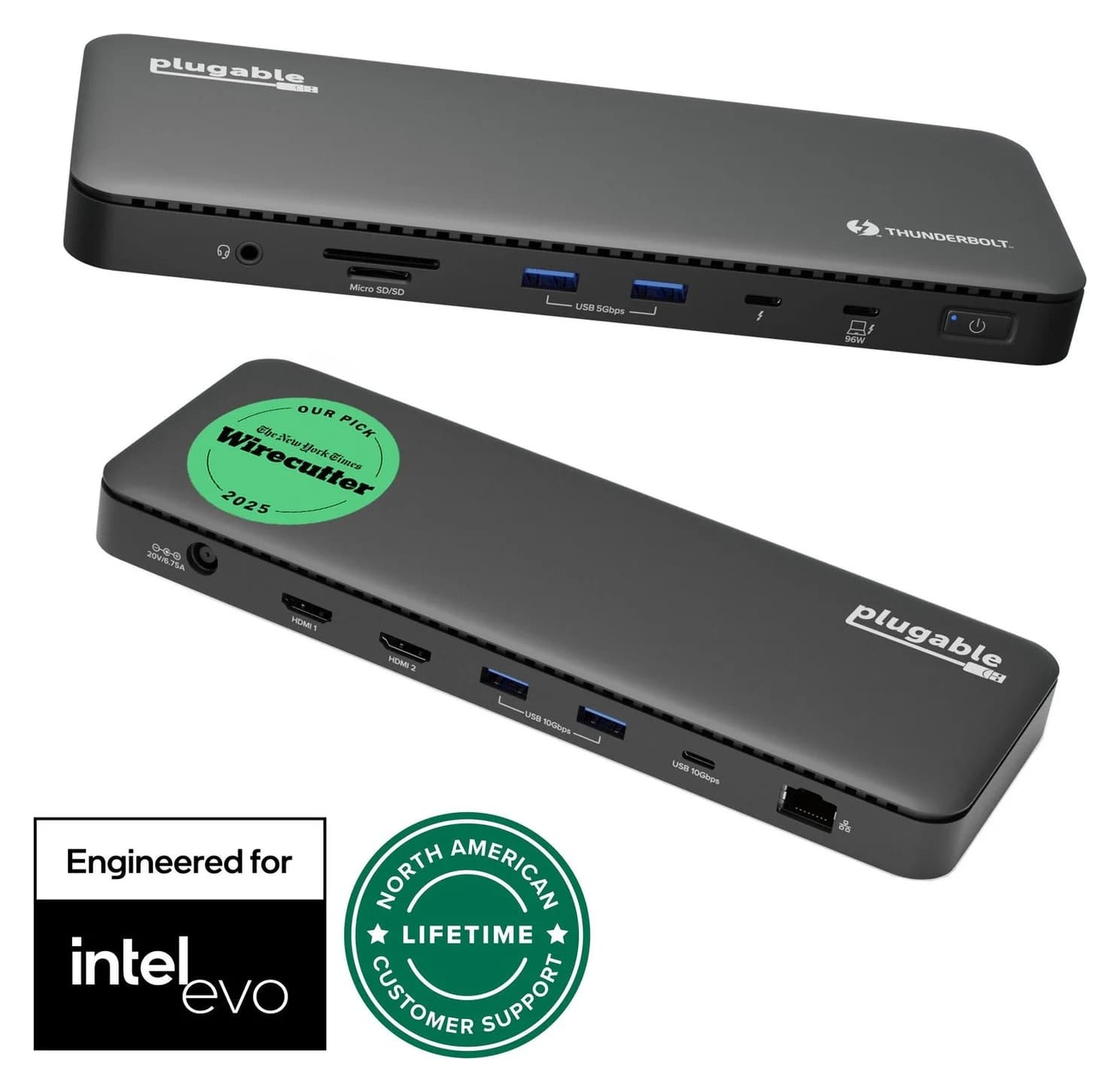
Thunderbolt vs USB-C: Same Connector, Different Capabilities
USB-C is the plug shape; Thunderbolt and USB4 are the protocols running through it. Here's how to tell what you have, what works together, and what to buy.
Updated November 23, 2026Read
Best Stylus for iPad in 2026
Find the right Apple Pencil for your iPad — Pro for creators, USB-C for most owners, and 1st generation for older models with a Lightning port.
Updated November 26, 2026Read