Black Friday: the specs to check before you buy
Comparison
Updated November 5, 2026UGREEN 25K 145W vs Anker 25K 165W: Which Power Bank to Buy?
Short answer
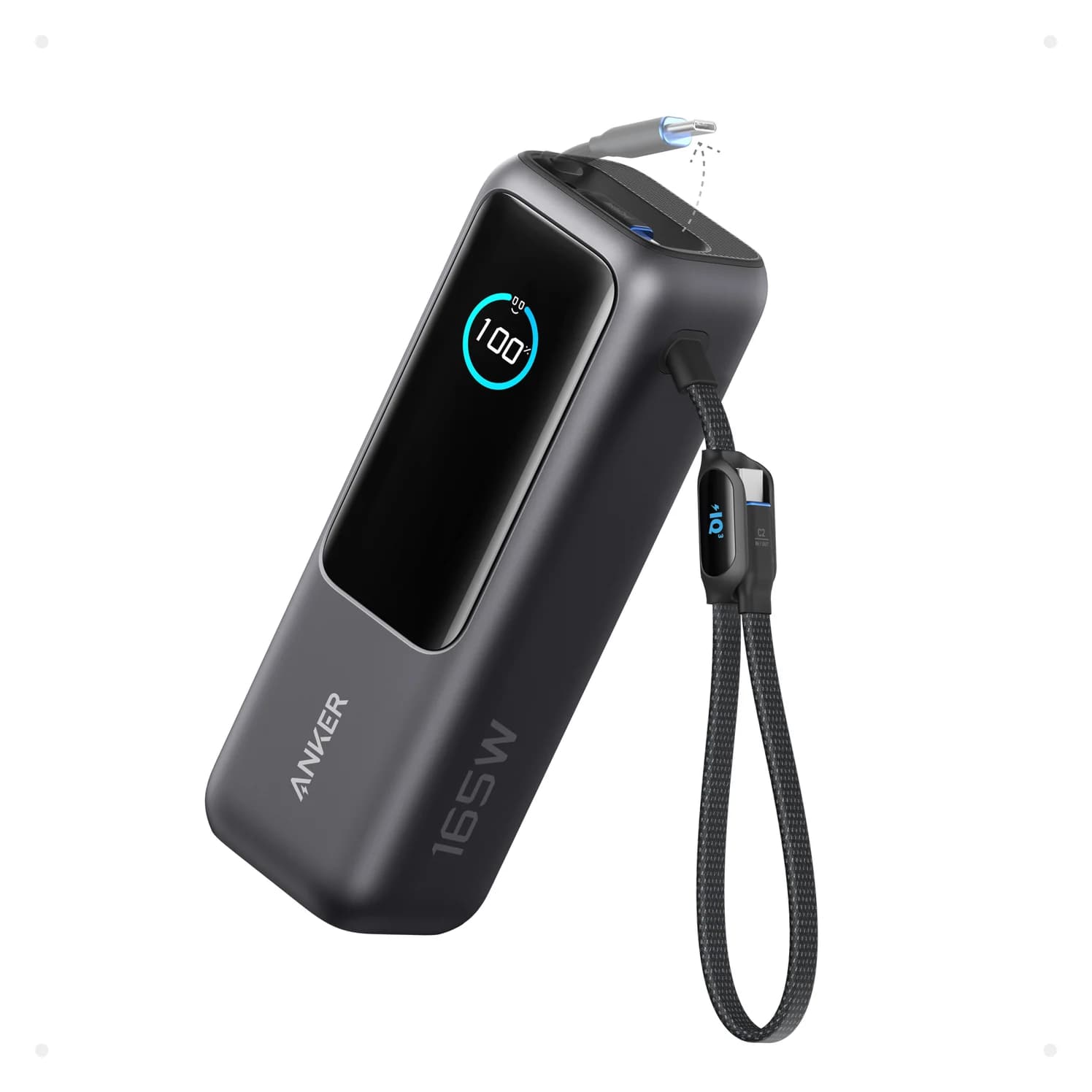
For most laptop-and-phone bags, buy the Anker A1695 25K 165W: its two built-in USB-C cables and up to 165W across two USB-C devices make it the more convenient complete carry setup. Choose the UGREEN 145W 25000mAh 3-Port Power Bank, SKU 90597A, for a compatible laptop that can use its higher 140W single-port output, or for its lighter body. Both are 90Wh banks; the headline wattages describe power delivery, not an established runtime advantage. (Anker specifications, UGREEN specifications)
Our picks at a glance
Best for most laptop-and-phone bagsAnker
Anker Laptop Power Bank (25K, 165W, Built-In and Retractable Cables)
- max output
- 100W
- ports
- 4
- Choose
- Two built-in USB-C cables, up to 100W from each USB-C connection, and a 165W budget across two USB-C devices reduce the extra gear to pack.
- Limit
- At 21 oz it is heavy for a pocket or small sling
Quick picks
| Your priority | Our choice | Why |
|---|---|---|
| Laptop and phone, with fewer loose cables | Anker A1695 | Two built-in USB-C leads; each USB-C connection supports up to 100W |
| One laptop that accepts more than 100W | UGREEN 90597A | USB-C1 reaches up to 140W when used alone |
| Two demanding USB-C devices | Anker A1695 | Up to 165W combined, versus UGREEN's published 100W + 45W split |
| Less weight and a flatter bag compartment | UGREEN 90597A | 513g versus Anker's 595g; see the dimensions below |
- 140WUGREEN's maximum to one compatible laptop on USB-C1
- 165WAnker's maximum across two USB-C devices
- 90WhNominal battery energy of either bank
Exact models and charging limits
UGREEN's US specification table identifies 90597A; Anker's US page and support guide identify A1695. Anker's safety booklet also calls A1695 a Zolo power bank, so match the model number rather than relying on the family name. (UGREEN US, Anker support, A1695 booklet)
| Specification or connection | UGREEN 90597A, 25K 145W | Anker A1695, 25K 165W |
|---|---|---|
| Nominal battery | 25,000mAh, 90Wh | 25,000mAh, 90Wh |
| Physical connections | Two USB-C sockets, one USB-A socket | One USB-C socket, one USB-A socket, two built-in USB-C cables |
| One USB-C device | C1: 140W; C2: 65W | Up to 100W from either cable or the socket |
| One USB-A device | Up to 22.5W | Up to 33W |
| Two USB-C devices | C1: 100W + C2: 45W | Up to 165W combined; each connection remains capped at 100W |
| USB-C plus USB-A | Allocation not listed in UGREEN's specifications | Up to 133W combined |
| Three devices | Per-port allocation not published by UGREEN; see below | Up to 130W: 100W main connection + 30W shared |
| Four devices | Only three output connections | Up to 130W: 100W on C1 + 30W shared by the others |
| Recharge input | Up to 65W through C1 | Up to 100W through either built-in cable or the USB-C socket |
| Body dimensions | US table: 160 × 80 × 26mm | 156.97 × 53.85 × 49.02mm |
| Bank weight | 513g | 595g |
| Display | LED battery percentage | Battery percentage, input/output and recharge-time information |
Sources: UGREEN US specification table, UGREEN EU dual-port allocation, Anker US output diagrams and notes, and Anker connection guide.
UGREEN's three-device claim needs care. Its Canadian regional page describes 145W powering three devices, while its EU page explains 145W as the dual-USB-C 100W + 45W combination. UGREEN's own pages do not spell out every three-device allocation, so this guide does not promise 145W across all three ports. (Canadian claim, EU explanation)
Best for most bags: Anker Laptop Power Bank A1695
Anker
Anker Laptop Power Bank (25K, 165W, Built-In and Retractable Cables)
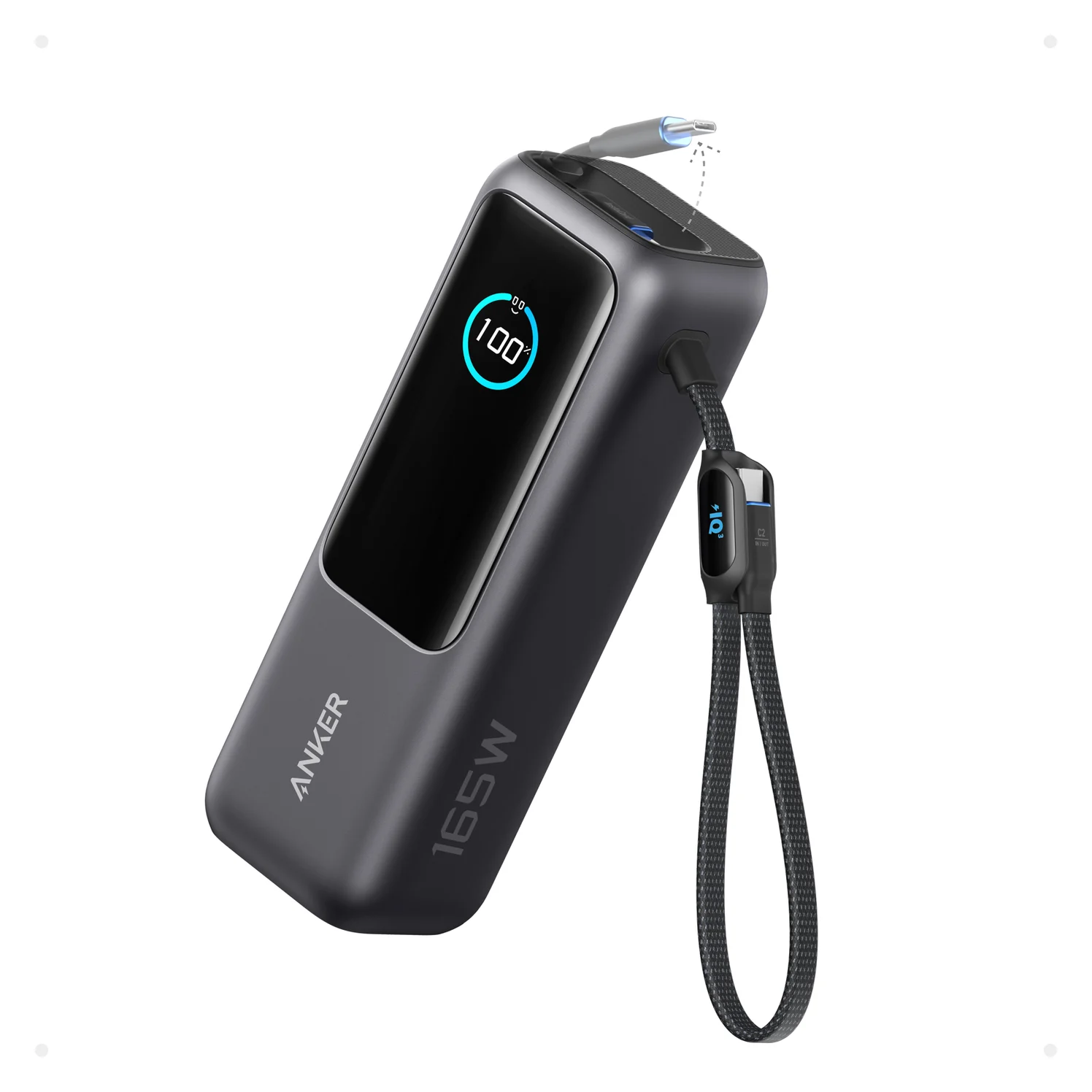
A 25,000mAh (90Wh) laptop power bank with two built-in USB-C cables, a USB-C port and a USB-A port, rated up to 165W total.
- 100W max output
- 4 ports
Anker wins our everyday recommendation because the charging leads are already attached. The retractable cable extends up to 2.3 ft; the second is 0.98 ft and doubles as a carrying strap. Its advertised three USB-C outputs mean those two cables plus one socket, rather than three sockets. (Cable specifications, connection identification)
The USB-C socket accepts a longer cable when the built-in leads do not reach your setup. The screen shows input, output and recharge-time information. (Anker product page, user guide)
Its limits are clear: 100W per USB-C connection, a heavier body, and reduced shared output with extra devices. Buy it for cable convenience and its two-device power budget; choose UGREEN instead if your main requirement is a compatible laptop input above 100W. (Anker ratings, UGREEN ratings)
Best for a higher-power solo laptop: UGREEN 90597A
UGREEN's advantage is USB-C1 at up to 140W, specified as 28V at 5A in its US bundle's technical table. USB-C2 tops out at 65W on its own. Put your demanding laptop on C1, and reserve that solo connection when the higher output matters. (UGREEN technical specifications)
Adding a device on C2 changes the documented split to 100W + 45W. That makes UGREEN a sensible laptop-and-phone option too, but buying it specifically for 140W and then sharing its USB-C outputs defeats that particular advantage. (UGREEN dual-port rating)
Check the cable bundle before adding accessories. The current US store says a 0.5m 240W USB-C cable is included; UGREEN's Canadian regional page instead lists a 1.64 ft 100W cable and excludes a wall charger. Its US cable bundle separately advertises extra 100W leads. Those descriptions do not establish an identical regional package, so confirm the supplied lead's marking if you need 140W. (US contents, regional contents, US cable bundle)
Check the UGREEN 90597A model and bundle at the official US store.
Capacity and frequent carry
Both makers specify 25,000mAh and 90Wh; neither headline establishes more usable energy. Anker estimates 63–70Wh usable output depending on the device, cable and protocol. That is Anker's estimate, not a common-condition measurement against UGREEN, so it cannot establish a runtime winner. (UGREEN battery specification, Anker usable-energy explanation)
UGREEN is the lighter bank at 513g, versus 595g for Anker. Its US dimensions are 160 × 80 × 26mm; the EU comparison row instead prints L80.8xW26.7xH160(mm), so leave some margin for a fitted pouch. Anker lists 156.97 × 53.85 × 49.02mm: narrower, but thicker. (UGREEN US dimensions, EU dimensions, Anker dimensions)
Choose UGREEN for a flatter compartment and Anker when having attached leads matters more. For smaller alternatives, use our broader power-bank guide; for flying, check our power-bank travel guide and your airline's current rules.
Buying advice: match the laptop and complete the kit
Check the laptop's input before paying for a bigger output. USB Power Delivery lets a device request the power it needs; a bank's maximum is not power forced into every connected laptop. A laptop accepting no more than 100W therefore has no single-device power reason to prefer UGREEN's 140W port. (USB-IF power negotiation, bank ratings)
For a 16-inch MacBook Pro, Apple lists a 140W adapter with MagSafe 3 for fast charging; USB-C fast charging uses its 240W cable on models from November 2023 onward. UGREEN reaches that power level on paper with an appropriate cable, whereas Anker's 100W output is below Apple's listed combination. For a 14-inch Pro, Apple's listed 96W adapter provides a useful comparison point for either bank's 100W capability. These are power-and-cable comparisons, not promises to reproduce Apple's charge times. (Apple fast-charge requirements)
For UGREEN's 140W over USB-C, use an EPR-capable 240W cable; the older 100W cable rating is insufficient for that output. USB-IF explains the extension beyond 100W and the new cable requirements. A higher-rated cable cannot raise Anker above its own 100W output ceiling. See our fast-charging cable guide and USB Power Delivery explainer. (USB-IF, Anker output)
| Working kit | UGREEN | Anker |
|---|---|---|
| Laptop connection | Supplied lead if correctly rated; EPR cable for 140W | Built-in USB-C cable, up to 100W |
| Second USB-C device | Bring another suitable cable | Use the other built-in lead |
| Fast bank refill | PD wall charger delivering 65W through C1 | Wall charger delivering 100W through a USB-C cable or socket |
| Before checkout | Verify cable rating and charger inclusion | Distinguish the bare bank from the bank-plus-charger bundle |
UGREEN advertises about two hours to recharge with a 65W PD charger. Anker also estimates about two hours, but with a 100W or higher charger at 25°C, and says peak 100W input occurs only above 25% battery. A larger input rating alone does not prove a shorter full refill. (UGREEN refill claim, Anker refill conditions)
Anker can recharge through either built-in lead or its USB-C socket, but its guide says multiple power sources do not combine their inputs. For UGREEN, use the documented C1 input. Compare the checkout total for the bank, any missing cable and the required wall charger; Anker's store explicitly separates bank-only and charger bundles. (Anker guide, UGREEN input, Anker bundles)
Match the laptop
Check the input power and charging connector it accepts.
Choose the port pairing
Plan whether the laptop will charge alone or alongside other devices.
Check the complete kit
Confirm the cable marking, required wall charger and exact bundle before checkout.
Charging while refilling has different limits. UGREEN advertises simultaneous charging and recharging. Anker's support page requires at least 20W input for pass-through and says output is limited below input power, so do not assume its normal battery-output table also applies while plugged into the wall. (UGREEN, Anker pass-through conditions)
How we choose
This comparison uses manufacturer specifications, official support documents, Apple's device requirements and USB-IF's charging explanation. It includes no physical performance measurements. Unconfirmed allocations are left unresolved, and conflicting package descriptions are identified. Check the exact model, seller inventory and box contents before purchase.
Verdict
Buy Anker A1695 for attached cables and a laptop-and-phone setup within its 100W-per-connection limits. Choose UGREEN 90597A for a compatible laptop using 140W on C1 alone, or for the lighter body, after checking the supplied cable. UGREEN's higher solo output and Anker's larger two-device budget answer different needs; choose the connection plan you will actually use.
Check Anker's price on Amazon · Check UGREEN's exact US bundle
Frequently asked questions
Is the UGREEN 145W or Anker 165W power bank better?
Choose Anker A1695 for built-in cables and two USB-C devices sharing up to 165W. Choose UGREEN 90597A for a compatible laptop that can use its 140W USB-C1 output, or for its lighter, flatter body. Both have a nominal 90Wh battery, so the larger headline wattage does not establish longer runtime.
Does the UGREEN 145W power bank give one laptop 145W?
No. UGREEN specifies up to 140W from USB-C1 alone and up to 65W from USB-C2 alone. Its EU page explains the 145W headline as 100W on USB-C1 plus 45W on USB-C2. Connecting a second USB-C device therefore changes the maximum available to the main laptop; it does not preserve 140W plus another device's full output.
Does the UGREEN 145W power bank include a 240W cable?
The current US store says it includes a 0.5m 240W USB-C cable, but UGREEN's Canadian regional page lists a 1.64 ft 100W cable. Check the exact bundle and cable marking before buying an extra cable. For 140W over USB-C, use an EPR-capable cable rated for 240W; a cable rated only for 100W cannot provide that higher power.
Why does the Anker 165W power bank drop to 130W?
Anker rates A1695 for up to 165W when charging two devices, but only 130W with three or four. Its allocation diagram gives the main USB-C1 connection up to 100W and the remaining connections a shared 30W. That shared allowance is not 30W for every extra device, so adding accessories can reduce their charging speeds.
How long do these 25,000mAh power banks take to recharge?
UGREEN advertises about two hours with a 65W PD charger; Anker says about two hours with a 100W or higher charger under its stated conditions. Anker also says peak 100W input happens only above 25% battery. These are manufacturer estimates, not a promise that either bank holds maximum input power throughout a refill.
Best for most laptop-and-phone bags
Anker Laptop Power Bank (25K, 165W, Built-In and Retractable Cables)
Related guides
Baseus PicoGo Qi2 5K vs UGREEN MagFlow 5K: The Honest Answer in 2026
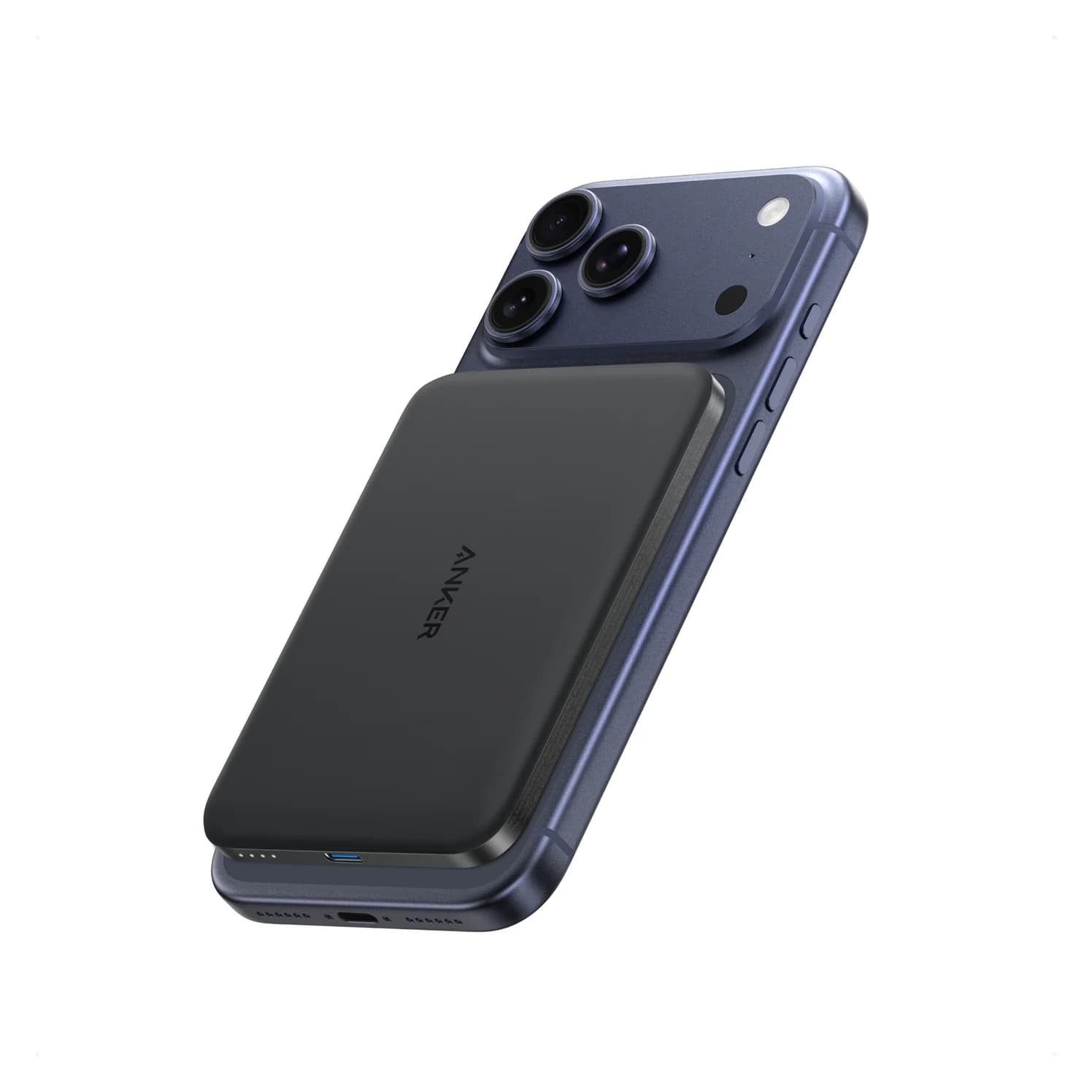
No UGREEN MagFlow 5K exists — the real Qi2 5K showdown is Baseus PicoGo vs Belkin BoostCharge Pro 10K. Here are the picks, specs, and gotchas.
Updated November 5, 2026Read
Anker Zolo 10K Power Bank Review: A1688 vs the Nano 10K
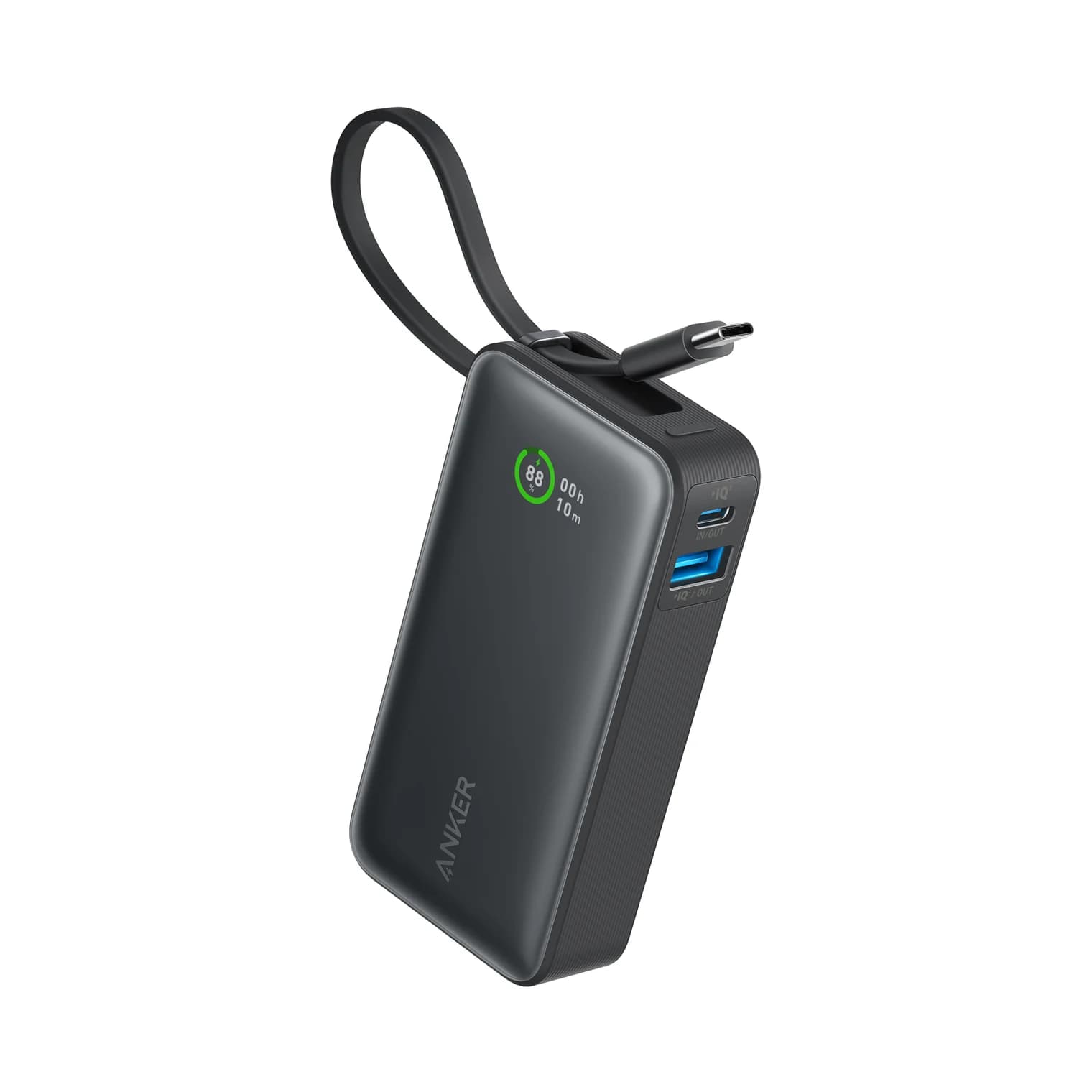
Anker Zolo 10K vs Nano 10K: compare built-in cable length, 30W charging, shared output, refill speed and the complete kit, from the makers' own documents.
Updated November 5, 2026Read
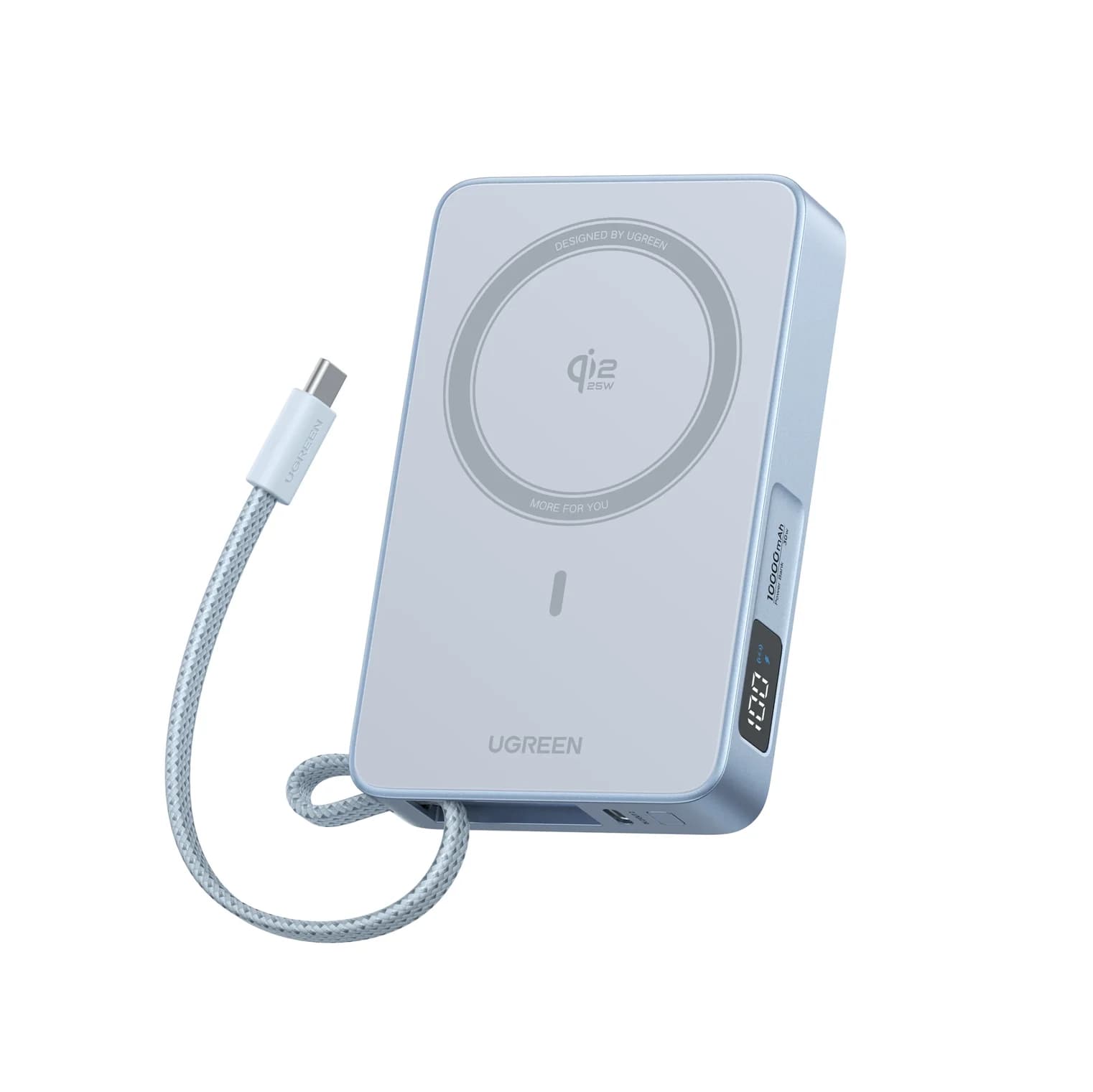
Anker Nano MagGo Slim 5K vs UGREEN MagFlow 10K: Which Magnetic Power Bank?
The Anker MagGo Slim 5K is the 8.6 mm pocket card; the UGREEN MagFlow 10K adds Qi2 25W and a built-in cable. Exact specs, phone fit and honest capacity.
Updated November 5, 2026Read