Black Friday: the specs to check before you buy
Comparison
Updated November 8, 2026Anker 100W vs UGREEN 100W USB-C Cables: Which Should You Buy?
Short answer
Choose Anker A8758 100W (10 ft) for charging across a room; choose UGREEN SKU 45063 (3.3 ft) for a nearby charger, if that exact variant is available. Our default purchase between these two is Anker: its US maker page lists it in stock, while UGREEN's selected short variant says sold out at our check. Both specify up to 100W, 480Mbps data and no video output, so there is no published specification advantage in charging power or data speed. (Anker, UGREEN, 3.3 ft selected)
Our picks at a glance
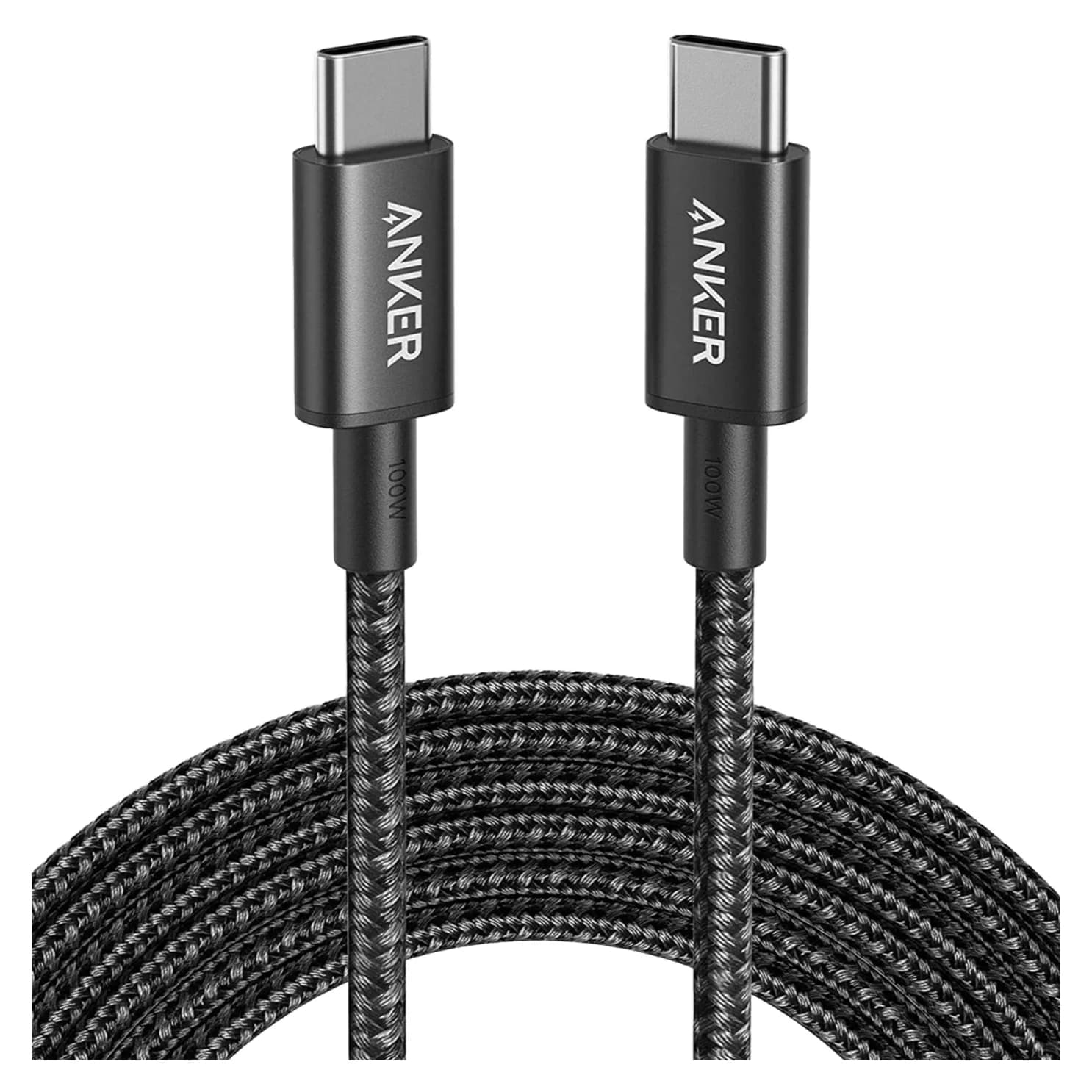
Best for long reachAnker
Anker Nylon USB-C to USB-C 100W Cable (10 ft)
- data
- 480 Mbps
- ends
- USB-C to USB-C
- Choose
- The A8758 combines a 10 ft length with up to 100W charging and an e-marker in each end.
- Limit
- 480Mbps data only; no video or fast SSD use
Quick picks and exact-model comparison
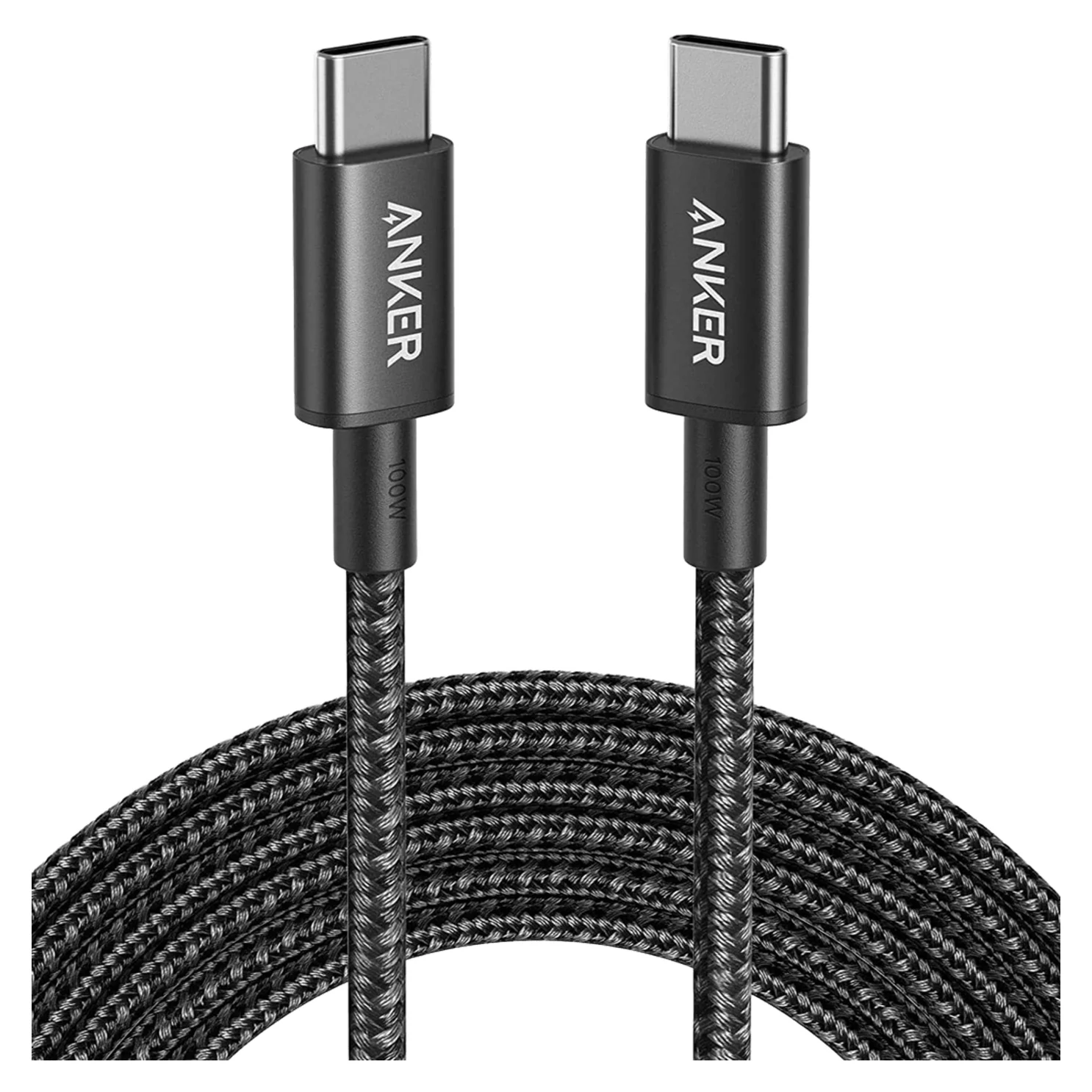
Buy Anker for reach; consider UGREEN for a short connection; keep your existing cable if it already meets your device's charging needs. Manufacturer availability below was checked November 3, 2026. Check the selected variant again before ordering.
| What matters | Anker Nylon 100W | UGREEN 100W PD Fast Charging |
|---|---|---|
| Exact identity | A8758, 10 ft | SKU 45063, 3.3 ft |
| Our pick for | Wall-to-sofa or distant outlet | Nearby desktop or bag charger, if restocked |
| Cable quantity | Not explicitly stated; confirm before buying | Package quantity not explicitly stated; confirm before buying |
| Maximum charging | 100W | 100W; maker lists PD 3.0 |
| Power identification | E-marker in each end | Built-in e-marker |
| Data ceiling | 480Mbps | USB 2.0, 480Mbps |
| Video output | Unsupported | Unsupported |
| Construction | Two-shade braided nylon | Nylon braid, aluminum housing |
| Durability claim | Up to 12,000 bends in Anker's laboratory | Over 20,000 plugs/unplugs, according to UGREEN |
| Maker-store status at check | In stock | Selected 3.3 ft variant sold out |
| Next step | Check price on Amazon; confirm 10 ft | Check exact-variant availability at UGREEN |
Specifications: Anker A8758 and UGREEN's product page. Neither maker page explicitly states package contents. Durability figures describe different actions; they do not establish which cable lasts longer.
Best for long reach: Anker A8758 100W, 10 ft
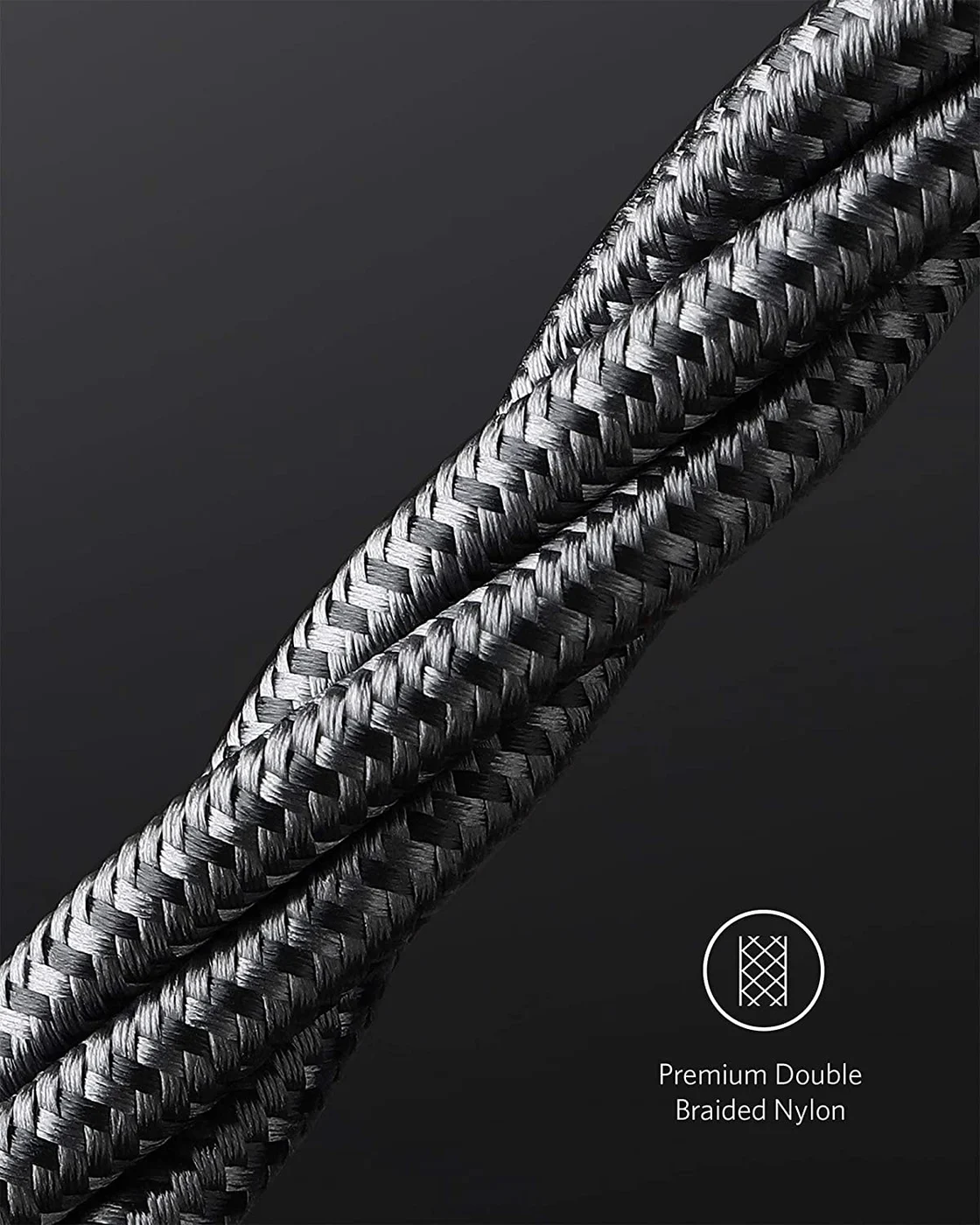
Anker
Anker Nylon USB-C to USB-C 100W Cable (10 ft)
A 10 ft braided USB-C to USB-C charging cable rated for 100W, with USB 2.0 data.
- 0.48 Gbps data
Anker wins this comparison when the outlet is far from where you sit. Its published 10 ft length gives you more routing room than UGREEN 45063's 3.3 ft; allow slack around furniture rather than choosing a cable that only just reaches. That recommendation is about reach, not a claim that longer cables charge faster.
Anker specifies up to 100W, an e-marker chip at each end, braided nylon and up to 480Mbps data. Its official declaration also identifies A8758 as the 10 ft cable, useful when a listing title omits the model. The maker page does not explicitly state package contents. (Product specifications)
Buy it for charging. Anker explicitly excludes video output, so it cannot replace the display-carrying cable between a laptop and a monitor. Its length is also a reason to choose something shorter if you only need to connect a charger beside your laptop: measure the actual route before paying for reach you will coil up.
Check price on Amazon for the Anker 10 ft cable
Best short option, if restocked: UGREEN 45063, 3.3 ft
UGREEN 45063 is our conditional pick for a short charging run. Its manufacturer specifications list 100W charging, a built-in e-marker, USB 2.0 data at 480Mbps, nylon braid and aluminum housing. The shorter length suits a charger close to the device, provided you leave comfortable slack. (UGREEN specifications)
Do not substitute the default selection without noticing. UGREEN's generic page opens on 6.6 ft, but its static specification table says SKU 45063 and 3.3 ft. The store's variant data resolves the mismatch:
| UGREEN length selection | Actual SKU | Maker-store availability at check |
|---|---|---|
| 1.6 ft | 35985 | Unavailable |
| 3.3 ft, this comparison | 45063 | Unavailable |
| 6.6 ft | 45064 | Available |
These mappings come from UGREEN's own variant data, cross-checked against the selected 3.3 ft page. The 6.6 ft version is a different SKU, not a restock of 45063. The page does not explicitly confirm 45063's package quantity; do not borrow the count from UGREEN's separately named two-pack offers.
Source: Anker and UGREEN variant data
Check availability for UGREEN 45063, 3.3 ft
Which phones and Macs need the power rating?
100W is what a cable can carry, not what every connected device receives. USB-IF describes the older 100W USB PD arrangement as 20V through a 5A cable and says devices take only the power they require. That is why buying a higher-capacity cable alone does not establish a faster charge. (USB-IF Power Delivery)
For a USB-C iPhone, Apple permits compliant USB-C cables and USB PD adapters from other makers. Choose reach first, then check the phone's charger requirements. For a Galaxy, Samsung says the device determines available charging speed from the connected charger and battery status; a cable's headline wattage is not a complete compatibility check. Our guide to the fastest charging phones lists each current flagship's rating and the cable it needs. (Apple, Samsung)
For a USB-C cable for Mac charging, Apple's fast-charge combinations provide useful boundaries:
- MacBook Air introduced in 2022 or later: Apple's list includes a 70W adapter with a USB-C charge cable. Both candidates have sufficient published cable power capacity for that combination.
- 14-inch MacBook Pro introduced in 2021 or later: Apple lists a 96W adapter with a USB-C charge cable. Both clear that cable-capacity requirement on paper.
- 16-inch MacBook Pro: Apple's adapter-based fast charging needs 140W. Neither candidate carries that much. For USB-C charging on models from November 2023 onward, Apple pairs its 140W adapter with a 240W USB-C Charge Cable; its MagSafe combination uses the USB-C to MagSafe 3 cable instead.
These are cable-capacity comparisons, not charge-time measurements of either third-party cable. Use our MacBook Pro charger guide to choose the power source.
Data, monitors and docks: the shared limit
Both manufacturers specify a maximum data rate of 480Mbps and explicitly exclude video output. That makes these charging-and-basic-data cables; neither is the host cable to choose for a monitor or a fast-data dock. Apple's iPhone guidance similarly separates an ordinary charge cable from a USB 3 cable for faster transfers. (Anker, UGREEN, Apple)
- Yes: Charging and ordinary file transfers within the published cable limits
- No: USB-C monitor video: both makers explicitly exclude video output
- No: Fast external-drive transfers beyond the published USB 2.0 data ceiling
- Partly: Dock use: charging is separate from replacing the dock's display-and-data host cable
For a dock, display or fast SSD, keep the supplied cable or buy a replacement explicitly rated for the required power, data and video. Our USB-C cable types guide explains the distinctions; the fast-charging cable selector covers alternatives beyond this pair.
Connector fit and durability: what the specs establish
Anker's nylon jacket and UGREEN's nylon braid with aluminum housing are documented construction differences. Neither description settles whether the plug housing clears your particular thick phone case or recessed port. Check that clearance before ordering; we cannot choose a fit winner from these descriptions.
Anker claims up to 12,000 bends in laboratory conditions. UGREEN claims over 20,000 plugs/unplugs. Bending a cable and inserting a connector are different actions, so comparing those totals as if they were the same durability test would be misleading. Treat them as separate manufacturer claims, with no proven lifespan winner. (Anker, UGREEN)
Buying guide: judge the deal and the complete kit
For an Anker 100W USB-C cable deal, the relevant offer is the A8758 10 ft cable. Compare UGREEN 45063, 3.3 ft only if that shorter route works for you. A cheaper cable that cannot reach the device is not useful value.
Compare delivered cost per usable cable: the checkout total, including shipping and any required charger, divided by the number of included cables you will actually use. Confirm package quantity first, especially for UGREEN; multiple cables in a promotional picture do not answer that question. If you only need a replacement cable, leave a suitable charger you already own out of the shopping basket.
A complete laptop kit needs a compatible USB-C PD source as well as the cable. For example, Anker's Prime 100W A2688 provides up to 100W from either USB-C port alone and does not include charging cables. Its support page specifies 65W + 35W when both USB-C ports are used. Buying either cable cannot restore full laptop power while that charger is sharing its output. (Anker charger specifications, power-sharing table)
For Black Friday or Cyber Monday, apply the same checks rather than buying from an old discount headline:
Match the exact product
Confirm model, length and delivered package quantity.
Match the job
Check the device's charging requirements and whether you need video or fast data.
Price the complete basket
Include a missing charger and shipping; apply only discounts you qualify for.
Choose useful reach
Pay extra for length when your measured route requires it; otherwise compare the suitable options at checkout.
If a suitable 60W cable already meets the device's charging requirements, keep it. If you need charging above 100W, choose an Extended Power Range cable: USB-IF's certification program uses the 240W class. USB-IF replaced its old 100W certification class with 240W; that is a certification-policy change, not evidence that an existing working 100W cable needs replacing. For display or fast-data work, select a cable with the required USB4 or Thunderbolt capabilities as well as the correct power rating. (USB-IF cable policy)
How we choose
This is a specification-based comparison, without physical testing. We checked manufacturer product pages, UGREEN's variant data, Anker's model declaration, Apple's charging guidance and USB-IF's cable rules. We separate the makers' claims from our recommendations and identify the variant mismatch and missing package-count detail rather than filling the gaps. We have no measured basis for declaring either cable faster, tougher or a better case fit.
Verdict
Buy Anker A8758 for the long charging route. Consider UGREEN 45063 if you specifically want 3.3 ft and can obtain that exact variant with its package quantity confirmed. Between these two, choose useful reach and the complete checkout offer: their published power and data ceilings are the same. For charging above 100W, video or fast storage, choose a cable specified for that different job.
Frequently asked questions
Is Anker or UGREEN better for a 100W USB-C cable?
Choose by reach and exact variant. Anker A8758 is the 10 ft option; UGREEN SKU 45063 is 3.3 ft. Both makers specify up to 100W charging, 480Mbps data and no video output, so the published specifications do not establish a charging-speed winner. We favor Anker for long reach. UGREEN suits a nearby charger, but its exact short variant was sold out at our manufacturer check.
Is UGREEN 45063 a two-pack or a 6.6 ft cable?
SKU 45063 is the 3.3 ft variant. UGREEN's store data maps 45064 to 6.6 ft and 35985 to 1.6 ft, even though the page's static specifications keep showing 45063. The manufacturer page does not explicitly state the package quantity for 45063. Do not assume it is one of the separately advertised two-packs; confirm the delivered cable count before comparing cost per cable.
Will either 100W cable fast charge a MacBook Pro?
Either has sufficient published cable power capacity for Apple's 96W adapter combination for a 14-inch MacBook Pro, provided the charger and Mac support that setup. Neither carries the 140W needed for Apple's 16-inch fast-charge adapter combination. For USB-C fast charging on a 16-inch from November 2023 onward, Apple lists its 140W adapter with a 240W USB-C Charge Cable. MagSafe uses a different cable.
Can these cables connect a USB-C monitor or Thunderbolt dock?
Neither is a suitable replacement for a dock's full-featured host cable or a USB-C monitor's video cable. Both makers limit data to 480Mbps and explicitly exclude video output. Charging a laptop from a dock's power-delivery port is a separate job from carrying the dock's displays and fast data. Keep the dock's supplied host cable, or buy a replacement specified for its data, video and power requirements.
Will buying a 100W cable make my phone charge faster?
The rating is a capacity ceiling, not a promise that a phone receives 100W. USB Power Delivery lets a device take the power it requires. Apple supports charging USB-C iPhones with compliant third-party USB-C cables and adapters; Samsung says the device determines its fastest available charging from the connected charger and battery status. Keep a suitable existing cable unless you need different reach or the device's charging requirements call for a replacement.
Should I buy 100W or 240W when both are on sale?
Choose the length you can use first. For a device whose required cable power stays within 100W, either cable here can be suitable on paper. For charging above 100W, choose an Extended Power Range cable; USB-IF's certification program uses the 240W class. Check data and video separately. A higher power marking alone does not establish that a cable can connect a monitor or a fast drive.
Related guides
Best Link Cables for Meta Quest 3: USB-C Specs That Actually Work
The best link cable for Quest 3 and older Quest headsets: Meta's own fiber cable, a charge-while-playing pick, and long active cables, per Meta's USB rules.
Updated November 8, 2026Read
Anker 100W vs Baseus 100W USB-C Cables: Which Should You Buy?
Compare Anker A8758 10 ft with Baseus CAWJ020001 3.3 ft: charging, data, lengths, pack sizes and variant traps, plus how to judge an Anker 100W USB-C cable deal.
Updated November 5, 2026Read
Beats USB-C vs Apple USB-C Cable: Which Should You Buy?
Choose between the Beats USB-C woven cable (60W, USB 2.0) and a full-feature Thunderbolt 5 USB-C cable: charging, data, docks, displays and the exact SKUs.
Updated November 5, 2026Read