Black Friday: the specs to check before you buy
Explainer
Updated November 3, 2026Plugable USB to HDMI Adapters: Which Single, Dual or Quad Version?
Short answer
For one HDMI screen from a video-capable USB-C port, USBC-HDMI is our default Plugable USB to HDMI adapter; for two independent Mac screens, choose USBC-6950M. Choose USBC-MSTH2 for supported Windows/Chromebook dual displays without a graphics driver, UGA-HDMI-2S for USB-A office screens, or USBC-7400H4 for four 4K displays. USBC-HDMI8K suits high-refresh Windows displays; Mac high-refresh support depends on the processor, macOS version, display and adapter firmware.
Our picks at a glance
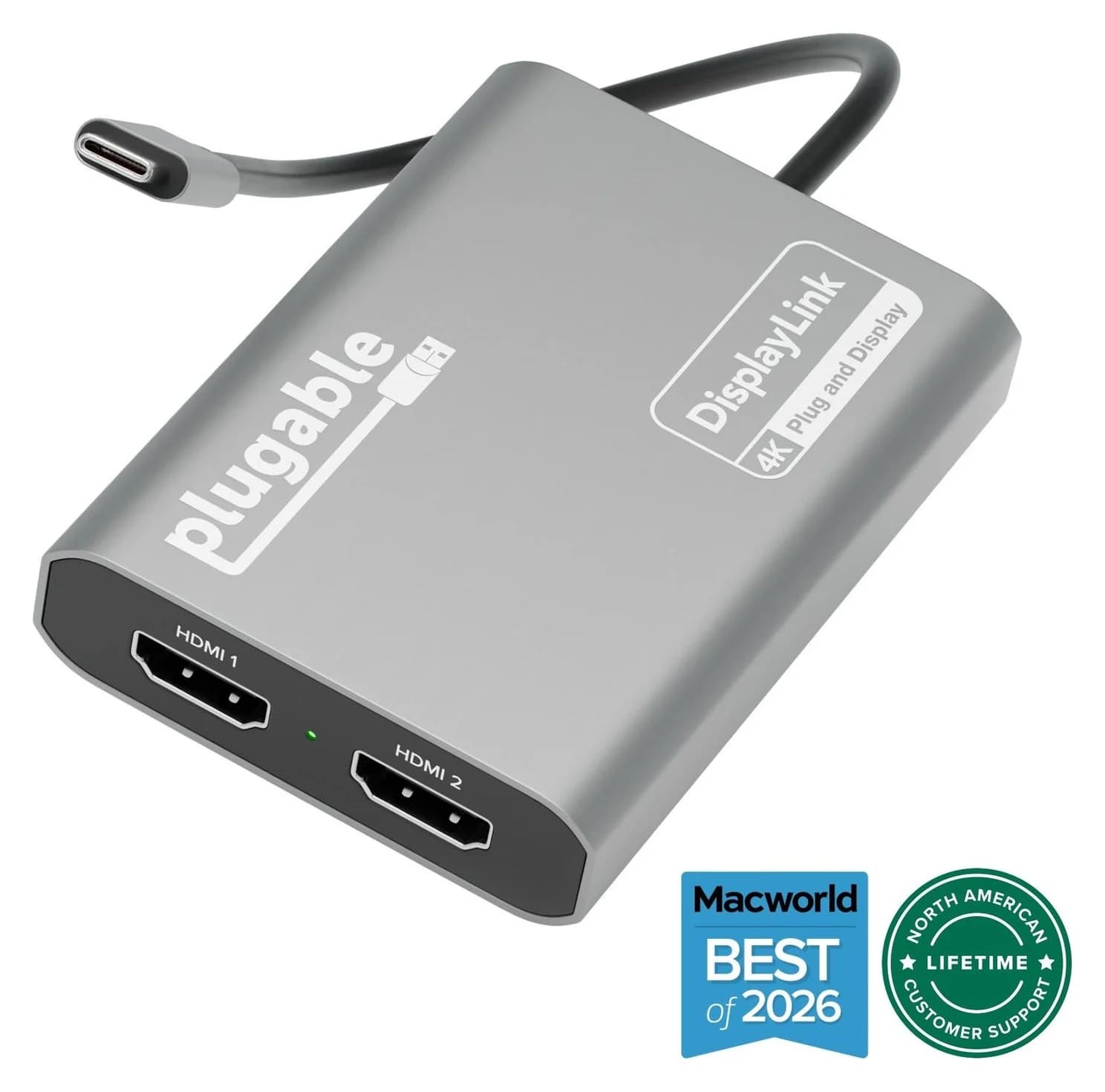
Best for two independent Mac screensPlugable
Plugable USBC-6950M USB-C to Dual HDMI DisplayLink Adapter (4K@60Hz)
- video
- 4K60
- ports
- 2
- host link
- USB-C
- Choose
- USBC-6950M adds two extended HDMI displays up to 4K at 60Hz using DisplayLink over USB-C.
- Limit
- Requires the DisplayLink Manager app and macOS Screen Recording permission
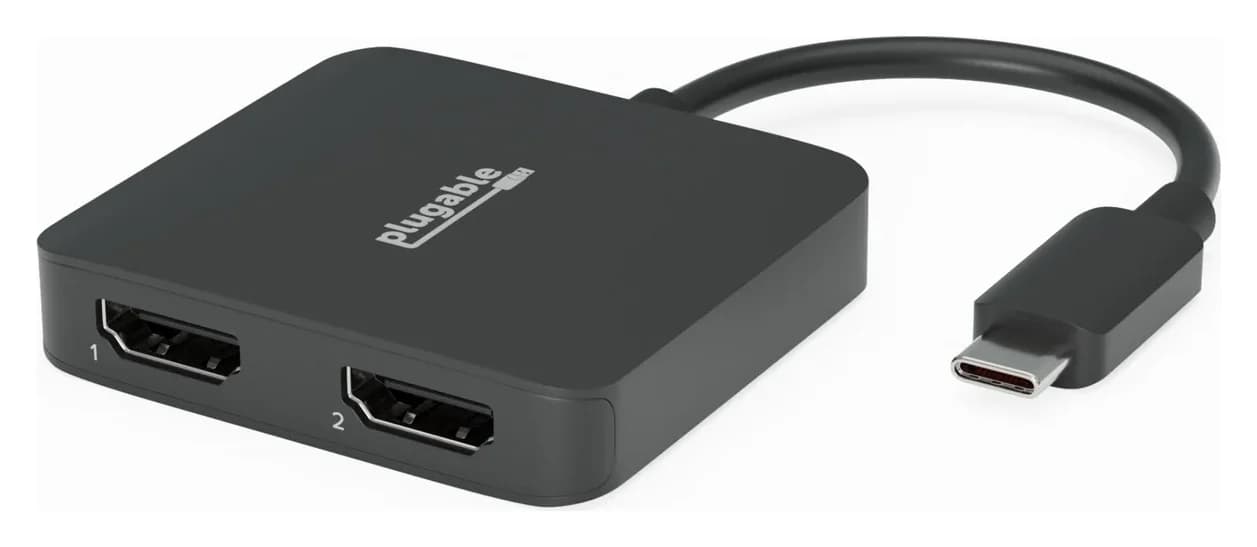
Best driver-free dual option for Windows and ChromeOSPlugable
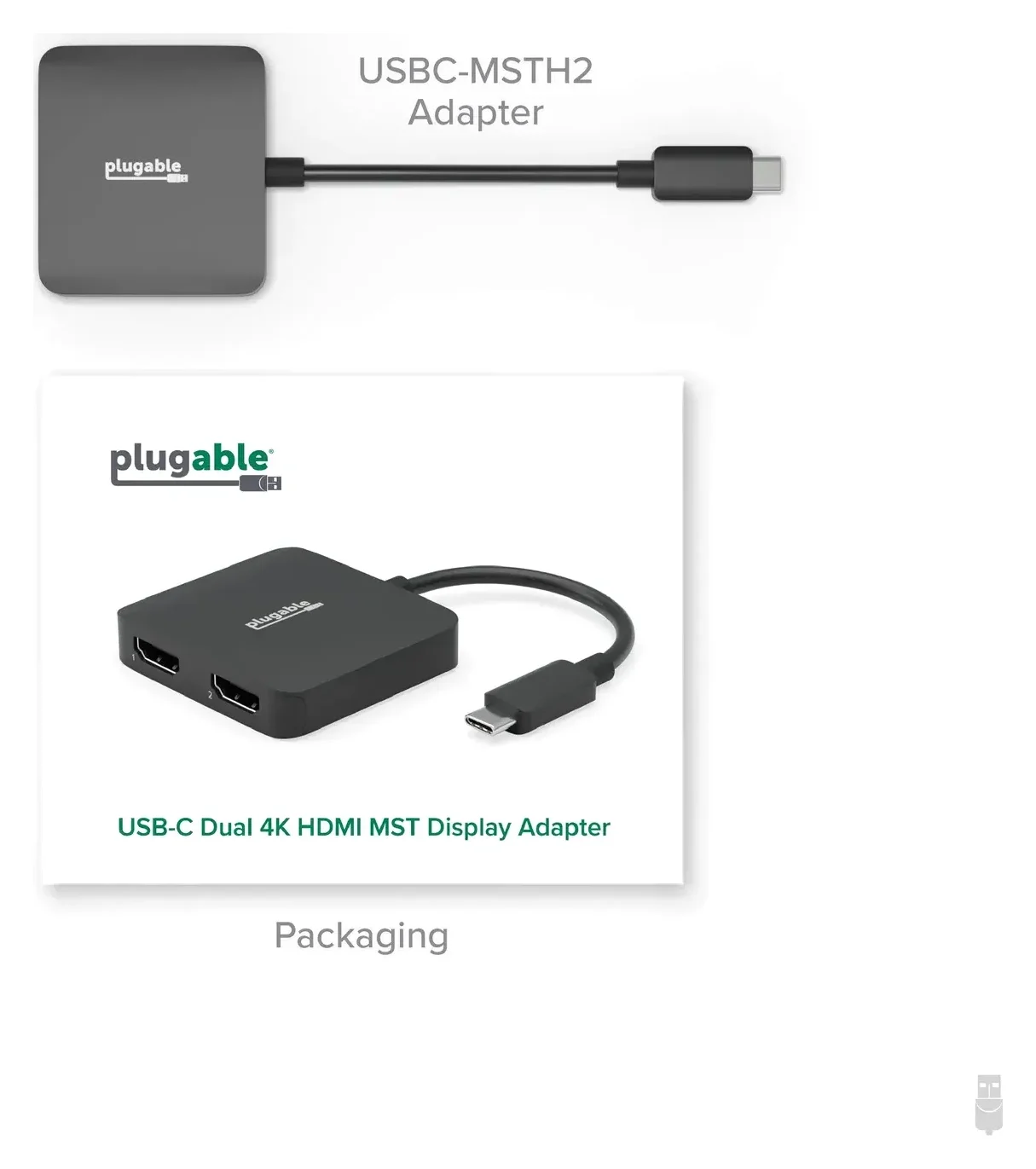
Plugable USB-C Dual 4K HDMI MST Display Adapter (USBC-MSTH2)
- video
- 4K60
- ports
- 2
- host link
- USB-C
- Choose
- USBC-MSTH2 runs two HDMI displays up to 4K at 60Hz on DP 1.4 DSC hosts; its outputs mirror each other on macOS.
- Limit
- Needs a USB-C port with DisplayPort Alt Mode; data-only USB-C ports won't work
Quick model selector: compare exact versions
Screen counts below mean external monitors. Maximum modes depend on the host and monitor; the conditions in the table matter as much as the headline resolution.
| Model / pick | HDMI screen combination | Host and graphics method | Choose it for |
|---|---|---|---|
| USBC-HDMI | One, up to 4K at 60Hz | Video-capable USB-C; native, no app | Everyday single-monitor use |
| USBC-HDMI8K | One, up to 4K at 144Hz or 8K at 60Hz with DSC; Mac high-refresh modes require a qualifying macOS 26+ setup and correct firmware | USB-C DP 1.4; native, no app | High-refresh Windows displays |
| USBC-6950M | Two, each up to 4K at 60Hz | USB-C; DisplayLink | Independent Mac desktops |
| USBC-MSTH2 | Two 4K at 60Hz with DP 1.4 + DSC; two 1080p at 60Hz with DP 1.2 | Video-capable USB-C; native MST, no app | Windows/ChromeOS dual extension |
| UGA-HDMI-2S | Two, each up to 1080p at 60Hz | USB-A or USB-C; Silicon Motion | Office screens on an older USB-A host |
| USBC-7400H4 | Four, each up to 4K at 60Hz | USB-C; DisplayLink | A quad-monitor productivity desk |
| UGA-4KHDMI, reference only | One, up to 4K at 30Hz | USB-A; DisplayLink | Identifying an older adapter; US option out of stock |
| USBC-768H4, reference only | Four, each up to 1080p at 60Hz | USB-A or USB-C; Silicon Motion | Identifying the older quad; US option out of stock |
USB-C native video or USB graphics?
Native video uses the computer's graphics output. USBC-HDMI and USBC-HDMI8K convert USB-C DisplayPort Alt Mode to HDMI; USBC-MSTH2 uses MST to split that native output into independent displays on supported Windows and ChromeOS hosts. A data-only USB-C port cannot supply the video these adapters need. Our USB-C to TV guide covers checking the source device and setting up the connection.
USB graphics uses software and a graphics chip to create additional displays over USB data. DisplayLink and Silicon Motion are separate systems with separate drivers. They suit office expansion; the graphics models here are poor choices for gaming or protected streaming video.
- Yes: Video-capable USB-C and one screen: choose a native HDMI adapter
- Yes: Windows/ChromeOS with MST support: USBC-MSTH2 can extend independently
- Partly: USB-A office expansion: choose USB graphics and confirm software installation is allowed
- No: Two independent Mac desktops through USBC-MSTH2: unsupported
Best for one USB-C screen: USBC-HDMI
Buy this for a normal monitor, meeting-room display or TV when your USB-C port outputs video. Plugable specifies HDMI 2.0, up to 3840 × 2160 at 60Hz, HDR and HDCP support, with no graphics software to install. The host, cable and display must all support the intended mode.
This is our default for a single 4K office screen. It keeps the software setup simple, while its native graphics path also suits games when the computer's GPU is capable. It requires an HDMI cable separately; the attached USB-C lead is the computer connection.
Check USBC-HDMI and buying options at Plugable
Best for high-refresh Windows video: USBC-HDMI8K
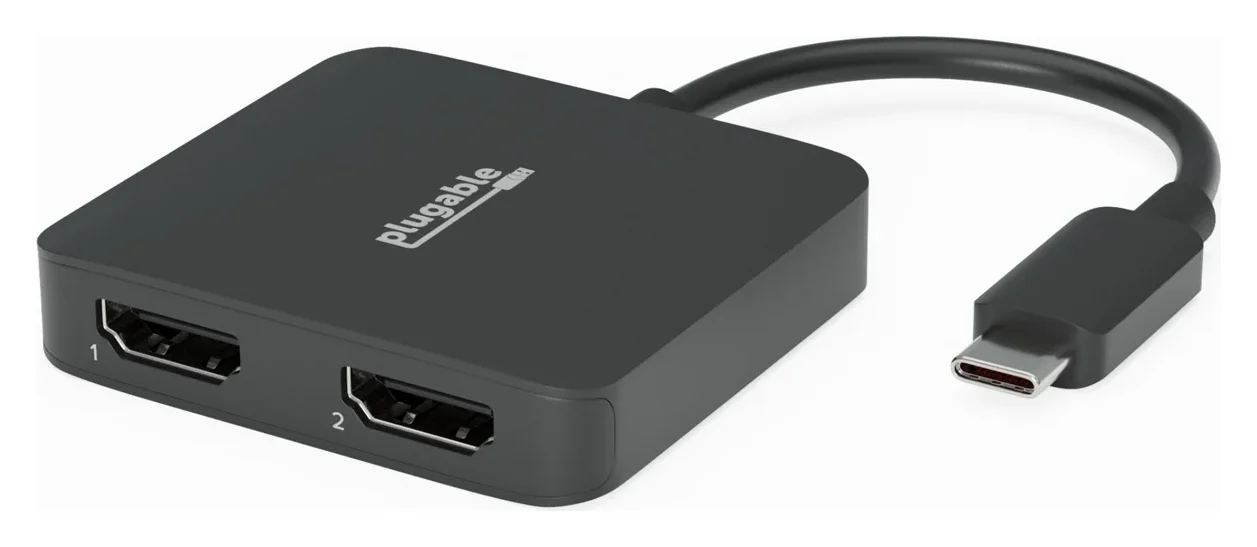
Choose this HDMI 2.1 version for a compatible Windows high-refresh display. Plugable specifies up to 4K at 144Hz or 8K at 60Hz, with DisplayPort 1.4 and DSC needed for those maximum modes. It needs no graphics driver.
Mac high-refresh support is conditional. Plugable's product page lists a 4K at 60Hz Mac limit, but its firmware guidance includes USBC-HDMI8K for higher refresh rates with macOS 26 or later, a compatible HDMI 2.1 display and cable, and the correct adapter firmware. Supported processors are M1 Pro/Max, M2 Pro/Max, and M3 or newer; base M1 and M2 are excluded. Confirm your exact Mac, display and intended mode with Plugable before buying. If an update is needed, it requires a Windows PC with USB-C DisplayPort Alt Mode; contact Plugable support for firmware instructions. Confirm the Windows host's DSC capability before paying for the higher mode.
Check USBC-HDMI8K and buying options at Plugable
Best for two independent Mac screens: USBC-6950M
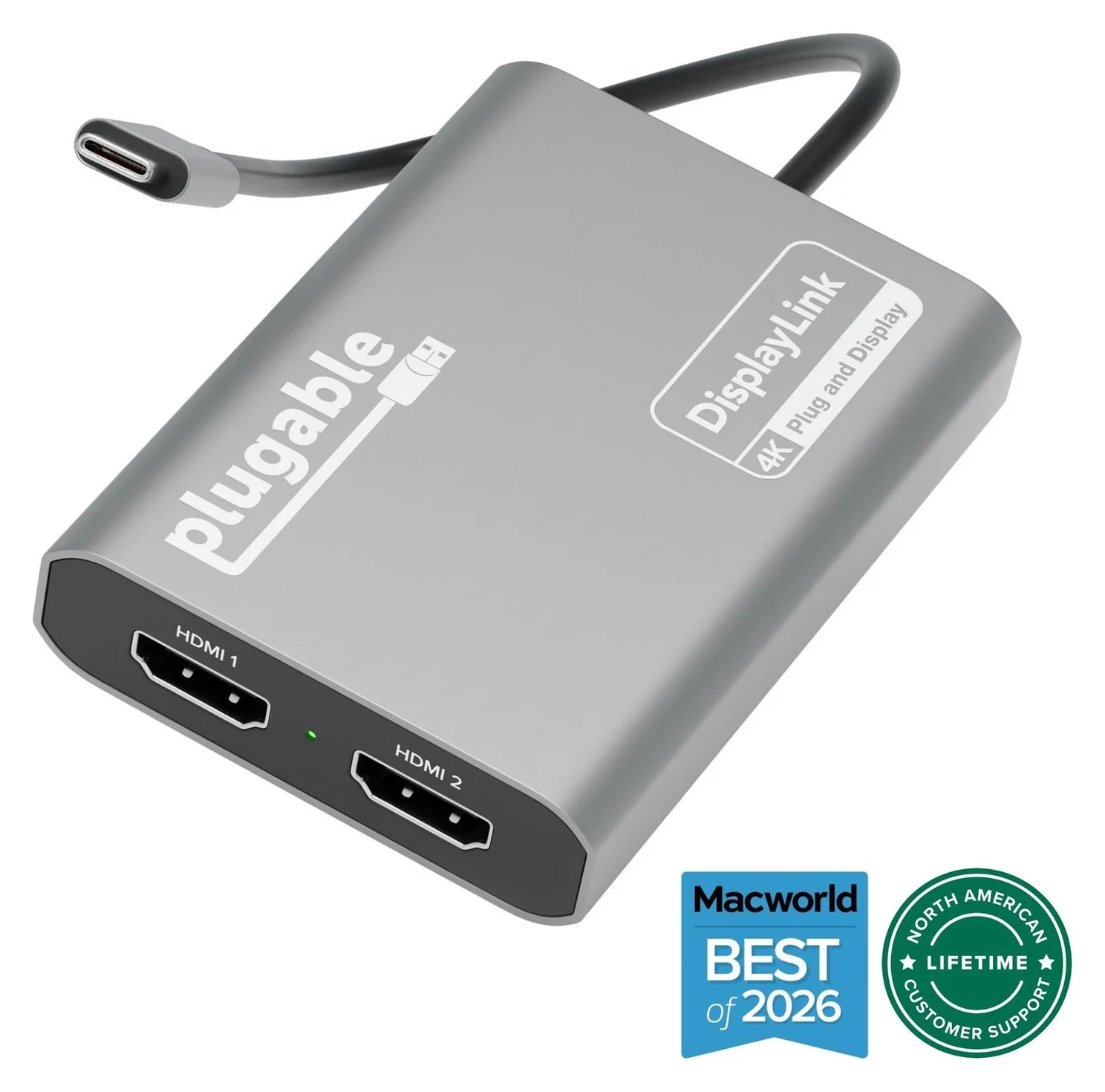
Plugable
Plugable USBC-6950M USB-C to Dual HDMI DisplayLink Adapter (4K@60Hz)
A compact DisplayLink adapter that adds two extended HDMI displays, each up to 4K@60Hz, from one USB-C or Thunderbolt port, with no charging or extra ports.
- 4K60 video
- 2 ports
This DisplayLink model supplies two extended HDMI desktops, each up to 4K at 60Hz, through its attached USB-C connection. It is our pick when a Mac's native display allowance does not cover the screens you need. On Mac, install DisplayLink Manager and grant its screen permission; Windows typically gets the driver through Windows Update, and ChromeOS 100 or newer requires no separate driver installation.
Use HDMI-to-HDMI cables into monitors with HDMI inputs. Plugable excludes HDMI-to-USB-C monitor connections and recommends connecting the adapter directly to the computer. It supplies no laptop charging or extra USB data ports. For those features, see our dual-monitor MacBook hub guide.
Best driver-free dual option: USBC-MSTH2
Plugable
Plugable USB-C Dual 4K HDMI MST Display Adapter (USBC-MSTH2)
A driver-free USB-C to dual HDMI adapter that uses DisplayPort MST to run two independent extended monitors from one USB-C port on Windows and ChromeOS.
- 4K60 video
- 2 ports
For a supported Windows or Chromebook setup, this is the native alternative to USBC-6950M. It needs no separate graphics app, supports HDCP, and can run two independent 4K displays at 60Hz when the host supplies DP 1.4 with DSC. DP 1.2 hosts drop to two 1080p displays at 60Hz.
Do not buy it for two independent Mac desktops. macOS does not support this MST arrangement: both external monitors show the same image. Check the laptop's video specification before choosing it; USB-C connector shape alone does not establish video bandwidth or MST support.
Best for USB-A office screens: UGA-HDMI-2S
This is the useful current alternative when your computer has USB-A and you need office displays. Its hybrid host cable includes USB-A and USB-C connectivity, and its two HDMI outputs support up to 1920 × 1080 at 60Hz each. You can choose extended or mirrored displays.
The trade-off is Silicon Motion software: Windows typically installs its driver automatically; Mac requires InstantView and screen permission. DisplayLink software cannot run this adapter. Plugable supports ChromeOS 100 or newer without a driver download, but does not recommend this model for gaming or 4K work.
Check UGA-HDMI-2S and buying options at Plugable
Best for four 4K office screens: USBC-7400H4
This is the quad model to shortlist for a USB-C Windows or Mac productivity desk: four independent HDMI screens, each up to 4K at 60Hz, using DisplayLink. It can draw operating power from the computer, so an external power supply is optional.
Its charging headline needs translating: 100W is the maximum input; up to 90W reaches the laptop, with 10W reserved by the adapter. Plugable includes an attached USB-C host cable, but lists no charger in the box. Keep its intended workload in mind: Plugable excludes protected streaming playback and positions it for productivity rather than gaming.
Check USBC-7400H4 and buying options at Plugable
One, two or four screens: complete the kit
The adapter's host lead does not replace the HDMI cable to each monitor. Count the cables before checkout:
| Model | Included host connection / kit | Have ready separately |
|---|---|---|
| USBC-HDMI | Adapter with attached USB-C lead | One HDMI cable and HDMI-input screen |
| USBC-HDMI8K | Adapter with attached USB-C lead | One HDMI cable rated for the intended mode and HDMI-input screen |
| USBC-6950M | Adapter with captive USB-C lead; quick-start guide | Two HDMI-to-HDMI cables and HDMI-input screens |
| USBC-MSTH2 | Adapter with integrated USB-C lead | Two HDMI cables and HDMI-input screens |
| UGA-HDMI-2S | Adapter with hybrid USB-A/USB-C host cable; quick-start guide | Two HDMI cables and HDMI-input screens |
| USBC-7400H4 | Adapter with attached USB-C host cable | Four HDMI cables and HDMI-input screens; optional USB-C charger and charging cable |
For 4K at 60Hz, HDMI's cable guide identifies Premium High Speed certification; Ultra High Speed covers formats including 4K at 120Hz and 8K at 60Hz. Use an Ultra High Speed cable for the HDMI8K's demanding modes, while still checking the complete host-to-display combination. Keep the laptop's normal charger available, especially with USBC-6950M, which supplies no charging.
Windows and Mac drivers: install the right family
USBC-HDMI, USBC-HDMI8K and USBC-MSTH2 need no separate graphics software. For USB graphics on a managed work laptop, confirm that IT permits the required installation before purchasing.
Read the exact model
USBC-6950M and USBC-7400H4 use DisplayLink; UGA-HDMI-2S and USBC-768H4 use Silicon Motion.
Install the matching software
Use Plugable's DisplayLink or Silicon Motion downloads. Windows typically installs either driver through Windows Update; Mac needs the appropriate app.
Allow Mac screen access
Follow the app's screen-recording permission prompts, then quit and reopen it when instructed. Keep the app running.
Use Plugable's DisplayLink downloads and Mac installation guide, or its Silicon Motion downloads and InstantView instructions. Plugable explains that screen permission enables the display image; the apps do not store a screen recording.
Older-Mac warning: USBC-6950M and USBC-7400H4 product pages advertise macOS 11+, but Plugable's current DisplayLink support policy excludes macOS 11, 12 and 13 and disclaims support for legacy DisplayLink builds. Confirm support for your exact OS before buying. Silicon Motion has a separate current/legacy download list; its compatibility cannot be inferred from DisplayLink's. UGA-HDMI-2S also disagrees internally: its feature text says macOS 10.14+, while its compatibility section says macOS 11+.
Older versions and listing mistakes to catch
UGA-4KHDMI is single-output, not a multi-HDMI box. Plugable specifies one HDMI screen per adapter, up to 4K at 30Hz, and a separate USB-C-to-USB-A converter for USB-C hosts. Its listed kit is the graphics adapter and quick-start guide. Plugable currently marks its US Amazon option out of stock, so it is not a main buying pick here.
USBC-768H4 is a different quad adapter. It supports four 1080p-at-60Hz screens, uses Silicon Motion/InstantView, and includes USB-A connectivity and a quick-start guide. Plugable currently marks its US Amazon option out of stock. USBC-7400H4 is the available quad 4K choice, but changes the host connection and software; it is not an interchangeable version of the same device.
Two manufacturer documentation conflicts deserve attention. The USBC-6950M comparison table assigns USBC-HDMI a 4K-at-144Hz/8K-at-60Hz line, while USBC-HDMI's own page specifies 4K at 60Hz. Also, the USBC-7400H4 comparison lists ChromeOS for USBC-768H4, while the USBC-768H4 page explicitly says it is not compatible with ChromeOS. Do not purchase those disputed capabilities without confirmation from Plugable.
How we choose
We compare Plugable's model-specific specifications, included-kit lists, compatibility explanations and driver documentation. The recommendations prioritize the right graphics method, independent-screen support and setup requirements over a larger resolution number. Unavailable models remain identification references, and conflicting manufacturer claims are called out so readers can resolve them before buying.
Verdict
| Your setup | Choose |
|---|---|
| One ordinary USB-C HDMI screen | USBC-HDMI |
| High-refresh Windows screen with confirmed DSC support | USBC-HDMI8K |
| Two independent Mac HDMI desktops | USBC-6950M |
| Two native Windows/ChromeOS screens with a compatible video port | USBC-MSTH2 |
| USB-A office screens at 1080p | UGA-HDMI-2S |
| Four 4K HDMI office screens from a USB-C host | USBC-7400H4 |
Choose the host connection and graphics method first. Then match the screens, software permission and cable kit; a similar product name does not make these adapters interchangeable.
Frequently asked questions
Which Plugable USB to HDMI adapter should I buy?
For one HDMI screen from a video-capable USB-C port, choose USBC-HDMI. Choose USBC-HDMI8K for high-refresh Windows use with a compatible host. For two independent Mac screens, choose the DisplayLink-based USBC-6950M; for driver-free dual Windows or Chromebook displays, consider USBC-MSTH2. USB-A office setups can use UGA-HDMI-2S, while USBC-7400H4 is the quad 4K option. Match the model to your host and software permissions before buying.
Can a Plugable USB to HDMI adapter work through USB-A?
Some versions can. UGA-HDMI-2S includes a hybrid USB-A/USB-C connection and uses Silicon Motion software to run up to two 1080p displays at 60Hz. USBC-HDMI, USBC-HDMI8K and USBC-MSTH2 require native video through USB-C, so a USB-A connector converter cannot supply the missing video signal. The older UGA-4KHDMI also uses USB-A, but Plugable currently marks its US Amazon option out of stock.
Why does my Plugable dual HDMI adapter mirror on a Mac?
If the model is USBC-MSTH2, that behavior follows from macOS lacking MST support for independent extended displays. Its two external screens show the same image. Installing DisplayLink Manager does not turn this native MST adapter into a DisplayLink device. Choose the USBC-6950M instead when you need two independent HDMI desktops and can install DisplayLink Manager and grant the required screen permission.
Is USBC-768H4 the same as USBC-7400H4?
No. USBC-768H4 uses Silicon Motion, supports four HDMI displays at up to 1080p at 60Hz, and includes USB-A connectivity. USBC-7400H4 uses DisplayLink over USB-C, supports four displays at up to 4K at 60Hz, and offers optional charging pass-through: 100W input, up to 90W to the computer. Their Mac software differs. Plugable currently marks the USBC-768H4 US Amazon option out of stock.
Does the Plugable 8K HDMI adapter give a Mac 4K at 120Hz?
It depends on your setup. Plugable's product page lists 4K at 60Hz for Macs, but its firmware guidance describes higher refresh rates with macOS 26+, a supported Apple Silicon processor, a compatible HDMI 2.1 display and cable, and correct adapter firmware. Base M1 and M2 are excluded. Confirm the exact 4K at 120Hz mode with Plugable before buying. If firmware needs updating, the update requires a Windows PC with USB-C DisplayPort Alt Mode.
Best for two independent Mac screens
Plugable USBC-6950M USB-C to Dual HDMI DisplayLink Adapter (4K@60Hz)
Related guides
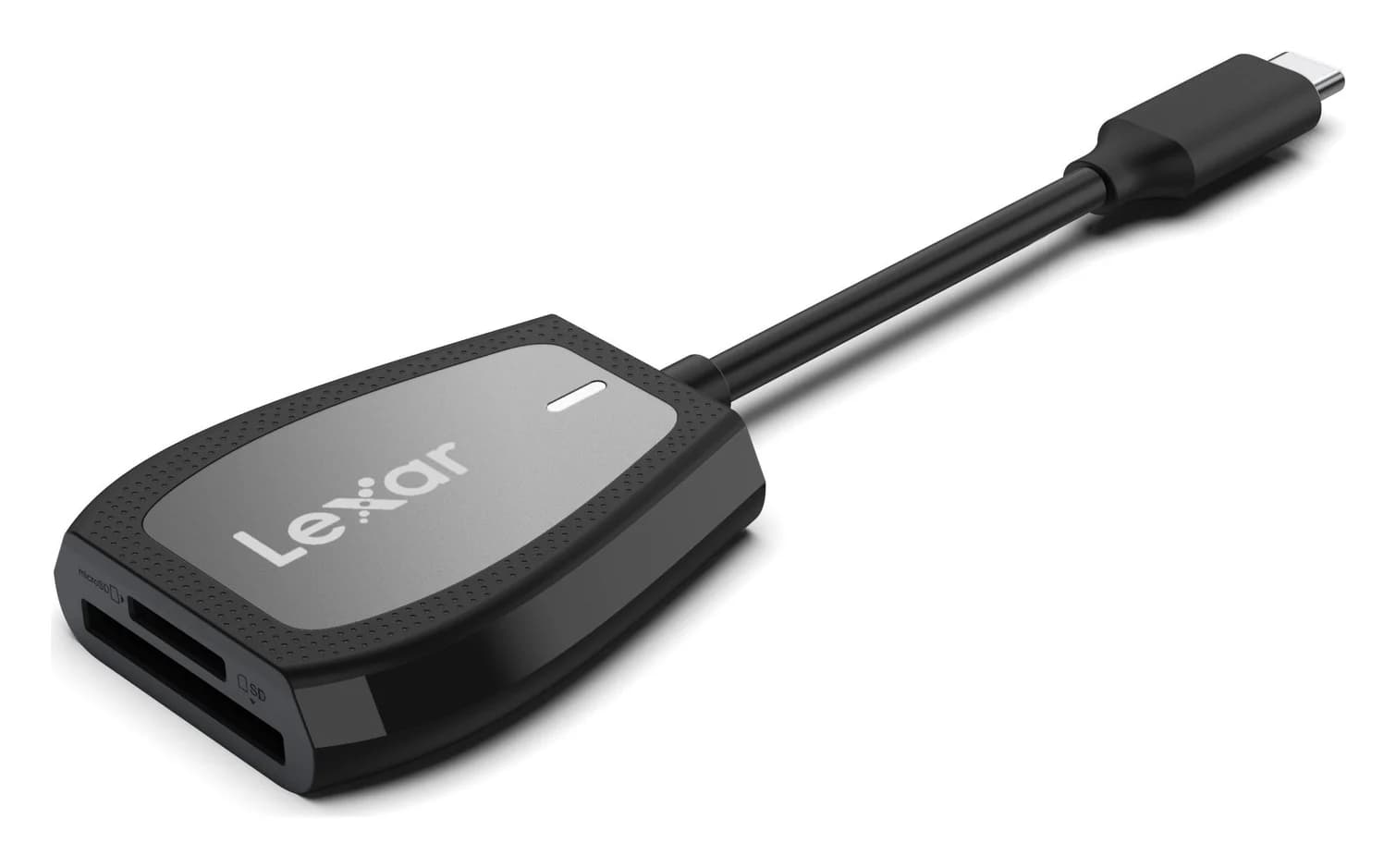
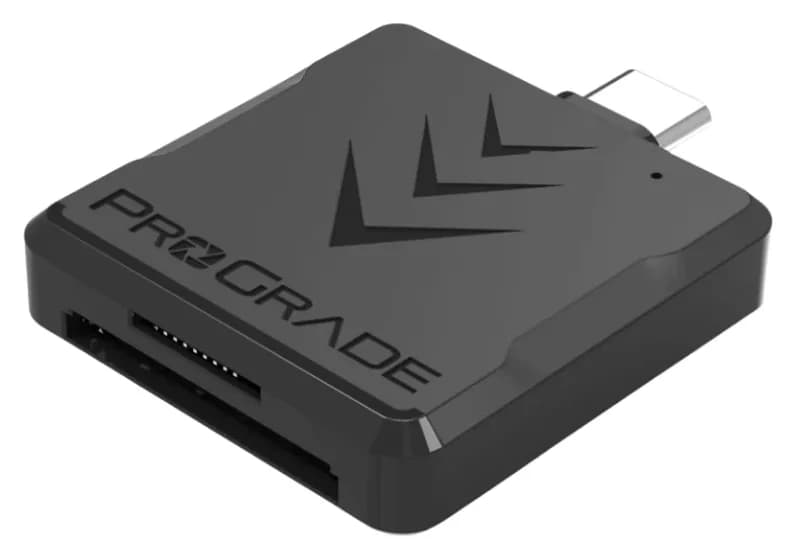
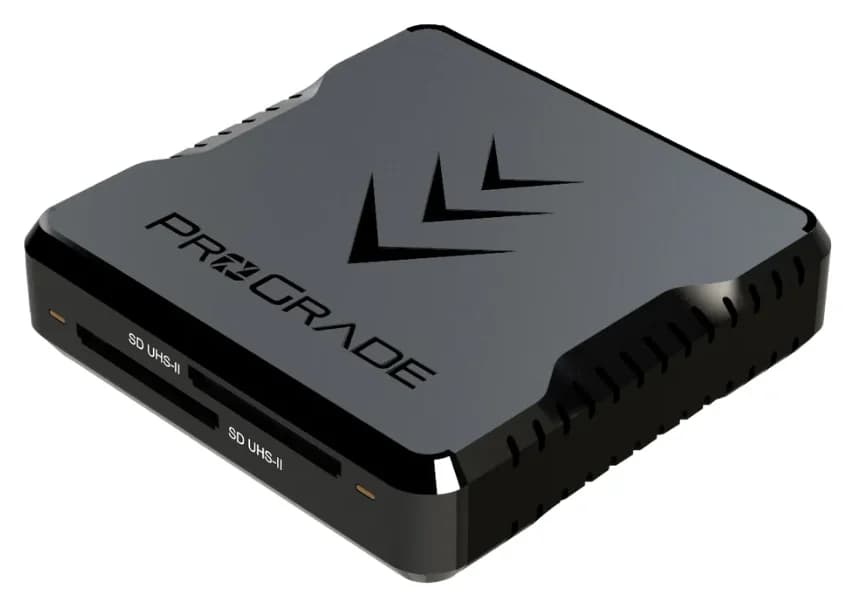
Best SD Card Readers in 2026: USB-C Picks for Every Workflow
The SD card readers worth buying, from makers' spec sheets: UHS-II dual-slot picks from Lexar and ProGrade, Apple's USB-C reader, and an Anker hub that reads cards too.
Updated November 7, 2026Read
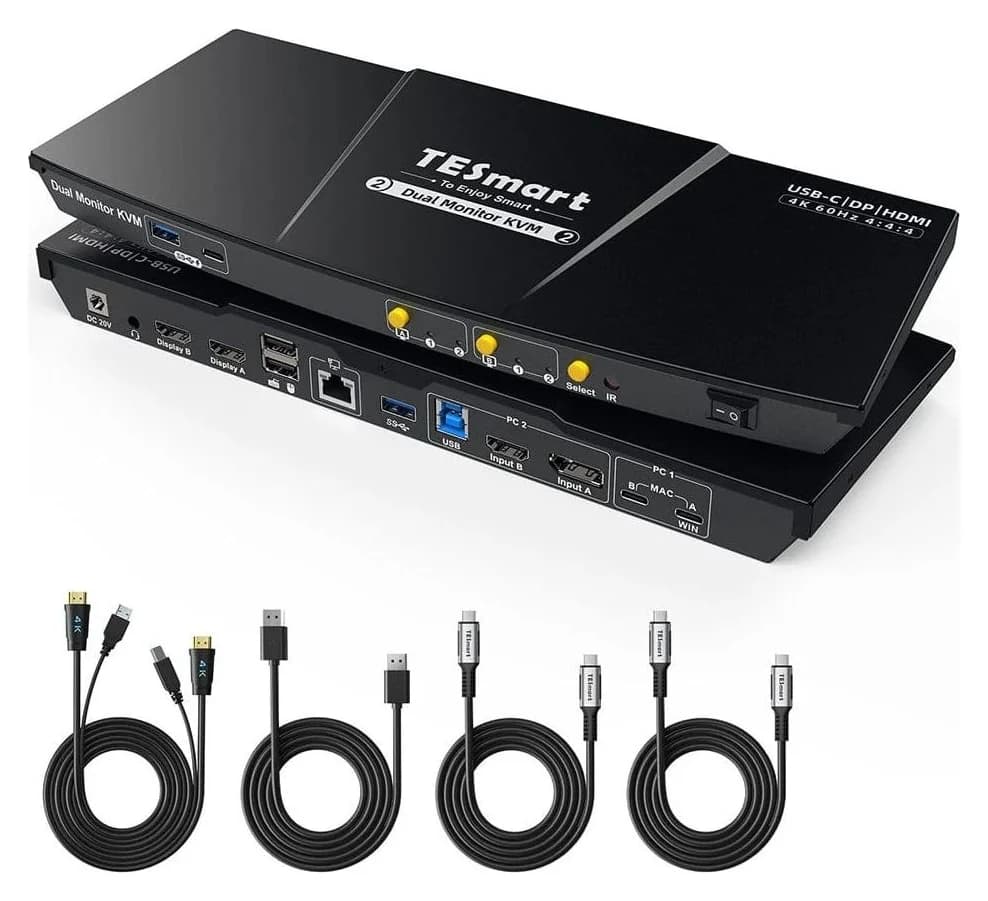
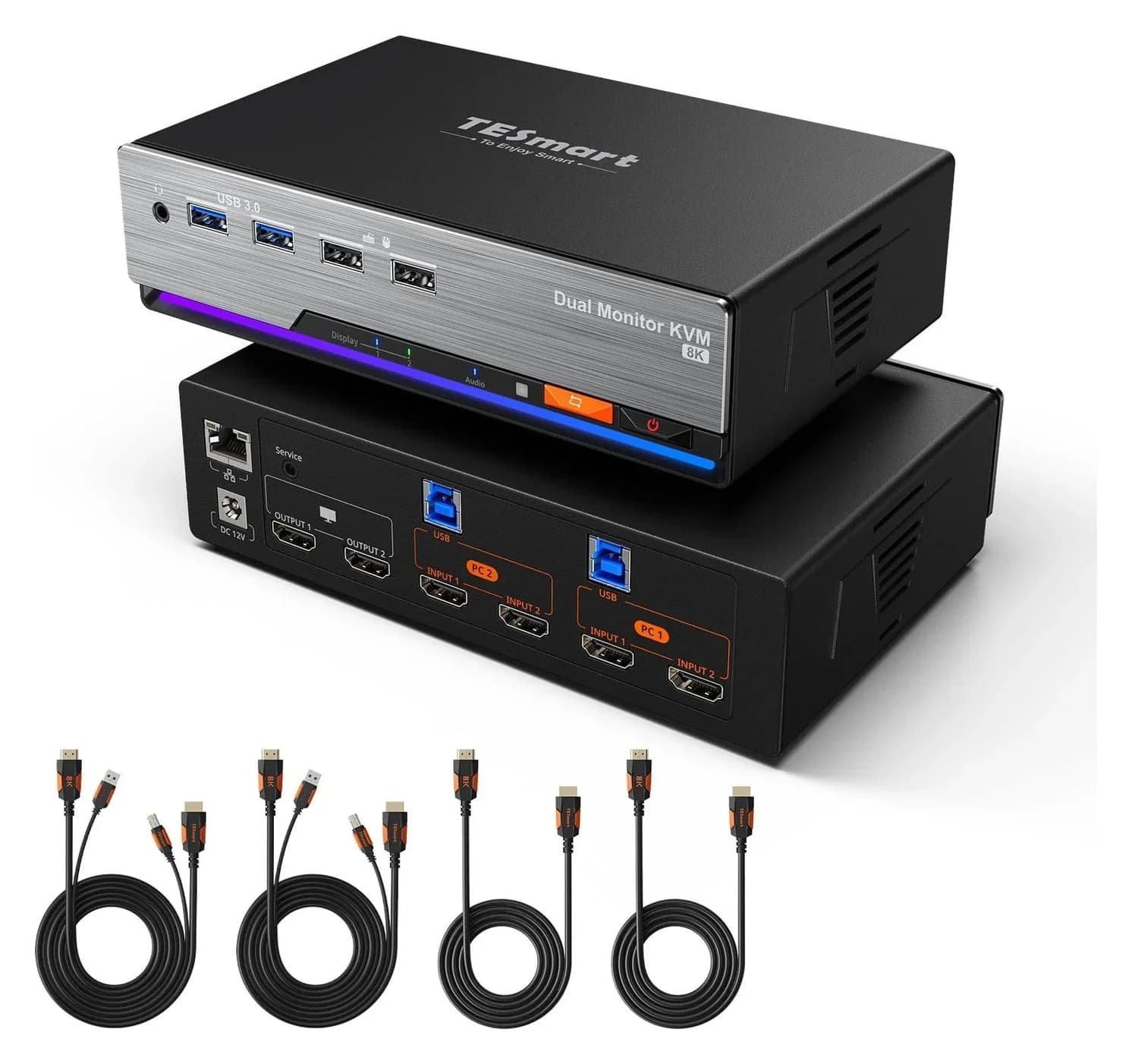
Best KVM Switches: Two Computers, One Keyboard, Mouse and Monitor Set
Pick the right KVM switch for two PCs, laptops, dual monitors, gaming or USB-only sharing. Compare HDMI, DisplayPort and USB-C models, docks and Mac limits.
Updated November 7, 2026Read
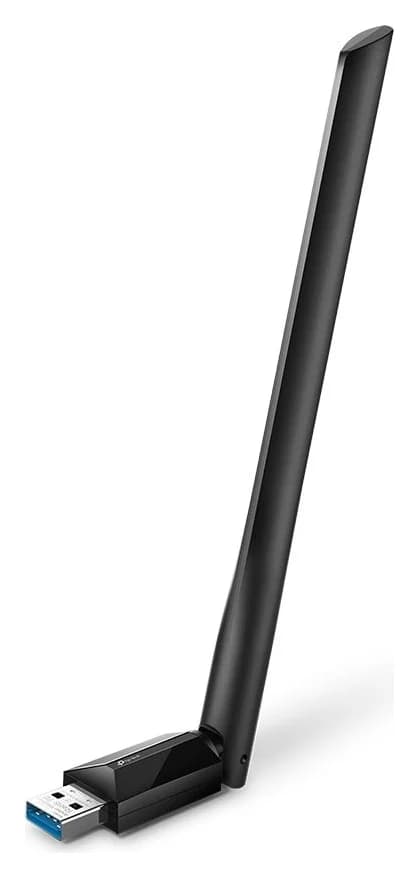
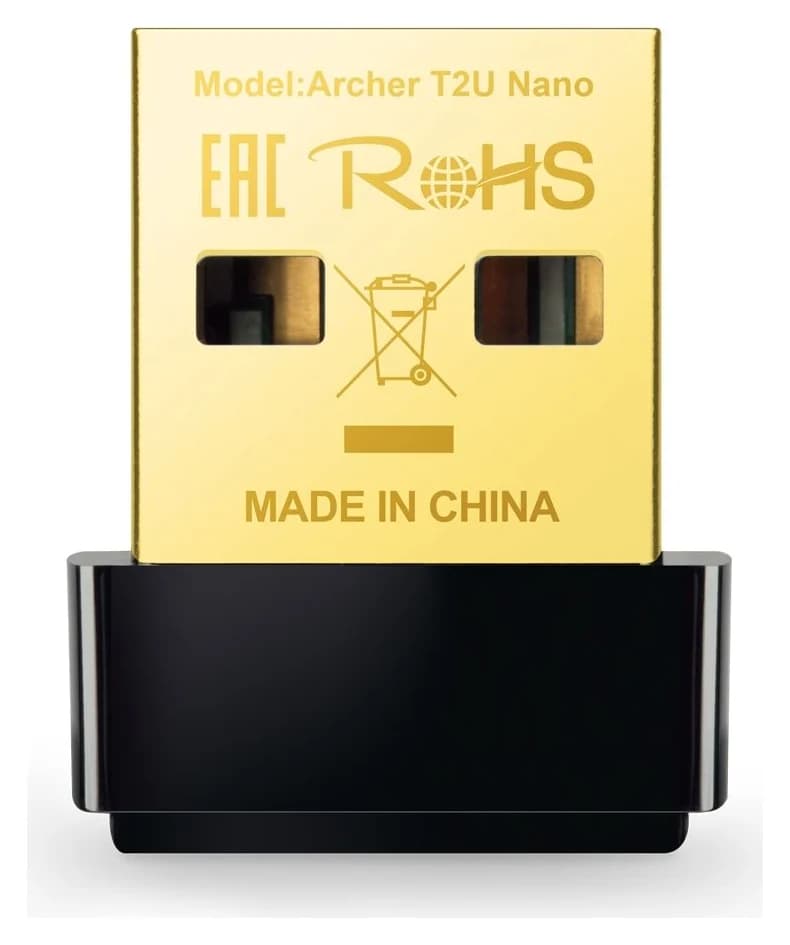
The Best USB Wi-Fi Adapters for Mac (The macOS Compatibility Truth)
Which USB Wi-Fi adapters actually support a Mac? The verified models, the macOS version limits, the USB-C problem on modern Macs, and the Ethernet workaround.
Updated November 10, 2026Read