Black Friday: the specs to check before you buy
Explainer
Updated November 3, 2026StarTech USB 3.0 to HDMI Adapters: USB32HD4K vs USB32HD4
Short answer
For one HDMI office monitor from USB-A, our StarTech pick is USB32HD4K, provided its 4K at 30Hz ceiling fits your work. Choose USB32HD4 for four independent 1080p 60Hz screens on Windows; it uses Trigger software rather than DisplayLink. For two 4K 60Hz HDMI office screens from USB-C, consider the competing Plugable USBC-6950M, with the DisplayLink and Mac support caveats below.
Our picks at a glance
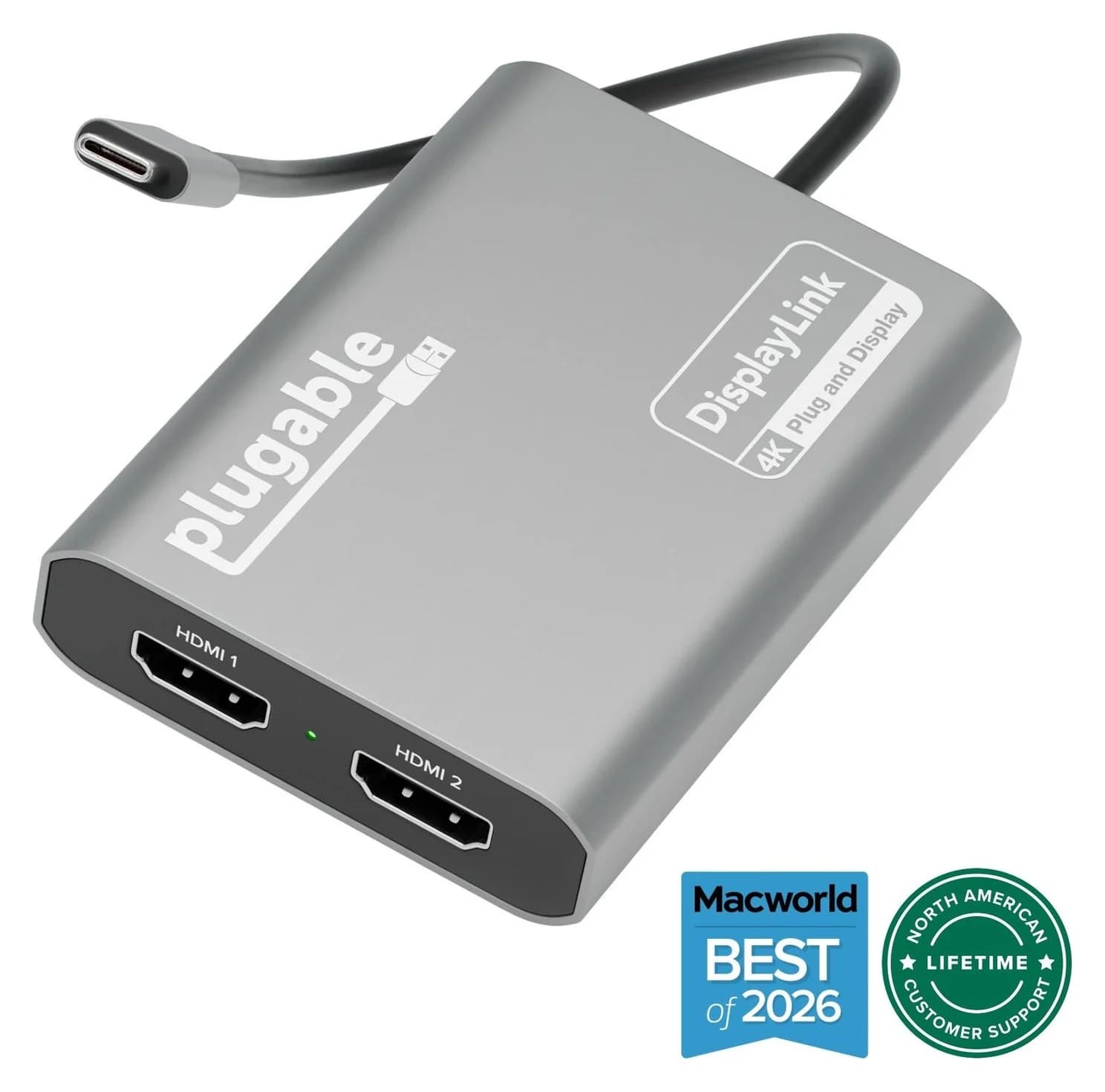
Competing option for two 4K office displaysPlugable
Plugable USBC-6950M USB-C to Dual HDMI DisplayLink Adapter (4K@60Hz)
- video
- 4K60
- ports
- 2
- host link
- USB-C
- Choose
- Plugable USBC-6950M adds two HDMI displays up to 4K at 60Hz from USB-C using DisplayLink.
- Limit
- Requires the DisplayLink Manager app and macOS Screen Recording permission
- 30HzUSB32HD4K ceiling at 4K
- 4Independent 1080p 60Hz displays from USB32HD4 on Windows
Quick picks: choose by host and number of screens
| Exact model | Host connection | Displays from the adapter | Software and OS gate | Our use case |
|---|---|---|---|---|
| StarTech USB32HD4K | USB-A | 1 HDMI, up to 4K at 30Hz | DisplayLink; Windows/macOS drivers required | One office display; accept the 4K refresh limit |
| StarTech USB32HD4 | USB-A | 4 HDMI, each 1920x1080 at 60Hz | Trigger; Windows only; administrator rights | Several independent office workspaces |
| Plugable USBC-6950M — competitor | USB-C | 2 HDMI, each 3840x2160 at 60Hz | DisplayLink; check current Mac support below | Dual 4K office setup |
The display counts above exclude the laptop panel: StarTech describes two screens total with USB32HD4K, five with USB32HD4, and Plugable describes three with USBC-6950M when the laptop screen is included.
Best StarTech for one USB-A office display: USB32HD4K
This is the straightforward choice when the brief is “add one HDMI monitor to this USB-A computer.” It is a USB external graphics adapter with a DisplayLink DL-5500 chipset, and StarTech supports extending the desktop or mirroring the main display. Its single HDMI output reaches 4K at 30Hz, with 1080p compatibility and ultrawide support up to 3440x1440 also listed.
Buy it for documents and spreadsheets if that display limit is acceptable; StarTech explicitly excludes graphics-intensive gaming from its intended use. If 4K at 60Hz is a requirement, cross this model off the list before shopping for a cable. The datasheet lists HDMI 5.1-channel audio and USB bus power.
StarTech lists Windows, macOS, ChromeOS and Linux, but its more specific note requires drivers on Windows and macOS and excludes macOS 10.13.4 through 10.13.6. Treat that OS list as a starting point, then match the software download to the actual OS version.
Read the official USB32HD4K specification.
Best StarTech for four Windows office displays: USB32HD4
The missing K matters: USB32HD4 is the quad-output 1080p model, not the single-output 4K model. It adds four independent HDMI displays at 1920x1080, 60Hz through one USB-A connection. That makes it our choice for a Windows desk with separate email, reference, spreadsheet and browser screens.
Its chipset is Trigger T6-688SL, with an IT66121 also listed; installing DisplayLink is not the setup path for this adapter. StarTech specifies Windows only, including x86, x64 and ARM platforms, and requires administrator rights for driver installation. Its Multi-Monitor Assistant software helps arrange windows; it is separate from the display driver.
The attached USB-A cable is 1 m, and the adapter is bus-powered without an external supply. HDMI audio is 2-channel, with one source replicated across the displays. StarTech warns against CAD and gaming, so choose it for desktop workspace rather than graphics-heavy work.
The recommendations here concern independent extended desktops; get StarTech to confirm your intended mirrored-wall arrangement before ordering.
Read the official USB32HD4 specification and setup guide.
Competing dual-screen option: Plugable USBC-6950M
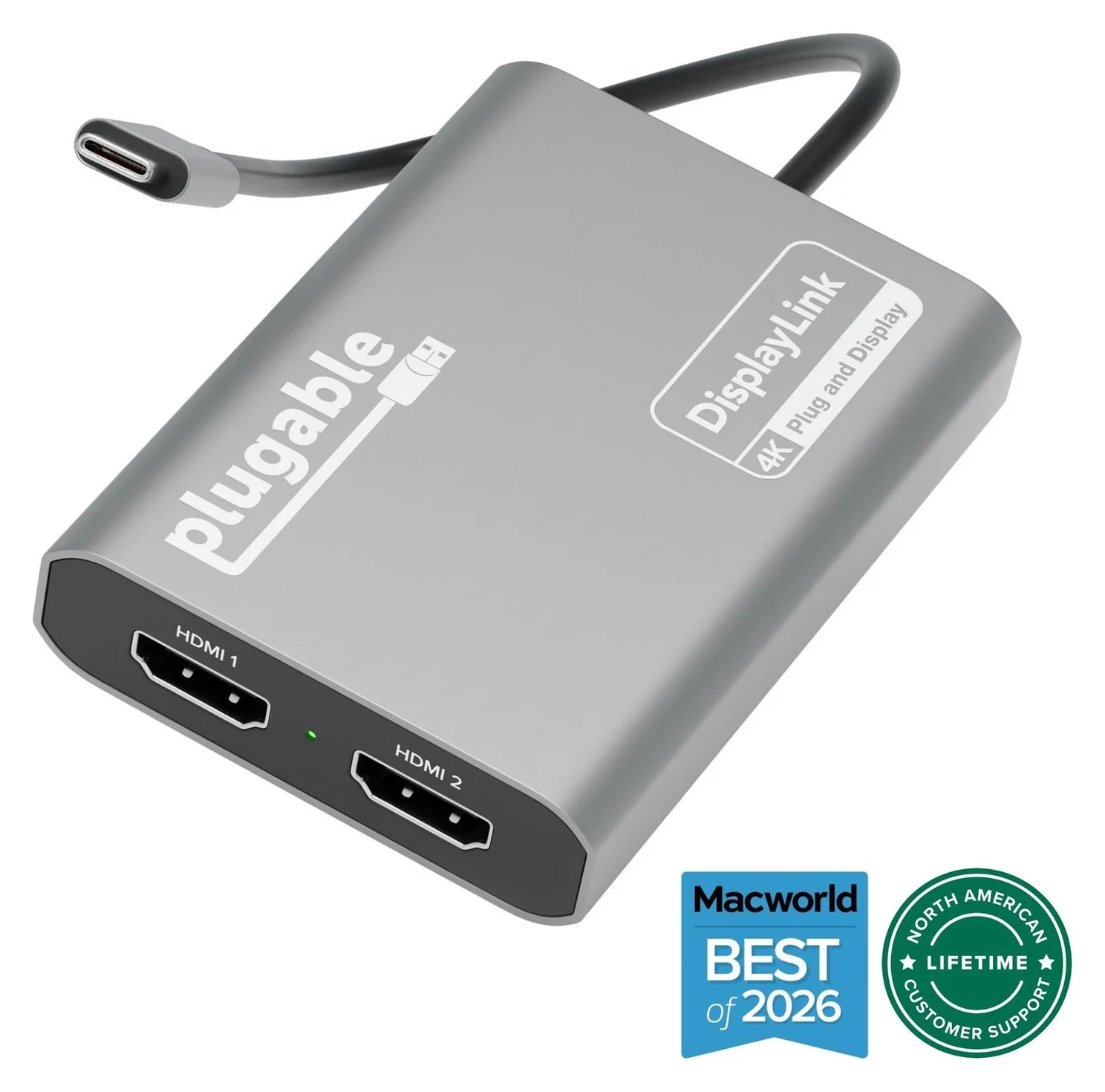
Plugable
Plugable USBC-6950M USB-C to Dual HDMI DisplayLink Adapter (4K@60Hz)
A compact DisplayLink adapter that adds two extended HDMI displays, each up to 4K@60Hz, from one USB-C or Thunderbolt port, with no charging or extra ports.
- 4K60 video
- 2 ports
Choose this competing model if your requirement is two 4K 60Hz HDMI displays from USB-C, rather than either StarTech configuration above. It uses the DisplayLink DL-6950 chipset and supports extended or mirrored displays. Plugable requires HDMI-to-HDMI connections; it excludes HDMI-to-USB-C, DisplayPort Alt Mode and Thunderbolt monitor inputs.
On macOS, install DisplayLink Manager and allow the screen permission; Windows normally gets the driver through Windows Update. Plugable lists ChromeOS 100 or later as plug-and-play. Connect directly to the computer where possible: Plugable warns that another hub, dock or passthrough connection can cause unreliable behavior.
This is a video adapter without laptop charging, USB data ports or Ethernet. Plugable recommends it for office work and discourages latency-sensitive gaming or protected-video playback. For a setup that also needs charging and peripherals, start with our dual-monitor MacBook guide.
Supported display modes: USB 3.0 is not the video rating
Both StarTech adapters list USB 3.2 Gen 1 at 5Gbps as their input, yet their output limits differ: one 4K 30Hz display versus four 1080p 60Hz displays. Choose by the exact model’s supported display mode, not the shared USB speed label. For the single-output model, 4K at 30Hz is its documented ceiling; the monitor stuck at 30Hz guide covers other causes when your adapter should support more.
Protected-video conflict: the USB32HD4K datasheet advertises HDCP 2.2, but StarTech’s own protected-playback FAQ explicitly lists USB32HD4K and USB32HD4 and says protected playback is unsupported. Do not buy either for Netflix or similar protected content; StarTech recommends the built-in display or the computer’s native video outputs for that job. For choosing that connection, use our USB-C to TV guide.
Windows, macOS and managed work computers
Automatic installation still means drivers. StarTech says USB32HD4K can download Windows drivers automatically, and its quad-adapter guide says installation is automatic in most Windows 10 situations. The quad datasheet still requires administrator rights, so have IT approve the exact model and driver before buying for a locked-down computer.
Match the Mac software to the OS. StarTech’s USB32HD4K datasheet lists macOS 10.14 or later, while the current Synaptics download page lists DisplayLink Manager 17.0 for macOS 14, 15, 26 and 27. Those lists describe different things: the adapter’s compatibility statement and the current app’s supported systems. Use the release listed for your OS instead of assuming the newest download covers an older Mac.
Plugable’s Mac documents conflict. Its USBC-6950M product specifications say macOS 11 or later, but the support-policy FAQ embedded on the same page lists macOS 14, 15, 26 and 27 and says older releases are unsupported. That FAQ also says Plugable does not support legacy DisplayLink software. For an older Mac, confirm support with Plugable before purchasing; do not treat the product-page minimum as a current support promise.
On a Mac, DisplayLink Manager must be running and have the required screen permission to produce video. Synaptics explains that the permission lets the app access pixels for the external displays; it does not store or record screen content.
- Yes: USB32HD4K: DisplayLink path for a supported Mac with the required software
- No: USB32HD4: no macOS, ChromeOS or Linux support
- Partly: Managed Windows computer: confirm driver installation rights with IT
- Partly: Existing DisplayLink dock plus USB32HD4: StarTech advises avoiding mixed chipset families
HDMI cables and the complete display kit
| Model | Maker’s listed box contents and host lead | Add to complete the display setup |
|---|---|---|
| USB32HD4K | Adapter, software disc and instruction manual; USB-A host connection | An HDMI cable for the screen |
| USB32HD4 | Adapter and quick-start guide; attached 1 m USB-A cable | An HDMI cable per connected screen |
| USBC-6950M | Adapter and quick-start guide; captive 0.22 m USB-C cable | HDMI-to-HDMI cables; Plugable recommends HDMI 2.0 cables |
None of those package lists includes HDMI cables, so count the usable cables you already own before ordering. Both StarTech models use USB bus power; a separate adapter power brick is unnecessary. For Plugable, keep a separate laptop-charging plan because this adapter provides no charging.
Check the exact product ID on the listing
Compare the full ID with the specification, including the final K. Also watch for USBC2HD4: StarTech’s shared quad-display guide distinguishes that USB-C host version from the USB-A USB32HD4. Match the host connector before choosing between them.
Match the model
Compare USB32HD4K or USB32HD4 and the host plug against the maker’s specification.
Approve the software
Use DisplayLink for USB32HD4K; use Trigger for USB32HD4 and check administrator rights.
Complete the kit
Add HDMI cables for the connected displays; check the maker’s included-items list.
Arrange the desktop
On USB32HD4, use Windows Display Settings to arrange the connected screens.
If a Windows quad setup detects fewer screens than expected, StarTech’s support walkthrough starts with driver verification in Device Manager and then Windows Display Settings. Check those before treating the missing display as proof that a different adapter is needed.
How we choose
Our recommendations come from official manufacturer documentation. We compare exact product IDs, simultaneous display modes, chipset and software requirements, operating-system support and package contents. We prioritize a usable kit and explicit support over a broad “4K” label. Where the maker’s documents disagree, we explain the conflict so you can check the buying condition that matters. We have not physically evaluated these adapters.
Verdict
| Your requirement | Buy-by-use-case decision |
|---|---|
| One HDMI office monitor from USB-A | USB32HD4K, if 4K at 30Hz meets your needs |
| Four independent Windows office monitors | USB32HD4, for 1080p at 60Hz with approved Trigger drivers |
| Two 4K 60Hz HDMI office monitors from USB-C | USBC-6950M, after checking the current OS support policy |
| Gaming or protected streaming | Use another display connection; these are office-display recommendations |
Choose the screen configuration first, then confirm the host connector, software approval and complete cable kit. A similar-looking product ID is not enough to make the adapters interchangeable.
Frequently asked questions
What is the difference between StarTech USB32HD4K and USB32HD4?
USB32HD4K is the single-HDMI DisplayLink model, rated up to 4K at 30Hz. USB32HD4 is the quad-HDMI Trigger model, rated for four independent 1080p displays at 60Hz and supported only on Windows. Choose by screen count, required resolution and operating system; the similar product IDs describe very different display setups.
Does a StarTech USB 3.0 to HDMI adapter need a driver?
Yes for these models on Windows: USB32HD4K uses DisplayLink and USB32HD4 uses Trigger. Automatic installation still installs software. StarTech says USB32HD4 installation is automatic on Windows 10 in most situations, but its datasheet requires administrator rights. On current macOS, a compatible DisplayLink model needs DisplayLink Manager running with the required screen permission.
Will the StarTech quad HDMI adapter work on a Mac?
USB32HD4 is Windows-only; StarTech explicitly excludes macOS, ChromeOS and Linux. USB32HD4K is the single-display model whose datasheet lists Mac support. For two HDMI office screens from USB-C, the competing Plugable USBC-6950M uses DisplayLink; check its current support policy and the driver requirements for your macOS release before buying.
Can USB32HD4K output 4K at 60Hz?
No. StarTech rates USB32HD4K for a maximum of 4K at 30Hz. The quad-output USB32HD4 is not a 4K upgrade either: it supports 1080p at 60Hz on its outputs. If you need two 4K 60Hz HDMI office displays and have USB-C, the Plugable USBC-6950M is the alternative compared here.
Can I use these StarTech adapters for Netflix or gaming?
Choose another connection for that job. StarTech says USB32HD4K is not intended for graphics-intensive gaming, and gives the same warning for CAD or gaming on USB32HD4. Its support FAQ lists both models and says HDCP-protected playback is unsupported, despite the HDCP 2.2 wording in the USB32HD4K datasheet. For protected video, StarTech recommends the computer’s built-in display or native video outputs.
Competing option for two 4K office displays
Plugable USBC-6950M USB-C to Dual HDMI DisplayLink Adapter (4K@60Hz)
Related guides
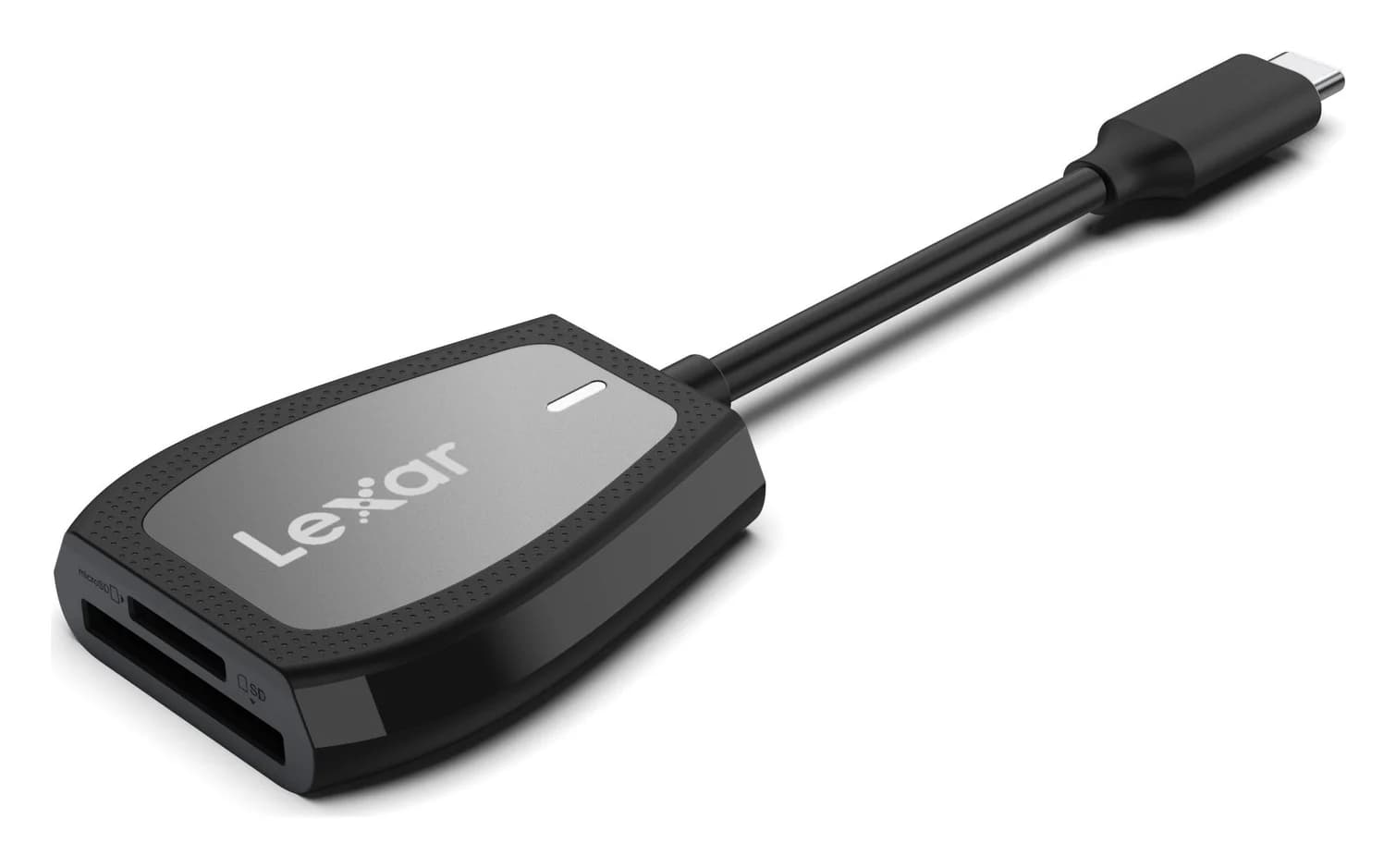
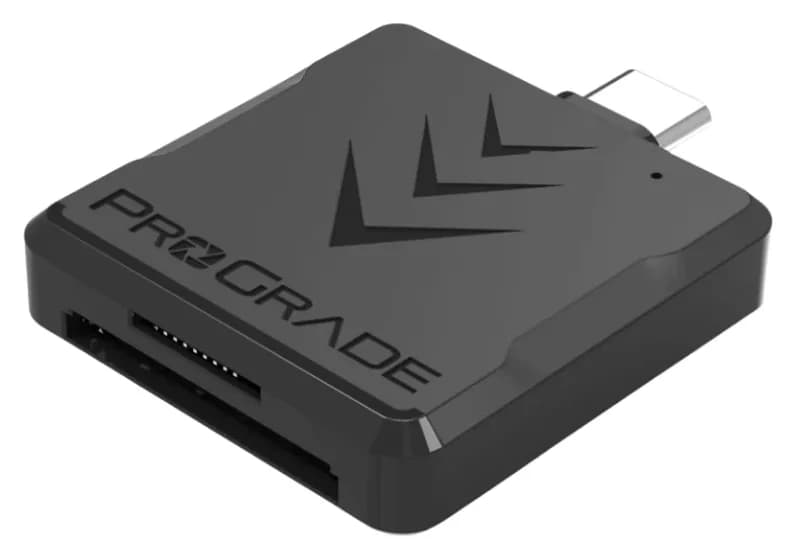
Best SD Card Readers in 2026: USB-C Picks for Every Workflow
The SD card readers worth buying, from makers' spec sheets: UHS-II dual-slot picks from Lexar and ProGrade, Apple's USB-C reader, and an Anker hub that reads cards too.
Updated November 7, 2026Read
Best KVM Switches: Two Computers, One Keyboard, Mouse and Monitor Set
Pick the right KVM switch for two PCs, laptops, dual monitors, gaming or USB-only sharing. Compare HDMI, DisplayPort and USB-C models, docks and Mac limits.
Updated November 7, 2026Read
The Best USB Wi-Fi Adapters for Mac (The macOS Compatibility Truth)
Which USB Wi-Fi adapters actually support a Mac? The verified models, the macOS version limits, the USB-C problem on modern Macs, and the Ethernet workaround.
Updated November 10, 2026Read