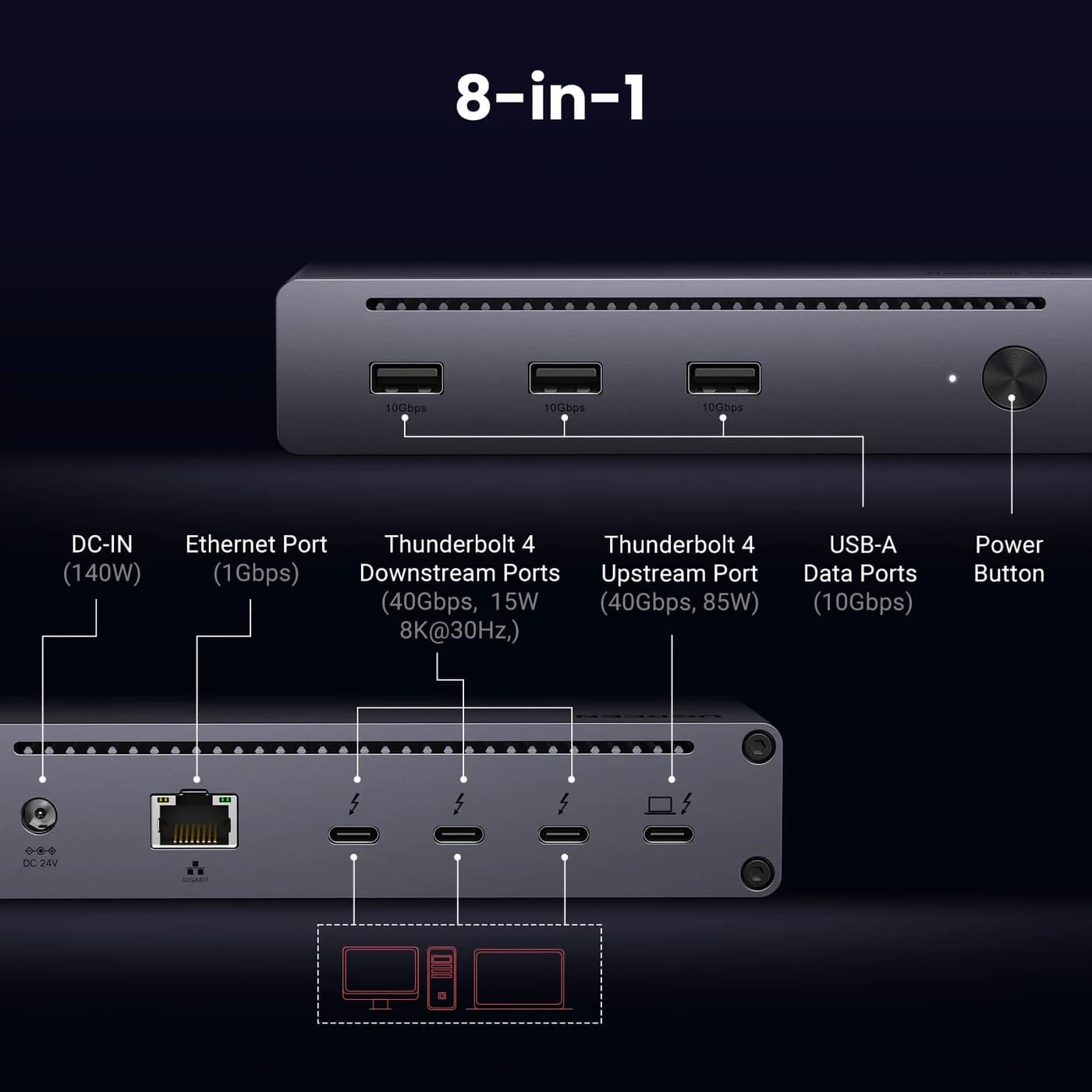
Ports
UGREEN
A Thunderbolt 4 hub-style dock with three downstream Thunderbolt 4 ports, three 10Gbps USB-A ports, Gigabit Ethernet and 85W laptop charging.
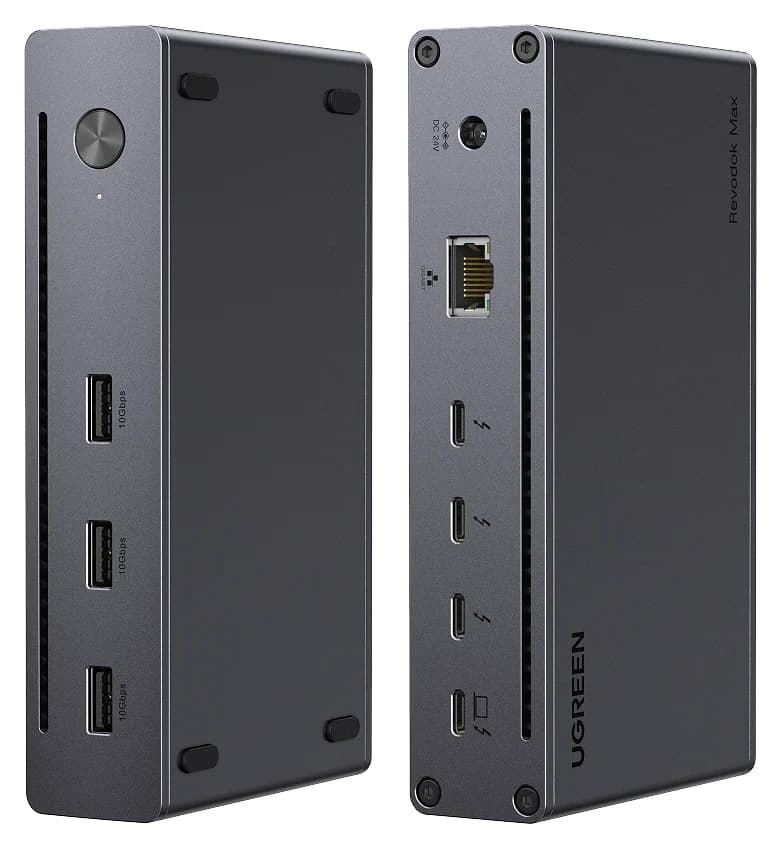
Photo: UGREEN
Tap a port to see what it’s for.
Ports
Laptop charging through the hub
85W
Keeps MacBook Airs, 13-14" ultrabooks and most Windows laptops charged under normal use. A 16-inch MacBook Pro will charge slowly under heavy load.
Data speed
40 Gbps
Thunderbolt/USB4 class: fast NVMe SSDs, docks and high-res displays over one cable.
Display output
Via Thunderbolt ports:
Smooth high-resolution output for a monitor or TV.
Total ports
8
Covers a typical desk setup: display, a few USB devices, cards or Ethernet.
| Downstream Thunderbolt | 3x Thunderbolt 4 (40Gbps, 15W each) |
|---|---|
| USB | 3x USB-A 3.2, 10Gbps |
| Ethernet | Gigabit |
| Host charging | 85W max |
| Power adapter | 140W GaN, included |
| Displays (Windows) | Dual 4K60 or single 8K30 |
| Displays (Mac) | Dual 4K60 on Pro/Max chips; single 4K60 on base M-series chips |
From manufacturer documentation, checked September 27, 2026. Spotted an error? Tell us.
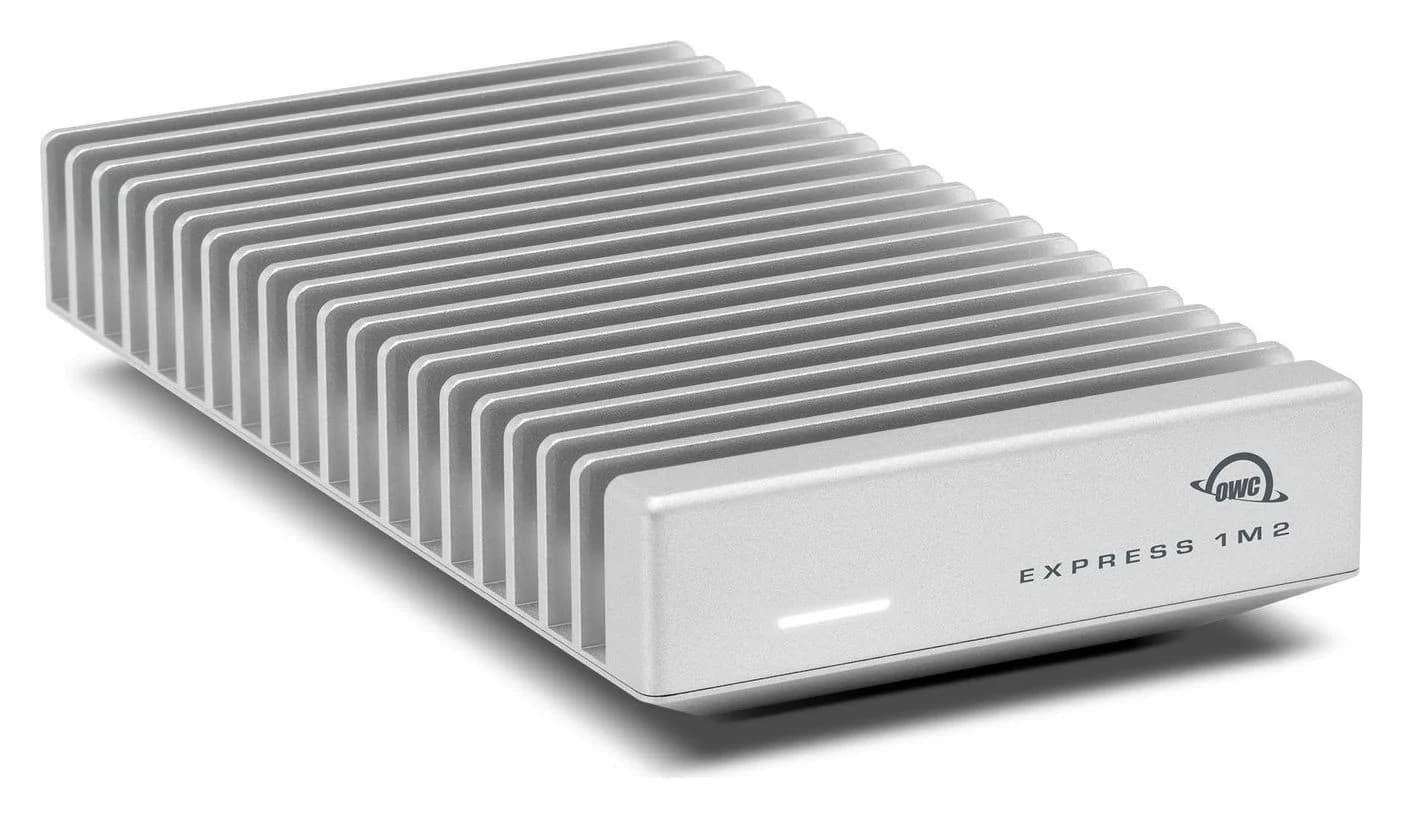
Choose a Mac mini Thunderbolt dock or an SSD stand with the right fit, ports and NVMe drive. Compare complete storage kits and avoid compatibility mistakes.
Updated November 3, 2026Read
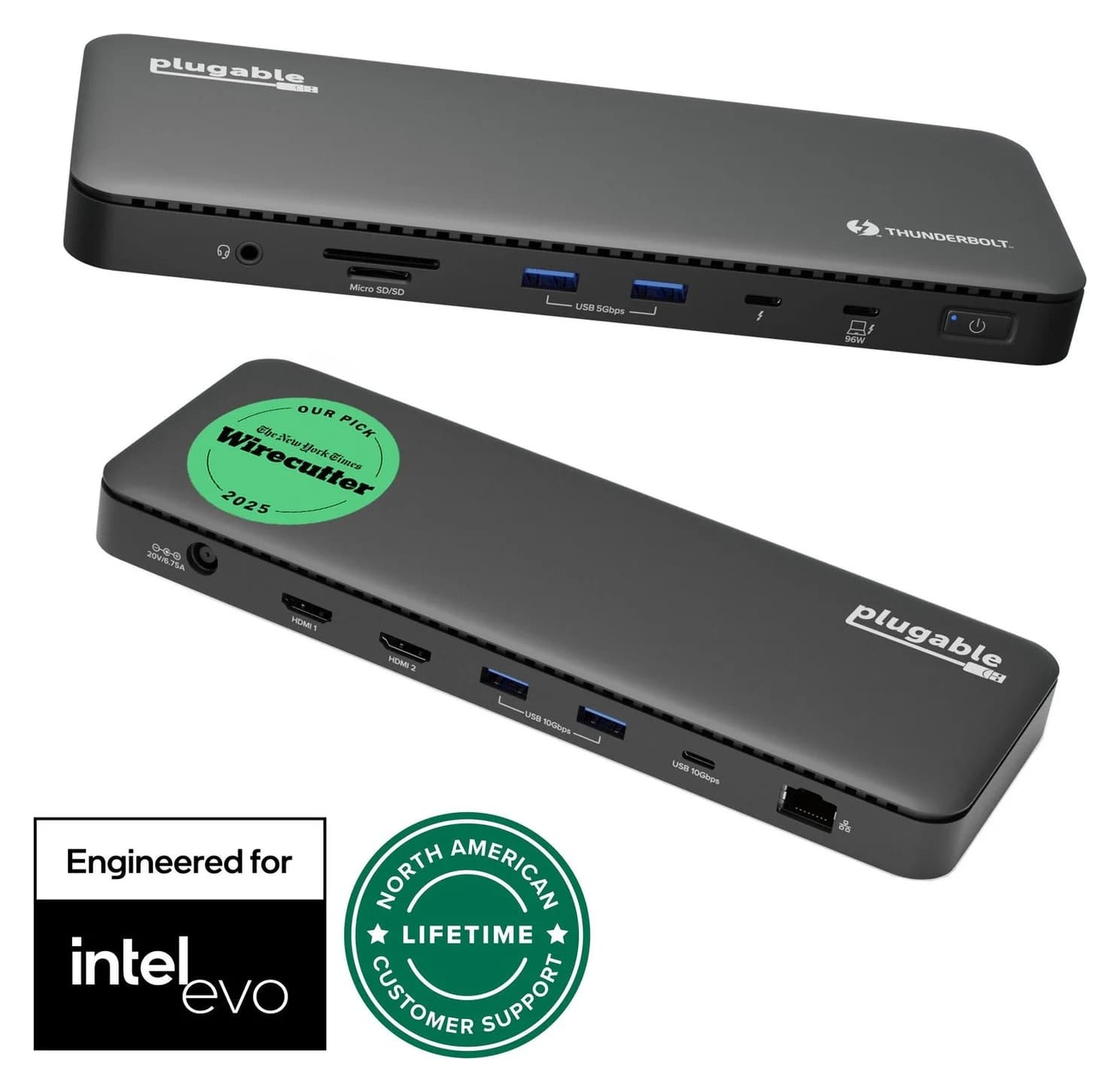
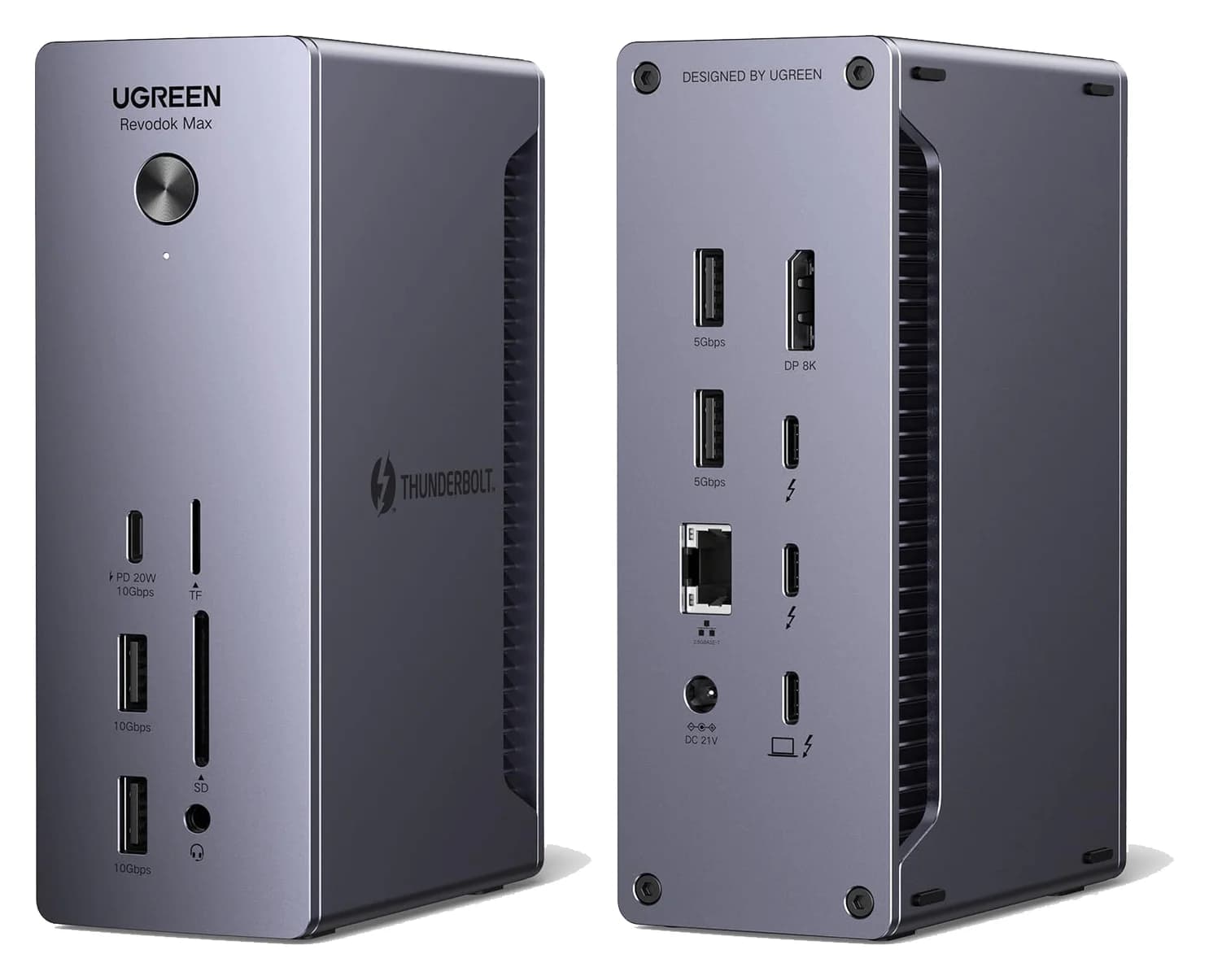
Choose a Thunderbolt 4 dock for your M4 MacBook Air: compare monitor connections, charging, Ethernet and the cables needed for a complete one-cable desktop.
Updated November 5, 2026Read
Thunderbolt 4 and Thunderbolt 5 docks compared on host charging, display support for Mac and Windows, and port mix, so one cable runs your whole desk.
Updated October 30, 2026Read
Choose your UGREEN Thunderbolt 4 dock: Max 208 vs Max 213 ports, 25054/25054A model codes, supplied power adapters, monitor cables and Mac display limits.
Updated November 5, 2026Read
The Go Dock packs its own power for travel; the TS4 anchors a desk with 18 ports and 98W charging. Compare full kits, monitors and which to buy.
Updated November 5, 2026Read
A spec-sheet comparison of the UGREEN Revodok Max 208 and Belkin CONNECT Pro TB4 dock: ports, dual 4K displays, charging and the complete kit you actually buy.
Updated November 5, 2026Read
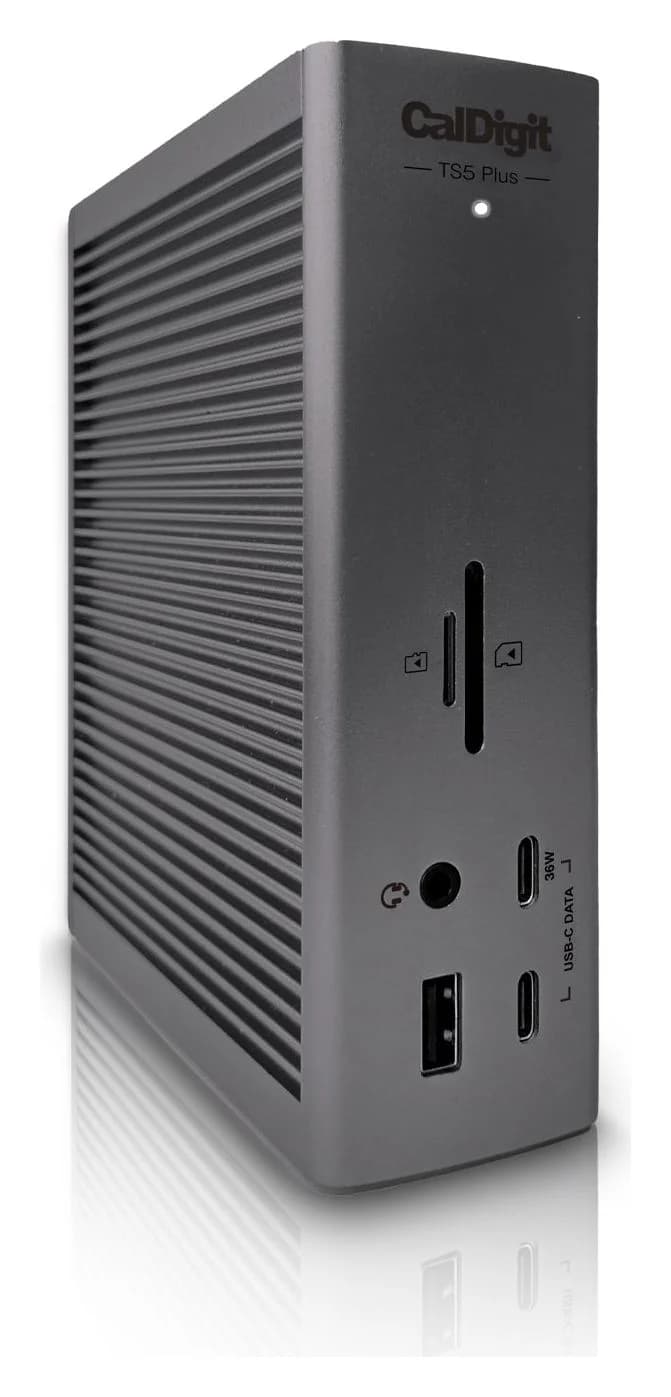
A 20-port Thunderbolt 5 dock with 10 Gigabit Ethernet, a DisplayPort 2.1 output, two 80Gb/s Thunderbolt 5 ports and 140W laptop charging.
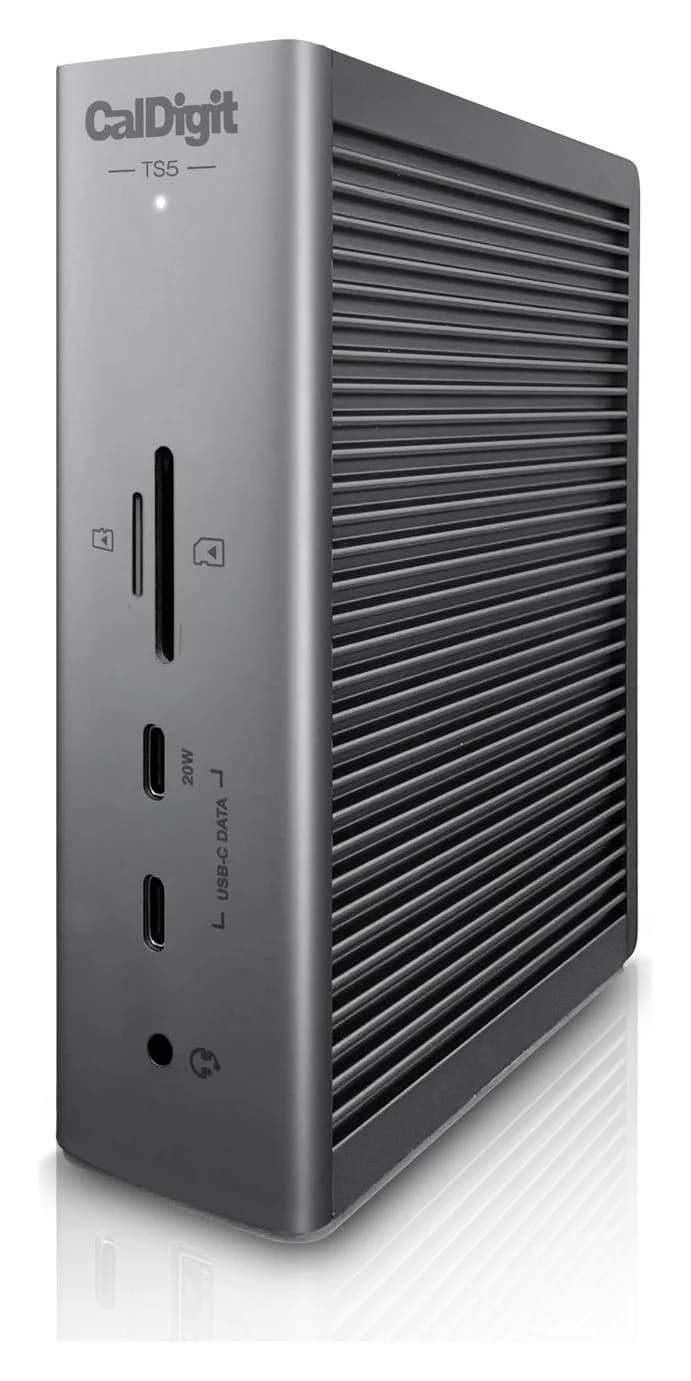
A 15-port Thunderbolt 5 dock with three downstream 80Gb/s Thunderbolt 5 ports, 2.5GbE, UHS-II readers and 140W laptop charging.
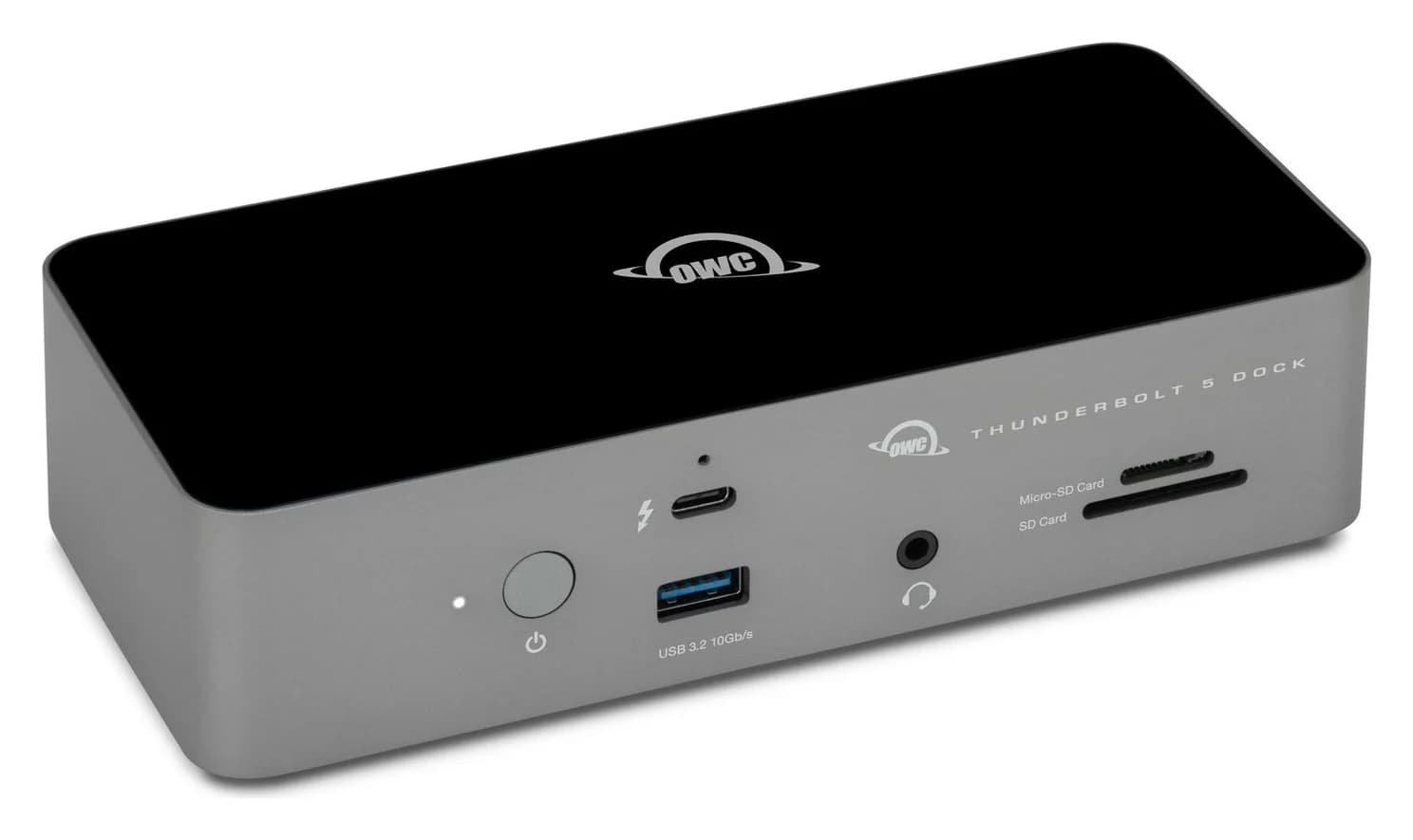
A fanless 11-port Thunderbolt 5 dock with three downstream Thunderbolt 5 ports, 2.5GbE, UHS-II card readers and 140W laptop charging.