Black Friday: the specs to check before you buy
Explainer
Updated November 8, 2026Belkin BoostCharge 10K Power Banks: Which Version Should You Buy?
Short answer
For a USB-C phone, our Belkin pick is the BoostCharge BPB021: its built-in USB-C cable handles up to 20W charging and recharging. Choose BPB006 Plus for built-in Lightning and USB-C, or BPB027 for a detachable USB-C cable and digital battery display. The BPB011 suits existing USB-A accessories, but its USB-C socket does not support USB Power Delivery; the shared “BoostCharge 10K” name is not enough to choose by.
Our picks at a glance
Faster wired alternativeAnker
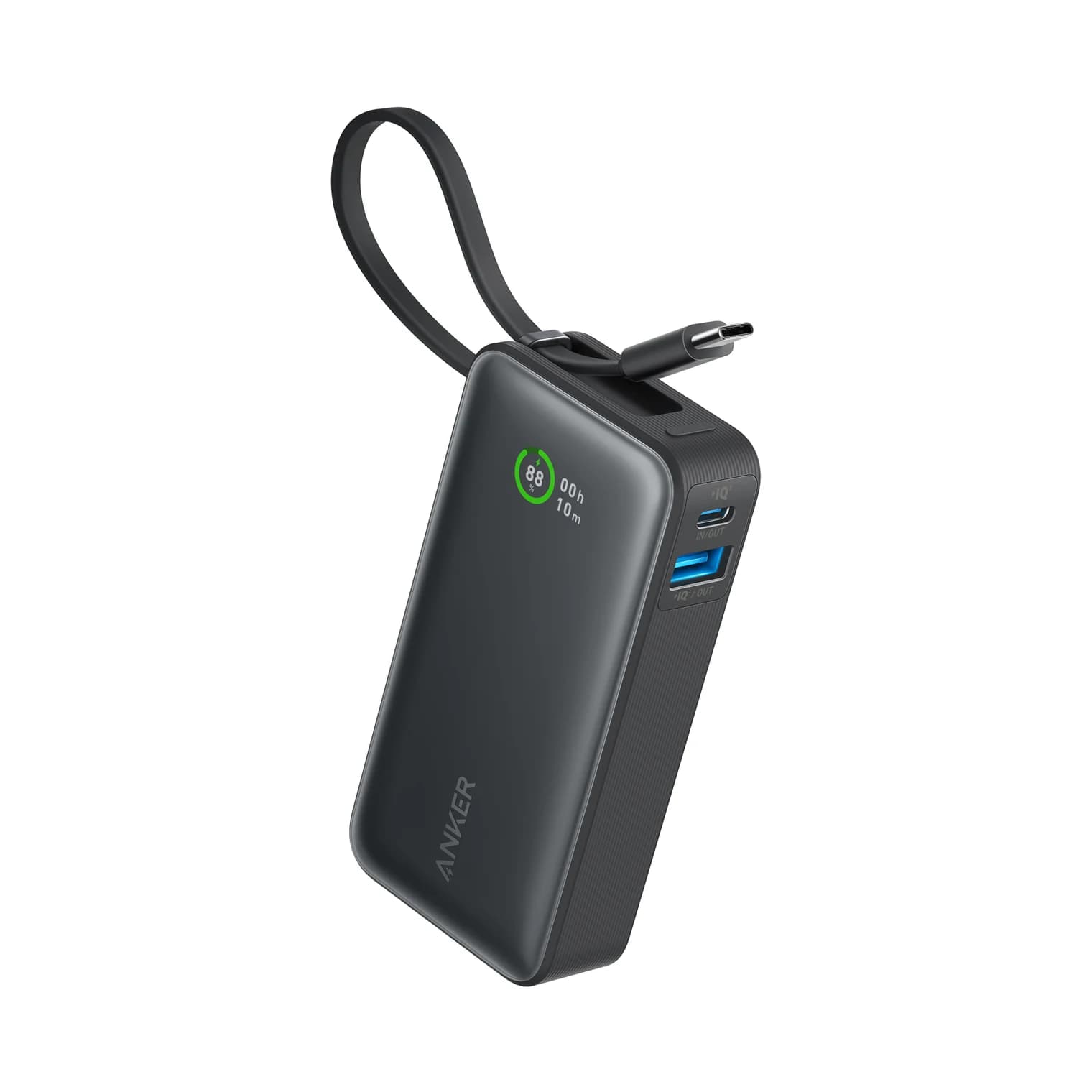
Anker Nano Power Bank (10,000mAh, 30W, Built-In USB-C Cable)
- max output
- 30W
- ports
- 3
- Choose
- Anker Nano A1259 supports 30W input and output through its built-in USB-C cable or USB-C port.
- Limit
- Anker lists a lower total output figure, so expect slower speeds when charging two devices at once
Quick picks
- USB-C phone, cable always attached: Belkin BPB021.
- Lightning and USB-C devices in the same bag: Belkin BPB006 Plus.
- Detachable cable and battery display: Belkin BPB027.
- Two USB-A outputs for cables you already own: Belkin BPB011; BPB011 ships with a USB-A to USB-C cable, and our USB to USB-C adapter guide covers other connector pairings.
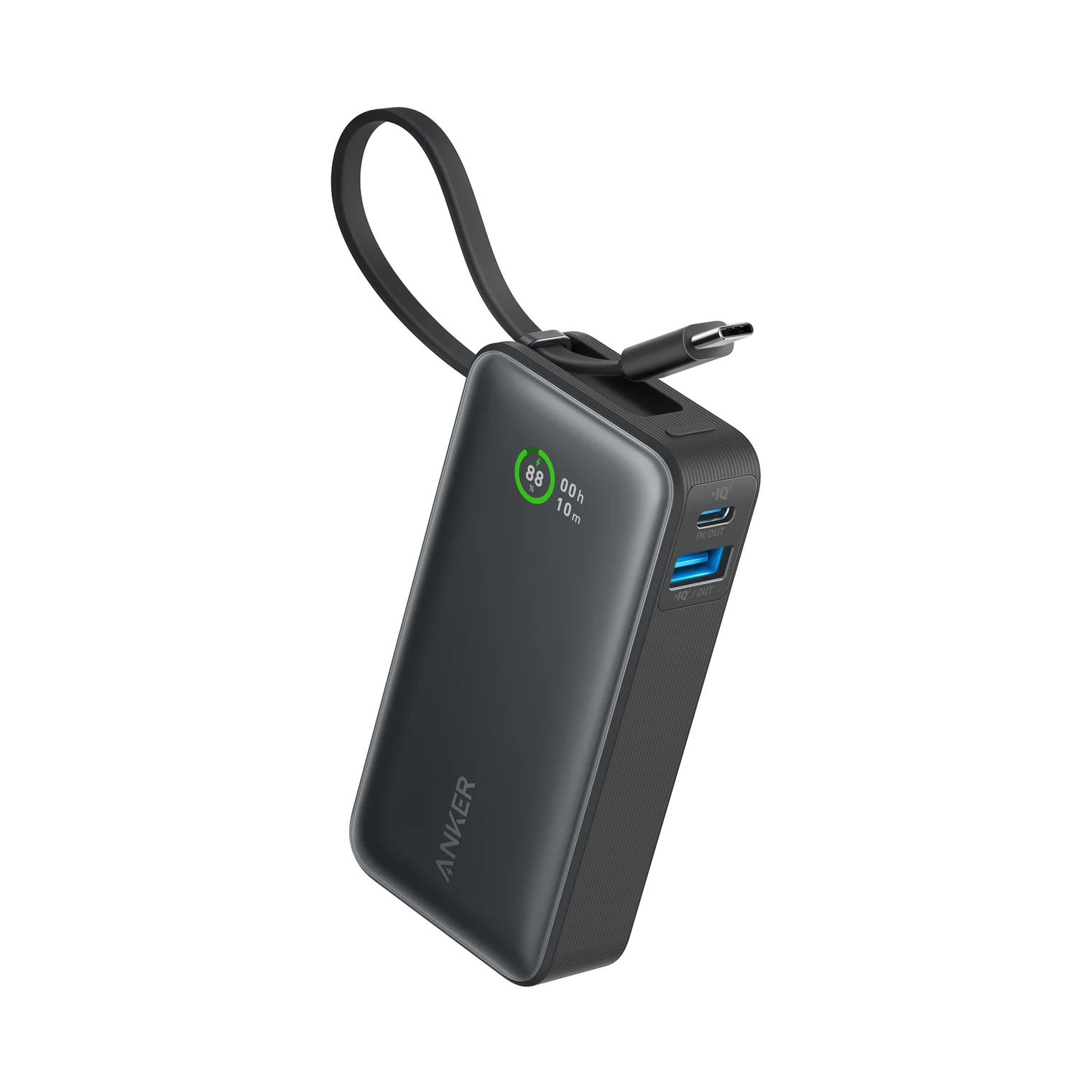
- Higher USB-C input/output rating: Anker Nano A1259: check price on Amazon.
Compare the model numbers, not just “10K”
These are all nominal 10,000mAh banks. That describes internal cell capacity, not watts or the amount delivered to your phone; Belkin explicitly says discharge to the device is lower and varies with conditions.
| Exact model / US black SKU | Attached cables and sockets | Maximum to one device | Shared output | Recharging input |
|---|---|---|---|---|
| BPB021 / BPB021fqBK | Built-in USB-C cable; one USB-C socket | 20W USB-C PD | 15W total across cable and socket | 20W through USB-C cable or socket |
| BPB006 Plus / BPB006btBLK | Built-in USB-C and Lightning; one USB-C socket | 18W | Up to 23W; connection-dependent | 18W USB-C; cable or socket |
| BPB027 / BPB027fqBK | Two USB-C sockets; detachable cable included | 20W USB-C PD | 15W total | USB-C; 9V/2.22A input listed |
| BPB011 / BPB011btBK | Two USB-A sockets; one USB-C socket | USB-C: 15W; USB-A: see conflict below | 15W total across up to three devices | USB-C: 5V/3A, 15W; no PD |
| Anker Nano / A1259 | Built-in USB-C; USB-C and USB-A sockets | USB-C: 30W; USB-A: 22.5W | 24W total listed | 30W through USB-C cable or socket |
Sources: Belkin's BPB021 FAQ, BPB006 instructions, BPB027 product page and regulatory sheet, BPB011 FAQ, and Anker's A1259 specifications.
Source: Model-specific manufacturer pages linked above
Conflicting official specs deserve attention. Belkin's USB-C family table labels both the Display and integrated-cables models 30W, and describes the Display version with USB-A; BPB027's own page specifies 20W and two USB-C ports, while BPB006's documentation specifies 18W to one device. BPB011's product page also has an 18W field, while its feature list and FAQ specify 15W; its FAQ labels USB-A 5V/2.4A as “15W,” while the product page calls each USB-A output 12W. These inconsistencies remain unresolved: the table above identifies the model-specific ratings and does not promise the higher conflicting figures. For BPB011, treat USB-A wattage as disputed and choose another model if a guaranteed fast-charge protocol is your priority.
Best Belkin for USB-C phones: BPB021
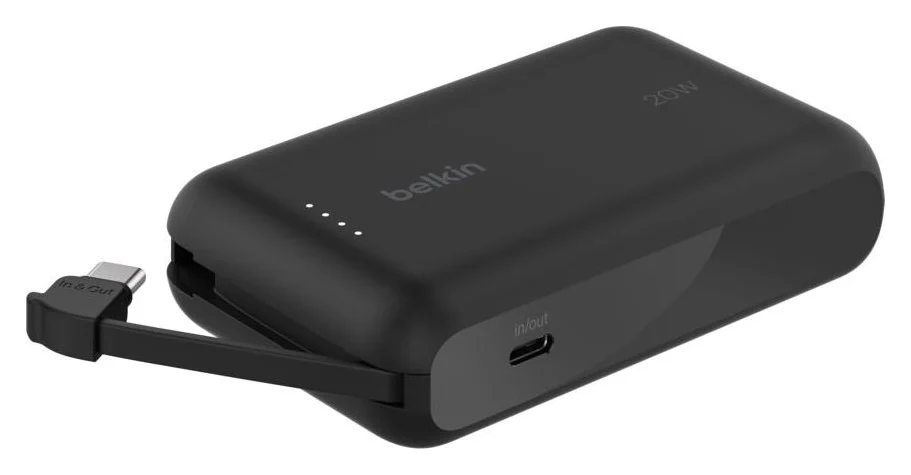
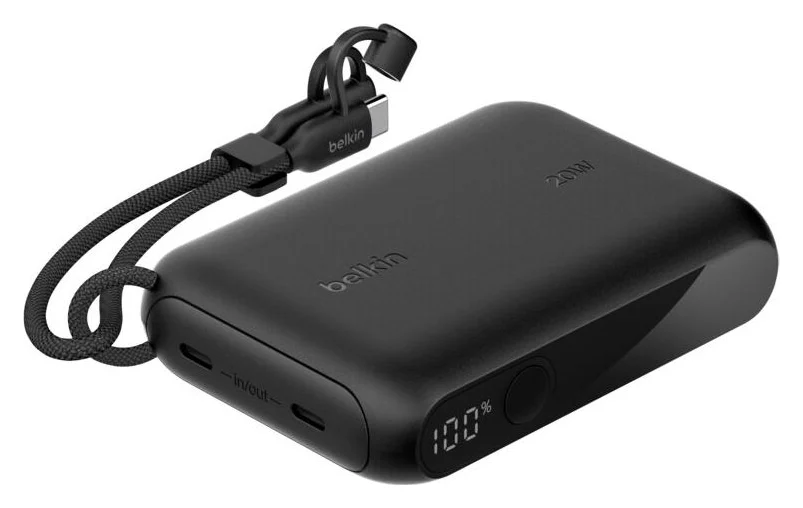
Buy this when forgetting your phone cable is the problem. The BPB021 FAQ confirms up to 20W USB PD from either the attached USB-C cable or the separate USB-C socket, and up to 20W input through either connection. You can recharge it by plugging its own cable into a compatible USB-C charger.
The attached cable is short: 2.2 inches / 5.7cm. Consider the detachable-cable model below if you want to position the bank farther from your phone. Connecting another device drops the shared ceiling to 15W, rather than providing full power twice.
Belkin lists pass-through charging on the US product page. For a Lightning iPhone, Belkin says to add a USB-C to Lightning cable; that removes this model's main convenience advantage.
See the exact BPB021fqBK package at Belkin.
Best for Lightning and USB-C together: BPB006 Plus
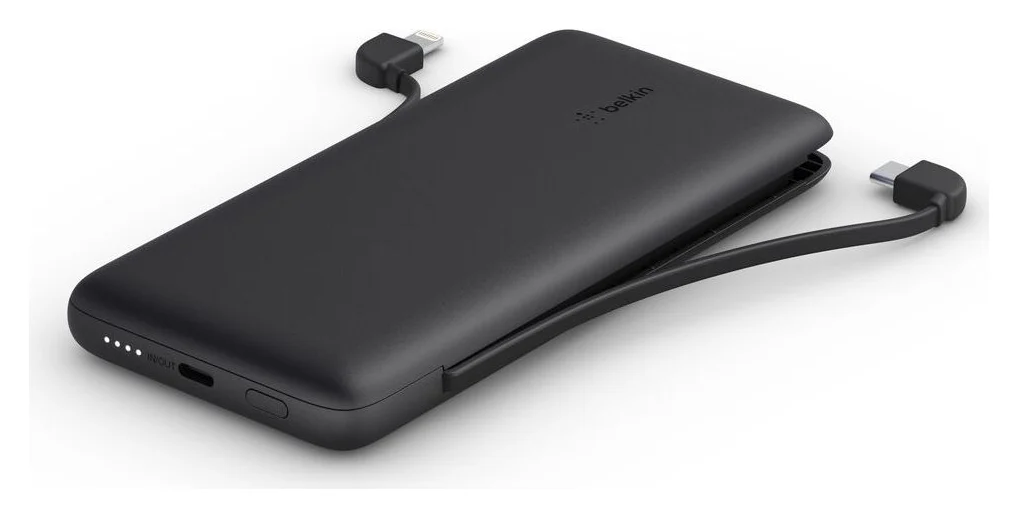
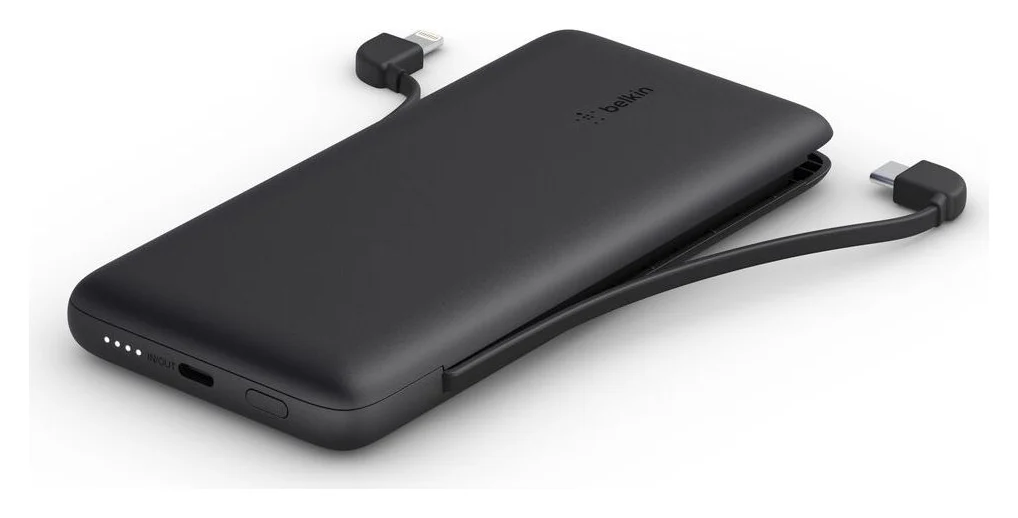
BPB006 is the Plus 10K with two integrated cables. Belkin specifies a built-in Lightning cable and a built-in USB-C cable, each approximately 5 in long, plus a USB-C input/output socket. It is our pick for carrying both connector types without packing separate phone cables.
The important number for one device is 18W, not the 23W combined headline. Belkin's connection instructions give the actual pairings:
| Connections used together | Documented maximum |
|---|---|
| Built-in USB-C + built-in Lightning | 18W USB-C + 5W Lightning; 23W combined |
| Built-in USB-C + USB-C socket | 18W cable + 5W socket; 23W combined |
| USB-C socket + built-in Lightning | 15W shared |
It supports two devices at once, not three. If the Lightning phone needs the highest output available to it, charge it alone. Belkin's instructions also allow refilling through the integrated USB-C cable or the USB-C socket at up to 18W.
See the exact BPB006btBLK package at Belkin.
Best Belkin with a detachable cable: BPB027
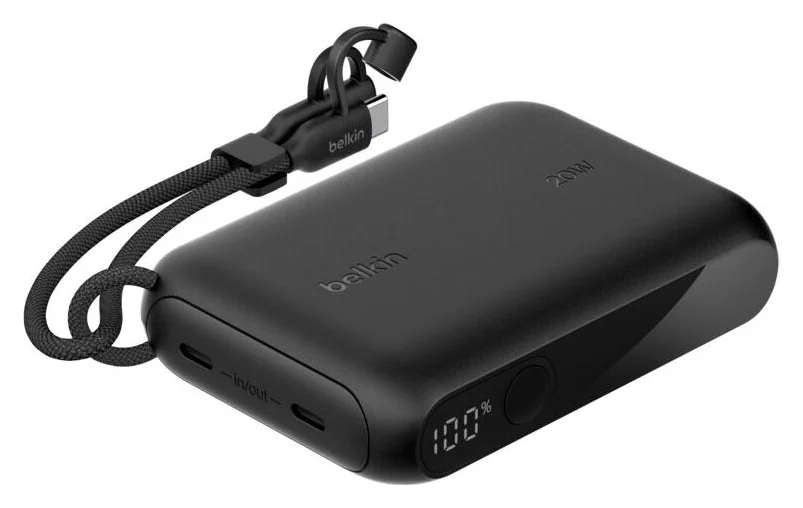
Choose the BPB027 when you want the cable to be replaceable. It has two USB-C sockets, a digital battery-level screen, and a supplied 6-inch / 15cm USB-C to USB-C cable rated for 60W. That cable rating does not turn the bank into a higher-output charger: its product page specifies 20W for one device and 15W total when both ports are used.
Belkin lists pass-through charging, and its regulatory sheet lists 9V/2.22A among the input profiles. Compared with BPB021, the buying reason is the detachable cable and display, not higher single-device output. For a Lightning phone, add a USB-C to Lightning cable; the supplied cable has USB-C at both ends.
See the exact BPB027fqBK package at Belkin.
For existing USB-A accessories: BPB011
Choose BPB011 only when its two USB-A outputs solve a specific cable problem. It also has a USB-C input/output, so describing it as USB-A-only would be wrong. What it lacks matters more: the model FAQ explicitly says no fast charging, no USB Power Delivery and no pass-through charging.
Up to three devices share 15W. A USB-C phone can use its USB-C output, but the included 6-inch USB-A to USB-C cable does not connect two USB-C sockets; bring a separate USB-C to USB-C cable for that route. Our types of USB-C cables explained guide covers what those cables can carry. If you already own BPB011, those ports remain useful. For a new USB-C phone kit, we prefer BPB021's documented PD support.
Check the BPB011btBK package at Belkin.
Faster wired alternative: Anker Nano A1259
Anker
Anker Nano Power Bank (10,000mAh, 30W, Built-In USB-C Cable)
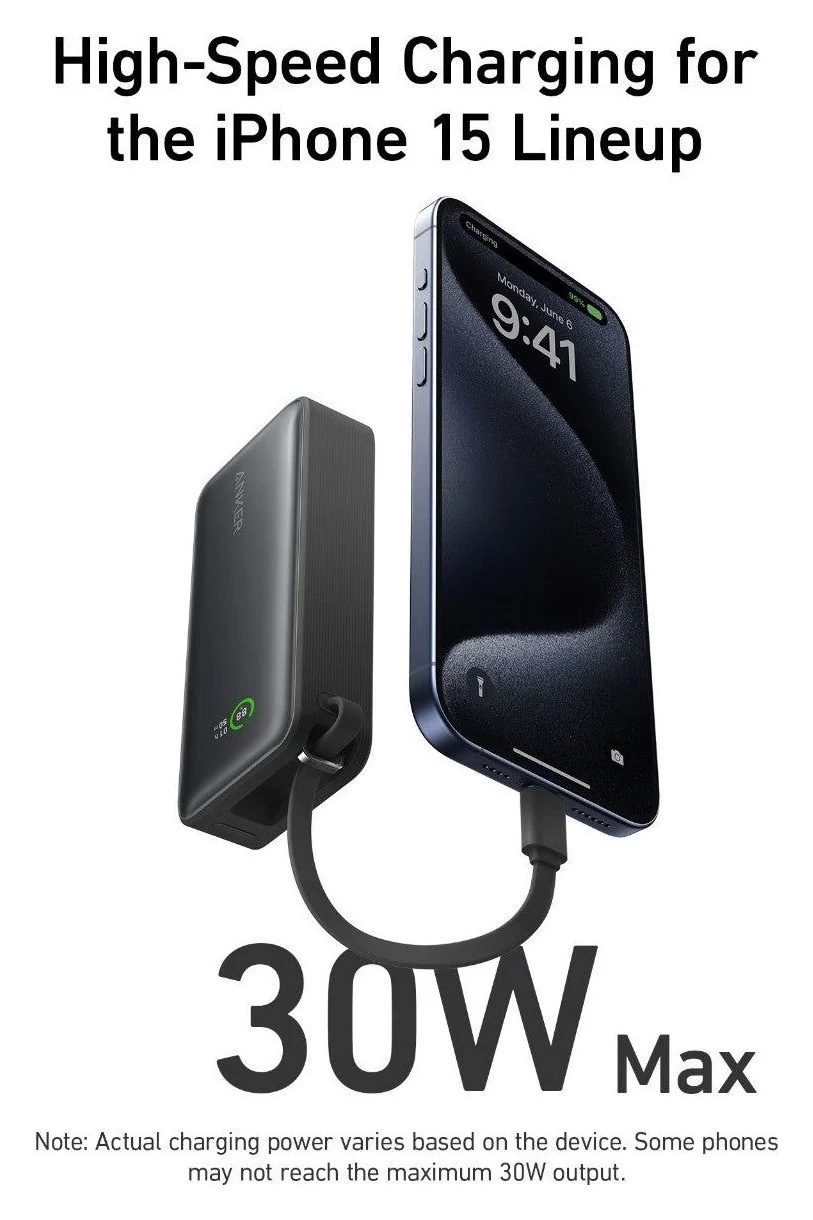
A 10,000mAh power bank with a built-in USB-C cable plus separate USB-C and USB-A ports, rated up to 30W.
- 30W max output
- 3 ports
The Anker Nano A1259 is the alternative when refill speed matters as much as charging your phone. Its built-in USB-C cable and separate USB-C socket each support up to 30W input and output. It also has a USB-A output rated up to 22.5W, a battery display and the same nominal 10,000mAh capacity.
Anker separately lists 24W total output alongside the single-connection ratings. Budget for that lower total when sharing; do not add the individual maxima together. Its manual repeats both figures. This is our recommendation for the higher rated USB-C ceiling, not a promise that every phone will draw it.
Check price on Amazon for the Anker Nano A1259.
Build the complete charging kit
The standard Belkin package lists below do not include a wall adapter. Plan around a compatible charger you already own, or add one; compare the complete kit rather than the bank alone.
| Bank | Charging equipment supplied | What to supply for recharging |
|---|---|---|
| BPB021 | Integrated USB-C cable; no separate charging cable listed | Compatible USB-C PD charger for up to 20W input |
| BPB006 Plus | Integrated USB-C and Lightning cables; no separate charging cable listed | Compatible USB-C charger for up to 18W input; built-in USB-C can connect directly |
| BPB027 | Detachable 6-inch / 15cm, 60W USB-C to USB-C cable | Compatible USB-C charger; use the supplied cable |
| BPB011 | 6-inch USB-A to USB-C cable | USB power source for the included cable, or USB-C source and a separate USB-C to USB-C cable for its 5V/3A input |
| Anker A1259 | Integrated USB-C cable | Compatible 30W USB-C source to use the full input rating; no separate refill cable needed |
Package sources: BPB006 FAQ, BPB011 FAQ, BPB021 FAQ, and the product pages above. The Anker row identifies its built-in cable without assuming extra box accessories. Our USB-C charger guide helps with the missing adapter.
Match your phone, then check the offer
Apple confirms that iPhone 15 and later use USB-C. For those phones, start with BPB021 or BPB027; for a Lightning iPhone, BPB006 avoids carrying a separate Lightning cable. Belkin specifically says a USB-C to Lightning cable is sold separately for older iPhones with BPB021 and BPB027. If you want a bank that attaches magnetically, use our MagSafe power-bank guide to choose that different family.
Match the model
Compare the full SKU with the table, then check the connector your phone actually uses.
Check the capacity selection
Belkin's BPB021, BPB027 and BPB011 pages offer both 10K and 20K selections; confirm the selected version.
Check the package
Verify the cable and any wall adapter separately, especially on bundle offers.
Check the charging claim
Compare the single-device rating and shared limit, rather than a combined wattage headline.
For a Black Friday offer, save the exact model and package description before comparing another listing. Treat stock and delivery as checkout checks. The BPB011 FAQ lists a BU041 charger bundle with regional plug options separately from the standard bank, so a bundle name is not proof of a US wall plug.
How we choose
These are recommendations based on manufacturer specifications, not measurements of charging speed or runtime. We compared the exact US product SKUs with Belkin's model FAQs, connection instructions and regulatory sheets, and checked Anker's product specifications and manual. The linked documents support connector choice, output limits and refill equipment; conflicting maker claims are identified above.
We give no fixed number of full phone recharges: Belkin says usable discharge is less than internal capacity and varies with conditions. For broader capacity choices, see our power-bank buying guide. Our USB Power Delivery explainer covers charging terminology.
Verdict
Buy BPB021 for built-in USB-C convenience, BPB006 Plus for Lightning and USB-C together, or BPB027 for a detachable cable and display. Choose BPB011 when its USB-A sockets fit equipment you already own. The Anker Nano A1259 is our alternative for higher rated USB-C input and output; check the exact model and refill equipment before buying.
Frequently asked questions
Which Belkin BoostCharge 10K power bank should I buy?
Our pick for a USB-C phone is BPB021: it has a built-in USB-C cable and up to 20W output to one device. Choose BPB006 Plus if you need built-in Lightning as well. BPB027 suits buyers who prefer a detachable USB-C cable and digital battery display. BPB011 has USB-A outputs but its FAQ explicitly rules out USB Power Delivery.
What is the difference between Belkin BPB006 and BPB011?
BPB006 Plus has built-in Lightning and USB-C cables, up to 18W single-device output and up to 23W combined across supported pairs. BPB011 has no built-in charging cable: it has two USB-A outputs and a USB-C input/output sharing 15W. Belkin confirms pass-through charging for BPB006 and explicitly says BPB011 does not support it or USB Power Delivery.
Can a Belkin 10K power bank charge an iPhone 15 or newer?
Yes, with the right connection. Apple says iPhone 15 and later have USB-C. BPB021's built-in USB-C cable connects directly, as does BPB006's USB-C cable; BPB027 includes a detachable USB-C cable. BPB011 requires a separate USB-C to USB-C cable to use its USB-C output. These banks have different output limits, so connector compatibility does not make their charging speeds equivalent.
Does the Belkin BoostCharge 10K support pass-through charging?
It depends on the model. Belkin lists pass-through charging for BPB006, BPB021 and BPB027, allowing a device to charge while the bank recharges. The BPB011 FAQ explicitly says no. BPB006's product-page pass-through footnote also says output starts when the bank reaches at least 25% charge. Do not transfer that condition to another model without its own documentation.
Does a Belkin BoostCharge 10K come with a wall charger?
The standard Belkin packages covered here do not list a wall charger. BPB006 and BPB021 carry their charging cables; BPB011 includes a USB-A to USB-C cable; BPB027 includes a detachable USB-C to USB-C cable. A charger bundle is a different package: the BPB011 FAQ lists BU041 separately, including regional wall-plug options. Check the exact package rather than assuming a pictured adapter is included.
Related guides
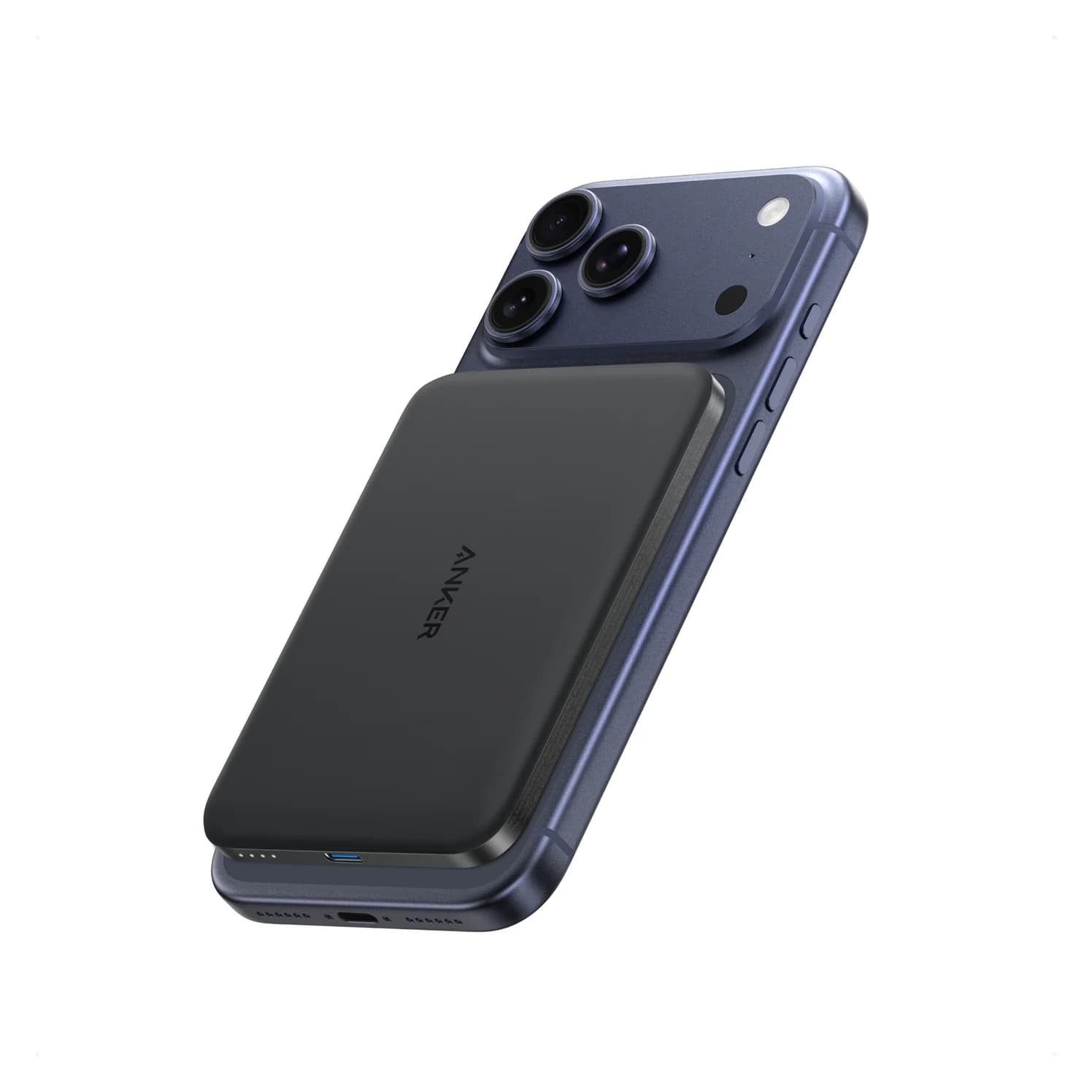
Baseus PicoGo Qi2 5K vs UGREEN MagFlow 5K: The Honest Answer in 2026
No UGREEN MagFlow 5K exists — the real Qi2 5K showdown is Baseus PicoGo vs Belkin BoostCharge Pro 10K. Here are the picks, specs, and gotchas.
Updated November 5, 2026Read
Anker Zolo 10K Power Bank Review: A1688 vs the Nano 10K
Anker Zolo 10K vs Nano 10K: compare built-in cable length, 30W charging, shared output, refill speed and the complete kit, from the makers' own documents.
Updated November 5, 2026Read
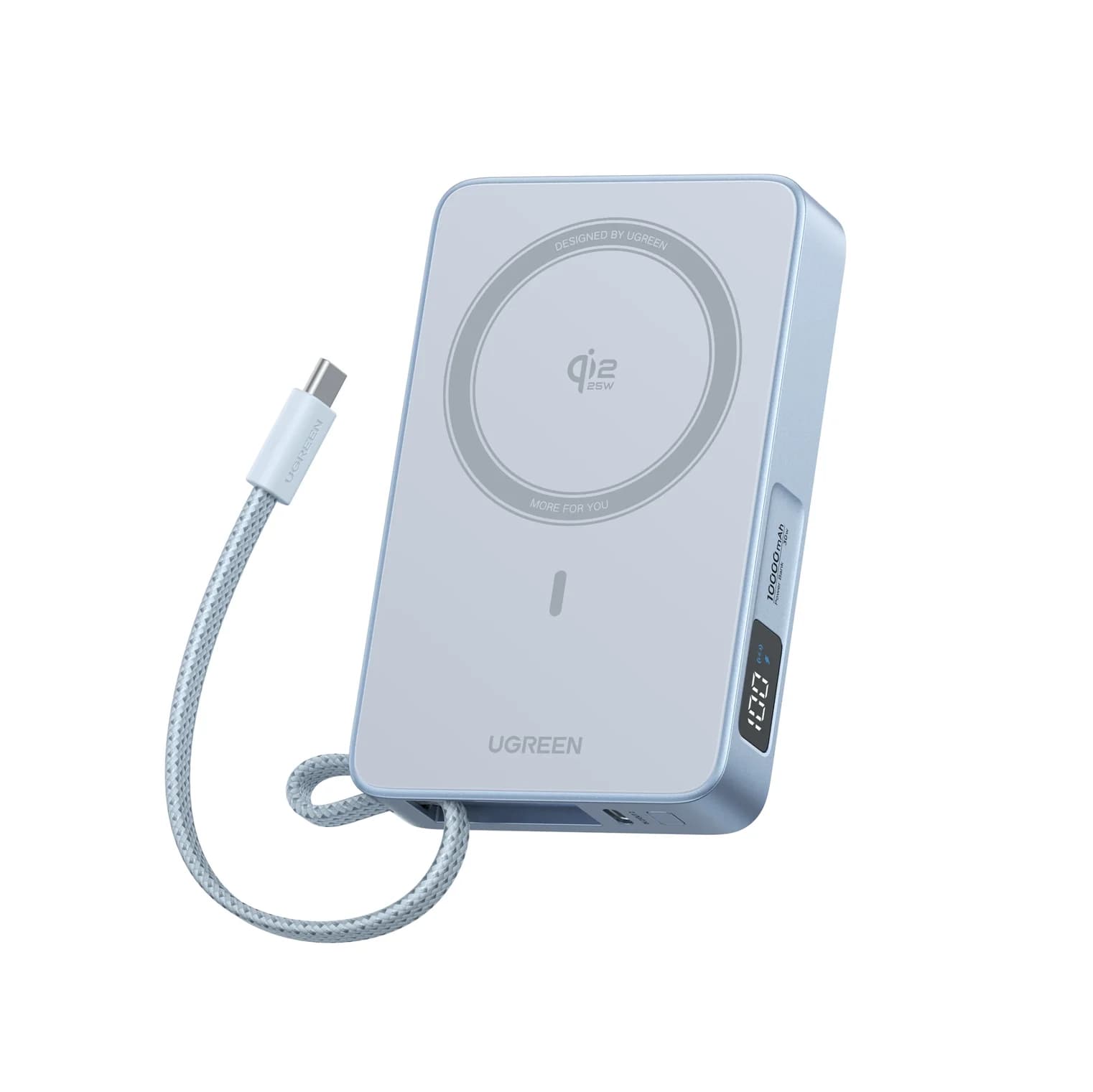
Anker Nano MagGo Slim 5K vs UGREEN MagFlow 10K: Which Magnetic Power Bank?
The Anker MagGo Slim 5K is the 8.6 mm pocket card; the UGREEN MagFlow 10K adds Qi2 25W and a built-in cable. Exact specs, phone fit and honest capacity.
Updated November 5, 2026Read