Black Friday: the specs to check before you buy
Buying guide
Updated November 8, 2026USB to USB-C Adapters: Match the Ends Before You Buy
Short answer
A USB to USB-C adapter is easy to buy wrong, because the adapter's ends must match your computer and your device. For a USB-C MacBook or laptop and a USB-A peripheral, our compact pick is the Anker B8731 two-pack, which supplies USB-C plugs and USB-A sockets. For a USB-A computer and a device with a detachable USB-C cable, choose a native cable first: Belkin CAB001bt1MBK is our charging-and-sync option. If you must retain a USB-C plug, the StarTech U32-AMCF-USBADAPTER has the opposite adapter ends, with restrictions explained below. (Anker, Belkin, StarTech datasheet)
Our picks at a glance
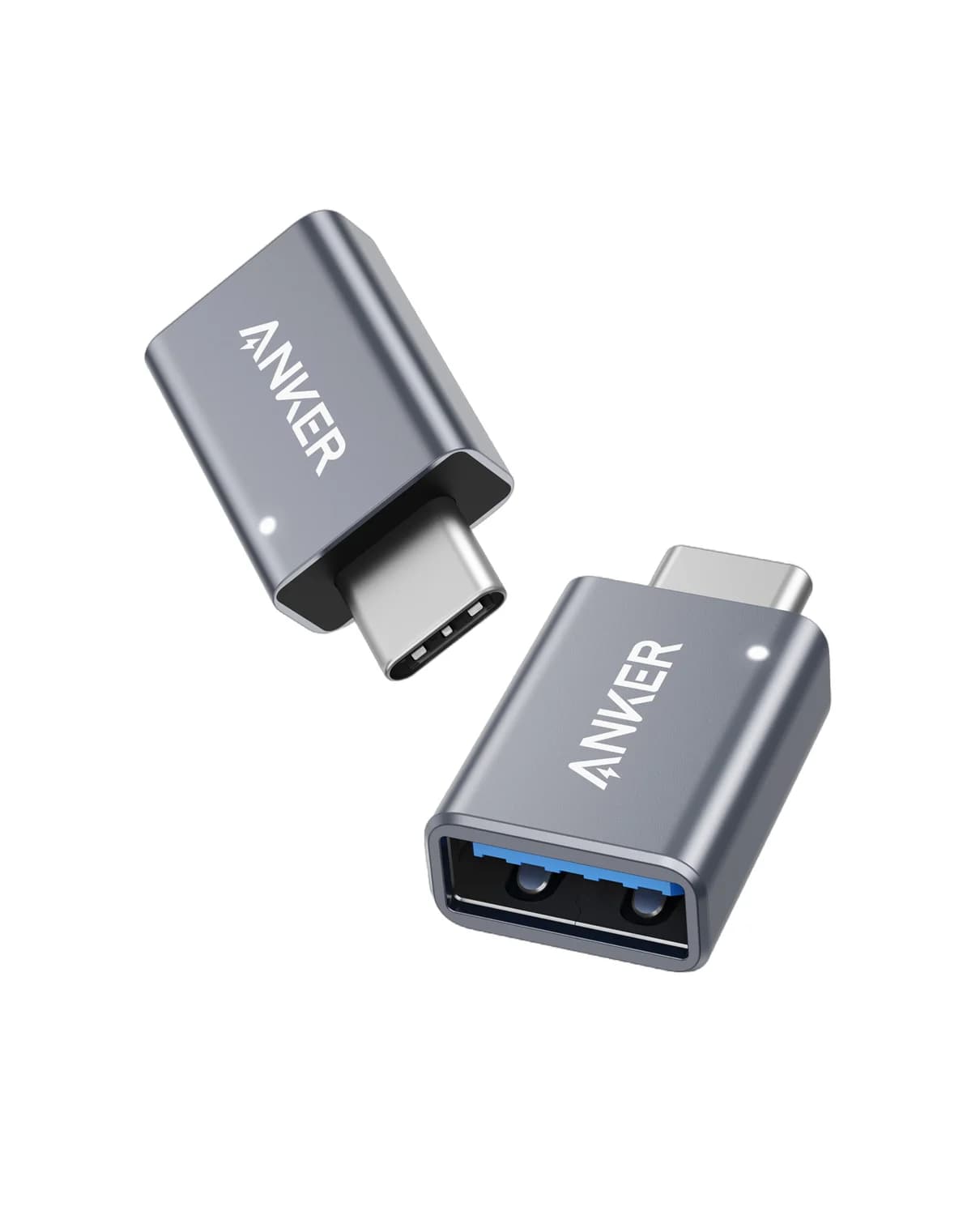
Best compact two-pack for a USB-C hostAnker
Anker USB-C to USB 3.0 Adapter (2-Pack)
- port
- 1
- host link
- USB-C male to USB-A 3.0 female
- Choose
- Anker B8731 provides two USB-C male to USB-A female adapters for existing USB-A peripherals.
- Limit
- One port per adapter; a hub is better for several devices
StarTech U32-AMCF-USBADAPTER
- Find on Amazon
Best native charging-and-sync cable
Belkin CAB001bt1MBK
Quick picks: order for the connection you actually have
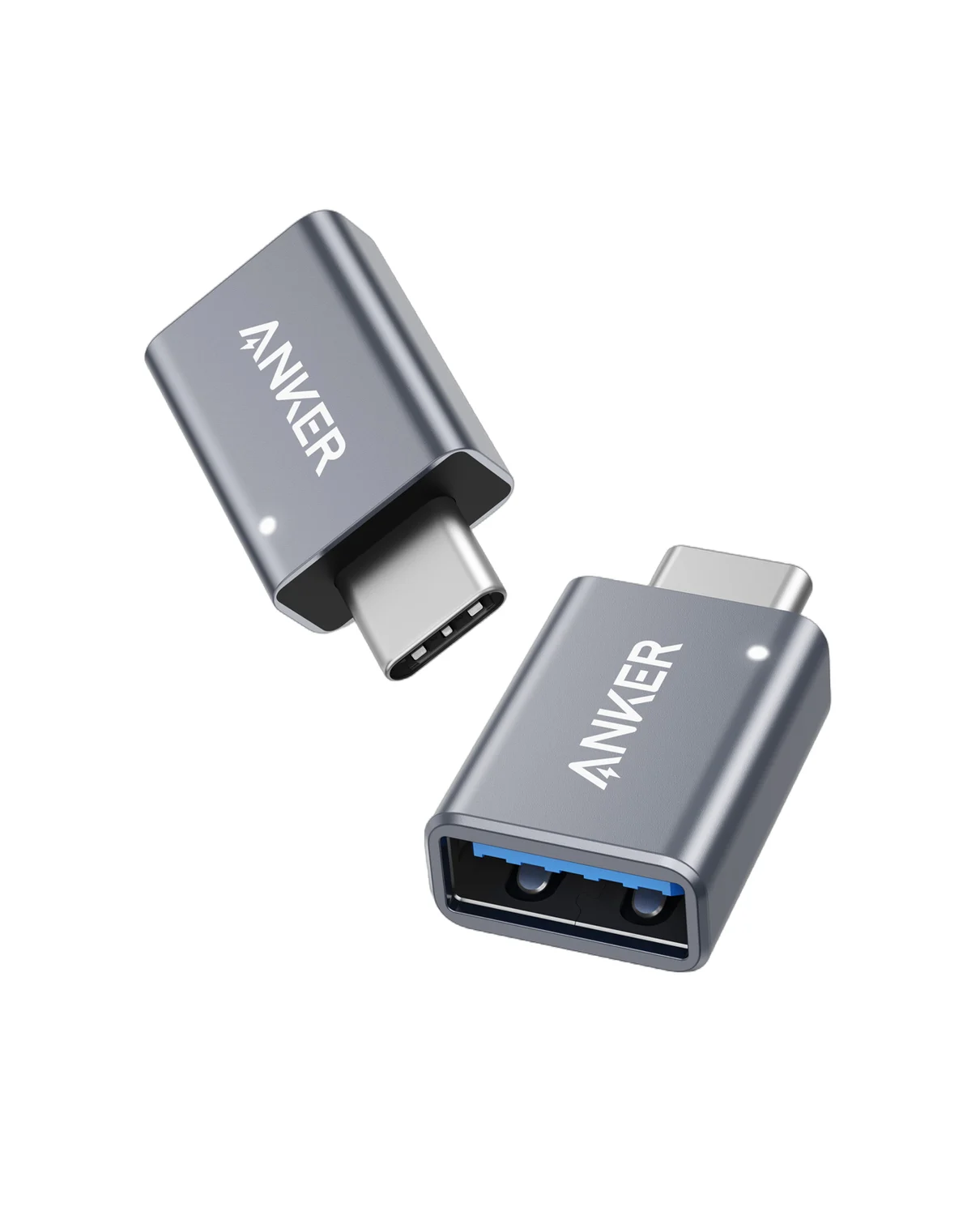
“Male” means a plug; “female” means a socket. Read each connection from the computer toward the device. These are our selections based on the makers' connector descriptions and documented uses.
| Your connection | Exact pick | Supplied; what you add | Data specification | Buying decision |
|---|---|---|---|---|
| USB-C computer → USB-A peripheral plug | Anker B8731 / B87310A1 | Two compact adapters; retain your USB-A peripheral or cable | USB 3.0; Anker does not state a separate numeric rate | Check price on Amazon for the two-pack |
| USB-C computer → USB-A peripheral plug, with a flexible tail | StarTech USB31CAADP | One adapter with a 15cm cable; retain your peripheral or cable | Up to 5Gbps | Check exact model; choose for its cable format and USB-IF certification |
| USB-A computer → existing USB-C peripheral plug | StarTech U32-AMCF-USBADAPTER | One compact adapter; retain your USB-C peripheral/cable | Up to 10Gbps | Check exact model; conditional choice, with no USB-C docks, video or PD |
| USB-A source → device with a USB-C socket | Belkin CAB001bt1MBK | One black 1m cable; a power adapter is not included | Sync supported; numeric rate not stated on the cited product/FAQ pages | Check exact variant; choose for charging and ordinary sync |
Draw the connection before choosing the name
For a USB-C host, the arrangement is computer USB-C socket → adapter USB-C plug / USB-A socket → device USB-A plug. USB-IF's legacy-connection documentation also defines a native cable with USB-A and USB-C plugs for connecting a USB-C device to a legacy USB host. The standards use “receptacle” for a socket. (USB-IF, Release 2.0, section 2.2)
USB-C host and USB-A device plug
Choose USB-C male to USB-A female: Anker B8731 or StarTech USB31CAADP.
USB-A host and a replaceable device cable
Choose a native USB-A-plug-to-USB-C-plug cable, such as Belkin CAB001 for charging and sync.
USB-A host and an existing USB-C device plug
Consider StarTech U32-AMCF-USBADAPTER only after checking its peripheral, power and video restrictions.
The host is the computer, or a phone/tablet acting as the computer for an accessory. Direction here identifies the intended host connection; it does not mean files travel only one way. StarTech describes transfers to and from devices. For more connector background, see USB-C versus USB-A, and our types of USB-C cables explained guide covers what USB-C cables themselves can and can't carry. (USB-IF data roles, StarTech)
Best compact two-pack: Anker B8731
Anker
Anker USB-C to USB 3.0 Adapter (2-Pack)
A pair of slim aluminum adapters that turn a USB-C port into a full-size USB-A 3.0 port.
- 1 port
Choose this for an existing USB-A mouse, flash drive or peripheral cable that needs to fit a USB-C laptop. Anker identifies the exact SKU as B87310A1, with USB-C male and USB-A 3.0 female connectors. The retail unit is a two-pack, so our recommendation is to keep one adapter with the peripheral and another in your bag. (Anker)
Anker says the slim design allows two adapters side by side in a MacBook Pro's USB-C ports. Treat that as the maker's fit claim, and check clearance around your own laptop case and peripheral plug. The adapters are separate pieces; buying this pack does not give you a hub with extra sockets from a single connection.
The limitation is the specification detail: Anker labels it USB 3.0 but does not publish a separate numeric transfer rate in the product description we cite. Choose the StarTech cabled option below if an explicit data-rate specification and certification are your deciding factors.
Check price on Amazon for the Anker two-pack.
Best single cabled adapter: StarTech USB31CAADP
This is our pick when you want a short cable between the laptop and the USB-A socket. USB31CAADP has a USB-C male plug, USB-A female socket and 15cm cable, supports up to 5Gbps, and is described by StarTech as USB-IF certified. The package contains one adapter. StarTech lists USB-C MacBook Air/Pro and other laptops among its applications. (Datasheet)
Choose the flexible format if a rigid adapter would put the peripheral plug somewhere awkward.
Its charging figures need caution: the datasheet headline says 3A, while the connector table labels the connections 4.5W. Those figures are not a clear, consistent charging promise. We select it for its documented data connection and leave the charging ceiling unresolved. (Same datasheet)
Check the USB31CAADP model and package.
Conditional USB-A-host pick: StarTech U32-AMCF-USBADAPTER
This part solves the opposite physical connection: USB-A male into the computer, USB-C female for the peripheral's plug. StarTech rates it up to 10Gbps, includes one adapter, and says setup requires no drivers across operating systems. It is worth considering when retaining the existing USB-C plug matters. (Datasheet)
The restrictions are unusually important. StarTech excludes USB-C docks and video adapters, and says USB-C video and Power Delivery are unsupported. Do not order it to turn a USB-A laptop port into a full-featured USB-C docking or monitor connection.
Charging specifications conflict within the same datasheet: the description and setup bullet say 5V/900mA, but the applications list says 5V/1.5A. We cannot resolve that from the published evidence, so this is a data-oriented recommendation with no promised fast-charging performance. (StarTech)
Check the exact U32-AMCF-USBADAPTER, including your peripheral's requirements, before buying.
Best native charging-and-sync cable: Belkin CAB001bt1MBK
For a USB-A computer or charger and a device with a USB-C socket, our default is to replace the cable. The selected CAB001bt1MBK is black, 1m and a single cable, with USB-A and USB-C ends. Belkin lists USB-IF certification and a 15W cable rating; its FAQ confirms both charging and syncing. A wall charger is not in the listed package. (Product page, FAQ)
The buying limit is data certainty. Those pages do not specify a numeric transfer rate for CAB001. It is our phone-charging and ordinary-sync choice, not our recommendation for an SSD purchase with a required speed. For that job, order a native USB-A-to-USB-C cable with an explicit data-rate specification matching your host and drive.
Keep variants separate: Belkin also offers 2m and 3m lengths and a two-pack selection. The row above identifies the 1m black single, not every CAB001 package. Belkin's storefront and FAQ also give different bend-durability claims; we do not use them to rank this cable. (Belkin product options, FAQ)
Check the CAB001bt1MBK variant.
Buying advice: speed, power and device compatibility
Use the slowest rated component as your planning ceiling. A 10Gbps adapter is not an upgrade for a 5Gbps host or cable. StarTech explains that USB 3.0 and USB 3.2 Gen 1 name the same 5Gbps class; this explains Anker's USB 3.0 label, but does not establish sustained transfer performance. For SSD shopping, require an explicit rate for the host port, cable, adapter and drive. (StarTech naming and rate, USB-IF speed classes)
Choose a charging setup separately. Belkin's 15W cable rating is not a promise that a computer port supplies that power; USB-IF requires a connected device to stay within the source's available current. U32 explicitly excludes PD. For faster iPhone charging, Apple specifies a compatible USB-C adapter and cable. For laptop charging, use the laptop maker's requirements and our USB Power Delivery explainer. (Belkin, USB-IF current rules, section 2.3.4, Apple)
Check the device role as well as the shape. For a MacBook with a USB-C port, choose the USB-C-plug-to-USB-A-socket parts for USB-A peripherals. On Windows, apply the same connector check and consult the peripheral maker about any required software. For phones and tablets, check the exact model and accessory: Apple documents USB-A accessories through a USB-C-to-USB adapter on USB-C iPads, and a compliant USB-A-to-USB-C cable for a USB-A car connection to a USB-C iPhone. (Anker, Apple iPad, Apple iPhone)
- Yes: USB-C MacBook and USB-A peripheral: Anker B8731 or StarTech USB31CAADP has the required ends.
- Yes: USB-A source and replaceable USB-C device cable: choose a native USB-A-to-USB-C cable.
- Partly: Phones and tablets: confirm the exact device and accessory combination with its maker.
- No: StarTech U32 for USB-C docks, video or Power Delivery: explicitly unsupported.
If a Mac reports USB Devices Disabled, Apple's advice is to reconnect the device, try another port, connect directly instead of through a hub, and check a self-powered hub's AC connection. Work through those checks before buying another connector adapter. If you need several ports, charging and other connections together, use the USB-C hub guide; if the laptop is a MacBook Air, our USB-C hub picks for the MacBook Air cover display limits per chip. (Apple troubleshooting)
How we choose
This shortlist uses official maker product pages and datasheets, USB-IF connector documentation, and Apple's connection guidance. Awards reflect connector fit, documented data capability, package contents and the practical choice between a compact adapter, a cabled adapter and a replacement cable. We flag conflicting charging figures, keep unspecified rates unknown, and make no measured-performance claims.
Verdict
Buy Anker B8731 for compact USB-A-peripheral connections to a USB-C laptop, or StarTech USB31CAADP for a single cabled adapter with an explicit 5Gbps rating. For a USB-A source and a replaceable device cable, choose Belkin CAB001bt1MBK for charging and ordinary sync; require a separately documented cable rate for speed-critical storage. Keep StarTech U32-AMCF-USBADAPTER for its limited USB-A-host peripheral job, after accepting the standards caveat and its dock, video and PD exclusions.
Frequently asked questions
Which USB-A to USB-C adapter do I need?
Start at the computer. A USB-C computer port and a USB-A device plug need USB-C male to USB-A female, such as Anker B8731. A USB-A computer port and a USB-C device plug need the opposite ends, such as StarTech U32-AMCF-USBADAPTER, subject to its restrictions. If the device's cable detaches, our default recommendation is a native USB-A to USB-C cable instead.
What is a good USB-C to USB-A adapter for a MacBook?
For a MacBook with a USB-C port and an existing USB-A mouse, drive or cable, choose Anker B8731 for compact adapters supplied as a two-pack. Choose StarTech USB31CAADP if you prefer a single adapter with a 15cm cable and an explicit 5Gbps rating. Both put a USB-C plug into the computer and provide a USB-A socket for the peripheral.
Do USB-A to USB-C adapters work both ways?
The ends must match the intended host and device. A USB-C-plug-to-USB-A-socket adapter connects a USB-A peripheral to a USB-C host; it cannot physically plug into a USB-A host port. That describes the connection, not one-way file transfer: StarTech describes transferring files to or from connected devices. Order by male/female connector descriptions and the maker's host instructions, rather than the title alone.
Will a USB-A to USB-C adapter run my USB-C monitor or dock?
Do not buy StarTech U32-AMCF-USBADAPTER for that job. StarTech explicitly excludes USB-C docks and video adapters, as well as USB-C video and Power Delivery. Its USB-C socket is for the documented peripheral connection. A physically fitting plug does not establish those other capabilities; check the monitor or dock manufacturer's host requirements before ordering any adapter.
Will these adapters fast charge my laptop or phone?
Do not choose these parts for laptop fast charging. StarTech's U32 adapter excludes Power Delivery and gives conflicting charging-current figures. Belkin rates CAB001 at 15W, but that cable rating does not promise what your USB-A source will supply. For faster iPhone charging, Apple directs users to a compatible USB-C power adapter and cable. Choose a documented charging setup for your exact device.
Are USB-A male to USB-C female adapters a standard USB-IF adapter type?
USB-IF's published Type-C specification, Release 2.0, explicitly excludes adapters combining a USB-C receptacle with legacy USB connectors. StarTech nevertheless documents U32-AMCF-USBADAPTER for limited USB-A-host peripheral connections; we make no USB-IF-certification claim for it. That standards concern is a reason to prefer a native USB-A to USB-C cable when the device's cable can be replaced.
Related guides
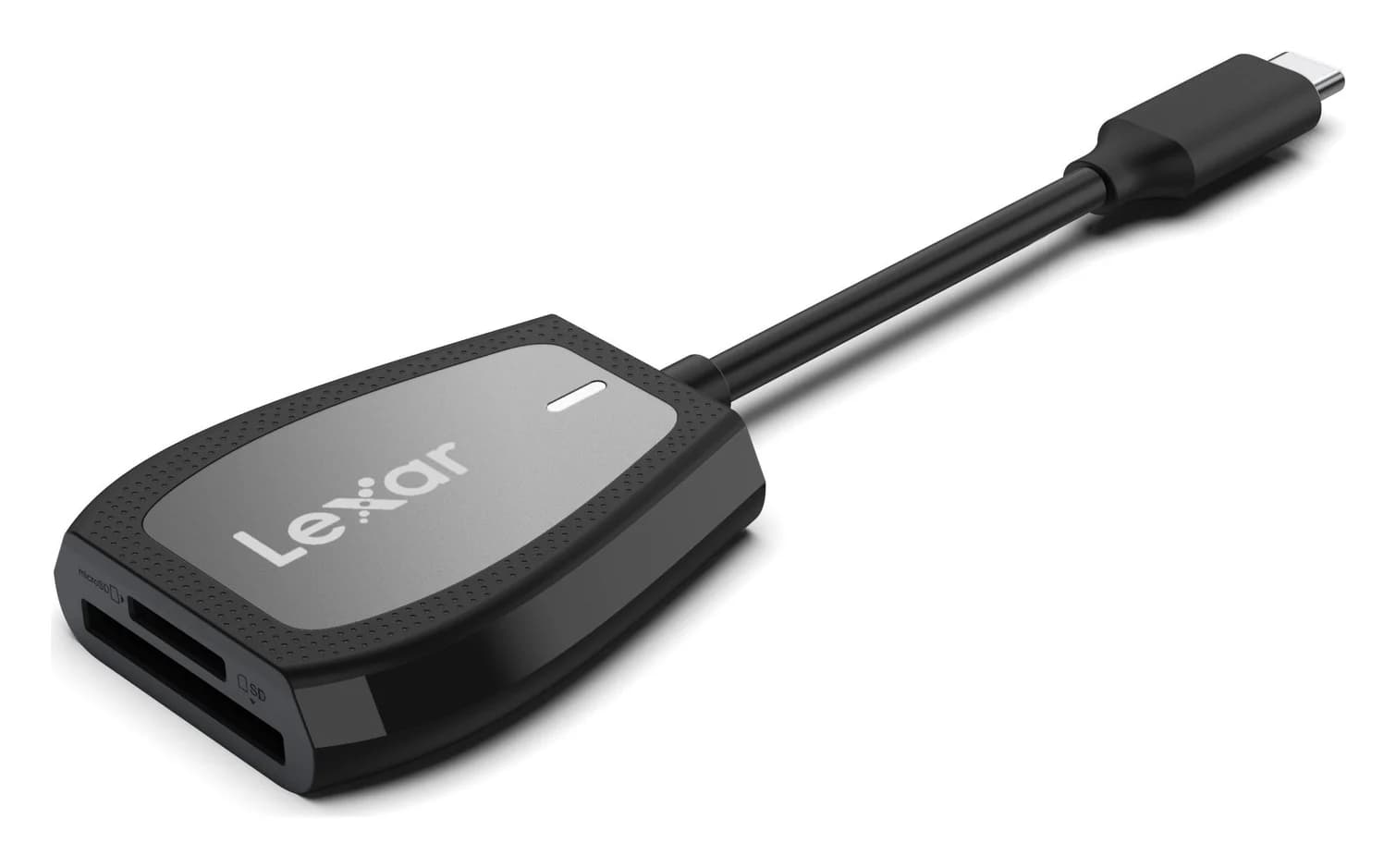
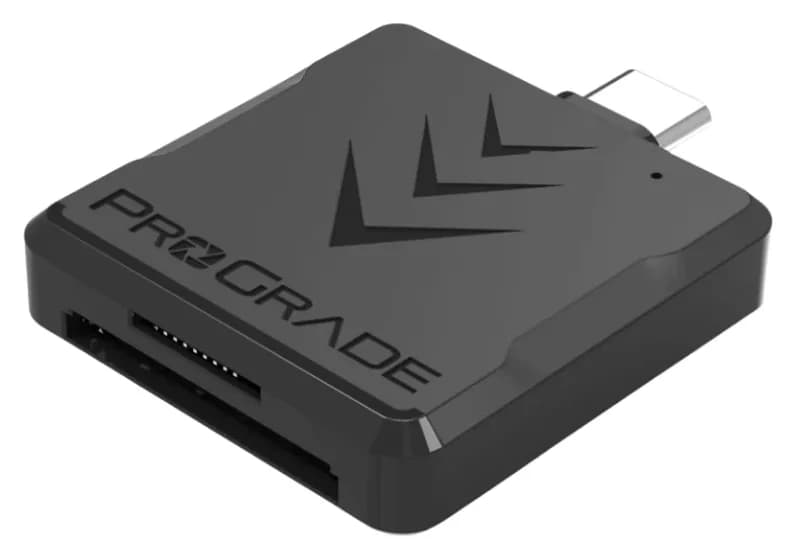
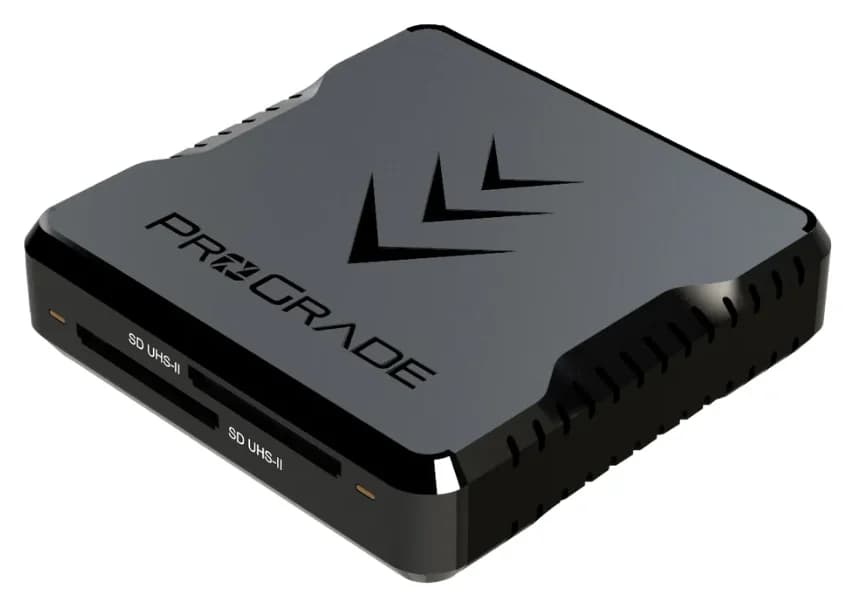
Best SD Card Readers in 2026: USB-C Picks for Every Workflow
The SD card readers worth buying, from makers' spec sheets: UHS-II dual-slot picks from Lexar and ProGrade, Apple's USB-C reader, and an Anker hub that reads cards too.
Updated November 7, 2026Read
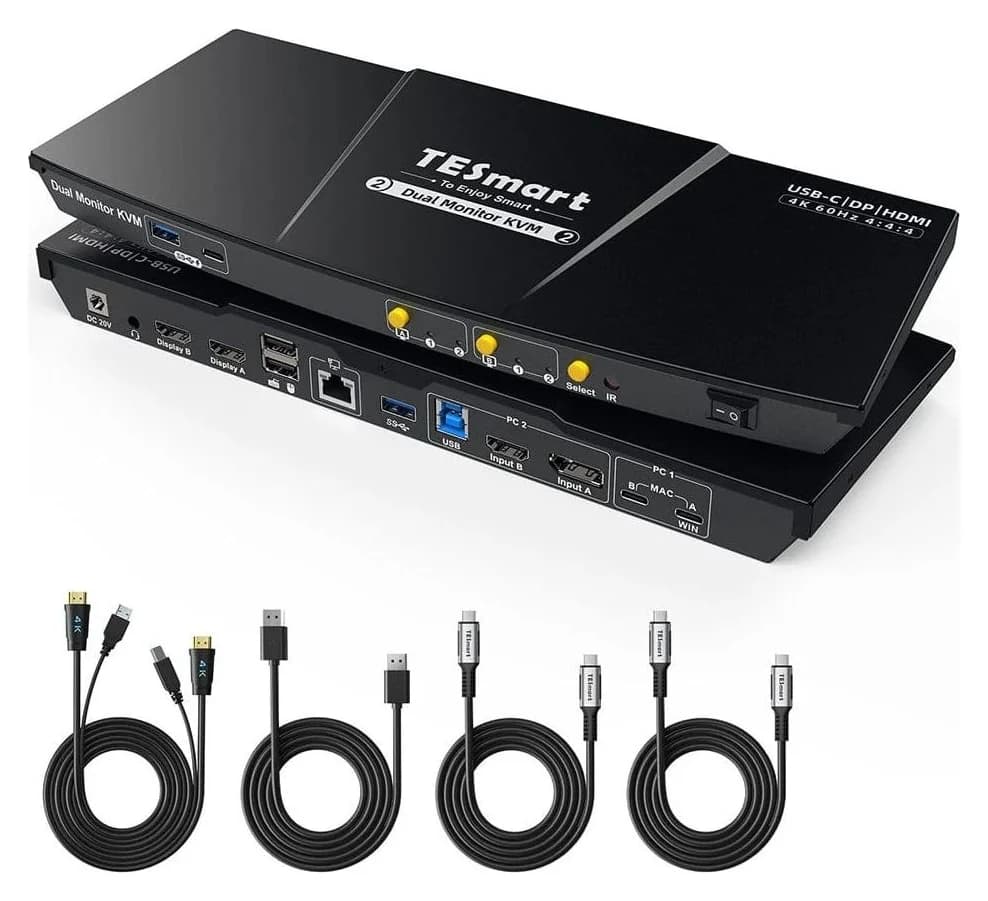
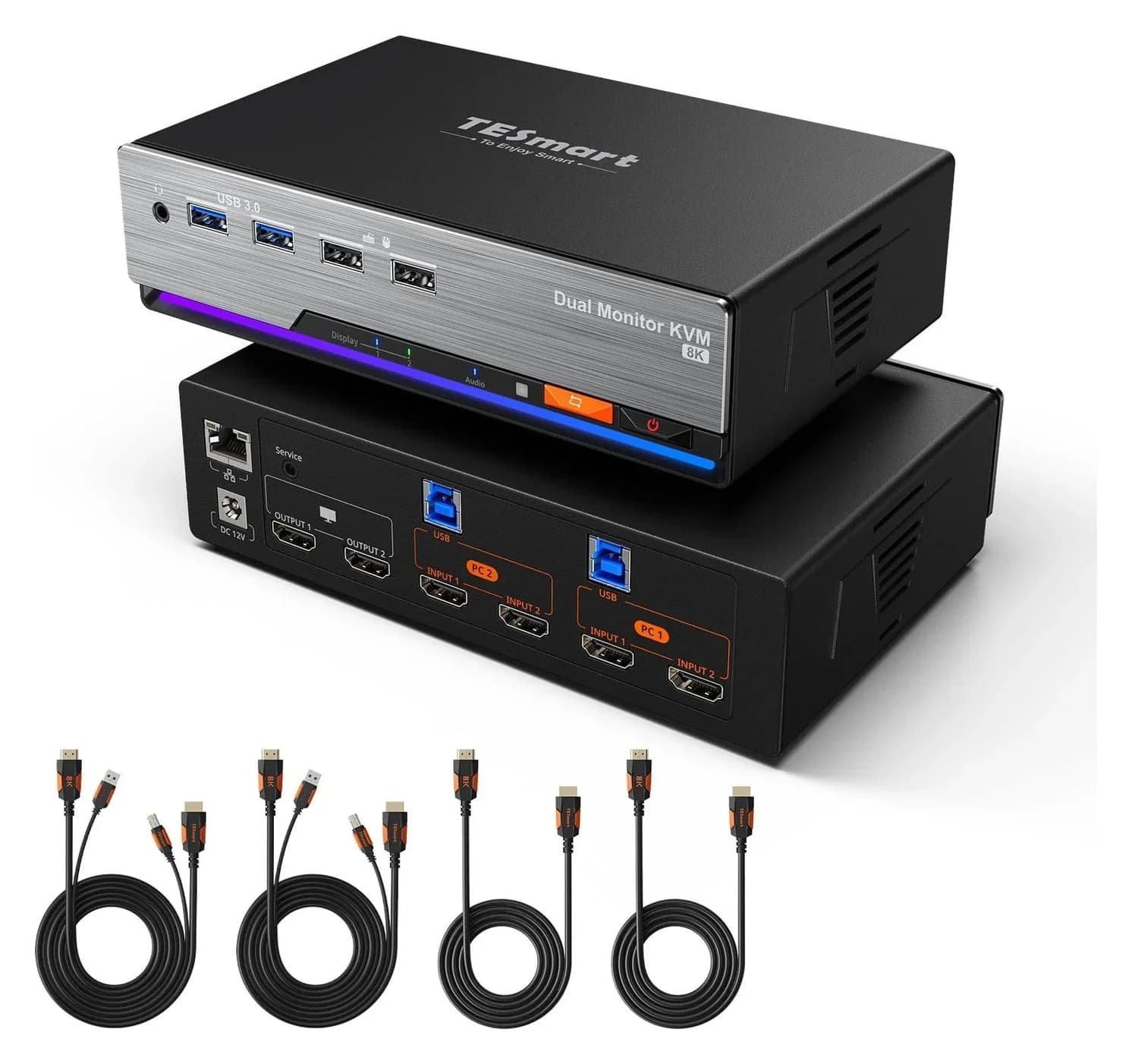
Best KVM Switches: Two Computers, One Keyboard, Mouse and Monitor Set
Pick the right KVM switch for two PCs, laptops, dual monitors, gaming or USB-only sharing. Compare HDMI, DisplayPort and USB-C models, docks and Mac limits.
Updated November 7, 2026Read
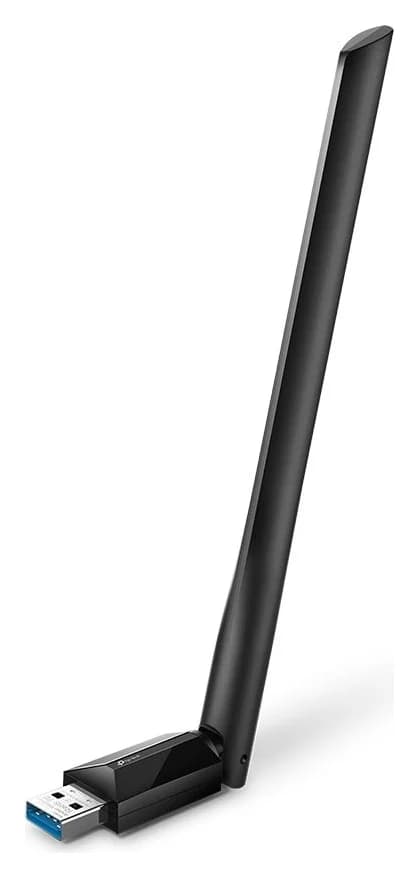
The Best USB Wi-Fi Adapters for Mac (The macOS Compatibility Truth)
Which USB Wi-Fi adapters actually support a Mac? The verified models, the macOS version limits, the USB-C problem on modern Macs, and the Ethernet workaround.
Updated November 10, 2026Read