Black Friday: the specs to check before you buy
Explainer
Updated November 3, 2026Belkin Universal USB-C 8-in-1 Dual Display Core Hub: INC015 Guide
Short answer
The Belkin Universal USB-C 8-in-1 Dual Display Core Hub is a conditional pick for a laptop workstation: its HDMI outputs top out at 4K 60Hz and 4K 30Hz, respectively. Buy INC015btSGY if you can install Silicon Motion software on Mac or Windows and accept a calculated 85W laptop-charging ceiling from a 100W input. Choose Anker 555 for one native HDMI display, or Plugable USBC-6950M for two 4K 60Hz HDMI displays with separate laptop charging.
Our picks at a glance
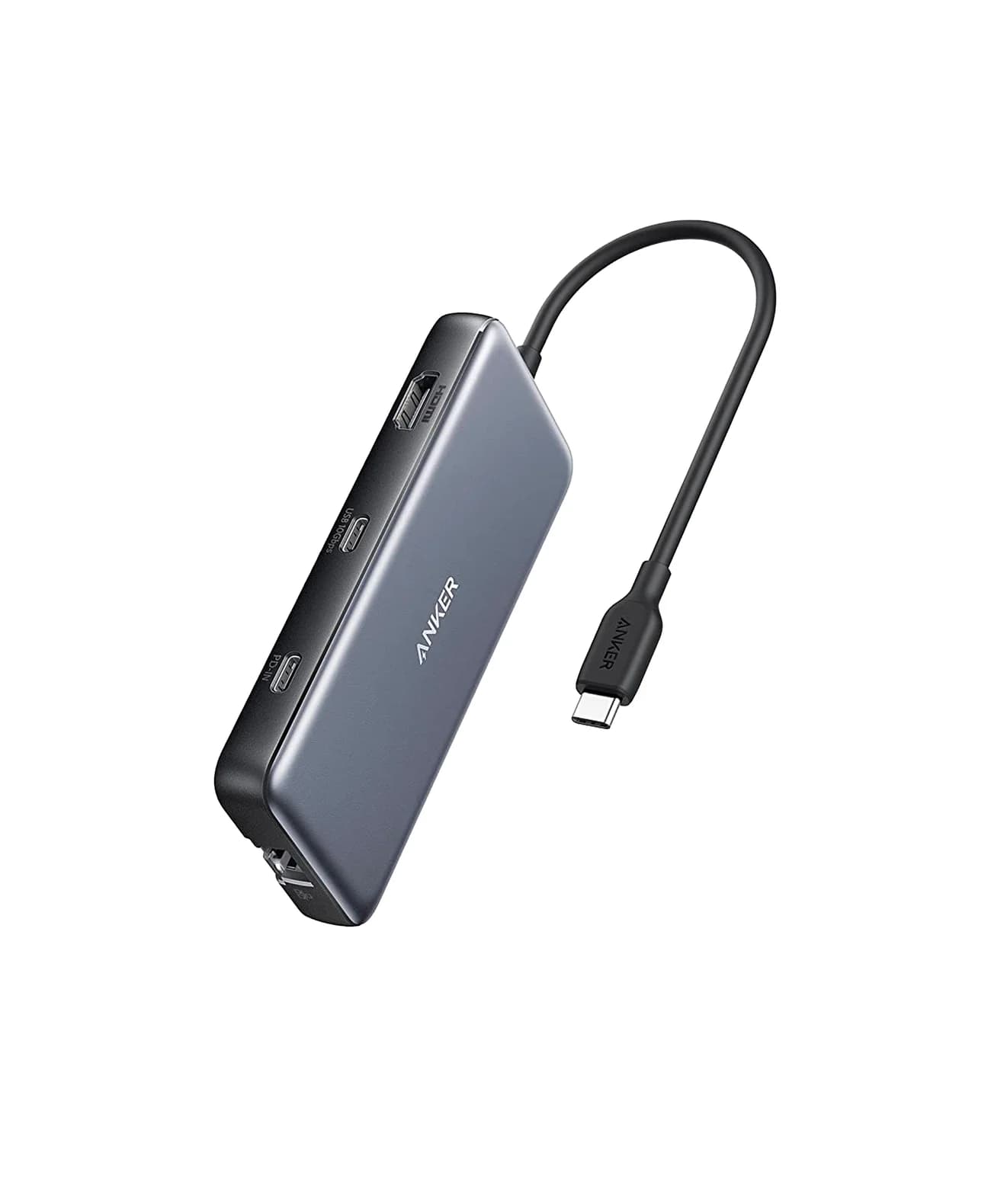
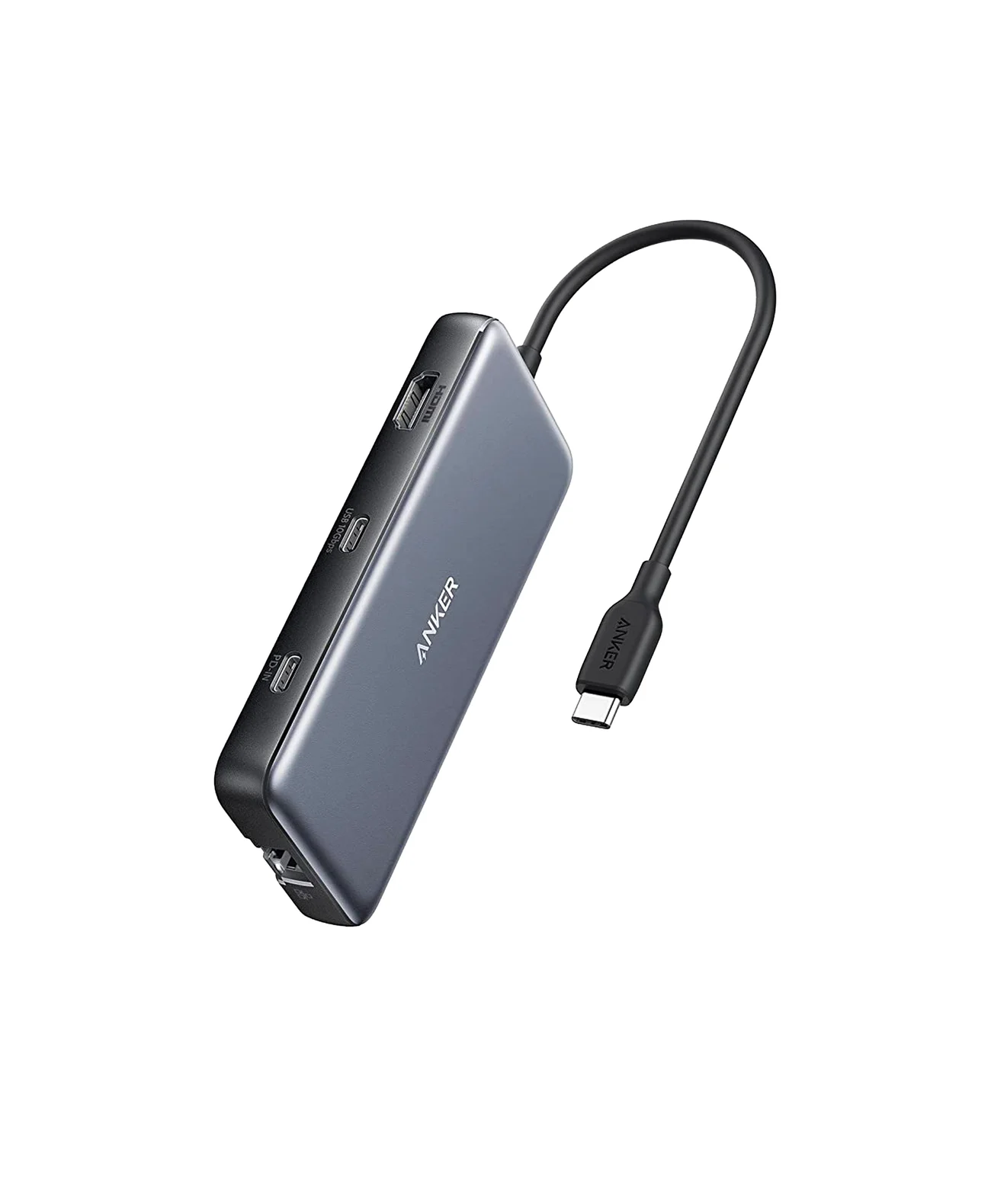
Best for one native HDMI displayAnker
Anker 555 USB-C Hub (8-in-1)
- to laptop
- 85W
- data
- 10 Gbps
- video
- 4K60
- Choose
- One HDMI output using host DisplayPort Alt Mode, plus SD/microSD readers, 10Gbps USB data ports and up to 85W laptop charging.
- Limit
- 4K@60Hz needs a DP 1.4 host; DP 1.2 hosts get 4K@30Hz
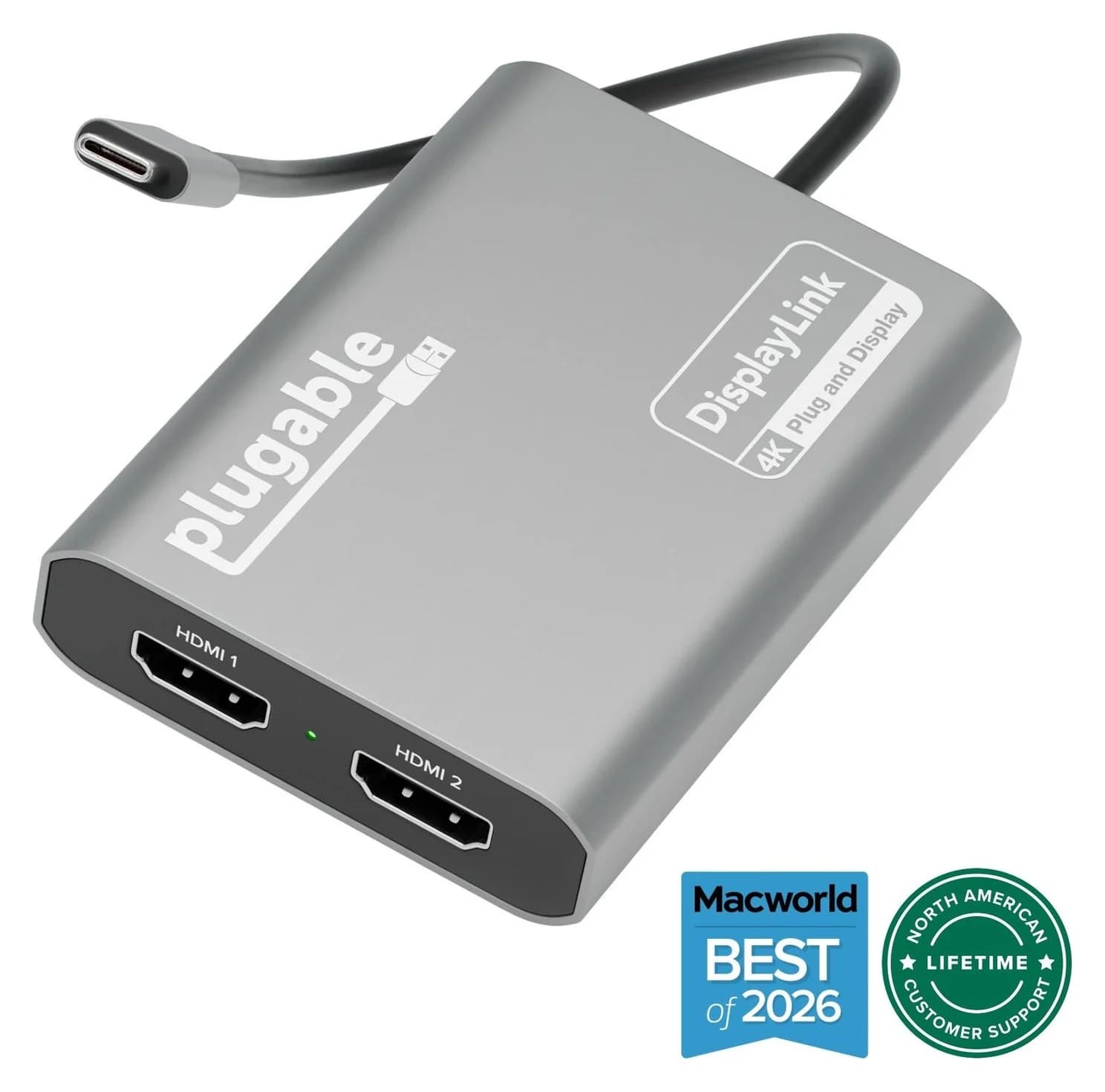
Best for two 4K 60Hz HDMI desktopsPlugable
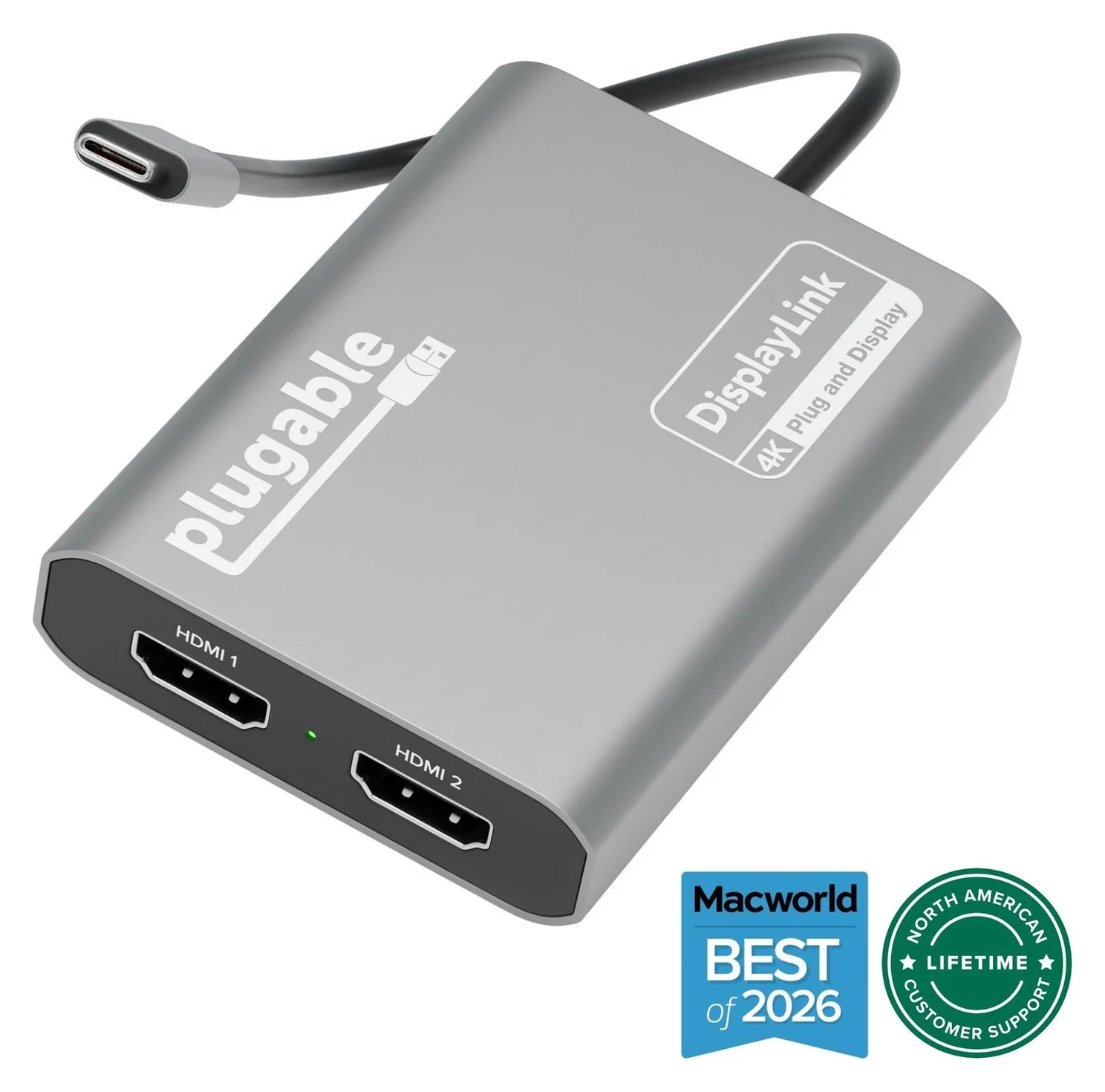
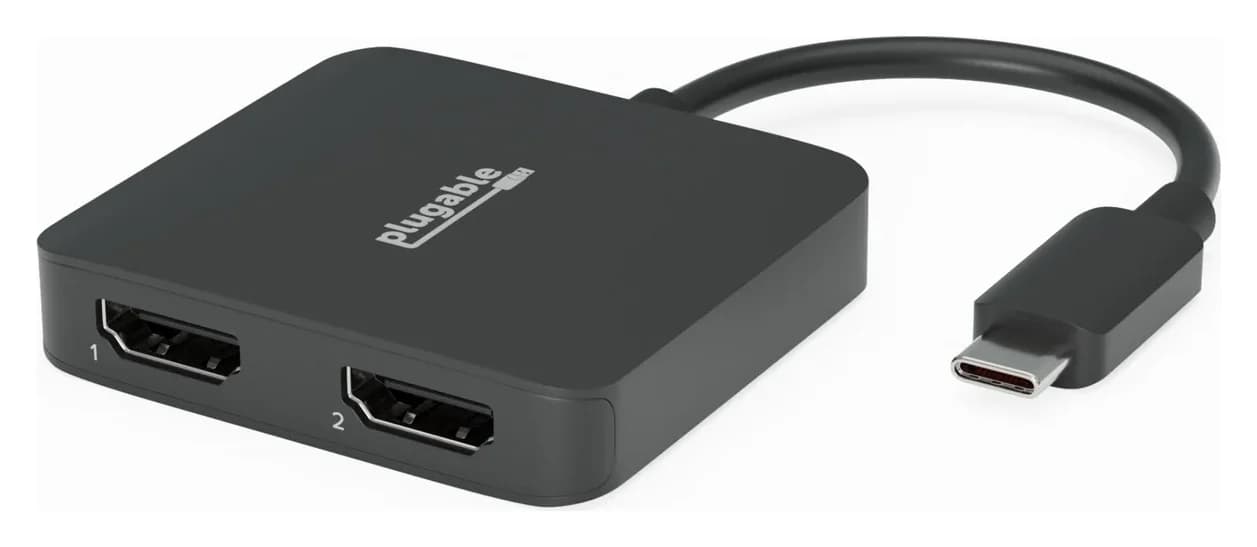
Plugable USBC-6950M USB-C to Dual HDMI DisplayLink Adapter (4K@60Hz)
- video
- 4K60
- ports
- 2
- host link
- USB-C
- Choose
- DisplayLink adds two extended HDMI screens up to 4K 60Hz each, with separate laptop charging and Mac software required.
- Limit
- Requires the DisplayLink Manager app and macOS Screen Recording permission
- 4K 60HzMaximum on the Belkin’s faster HDMI output
- 4K 30HzMaximum on its other HDMI output
- 85WCalculated laptop ceiling after the hub’s reserve, with 100W input
Quick picks: which setup should you buy?
| Pick | Best fit | HDMI ceiling | Laptop charging | Buying catch |
|---|---|---|---|---|
| Belkin INC015btSGY | Extra USB-C ports, Ethernet and mixed-refresh dual displays | One 4K 60Hz + one 4K 30Hz; host dependent | Up to 85W calculated from 100W input | Silicon Motion drivers for full display functionality on Mac/Windows |
| Anker 555 | One native display plus SD/microSD readers | One 4K 60Hz with a DP 1.4 host | Up to 85W from 100W input | One HDMI output; USB-C data port carries no video |
| Plugable USBC-6950M | Two extended HDMI desktops without needing hub ports | Two 4K 60Hz outputs via DisplayLink | None | Mac app and permission required; unsuitable for HDCP streaming |
These are different solutions to the same shopping decision. Choose the display arrangement first, then decide whether you need peripherals and laptop charging through that connection.
Identify Core, Universal and regional listing names
Connect, Universal, 8-in-1, Dual Display and Core Hub all appear in Belkin’s naming for this INC015 product. Match the model number before comparing listings.
| Listing or marking | What the official source establishes | What to buy |
|---|---|---|
| INC015btSGY | The US product page identifies this exact SKU | Use this as the US listing reference |
| INC015btSGY-CZ | The UK page uses this SKU and the same mixed-refresh display specification | Compare its stated contents and seller terms before importing |
| INC015xxSGY / INC015xxSGY-CZ | Belkin’s FAQ groups both under the silver-gray INC015 family | Treat these as family patterns, not a different performance tier |
Belkin’s EU declaration also names INC015btSGY as the Universal USB-C 8-in-1 Dual Display Core Hub. The US listing and UK listing do not establish a faster HDMI configuration for the -CZ suffix. Do not pay extra for an assumed display upgrade or included charger based on a suffix alone.
Best fit for extra USB-C ports: Belkin INC015
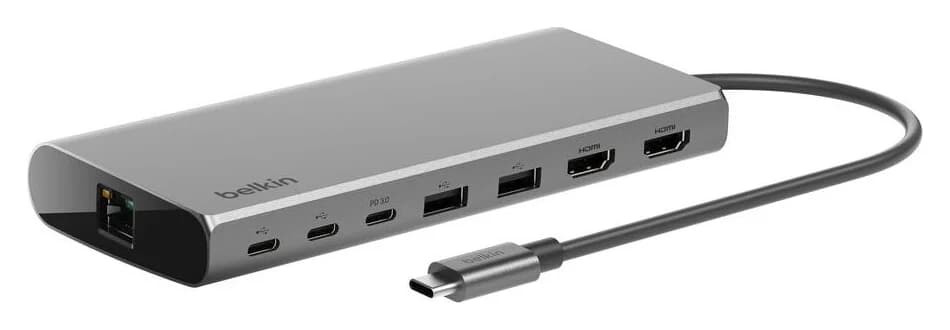
The Belkin’s useful combination is two USB-C data ports, two USB-A ports, Gigabit Ethernet, two HDMI outputs and a USB-C PD input. Its tethered host cable is 8.66 inches / 22 cm, so check that the hub can sit next to your laptop’s port without hanging from it. At research time the US maker page showed out of stock; check that page for availability before committing to this model.
The display paths need separate attention: Belkin’s INC015 FAQ labels the HDMI 2.0 connection DisplayPort Alt Mode and requires a DisplayPort 1.4 source for its maximum resolution.
| Display connection | Official limit | Purchase implication |
|---|---|---|
| HDMI 2.0, DisplayPort Alt Mode | Up to 4K 60Hz; DP 1.4 source required for maximum resolution | Verify the laptop’s video specification, not just its USB-C socket |
| HDMI 1.4 | Up to 4K 30Hz | Choose another model if both 4K monitors must run at 60Hz |
| Full display functionality on Mac/Windows | Requires SM768 drivers according to Belkin’s dedicated support page | Confirm permission to install software on a work laptop |
Read this as a native video connection alongside a software-assisted display solution, rather than a promise of two native Mac displays; that is our interpretation of Belkin’s Alt Mode label and SM768 requirement. Belkin explicitly lists M1, M2 and M3 MacBooks as compatible, but that compatibility statement does not remove the driver requirement.
Belkin’s driver wording conflicts. Its FAQ calls the hub plug-and-play and recommends a driver for the best experience, while its SM768 support page says INC015 requires drivers for full display functionality. That dedicated page says Windows and Mac require a download, while Chromebook needs no additional drivers. For buying purposes, plan for the more restrictive requirement.
Start at Belkin’s support page, then use the linked Silicon Motion downloads: the Mac display application is called InstantView. The Plugable alternative uses DisplayLink Manager, a separate software package; use the download that matches the adapter.
- Yes: Mac or Windows with software approval: plan to install Silicon Motion for full display functionality
- Yes: Chromebook: Belkin says no additional SM768 drivers are needed
- Partly: USB-C tablet or phone: a general compatibility claim does not establish a dual extended-desktop setup
- No: Software installation blocked at work: do not assume the INC015 is a driver-free dual-display purchase
Belkin’s device list includes iPad Pro models, but its display table is organized around Windows and macOS. If you need two independent tablet desktops, get confirmation for the exact tablet, operating system and app workflow before buying.
Ports, charging reserve and the complete Belkin kit
The official port list distinguishes two 10Gbps USB-C data ports from two 5Gbps USB-A ports; “up to 10Gbps” does not describe every connector. Ethernet is Gigabit, up to 1000Mbps, and the eight-port list contains no SD reader, microSD reader or audio jack. Use that list to check your actual peripherals rather than shopping by the port count.
100W is the pass-through input figure, not 100W guaranteed to the laptop. Belkin reserves 15W for the hub, leaving a calculated ceiling of 85W from 100W input. Its own example is a 65W charger delivering up to 50W while other dock functions run, with actual performance dependent on laptop requirements. Compare the usable output with your laptop maker’s charging recommendation; budget for a separate laptop power connection if the hub cannot meet it.
For charger selection, see our USB-C charger guide and USB Power Delivery explainer.
Belkin’s FAQ lists the hub, regulatory documentation and quick start guide, and its charging answer says the charger is not included. The host cable is tethered, so that connection is supplied with the hub. HDMI cables are absent from the stated package contents; budget for the monitor cables, a suitable USB-C PD charger and its charging cable unless your existing kit covers them.
Compare the complete setup at checkout, including any accessories you must add. A listing with a familiar product name is not enough: check the model and supplied items together.
Best for one native HDMI display: Anker 555
Anker
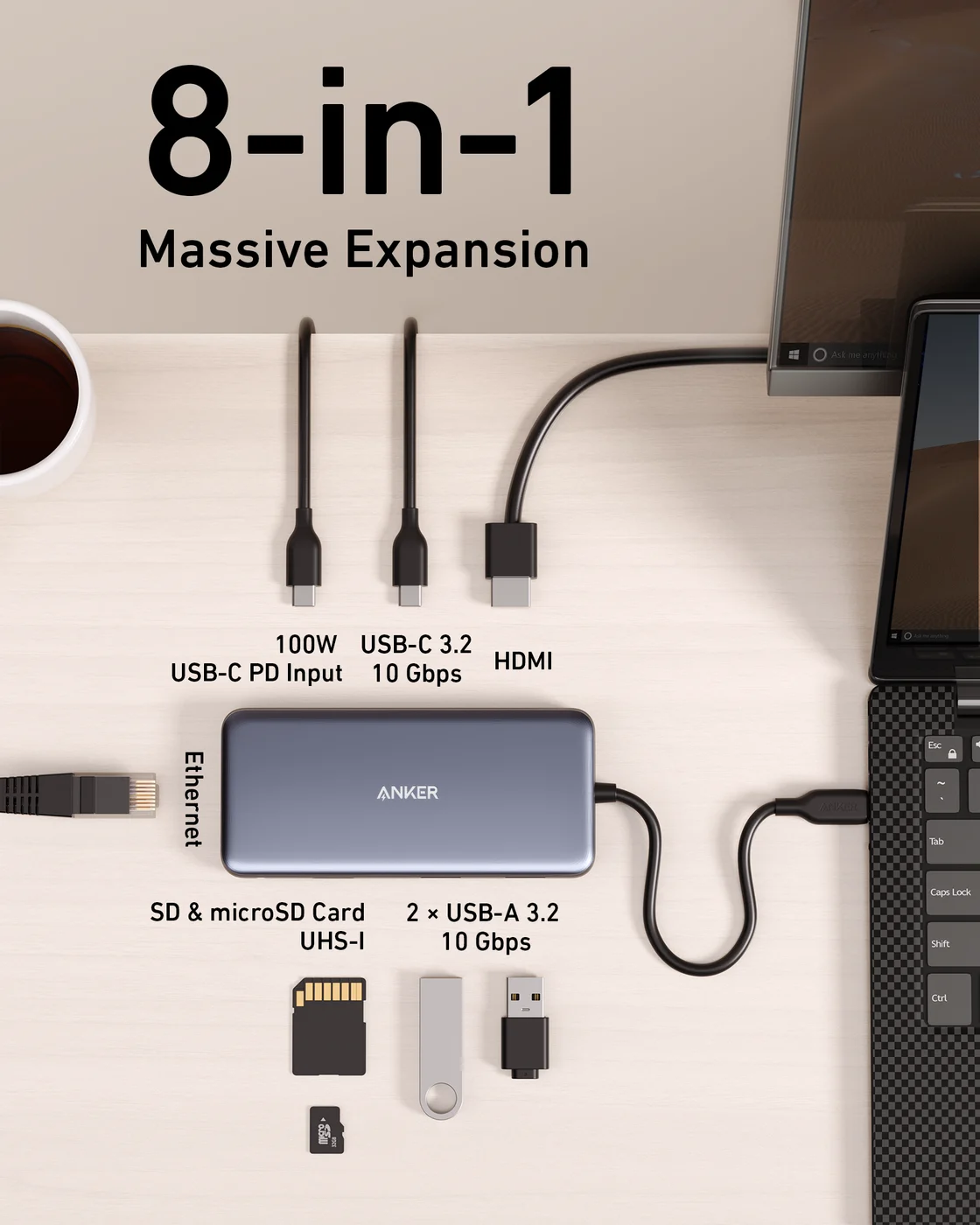
An 8-in-1 USB-C hub with 4K@60Hz HDMI, gigabit Ethernet, 10Gbps USB-C and USB-A data ports, SD/microSD readers and 85W pass-through charging.
- 85W PD passthrough
- 10 Gbps data
- 4K60 video
- 8 ports
Choose the Anker 555, model A8383, if a single HDMI screen is enough and SD/microSD access matters more than another display output. Anker specifies one HDMI output and a host supporting DisplayPort Alt Mode; its regional specification gives 4K 60Hz on DP 1.4 or 4K 30Hz on DP 1.2.
It has two USB-A data ports and one USB-C data port at 10Gbps, Gigabit Ethernet and both card slots. That makes its USB-A specification higher than the Belkin’s 5Gbps ports, but the USB-C data port does not output video or charge devices.
Charging also tops out at 85W to the laptop from 100W input, and the charger is sold separately. This is the practical alternate when your desired setup needs only one external display. Use Anker’s host requirements and DP-version guidance to confirm the fit.
Check price on Amazon for the Anker 555
Best for two 4K 60Hz HDMI desktops: Plugable USBC-6950M
Plugable
Plugable USBC-6950M USB-C to Dual HDMI DisplayLink Adapter (4K@60Hz)
A compact DisplayLink adapter that adds two extended HDMI displays, each up to 4K@60Hz, from one USB-C or Thunderbolt port, with no charging or extra ports.
- 4K60 video
- 2 ports
Choose USBC-6950M if both HDMI monitors need up to 4K 60Hz and you can keep laptop charging and USB peripherals separate. Plugable supports extended or mirrored displays using its DisplayLink chipset, with macOS 11+, Windows 10+ and ChromeOS 100+ listed.
Mac setup requires DisplayLink Manager and Screen Recording permission; Plugable explains that this enables the display connection without saving images or screen data. Windows drivers typically arrive through Windows Update. Use Plugable’s setup instructions and the official Synaptics Mac download.
This is a video adapter only: it provides no laptop charging, USB data ports or Ethernet. Plugable specifies HDMI-to-HDMI connections and recommends connecting directly to the computer. It is intended for productivity, and Plugable advises against latency-sensitive gaming and HDCP-protected streaming.
The box lists the adapter and quick start guide; its USB-C host cable is captive. Plan your monitor cables and separate laptop power connection before choosing it.
Check price on Amazon for the Plugable USBC-6950M
How we choose
This is a specification-based buying guide, without physical product testing. We compared the makers’ model identifiers, display paths, host requirements, port specifications and package contents, and checked the chipmakers’ software downloads. The recommendations are judgments about fit; unresolved documentation conflicts are stated above.
For broader Mac display choices, use our dual-monitor MacBook guide. Our MacBook USB-C hub guide covers other port combinations.
Before checkout: match the model to your host
| Your requirement | Our purchase decision |
|---|---|
| Laptop with video-capable USB-C, software permitted, extra USB-C peripherals | Belkin INC015 if its mixed-refresh HDMI limits and charging budget fit |
| One native HDMI screen and card readers | Anker 555; verify the host’s DisplayPort version |
| Two extended HDMI screens at matching 4K 60Hz | Plugable USBC-6950M, with the required software and separate laptop charging |
| Full dual display from a data-only USB-C host | Do not assume the Belkin fits: its faster HDMI output needs DisplayPort Alt Mode |
Match the label
Compare INC015btSGY or the stated regional SKU with Belkin’s product page.
Match the computer
Check native video capability and obtain software approval before buying the Belkin for full display functionality.
Match the kit
Check for the tethered host cable and add missing monitor cables, charger and charging cable.
Verdict
Buy Belkin INC015btSGY for its extra USB-C connections and mixed-refresh dual-display setup when Silicon Motion installation is acceptable. Choose Anker 555 for one native HDMI display with card readers, or Plugable USBC-6950M for two 4K 60Hz HDMI desktops with separate charging. Match the complete kit to your computer before placing the order.
Frequently asked questions
Does the Belkin INC015 work with a MacBook?
Belkin lists Mac compatibility, including M1, M2 and M3 MacBooks. However, its dedicated SM768 page requires drivers on Mac for full display functionality. The HDMI outputs are rated up to 4K 60Hz and 4K 30Hz, with a DP 1.4 source needed for the faster port’s maximum. Do not read the product name as a guarantee of two native Mac displays.
Does the Belkin INC015 need a driver?
Plan to install Silicon Motion software on Mac and Windows for full display functionality. Belkin’s FAQ calls the hub plug-and-play, but its dedicated SM768 support page explicitly requires drivers for INC015. That page says Chromebook needs no additional drivers. Confirm that a work laptop allows the required installation before buying.
Does the 100W Belkin Core Hub include a charger?
No. Belkin says the charger is not included. Its pass-through specification is 100W minus a 15W operating reserve, leaving a calculated ceiling of 85W to the laptop. Belkin gives a 65W charger as an example that delivers up to 50W while other dock functions run. Actual performance depends on laptop requirements.
Is INC015btSGY-CZ a different performance version?
Belkin’s UK page identifies INC015btSGY-CZ, while the US page identifies INC015btSGY. Both specify the same mixed-refresh dual-display ceiling: one HDMI output at up to 4K 60Hz and the other at up to 4K 30Hz. Compare the exact listing contents and terms instead of assuming the suffix buys a display upgrade.
Can the Belkin INC015 run two 4K monitors at 60Hz?
Not at its published maximums: Belkin rates one HDMI output for up to 4K 60Hz and the other for up to 4K 30Hz. The faster port also needs a DP 1.4 source for maximum resolution. For two 4K 60Hz HDMI desktops, the Plugable USBC-6950M is the software-based alternative here, with separate laptop charging.
Does the Belkin Universal Core Hub have an SD card reader?
No card reader appears in Belkin’s complete eight-port list: two USB-C data ports, two USB-A ports, Ethernet, USB-C PD and two HDMI outputs. Choose the Anker 555 if you need SD and microSD access alongside a single HDMI screen, rather than the Belkin’s dual-display arrangement.
Related guides
Satechi OntheGo vs UGREEN Revodok Pro 108 for iPad Pro: Which Hub Should You Buy?
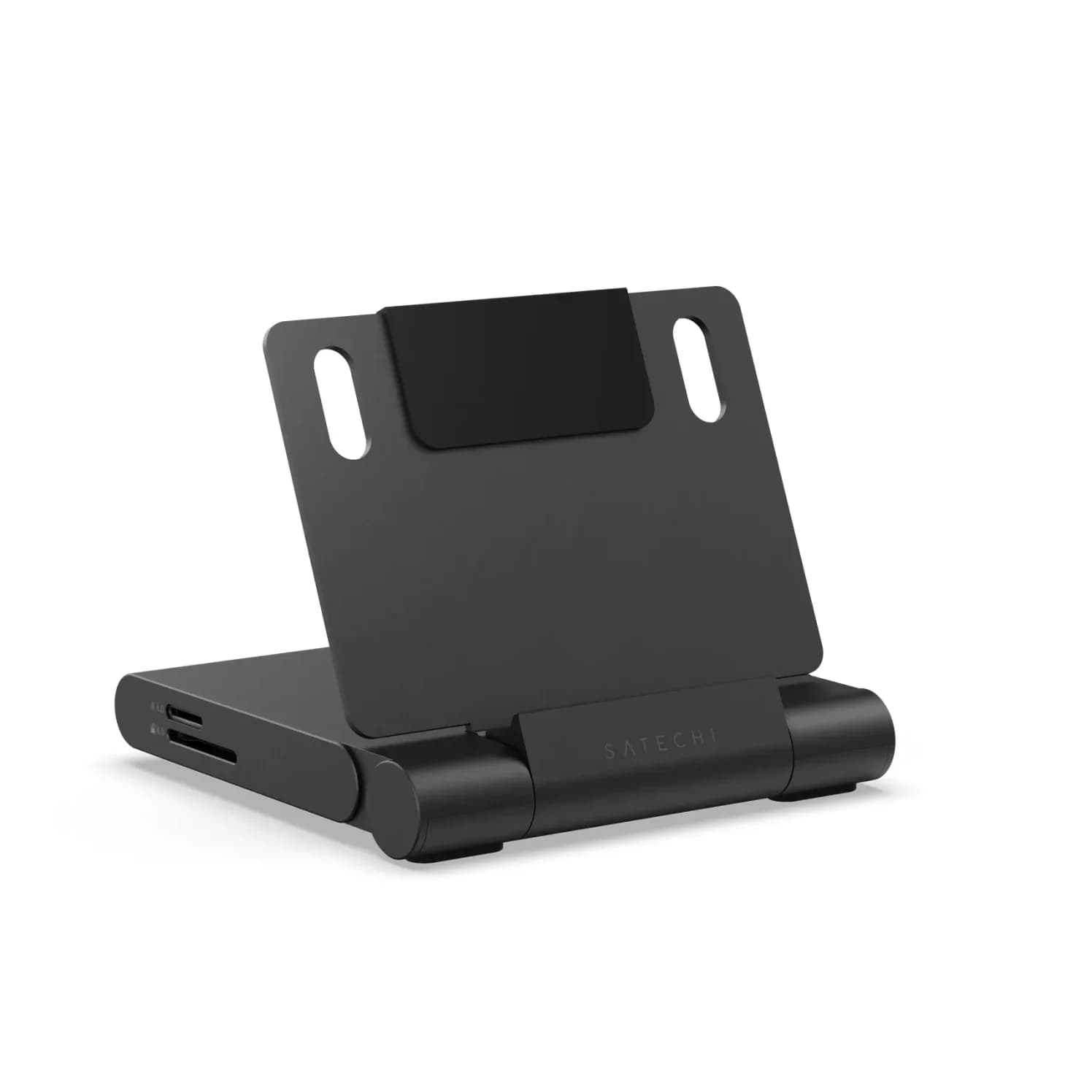
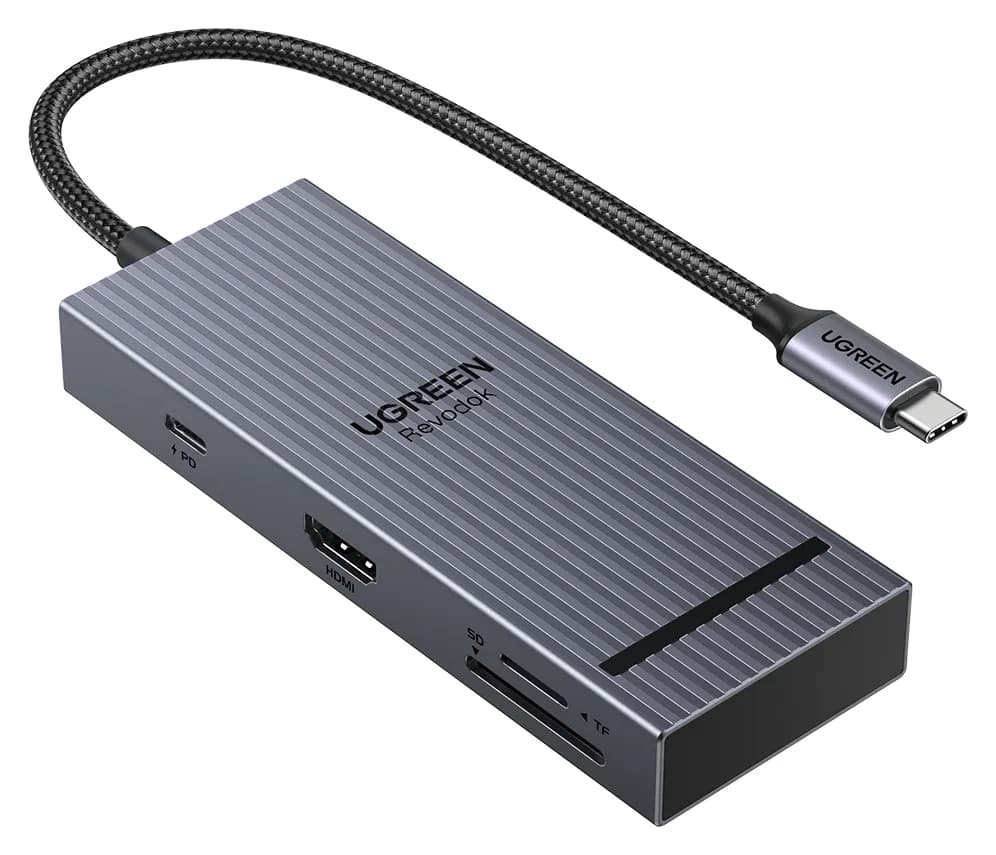
Satechi OntheGo vs UGREEN Revodok Pro 108 for iPad Pro: stand-and-audio hub vs cable hub, case fit, the 4K display ceiling, SD card speed and the charger reserve that decides it.
Updated November 5, 2026Read
Belkin Core 8-in-1 vs Anker 553: Pick by Laptop and Monitors
Choose between Belkin's Core 8-in-1 and Anker 553 with exact models, Mac and Windows display limits, real laptop charging budgets, and a complete-kit checklist.
Updated November 5, 2026Read
Anker 553 vs Plugable USBC-MSTH2: Hub or Display Adapter?
Choose Anker 553 or Plugable USBC-MSTH2 for dual monitors: check Windows support, 4K limits, Mac mirroring, charging and the complete setup before you buy.
Updated November 4, 2026Read