Cyber Monday: the specs to check before you buy
Best picks
Updated November 25, 2026Best USB-C Hubs and Adapters for MacBook Neo: What Its Two Ports Can Run
Short answer
For most MacBook Neo owners, the Satechi USB-C Snap Hub is the hub to get: it's built around the Neo's two different ports and adds 4K at 60Hz HDMI, USB-C and USB-A, SD and microSD readers and charging, sitting flush against the side. If you'd rather have a cable hub that also fits other laptops, the UGREEN Revodok Pro 108 is the pick. The trap is the port: Apple gives the Neo one USB 3 port and one USB 2 port, and a hub in the USB 2 port gets no display and 480Mb/s.
We may earn a commission when you buy through links on this page. As an Amazon Associate, thisUSB earns from qualifying purchases. How we earn
Our picks at a glance
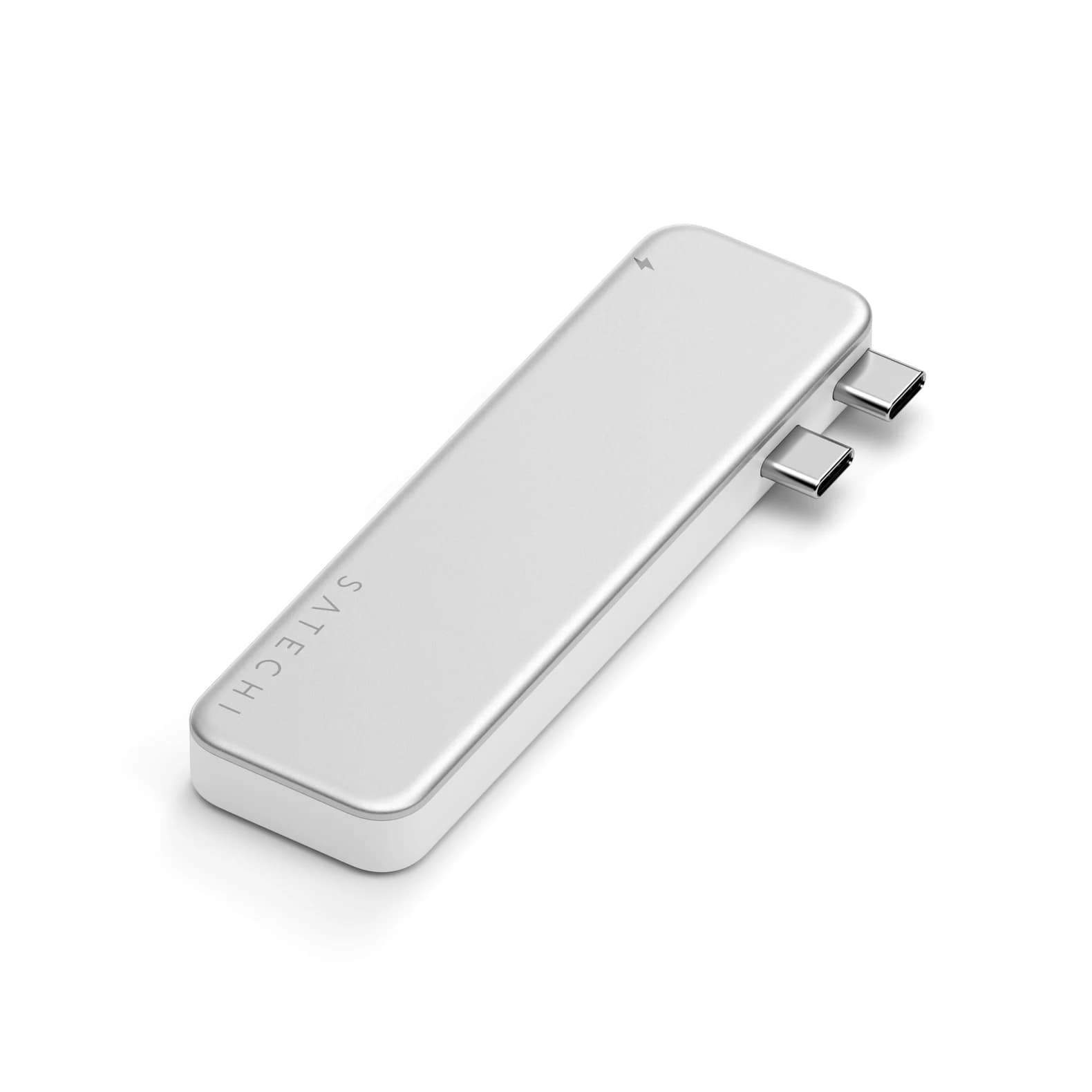
Best fit for MacBook NeoSatechi
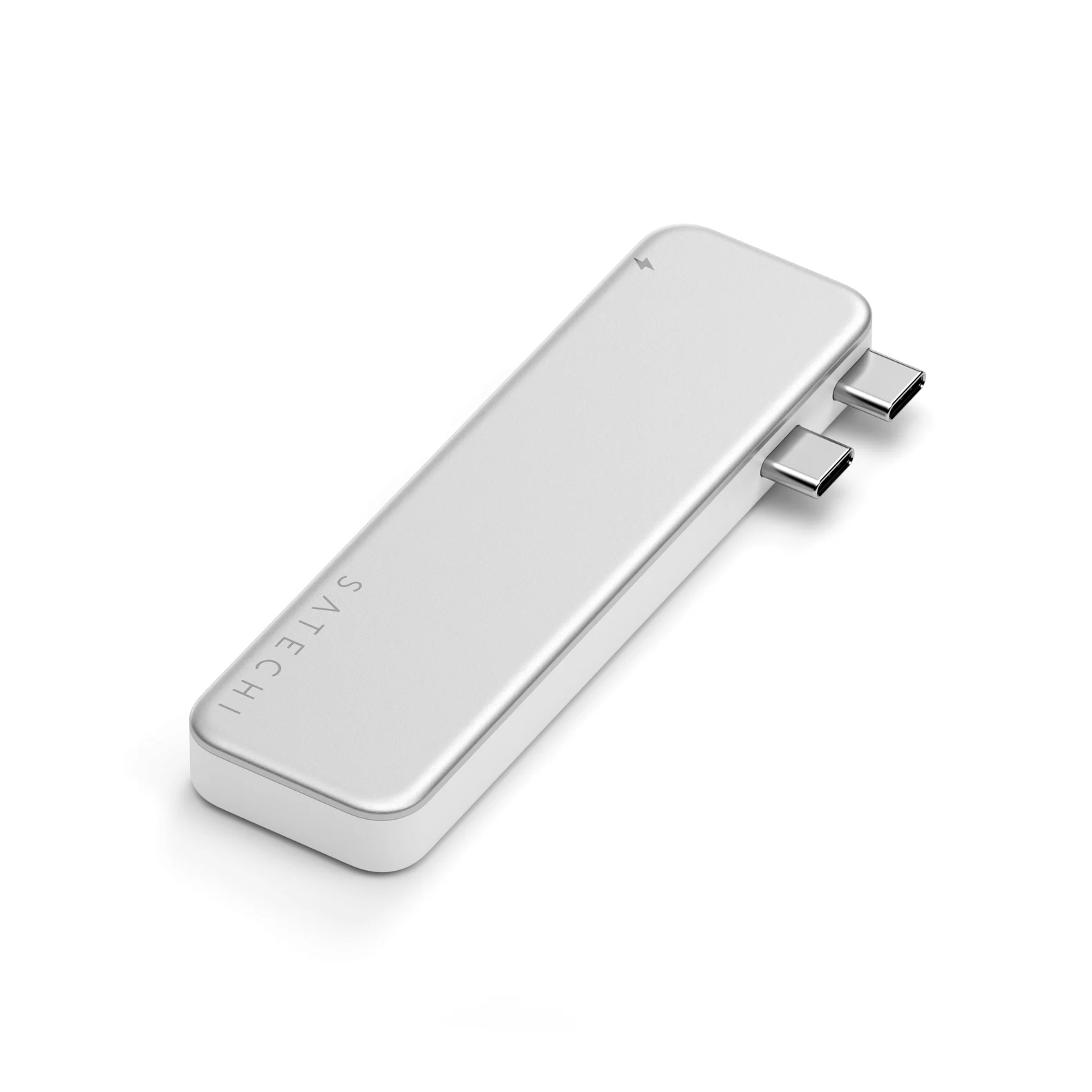
Satechi USB-C Snap Hub for MacBook Neo (6-in-2, Silver)
- to laptop
- 45W
- data
- 5 Gbps
- video
- 4K60
- Choose
- Built for the Neo's two different ports: HDMI at 4K 60Hz, 5Gbps USB-C and USB-A, SD and microSD readers and 45W pass-through, flush against the side.
- Limit
- 5Gbps data ports and UHS-I readers
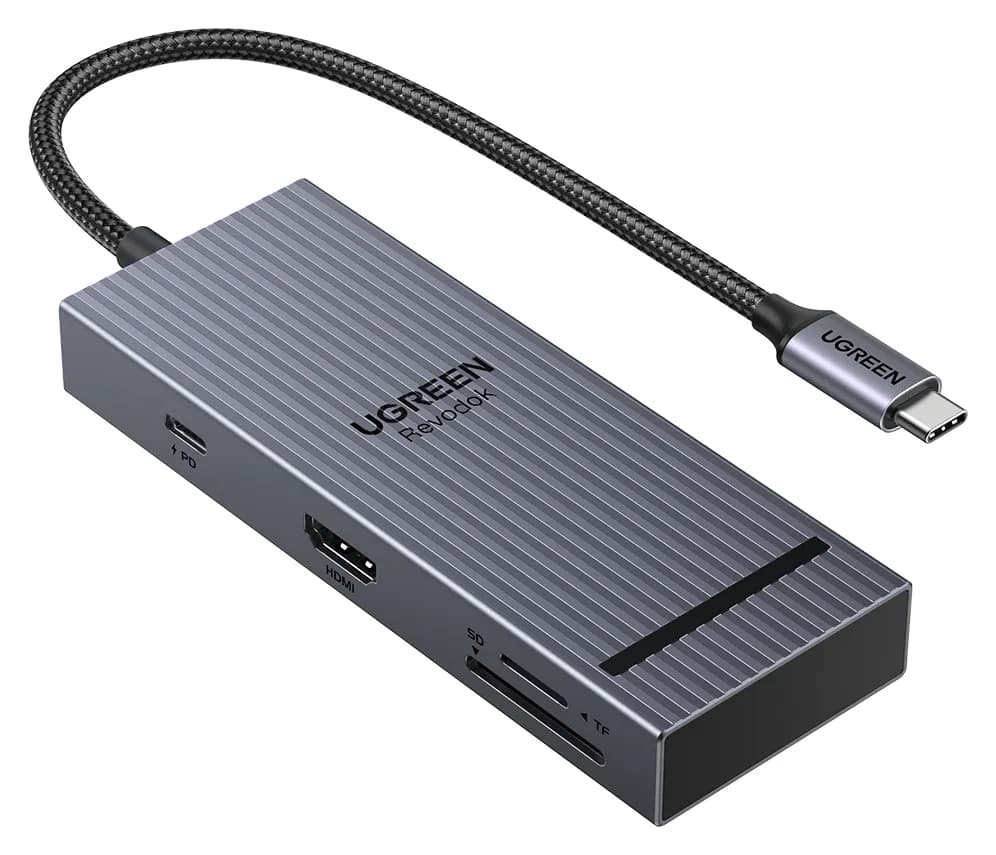
Best single-cable hubUGREEN
UGREEN Revodok Pro 108 USB-C Hub (8-in-1)
- to laptop
- 85W
- data
- 10 Gbps
- video
- 4K60
- Choose
- 4K at 60Hz HDMI on DisplayPort 1.4 hosts, 10Gbps USB ports to match the Neo's USB 3 port, fast SD and microSD readers, on a 30cm cable.
- Limit
- Only one of the two USB-A ports is 10Gbps per UGREEN's port-speed note
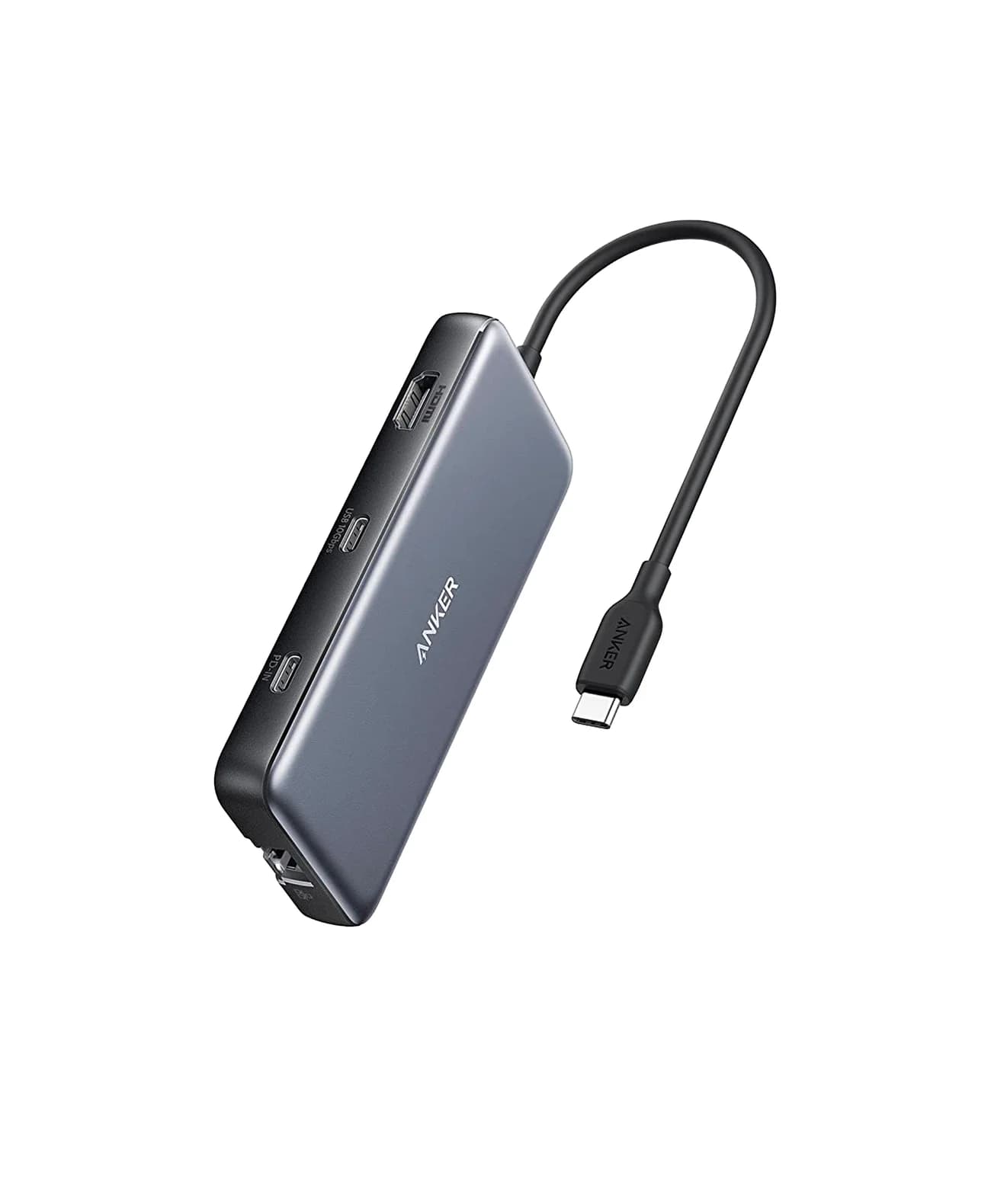
Best with EthernetAnker
Anker 555 USB-C Hub (8-in-1)
- to laptop
- 85W
- data
- 10 Gbps
- video
- 4K60
- Choose
- 4K at 60Hz HDMI, three 10Gbps data ports, Gigabit Ethernet and SD readers from the Neo's USB 3 port.
- Limit
- 4K@60Hz needs a DP 1.4 host; DP 1.2 hosts get 4K@30Hz
- See on Amazon4
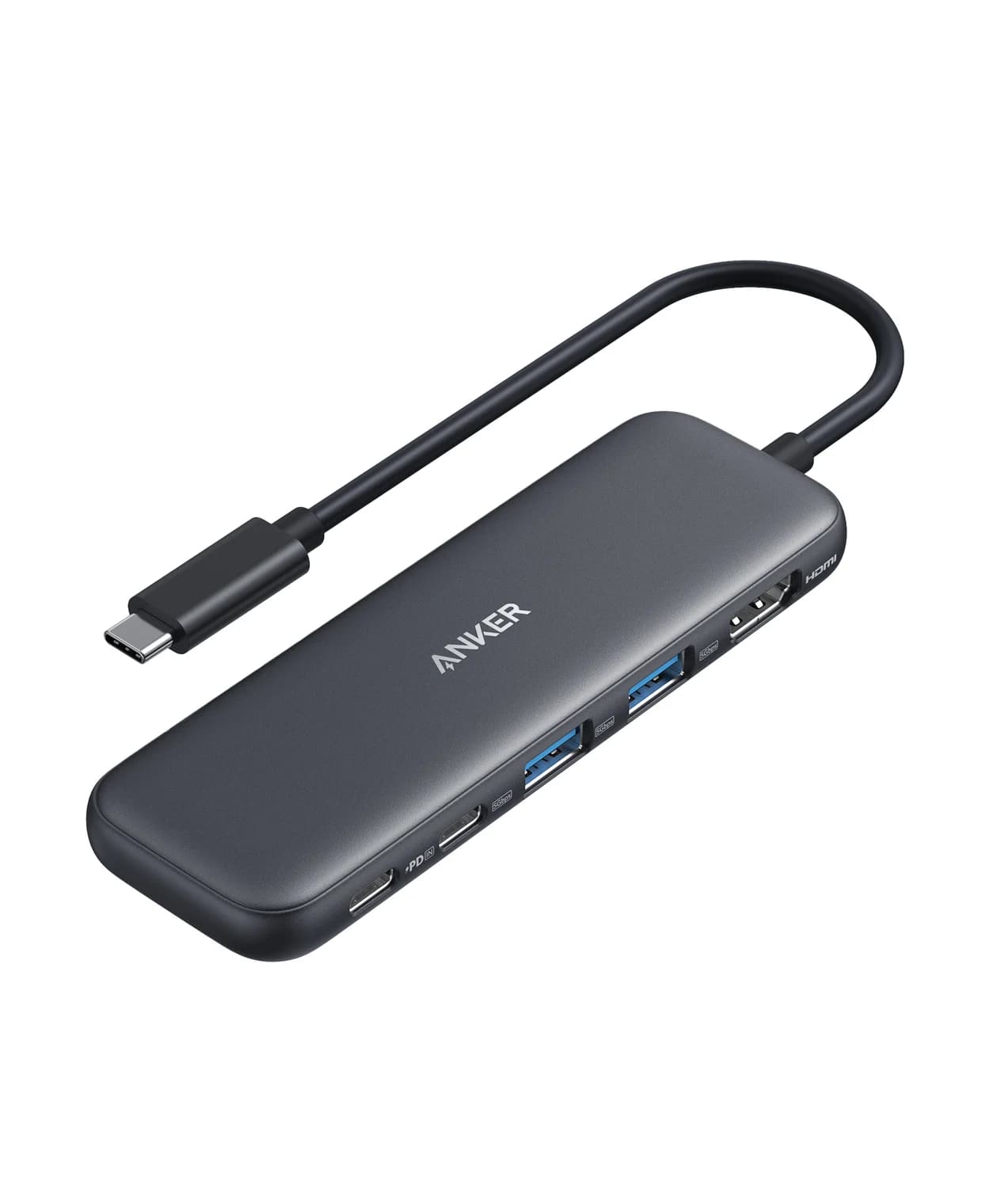
Smallest for a TV or projector
Anker 332 USB-C Hub (5-in-1)
85W PD passthrough · 5 Gbps data · 4K30 video · 5 ports
- See on Amazon5
Best mouse that keeps both ports free
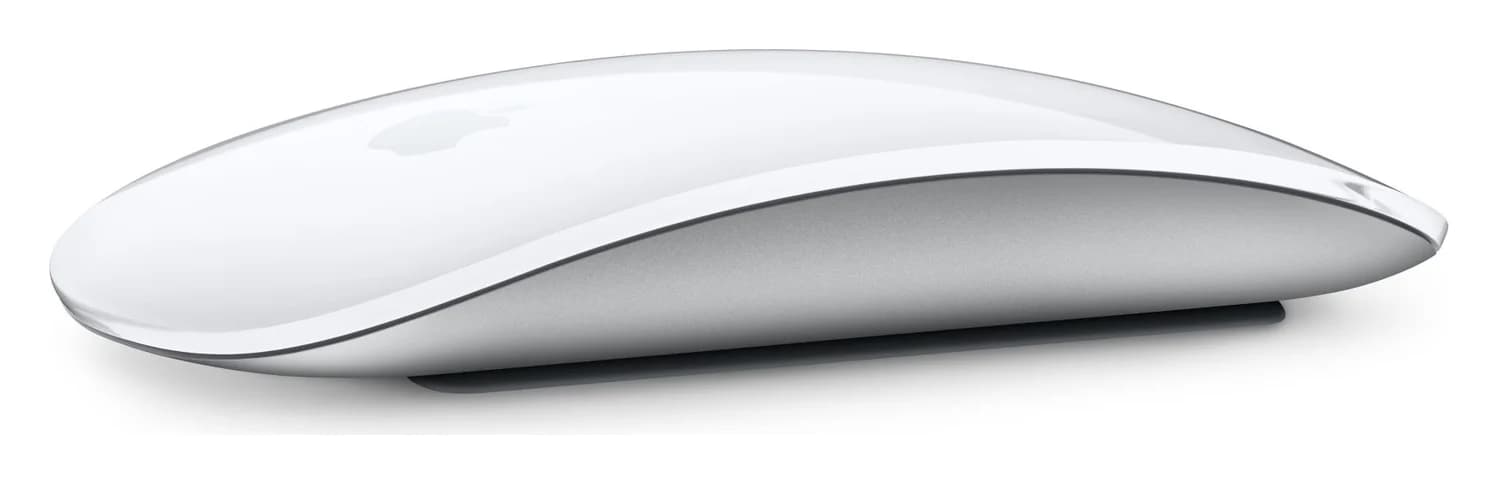
Apple Magic Mouse (USB-C, White Multi-Touch Surface)
1 port
- 10Gb/sThe Neo's USB 3 port, with DisplayPort
- 480Mb/sThe Neo's USB 2 port, no video
- 4K at 60HzOne external display, Apple's limit
- 20WThe USB-C power adapter in the box
Quick picks
| Pick | Best for | Display | Data | Charging to the Neo |
|---|---|---|---|---|
| Satechi USB-C Snap Hub | A flush, Neo-specific hub | HDMI 4K at 60Hz | 5Gbps | Up to 45W |
| UGREEN Revodok Pro 108 | A cable hub for any laptop | HDMI 4K at 60Hz | 10Gbps | Up to 85W |
| Anker 555 (8-in-1) | Wired internet | HDMI 4K at 60Hz | 10Gbps | Up to 85W |
| Anker 332 (5-in-1) | TV or projector on the go | HDMI 4K at 30Hz | 5Gbps | Up to 85W |
| Apple Magic Mouse (USB-C) | A mouse with no dongle | none | Bluetooth | none |
What the MacBook Neo's two ports can do
- Yes: USB 3 port: charging, DisplayPort and USB 3 up to 10Gb/s; the port for a hub or monitor
- Partly: USB 2 port: charging and USB 2 up to 480Mb/s, no display
- Yes: One external display, up to 4K at 60Hz (DisplayPort 1.4, HBR3), plus the built-in screen
- No: A second extended monitor: not supported
Source: Apple MacBook Neo tech specs, Apple: identify the ports on your Mac
Apple says to use the leftmost USB-C port, when you're facing the left side of the Mac, for a display or USB 3 device, and the rightmost for USB 2 devices. Satechi describes the same port as the top one. Either port charges the Neo.
Best fit for MacBook Neo: Satechi USB-C Snap Hub
Satechi
Satechi USB-C Snap Hub for MacBook Neo (6-in-2, Silver)
A flush two-plug hub built for the MacBook Neo, routing HDMI, data, card readers and charging through the Neo's USB 3 port.
- 45W PD passthrough
- 5 Gbps data
- 4K60 video
- 6 ports
Satechi designed the Snap Hub for the Neo's two different ports. Its two USB-C plugs hold it flush against the side, and Satechi says it routes HDMI, data, card readers and charging through the high-performance USB 3 port. It adds an HDMI port at up to 4K at 60Hz, which matches Apple's display limit, a 5Gbps USB-C data port, a 5Gbps USB-A port, UHS-I SD and microSD readers at up to 104MB/s, and a USB-C charging port that takes up to 100W and passes up to 45W to the Neo. It comes in Silver, Indigo, Citrus and Blush, and weighs 32g.
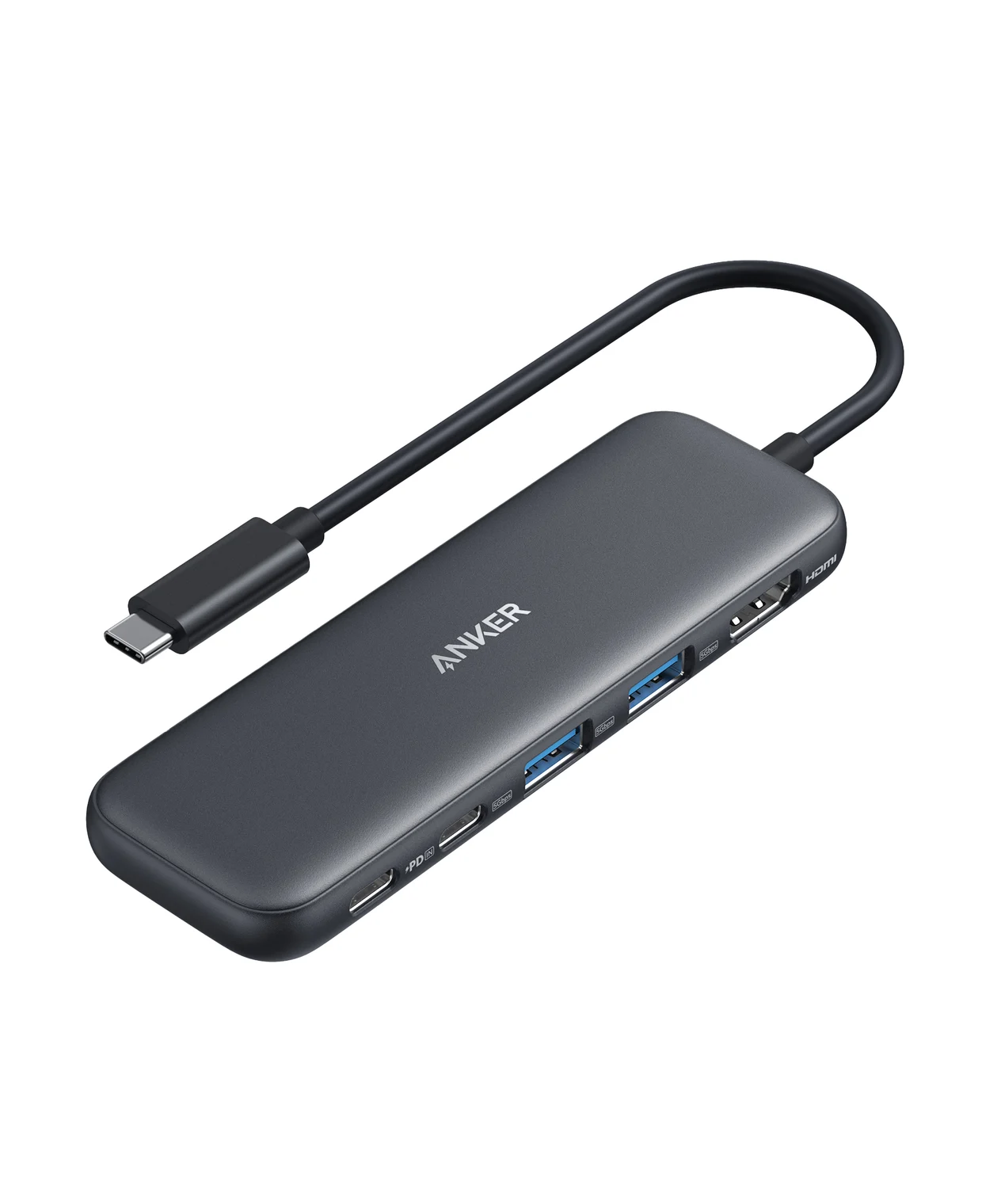
Watch out for: Satechi says it must go into the top USB-C port. Data ports are 5Gbps, not the Neo's full 10Gb/s, and the readers are UHS-I. It also fits MacBook Air and Pro models, but limits their charging to 45W.
Best single-cable hub: UGREEN Revodok Pro 108 (8-in-1)
UGREEN
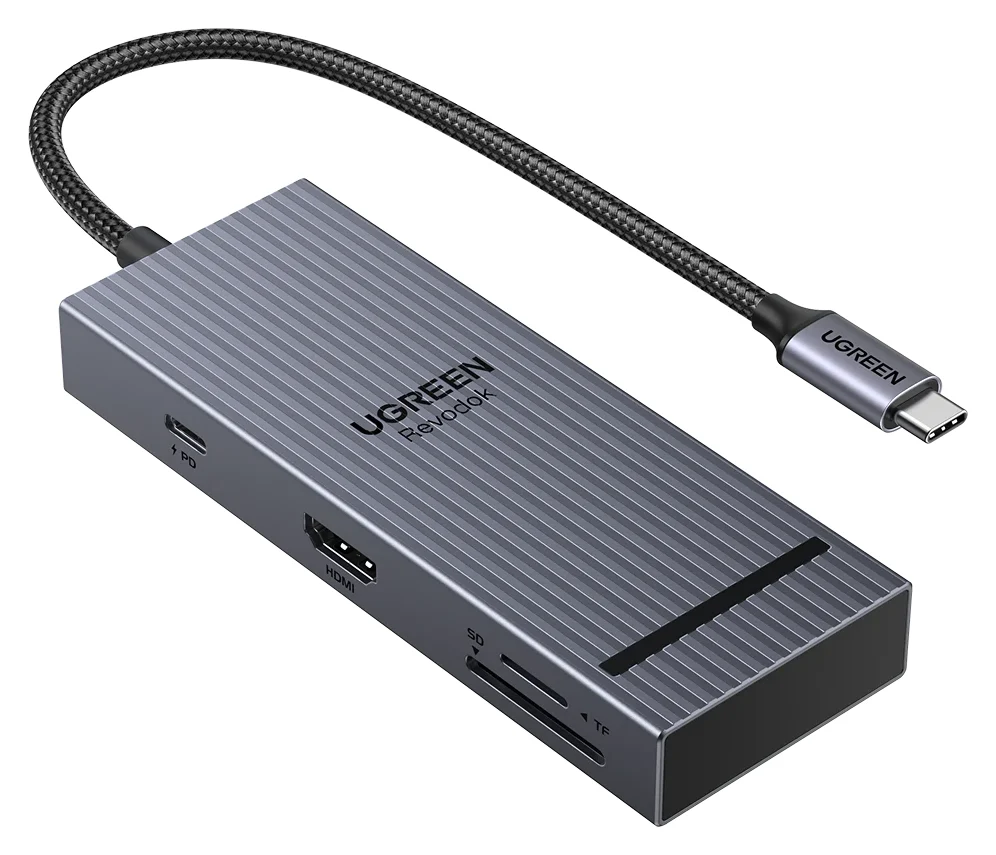
UGREEN Revodok Pro 108 USB-C Hub (8-in-1)
A compact single-cable 8-in-1 USB-C hub with 4K@60Hz HDMI, 10Gbps USB ports, 170MB/s SD and microSD readers and 100W PD input.
- 85W PD passthrough
- 10 Gbps data
- 4K60 video
- 8 ports
A one-cable hub plugs into the Neo's USB 3 port alone, which leaves the USB 2 port free for the charger. The Revodok Pro 108 is the best match: UGREEN rates its HDMI port at 4K at 60Hz on hosts with DisplayPort 1.4 Alt Mode, which Apple lists for the Neo's USB 3 port, and three of its USB data ports run at 10Gbps, the Neo's own top speed. Its SD and microSD readers run at up to 170MB/s, and it passes up to 85W from a 100W charger.
Watch out for: Only one of its two USB-A ports is 10Gbps, there's no Ethernet, and its two USB-C data ports carry no video or charging.
Best with Ethernet: Anker 555 USB-C Hub (8-in-1)
Anker
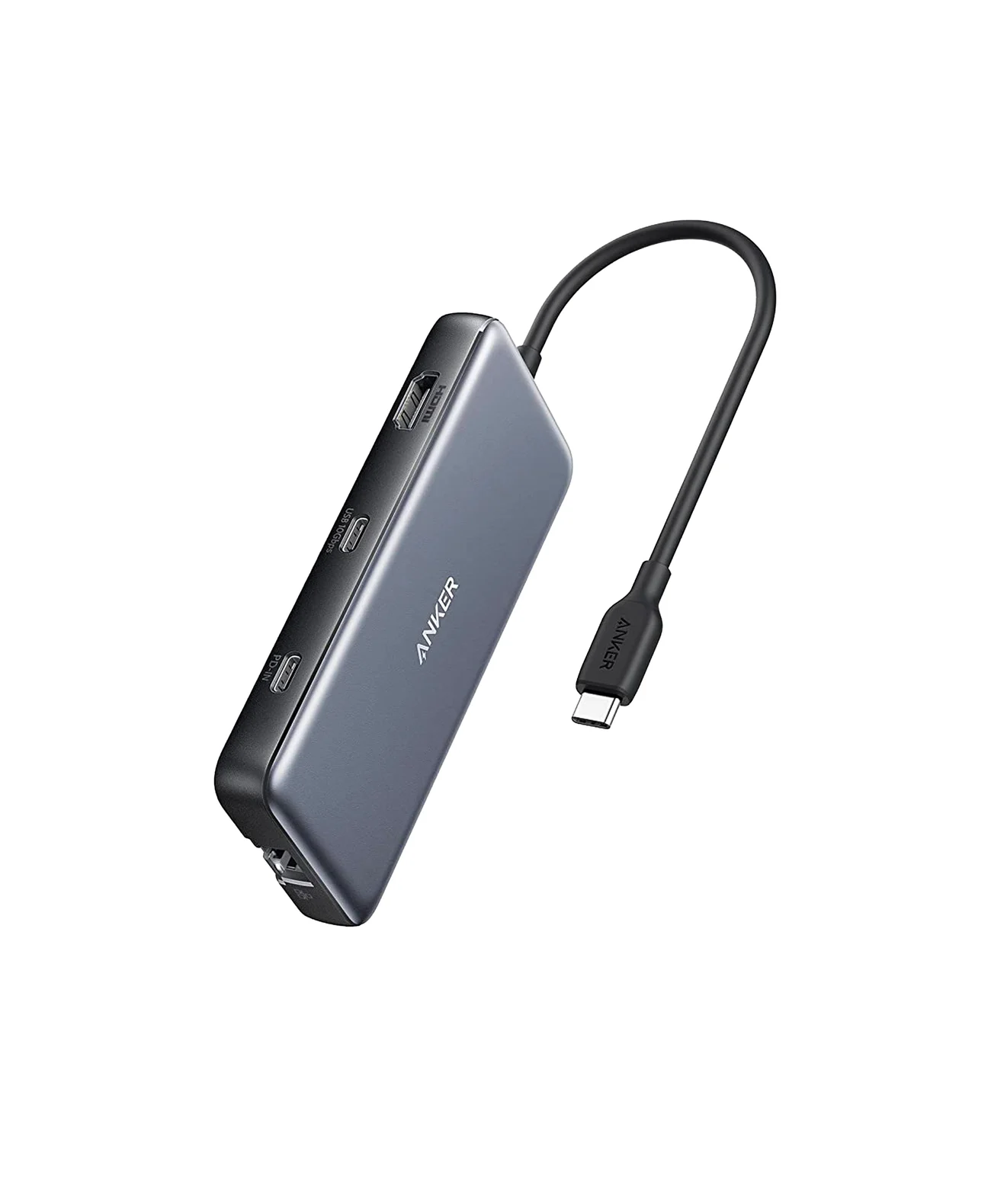
An 8-in-1 USB-C hub with 4K@60Hz HDMI, gigabit Ethernet, 10Gbps USB-C and USB-A data ports, SD/microSD readers and 85W pass-through charging.
- 85W PD passthrough
- 10 Gbps data
- 4K60 video
- 8 ports
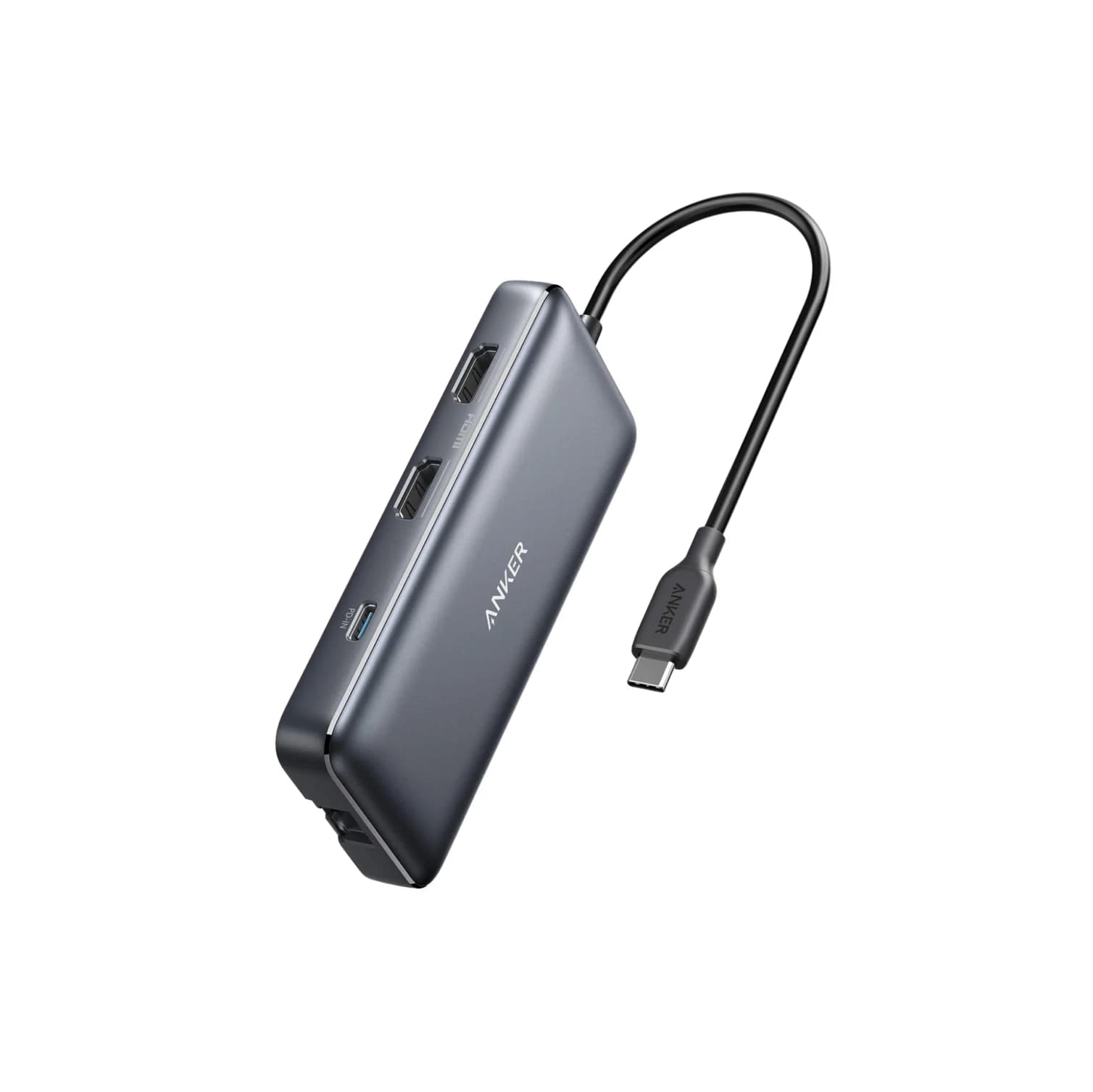
For wired internet, the Anker 555 adds Gigabit Ethernet to HDMI at 4K at 60Hz on DisplayPort 1.4 hosts, a 10Gbps USB-C data port, two 10Gbps USB-A ports and UHS-I SD and microSD readers. Anker says it keeps 15W of a 100W charger and passes up to 85W.
Watch out for: Anker says its USB-C data port doesn't output video and its data ports don't charge devices. Our Anker hub comparison covers the rest of the range.
Smallest for a TV or projector: Anker 332 USB-C Hub (5-in-1)
Anker
A slim 5-in-1 USB-C hub with 4K@30Hz HDMI, one 5Gbps USB-C data port, two 5Gbps USB-A ports and 85W pass-through charging.
- 85W PD passthrough
- 5 Gbps data
- 4K30 video
- 5 ports
The 332 is the travel option: HDMI, a 5Gbps USB-C data port and two 5Gbps USB-A ports in a short stick, with up to 85W pass-through.
Watch out for: Anker lists its HDMI 1.4 port at up to 4K at 30Hz, so a 4K monitor runs at 30Hz. There's no card reader or Ethernet.
Best mouse that keeps both ports free: Apple Magic Mouse (USB-C)
Apple
Apple Magic Mouse (USB-C, White Multi-Touch Surface)
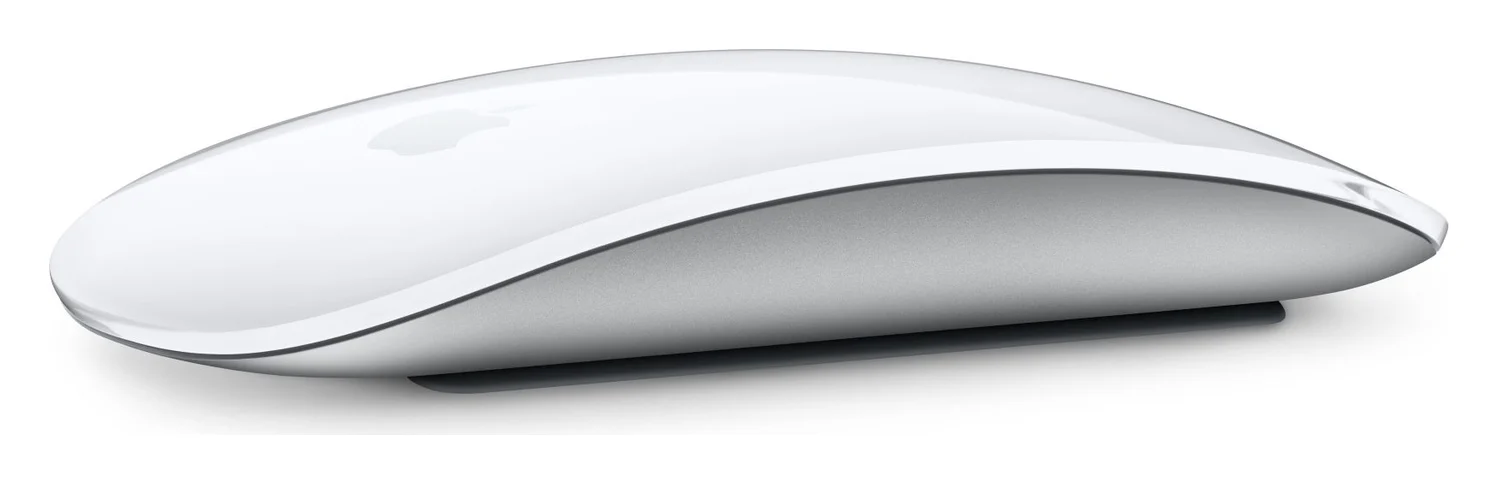
Apple's low-profile wireless Bluetooth mouse with a Multi-Touch gesture surface, recharged through a USB-C port on its underside.
- 1 port
With only two ports, a Bluetooth mouse is the easy win. Apple's Magic Mouse connects over Bluetooth, needs macOS 15.1 or later, and charges and pairs over USB-C. Apple says a charge lasts about a month or more.
Watch out for: Its USB-C port is underneath, so you can't use it while it charges, and it has no side buttons.
How we choose
We started from Apple's MacBook Neo specs and port guidance, then picked hubs whose makers publish 4K at 60Hz HDMI on DisplayPort 1.4 hosts or design for the Neo specifically, and checked each one's data speeds, card readers and pass-through on the makers' pages. We haven't handled these hubs ourselves.
Buying guide: three things that matter on a MacBook Neo
Use the USB 3 port. Everything fast, a monitor, an SSD or a hub, belongs in the USB 3 port. A hub in the USB 2 port gets no display and 480Mb/s for everything on it.
Plan the charging. Apple puts a 20W adapter in the box and recommends a 20W adapter for the Neo. Hubs keep part of the charger's power for themselves, so a 20W adapter behind a hub leaves little for the laptop. Either give the hub a 45W or larger charger, or plug the 20W adapter straight into the Neo's USB 2 port and the hub into the USB 3 port. Our best USB-C chargers guide has options.
One external display. Apple lists one external display at up to 4K at 60Hz. A dual-HDMI hub won't extend to two screens; it can only mirror.
For hubs across every MacBook, see our best USB-C hubs for MacBook and MacBook Air hub guides. For wired internet alone, a USB-C to Ethernet adapter is smaller than a hub.
Verdict
Buy the Satechi USB-C Snap Hub for a flush, Neo-specific setup with HDMI, USB, card readers and charging. Choose the UGREEN Revodok Pro 108 for a cable hub that also suits other laptops, the Anker 555 if you need Ethernet, and the Anker 332 for travel. Pair any of them with a Bluetooth mouse such as the Magic Mouse to keep a port free.
Frequently asked questions
Which port on the MacBook Neo should I use for a hub?
The USB 3 port. Apple says to use the leftmost USB-C port, when you're facing the left side of the Mac, for a display or USB 3 devices, and the rightmost one for USB 2 devices. Only the USB 3 port carries DisplayPort video and 10Gb/s data; the other is USB 2 at 480Mb/s. Either port charges.
How many monitors can a MacBook Neo run?
One. Apple lists support for one external display at up to 4K at 60Hz, alongside the built-in display, through the USB 3 port with DisplayPort 1.4 (HBR3). A hub with two HDMI ports won't add a second extended screen.
Do two-plug MacBook hubs work on the MacBook Neo?
Most don't. Hubs like the Anker 547 expect two full-featured ports side by side, and Apple lists the Neo's second port as USB 2. Satechi's USB-C Snap Hub is built for the Neo: it routes HDMI, data, card readers and charging through the USB 3 port, and Satechi says it must go into the top port.
Can I charge a MacBook Neo through a hub?
Yes, but the 20W adapter in the box is small for it. Hubs keep some power for themselves; Anker says its 555 keeps 15W. Either use a 45W or larger charger on the hub, or plug the 20W adapter straight into the Neo's other USB-C port, which Apple says can charge too.
What mouse works with the MacBook Neo?
Any Bluetooth mouse keeps both USB-C ports free. Apple's Magic Mouse (USB-C) needs macOS 15.1 or later and charges over USB-C, with the port underneath, so it can't be used while charging. A USB receiver mouse works too, but it takes a port or a hub slot.
Related guides
Anker USB-C Hubs Compared: 332 vs 341 vs 547 vs 553 vs 555 and the Nano 7-in-1
Anker's USB-C hubs by model number: which give 4K at 60Hz, 10Gbps ports, Ethernet or two HDMI outputs, which one is only 4K30, and which skips the MacBook Neo.
Updated November 25, 2026Read
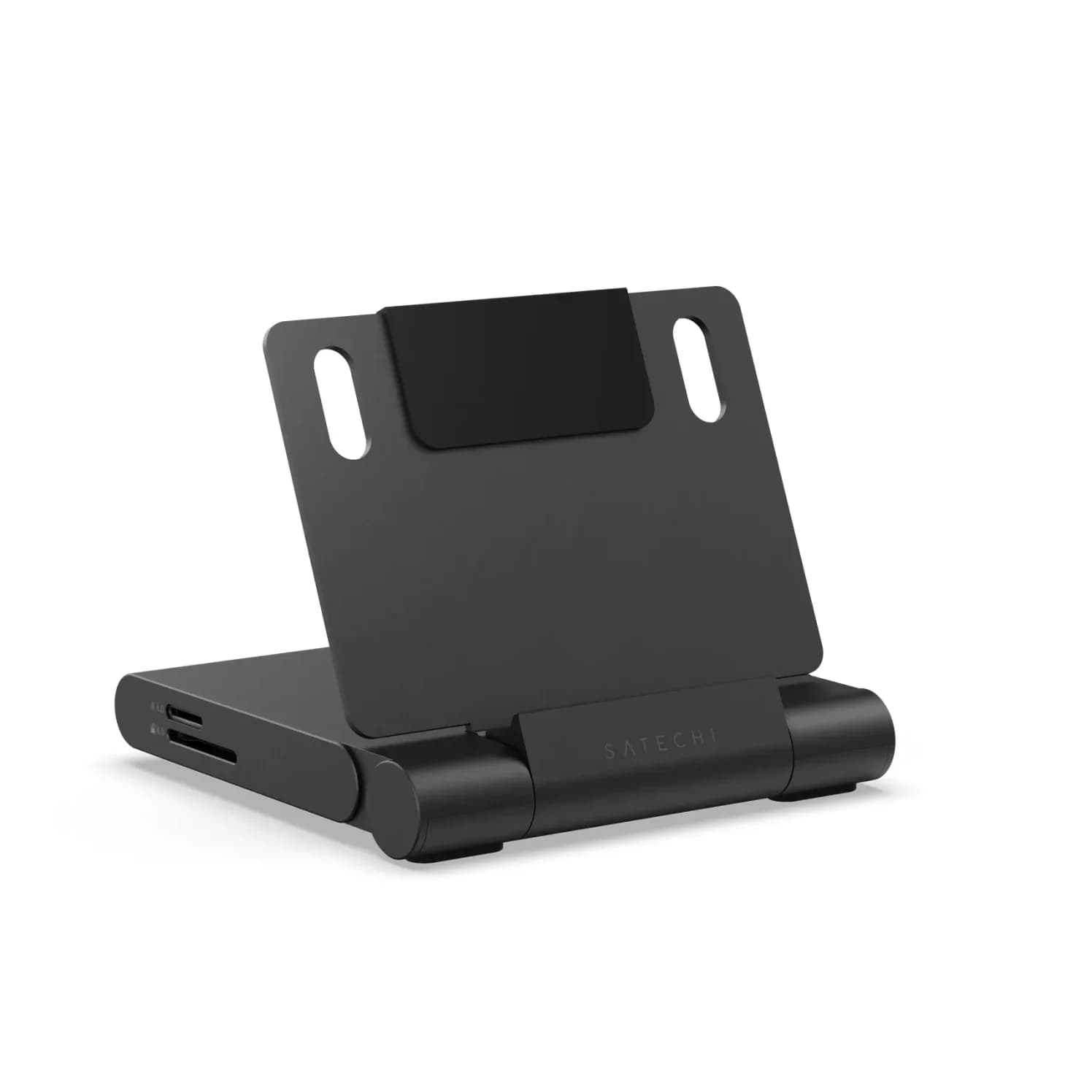
Satechi OntheGo vs UGREEN Revodok Pro 108 for iPad Pro: Which Hub Should You Buy?
Satechi OntheGo vs UGREEN Revodok Pro 108 for iPad Pro: stand-and-audio hub vs cable hub, case fit, the 4K display ceiling, SD card speed and the charger reserve that decides it.
Updated November 26, 2026Read
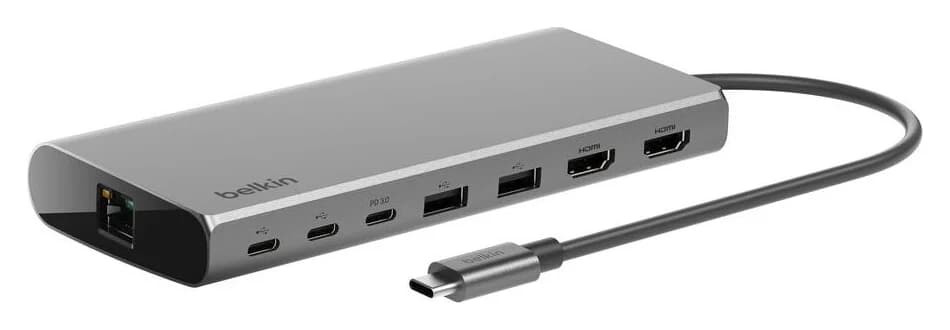
Belkin Core 8-in-1 vs Anker 553: Pick by Laptop and Monitors
Choose between Belkin's Core 8-in-1 and Anker 553 with exact models, Mac and Windows display limits, real laptop charging budgets, and a complete-kit checklist.
Updated November 26, 2026Read