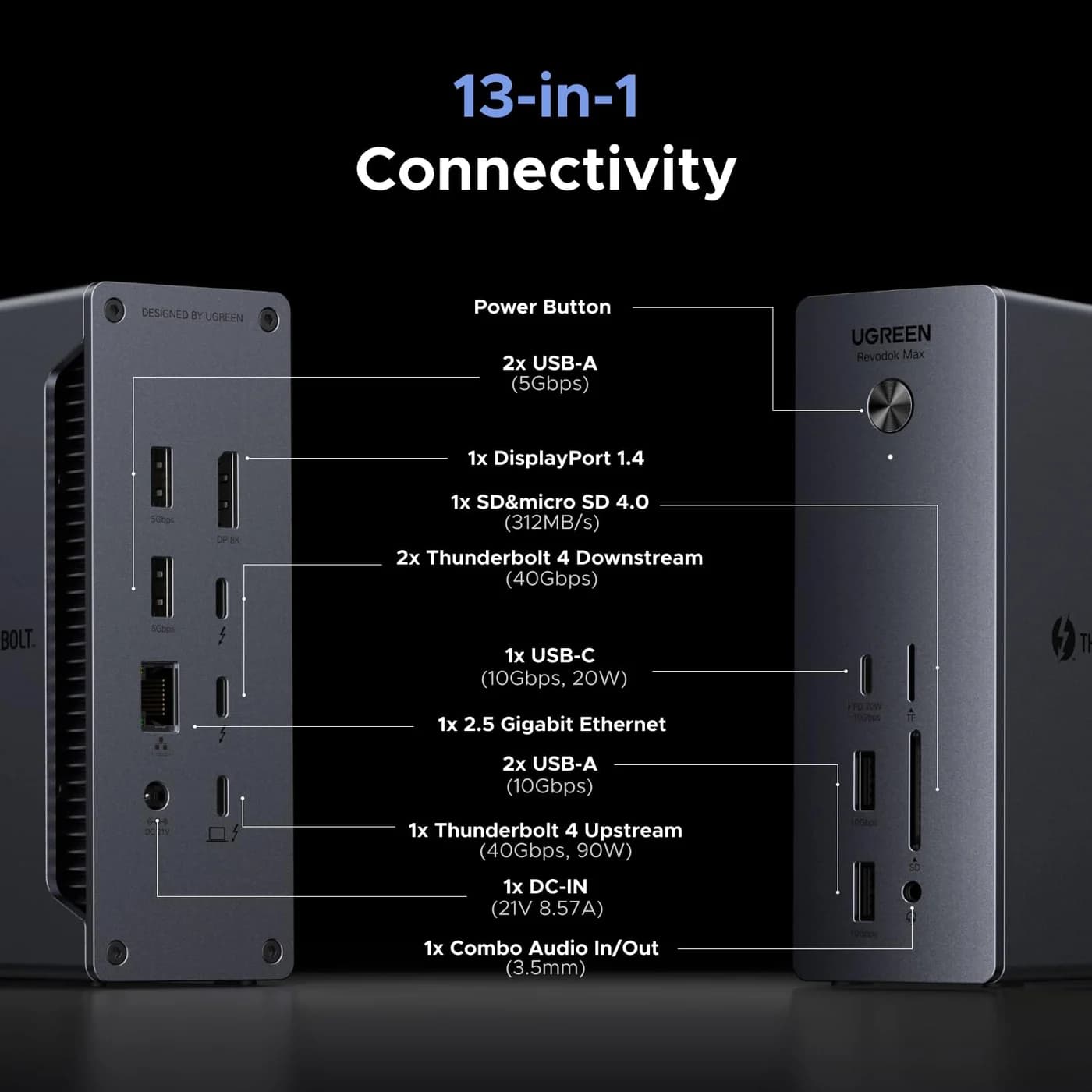
Ports
UGREEN
A 13-in-1 Thunderbolt 4 dock with DisplayPort 1.4, 2.5GbE, SD/TF 4.0 readers and 90W laptop charging.
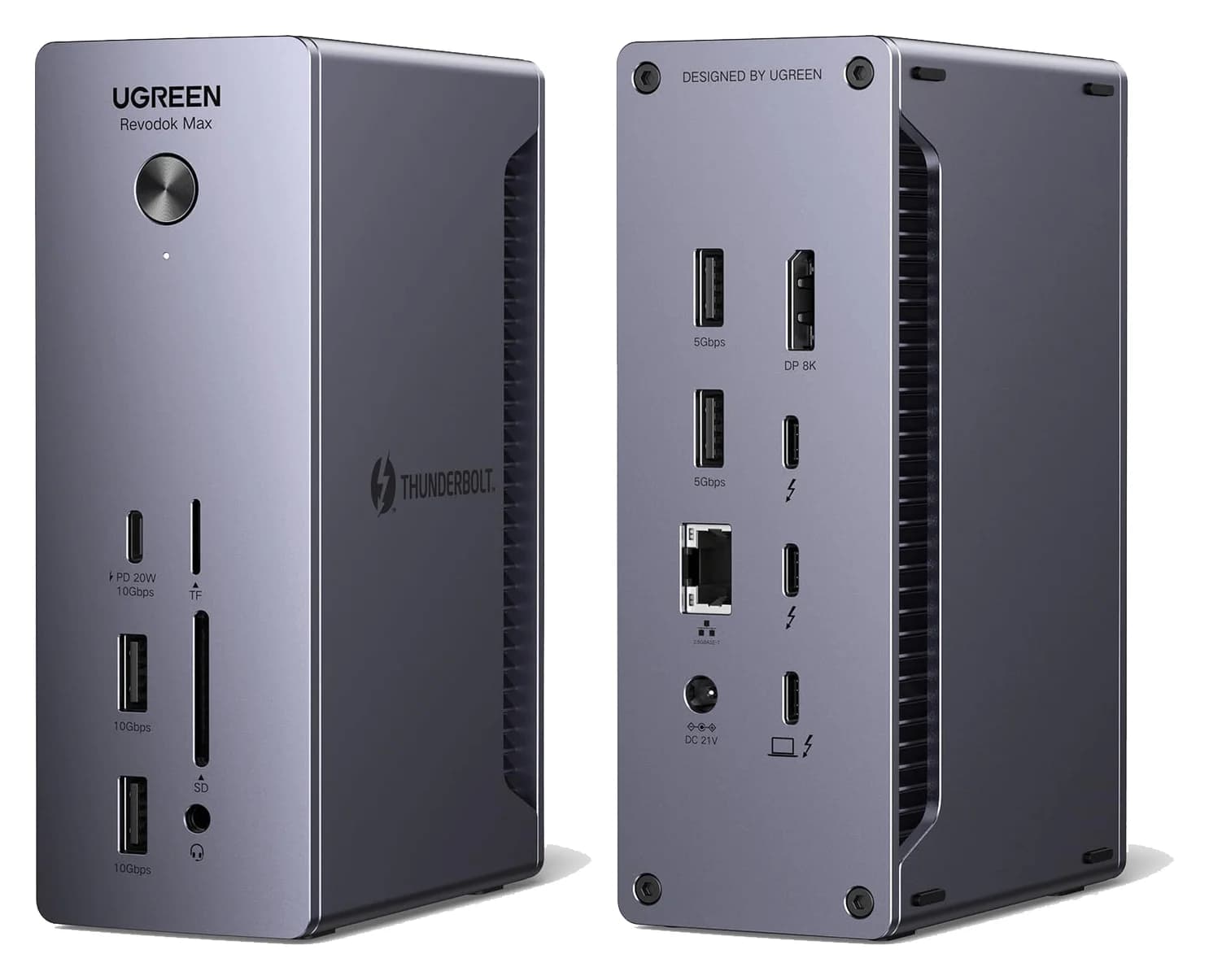
Photo: UGREEN
Tap a port to see what it’s for.
Ports
Laptop charging through the hub
90W
Enough to keep almost any laptop charging at full speed while you work, including 14-inch MacBook Pros.
Data speed
40 Gbps
Thunderbolt/USB4 class: fast NVMe SSDs, docks and high-res displays over one cable.
Display output
DisplayPort 1.4 + Thun
Smooth high-resolution output for a monitor or TV.
Total ports
13
A full desk’s worth of connections from one cable.
| Downstream Thunderbolt | 2x Thunderbolt 4 (40Gbps, 15W each) |
|---|---|
| Video | 1x DisplayPort 1.4, plus Thunderbolt ports |
| USB | 1x USB-C 10Gbps (20W), 2x USB-A 10Gbps, 2x USB-A 5Gbps |
| Ethernet | 2.5Gbps |
| Card reader | SD 4.0 and TF 4.0 |
| Audio | 3.5mm |
| Host charging | Up to 90W |
| Power adapter | 180W GaN, included |
| Displays (Windows) | Dual 4K60 or single 8K30 |
| Displays (Mac) | Dual 4K60 on M1-M3 Pro/Max; single 4K60 on base M1-M3 |
From manufacturer documentation, checked September 27, 2026. Spotted an error? Tell us.
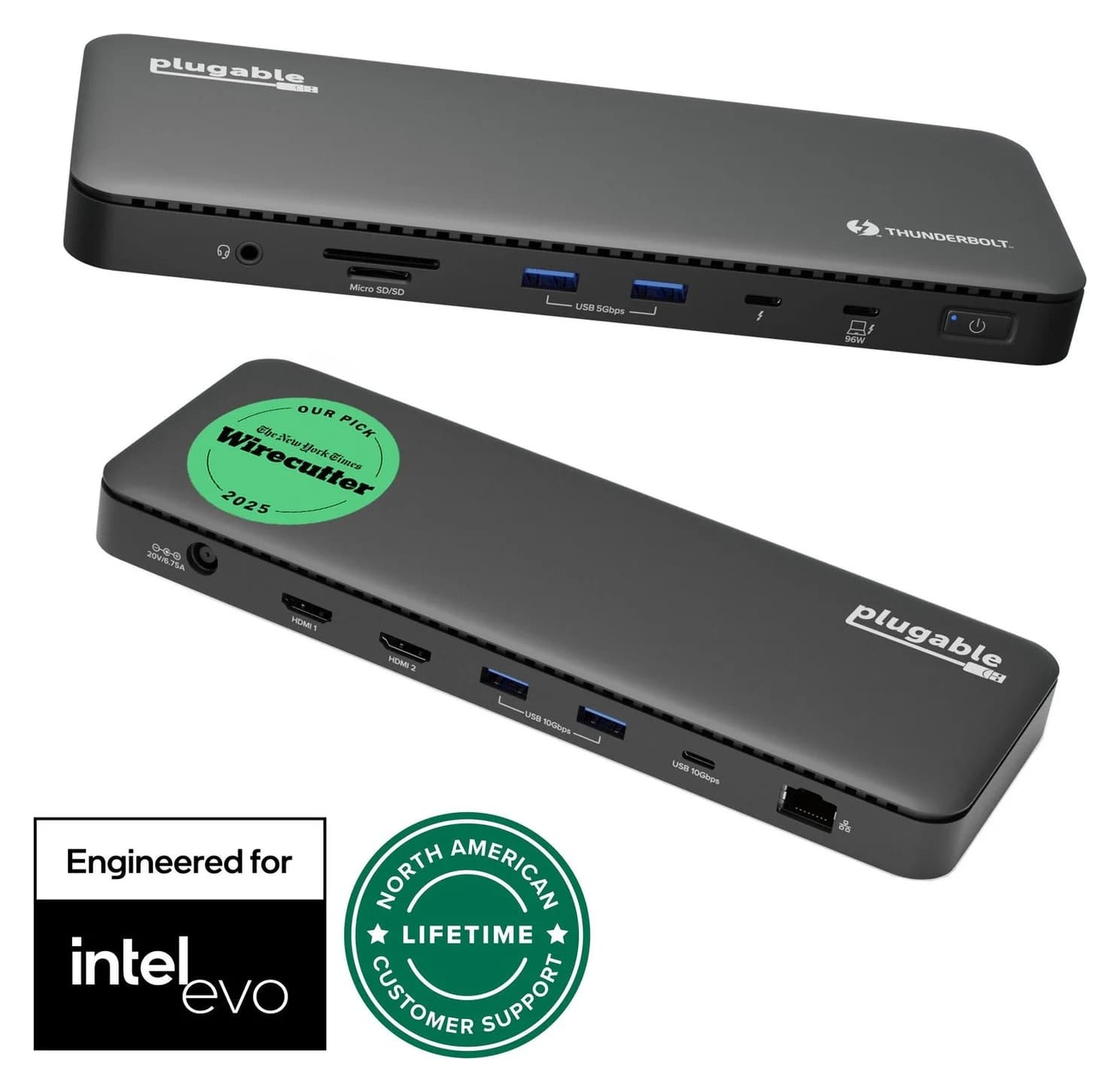
Choose a Thunderbolt 4 dock for your M4 MacBook Air: compare monitor connections, charging, Ethernet and the cables needed for a complete one-cable desktop.
Updated November 5, 2026Read
Thunderbolt 4 and Thunderbolt 5 docks compared on host charging, display support for Mac and Windows, and port mix, so one cable runs your whole desk.
Updated October 30, 2026Read
Choose a Belkin or UGREEN Thunderbolt 4 dock for your monitors, laptop charging and SSD. Compare exact models, remaining ports and the complete desk kit.
Updated November 4, 2026Read
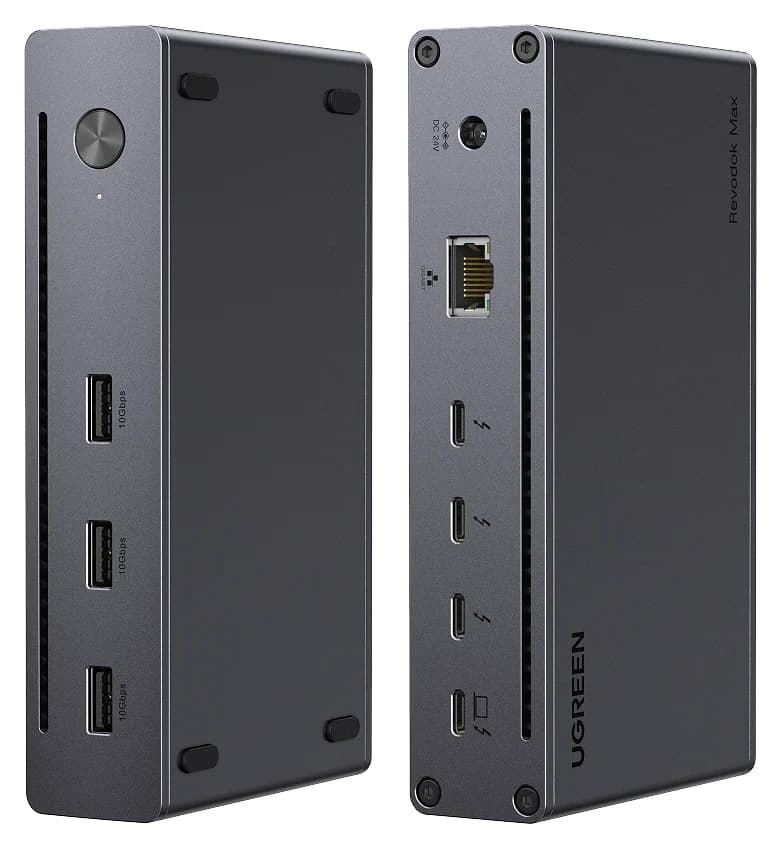
Choose your UGREEN Thunderbolt 4 dock: Max 208 vs Max 213 ports, 25054/25054A model codes, supplied power adapters, monitor cables and Mac display limits.
Updated November 5, 2026Read
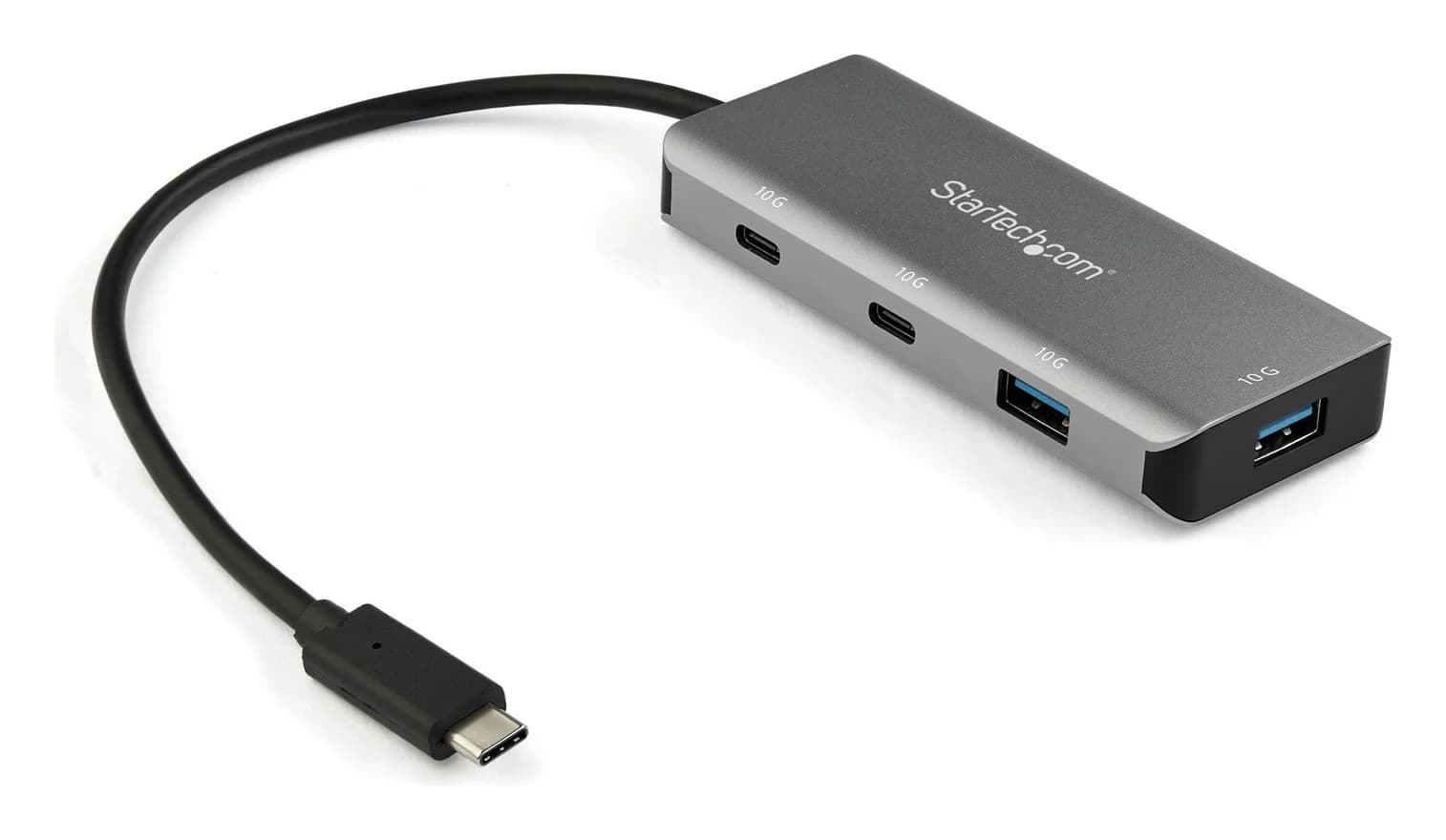
Choose a USB-C hub or Thunderbolt dock for your Mac Pro desktop. Compare exact models, monitor limits, shared bandwidth, and the cables your complete kit needs.
Updated November 5, 2026Read
Choose between the UGREEN Revodok Max 213 and CalDigit TS4 docks: monitor connections, 2.5GbE, card readers, ports left over and laptop charging, from their spec sheets.
Updated November 5, 2026Read
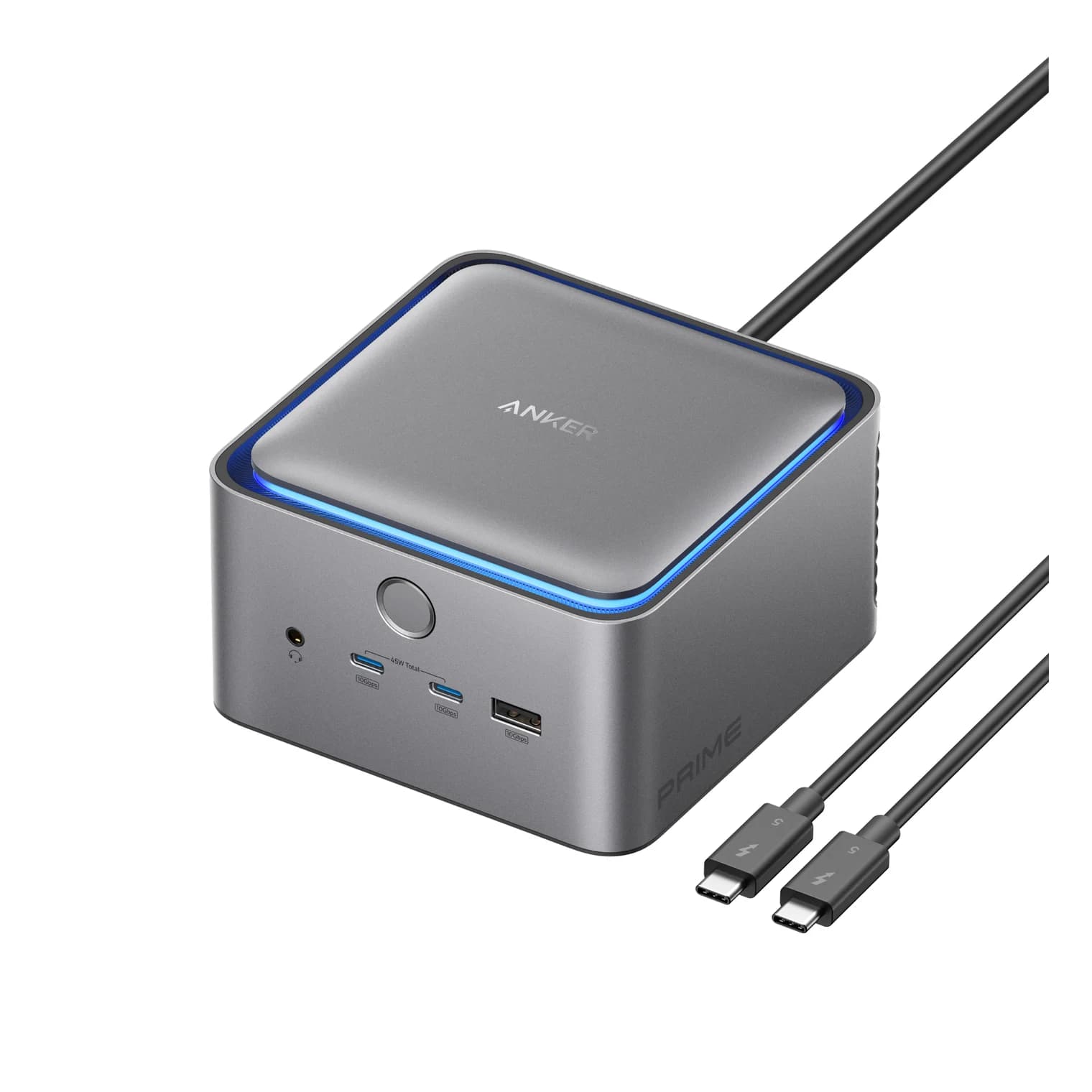
A 14-port Thunderbolt 5 dock with a built-in power supply, 140W laptop charging, an HDMI 2.1 or DisplayPort 2.1 output and two downstream Thunderbolt 5 ports.
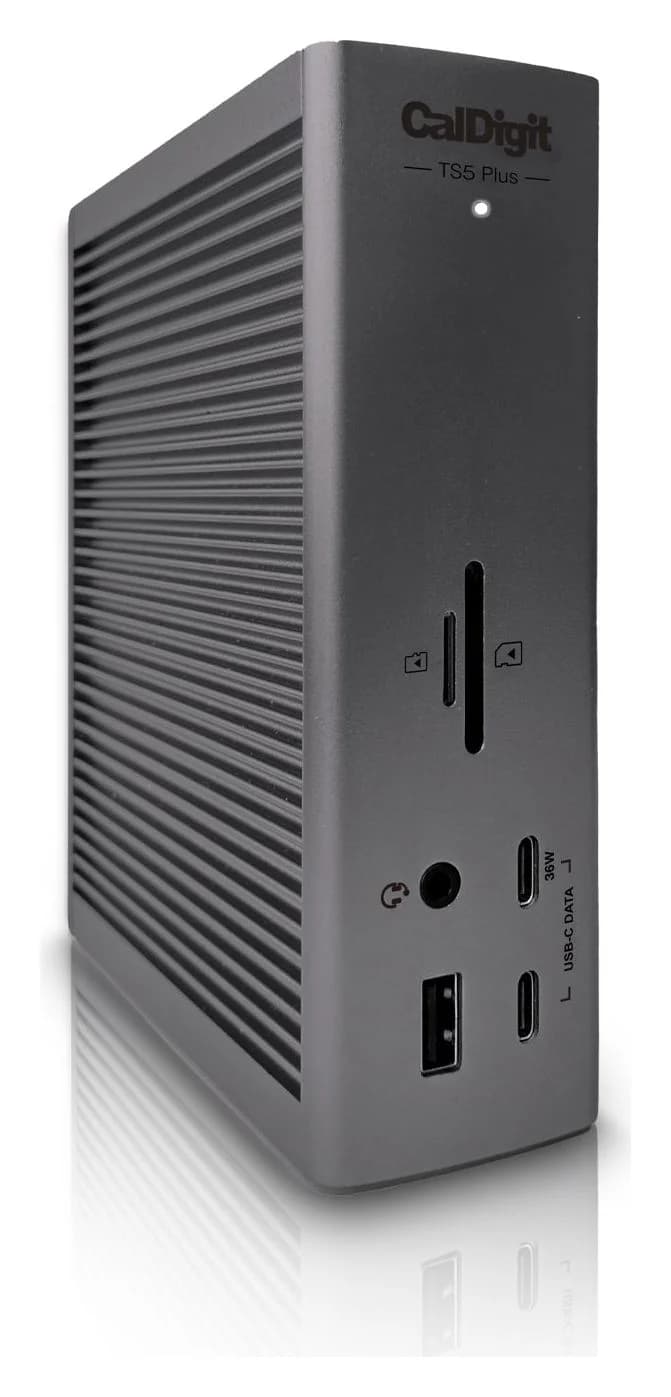
A 20-port Thunderbolt 5 dock with 10 Gigabit Ethernet, a DisplayPort 2.1 output, two 80Gb/s Thunderbolt 5 ports and 140W laptop charging.
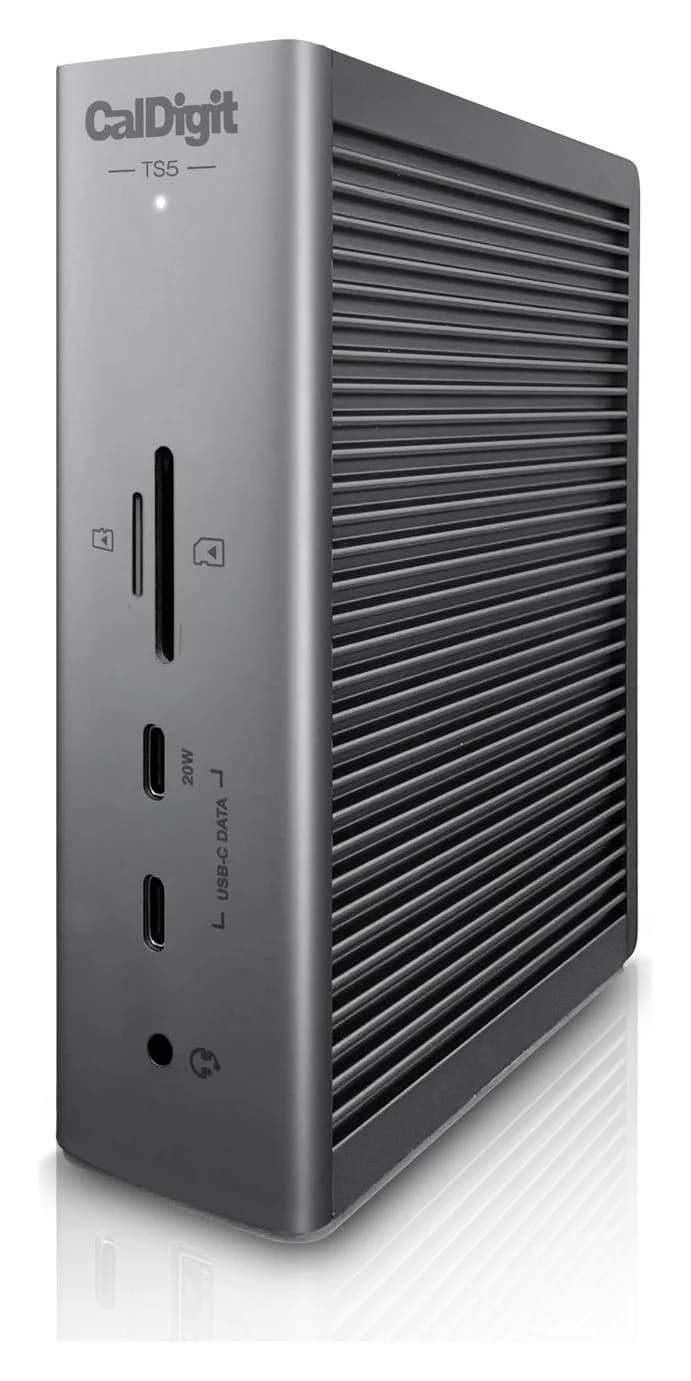
A 15-port Thunderbolt 5 dock with three downstream 80Gb/s Thunderbolt 5 ports, 2.5GbE, UHS-II readers and 140W laptop charging.